
9 Best Google Ads Tools for Digital Marketing Agencies in 2026
This guide reviews nine Google Ads tools for digital marketing agencies, comparing pricing and use cases like search term cleanup, bulk account edits, competitor research, and client reporting. It's built for agencies managing multiple client accounts who need workflows that scale beyond spreadsheets.


Managing one Google Ads account is manageable with a spreadsheet and some patience. Managing fifteen client accounts, each with its own search term noise, reporting cadence, and competitive landscape, is a different job entirely. The tools below were chosen for how they actually get used in agency workflows: cleaning up search terms without exporting data, auditing accounts at scale, researching competitors for new business pitches, and building reports clients don't have to squint at.
Quick Comparison
- Keywordme: best for agencies doing frequent search term cleanup across accounts; $12/month per user; the only tool here that runs one-click actions inside the live Search Terms Report.
- Google Ads Editor: best for bulk structural changes across many accounts; free; lets you copy campaigns between accounts offline with no per-seat cost.
- Optmyzr: best for agencies with enough spend to justify automation; quote-based; runs recurring rule-based bid and budget actions without daily manual input.
- Adalysis: best for ongoing account health checks; quote-based; continuously audits accounts and flags errors before they hurt performance.
- SEMrush: best for new business pitches needing paid and organic research; subscription tiers; combines competitor PPC and SEO data in one place.
- SpyFu: best for competitor keyword history research; subscription tiers; shows years of a competitor's historical bidding and ad copy.
- Supermetrics: best for automated recurring client reports; subscription tiers; pipes Google Ads data straight into Sheets or Looker Studio on a schedule.
- Looker Studio: best for free, presentable client dashboards; free; builds live dashboards directly from Google's own data connectors.
- WordStream Advisor by LocaliQ: best for training junior account managers; quote-based; gives a guided weekly optimization checklist.
1. Keywordme
Keywordme is a Chrome extension that sits directly inside the Google Ads Search Terms Report, letting you act on search term data without exporting anything to a spreadsheet. It's built for agencies and solo advertisers who spend real time each week reviewing search terms, which are the actual queries that triggered an ad, as distinct from the keywords you bid on. That distinction matters for junior staff especially: keywords are what you target, search terms are what people typed, and the gap between the two is where wasted spend hides.
What sets Keywordme apart on this list is that every action happens in the native Google Ads interface. Most agencies still pull search term reports into a spreadsheet, mark irrelevant queries, and re-upload negative keywords, a process that eats time across every account. Keywordme skips that loop entirely.
- Removes junk search terms with a single click, right where you're already reviewing them
- Builds negative keyword lists quickly instead of manually typing or importing them
- Applies match types (broad, phrase, exact) instantly to selected terms
- Clusters related keywords and supports bulk editing across large search term reports
- Supports multi-account and team access, useful when several account managers touch the same client
Setup is minimal: install the Chrome extension, connect it to your Google Ads account, and it appears inside the Search Terms Report you already use. There's no separate login to manage or dashboard to learn. The tradeoff is scope: Keywordme is focused on search term and keyword actions, so it doesn't handle bid automation, cross-platform reporting, or competitor research. Agencies that need those will pair it with other tools on this list.
Pricing is a flat $12/month per user with a 7-day free trial (as of September 2026; confirm current pricing on the site, as it can change). There's no spend-based tier, which makes budgeting for it simple regardless of how many accounts a user touches.
Best for: Agencies that want faster search term cleanup without adding another disconnected dashboard.
2. Google Ads Editor
Google Ads Editor is Google's free desktop application for making bulk, offline edits to campaigns, ad groups, and keywords across one or many accounts. For agencies, the appeal is scale: it's built to handle structural work across an entire book of clients rather than one account at a time.

The features here are all about bulk manipulation rather than daily optimization:
- Lets you edit campaigns offline and upload changes in a batch, reducing the risk of half-finished live edits
- Copies and pastes campaigns, ad groups, or keyword lists between accounts, which speeds up launching similar campaigns for new clients
- Shows an account comparison view so you can spot structural differences between client accounts
- Keeps a change history and requires review before changes go live, adding a checkpoint before mistakes hit a client's budget
It connects to any Google Ads account you have access to, including through a Manager Account (MCC), which is how most agencies manage multiple clients under one login. Setup is just downloading the application and signing in; there's no learning curve beyond knowing your account structure.
The limitation is that it does exactly what you tell it to and nothing more. There's no automation, no alerts, no optimization suggestions, and no search term analysis built in. It's a building tool, not a monitoring one. Agencies that rely on it alone for account health tend to miss issues that only show up in ongoing reports, like search term drift or Quality Score decline.
It's free, with no tiers or add-on costs, as of September 2026.
Best for: Agencies needing to restructure or duplicate campaigns across many accounts at once.
3. Optmyzr
Optmyzr is built around rule-based automation: you set conditions, and it applies bid, budget, or bid strategy changes across accounts on a schedule rather than requiring someone to log in and make the change manually.

Where it fits in an agency workflow
Agencies with clients on retainer often have recurring optimization tasks: pause underperforming keywords past a certain spend threshold, adjust budgets when pacing runs hot or cold, flag ads with low Quality Score. Optmyzr's rule engine handles these as standing instructions instead of weekly manual checks. It also runs PPC account audits and offers Google Ads scripts for more custom automation.
- Automates recurring bid and budget actions through a rule engine, cutting down on manual weekly reviews
- Runs account audits that surface structural or setup issues across a portfolio
- Manages budget pacing so accounts don't overspend or underspend mid-month
- Produces white-label reports agencies can send to clients under their own branding
It connects to Google Ads, Microsoft Advertising, and Meta Ads, which helps agencies running cross-platform campaigns avoid switching tools for reporting. Setup takes longer than a single-purpose tool: rules need to be configured per account or per template, and someone on the team needs to understand the logic behind each rule before turning it loose on live budgets.
The tradeoff is complexity and cost. Optmyzr isn't designed for a solo advertiser running one small account; it's built for teams managing enough spend that automation pays for itself. Pricing is quote-based and generally tiered by managed ad spend, so exact costs depend on the size of the book of business (as of September 2026; confirm current tiers on the site).
Best for: Agencies managing enough spend to justify automation rules and multi-platform audits.
4. Adalysis
Adalysis runs continuous automated audits of Google Ads and Microsoft Advertising accounts, checking for structural issues, disapproved ads, overlapping keywords, and other problems that quietly drag down performance.
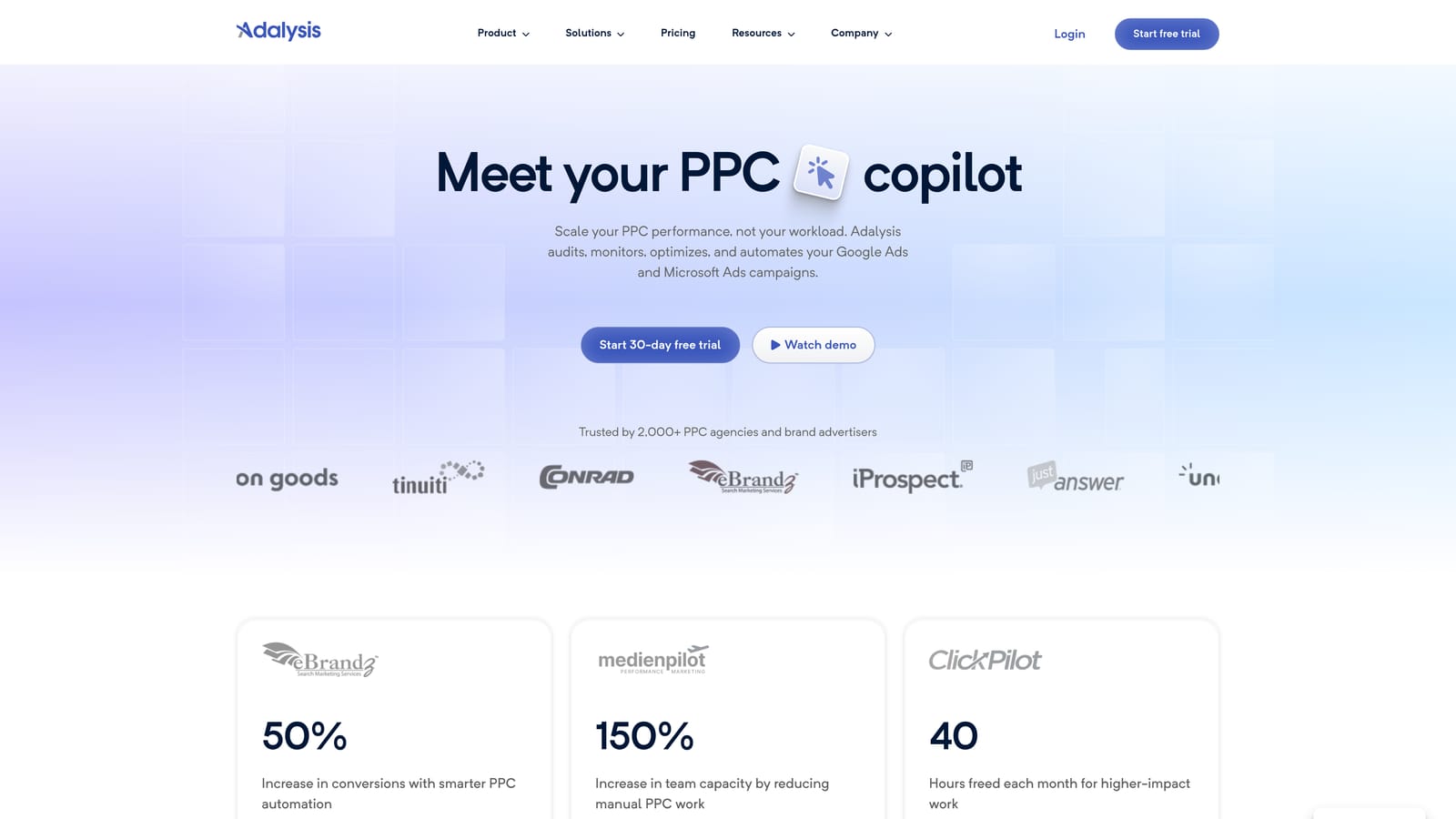
Its distinctive value on this list is that it works in the background. Rather than waiting for a scheduled account review, Adalysis flags issues as they appear, which matters for agencies managing a portfolio where nobody has time to manually check every account every day.
- Runs automated account audits against a checklist of common structural and performance problems
- Tracks ad copy tests for statistical significance, so you know when a test result is actually reliable rather than noise
- Sends alerts for disapproved ads or overlapping keywords that could be competing against each other
- Tracks Quality Score trends over time, useful for spotting slow decline before it shows up in cost per click
Setup involves connecting your Google Ads and Microsoft Advertising accounts, after which the audits and alerts run on their own. Day-to-day, it's typically the account manager or a dedicated PPC analyst who reviews the flagged issues and decides what to fix.
Adalysis is not a search term cleanup tool and doesn't build campaigns or lists. If your main pain point is reviewing search terms weekly, it won't replace that workflow, it will just tell you if something structural is broken elsewhere in the account. Pricing is quote-based (as of September 2026; confirm on the vendor site).
Best for: Account managers who need ongoing health checks across a portfolio of client accounts.
5. SEMrush
SEMrush is a broad marketing research suite that happens to include strong PPC-specific features, making it useful for agencies that pitch or manage both paid and organic search for clients.
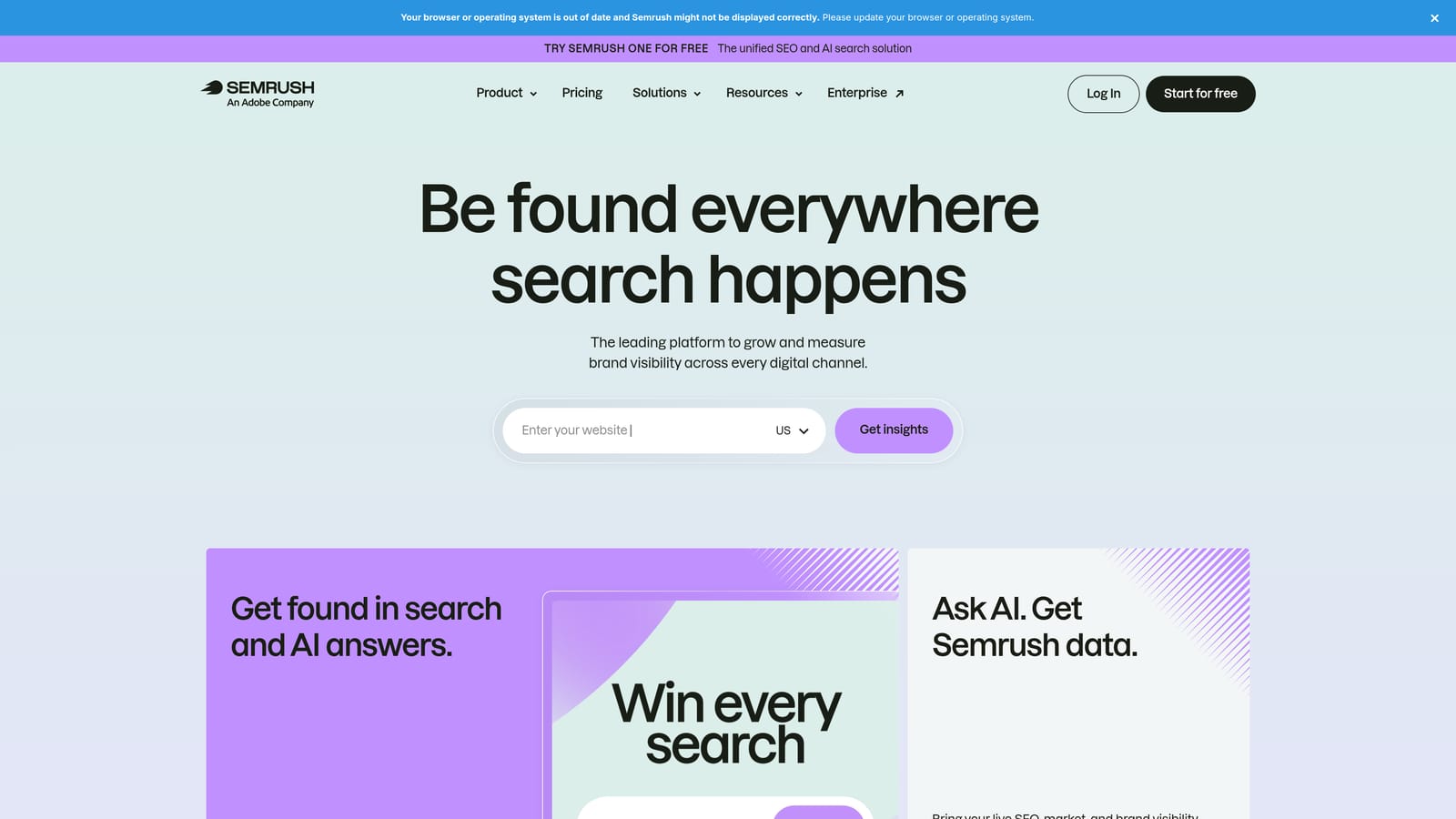
Compared with the other research tools here, SEMrush's advantage is breadth. It's not just a PPC competitor tool; it covers organic keyword research, backlink data, and content gaps in the same subscription. For an agency proposing a full-funnel strategy to a prospective client, that's one login instead of three.
- Reveals competitor keyword lists and ad copy, useful for identifying gaps in a client's current PPC strategy
- Runs PPC keyword gap analysis to show which terms competitors bid on that your client doesn't
- Provides client-facing report templates that save time building pitch decks or monthly reviews
- Tracks position across both paid and organic search, helpful for showing a client the full picture, not just ads
It integrates with Google Ads, Google Analytics, and Google My Business, pulling performance data alongside its own research modules. Setup is straightforward account linking, and it's typically an account strategist or a research-focused team member who runs the reports rather than someone doing daily campaign management.
The catch is cost efficiency for agencies focused purely on Google Ads execution. SEMrush's SEO and content tools are a large part of what you're paying for, and an agency that only runs paid search may be paying for features it rarely touches. Pricing runs in subscription tiers with agency-specific plans available (as of September 2026; confirm current pricing on the site).
Best for: Agencies pitching new clients who need competitor keyword and ad research upfront.
6. SpyFu
SpyFu specializes in one thing: showing you what a competitor's PPC strategy has looked like over time, including keywords they've bid on and ad copy they've run historically.
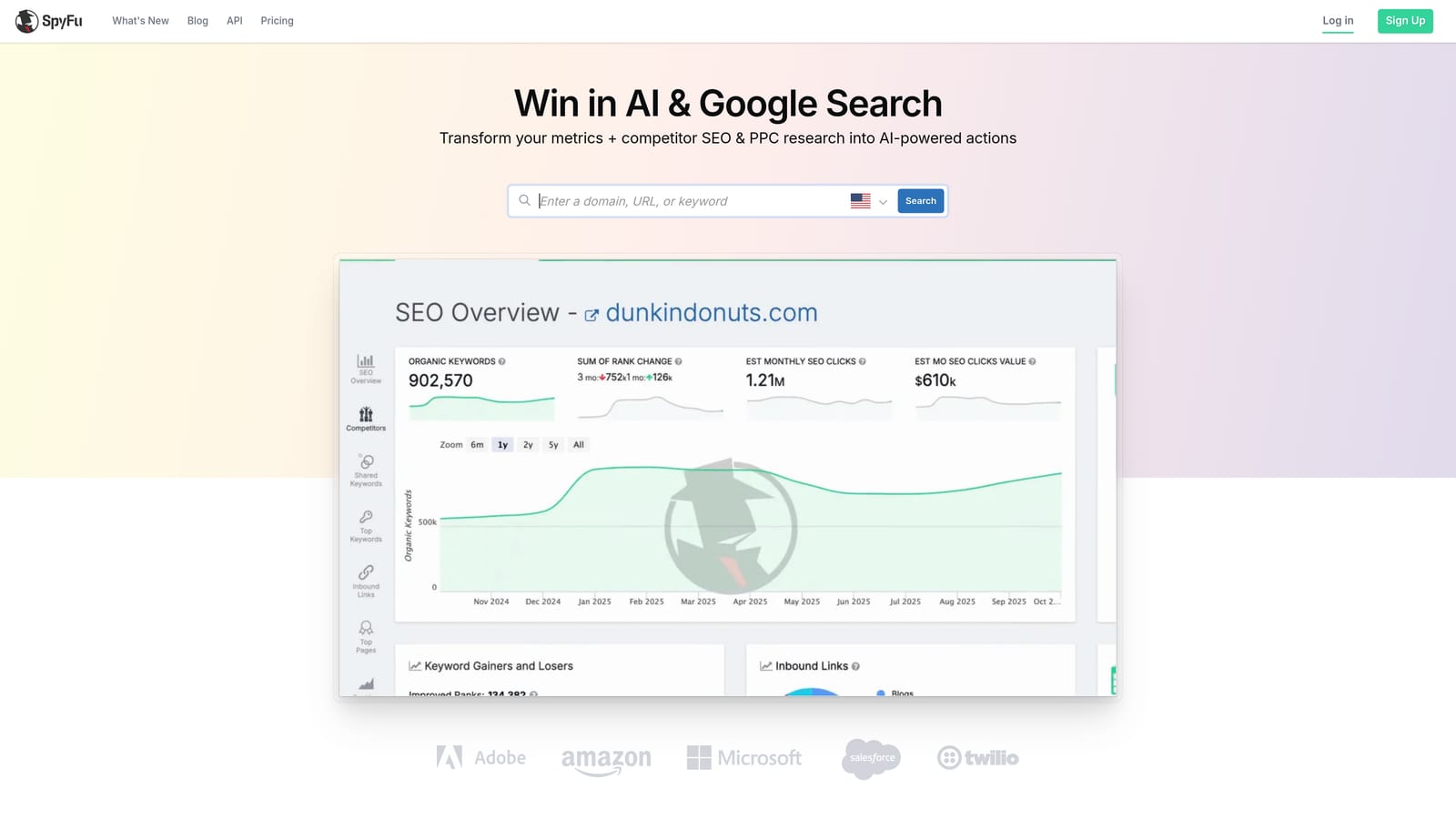
Where SEMrush offers breadth, SpyFu offers depth on history. If a prospective client asks "what has our competitor been doing on Google Ads for the last two years," SpyFu's historical data is built to answer exactly that question, which makes it a strong fit for new business pitches and competitive audits.
- Shows historical competitor keyword bidding data going back years, not just current activity
- Archives competitor ad copy history so you can see how their messaging has evolved
- Groups keywords by estimated ROI potential, helping prioritize which competitor terms are worth targeting
- Compares two domains side by side to quickly spot where a competitor is investing more in paid search
It doesn't connect directly into Google Ads for account management; instead, it exports data to CSV or Excel so you can bring competitor insights into whatever campaign planning process you already use. That also means someone still has to manually translate SpyFu's findings into actual keyword lists or negative keyword decisions in the account.
Because it's a research-only tool, it won't help with day-to-day account optimization, search term review, or reporting. It's typically used in bursts, at the start of a client relationship or before a strategy refresh, rather than as a daily tool. Pricing runs in subscription tiers (as of September 2026; confirm current pricing on the site).
Best for: New client onboarding when an agency needs competitor keyword history for a pitch or strategy doc.
7. Supermetrics
Supermetrics automates the part of agency work nobody enjoys: pulling Google Ads metrics into a spreadsheet or dashboard for client reporting, week after week, account after account.
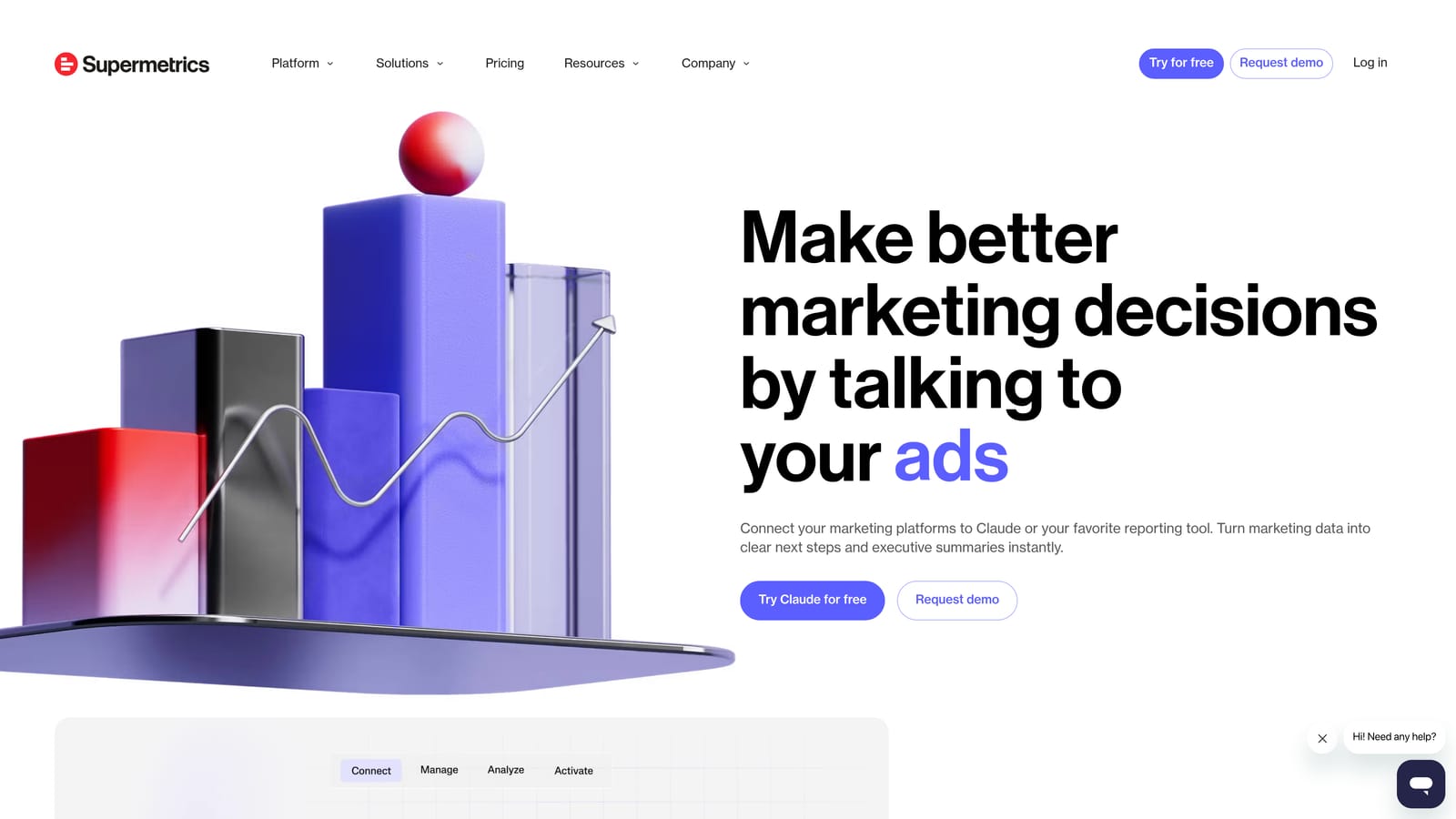
Its distinctive value is that it removes manual data pulls from the reporting process entirely. Instead of someone exporting CSVs from Google Ads and pasting them into a report template, Supermetrics schedules the pull and delivers the data straight into the destination you use.
- Pulls Google Ads data automatically into Google Sheets, Excel, or a BI tool on a schedule you set
- Blends data across platforms, useful when a client's paid strategy spans Google, Meta, and Microsoft Advertising
- Refreshes reports automatically so numbers stay current without a manual re-pull before every client meeting
- Offers pre-built templates for common report layouts, cutting setup time for new client reports
It connects to Google Ads, Google Sheets, Looker Studio, Meta Ads, and Microsoft Advertising, which makes it a natural pairing with Looker Studio for agencies building cross-channel dashboards. Setup involves connecting each data source and destination once; after that, it's largely hands-off, with a report owner checking in periodically rather than pulling data manually.
The limitation is that Supermetrics is a pipe, not a destination. It moves data but doesn't build the dashboard or visualization itself, so agencies still need Sheets, Excel, or Looker Studio on the receiving end. Pricing runs in subscription tiers based on how many data sources and destinations you connect (as of September 2026; confirm current pricing on the site).
Best for: Agencies building recurring cross-channel client reports without manual data pulls.
8. Looker Studio
Looker Studio is Google's free tool for building live, shareable dashboards, and it connects natively to Google Ads without needing a third-party connector for basic reporting.
For agencies, the appeal is straightforward: it's free, it's built by Google, and it updates automatically as new data comes in, so clients can check a shared dashboard instead of waiting for a static monthly PDF.
- Connects directly to Google Ads data with no separate subscription required for the standard connector
- Lets you build customizable, shareable dashboards clients can access on their own schedule
- Supports report templates and scheduled email delivery, useful for clients who still want a recurring summary in their inbox
- Costs nothing for the core reporting functionality
It's usually set up by whoever owns client reporting, often an account manager or a dedicated reporting specialist, and the learning curve is mostly about dashboard design rather than technical setup. It also connects to Google Analytics and Google Sheets, and pairs well with Supermetrics when an agency needs data from platforms outside Google's own ecosystem.
The gap shows up with multi-account or cross-platform reporting. Looker Studio's native connectors work account by account, so an agency wanting to blend data across a dozen client accounts, or bring in Meta or Microsoft Advertising data, typically needs a paid connector like Supermetrics to make that work smoothly.
Core features are free as of September 2026; costs only appear if you add paid connectors on top.
Best for: Agencies wanting free, presentable client dashboards without a reporting subscription.
9. WordStream Advisor by LocaliQ
WordStream Advisor by LocaliQ is an all-in-one PPC management platform built around guided, prescriptive workflows, most notably its "20-Minute Work Week" feature that walks a user through what to check and fix in a short, structured session.
What makes it distinctive on this list is that it's designed for people who don't yet have deep PPC instincts. Rather than surfacing raw data and expecting the user to know what matters, it prescribes specific actions in a set order.
- Walks users through a guided weekly checklist covering the most common optimization tasks
- Grades account performance and sends alerts when scores drop, giving a quick health signal without a full audit
- Suggests keywords and negative keywords, helping less experienced managers avoid obvious search term mistakes
- Manages campaigns across Google Ads, Microsoft Advertising, and Meta Ads from one interface
This makes it a good fit for agencies onboarding junior account managers who need structure before they develop their own optimization judgment. A more experienced PPC manager may find the guided format slower than just working directly in Google Ads.
The main limitation is that its recommendations require manual review and action; nothing applies automatically. It's a checklist and suggestion engine, not a rules-based automation platform like Optmyzr. Pricing is quote-based and typically bundled with LocaliQ's broader services rather than sold as a standalone subscription (as of September 2026; confirm on the vendor site).
Best for: Agencies training junior account managers who need a structured weekly optimization routine.
Building an Agency Stack That Actually Fits Your Workflow
No single tool here covers cleanup, auditing, research, and reporting equally well, and that's by design. If your biggest time sink is reviewing search terms and building negative keyword lists across accounts, Keywordme fits directly into the workflow you already have, right inside the Search Terms Report, with no export step. If new business pitches are where you lose time, SEMrush or SpyFu will get you competitor data faster than manual research. And if client reporting eats a chunk of every Friday, pairing Supermetrics with Looker Studio automates most of that away.
Most agencies end up running two or three of these together rather than picking just one: a cleanup tool for daily account hygiene, a research tool for pitches and quarterly strategy, and a reporting stack for client communication. Match the tool to the task instead of looking for one platform to do everything.
If search term cleanup and keyword management are eating hours every week, that's the easiest place to start. Start your free 7-day trial of Keywordme and remove junk search terms, build high-intent keyword lists, and apply match types instantly, right inside Google Ads. No spreadsheets, no tab-switching. After the trial, it's $12/month per user.
.svg)