
9 Best Google Ads Tools for Consultants
This guide reviews the 9 best Google Ads tools for consultants in 2026, covering solutions for keyword optimization, competitor research, bid management, and reporting. Whether you're a solo consultant or part of a small agency team, these picks are chosen for real time savings and easy multi-account use.


Google Ads consultants live and die by their efficiency. When you're managing multiple client accounts, every minute spent on manual keyword reviews, spreadsheet exports, and tab-switching is a minute not spent on strategy. The right toolkit changes that.
This list covers the tools consultants actually rely on in 2026: from in-interface optimization to reporting, competitor research, and bid management. We've focused on tools that save real time, work well across multiple accounts, and don't require a developer to set up. Whether you're a solo consultant or running a small agency team, at least a few of these should be in your stack.
1. Keywordme
Best for: Consultants who want to optimize search terms and manage keywords without leaving Google Ads
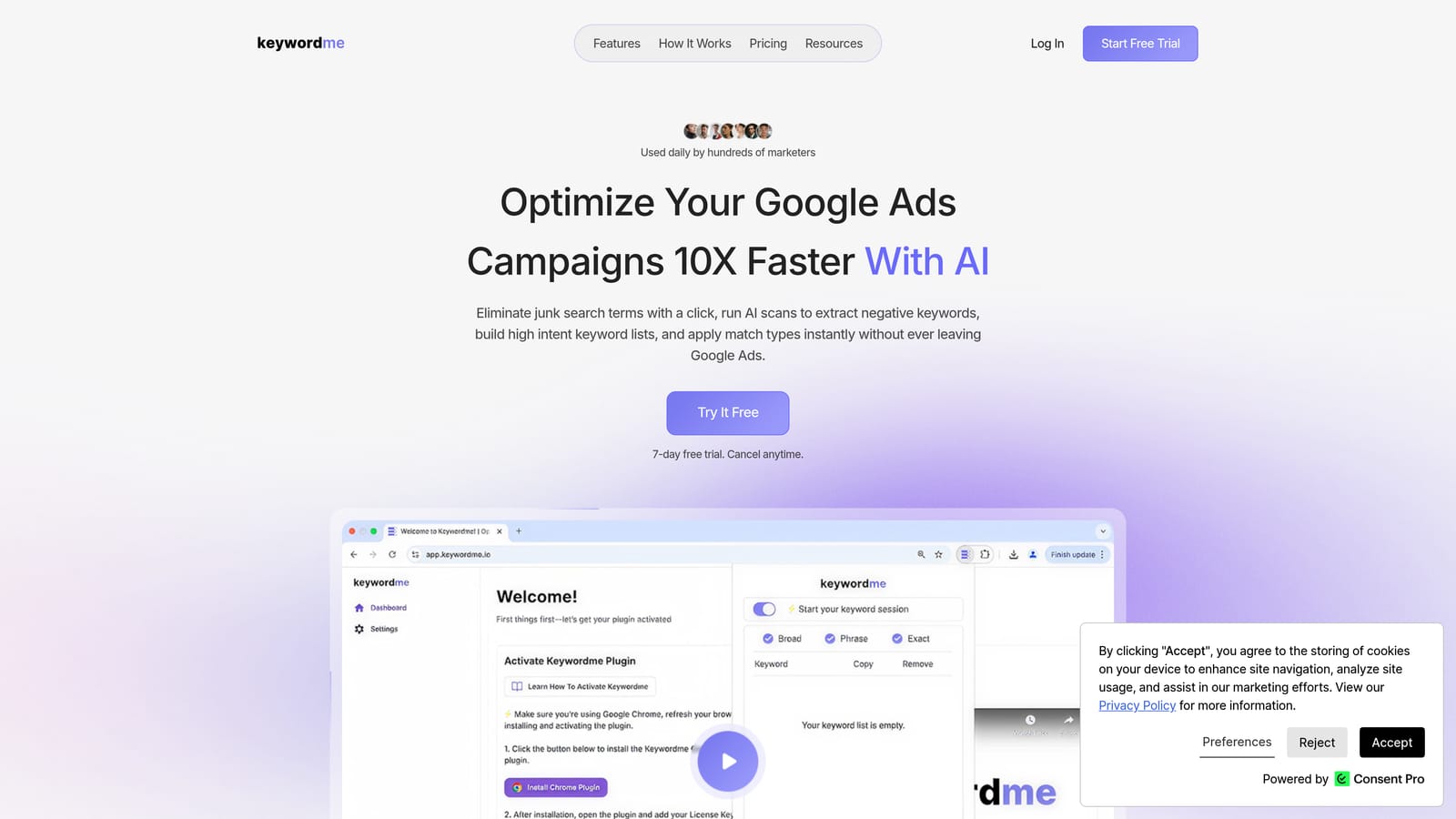
Keywordme is a Chrome extension that integrates directly into Google Ads' Search Terms Report, letting you take action on keywords without switching tabs or touching a spreadsheet.
Where This Tool Shines
Reviewing search terms across multiple client accounts is one of the most time-consuming recurring tasks in PPC management. The typical workflow involves exporting data to a spreadsheet, deciding what to add or exclude, then uploading changes back into Google Ads. Keywordme collapses that entire cycle into a series of clicks inside the interface you're already using.
The multi-account and team support makes it particularly useful for consultants managing several clients. You can handle keyword clustering, bulk edits, and negative keyword list management all in one place, without the friction of third-party dashboards or file exports.
Key Features
One-click junk term removal: Remove irrelevant search terms directly from the Search Terms Report without exporting anything.
In-interface keyword additions: Add high-intent search terms as positive keywords and apply match types without leaving Google Ads.
Negative keyword list management: Build and manage negative keyword lists inside the native UI, keeping your workflow contained.
Keyword clustering and bulk editing: Group and edit keywords faster for cleaner campaign structure without manual sorting.
Multi-account and team support: Designed for agency workflows where multiple people or accounts need to be managed efficiently.
Best For
Solo consultants and agency teams who spend significant time each week reviewing search terms across client accounts. If reducing wasted spend and building cleaner keyword lists are regular priorities, Keywordme removes the most friction-heavy parts of that process.
Pricing
$12 per user per month. A 7-day free trial is available, so you can test it against your actual workflow before committing.
2. Google Ads Editor
Best for: Bulk structural changes and offline editing across large or multiple accounts
Google Ads Editor is Google's free desktop application for managing campaigns offline, with robust bulk editing and multi-account capabilities.

Where This Tool Shines
When you need to make large structural changes, such as restructuring ad groups, updating ad copy across dozens of campaigns, or copying campaign elements from one account to another, doing it through the web interface is painfully slow. Ads Editor lets you work offline, make changes in bulk, then upload everything at once.
For consultants inheriting messy accounts or onboarding new clients, the find-and-replace function and cross-account copy-paste capabilities alone save hours of repetitive work. It's not glamorous, but it's one of the most practical tools on this list.
Key Features
Bulk edits: Make changes across campaigns, ad groups, keywords, and ads simultaneously rather than one by one.
Offline editing: Work without an internet connection and upload changes in a single batch when ready.
Copy and paste across accounts: Duplicate campaign structures, ad groups, or keywords between client accounts quickly.
Find and replace: Update text across large account structures without manually editing each element.
Multi-account management: Switch between and manage multiple accounts from a single desktop interface.
Best For
Any consultant doing structural account work at scale. If you're doing audits, restructures, or onboarding new clients with existing campaigns to clean up, Ads Editor is non-negotiable.
Pricing
Free. No account tier or spend minimum required beyond having a Google Ads account.
3. Google Keyword Planner
Best for: Keyword research and bid estimation using Google's own first-party data
Google Keyword Planner is the native keyword research tool built into Google Ads, providing search volume data, competition indicators, and bid estimates sourced directly from Google.

Where This Tool Shines
Third-party keyword tools estimate search volume by modeling Google's data. Keyword Planner gives you the actual source. For consultants building out new campaigns or validating keyword lists before launch, that distinction matters, especially when setting client expectations around traffic potential.
The forecasting feature is useful for proposals and new client pitches. You can model projected clicks and impressions based on a keyword list and a budget, which helps ground initial conversations in real data rather than guesswork.
Key Features
Search volume and trends: View search volume ranges and seasonal trend data for any keyword or keyword list.
Keyword ideas: Generate keyword suggestions based on seed terms or a URL from a client's site.
Competition and bid estimates: See competition level indicators and suggested bid ranges for each keyword.
Forecasting tool: Project expected clicks and impressions for a keyword list at a given budget.
Direct Google data: No third-party estimation layer, making it the most authoritative free source for Google search data.
Best For
Consultants at the research and planning phase of any new campaign. It's also useful for client proposals where you need defensible traffic and cost projections tied to actual Google data.
Pricing
Free. Requires an active Google Ads account to access, but no spend is necessary.
4. Semrush
Best for: Competitive paid search intelligence and keyword gap analysis
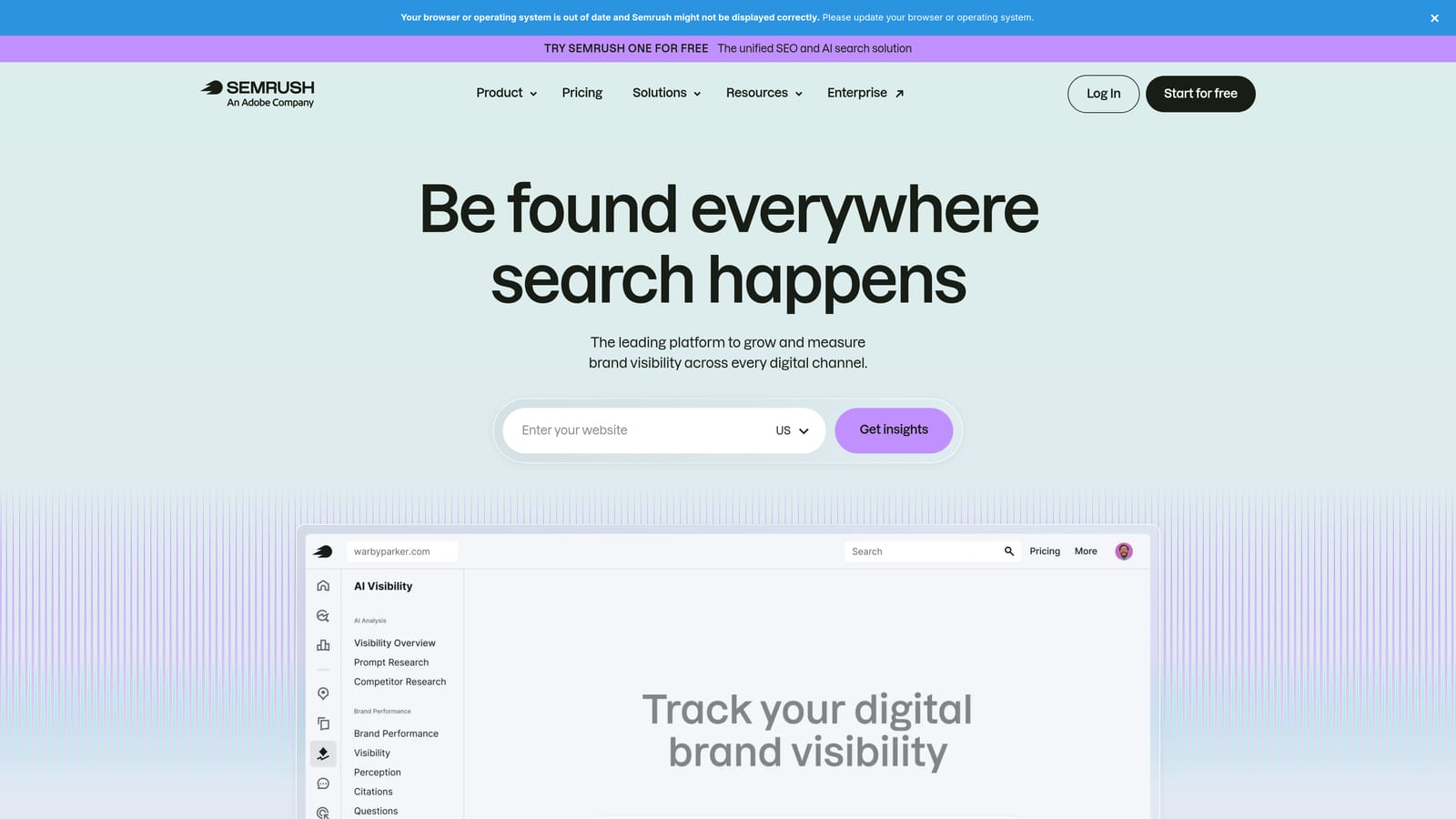
Semrush is a comprehensive digital marketing platform with strong paid search features, including competitor keyword visibility, ad copy analysis, and estimated competitor spend data.
Where This Tool Shines
When a client asks why a competitor is outperforming them in paid search, Semrush gives you a starting point for the answer. You can see which keywords a competitor is bidding on, what their ads look like, and roughly how much traffic they're capturing from paid placements. That context is valuable for audits and for shaping a client's keyword strategy around real competitive dynamics.
The keyword gap tool is particularly useful during onboarding. Comparing a client's paid keyword list against two or three competitors quickly surfaces opportunities they're missing, which makes for a compelling early deliverable.
Key Features
Competitor paid keyword visibility: See which keywords competitors are actively bidding on and what ad copy they're running.
Keyword gap analysis: Identify keywords competitors are targeting that your client is not currently bidding on.
Estimated competitor ad spend: Get a rough view of competitor investment levels in paid search.
PPC keyword research with intent filtering: Filter keyword ideas by search intent to prioritize terms most likely to convert.
Position tracking: Monitor paid and organic rankings over time for your client and their competitors.
Best For
Consultants who regularly conduct competitive analysis or need to build a business case for expanding a client's keyword strategy. Also useful for agencies that handle both paid and organic search, since Semrush covers both in one platform.
Pricing
Paid plans with tiered pricing. Check semrush.com for current plan options and pricing.
5. SpyFu
Best for: Historical competitor PPC data and competitive benchmarking on a tighter budget
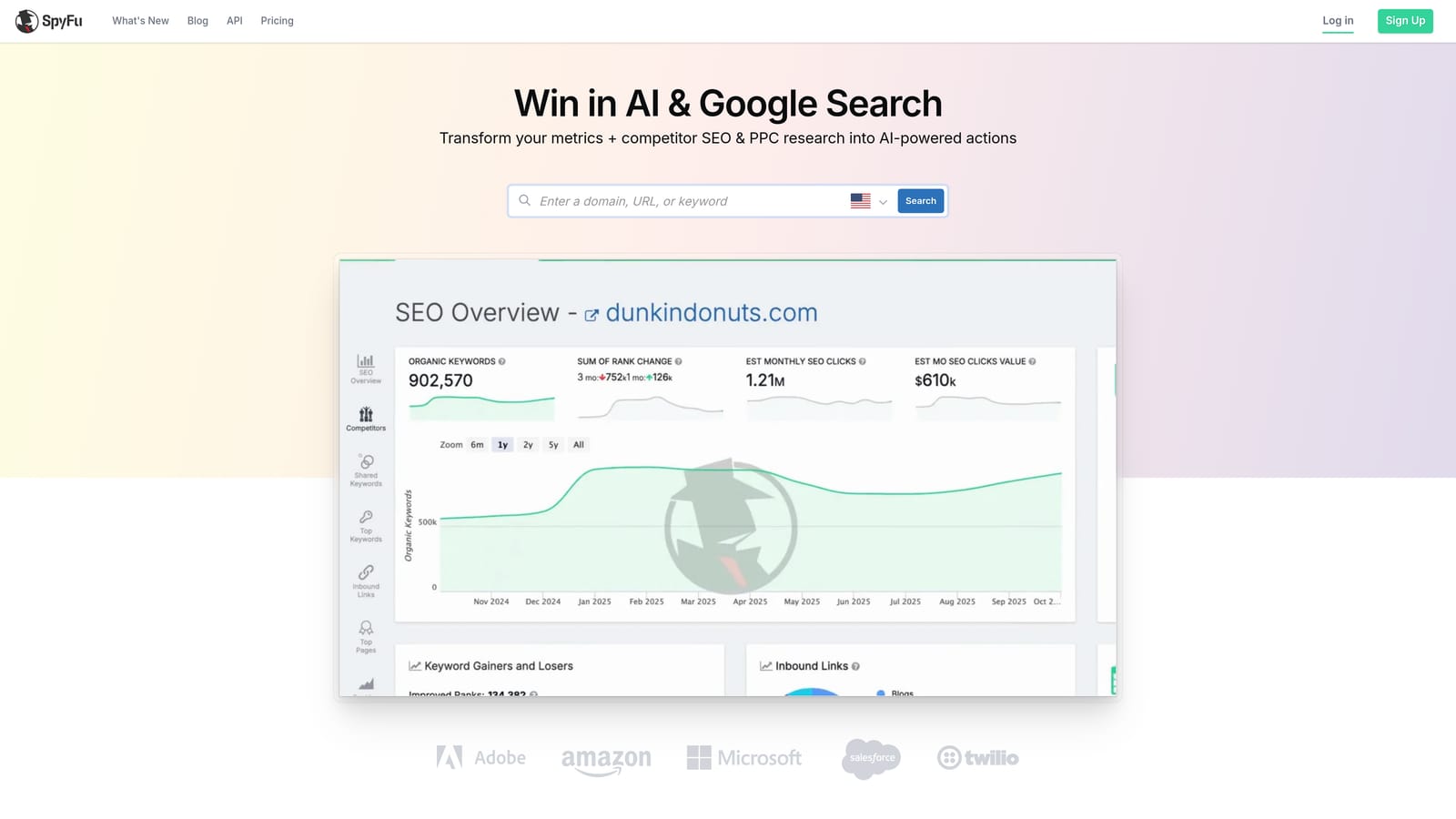
SpyFu is a competitor intelligence tool focused on PPC, offering historical keyword data, ad history, and keyword overlap analysis that's particularly useful for audits and new client pitches.
Where This Tool Shines
SpyFu's historical data is its main differentiator. You can see not just what a competitor is bidding on today, but what they've tested and abandoned over time. That history is useful when you're trying to understand which ad angles have worked in a market and which haven't, saving your client from repeating experiments competitors already ran.
For consultants who do a lot of initial audits and pitch work, SpyFu offers solid competitive intelligence at a lower price point than broader platforms. It's more narrowly focused on PPC than Semrush, which can be an advantage if paid search is your primary service.
Key Features
Historical competitor PPC data: View competitor keyword history and ad copy going back several years, not just current activity.
Keyword overlap reports: See which keywords you and a competitor share, and where the gaps are.
Ad copy history: Research competitor creative over time to inform your own ad strategy.
Domain comparison: Benchmark multiple domains against each other for competitive context.
Affordable entry pricing: Generally less expensive than broader platforms, making it accessible for solo consultants watching overhead.
Best For
Solo consultants and smaller agencies that need reliable competitive PPC intelligence without paying for a full-suite platform. Especially useful during new client onboarding and competitive audits.
Pricing
Paid plans available. Check spyfu.com for current pricing tiers.
6. Optmyzr
Best for: Rule-based PPC automation and multi-account management at scale
Optmyzr is a PPC management platform built specifically for agencies and consultants, offering automation rules, one-click optimizations with human review, and multi-account reporting across Google Ads and other platforms.

Where This Tool Shines
Optmyzr is designed for consultants managing a meaningful number of accounts where manual optimization across all of them isn't realistic. The rule-based automation lets you set conditions for bid adjustments, budget pacing, and keyword changes, while keeping a human review step before anything is applied. That balance between automation and control is important for consultants who can't afford to let rules run unchecked on client accounts.
The multi-account dashboard and automated client-facing reports also reduce the administrative overhead that comes with managing several clients simultaneously. If you're spending significant time each month assembling reports manually, Optmyzr addresses that directly.
Key Features
Rule-based automation: Set conditions for bid, budget, and keyword changes that trigger automatically based on performance data.
One-click optimizations with review: Optmyzr surfaces recommendations you can apply with a single click after reviewing the logic.
Multi-account dashboard: Monitor and manage performance across all client accounts from a centralized view.
Automated client reports: Generate and schedule client-facing performance summaries without manual assembly.
Shopping campaign management: Includes tools for managing and optimizing Google Shopping campaigns and product feeds.
Best For
Consultants and small agencies managing five or more accounts where manual optimization of each account individually is no longer sustainable. The pricing reflects its positioning as a professional tool, so it makes the most sense when the time savings justify the cost.
Pricing
Paid plans scaled by number of accounts or ad spend managed. Check optmyzr.com for current pricing.
7. Google Looker Studio
Best for: Building custom, shareable client dashboards connected to live Google Ads data
Google Looker Studio is Google's free data visualization and reporting tool that connects natively to Google Ads, GA4, and other sources to build custom dashboards clients can access via a shared link.

Where This Tool Shines
Most clients don't want to log into Google Ads to check their numbers. They want a clean, readable summary of what's working. Looker Studio lets you build that without paying for a reporting platform, since the Google Ads and GA4 connectors are built in and free. You can customize layouts, add client branding, and share a live link that updates automatically as new data comes in.
The scheduled email delivery feature is useful for clients who prefer to receive reports rather than check a dashboard. Set it up once and it runs in the background, reducing your monthly reporting workload without sacrificing the quality of what clients receive.
Key Features
Native Google Ads and GA4 connectors: Pull live data directly from Google's own platforms without third-party tools.
Fully customizable layouts: Design dashboards and reports that match your reporting style and client preferences.
Shareable via link: Clients can view live reports without needing a Google Ads login or any additional access.
Scheduled email delivery: Automate report delivery to clients on a weekly or monthly schedule.
Free with a Google account: No cost beyond the time it takes to build your templates.
Best For
Any consultant who needs to deliver clean, professional client reports without paying for a dedicated reporting tool. There's a learning curve to building good templates, but once they're set up, the ongoing time investment is minimal.
Pricing
Free. Accessible with any Google account.
8. Supermetrics
Best for: Automating Google Ads data pulls into Sheets, Looker Studio, or other reporting destinations
Supermetrics is a data connector that pulls Google Ads and other platform data into Google Sheets, Looker Studio, BigQuery, and additional destinations on a scheduled basis, eliminating manual exports.
Where This Tool Shines
Looker Studio's native Google Ads connector works well for straightforward reporting. But when you need more control over how data is pulled, need to blend data from multiple ad platforms, or want to do custom calculations in Google Sheets before feeding data into a report, Supermetrics fills that gap. It's essentially the plumbing that keeps data flowing where you need it without manual intervention.
For consultants managing cross-channel clients who advertise on Google, Meta, LinkedIn, and other platforms, Supermetrics consolidates data pulls into one connector rather than managing separate exports from each platform.
Key Features
Automated data pulls: Schedule regular data refreshes from Google Ads into Sheets, Looker Studio, or other destinations.
Multi-platform support: Connect data from multiple ad platforms through a single tool.
Scheduled refreshes: Reports stay current automatically without manual exports or copy-paste work.
Google Sheets integration: Pull raw data into Sheets for custom calculations or further analysis before reporting.
Cross-channel reporting: Useful for consultants who need to consolidate performance data across multiple advertising platforms.
Best For
Consultants who have outgrown Looker Studio's native connectors or who manage clients across multiple ad platforms and need a reliable, automated data pipeline into their reporting setup.
Pricing
Paid plans priced by destination and connector. Check supermetrics.com for current options.
9. Adalysis
Best for: Structured ad testing, quality score monitoring, and automated account health alerts
Adalysis is a Google Ads-specific platform focused on ad testing, quality score tracking, and automated alerts designed to bring structure and consistency to ongoing account optimization.
Where This Tool Shines
Ad testing in Google Ads often happens informally: a consultant adds a new ad variant, checks back occasionally, and makes a call based on limited data. Adalysis replaces that guesswork with a structured A/B testing framework that tracks statistical significance and surfaces clear winners. For consultants who want to demonstrate methodical improvement to clients, that structure adds credibility to the process.
The automated account alerts are also worth noting. Rather than manually reviewing every account for anomalies, Adalysis flags issues like sudden performance drops, quality score changes, or missing ad extensions, letting you respond to problems faster without constant manual monitoring.
Key Features
Structured A/B testing: Run controlled ad tests for responsive search ads with statistical tracking to identify clear winners.
Quality score tracking: Monitor quality score trends over time across campaigns and ad groups.
Automated anomaly alerts: Receive notifications when account performance deviates from expected patterns.
Account audit tools: Identify optimization opportunities and gaps across the account structure.
Ad performance analysis: Compare ad performance across campaigns and ad groups to prioritize where to focus testing efforts.
Best For
Consultants who want to bring more rigor to ad testing and account monitoring. Particularly useful if you're managing accounts where ad copy performance and quality score are regular conversation topics with clients.
Pricing
Paid plans available. Check adalysis.com for current pricing details.
Which Tool Fits Your Biggest Bottleneck
You don't need all nine. Most consultants run a tight stack of two or three tools that address their most time-consuming problems, then add more as their workflow grows. Here's a quick way to think about it by use case.
If wasted spend from junk search terms is your biggest time drain, start with Keywordme. It's the fastest way to clean up the Search Terms Report without leaving Google Ads, and at $12 per month it's a low-risk place to start. Start your free 7-day trial and see how much time you save on your next search term review.
Which Tool Is Right for Your Consulting Stack?
Most consultants don't need all nine. The right starting point depends on where you're losing the most time and what your client base looks like.
If your biggest drain is search term reviews: Start with Keywordme. It removes the most friction-heavy part of weekly account maintenance — exporting search terms, tagging, re-uploading — and collapses it into a few clicks inside Google Ads. At $12/month it's a low-risk first addition. Try it free for 7 days.
If you're doing structural account work or onboarding new clients: Google Ads Editor is non-negotiable and free. It handles bulk edits, campaign copies, and restructures that would take hours through the native interface.
If you manage five or more accounts and manual optimization isn't scaling: Optmyzr is the natural next step. The rule-based automation and one-click recommendations let you maintain optimization rigor across a larger book without proportionally more hours.
If competitive research is part of your pitch or audit process: Semrush for comprehensive coverage, SpyFu if you want historical depth at a lower cost. Both are research tools, not day-to-day management tools — use them at onboarding and for quarterly reviews.
If client reporting is taking too long each month: Build your reporting stack on Looker Studio (free, native Google Ads connector) and add Supermetrics only when you need cross-channel data from Meta, LinkedIn, or other platforms.
If ad testing and account health monitoring are gaps: Adalysis brings structure to both — statistical ad test tracking and automated anomaly alerts that catch performance issues before clients do.
Build your stack tool by tool, starting with the one that fixes your biggest bottleneck. Most of these offer free trials, so the cost of testing is low.
.svg)