
9 Best Google Ads Tools for Beginners Worth Trying
This guide reviews the 9 best Google Ads tools for beginners in 2026, selected for ease of use, beginner-friendly design, and direct impact on campaign performance. Whether you need help with keyword research, search term cleanup, or tracking results, every tool on this list solves a real problem beginners face.


TL;DR: If you're just getting started with Google Ads, the right tools can save you hours of frustration and a lot of wasted budget. This list covers the best Google Ads tools for beginners in 2026, from keyword research and campaign setup to search term cleanup and performance tracking. We've picked tools that are actually beginner-friendly, not just marketed that way, covering free options, affordable paid tools, and a few that work directly inside Google Ads so you don't have to juggle tabs. Whether you're a freelancer running your first campaign or a marketer learning the ropes, there's something here for every starting point. Selection criteria: ease of use, learning curve, value for money, and how directly each tool improves campaign performance.
Most beginners struggle with the same three problems: not knowing which keywords to target, wasting budget on irrelevant search terms, and not being sure whether any of it is actually working. Every tool on this list addresses at least one of those problems directly. Let's get into it.
1. Keywordme
Best for: Beginners who want to clean up search terms and manage keywords without leaving Google Ads.
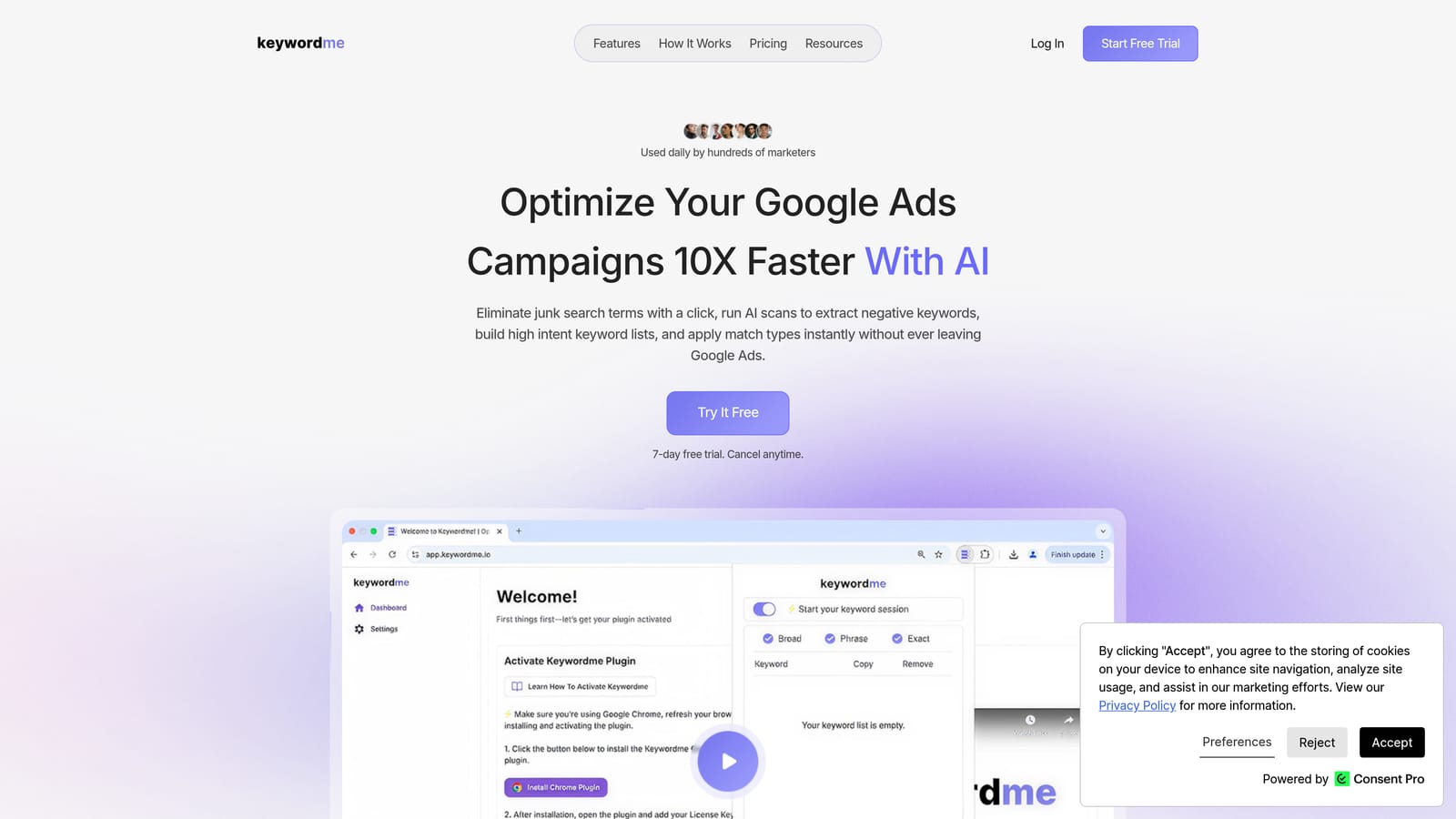
Keywordme is a Chrome extension that works directly inside the Google Ads Search Terms Report, letting you remove junk search terms, add negative keywords, apply match types, and build keyword lists without touching a spreadsheet.
Where This Tool Shines
Here's the thing most beginners don't realize: the Search Terms Report is where your budget leaks happen. It's the gap between what you bid on and what actually triggers your ads. Ignoring it for even a week can mean real money going to completely irrelevant queries. Keywordme sits right inside that report and makes the cleanup process genuinely fast.
In most accounts I audit, the Search Terms Report is either ignored entirely or reviewed by exporting to a spreadsheet, doing the analysis, then manually re-entering changes. Keywordme collapses that whole workflow into one-click actions inside the native Google Ads UI. For a beginner, that's the difference between actually doing the work and putting it off indefinitely.
Key Features
One-Click Negative Keyword Addition: Flag irrelevant search terms as negatives directly from the report without exporting anything.
Instant Match Type Application: Apply broad, phrase, or exact match to keywords without leaving the interface.
Keyword Clustering: Organize high-intent terms into logical groups, which is genuinely useful when you're building out new ad groups.
Bulk Editing: Make changes across multiple ad groups at once, which saves a lot of repetitive clicking.
Multi-Account and Team Support: Useful if you're at an agency or managing more than one client account.
Best For
Freelancers and agency marketers who are actively managing Google Ads campaigns and want to spend less time on manual cleanup tasks. If you're running even one campaign with meaningful daily spend, the time savings pay for the tool quickly. It's also a good fit for beginners who want to build good habits around search term management from day one.
Pricing
$12/month per user. A 7-day free trial is available, so you can test it on a real account before committing.
2. Google Keyword Planner
Best for: Free keyword research using Google's own data before you launch a campaign.
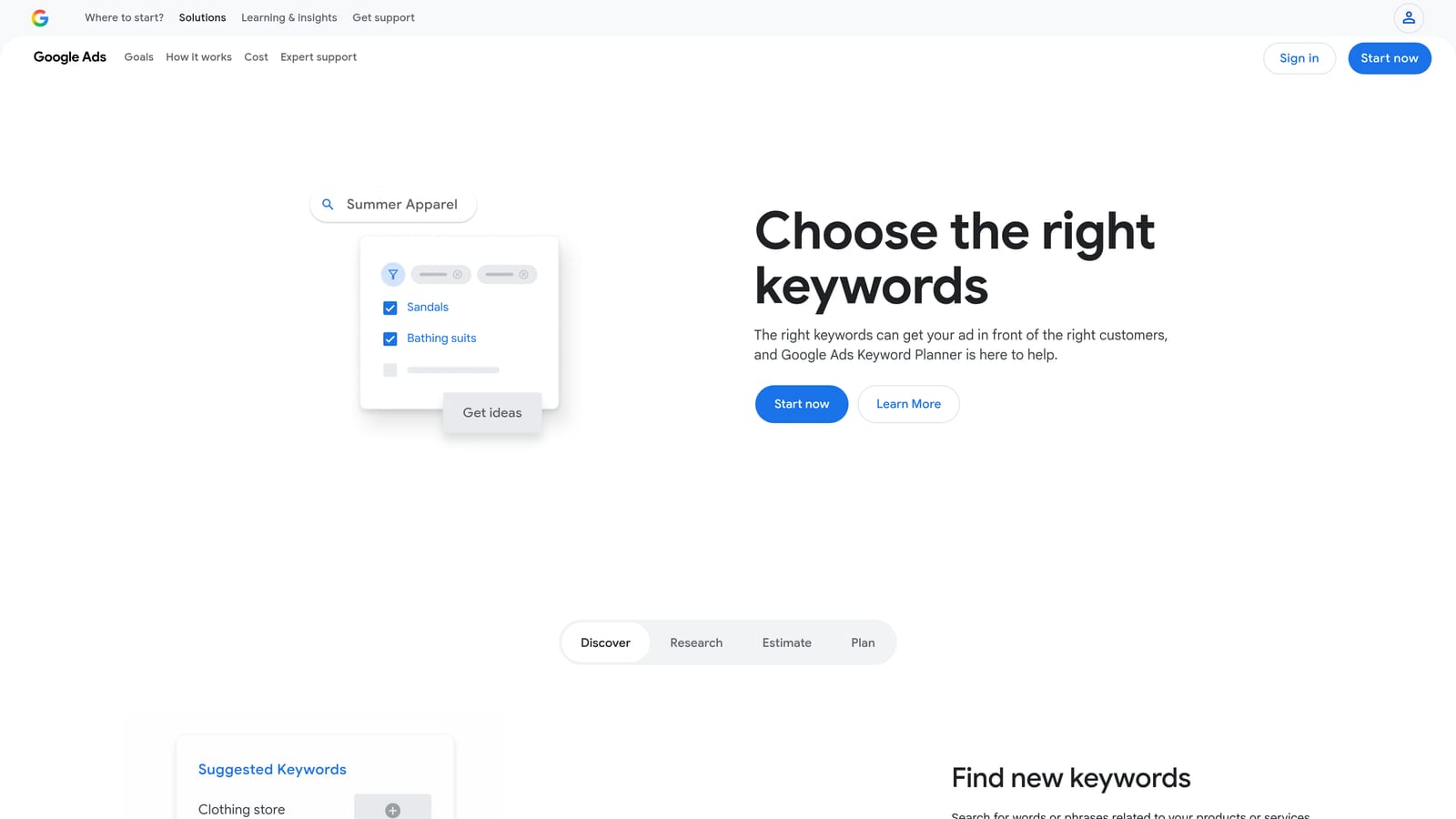
Google Keyword Planner is Google's built-in keyword research tool that provides keyword ideas, search volume ranges, competition levels, and bid estimates directly from the source.
Where This Tool Shines
For beginners, the biggest advantage here is that it's free and it uses Google's own data. You're not guessing at search volumes from a third-party scrape. You get keyword ideas from a seed keyword or URL, monthly volume ranges, and bid estimates that help you understand whether a keyword is affordable before you commit budget to it.
The main limitation worth knowing upfront: volume data shows as ranges (like "1K–10K") unless your account has active spend running. That's a bit frustrating when you're just starting out, but it's still more useful than nothing, and the bid range estimates are genuinely helpful for setting realistic budgets.
Key Features
Keyword Ideas from Seed Keywords or URLs: Enter a product, service, or competitor URL and get a list of related terms to target.
Monthly Search Volume Ranges and Trend Data: See whether a keyword is growing, seasonal, or declining over time.
Bid Range Estimates: Low and high bid estimates help you plan budgets before spending anything.
Forecasting Tool: Estimate how a keyword list might perform in terms of clicks and impressions at different bid levels.
Completely Free: No subscription needed, just a Google Ads account.
Best For
Any beginner building their first keyword list. This should be the starting point for keyword research before you look at any paid tool. Use it to understand the landscape, then layer in more detailed competitive data from tools like SEMrush or SpyFu once you know what you're targeting.
Pricing
Free with any Google Ads account.
3. Google Ads Editor
Best for: Making bulk changes to campaigns safely without risking live account errors.
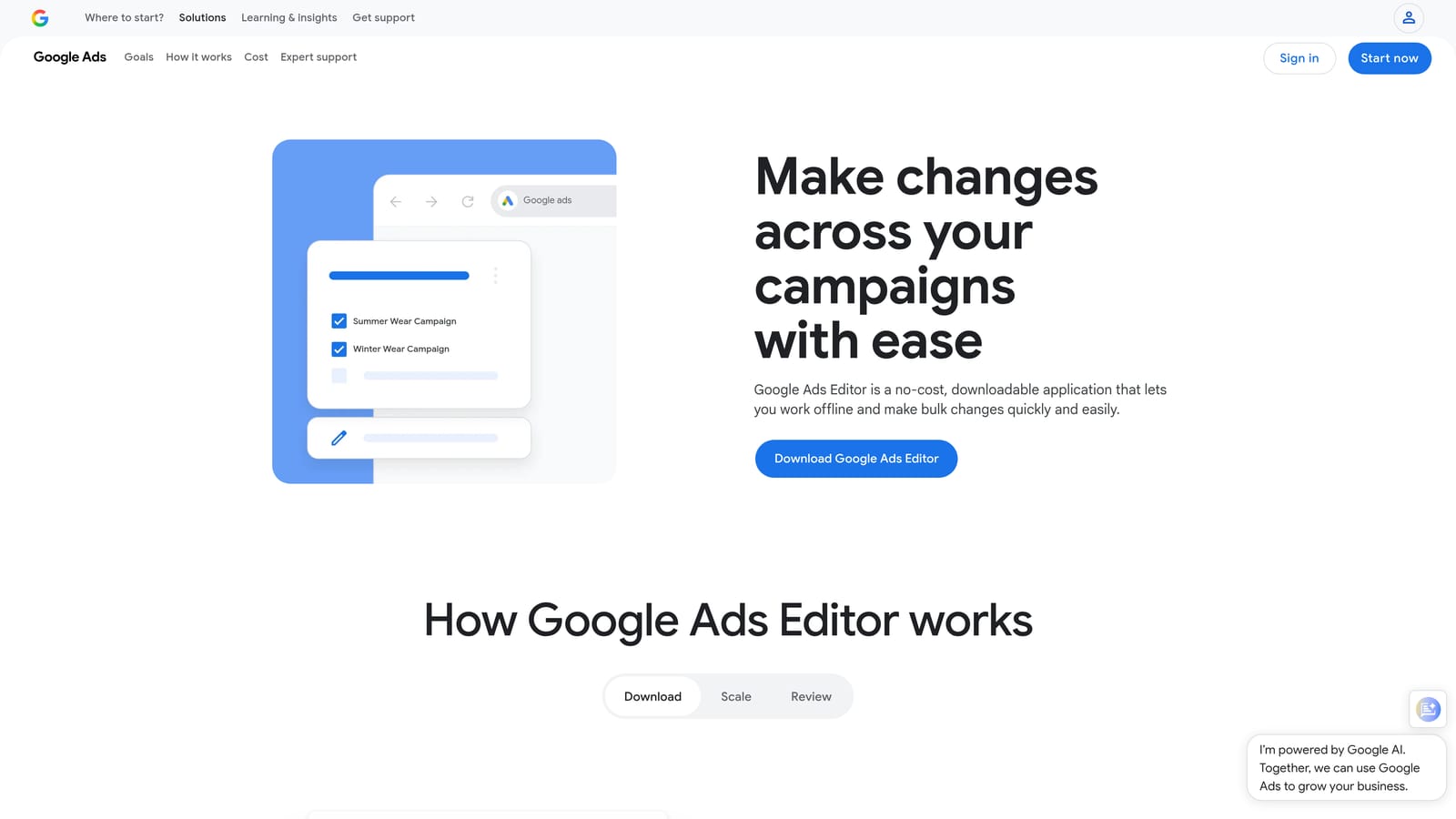
Google Ads Editor is a free desktop application from Google that lets you manage and bulk-edit campaigns offline before uploading changes to your live account.
Where This Tool Shines
What usually happens when beginners work in the Google Ads web interface is they make a change, realize it was wrong, and panic. Ads Editor removes that risk entirely. You download your account, make all your changes in the desktop app, review everything before it goes live, and then upload. It's like having a draft mode for your entire account.
The find-and-replace functionality is particularly underrated. If you've got a URL that changed across 50 ads, you can fix all of them in about 30 seconds instead of clicking through each one manually. For beginners building out campaigns from scratch, it's also much faster than working in the browser.
Key Features
Offline Bulk Editing: Edit campaigns, ad groups, keywords, and ads without an internet connection, then upload when ready.
Find and Replace: Update URLs, headlines, or descriptions across the entire account at once.
Draft and Review Before Going Live: See exactly what will change before you upload anything.
Copy and Paste Campaigns: Duplicate entire campaigns or ad groups and modify them, which speeds up account builds significantly.
Multi-Account Management: Manage multiple accounts from one interface without switching between browser tabs.
Best For
Beginners who've got a few campaigns running and want to make structured changes without the risk of live mistakes. Also great for anyone building out a new account from scratch, since the copy/paste functionality speeds up the initial setup considerably.
Pricing
Free.
4. Optmyzr
Best for: Beginners at agencies who want guided optimization workflows and automation without writing scripts.
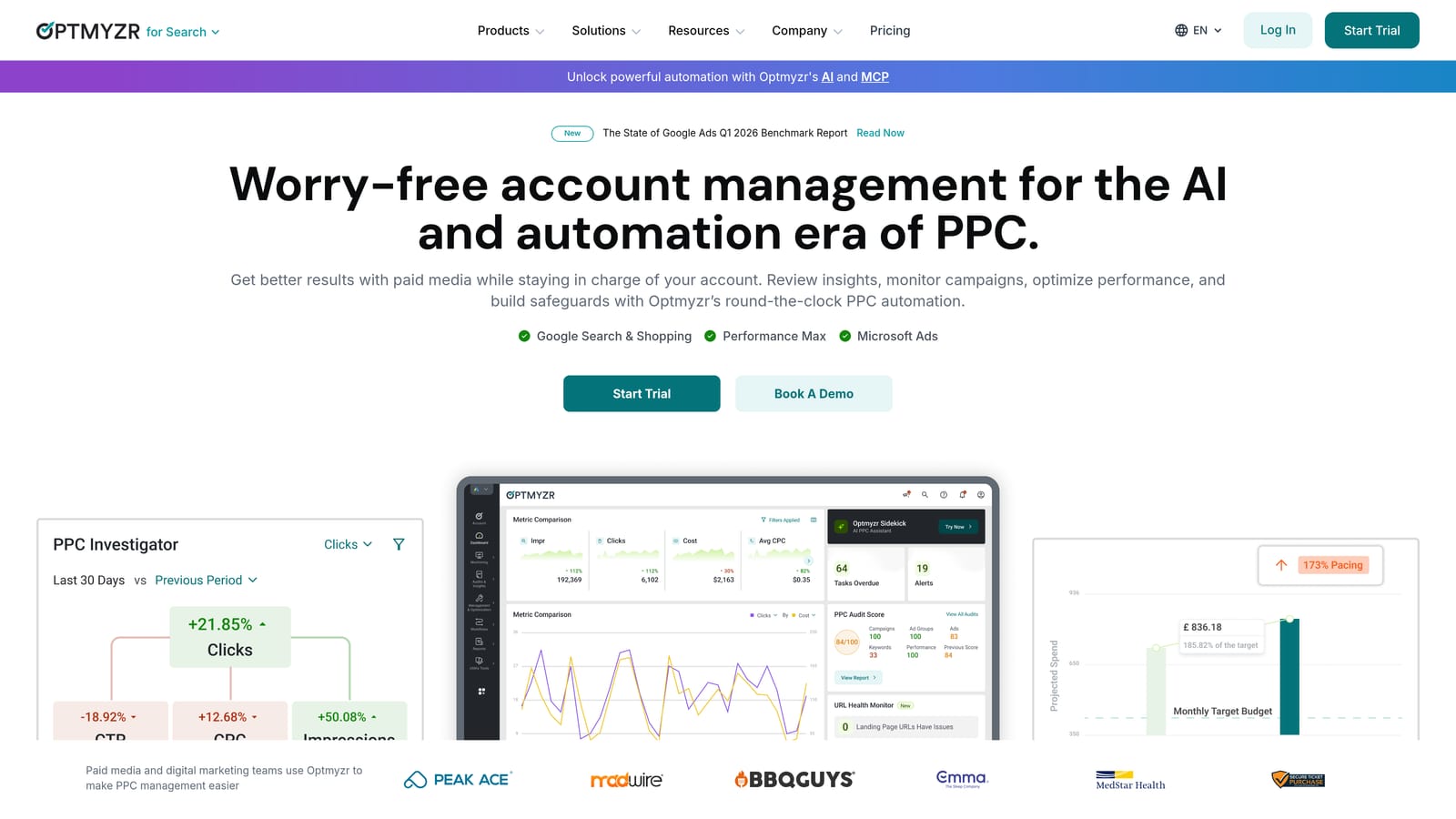
Optmyzr is a PPC management platform with guided optimization checklists, rule-based automation, and one-click optimizations designed to make campaign management faster and more structured.
Where This Tool Shines
The mistake most agencies make with junior team members is throwing them into accounts without a structured process. Optmyzr's guided workflows help here: they walk you through optimization tasks in a logical order, which is genuinely useful when you're not yet sure what to check and in what sequence. It's less about doing the work for you and more about making sure you don't miss anything important.
The rule-based automation is also worth mentioning. You can set up automated actions based on performance thresholds without writing a single line of script. For a beginner who knows what they want to automate but doesn't know how to code it, that's a real advantage.
Key Features
Guided Optimization Checklists: Step-by-step workflows for campaign health reviews, so nothing gets missed.
Rule-Based Automation: Set automated bid adjustments, budget changes, and alerts without writing scripts.
Bid Management and Budget Pacing: Tools to manage spend across campaigns without going over budget.
Quality Score Tracker: Monitor Quality Score changes and get suggestions for improving it over time.
Client Reporting Templates: Pre-built dashboards that make client communication easier for agency beginners.
Best For
Beginners working at agencies or managing multiple client accounts who need structure and automation. The price point makes it less suited for solo advertisers managing a single campaign, but for an agency context it's worth the investment.
Pricing
Starts around $208/month. A free trial is available. Verify current pricing at optmyzr.com.
5. SEMrush
Best for: Competitive PPC research and finding keyword gaps your competitors are exploiting.
SEMrush is an all-in-one digital marketing platform with strong PPC research features, including competitor ad analysis, keyword gap tools, and ad copy history.
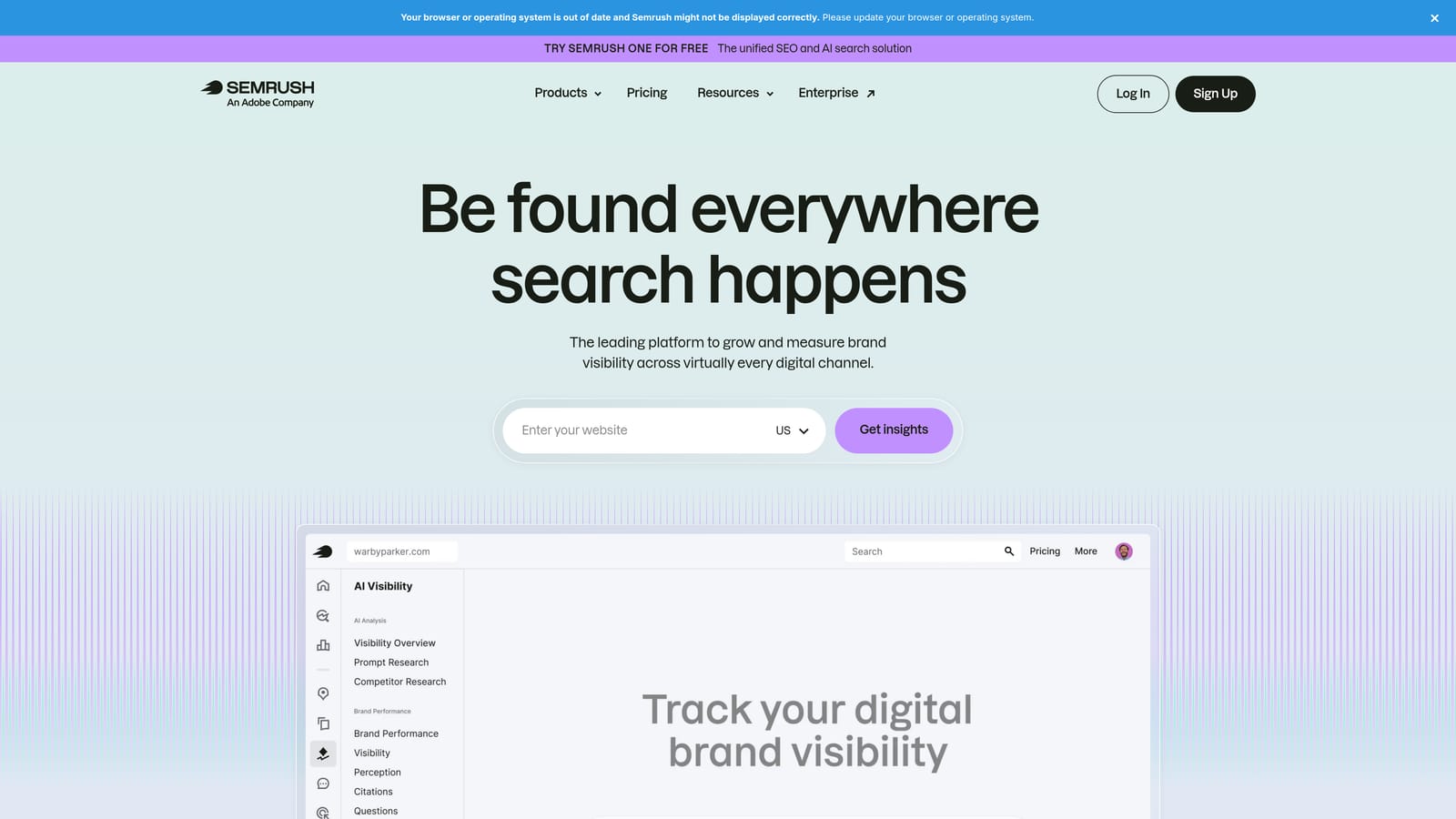
Where This Tool Shines
The Advertising Research tool is where SEMrush earns its place on this list for beginners. You enter a competitor's domain and you can see which keywords they're bidding on, what their ads look like, and how long they've been running specific ads. If a competitor has been running the same ad for months, that's a signal it's working. That kind of intelligence is hard to get anywhere else.
The Keyword Magic Tool also has PPC-specific filters that help you find high-intent commercial keywords faster than manually sorting through a broad list. There is a learning curve with SEMrush because it does a lot, but for competitive research specifically, you don't need to master the whole platform to get value from it.
Key Features
Advertising Research Tool: See competitor keywords, ad copy, and estimated traffic for any domain.
Keyword Magic Tool with PPC Filters: Find commercial-intent keywords with filters for CPC, competition, and volume.
Keyword Gap Analysis: Identify keywords your competitors are bidding on that you aren't.
Ad History: See how long competitors have run specific ads, which signals what's working for them.
Position Tracking: Monitor where your ads appear for target keywords over time.
Best For
Beginners who are entering a competitive market and want to understand what's already working before spending their own budget figuring it out. Also useful for freelancers who need to quickly audit a new client's competitive landscape.
Pricing
Starts around $139.95/month. A free account is available with limited features. Verify current pricing at semrush.com.
6. Google Analytics 4 (GA4)
Best for: Understanding what happens after someone clicks your ad, from bounce rate to conversions.
Google Analytics 4 is Google's free web analytics platform that integrates directly with Google Ads to show you the full picture of what users do after clicking your ads.
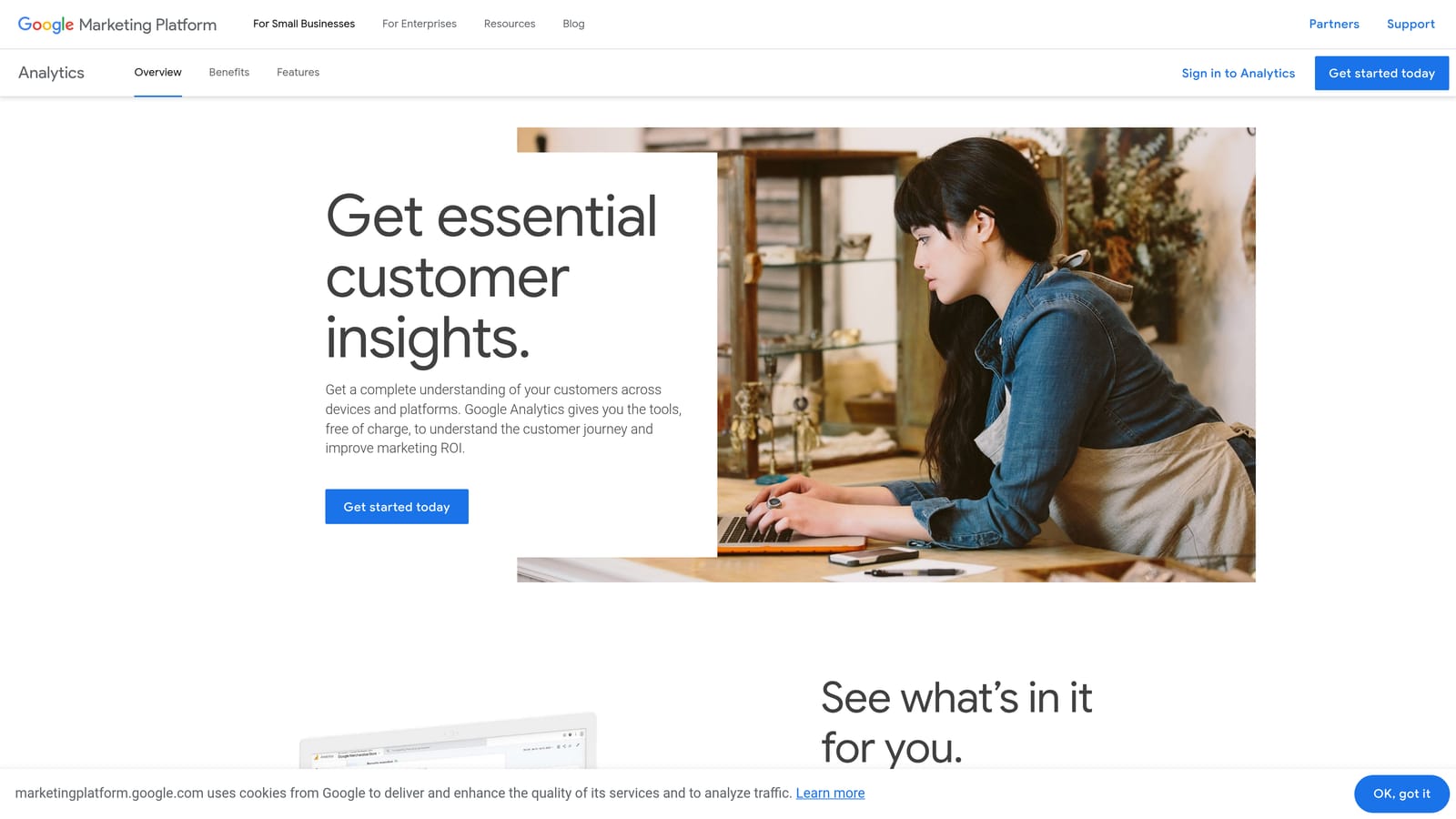
Where This Tool Shines
Without GA4 linked to your Google Ads account, you're essentially flying blind on post-click behavior. You can see clicks and impressions in Google Ads, but you can't see whether people are bouncing immediately, which pages they visit, or whether they're converting. That gap makes it almost impossible to diagnose problems correctly.
GA4 closes that gap. It also lets you build audiences for remarketing campaigns based on actual behavior, like users who visited a pricing page but didn't convert. For beginners, just getting GA4 linked and conversion tracking set up properly is one of the highest-leverage things you can do before spending serious budget.
Key Features
Native Google Ads Integration: Connect your accounts and see ad performance alongside on-site behavior in one place.
Conversion Tracking Setup: Configure goals and conversion events to measure what actually matters.
Audience Building for Remarketing: Create audiences based on user behavior to use in Google Ads campaigns.
Landing Page Performance Reports: See which landing pages are driving engagement and which are losing visitors.
Free with No Usage Limits: Most advertisers will never need the paid GA4 360 version.
Best For
Every beginner running Google Ads, full stop. This isn't optional. If you're spending any money on paid search, you need GA4 connected and conversion tracking configured before you do anything else.
Pricing
Free. GA4 360 (enterprise version) is paid, but most beginners will never need it.
7. Unbounce
Best for: Beginners whose ads are getting clicks but not converting, likely a landing page problem.
Unbounce is a landing page builder designed specifically for paid traffic, with a drag-and-drop editor, A/B testing, and AI-powered traffic routing to maximize conversions.
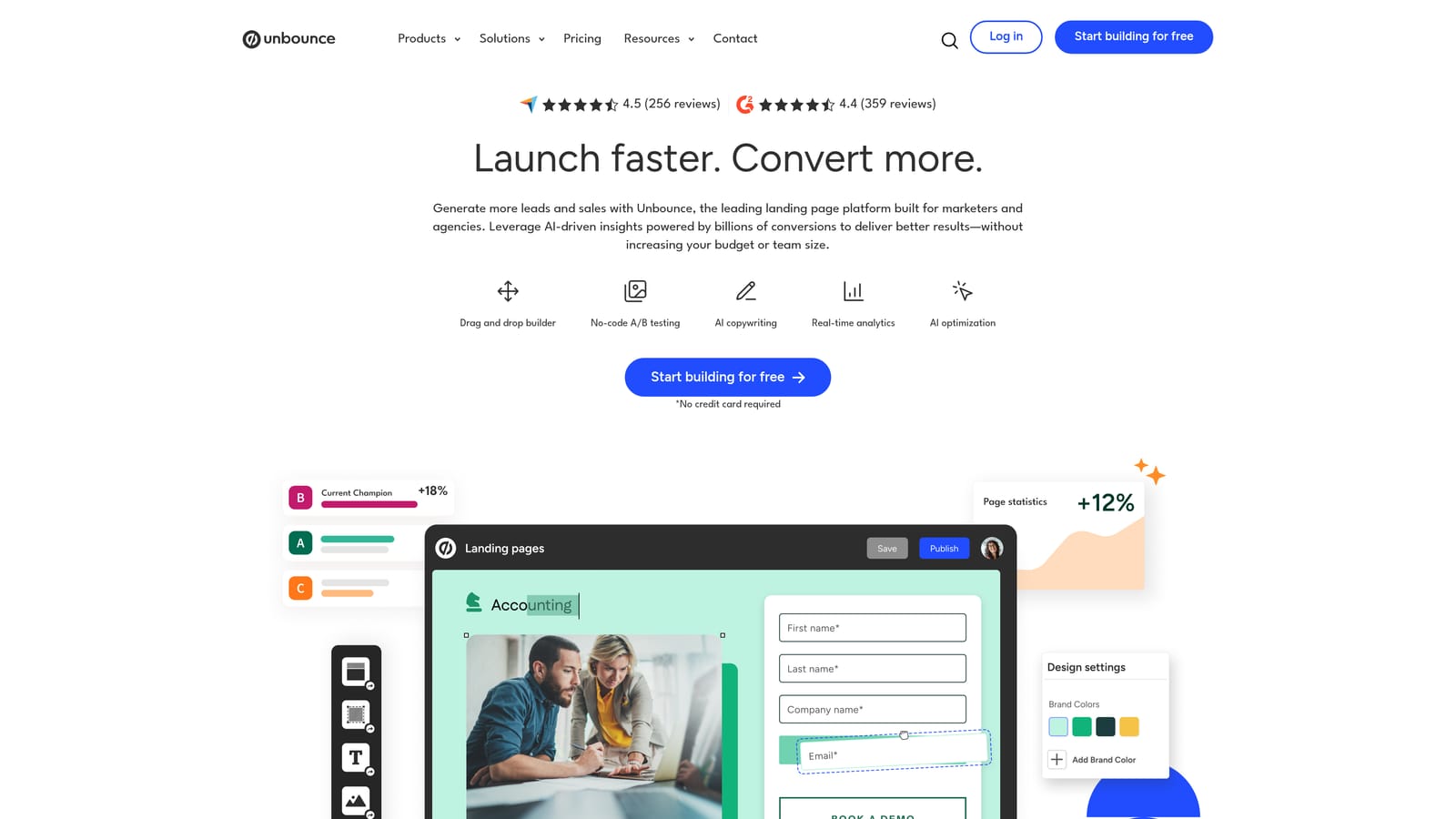
Where This Tool Shines
Here's a pattern that comes up constantly in beginner accounts: solid click-through rates, terrible conversion rates. The instinct is to blame the ads, but more often the problem is the landing page. Sending paid traffic to a generic homepage or a page that wasn't built for a specific offer is one of the most common ways beginners waste budget.
Unbounce lets you build dedicated landing pages for each campaign or ad group without needing a developer. The Smart Traffic feature automatically routes visitors to the best-performing variant based on their attributes, which means your A/B tests get smarter over time without manual intervention. The dynamic text replacement feature is particularly useful: it swaps the headline on your landing page to match the keyword someone searched, which improves message match and typically lifts conversion rates.
Key Features
Drag-and-Drop Landing Page Builder: Build conversion-focused pages without any coding knowledge.
Built-In A/B Testing: Test multiple page variants against each other to find what converts best.
Smart Traffic AI: Automatically routes visitors to the best-performing variant based on behavioral signals.
Dynamic Text Replacement: Swap page headlines to match the ad copy or keyword that brought the visitor in.
100+ Conversion-Optimized Templates: Start from a proven structure instead of a blank page.
Best For
Beginners who are running campaigns with decent click volume but struggling with conversion rates. Also useful for freelancers who need to build landing pages for clients quickly without involving a web developer.
Pricing
Starts around $99/month. A free trial is available. Verify current pricing at unbounce.com.
8. SpyFu
Best for: Affordable competitor PPC research for freelancers and solo advertisers who don't need a full marketing suite.
SpyFu is a competitor intelligence tool focused on PPC and SEO, showing which keywords competitors bid on, their ad copy history, and estimated ad spend at a much more accessible price point than enterprise platforms.
Where This Tool Shines
SpyFu does one thing really well: it shows you the competitive PPC landscape for any domain quickly and cheaply. Enter a competitor's URL and you can see their top paid keywords, how long they've been running specific ads, and an estimate of their monthly ad spend. That context is genuinely useful when you're deciding which keywords to prioritize and what budget to set.
The Kombat tool is worth highlighting specifically. It compares your domain against two competitors and visualizes keyword overlap and gaps, which makes it easy to spot where you're missing coverage. For a beginner building out a keyword strategy, that visual format is much easier to work with than a raw spreadsheet of data.
Key Features
Competitor Keyword and Ad Copy History: See what any domain has bid on and what their ads have looked like over time.
PPC Keyword Research with Competition Data: Find keywords with context on how competitive the paid landscape is.
Domain Overview: Quick snapshot of estimated paid traffic and spend for any domain.
Kombat Tool: Visual keyword gap analysis comparing your domain against multiple competitors simultaneously.
Affordable Pricing: Significantly cheaper than full-suite platforms for PPC-focused use cases.
Best For
Freelancers and solo advertisers who want competitive intelligence without paying for a full platform like SEMrush. If your primary need is PPC competitor research and you're budget-conscious, SpyFu gives you most of what you need at a fraction of the cost.
Pricing
Starts around $39/month. Verify current pricing at spyfu.com.
9. Looker Studio
Best for: Building custom Google Ads dashboards and client reports without paying for a reporting tool.
Looker Studio is Google's free business intelligence and data visualization tool (formerly Google Data Studio) that connects directly to Google Ads and GA4 to create shareable, custom dashboards.
Where This Tool Shines
For beginners who need to report to clients or stakeholders, Looker Studio solves a real problem: Google Ads' native reporting is functional but not particularly client-friendly. Looker Studio lets you pull data from Google Ads and GA4 directly, without any third-party connectors, and build dashboards that actually make sense to someone who isn't in the account every day.
The pre-built Google Ads report templates are a good starting point. You can grab a template, connect your account, and have a working dashboard in under 20 minutes. For freelancers who want to look professional without paying for a dedicated reporting tool, this is genuinely one of the better free tools available anywhere in the Google ecosystem.
Key Features
Direct Google Ads and GA4 Connector: Pull data from both platforms natively without third-party integrations.
Drag-and-Drop Dashboard Builder: Create custom layouts with charts, tables, and scorecards without any technical knowledge.
Pre-Built Google Ads Report Templates: Start from a working template instead of building from scratch.
Shareable Links for Client Reporting: Share a live dashboard link with clients instead of sending static PDFs.
Completely Free: No feature limits, no paid tier required for most use cases.
Best For
Freelancers and agency beginners who need to report campaign performance to clients without paying for a dedicated reporting platform. Also useful for any beginner who wants a cleaner view of their own account performance beyond what Google Ads shows natively.
Pricing
Free.
Which Tool Should You Start With?
Here's a quick recommendation matrix to cut through the decision fatigue:
Keyword Research: Start with Google Keyword Planner. It's free, uses Google's own data, and covers everything you need at the beginning. Layer in SEMrush or SpyFu when you're ready for competitive intelligence.
Search Term Cleanup: Keywordme. This is the one area where beginners consistently lose money without realizing it. The Search Terms Report is where your budget leaks, and Keywordme is the fastest way to fix those leaks without adding friction to your workflow.
Bulk Editing: Google Ads Editor. Free, powerful, and it removes the risk of making live mistakes. Once you're managing more than a handful of campaigns, this becomes essential.
Post-Click Tracking: GA4. Non-negotiable. Set this up before you spend serious budget. You cannot optimize what you cannot measure.
Landing Pages: Unbounce. If your conversion rate is low and your click-through rate is fine, the problem is almost certainly your landing page.
Reporting: Looker Studio. Free, connects directly to Google Ads and GA4, and produces dashboards that actually look good in a client meeting.
Competitor Research: SpyFu for budget-conscious freelancers, SEMrush if you need the full picture and can justify the price.
If you're looking for a lean starter stack that covers the highest-impact areas, Google Keyword Planner plus GA4 plus Keywordme handles around 80% of what beginners actually need. You get keyword research, post-click tracking, and search term management, which directly addresses the three core problems most beginners face: targeting the wrong keywords, wasting budget on irrelevant searches, and not knowing whether any of it is working.
Once those fundamentals are solid, you can layer in the other tools based on where your specific gaps are. Struggling with conversions? Add Unbounce. Need to understand the competitive landscape? Add SpyFu. Managing client accounts and need cleaner reporting? Set up Looker Studio.
The best place to start on the search term side is a free trial of Keywordme. It takes about five minutes to install, and the first time you run it against a real Search Terms Report, you'll immediately see which queries have been burning budget. Start your free 7-day trial and see how much faster campaign optimization feels when you're not copying data into spreadsheets to do it.
.svg)