
9 Best Google Ads Tools for Agencies (Honest Comparison)
This guide compares nine Google Ads tools built for agency workflows, evaluating each on multi-account support, team collaboration, time savings, and client-ready pricing. Whether you run a small shop or a mid-size agency, it cuts through the noise to help you find the right fit for your team in 2026.


Managing Google Ads across multiple client accounts is genuinely hard work. You're juggling search term reports, negative keyword lists, match types, bid strategies, and reporting—all at once, across accounts that look nothing alike. The right tools cut that workload dramatically. The wrong ones just add another dashboard to ignore.
This list covers nine tools agencies actually use to run tighter, faster Google Ads operations in 2026. We've organized them by what they're best at, so you can pick the right fit for your team's workflow rather than paying for features you'll never touch.
Each tool is evaluated on agency-specific criteria: multi-account support, team collaboration, time savings on repetitive tasks, and pricing that makes sense when you're billing clients. Whether you're a two-person shop or a mid-size agency managing dozens of accounts, there's something here worth a close look.
1. Keywordme
Best for: Agencies doing frequent search term reviews who want to optimize without leaving Google Ads
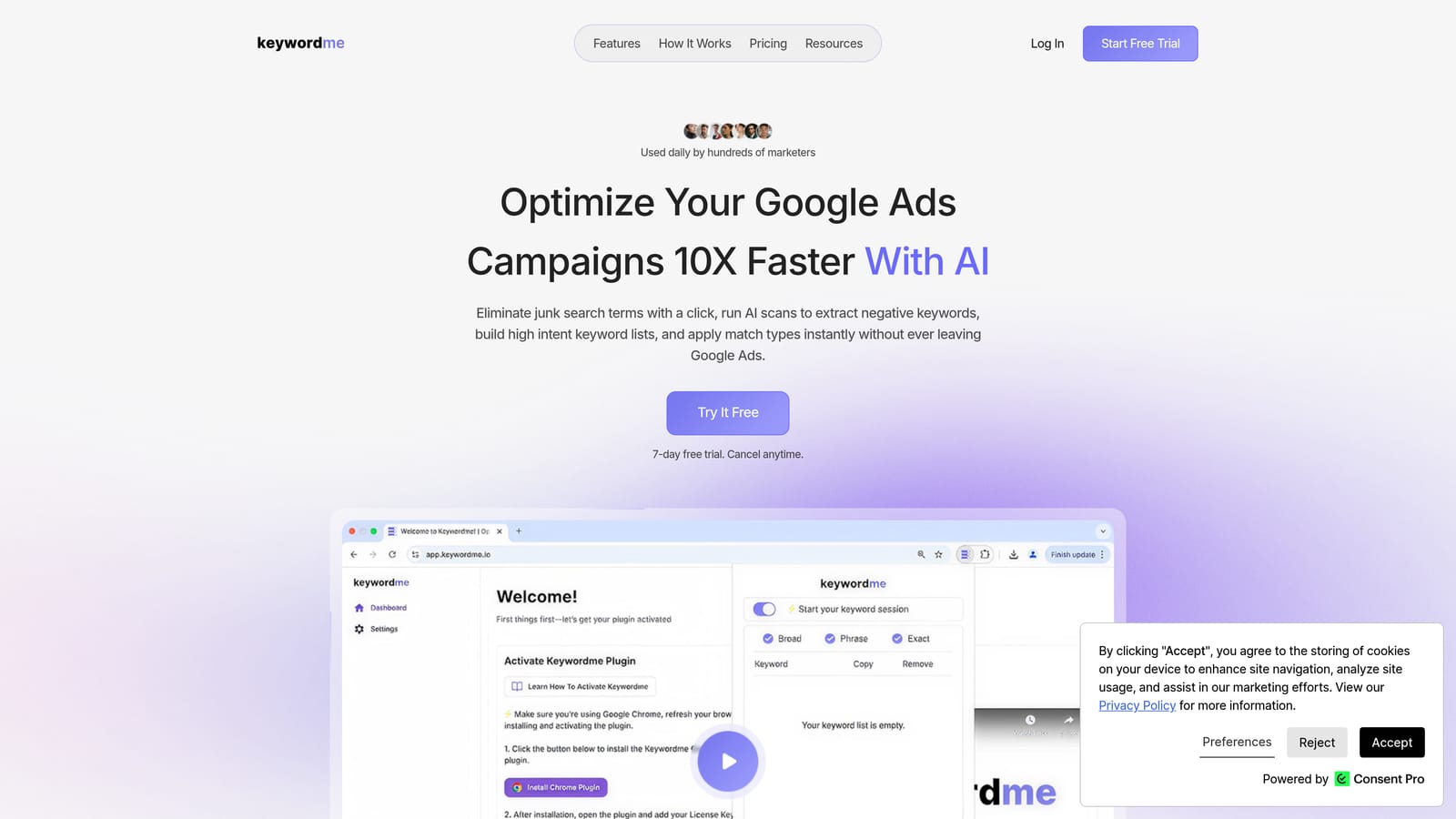
Keywordme is a Chrome extension that lets you manage search terms, negative keywords, match types, and keyword lists directly inside the Google Ads Search Terms Report.
Where This Tool Shines
Most search term management involves a painful loop: export to a spreadsheet, sort, tag, re-import, repeat. Keywordme cuts that loop entirely. You work inside the native Google Ads interface, taking one-click actions on search terms as you review them—no context switching, no spreadsheet wrangling.
For agencies running regular search term audits across multiple accounts, this is where the time savings add up fast. The multi-account and team support means your whole PPC team can use it consistently, which helps keep negative keyword lists clean and keyword strategies aligned across clients.
Key Features
One-click negative keyword addition: Add negative keywords directly from the Search Terms Report without exporting or switching tools.
Match type application: Apply broad, phrase, or exact match types to keywords without leaving the Google Ads interface.
Keyword clustering and bulk editing: Group and edit keywords in bulk, which speeds up list-building significantly on large accounts.
Multi-account and team support: Built for agency workflows where multiple users manage multiple client accounts.
In-interface operation: Everything happens inside Google Ads natively—no third-party dashboard to log into separately.
Best For
Agencies and freelancers who spend significant time each week reviewing search terms and managing negative keyword lists. Particularly useful if your team is doing this work manually in spreadsheets right now and wants a more efficient, less error-prone process.
Pricing
$12/month per user, flat rate. A 7-day free trial is available with no commitment required.
2. Google Ads Editor
Best for: Bulk structural edits and offline campaign changes across multiple accounts
Google Ads Editor is Google's free desktop application for making bulk offline edits to campaigns, ad groups, keywords, and ads.

Where This Tool Shines
When you need to make large structural changes—restructuring ad groups, uploading hundreds of keywords, or copying campaigns between accounts—Editor is the most reliable tool available. You can work offline, review every change before it goes live, and push updates in bulk without touching the web interface.
It's not glamorous, but it's been a staple in agency workflows for years for good reason. The ability to find-and-replace across campaigns, duplicate structures, and manage multiple accounts in one window makes it indispensable for bulk work.
Key Features
Offline bulk editing: Make changes to campaigns, keywords, ads, and ad groups without an internet connection, then upload when ready.
Multi-account management: Manage several accounts from a single Editor window.
Copy, paste, and find/replace: Duplicate structures or make sweeping text changes across campaigns quickly.
Pre-publish review: Review all pending changes before they go live, reducing the risk of costly errors.
Free to use: No cost beyond having a Google Ads account.
Best For
Any agency doing large-scale campaign builds, restructures, or bulk keyword uploads. Less useful for day-to-day optimization or reporting—it's a structural editing tool, not an automation platform.
Pricing
Free with any Google Ads account.
3. Optmyzr
Best for: Agencies that want automated optimization recommendations with a clear audit trail
Optmyzr is a PPC management platform built specifically for agencies, combining one-click optimization recommendations, rule-based automation, and structured client reporting.

Where This Tool Shines
Optmyzr is designed around the reality that agencies manage many accounts and can't manually review everything daily. It surfaces prioritized recommendations—bid adjustments, budget pacing, keyword changes—that a manager can approve and apply quickly. The audit trail feature is particularly valuable for agencies: you can see exactly what was changed, when, and why.
The rule-based automation and PPC scripts extend what you can do without manual intervention, while still keeping humans in control of the decisions. For agencies that want automation without handing over the keys entirely, that balance is a genuine strength.
Key Features
One-click optimization recommendations: Surfaces prioritized actions across accounts with full audit history of what was applied.
Rule-based automation and PPC scripts: Build custom rules that trigger actions based on performance thresholds.
Multi-account agency dashboard: View and manage all client accounts from a centralized interface.
Shopping campaign management: Tools for managing product feeds and shopping campaign structure.
Client-facing reporting: Build and schedule reports designed for client delivery.
Best For
Mid-size to larger agencies managing significant ad spend who need automation and reporting in one platform. The pricing reflects that positioning, so smaller agencies or freelancers managing lower budgets should evaluate whether the cost fits their margin structure.
Pricing
Tiered by ad spend managed. Visit optmyzr.com for current pricing details.
4. SEMrush Advertising Toolkit
Best for: Competitive research and keyword strategy before and during campaign launches
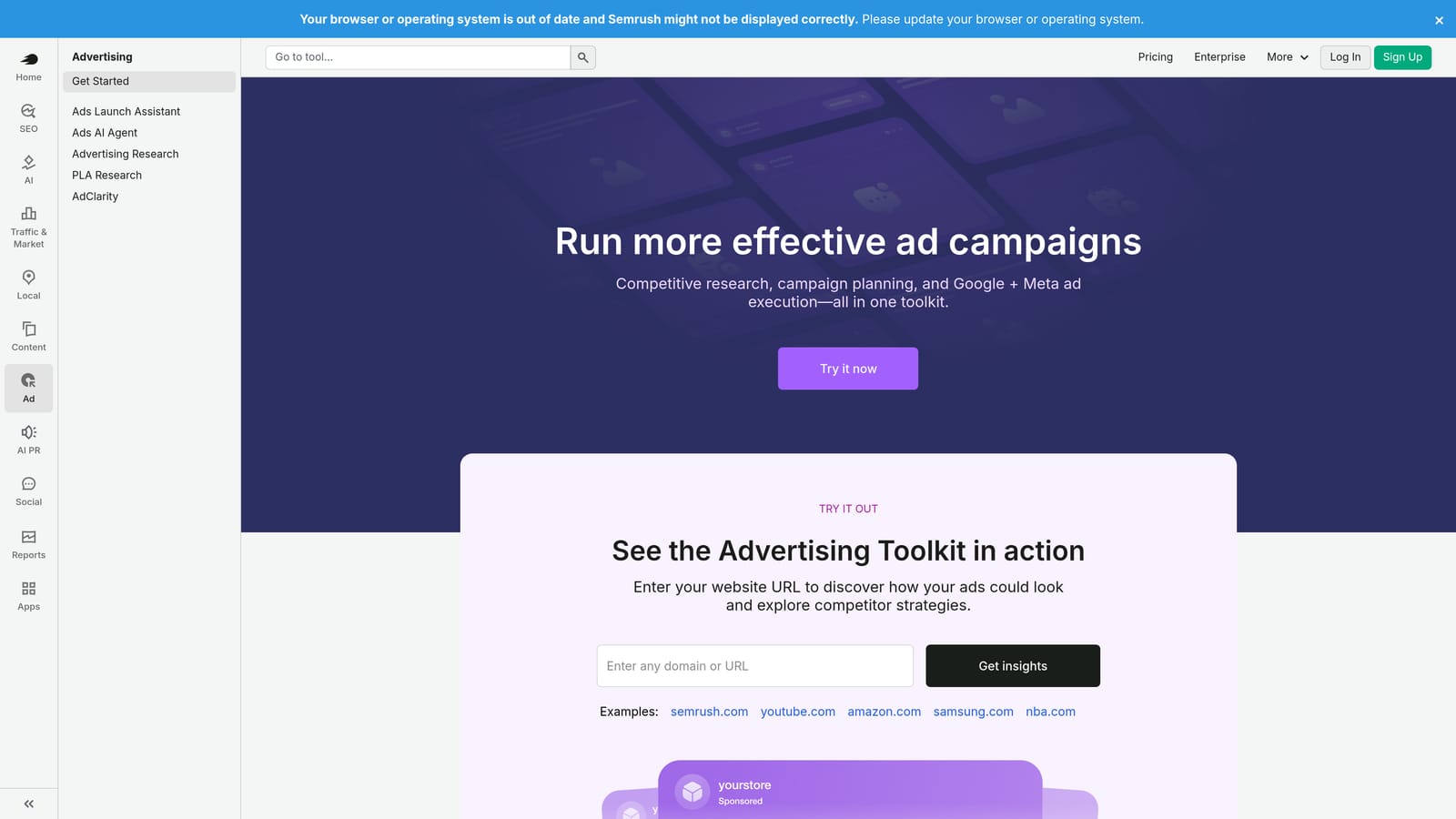
SEMrush's Advertising Toolkit gives agencies a window into competitor ad strategies, keyword gaps, and estimated market activity to inform smarter campaign planning.
Where This Tool Shines
Before you build a campaign, knowing what competitors are bidding on and what's working for them is genuinely useful intelligence. SEMrush lets you see competitor ad copy, the keywords they're targeting, and estimated traffic data—so you're not starting from a blank page.
The keyword gap tool is particularly practical for agencies onboarding new clients. You can quickly identify terms a competitor ranks for that the client isn't targeting yet, which gives you a concrete starting point for the initial keyword list. Because it sits within the broader SEMrush platform, it also connects to SEO and content data, which is useful if you're running integrated campaigns.
Key Features
Competitor ad copy and keyword analysis: See what ads competitors are running and which keywords they're targeting in paid search.
Keyword gap tool: Identify keyword opportunities your client is missing that competitors are capturing.
Estimated competitor spend and traffic data: Gauge relative market activity, though these are estimates rather than exact figures.
Ad history and creative tracking: Review how competitor ads have changed over time.
Platform integration: Advertising data connects with SEMrush's SEO and content tools for a broader view.
Best For
Agencies that prioritize research-led campaign strategy and competitive positioning. Most valuable in the planning phase and for ongoing competitive monitoring, rather than day-to-day campaign optimization.
Pricing
Subscription-based with multiple tiers. Visit semrush.com for current pricing.
5. Google Keyword Planner
Best for: Keyword research grounded directly in Google's ad auction data
Google Keyword Planner is the native keyword research tool inside Google Ads, providing search volume ranges, bid estimates, and keyword ideas sourced directly from Google.

Where This Tool Shines
No third-party tool has more authoritative data for Google Ads keyword research than Keyword Planner, because the data comes directly from Google's ad auction. When you're building initial keyword lists or estimating what a campaign might cost to run, this is the most reliable starting point available.
One practical limitation worth knowing: search volume data is shown as ranges rather than exact numbers unless the account has active spending history. For agencies managing established accounts, this is less of an issue. For new accounts or prospecting work, the ranges are still directionally useful, just not precise.
Key Features
Keyword ideas from seed terms or URLs: Generate keyword suggestions based on a topic, phrase, or competitor landing page.
Monthly search volume ranges: Understand relative search demand, with more granular data available on active accounts.
Top-of-page bid estimates: See low and high bid range estimates to inform budget planning.
Competition level indicators: Gauge how competitive a keyword is within the Google Ads auction.
Free access: Available to anyone with a Google Ads account at no additional cost.
Best For
Any agency doing Google Ads keyword research. It's not a replacement for competitive intelligence tools like SEMrush, but it should be part of every agency's standard research process given its direct connection to Google's data.
Pricing
Free with any Google Ads account.
6. Looker Studio
Best for: Building custom, shareable client-facing dashboards without paying for a reporting tool
Looker Studio is Google's free data visualization platform that connects directly to Google Ads for building customizable, shareable reports and dashboards.

Where This Tool Shines
Client reporting is one of the most time-consuming parts of agency work. Looker Studio lets you build a dashboard once and share it as a live link or scheduled email—so clients can check performance whenever they want without you manually pulling data each week. The native Google Ads connector means setup is straightforward, and the drag-and-drop builder doesn't require technical skills to produce clean, professional-looking reports.
For agencies managing multiple clients, you can build templated dashboards and adapt them per account, which cuts reporting time considerably compared to manual spreadsheet work. Multi-account views are supported, so you can build cross-client views for internal monitoring too.
Key Features
Native Google Ads connector: Pull Google Ads data directly without needing a third-party connector for basic reporting.
Drag-and-drop dashboard builder: Build and customize reports without coding or design experience.
Shareable links and scheduled email delivery: Send reports automatically or share live dashboard links with clients.
Multi-account views: Combine data from multiple Google Ads accounts into a single report.
Free core tool: No cost for the platform itself; some advanced third-party connectors carry fees.
Best For
Agencies looking to reduce manual reporting time and deliver more professional client dashboards without adding a paid reporting tool. Works well as a standalone solution or alongside Supermetrics for more complex data pipelines.
Pricing
Free. Some third-party data connectors used within Looker Studio may have their own costs.
7. Adalysis
Best for: Agencies managing large ad copy libraries who need structured testing and account health monitoring
Adalysis is a Google Ads management tool focused on ad testing, quality score monitoring, and account health audits across multiple accounts.

Where This Tool Shines
Ad testing at scale is genuinely difficult to manage manually. Adalysis brings structure to the process by tracking A/B tests with statistical significance indicators, so you're not making decisions based on data that hasn't reached a meaningful threshold. For agencies running multiple tests across many accounts simultaneously, that kind of discipline is hard to maintain in a spreadsheet.
The quality score monitoring and account health alerts give agencies a way to catch deteriorating performance before it becomes a client problem. Rather than waiting for a monthly review to spot issues, you get alerts when something worth investigating shows up.
Key Features
Structured A/B ad testing: Run and track ad tests with statistical significance monitoring to make confident decisions.
Quality score monitoring and trends: Track quality score changes over time across keywords and ad groups.
Account health alerts: Get notified when key metrics or account health indicators change significantly.
Responsive search ad asset reporting: Analyze RSA asset performance across accounts.
Multi-account agency dashboard: Manage and monitor multiple client accounts from one view.
Best For
Agencies that run active ad testing programs and manage large volumes of ad copy across many accounts. Less essential if your primary workflow focus is keyword management or bid optimization rather than creative testing.
Pricing
Subscription-based. Visit adalysis.com for current pricing tiers.
8. Supermetrics
Best for: Agencies with custom reporting setups that need Google Ads data in Sheets, Excel, or BI tools
Supermetrics is a data connector that pulls Google Ads performance data into Google Sheets, Excel, Looker Studio, BigQuery, and other destinations for custom reporting and analysis.
Where This Tool Shines
Supermetrics isn't an optimization tool—it's a data pipeline. If your agency has custom reporting requirements that go beyond what Looker Studio's native connector handles, or if you're pulling data from multiple ad platforms into a single reporting environment, Supermetrics is the practical solution. It handles the data movement reliably and on a schedule, so your reports stay current without manual exports.
Agencies with clients who want data fed into their own BI systems or internal dashboards will find this particularly useful. It also supports platforms beyond Google Ads, which matters if you're managing paid social or Microsoft Ads alongside Google campaigns.
Key Features
Multi-destination connectivity: Push Google Ads data to Sheets, Excel, Looker Studio, BigQuery, and other destinations.
Multi-platform support: Pull data from multiple ad platforms into a single reporting pipeline.
Automated data refresh: Schedule regular data pulls so reports stay current without manual intervention.
Custom field mapping and filtering: Control exactly which data fields and date ranges are pulled.
Flexible for custom setups: Works well for agencies with non-standard reporting requirements or existing BI infrastructure.
Best For
Agencies with complex or custom reporting needs, particularly those managing multiple ad platforms or delivering data into client-owned BI tools. If Looker Studio's native connector covers your reporting needs, Supermetrics may be more than you need.
Pricing
Subscription-based, priced by destination and data sources. Visit supermetrics.com for current pricing.
9. WordStream Advisor (LocaliQ)
Best for: Smaller agencies or those newer to PPC who want guided, prioritized optimization recommendations
WordStream Advisor, now part of the LocaliQ brand, is a web-based PPC management platform that surfaces weekly prioritized action items and guided optimization recommendations.
Where This Tool Shines
WordStream's "Work Week" feature is its most distinctive element: each week it surfaces a prioritized list of recommended actions for your accounts, so less experienced PPC managers have a clear starting point rather than staring at a blank dashboard. The account grading feature also gives a quick health snapshot that's easy to communicate to clients or internal stakeholders.
It's a more guided, accessible platform compared to tools like Optmyzr, which makes it a reasonable fit for agencies where not every team member has deep PPC expertise. The trade-off is that it offers less flexibility and depth for experienced practitioners who want more control over their optimization logic.
Key Features
Weekly Work Week feature: Delivers a prioritized list of recommended optimization tasks each week across your accounts.
Account grading and benchmarking: Scores account health and compares performance against benchmarks.
Keyword research and negative keyword tools: Basic keyword and negative keyword management within the platform.
Google Ads and Microsoft Ads support: Manages both platforms from one interface.
Guided recommendations: Recommendations are explained in plain language, making them accessible to less experienced managers.
Best For
Smaller agencies or teams newer to Google Ads management who benefit from structured guidance. More experienced PPC practitioners may find the platform less flexible than they need. If you're evaluating alternatives, it's worth comparing against other tools in this list on both features and price.
Pricing
Subscription-based. Visit wordstream.com for current pricing.
Which Tool Is Right for Your Agency?
No single tool in this list does everything. Most agency teams run two or three tools in combination, each covering a different part of the workflow: one for optimization, one for reporting, one for research. The right stack depends on where your time is actually going.
Here's a quick way to think about it by workflow need:
Search term management and keyword optimization: Keywordme is the most direct solution here, especially if your team spends significant time each week reviewing search terms and managing negatives. It works inside Google Ads rather than adding another platform to your stack.
Bulk structural edits and campaign builds: Google Ads Editor is the standard tool for this work and it's free. There's no reason not to have it.
Automation and multi-account optimization at scale: Optmyzr is the strongest option for agencies managing significant ad spend who want rule-based automation and a clear audit trail.
Client reporting: Start with Looker Studio. It's free, connects natively to Google Ads, and handles most agency reporting needs. Add Supermetrics if you have more complex data pipeline requirements.
Competitive research and campaign planning: SEMrush Advertising Toolkit for competitive intelligence, Google Keyword Planner for volume and bid data. Use both in the research phase.
Ad testing and account health monitoring: Adalysis fills a specific gap that other tools don't cover well. If structured ad testing is part of your agency's process, it's worth evaluating.
If you're looking for a place to start, the combination of Keywordme for in-account optimization, Google Ads Editor for bulk edits, and Looker Studio for reporting covers a large portion of day-to-day agency work at a low combined cost.
Keywordme's 7-day free trial is a low-friction way to see whether it fits your search term review workflow. Start your free 7-day trial and run it alongside your next search term audit—then $12/month per user if it sticks.
.svg)