
9 Best Google Ads Tools Compared for Marketers, Freelancers & Agencies
This Google Ads tool comparison evaluates 9 leading PPC tools—including Keywordme, Optmyzr, SpyFu, and SEMrush—across optimization, automation, research, and reporting use cases. Whether you're a freelancer, in-house marketer, or agency, this guide helps you identify the right tool or combination for your specific workflow in 2026.


TL;DR: The right Google Ads tool depends on what's slowing you down. If you're drowning in search term reports, Keywordme is the fastest fix. If you need full-suite PPC management or competitor intelligence, tools like Optmyzr, SpyFu, or SEMrush fill those gaps. This comparison covers 9 tools across different use cases—optimization, automation, research, and reporting—so you can pick the right one (or combination) for your workflow.
Managing Google Ads manually is like using a paper map when GPS exists. There are tools for every part of the PPC workflow: cleaning up search terms, researching competitors, automating bids, and building reports. But not every tool does everything well—and most cost more than they should for what you actually use.
This guide breaks down 9 of the best Google Ads tools available right now, what each one is genuinely good at, and who it's best suited for. Selection criteria: ease of use, depth of features, pricing transparency, and how well each tool fits real advertiser workflows.
1. Keywordme
Best for: Agencies and advertisers who want to clean up search terms fast, directly inside Google Ads.
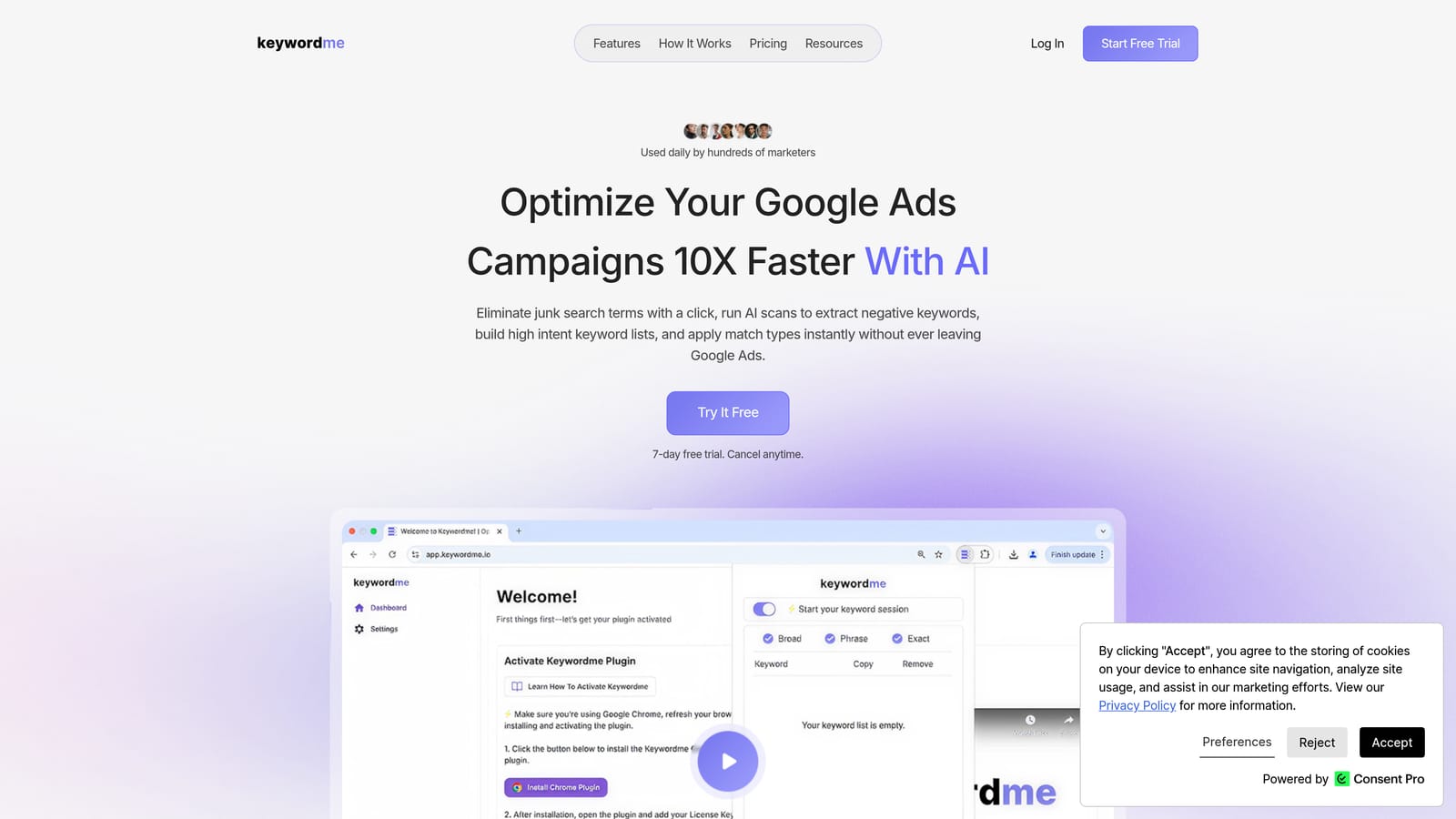
Keywordme is a Chrome extension that sits inside your Google Ads Search Terms Report, letting you remove junk keywords, add negatives, apply match types, and cluster keywords with one click—without ever leaving the Google Ads interface.
Where This Tool Shines
Most advertisers are stuck in a painful loop: export search terms to a spreadsheet, sort through hundreds of rows, manually flag negatives, re-import, repeat. Keywordme eliminates that entire process. You stay inside Google Ads, click directly on the terms you want to action, and you're done.
In most accounts I audit, search term hygiene is one of the biggest sources of wasted spend—and also one of the most neglected tasks because it's tedious. Keywordme makes it fast enough that it actually gets done regularly, which is where the real value compounds over time.
Key Features
One-Click Negative Addition: Add negative keywords directly from the Search Terms Report without exporting or switching tabs.
Keyword Clustering: Group related search terms into clusters and apply match types in bulk without leaving the native UI.
Bulk Editing: Action multiple search terms in a single session—promoting, negating, or match-typing at scale.
Multi-Account and Team Support: Manage multiple client accounts and share workflows across team members, making it genuinely useful for agency environments.
7-Day Free Trial: No credit card required—you can test the full workflow before committing.
Best For
Freelancers and agency managers who review search terms regularly and want to cut that time down dramatically. Also a strong fit for solo advertisers who don't need a full PPC platform but want a meaningful upgrade to their daily optimization workflow.
Pricing
$12/month per user, flat rate. No tiers, no usage limits based on ad spend. At that price point, it's one of the most accessible paid tools in this list.
2. Optmyzr
Best for: Agencies managing multiple accounts who want rule-based automation with full audit trails.
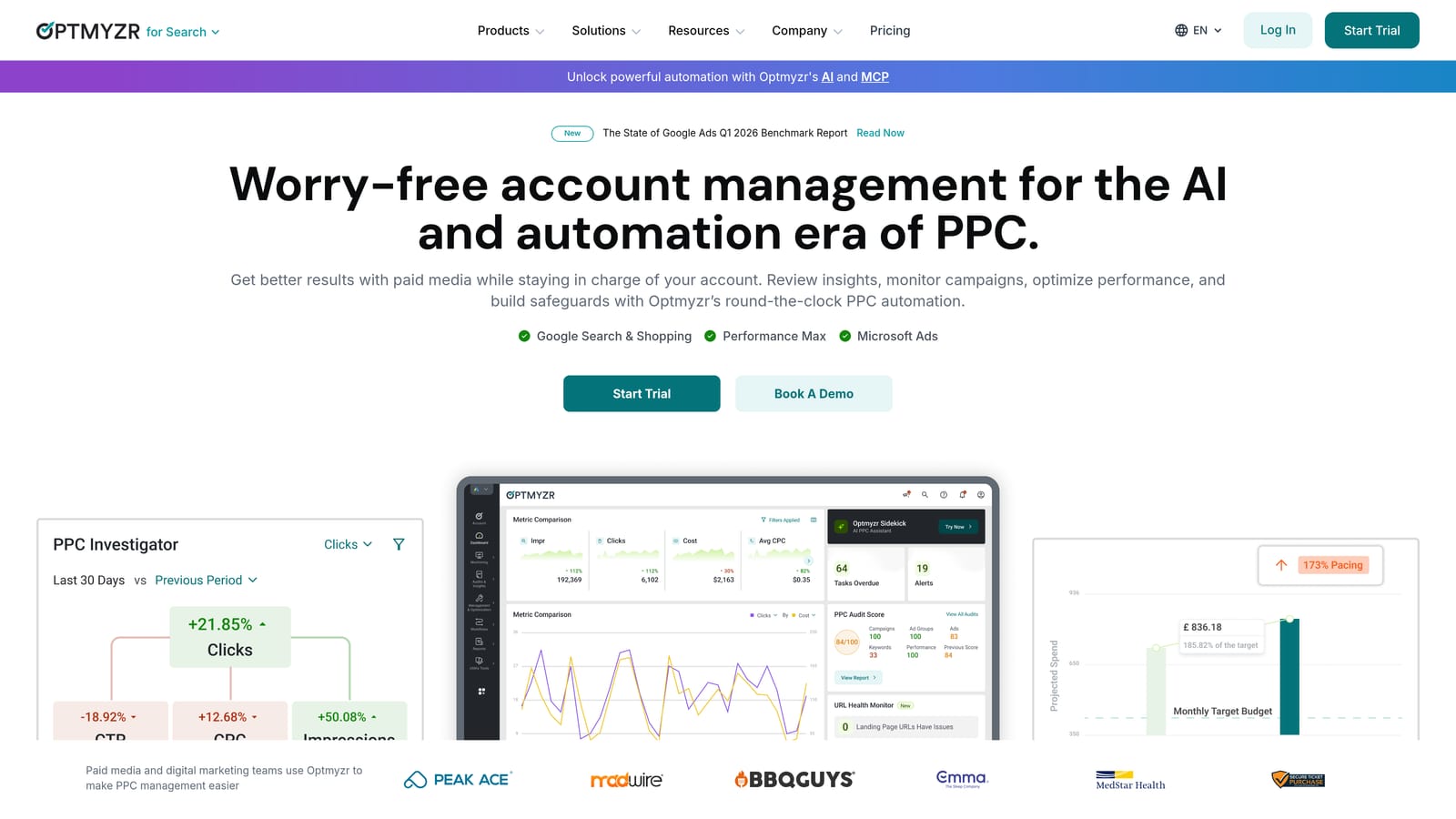
Optmyzr is a full-featured PPC management platform built for agencies and in-house teams that want automation, one-click optimizations, and detailed account oversight across Google Ads and Microsoft Ads.
Where This Tool Shines
What separates Optmyzr from black-box automation tools is explainability. Every recommendation comes with a reason—you can see why the system is suggesting a bid change or budget shift before you approve it. That's a big deal for agencies who need to explain decisions to clients.
The rule-based automation engine is genuinely flexible. You can build custom rules that fire based on performance thresholds, schedule them to run automatically, and review results in a clean audit log. For teams managing 10+ accounts, this kind of structured automation is hard to replicate manually.
Key Features
Rule-Based Automation Engine: Build custom optimization rules with conditional logic across bids, budgets, and keywords.
One-Click Optimizations: Surface actionable recommendations with explanations—approve or dismiss with a single click.
PPC Audit and Health Scoring: Run structured account audits and track account health over time.
Multi-Account Dashboard: Manage and monitor all client accounts from a centralized interface.
Custom Reporting: Build client-facing dashboards and automated reports without needing a separate reporting tool.
Best For
Mid-to-large agencies running multiple client accounts who need automation with transparency. Less suited for individual advertisers managing a single account—the pricing reflects its enterprise positioning.
Pricing
Starts around $208/month. Verify current pricing at their site, as it's subject to change and varies by account volume.
3. SEMrush
Best for: Pre-campaign keyword research and competitive ad intelligence before you spend a dollar.
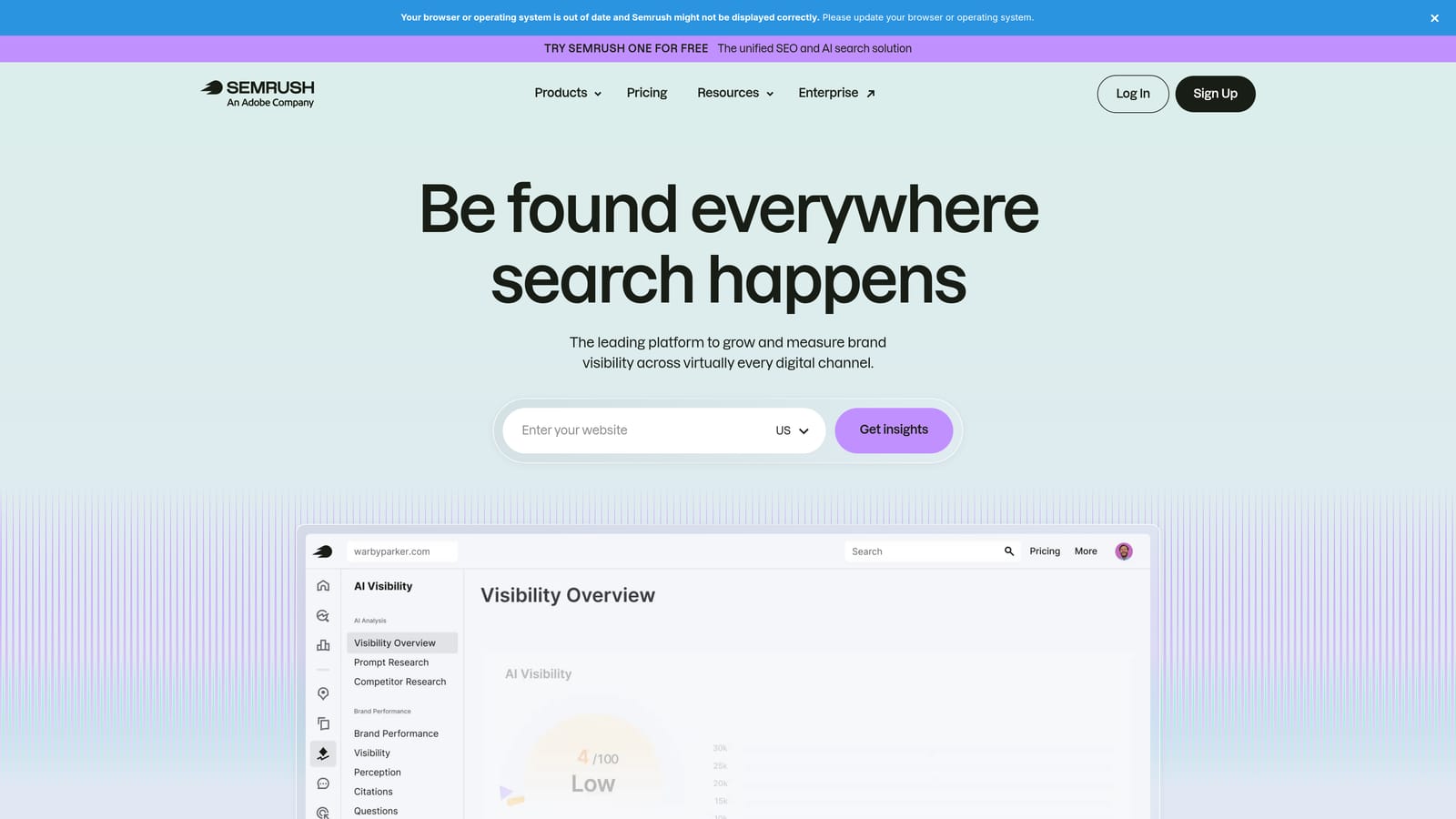
SEMrush is an all-in-one digital marketing platform with a strong Google Ads research layer covering keyword discovery, competitor ad copy analysis, and traffic estimation.
Where This Tool Shines
SEMrush isn't an in-platform optimization tool—it's a research layer you use before and alongside your campaigns. The Advertising Research feature is particularly useful: you can enter any competitor's domain and see which keywords they're bidding on, their ad copy history, and estimated traffic. That kind of intelligence is genuinely useful when building out a new campaign or entering a competitive vertical.
The Keyword Magic Tool is one of the better keyword expansion interfaces available. You can take a seed keyword, generate thousands of variations, filter by intent, volume, and CPC, then export directly into Google Ads. For agencies building campaigns from scratch, this is a significant time saver.
Key Features
Advertising Research: See competitor keywords, ad copies, and estimated traffic data by domain.
Keyword Magic Tool: Build large, segmented keyword lists filtered by intent, volume, and cost-per-click.
Ad Copy History: View historical ad copy variations for any competitor brand.
CPC and Traffic Estimates: Get cost and volume estimates by keyword and location before launching.
Google Ads Integration: Import keyword lists directly into Google Ads from within the platform.
Best For
Agencies and strategists who want deep competitive intelligence and keyword research capability in one platform. SEMrush is overkill if all you need is search term cleanup—but essential if research is a core part of your workflow.
Pricing
Starts around $139.95/month. Verify current pricing on their site—plans and pricing change frequently.
4. SpyFu
Best for: Budget-conscious advertisers who want focused competitor PPC research without paying for a full suite.
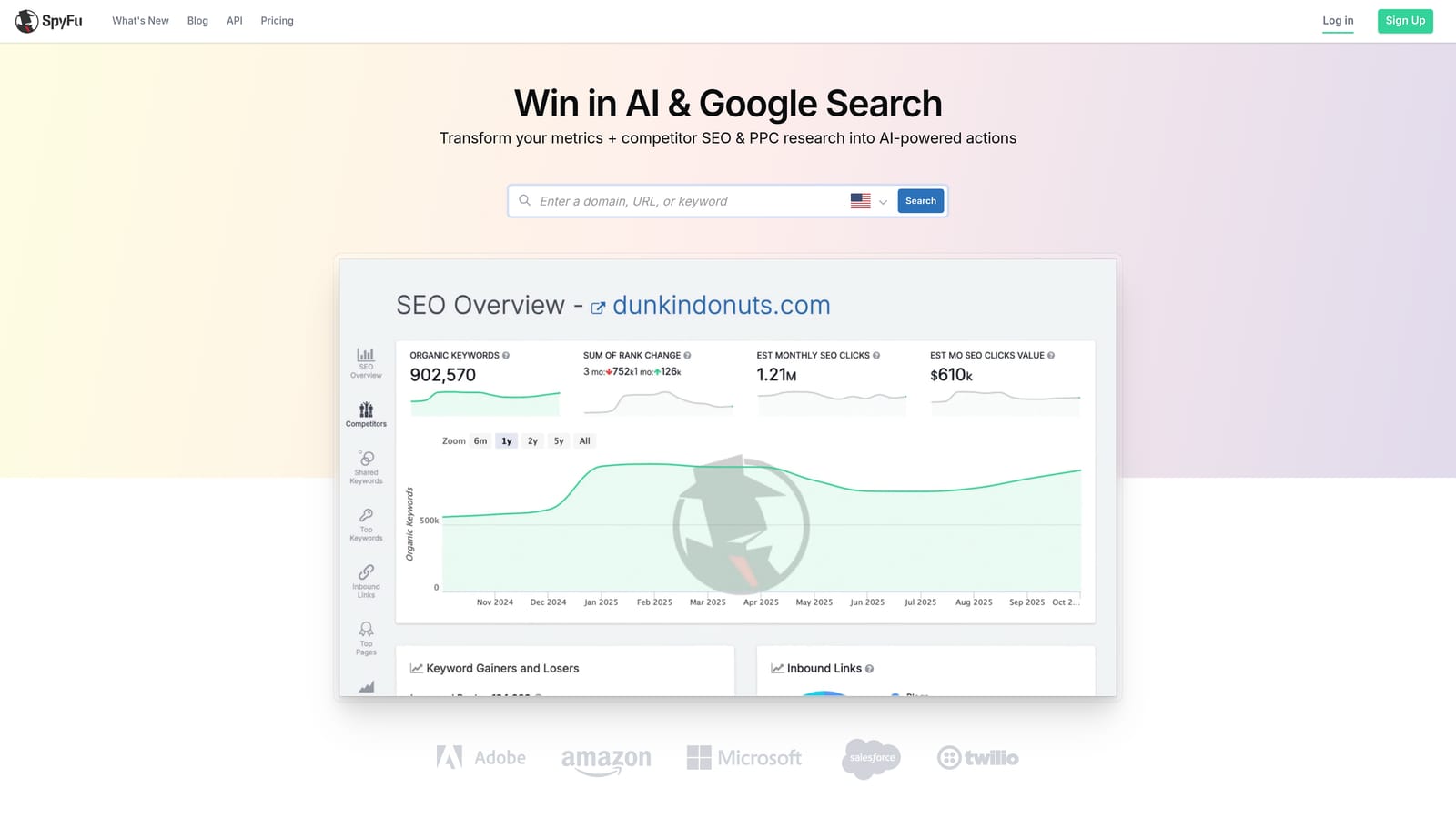
SpyFu is a competitor intelligence tool focused specifically on PPC and SEO research—showing what keywords your competitors are bidding on, their historical ad spend, and their top-performing ad copies.
Where This Tool Shines
SpyFu's biggest advantage is depth of historical data. You can look up a competitor and see their keyword bidding history going back years, which tells you a lot about what's actually working in a market versus what they've tested and abandoned. That's context you can't get from a snapshot tool.
The Kombat tool is a practical differentiator: it maps keyword overlap between you and up to two competitors, highlighting gaps where they're bidding and you're not. For advertisers trying to find untapped keyword opportunities in a crowded vertical, this is a quick win.
Key Features
Competitor Keyword History: See which keywords competitors have bid on, going back multiple years.
Estimated Ad Spend: View estimated monthly Google Ads spend by competitor domain.
Top Ad Copies and Landing Pages: Review top-performing ad creatives and destination pages by competitor.
Kombat Tool: Identify keyword gaps between your account and competitors side-by-side.
SERP Overlap Analysis: Understand where your ads and competitors appear together in search results.
Best For
Freelancers and small agencies who need competitive PPC intelligence but can't justify SEMrush pricing. SpyFu delivers solid research depth at a more accessible price point.
Pricing
Starts around $39/month. Verify current pricing on their site before committing.
5. Google Ads Editor
Best for: Bulk structural changes across campaigns, ad groups, and keywords—completely free.
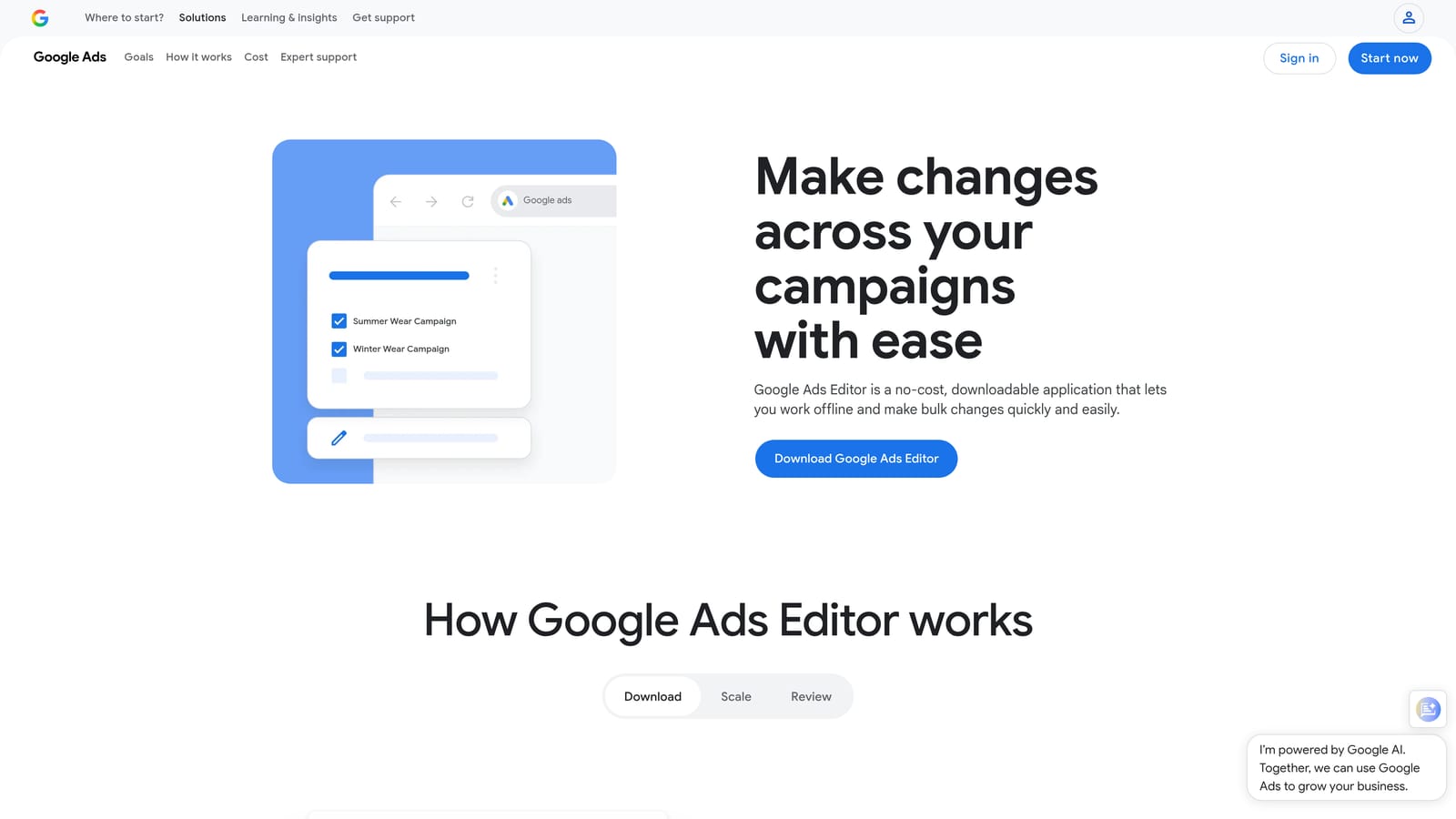
Google Ads Editor is Google's free desktop application for making bulk offline edits to campaigns, ad groups, keywords, and ads, then pushing changes live when ready.
Where This Tool Shines
If you've ever needed to rename 200 ad groups, restructure a campaign, or do a find-and-replace across thousands of keywords, Google Ads Editor is the right tool. It's not glamorous, but it handles bulk structural work better than anything else at any price.
The offline editing workflow is genuinely useful. You can download your account, make large-scale changes without risking live mistakes, review everything in a draft state, and push when you're confident. For agencies doing account restructures or large migrations, this is a standard part of the workflow for good reason.
Key Features
Offline Bulk Editing: Make changes across all campaign elements without affecting live accounts until you're ready to publish.
Find-and-Replace: Update keywords, ad copy, and URLs across campaigns in seconds.
Drag-and-Drop Restructuring: Move ad groups and campaigns around with a visual interface.
Multi-Account Management: Switch between and manage multiple accounts from a single desktop interface.
Free Access: Included with any Google Ads account—no additional subscription required.
Best For
Any Google Ads user doing large-scale structural edits. It's not built for ongoing optimization workflows—but for bulk changes, it's the standard tool and it's free.
Pricing
Free with any Google Ads account.
6. WordStream Advisor
Best for: Small businesses and less experienced advertisers who want guided optimization recommendations.
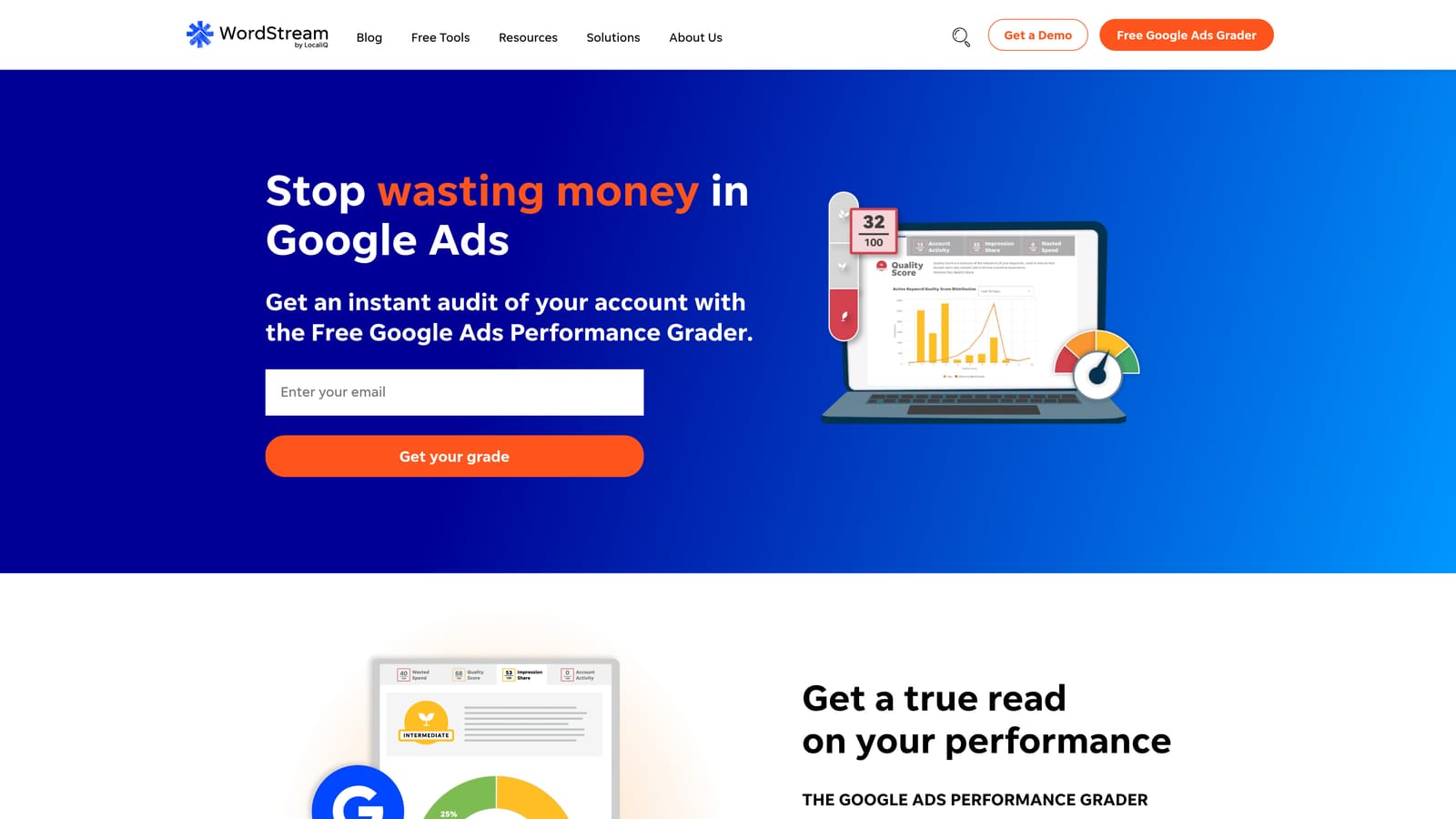
WordStream Advisor (now part of LocaliQ) is a guided PPC management platform that surfaces workflow-based optimization alerts designed to help smaller advertisers improve account performance with minimal time investment.
Where This Tool Shines
WordStream's signature feature is the "20-Minute Work Week"—a curated list of optimization tasks the platform thinks you should do each week, prioritized by potential impact. For business owners who are running Google Ads alongside everything else they do, this kind of guided workflow reduces the cognitive load of knowing where to start.
The mistake most agencies make is recommending WordStream to sophisticated advertisers who outgrow it quickly. It's genuinely well-suited for small businesses with limited PPC experience, but the guardrails that make it accessible also limit what experienced managers can do with it.
Key Features
20-Minute Work Week: Prioritized weekly task list surfacing the highest-impact optimizations for your account.
Keyword and Negative Keyword Alerts: Automated suggestions for expanding or tightening keyword targeting.
Performance Grader: Account health scoring with benchmarks against similar advertisers.
Google and Facebook Ads Management: Manage both platforms from a single interface.
Landing Page Builder: Some plans include a basic landing page tool for campaign destinations.
Best For
Small business owners or marketing generalists who want structured guidance rather than a blank canvas. Not the right fit for experienced PPC managers who want full control and flexibility.
Pricing
Custom pricing—contact WordStream directly for a quote based on your account size and needs.
7. Adalysis
Best for: Advertisers running systematic ad copy testing and Quality Score monitoring at scale.
Adalysis is a Google Ads testing and monitoring tool built specifically for advertisers who want structured A/B testing of ad copy and ongoing Quality Score tracking across large accounts.
Where This Tool Shines
Most advertisers test ads informally—they look at which ad has a better CTR and pause the loser. Adalysis brings statistical rigor to that process. It tracks when tests have reached significance thresholds and flags winners automatically, so you're not making decisions based on small sample sizes or gut feel.
The Quality Score tracking is genuinely useful for accounts with large keyword lists. Watching Quality Score trends at the keyword level over time helps you identify where landing page relevance or ad copy alignment is degrading—before it starts hurting your CPCs in a meaningful way.
Key Features
Automated Ad Testing: Run A/B tests with automatic winner detection based on statistical significance thresholds.
Quality Score Monitoring: Track Quality Score at the keyword level over time, not just as a point-in-time snapshot.
RSA Asset Performance Analysis: Evaluate which Responsive Search Ad assets are driving performance and which to replace.
Automated Underperformance Alerts: Get notified when ads or keywords fall below defined performance benchmarks.
Bulk Ad Creation: Build and manage large volumes of ad variations without manual entry.
Best For
Mid-to-large accounts where ad testing and Quality Score management are ongoing priorities. Less relevant for small accounts with limited ad variation or keyword volume.
Pricing
Starts around $99/month. Verify current pricing on their site before signing up.
8. Google Keyword Planner
Best for: Free, first-party keyword research using Google's own search data.
Google Keyword Planner is Google's native keyword research tool inside Google Ads, providing search volume ranges, competition levels, and suggested bid estimates using first-party data.
Where This Tool Shines
The data comes directly from Google, which matters. Third-party tools estimate search volume using various methodologies—Keyword Planner shows you what Google actually sees. The trade-off is that volume data is shown in ranges rather than exact numbers unless your account is actively spending, which can make it harder to compare keywords precisely.
What usually happens here is that advertisers use Keyword Planner for initial campaign structure and CPC estimates, then layer in a tool like SEMrush or SpyFu for competitive context. On its own, it doesn't show competitor data—but as a free foundation for keyword discovery, it's hard to argue against starting here.
Key Features
First-Party Volume Data: Search volume and forecast data sourced directly from Google's index.
Keyword Ideas: Generate keyword variations from seed terms or competitor URLs.
CPC Range Estimates: View suggested bid ranges by keyword, location, and device.
Keyword Grouping: Get suggested campaign and ad group structures based on your keyword list.
Free Access: Available inside any Google Ads account at no additional cost.
Best For
Anyone starting a new campaign or validating keyword ideas before investing budget. It's the logical first stop for keyword research—especially because it costs nothing.
Pricing
Free with any Google Ads account.
9. Looker Studio
Best for: Building automated, shareable Google Ads dashboards for internal teams or client reporting—free.
Looker Studio is Google's free data visualization platform that connects directly to Google Ads and lets you build fully customizable, automatically refreshing dashboards without any manual data pulling.
Where This Tool Shines
The setup investment is real—Looker Studio has a learning curve if you've never built a dashboard before. But once it's configured, reports update automatically and can be shared via a simple link. No client needs a login. No one needs to export a spreadsheet. That alone saves agencies meaningful time every month.
The blended data sources feature is underused by most advertisers. You can combine Google Ads data with Google Analytics, Google Sheets, and other connectors in a single dashboard. That means you can show campaign spend alongside website conversions, revenue, or any custom metric you're tracking—in one view, without manual merging.
Key Features
Native Google Ads Connector: Pull campaign, ad group, keyword, and conversion data automatically with no manual exports.
Drag-and-Drop Dashboard Builder: Build charts, tables, scorecards, and date range controls without coding.
Shareable via Link: Share reports with clients or stakeholders without requiring them to create a Google account.
Blended Data Sources: Combine Google Ads with Analytics, Search Console, Sheets, and other platforms in one dashboard.
Free Access: Available to anyone with a Google account—no subscription required.
Best For
Agencies and freelancers who need to deliver professional client reporting without paying for a reporting tool. Also strong for in-house teams that want a live performance dashboard accessible to stakeholders at any time.
Pricing
Free with a Google account.
Which Tool Is Right for Your Workflow?
The honest answer is that most serious advertisers use two or three tools in combination. No single tool covers the entire PPC workflow well—and trying to find one that does usually means paying for features you don't need.
Here's a quick breakdown by use case:
Wasted spend from irrelevant search terms: Start with Keywordme. It's the most direct fix, the cheapest entry point, and the one that pays for itself fastest in accounts with messy search term reports.
Building campaigns from scratch: Google Keyword Planner costs nothing and gives you solid first-party data. Layer in SEMrush or SpyFu if you need competitive context on what's already working in your market.
Automation at scale across multiple accounts: Optmyzr is the most mature option. The rule-based engine and audit trail make it worth the higher price for agencies with complex account structures.
Ad testing and Quality Score management: Adalysis is purpose-built for this. If systematic ad testing is a priority, it's the right specialist tool.
Client reporting without manual work: Looker Studio is free and surprisingly powerful once it's set up. Most agencies that invest the setup time don't go back to manual reporting.
A typical agency stack that covers the three biggest time sinks without overlap might look like this: Keywordme for daily search term hygiene, Google Ads Editor for bulk structural changes, and Looker Studio for automated client reporting. That combination is free-to-low-cost and addresses the tasks that eat the most time in most accounts.
None of these tools replace good judgment—but the right ones remove the friction that slows down good decisions. Start with whatever solves your most painful bottleneck, then layer from there.
If search term review is your biggest time drain right now, Start your free 7-day trial of Keywordme—no credit card required, and you'll see the difference in your first session.
.svg)