
9 Best Google Ads Time Saving Tools in 2026
Managing Google Ads campaigns can consume hours each week, but the right google ads time saving tools can automate repetitive tasks and free up time for strategic work. This guide reviews nine top-rated tools for 2026, ranging from Chrome extensions that streamline in-platform workflows to comprehensive automation platforms, helping freelancers, in-house marketers, and agencies work more efficiently across single or multiple accounts.


Managing Google Ads campaigns can eat up hours of your week—especially when you're juggling multiple accounts or clients. The good news? There's a growing ecosystem of tools designed to automate the tedious stuff and get you back to strategic work faster.
This roundup covers the best Google Ads time saving tools available right now, from Chrome extensions that work inside your Ads interface to full-blown automation platforms. Whether you're a solo freelancer, in-house marketer, or agency owner managing dozens of accounts, you'll find something here that fits your workflow and budget.
Let's dig in.
1. Keywordme
Best for: In-interface search term optimization without leaving Google Ads
Keywordme is a Chrome extension that integrates directly into your Google Ads Search Terms Report, letting you optimize campaigns without juggling spreadsheets or switching tabs.

Where This Tool Shines
The biggest time drain in most Google Ads accounts? Manually combing through search terms, copying junk queries into spreadsheets, then uploading negative keyword lists. Keywordme eliminates that entire workflow by letting you take action right where you're already working.
Click once to remove irrelevant search terms. Click again to add high-intent keywords with the right match type. Build negative keyword lists on the fly without leaving the interface. It's the kind of workflow improvement that saves 15-20 minutes per account review—which adds up fast when you're managing multiple clients.
Key Features
One-Click Junk Removal: Flag and exclude irrelevant search terms instantly without copy-pasting into spreadsheets.
Match Type Application: Add new keywords with the correct match type applied in one click—no manual formatting needed.
Bulk Negative Keyword Lists: Build and apply negative keyword lists across campaigns without switching to the shared library.
Multi-Account Support: Manage multiple Google Ads accounts seamlessly with team collaboration features built in.
Native Interface Integration: Works directly inside Google Ads' Search Terms Report—no separate dashboard or learning curve.
Best For
Freelancers and agency teams who spend significant time on search term reviews. If you're managing more than two or three accounts, the time savings compound quickly. Also ideal for in-house marketers who want to optimize faster without adding complexity to their workflow.
Pricing
$12/month per user with a 7-day free trial. Flat-rate pricing regardless of ad spend, which makes it budget-friendly for agencies managing high-spend accounts.
2. Optmyzr
Best for: Comprehensive PPC automation across multiple platforms and accounts
Optmyzr is a full-featured PPC management platform that automates everything from bid adjustments to ad testing with rule-based workflows and one-click optimizations.

Where This Tool Shines
Optmyzr tackles the entire optimization lifecycle, not just one piece of it. You get automated rules for bid management, budget pacing alerts, ad testing frameworks, and custom script builders—all in one platform.
The one-click optimizations are particularly useful. The tool analyzes your account, surfaces recommendations, and lets you implement changes with a single click. It's like having an assistant who pre-screens optimization opportunities and queues them up for your approval.
Key Features
Rule-Based Automation: Set up custom rules for bid adjustments, budget alerts, and performance-based actions that run automatically.
One-Click Optimizations: Review pre-analyzed recommendations and implement changes without manual account digging.
Custom Script Builder: Create and deploy Google Ads scripts without coding knowledge using a visual interface.
Multi-Platform Support: Manage Google Ads, Microsoft Ads, and Amazon Ads from a single dashboard.
Automated Reporting: Schedule client-ready reports that pull fresh data automatically on your chosen cadence.
Best For
Agencies managing dozens of accounts or in-house teams running complex multi-platform campaigns. The platform scales well when you're juggling high account volumes and need centralized automation.
Pricing
Starts at $249/month. Pricing scales with the number of accounts and ad spend managed, so expect higher tiers for enterprise use.
3. Google Ads Editor
Best for: Bulk campaign edits and offline work without API limits
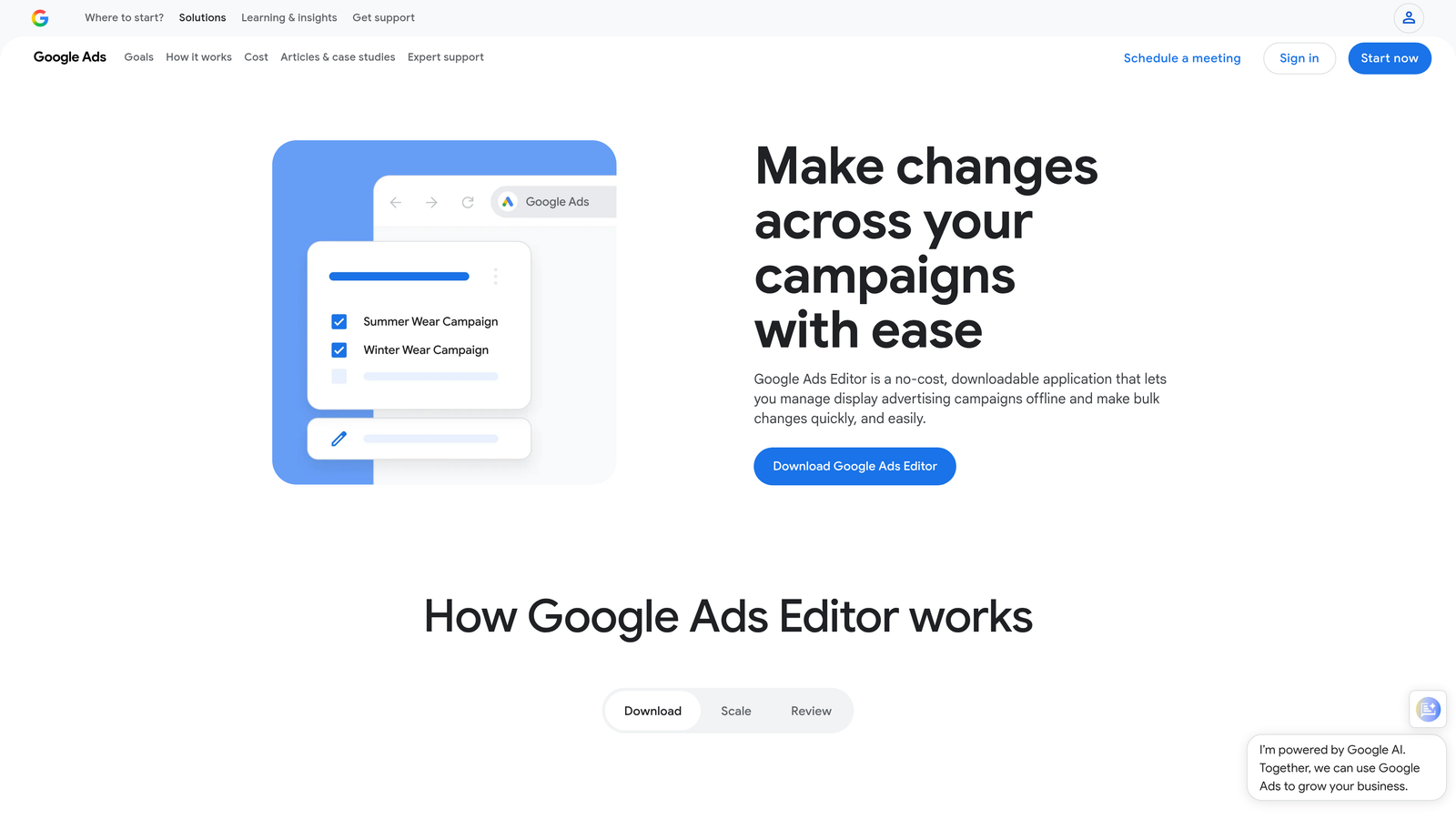
Google Ads Editor is Google's free desktop application that lets you download campaigns, make bulk changes offline, and push updates back to your account when ready.
Where This Tool Shines
When you need to restructure campaigns, update hundreds of keywords, or copy settings across accounts, doing it in the web interface is painfully slow. Ads Editor lets you work offline, use find-and-replace across entire campaigns, and preview changes before publishing.
The copy-paste functionality between accounts is a game-changer for agencies. Build a campaign structure once, then replicate it across client accounts in minutes instead of hours. No third-party tool required.
Key Features
Bulk Editing: Make sweeping changes to keywords, ads, bids, and settings across thousands of items at once.
Offline Capability: Download campaigns and work without an internet connection, then sync changes when you're back online.
Find and Replace: Update URLs, ad copy, or keyword text across entire campaigns with search-and-replace functionality.
Cross-Account Copying: Copy campaign structures, ad groups, and settings between different Google Ads accounts seamlessly.
Draft Mode: Stage changes and review them before pushing live—helpful for team approval workflows.
Best For
Anyone managing Google Ads, honestly. It's free and handles bulk work better than the web interface. Especially valuable for agencies launching similar campaigns for multiple clients or in-house teams running large-scale account restructures.
Pricing
Free. No limitations, no hidden costs. Just download and use it.
4. Adalysis
Best for: Automated ad testing and proactive account monitoring
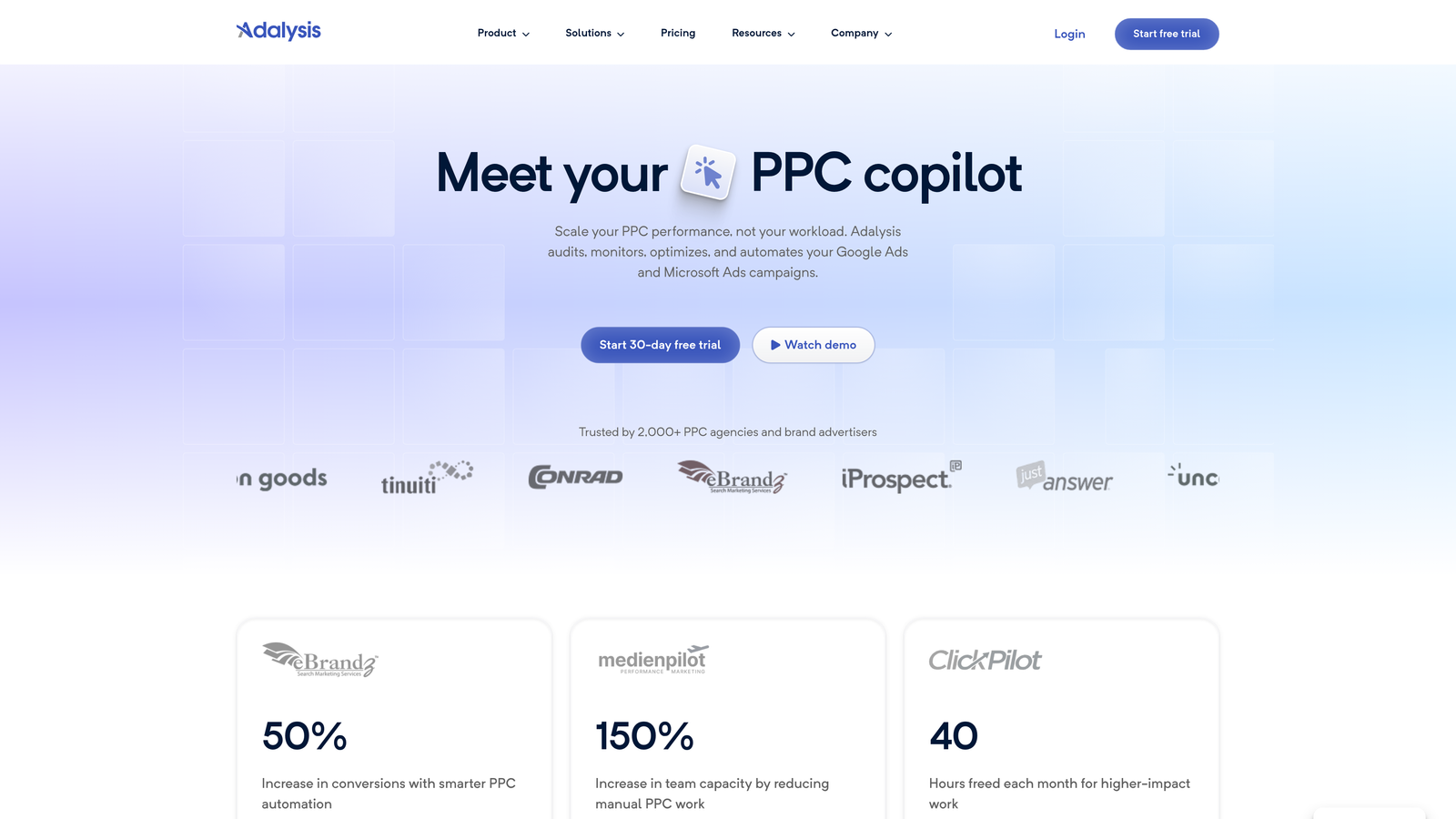
Adalysis is an automation platform focused on ad testing, Quality Score tracking, and proactive alerts that catch account issues before they become expensive problems.
Where This Tool Shines
Ad testing is one of those tasks that everyone knows matters but few people do consistently. Adalysis automates the entire process—it tracks statistical significance, pauses underperforming ads, and surfaces winners without manual spreadsheet tracking.
The proactive alerts are equally valuable. Get notified when Quality Scores drop, when campaigns hit daily budgets early, or when conversion tracking breaks. It's like having a second set of eyes on your account 24/7.
Key Features
Automated Ad Testing: Run statistically valid A/B tests on ad copy and automatically pause losers when significance is reached.
Proactive Alerts: Receive notifications for budget caps, broken tracking, Quality Score changes, and performance anomalies.
Quality Score Tracking: Monitor historical Quality Score data at the keyword level to identify optimization opportunities.
Automated Recommendations: Get daily optimization suggestions based on account performance patterns and best practices.
RSA Analysis: Track which Responsive Search Ad combinations perform best and surface top-performing asset combinations.
Best For
Marketers who want to run disciplined ad testing without manual tracking. Also great for agencies that need proactive monitoring across client accounts to catch issues early.
Pricing
Starts at $149/month. Pricing scales based on ad spend and number of accounts managed.
5. WordStream
Best for: Small business marketers who want guided optimization workflows
WordStream is a PPC management platform designed for SMBs and agencies serving small businesses, with a signature "20-Minute Work Week" optimization workflow that guides you through high-impact tasks.

Where This Tool Shines
WordStream's strength is making PPC optimization approachable for non-experts. The platform analyzes your account, prioritizes the highest-impact changes, and walks you through implementing them in a structured workflow.
The 20-Minute Work Week is exactly what it sounds like—a curated list of optimization tasks that you can knock out in one focused session. It's perfect for small business owners or marketers juggling PPC alongside other responsibilities.
Key Features
20-Minute Work Week: Guided optimization workflow that surfaces high-priority tasks and walks you through fixes step-by-step.
Cross-Platform Management: Manage Google Ads, Facebook Ads, and Microsoft Ads from a single interface.
Performance Alerts: Get notified about budget overruns, performance drops, and optimization opportunities automatically.
Keyword Research Tools: Built-in keyword discovery and negative keyword suggestions based on search term data.
Reporting Dashboards: Client-ready reports that update automatically and can be white-labeled for agencies.
Best For
Small business owners running their own PPC or agencies managing campaigns for local businesses. The guided workflows make it accessible without sacrificing effectiveness.
Pricing
Custom pricing based on monthly ad spend. Contact their sales team for a quote—pricing typically starts around a few hundred dollars per month for smaller accounts.
6. Channable
Best for: E-commerce advertisers automating product feed management and campaign creation
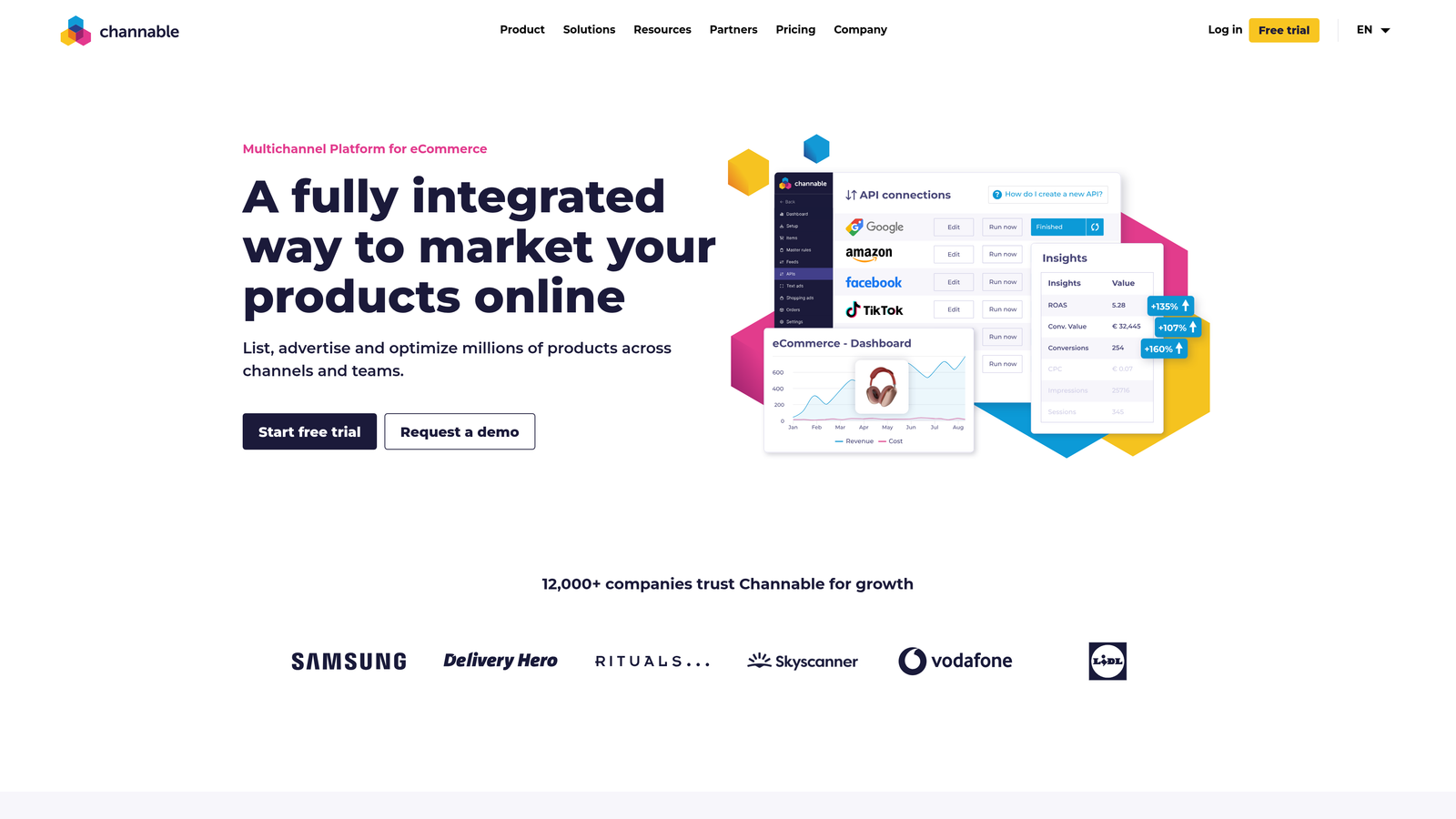
Channable is a feed management and campaign automation platform built specifically for e-commerce businesses running Shopping campaigns and dynamic product ads.
Where This Tool Shines
If you're managing hundreds or thousands of SKUs, manually maintaining product feeds and Shopping campaigns is a nightmare. Channable automates the entire process—from feed optimization to rule-based campaign creation based on inventory levels.
The dynamic text ad generation is particularly clever. Set up templates that pull product attributes automatically, and Channable creates text ads at scale without manual copywriting. When inventory changes, campaigns update automatically.
Key Features
Automated Feed Optimization: Apply rules to product feeds to improve titles, descriptions, and attributes for better Shopping performance.
Dynamic Text Ad Generation: Create text ad templates that auto-populate with product data for scalable campaign creation.
Rule-Based Campaign Creation: Set up automation rules that create or pause campaigns based on inventory levels, pricing, or performance.
Multi-Channel Feed Distribution: Push optimized feeds to Google Shopping, Facebook, Amazon, and other marketplaces from one platform.
Inventory-Based Automation: Automatically pause ads for out-of-stock products and reactivate when inventory returns.
Best For
E-commerce businesses with large product catalogs who need to automate feed management and Shopping campaign maintenance. Especially valuable for retailers with frequent inventory changes.
Pricing
Starts at €59/month. Pricing scales based on the number of products and channels managed.
7. Supermetrics
Best for: Automating PPC reporting and data pipelines to spreadsheets or BI tools
Supermetrics is a data connector that automates pulling PPC data into Google Sheets, Excel, Looker Studio, or data warehouses—eliminating manual reporting work.

Where This Tool Shines
Reporting is one of the biggest time sinks in PPC management. Supermetrics eliminates the manual export-import cycle by automatically pulling fresh data into your reporting templates on a schedule you set.
The cross-platform data blending is especially useful for agencies. Pull Google Ads, Facebook Ads, and Microsoft Ads data into a single spreadsheet or dashboard, then analyze performance across channels without switching between platforms.
Key Features
Automated Data Pulls: Schedule automatic data refreshes to Google Sheets or Excel—daily, weekly, or custom intervals.
Looker Studio Connector: Build dashboards in Looker Studio (formerly Data Studio) that pull live data from Google Ads and other platforms.
Scheduled Report Refreshes: Set up client reports that update automatically without manual intervention.
Cross-Platform Blending: Combine data from multiple ad platforms into unified reports for holistic performance analysis.
Data Warehouse Integrations: Push PPC data to BigQuery, Snowflake, or other data warehouses for advanced analytics.
Best For
Agencies and in-house teams that produce regular client or stakeholder reports. If you're spending hours each week exporting data and updating spreadsheets, Supermetrics pays for itself quickly.
Pricing
Starts at $39/month per connector (e.g., Google Ads to Google Sheets). Pricing increases for additional connectors and data destinations.
8. PPC Samurai
Best for: PPC teams that need workflow automation and task management
PPC Samurai is a workflow automation platform with built-in SOPs, task management, and automated issue detection designed specifically for PPC teams and agencies.
Where This Tool Shines
PPC Samurai approaches time savings from a process angle rather than just optimization automation. It gives you pre-built workflows for common PPC tasks—like new campaign launches or monthly account audits—and tracks completion across your team.
The automated issue detection runs in the background and flags problems like broken tracking, budget pacing issues, or disapproved ads. Instead of manually checking each account, you get a prioritized list of what needs attention.
Key Features
Pre-Built Workflows: Use templated SOPs for campaign launches, audits, and optimization tasks with built-in checklists.
Task Management: Assign tasks to team members and track progress on optimization projects across multiple accounts.
Automated Issue Detection: Get alerts for common account problems like tracking failures, budget issues, or performance anomalies.
Team Collaboration: Share notes, tag teammates, and maintain account history for seamless handoffs and collaboration.
White-Label Reporting: Generate client reports with your agency branding that update automatically.
Best For
Agencies with multiple team members who need process consistency and task tracking. Also useful for in-house teams that want to standardize optimization workflows.
Pricing
Starts at $99/month. Pricing scales based on the number of users and accounts managed.
9. Skai (formerly Kenshoo)
Best for: Enterprise advertisers running cross-channel campaigns at scale
Skai is an enterprise-level advertising platform with AI-powered automation, cross-channel management, and advanced attribution modeling for large-scale advertisers.
Where This Tool Shines
Skai is built for advertisers spending millions annually across multiple channels. The AI-powered bid optimization uses machine learning to adjust bids in real-time based on conversion probability, not just historical data.
The cross-channel campaign management is where enterprise teams see the most value. Manage Google Ads, Facebook, Amazon, Apple Search Ads, and other platforms from a unified interface with consistent reporting and budget allocation across channels.
Key Features
AI-Powered Bid Optimization: Machine learning algorithms that optimize bids in real-time based on conversion likelihood and business goals.
Cross-Channel Management: Manage campaigns across Google, Facebook, Amazon, and other platforms from a single interface.
Predictive Budget Allocation: AI-driven budget recommendations that shift spend to highest-performing channels automatically.
Advanced Attribution Modeling: Multi-touch attribution that tracks customer journeys across channels and devices.
Enterprise Reporting: Customizable dashboards with real-time data access and white-label options for agency clients.
Best For
Enterprise brands and large agencies managing high-budget, multi-channel campaigns. The platform requires significant ad spend to justify the cost and complexity.
Pricing
Enterprise pricing only—contact Skai for a custom quote. Expect pricing in the thousands per month based on ad spend and feature requirements.
Making the Right Choice
The right time-saving tool depends on where you're losing the most hours. If search term reviews are eating your day, Keywordme's in-interface workflow cuts that time dramatically. Need comprehensive automation across your entire account? Optmyzr or Adalysis deliver end-to-end optimization.
For bulk editing without paying for software, Google Ads Editor remains unbeatable—it's free and handles large-scale changes better than the web interface. E-commerce advertisers managing product feeds should look at Channable for inventory-based automation.
If reporting is your biggest time drain, Supermetrics eliminates the manual export cycle. Agencies managing multiple clients benefit from PPC Samurai's workflow management or WordStream's guided optimization approach. And enterprise teams running multi-million dollar budgets across channels need the firepower of Skai.
Most of these tools offer free trials, so test before committing. Start with your biggest pain point—whether that's search term cleanup, reporting, or bulk edits—and pick the tool that directly addresses it.
Start your free 7-day trial of Keywordme and see how much faster search term optimization becomes when you're working right inside Google Ads. No spreadsheets, no tab-switching, just quick clicks that save hours every week. After the trial, it's just $12/month—less than the cost of one wasted hour.
.svg)