
9 Best Google Ads Time Management Tools in 2026
This guide reviews the 9 best Google Ads time management tools for 2026, covering everything from in-interface search term cleanup to automation and reporting. Whether you're a solo freelancer or a multi-client agency, these tools are selected for their direct impact on reducing manual work and speeding up campaign management.


Managing Google Ads campaigns eats time fast. Between reviewing search terms, adjusting bids, adding negative keywords, and juggling multiple accounts, it's easy to spend hours on tasks that should take minutes. The right tools change that.
This list covers the best tools for cutting down time spent on Google Ads busywork, from in-interface optimization to reporting, automation, and project management. Whether you're a solo freelancer or running an agency with dozens of clients, at least a few of these will fit your workflow.
Tools are included based on direct relevance to Google Ads workflows, time-saving capability, ease of use, and practical value for marketers, freelancers, and agency owners.
1. Keywordme
Best for: Fast search term cleanup and keyword management directly inside Google Ads
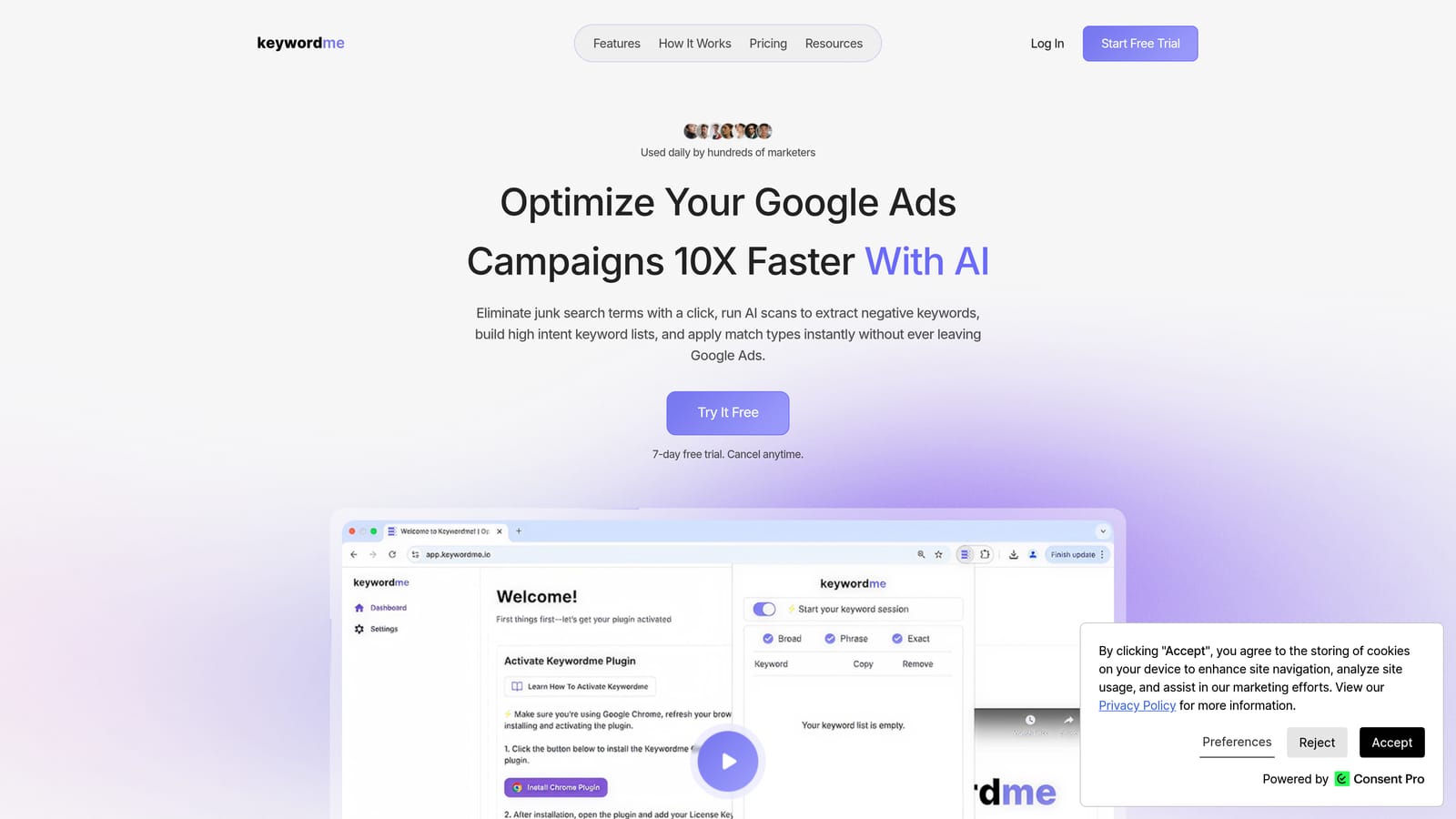
Keywordme is a Chrome extension that plugs directly into the Google Ads Search Terms Report, letting you remove junk search terms, add negative keywords, promote high-intent terms, and apply match types with single clicks, without ever leaving Google Ads.
Where This Tool Shines
The biggest time drain in most Google Ads accounts is search term review. The default workflow involves exporting data, working through a spreadsheet, and then uploading changes back into the platform. Keywordme cuts that loop entirely by putting the actions directly where the data already lives.
You review a search term, decide it's irrelevant, and remove it with one click. You spot a high-intent term and promote it as a keyword with your chosen match type, right there in the report. No tab switching, no spreadsheet columns, no batch uploads from an external file. The tool requires user-initiated actions, so you stay in control of every decision.
Key Features
One-Click Negative Keyword Addition: Add irrelevant search terms as negatives directly from the Search Terms Report without leaving the Google Ads interface.
One-Click Keyword Promotion: Promote high-intent search terms to keywords with match type selection applied immediately.
Keyword Clustering: Organize terms by theme to spot patterns faster and build more structured keyword lists.
Bulk Editing: Handle large-scale changes across many terms at once, rather than acting on each row individually.
Multi-Account and Team Support: Manage multiple client accounts and collaborate with team members, making it practical for agency workflows.
Best For
Keywordme is a strong fit for freelancers and agency managers who spend significant time in the Search Terms Report each week. If search term cleanup and keyword list building are your biggest time sinks inside Google Ads, this is the most direct solution on this list. It's also well-suited for agencies where multiple team members need access to the same accounts.
Pricing
$12 per user per month. A 7-day free trial is available, so you can test it against your real workflow before committing.
2. Google Ads Scripts
Best for: Automating repetitive monitoring, alerting, and reporting tasks inside Google Ads
Google Ads Scripts is a free, native Google Ads feature that lets you write JavaScript to automate repetitive account tasks like bid adjustments, budget alerts, and scheduled reporting.

Where This Tool Shines
Scripts handle the tasks you'd otherwise check manually on a recurring basis: flagging campaigns that are overspending, pausing ads when inventory runs out, or pulling performance data into a Google Sheet on a schedule. Once a script is set up and running, it works in the background without any manual triggering.
The community around Google Ads Scripts is active, and there are many pre-built scripts available for common use cases. If you don't know JavaScript, you can often find a script that does what you need and adapt it with minimal changes.
Key Features
Built Into Google Ads: No third-party account or integration required. Scripts run natively inside the platform.
Scheduled Execution: Scripts can run on a set schedule, daily, weekly, or hourly, without manual intervention.
Community Script Library: A large collection of pre-built scripts is available for common PPC tasks, including budget management and anomaly detection.
Broad Automation Scope: Scripts can interact with campaigns, ad groups, keywords, ads, and reporting data.
Best For
Google Ads Scripts work best for practitioners who are comfortable with basic JavaScript or willing to adapt existing scripts. They're particularly valuable for accounts that require ongoing automated monitoring, like budget pacing alerts or performance threshold checks, where manual review would otherwise take up regular time.
Pricing
Free. You only need an active Google Ads account to use them.
3. Optmyzr
Best for: Agency-scale PPC management with rule-based automation and optimization workflows
Optmyzr is a PPC management platform with rule-based automation, one-click optimization recipes, and multi-account reporting tools designed to speed up campaign management across large account portfolios.

Where This Tool Shines
Optmyzr is built around the idea that most PPC optimization tasks follow repeatable patterns. Its optimization recipes package those patterns into guided workflows you can apply with minimal manual effort. Instead of building rules from scratch, you choose a recipe, review the recommendations, and apply what makes sense.
For agencies managing many accounts simultaneously, the multi-account dashboard and automated alerts reduce the time spent checking in on individual campaigns. You can monitor performance signals across clients from one place rather than logging in and out of separate accounts.
Key Features
Optimization Recipes: Pre-built workflows for common PPC tasks like bid adjustments, keyword expansion, and quality score improvements.
Rule-Based Automation: Set conditions for automatic bid, budget, and keyword changes based on performance data.
Multi-Account Dashboard: View and manage multiple client accounts from a single interface.
Reporting and Alerting: Automated performance reports and alerts built into the platform.
Best For
Optmyzr is most valuable for agencies and larger in-house teams managing multiple Google Ads accounts where the volume of optimization work makes manual management impractical. Solo freelancers with a small number of accounts may find it more than they need.
Pricing
Paid plans with pricing that varies by account volume and features. Check optmyzr.com for current pricing details.
4. Google Ads Editor
Best for: Bulk offline edits to campaigns, keywords, and ads without the slow browser interface
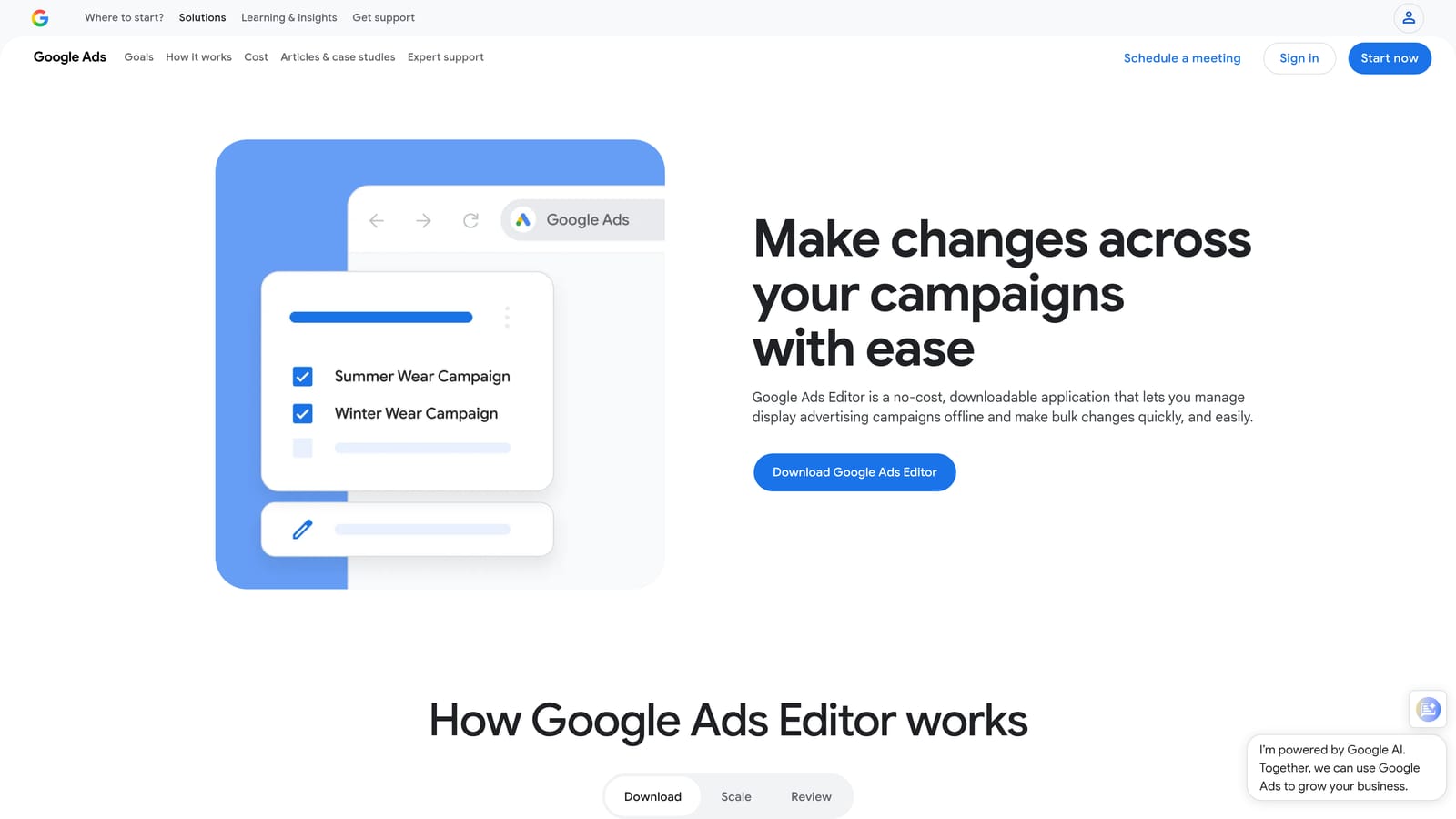
Google Ads Editor is a free desktop application from Google that lets you make bulk offline edits to campaigns, ad groups, keywords, and ads, then upload all changes at once when you're ready.
Where This Tool Shines
Anyone who has tried to make sweeping changes across a large Google Ads account through the browser interface knows how slow it gets. Ads Editor removes that friction by letting you work offline, apply bulk changes across multiple campaigns simultaneously, and upload everything in a single batch.
The find-and-replace function alone saves meaningful time when you need to update ad copy across dozens of ad groups. You can also copy campaigns, duplicate structures, and reorganize account architecture much faster than you could through the browser.
Key Features
Bulk Editing: Make changes across multiple campaigns, ad groups, and keywords at the same time.
Offline Workflow: Work without an internet connection and upload changes when you're ready.
Find and Replace: Update text across large numbers of ads quickly without editing each one individually.
Free to Use: No cost beyond having a Google Ads account.
Best For
Google Ads Editor is useful for anyone who regularly makes large-scale structural or copy changes to campaigns. It's especially practical for agencies that build out new campaign structures for clients or need to replicate campaign setups across multiple accounts.
Pricing
Free.
5. Looker Studio
Best for: Automated, shareable Google Ads dashboards that replace manual report building
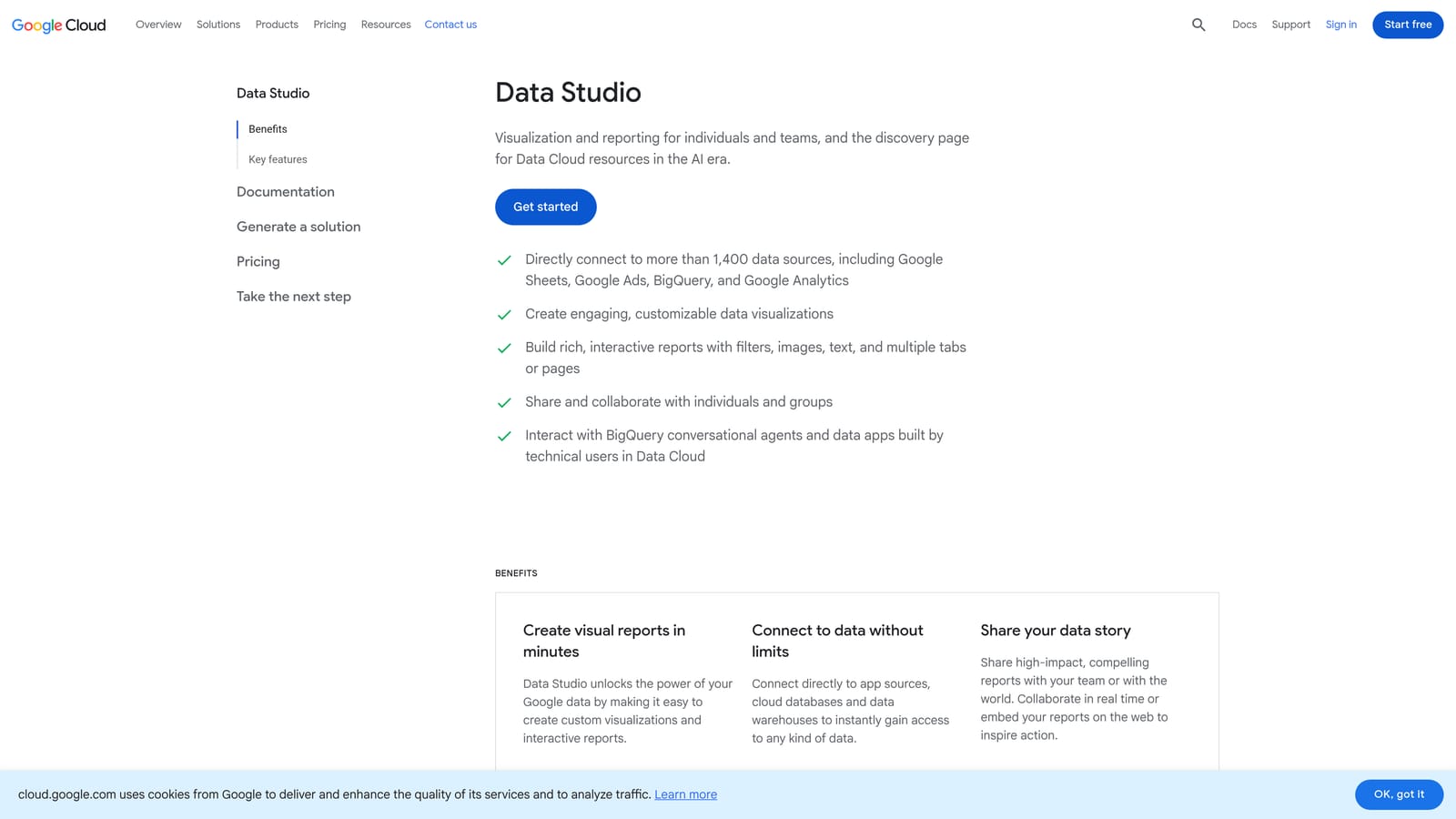
Looker Studio is Google's free data visualization tool that connects natively to Google Ads and turns your campaign data into automated, shareable dashboards, with no manual report building required after the initial setup.
Where This Tool Shines
If you're building the same performance report for a client every week or month, Looker Studio replaces that recurring task with a dashboard that updates automatically. The native Google Ads connector pulls data directly without any export or import step.
You build the report once, share a link with the client, and the data stays current. Clients can view it anytime without you sending a new PDF. For agencies with multiple reporting clients, this alone can reclaim hours each month.
Key Features
Native Google Ads Connector: Pulls campaign data directly without manual exports or third-party connectors.
Automated Dashboard Refresh: Data updates on a schedule, so reports stay current without manual intervention.
Shareable Links: Replace manual PDF reports with a live link clients can access anytime.
Free to Use: Available to anyone with a Google account.
Best For
Looker Studio is most valuable for freelancers and agencies who spend regular time building and sending performance reports. It's also useful for in-house teams that need ongoing visibility into campaign performance without pulling data manually each time.
Pricing
Free.
6. Supermetrics
Best for: Automated data pipelines from Google Ads into Sheets, Looker Studio, or BI tools
Supermetrics is a data pipeline tool that automatically pulls Google Ads data into Google Sheets, Looker Studio, BigQuery, or your BI tool of choice on a set schedule.
Where This Tool Shines
Looker Studio works well for standard dashboards, but Supermetrics gives you more flexibility when your reporting needs are more complex. If you need Google Ads data in a specific spreadsheet format, combined with data from other ad platforms, or flowing into a data warehouse, Supermetrics handles that pipeline automatically.
The scheduled data refresh means your Sheets or dashboards update without anyone manually pulling and formatting exports. For teams that build custom reports combining Google Ads with Facebook, LinkedIn, or other channel data, Supermetrics is often the practical solution.
Key Features
Scheduled Data Pulls: Automatically refreshes Google Ads data in connected destinations on a set schedule.
Multi-Destination Support: Connects to Google Sheets, Looker Studio, BigQuery, and various BI tools.
Multi-Platform Connectors: Pull data from multiple ad platforms through one tool, not just Google Ads.
Reduced Manual Work: Replaces recurring data export and formatting tasks with an automated pipeline.
Best For
Supermetrics fits teams and agencies that need flexible, automated data pipelines for reporting, especially when working across multiple ad platforms or building reports in tools beyond Looker Studio. It's more than most solo freelancers need, but pays off quickly for teams with heavy reporting demands.
Pricing
Paid plans with pricing that varies by destination and data volume. Check supermetrics.com for current pricing.
7. Zapier
Best for: No-code automation between Google Ads and other tools in your stack
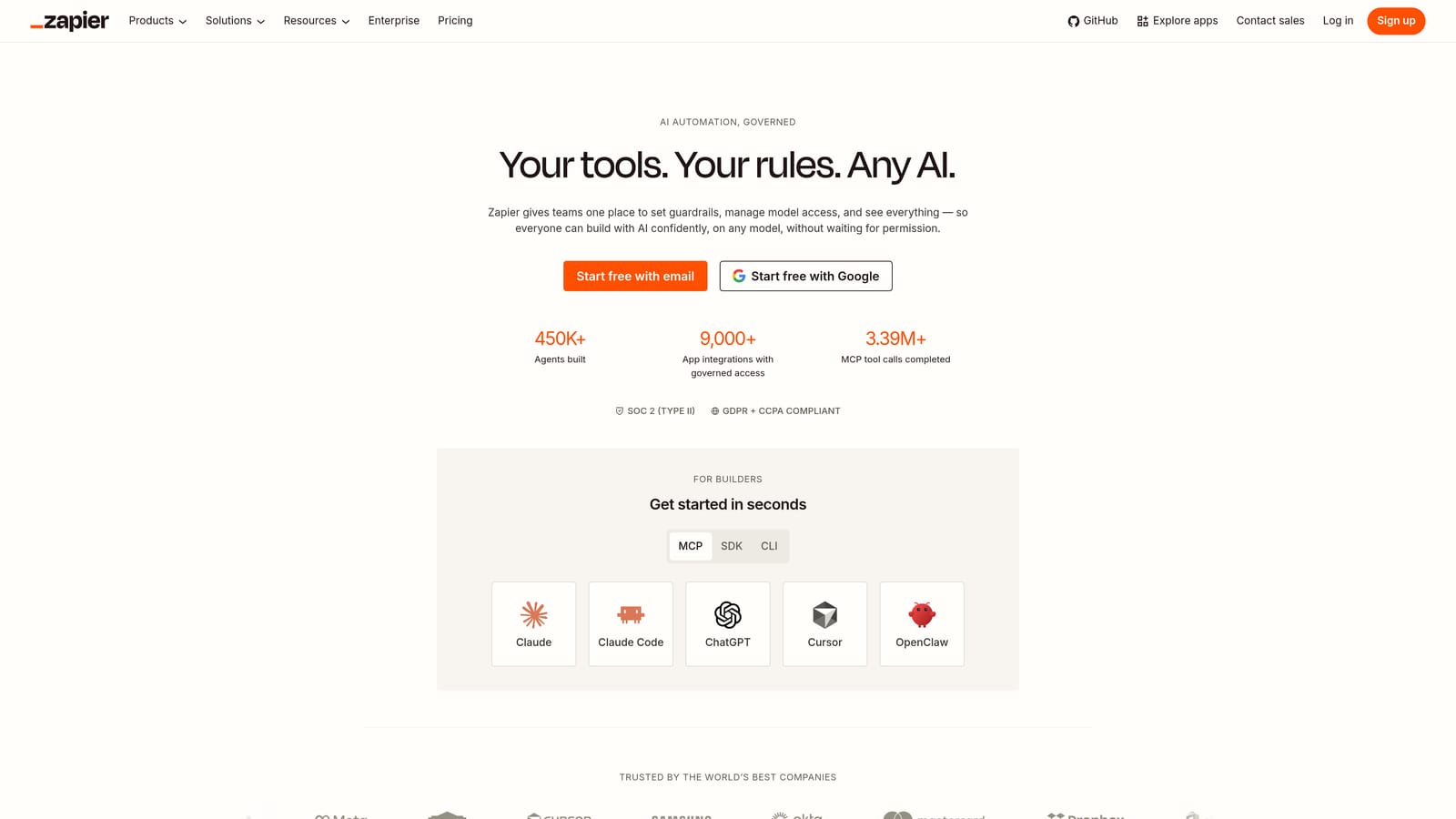
Zapier is a no-code automation platform that connects Google Ads to hundreds of other apps, including CRMs, Slack, and email tools, so you can automate cross-tool workflows without writing code.
Where This Tool Shines
Google Ads doesn't exist in isolation. You're likely pulling lead data into a CRM, notifying your team about campaign performance in Slack, or logging conversions somewhere outside the platform. Zapier handles the connective tissue between these tools automatically.
Common use cases include notifying a Slack channel when a campaign hits a spend threshold, syncing new lead form submissions to a CRM, or logging conversion events in a tracking sheet. These are tasks that would otherwise require someone to check manually or copy data between systems.
Key Features
No-Code Automation: Build automated workflows between Google Ads and 5,000-plus apps without writing code.
Event-Based Triggers: Trigger actions in other tools based on Google Ads events like new leads or spend thresholds.
Pre-Built Zap Templates: Start from existing templates for common PPC-adjacent workflows instead of building from scratch.
Free Tier Available: Basic automations are available at no cost, with paid plans for higher task volumes.
Best For
Zapier is most useful for freelancers and agency managers who regularly move data between Google Ads and other tools in their stack. If you find yourself manually copying information from one platform to another on a recurring basis, Zapier is worth exploring.
Pricing
Free tier available for basic automations. Paid plans for higher task volumes. Check zapier.com for current plan details.
8. Trello and Asana
Best for: Organizing campaign tasks, client requests, and recurring Google Ads workflows
Trello and Asana are visual project management tools used by PPC teams and agencies to track campaign tasks, manage client requests, and keep Google Ads workflows on schedule.
Where This Tool Shines
Time management isn't only about faster execution inside Google Ads. It's also about knowing what needs to happen, when, and who owns it. Without a system for tracking tasks, recurring audits get missed, client requests fall through the cracks, and work piles up unevenly across a team.
Both Trello and Asana give you a place to organize that work visually. Trello's card-and-board layout works well for teams that prefer a kanban-style view. Asana offers more structure with task dependencies and timeline views, which suits larger teams with more complex workflows. Either one can hold your recurring Google Ads audit checklist, campaign launch tasks, and client-specific workspaces.
Key Features
Visual Task Boards: Track campaign tasks and deadlines in a format that's easy to scan at a glance.
Client Workspaces: Organize work by client or account to keep agency workflows clear and separate.
Recurring Checklists: Build repeatable checklists for Google Ads audits, campaign launches, or monthly reviews.
Free Tiers Available: Both tools offer free plans that cover the basics for small teams.
Best For
Trello and Asana are most useful for agencies and freelancers managing multiple clients simultaneously, where keeping track of what's due and who's responsible is itself a time management challenge. Solo practitioners with just a few accounts may not need this layer of organization.
Pricing
Both offer free tiers suitable for small teams. Paid plans are available for larger teams with more advanced needs. Check each tool's website for current plan details.
9. Toggl Track
Best for: Tracking how much time Google Ads work actually takes, by client or task
Toggl Track is a simple time tracking tool with one-click timers and project and client tagging, useful for freelancers and agencies who need to know exactly how much time Google Ads work takes.
Where This Tool Shines
You can't manage time you haven't measured. Many freelancers and agency managers have a rough sense of how long account work takes, but the actual numbers often surprise them. Toggl Track makes it easy to start and stop a timer with one click, tag it to a client or task, and review a breakdown of where hours actually went at the end of the week.
That data is useful in several ways. It helps with accurate client billing, informs decisions about which accounts are profitable, and reveals where workflow improvements would have the most impact. If search term review is taking three hours a week per account, that's a clear signal to look at tools that speed it up.
Key Features
One-Click Timers: Start and stop time tracking instantly with project and client tags applied.
Time Breakdown Reports: See exactly how time is distributed across accounts, tasks, or team members.
Browser Extension: Start and stop timers from the browser while working in Google Ads or other tools.
Free Tier for Small Teams: Available at no cost for teams of up to five users.
Best For
Toggl Track is most practical for freelancers who bill clients by the hour and agencies that need visibility into time spent per account. It's also useful for anyone trying to identify which parts of their Google Ads workflow are taking disproportionate time before deciding which optimization tools to prioritize.
Pricing
Free for up to five users. Paid plans available for larger teams or advanced reporting needs. Check toggl.com/track for current details.
Which Tool Is Right for Your Workflow
You don't need all nine of these. The goal is to match the tool to your actual biggest time drain, not to build the most impressive tech stack.
If your biggest time sink is search term cleanup and keyword management inside Google Ads, start with Keywordme. It's purpose-built for exactly that workflow, and it operates directly in the interface where you're already working. For bulk offline edits across campaigns and ad groups, Google Ads Editor is free and handles that job well.
If you're spending hours each month building and sending client reports, Looker Studio will give you that time back with automated, shareable dashboards. If your reporting needs are more complex or span multiple ad platforms, Supermetrics adds the pipeline flexibility you need. For connecting Google Ads to the rest of your tool stack without writing code, Zapier handles that connective tissue cleanly.
Trello or Asana are worth adding if task and client management is where things fall through the cracks. And if you're not sure where your time is actually going, Toggl Track is the simplest place to start before making any other decisions.
Most of these tools have free tiers or trials, so there's no reason not to test before committing. Pick the one or two that match your current biggest friction point, get comfortable with them, and layer in more as your workflow scales.
If search term review is where your time goes, Start your free 7-day trial of Keywordme and see how much faster that workflow gets when the actions are built directly into the report you're already reading. After the trial, it's $12 per month per user.
.svg)