
9 Best Google Ads Team Collaboration Tools in 2026
Managing Google Ads campaigns as a team requires specialized google ads team collaboration tools that go beyond shared logins. This guide reviews nine platforms designed to solve common PPC workflow challenges including version control, task assignment, client communication, and automation—helping agencies and in-house teams coordinate campaign optimization without conflicts or manual handoffs.


Managing Google Ads campaigns with a team—whether you're an agency juggling multiple clients or an in-house squad splitting account duties—requires more than just shared login credentials. You need tools that let everyone work efficiently without stepping on each other's toes, losing track of changes, or wasting hours on manual handoffs.
This roundup covers the best Google Ads team collaboration tools available right now, from in-platform optimization extensions to project management systems built for PPC workflows. We've prioritized tools that actually solve real collaboration pain points: version control, task assignment, client communication, and workflow automation.
Here are the top tools that help teams manage Google Ads campaigns more effectively.
1. Keywordme
Best for: Teams optimizing Google Ads campaigns directly within the native interface
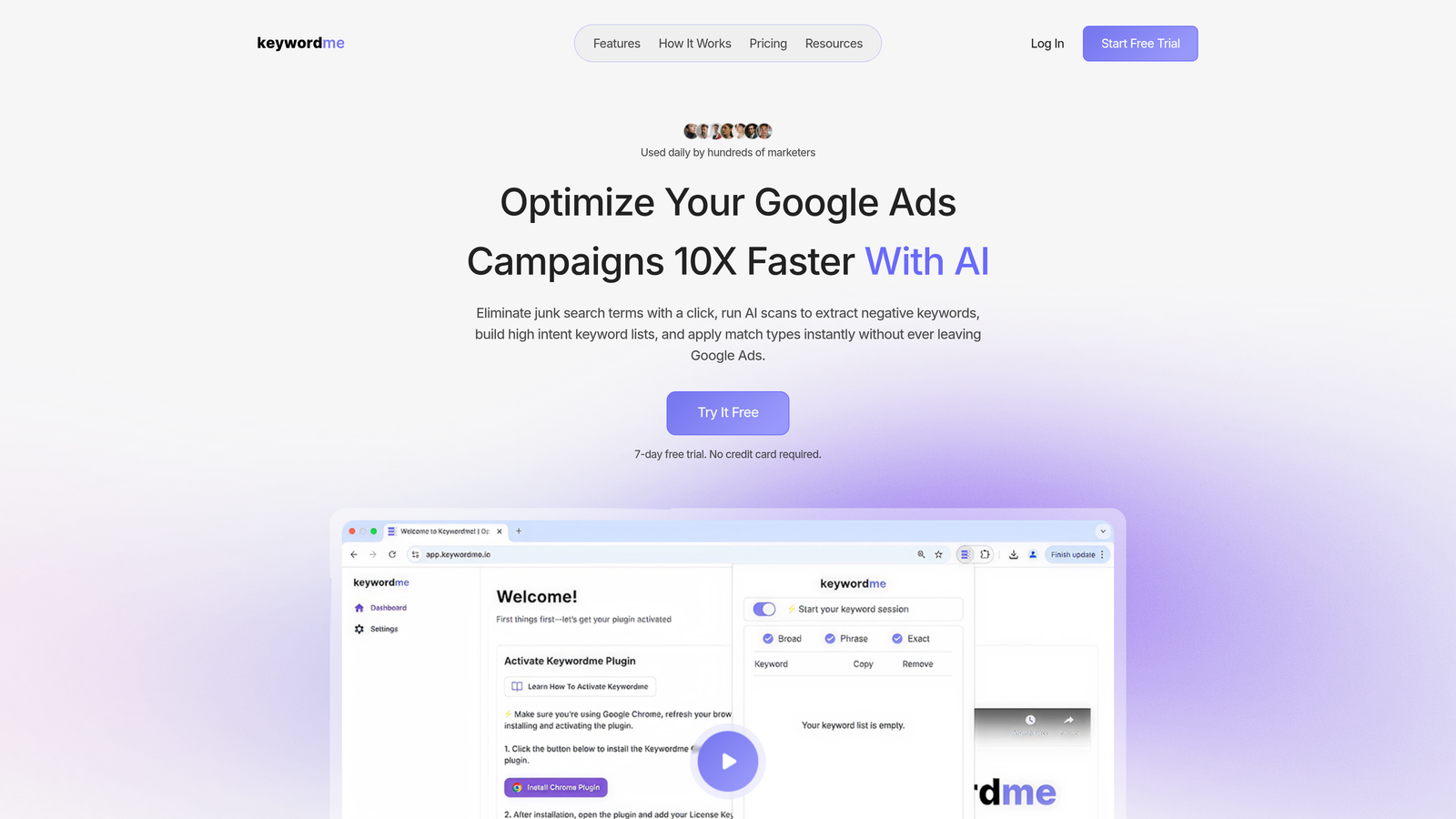
Keywordme is a Chrome extension that enables collaborative Google Ads optimization without leaving the Search Terms Report.
Where This Tool Shines
Most Google Ads optimization happens in spreadsheets—export search terms, mark which ones to exclude, upload negatives, then repeat for the next account. Keywordme eliminates that entire workflow by letting you make decisions directly in the interface where you're already reviewing data.
For agencies managing multiple client accounts, the multi-account support means your team can standardize optimization workflows across all clients. Everyone follows the same process, and there's no confusion about which spreadsheet version is current or who's handling which account.
Key Features
One-Click Actions: Add negative keywords and apply match types without leaving Google Ads.
Multi-Account Support: Switch between client accounts seamlessly with saved workflows.
Team Collaboration: Share optimization workflows and keyword lists across team members.
Keyword Clustering: Group related search terms automatically to identify patterns faster.
Bulk Editing: Apply changes to multiple keywords simultaneously within the native interface.
Best For
Agencies and freelancers who manage multiple Google Ads accounts and want to eliminate spreadsheet-based optimization workflows. Especially valuable if your team spends significant time reviewing search terms reports and adding negatives.
Pricing
$12/month per user with a 7-day free trial. Flat-rate pricing makes it predictable for agencies adding new team members.
2. Google Ads Shared Library
Best for: Teams managing multiple campaigns within the same Google Ads account
Google Ads Shared Library is a native feature for sharing negative keyword lists, audiences, and placements across campaigns and accounts.
Where This Tool Shines
If you're running multiple campaigns that should exclude the same keywords—like brand protection across all non-brand campaigns—shared negative lists save you from manually updating each campaign individually. One change updates everywhere instantly.
For manager accounts, you can push shared libraries down to client accounts, which means your standard negative keyword lists get applied consistently across all clients without manual copying.
Key Features
Shared Negative Keyword Lists: Apply the same exclusions across multiple campaigns automatically.
Audience Sharing: Use the same audience definitions across campaigns without rebuilding them.
Placement Exclusion Lists: Block specific websites or apps across all Display and Video campaigns.
No Additional Cost: Built into Google Ads with no extra fees.
Manager Account Sharing: Push shared libraries from manager accounts to client accounts.
Best For
Any team running multiple Google Ads campaigns that need consistent exclusions or audience targeting. Particularly useful for agencies standardizing negative keyword strategies across client accounts.
Pricing
Free—it's a built-in Google Ads feature available to all accounts.
3. Optmyzr
Best for: Teams needing automation with approval workflows before changes go live
Optmyzr is a PPC management platform with rule-based automation, optimization suggestions, and team approval workflows.

Where This Tool Shines
The approval workflow feature is what sets Optmyzr apart for team collaboration. You can set up rules that automatically generate optimization suggestions—like pausing low-performing keywords or adjusting bids—but require team lead approval before changes actually apply to accounts.
This prevents junior team members from accidentally making account-breaking changes while still letting them identify opportunities. The rule engine handles repetitive optimization checks that would otherwise require manual account reviews.
Key Features
Rule Engine: Automate bid adjustments, keyword pausing, and budget alerts based on performance thresholds.
Approval Workflows: Require manager sign-off before automated changes go live.
Multi-Account Dashboards: View performance across all client accounts in one interface.
White-Label Reporting: Generate custom reports with your agency branding.
Budget Pacing Alerts: Get notified when campaigns are overspending or underspending.
Best For
Agencies with junior team members who need guardrails, or any team managing enough accounts that manual optimization becomes a bottleneck. The approval system works well for maintaining quality control at scale.
Pricing
Starts at $249/month, with pricing tiers based on ad spend managed.
4. Slack + Google Ads Integrations
Best for: Teams needing real-time campaign alerts and quick communication
Slack is a communication platform with third-party integrations for Google Ads alerts, budget notifications, and team coordination.

Where This Tool Shines
When a campaign suddenly stops spending or a budget hits its daily cap at 10am, you need to know immediately—not when someone checks the account hours later. Slack integrations push these alerts directly into team channels where they can't be missed.
The real value comes from organizing conversations by client or campaign. Instead of digging through email threads to find "what we decided about that keyword," everything lives in searchable Slack channels with context intact.
Key Features
Real-Time Performance Alerts: Get notified when campaigns hit performance thresholds or stop delivering.
Budget Notifications: Automated alerts when daily budgets are exceeded or underspent.
Zapier Integration: Build custom workflows connecting Google Ads to Slack and other tools.
Client-Specific Channels: Organize conversations by account with dedicated team channels.
Searchable History: Find past decisions and discussions without digging through email.
Best For
Teams that need faster communication than email provides, especially agencies coordinating across multiple specialists working on the same accounts. The alert integrations are valuable for anyone managing accounts with tight budgets.
Pricing
Free tier available for basic use. Pro plans start at $7.25/user/month and include unlimited message history and advanced integrations.
5. Asana
Best for: Teams managing campaign launches and ongoing optimization tasks
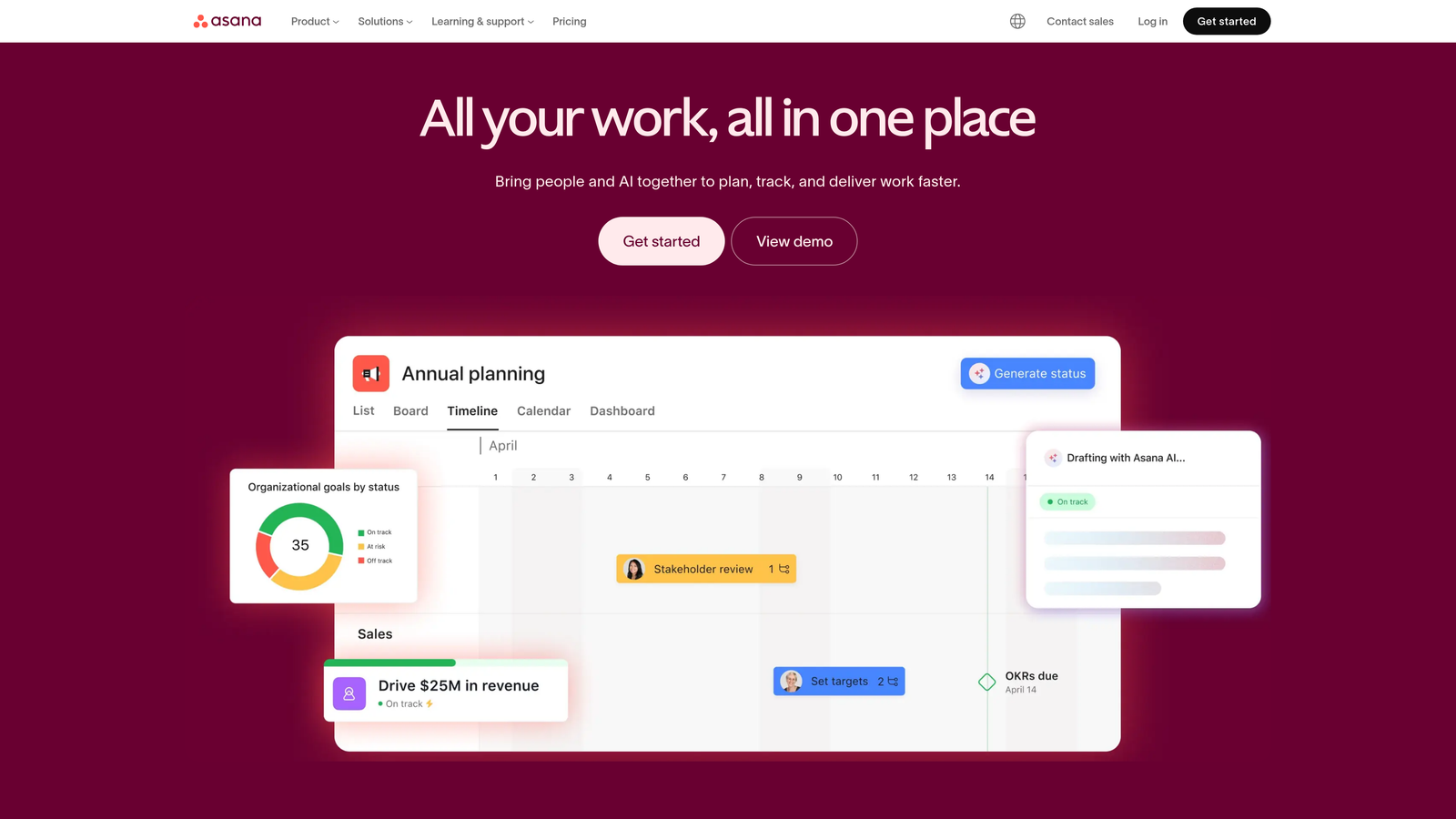
Asana is a project management platform with customizable templates for PPC campaign workflows and task tracking.
Where This Tool Shines
Campaign launches involve dozens of steps—keyword research, ad copywriting, landing page coordination, tracking setup, client approval. Asana templates ensure nothing gets skipped, and everyone knows what they're responsible for.
The timeline view helps teams plan campaigns around deadlines and coordinate dependencies. If the landing page isn't ready, the task to launch ads automatically shows as blocked, preventing premature launches.
Key Features
Campaign Launch Templates: Pre-built checklists for recurring campaign types with assigned owners.
Task Dependencies: Link tasks so launches can't happen until prerequisites are complete.
Timeline Views: Visualize campaign schedules and identify bottlenecks before they cause delays.
Google Workspace Integration: Attach Google Docs, Sheets, and Slides directly to tasks.
Workload Management: See team capacity and redistribute tasks when someone's overloaded.
Best For
Agencies launching multiple campaigns simultaneously or teams with complex workflows involving multiple stakeholders. Particularly useful when campaign launches require coordination between PPC specialists, designers, and developers.
Pricing
Free for basic features. Premium plans start at $10.99/user/month and add timeline views, custom fields, and advanced integrations.
6. Supermetrics
Best for: Teams creating shared dashboards and automated reporting
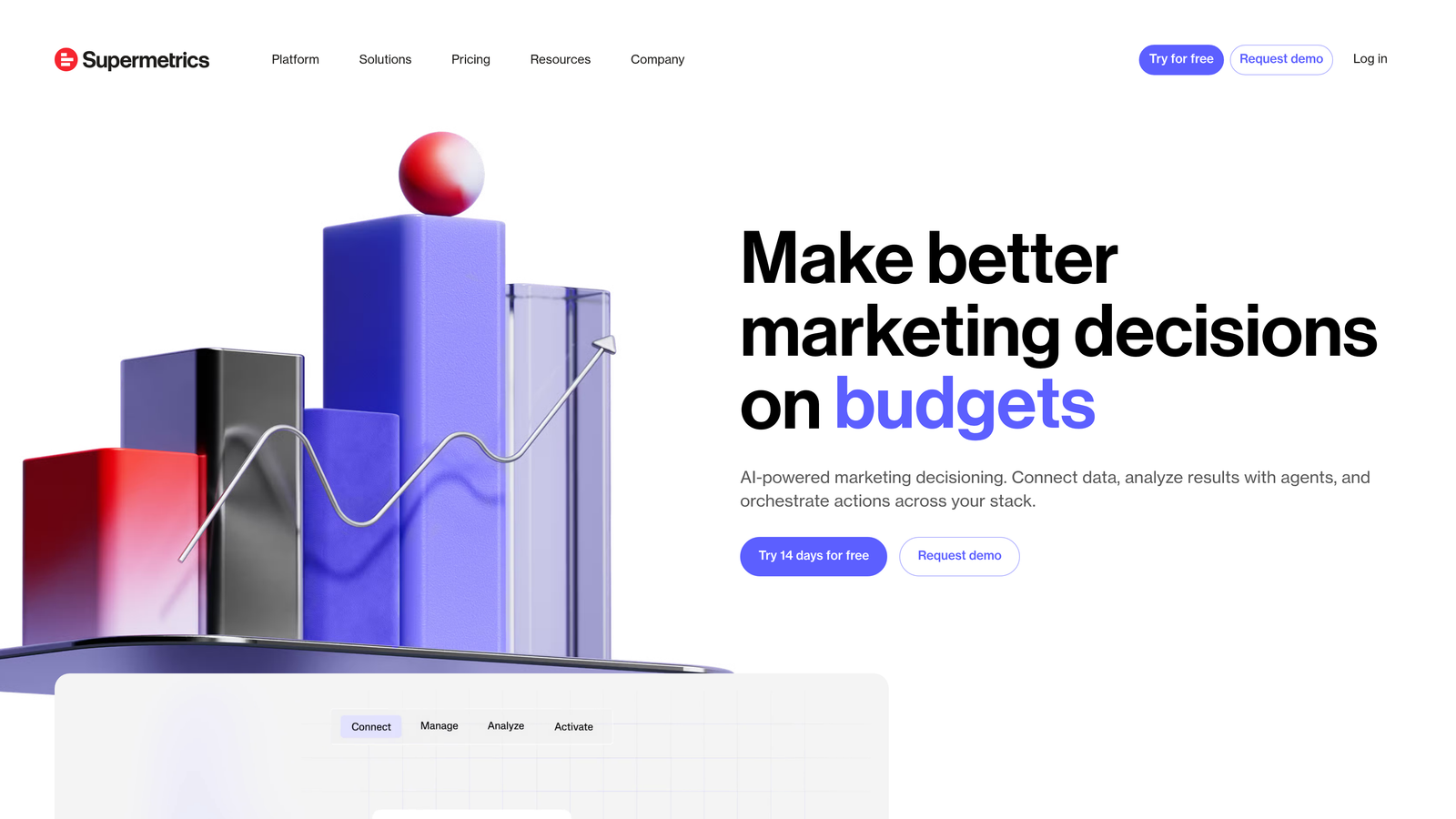
Supermetrics is a data pipeline tool that pulls Google Ads data into shared dashboards, spreadsheets, and BI tools for collaborative reporting.
Where This Tool Shines
Manual reporting—logging into Google Ads, exporting data, formatting spreadsheets, sending to clients—eats hours every week. Supermetrics automates the entire process by pulling fresh data into Google Sheets or Looker Studio on a schedule you set.
For teams, this means everyone works from the same data source that updates automatically. No more "which version of the report are we looking at" or conflicting numbers between team members pulling data at different times.
Key Features
Automated Data Pulls: Schedule Google Ads data to refresh in Google Sheets or Looker Studio automatically.
Multi-Platform Blending: Combine Google Ads data with Analytics, Facebook Ads, and other sources.
Template Gallery: Pre-built report templates for common PPC metrics and dashboards.
Team Data Sharing: Multiple team members access the same data sources without separate exports.
Historical Data Storage: Keep long-term performance data even after Google Ads' retention limits.
Best For
Agencies sending regular performance reports to clients, or teams that need to combine Google Ads data with other marketing platforms for comprehensive analysis. Especially valuable if reporting currently takes multiple hours per week.
Pricing
Starts at $39/month per data source (e.g., one Google Ads account). Pricing scales with the number of data sources and destinations.
7. Notion
Best for: Teams building shared knowledge bases and PPC documentation
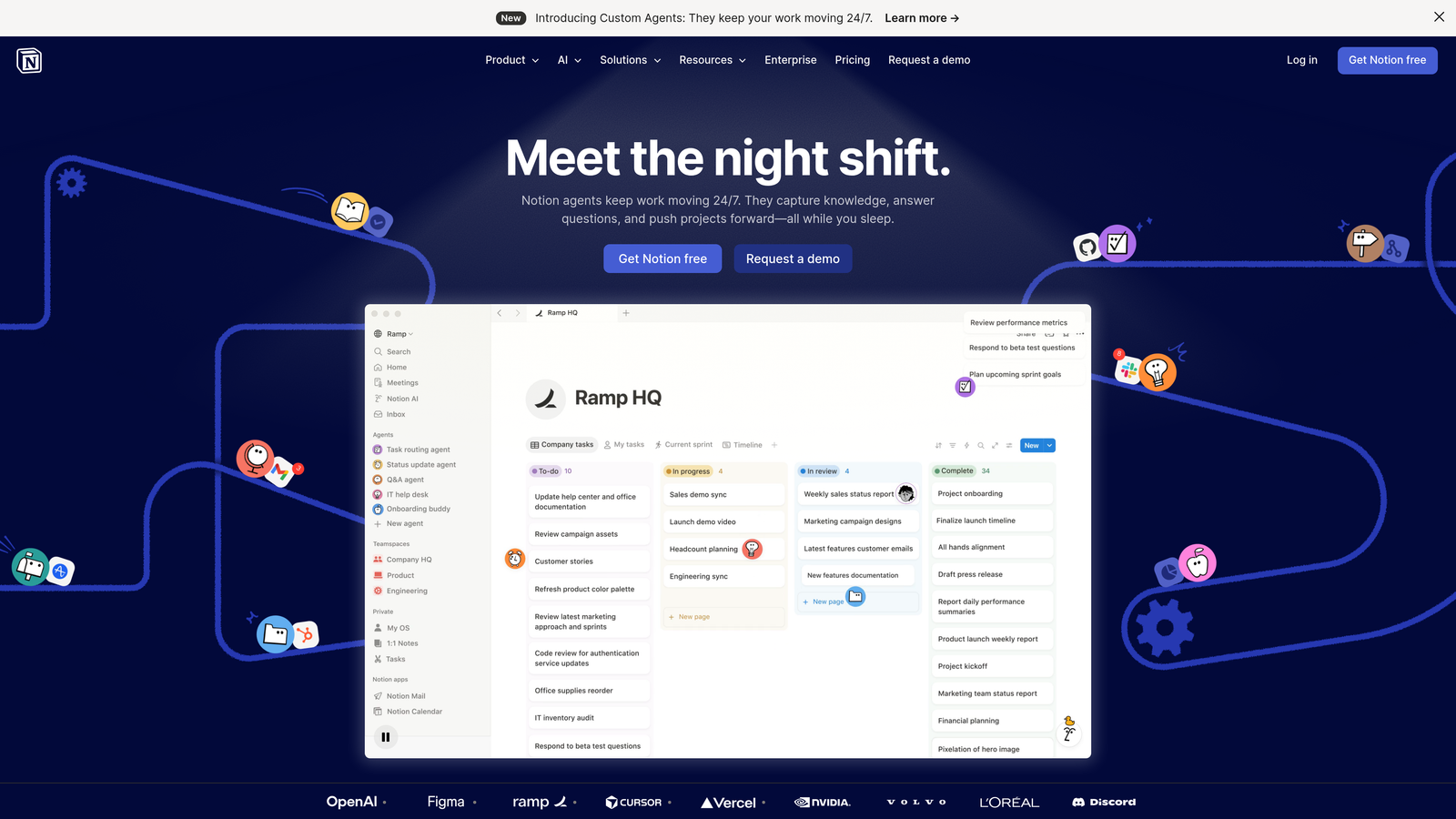
Notion is a flexible workspace for PPC documentation, keyword research databases, SOPs, and team knowledge sharing.
Where This Tool Shines
Every agency has tribal knowledge—the account quirks, client preferences, and optimization strategies that only exist in people's heads. Notion captures this in a searchable, editable format that new team members can actually use.
The database feature works particularly well for keyword research. Instead of scattered spreadsheets, you build a central repository where team members can add keywords, tag them by campaign, and track implementation status collaboratively.
Key Features
Database Templates: Build custom databases for keyword tracking, client notes, or campaign calendars.
Wiki-Style Documentation: Create linked pages for SOPs, account histories, and best practices.
Real-Time Collaboration: Multiple team members edit the same page simultaneously with visible changes.
Client Workspaces: Organize pages by client with customizable access permissions.
Tool Integrations: Embed Slack conversations, Google Docs, and other tools directly into pages.
Best For
Teams that struggle with scattered documentation or rely heavily on institutional knowledge. Particularly useful for agencies onboarding new team members who need to get up to speed on client accounts quickly.
Pricing
Free for personal use. Team plans start at $8/user/month and add unlimited file uploads and version history.
8. Adalysis
Best for: Teams running systematic ad testing and quality score monitoring
Adalysis is an ad testing and optimization platform with automated A/B test tracking and team performance dashboards.
Where This Tool Shines
Ad testing in Google Ads requires manual tracking—which ads are running, how long they've been live, whether performance differences are statistically significant. Adalysis automates this entire process and surfaces winners automatically.
The team dashboard shows account health scores across all managed accounts, making it easy to identify which accounts need attention. Instead of manually reviewing every account, you focus on the ones flagging issues.
Key Features
Automated Ad Testing: Track ad performance and identify statistical winners without manual spreadsheets.
Quality Score Monitoring: Get alerts when Quality Scores drop and identify root causes.
Account Health Dashboards: View optimization scores across all managed accounts in one interface.
Audit Checklists: Standardized account review processes with automated issue detection.
Multi-Account Management: Switch between client accounts with saved optimization workflows.
Best For
Teams that run ongoing ad testing or manage enough accounts that manual quality score monitoring becomes impractical. The automated testing is particularly valuable for agencies with standardized ad testing processes.
Pricing
Starts at $149/month for basic features, with pricing tiers based on ad spend and number of accounts managed.
9. ClickUp
Best for: Teams needing all-in-one project management with time tracking
ClickUp is an all-in-one project management platform with goals, docs, time tracking, and custom views for PPC team workflows.
Where This Tool Shines
ClickUp combines project management, documentation, and time tracking in one platform—eliminating the need to juggle separate tools. For agencies billing clients hourly or tracking time against retainers, the built-in time tracking ties directly to tasks.
The custom status feature lets you define campaign stages that match your actual workflow, not generic "To Do / In Progress / Done" columns. You can track campaigns through stages like "Keyword Research → Ad Copy → Client Review → Live → Optimizing."
Key Features
Custom Statuses: Define campaign stages that match your team's actual workflow.
Time Tracking: Track hours spent on tasks for client billing or internal capacity planning.
Goals and OKRs: Set performance targets and track progress across team members.
Built-In Docs: Create SOPs and documentation without switching to separate tools.
Workflow Automation: Automate repetitive tasks like status updates or task assignments.
Best For
Agencies that need project management, time tracking, and documentation in one platform. Particularly valuable if you're currently paying for multiple tools that ClickUp could replace.
Pricing
Free tier available with basic features. Unlimited plan starts at $7/user/month and adds unlimited storage, integrations, and dashboards.
Making the Right Choice
The best collaboration tool depends on where your team's biggest friction points are. If optimization workflows are the bottleneck—exporting search terms, marking negatives in spreadsheets, uploading changes—Keywordme eliminates that entire manual process by working directly inside Google Ads. For teams struggling with automation at scale, Optmyzr's approval workflows let you automate optimizations while maintaining quality control.
Communication breakdowns? Slack integrations keep everyone aligned with real-time alerts and organized conversations by client. If reporting consumes too much time, Supermetrics automates data pulls so your team works from shared, always-current dashboards instead of manually exporting data.
For teams building long-term processes, Notion creates a knowledge base that actually gets used—SOPs, client histories, keyword databases all in one searchable workspace. And if you're coordinating complex campaign launches across multiple people, Asana or ClickUp provide the task management structure to keep everything on track.
Most teams don't need all nine tools. Start with one that addresses your most painful collaboration issue, then layer in others as your workflow matures. A common stack: Keywordme for in-platform optimization, Slack for communication, and either Notion or ClickUp for documentation and task management.
The tools that work best are the ones your team will actually use consistently. Pick solutions that fit how your team already works rather than forcing everyone to adopt completely new processes. Start your free 7-day trial of Keywordme and see how much faster optimization becomes when you're working directly in Google Ads instead of juggling spreadsheets—then just $12/month to keep the workflow improvement going.
.svg)