
8 Best Google Ads Team Collaboration Software Tools for Agencies in 2026
Discover the 8 best Google Ads team collaboration software tools for agencies in 2026, covering in-platform optimization, reporting, and workflow management. This guide helps marketers and PPC teams eliminate messy spreadsheets, overlapping edits, and miscommunication when managing shared Google Ads accounts.


TL;DR: Managing Google Ads across a team is messy. Between shared accounts, overlapping edits, and keyword decisions that need sign-off, things fall through the cracks fast. This list covers the best Google Ads team collaboration software available in 2026, tools built to help marketers, freelancers, and agency teams work together on PPC without stepping on each other's toes. We've focused on tools that directly improve how teams manage campaigns, keywords, and optimization workflows, not just generic project management apps.
Google Ads was never designed for team workflows. There's no native task assignment, no commenting on search terms, no way to flag a keyword for a colleague to review. So most agencies end up with a patchwork: shared Google Sheets, Slack threads, exported CSVs, and a lot of "wait, who made that change?" moments.
The tools below fall into three practical layers: in-platform optimization, reporting and visibility, and general collaboration adapted for PPC. Whether you're a solo freelancer onboarding a client or an agency running 30+ accounts, there's something here that fits.
1. Keywordme
Best for: In-platform keyword optimization and negative list management for agency teams
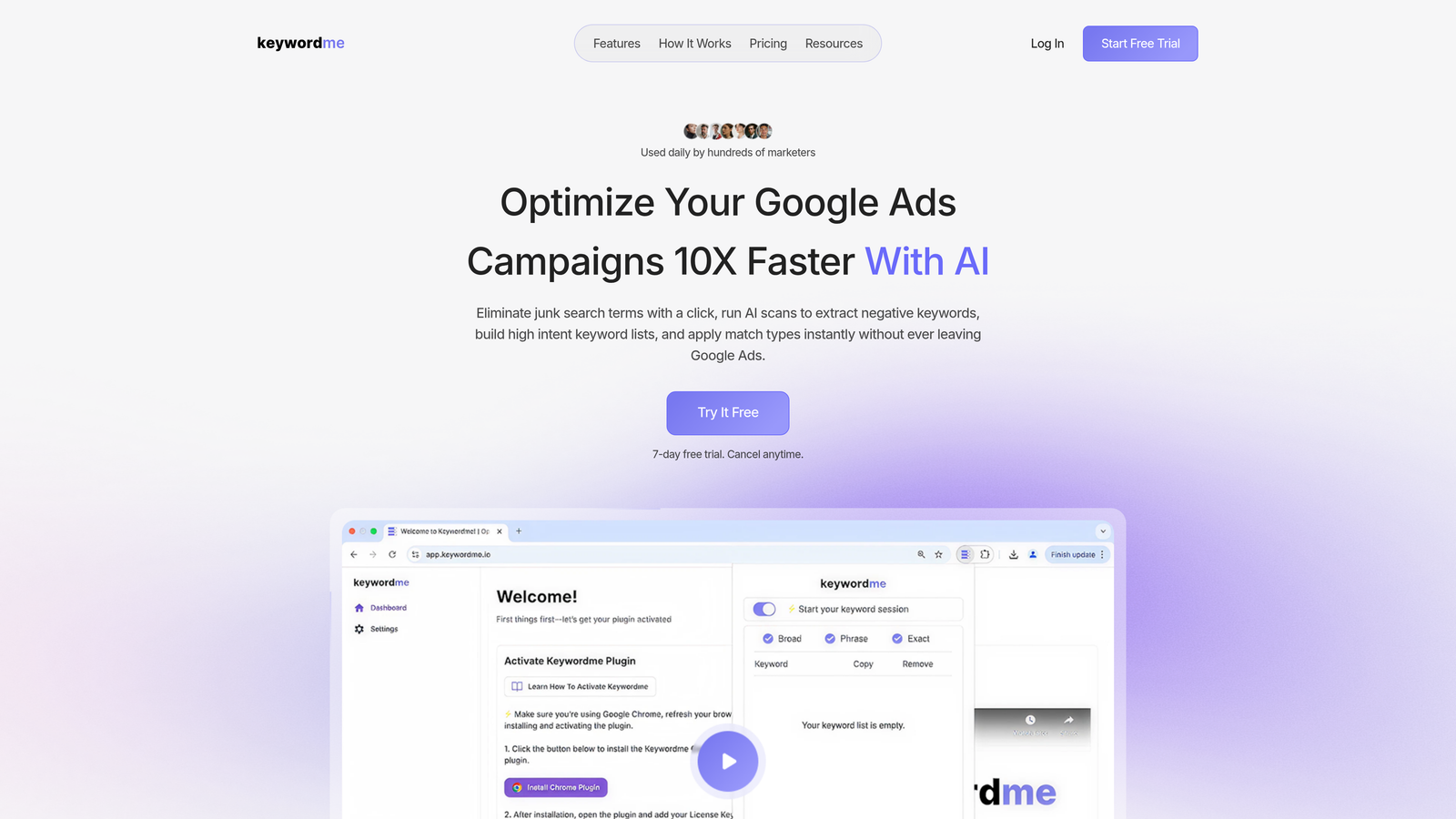
Keywordme is a Chrome extension that lives directly inside Google Ads' Search Terms Report, letting you take action on keywords without opening a spreadsheet or switching tabs.
Where This Tool Shines
In most accounts I audit, the search terms report is where the most valuable work happens and also where the most time gets wasted. Analysts export to CSV, paste into a shared sheet, highlight junk terms, then manually go back into Google Ads to add negatives. Keywordme collapses that entire loop into a few clicks, right inside the interface you're already using.
For agency teams specifically, the multi-user and multi-account support means different team members can work through search terms on their assigned accounts without any external coordination layer. It's one of the few tools that actually reduces the back-and-forth that typically happens over Slack or email when someone needs to flag a term for review.
Key Features
In-interface workflow: Works directly inside Google Ads, so there's no tab-switching, CSV exporting, or third-party dashboard required.
One-click negative keyword additions: Remove junk search terms and add negatives to lists instantly, without leaving the Search Terms Report.
Match type application: Apply exact, phrase, or broad match to keywords in bulk without manual entry.
Keyword clustering and bulk editing: Group and act on related terms across campaigns in a single workflow.
Multi-account and multi-user support: Designed for agencies managing multiple client accounts with multiple team members.
Best For
PPC managers and agency teams who spend significant time in the Search Terms Report. Particularly useful for freelancers managing multiple client accounts who want to move fast without building custom tooling, and for agencies where junior analysts need a structured, low-friction way to handle keyword hygiene.
Pricing
Flat rate at $12/month per user. A 7-day free trial is available, which is enough time to run through a real account and feel the difference.
2. Google Ads Manager Accounts (MCC)
Best for: Centralized multi-account access and permission management for agencies
Google Ads Manager Accounts is the native multi-account management layer built by Google, giving agencies a single login to access all client accounts with tiered permission controls.

Where This Tool Shines
Before anything else, every agency managing multiple Google Ads clients should be running through an MCC. It's the foundational layer. Without it, you're sharing individual login credentials or requesting access account by account, which creates real security and access management headaches at scale.
The permission tiers, admin, standard, and read-only, are genuinely useful for structuring team access. You can give a junior analyst read-only access to a sensitive client account while giving a senior manager full admin rights. It's not fancy, but it's reliable and it's free.
Key Features
Centralized account dashboard: Access all client accounts from a single login without managing separate credentials.
Granular permission levels: Assign admin, standard, or read-only access per user per account.
Cross-account reporting: Pull performance data across multiple accounts in one view.
Budget management across accounts: Monitor and manage spend across your entire client portfolio from one place.
Best For
Any agency or freelancer managing more than one Google Ads account. This isn't optional, it's the baseline. If you're not using an MCC, you're making your own life harder than it needs to be.
Pricing
Free. It's a native Google product with no third-party dependency.
3. Optmyzr
Best for: Rule-based automation and shared optimization workflows for mid-to-large agencies
Optmyzr is a PPC management platform that combines rule-based automation, one-click optimizations, and team-facing dashboards designed for agencies managing Google Ads at scale.

Where This Tool Shines
What usually happens in larger agency teams is that optimization recommendations get buried in email threads or never get actioned consistently. Optmyzr solves this by surfacing recommendations in a shared dashboard that the whole team can work from. You can build automation rules that run on a schedule, which means less manual checking and more consistent account hygiene.
The campaign experiments and A/B testing tools are genuinely useful for teams that want to test changes before rolling them out broadly. It's a more structured approach to optimization than most agencies default to.
Key Features
Rule-based automation: Build custom optimization rules that run automatically across accounts on a set schedule.
Shared optimization dashboards: Team members can see and act on the same set of recommendations without duplicate work.
Campaign experiments and A/B testing: Test bid strategies, ad copy, and targeting changes before full deployment.
Multi-account performance alerts: Get notified when accounts hit performance thresholds that need attention.
Best For
Mid-to-large agencies managing Google Ads at scale who need automation and team coordination built into the same platform. Less practical for solo freelancers or small teams where the pricing doesn't justify the feature set.
Pricing
Starts at approximately $208/month. Verify current pricing at their site, as it varies by plan and account volume.
4. Swydo
Best for: Automated white-label PPC reporting for agency-client communication
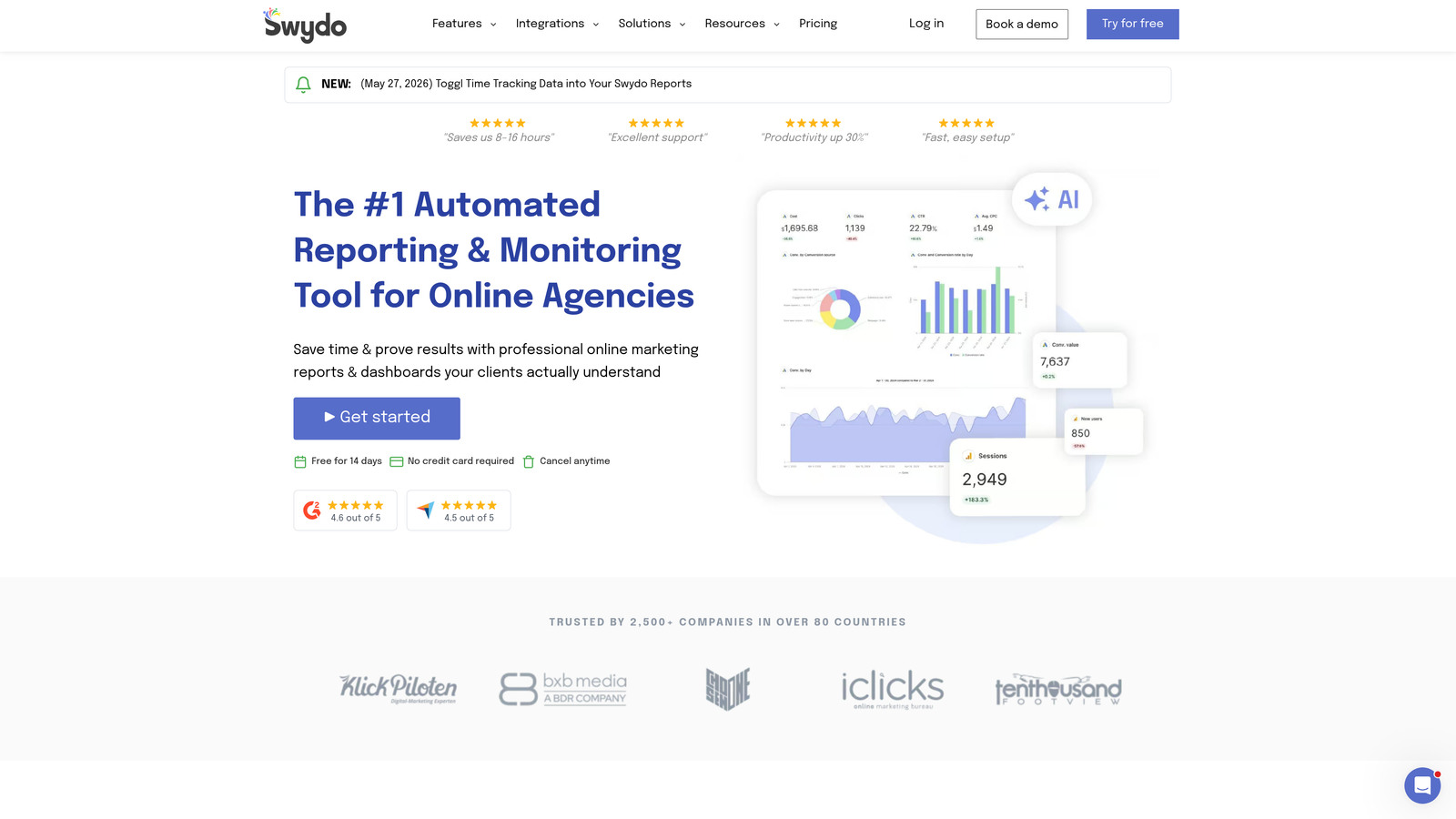
Swydo is a reporting and monitoring platform built specifically for PPC and digital marketing agencies, enabling automated white-label report delivery to clients and internal teams.
Where This Tool Shines
The mistake most agencies make is spending hours every month manually building client reports in Google Slides or Excel. Swydo eliminates that entirely. You connect your Google Ads accounts, set up your report template once, and it delivers branded reports to clients on a schedule automatically.
For internal team use, the threshold-based performance alerts mean your team gets notified when something goes wrong, rather than discovering a budget overrun during the weekly check-in. It's a passive monitoring layer that adds real value without requiring active management.
Key Features
Automated white-label reports: Generate and deliver branded Google Ads reports to clients without manual work each month.
Scheduled report delivery: Set reports to go out daily, weekly, or monthly to clients and internal stakeholders.
Threshold-based alerts: Get notified when performance metrics cross defined thresholds, like CPA spikes or budget caps.
Multi-channel data integration: Pull in data from other platforms alongside Google Ads for a complete picture.
Best For
Agencies that manage client reporting manually and want to reclaim that time. Also useful for teams where clients need regular visibility into performance without getting direct account access.
Pricing
Starts at approximately $49/month. Check their site for current plan details based on number of reports.
5. AgencyAnalytics
Best for: Multi-channel client dashboards with team access controls for full-service agencies
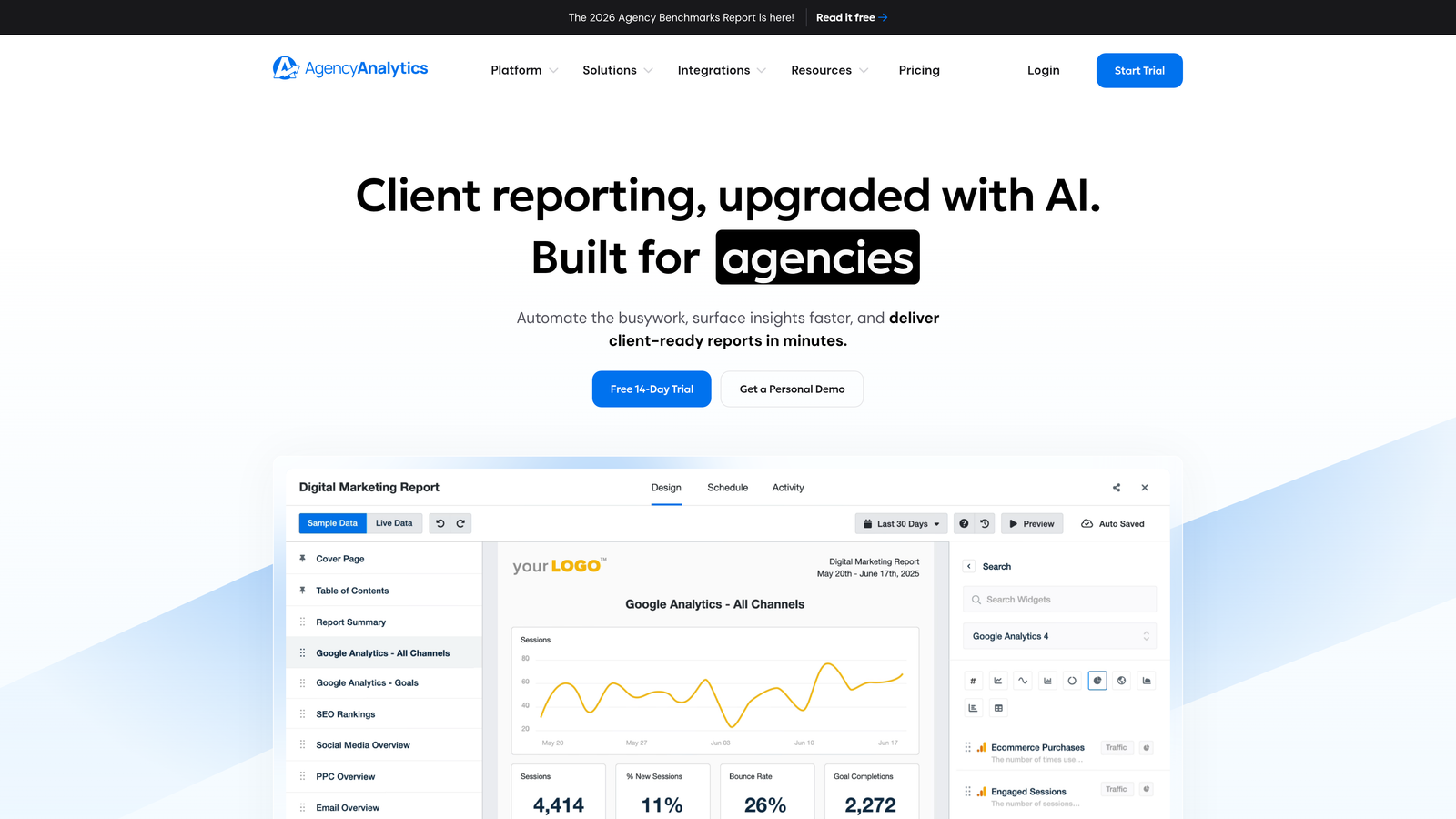
AgencyAnalytics is a multi-channel reporting platform that combines Google Ads data with SEO, social, and other channels in customizable client-facing dashboards with team access controls.
Where This Tool Shines
If your agency manages PPC alongside SEO and social, AgencyAnalytics is one of the cleaner ways to give clients a single dashboard that shows everything. Rather than sending separate reports from different tools, you build one branded portal that clients can log into and check themselves.
The team access controls are genuinely useful for agencies with account managers, analysts, and client-facing roles that need different levels of visibility. You can structure who sees what without giving everyone full access to every account.
Key Features
Unified multi-channel dashboards: Combine Google Ads, SEO, social, and other data sources in a single client view.
White-label client portals: Custom-branded portals clients can log into directly, reducing reporting requests.
Team roles and permissions: Control what each team member can access and edit across client accounts.
Automated report scheduling: Set up recurring reports that go out without manual intervention.
Best For
Full-service agencies managing PPC alongside other digital channels who want a single reporting layer for clients and internal teams. Less relevant for PPC-only shops that don't need multi-channel consolidation.
Pricing
Starts at approximately $12/month per campaign. Pricing scales with the number of client campaigns, so verify current tiers on their site.
6. Asana
Best for: Tracking PPC campaign tasks, approvals, and deliverables across team members
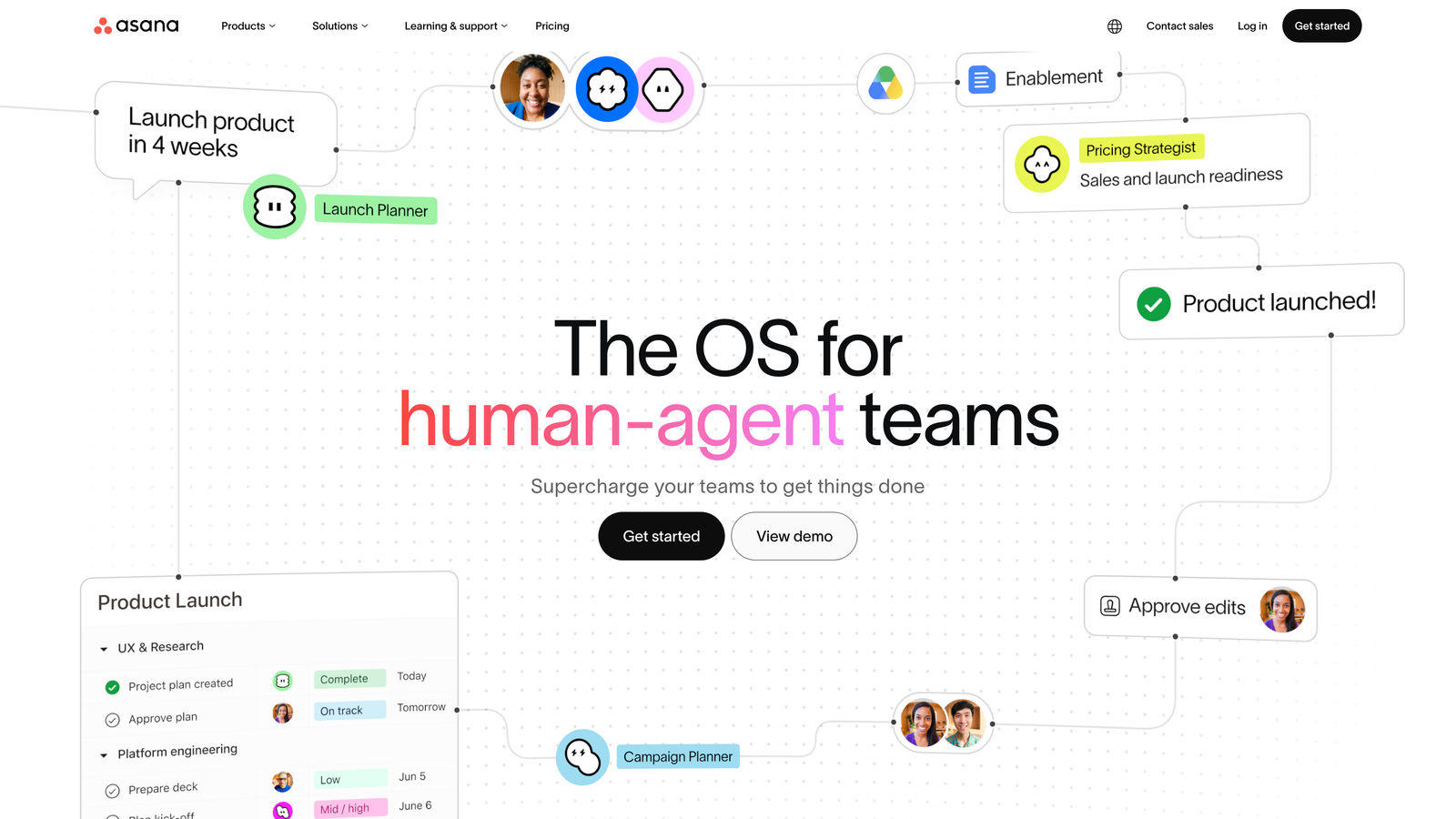
Asana is a flexible project management platform widely used by marketing teams to manage the workflow around Google Ads changes, approvals, and deliverables.
Where This Tool Shines
Asana doesn't touch Google Ads directly, but it solves a real coordination problem: making sure the right person does the right thing at the right time. Things like "add negative keywords to the Brand campaign before the weekend," "get client sign-off on new ad copy by Thursday," or "audit search terms for Account X this sprint" are exactly what Asana handles well.
The template system is useful for agencies that run the same optimization workflows across multiple clients. Build a template once for your monthly account review process and replicate it across every client without starting from scratch.
Key Features
Task assignment and deadlines: Assign specific campaign tasks to team members with due dates and priority levels.
PPC workflow templates: Build reusable project templates for recurring processes like monthly audits or campaign launches.
Integrations with Slack and Google Drive: Connect your communication and file storage tools to keep everything in one workflow.
Timeline and board views: Plan campaign work visually with Gantt-style timelines or Kanban boards.
Best For
Agencies and teams that need structured task management around their Google Ads work. Especially useful when multiple people touch the same account and accountability needs to be clear.
Pricing
Free plan available for basic use. Paid plans start at approximately $10.99/user/month. Verify current pricing on their site.
7. Slack
Best for: Real-time campaign communication and automated performance alerts for PPC teams
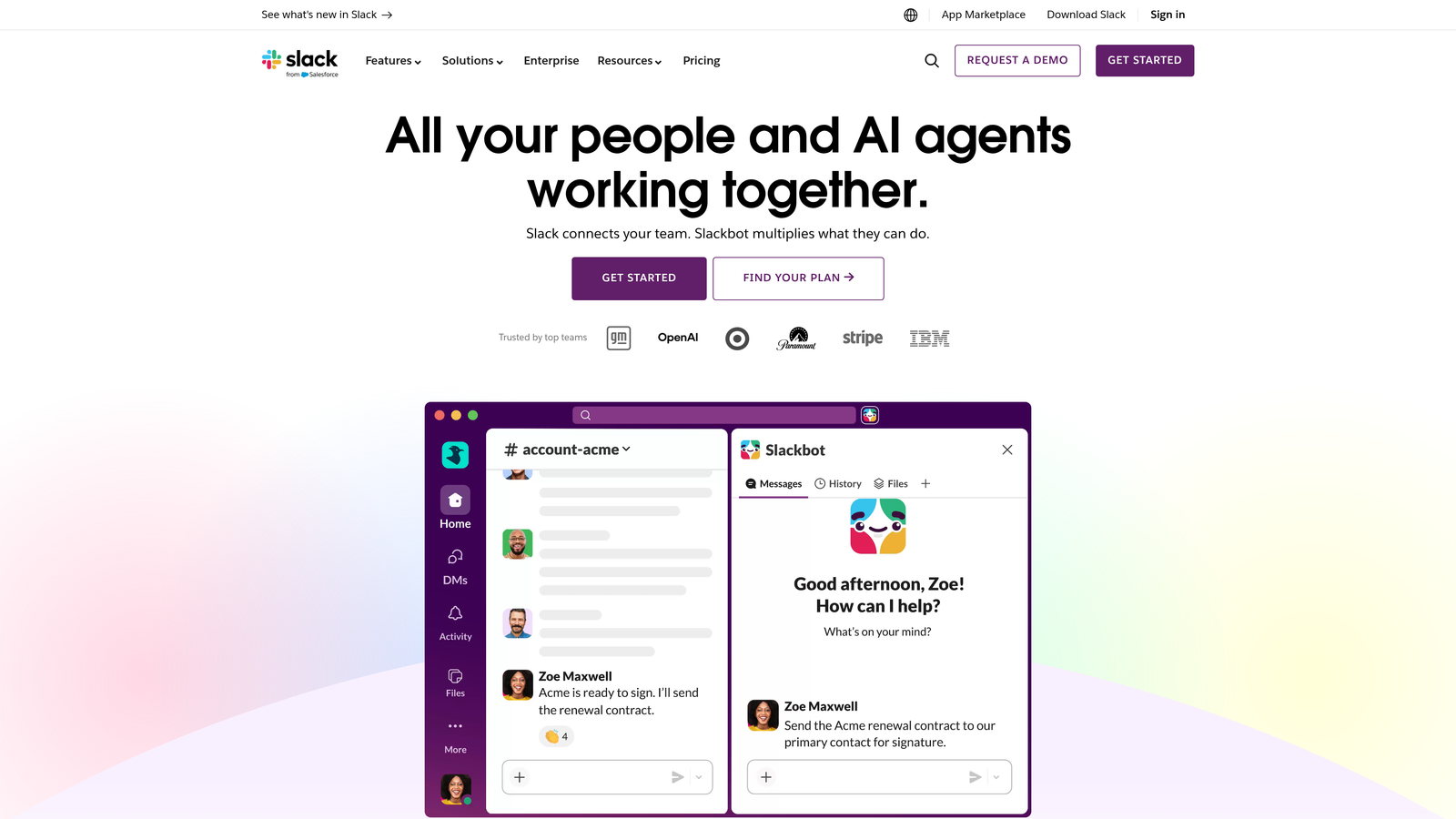
Slack is a real-time messaging platform that most agency teams already use, but it becomes a more powerful PPC collaboration layer when set up intentionally for campaign work.
Where This Tool Shines
The difference between Slack being a distraction and being genuinely useful for PPC teams comes down to structure. Dedicated channels per client account, channels for performance alerts, and channels for campaign decisions create a searchable record of why things were changed and when. That documentation matters when a client asks why you paused a keyword three months ago.
Slack also acts as the delivery layer for automated alerts from tools like Optmyzr, Google Ads scripts, or custom dashboards. Setting up a channel that receives budget alerts or CPA threshold notifications means your team gets notified in context, not buried in email.
Key Features
Dedicated campaign channels: Organize conversations by client account to keep discussions focused and searchable.
Google Ads alert integrations: Receive automated performance notifications via bots, scripts, or third-party integrations.
File and screenshot sharing: Share performance screenshots and reports quickly without email attachments.
Searchable message history: Find past campaign decisions and discussions without digging through email threads.
Best For
Any team that communicates in real time about campaign decisions. Most agencies are already using Slack; the value is in setting it up intentionally for PPC rather than treating it as a general chat tool.
Pricing
Free plan available with message history limits. Paid plans start at approximately $7.25/user/month. Verify current pricing on their site.
8. Notion
Best for: Shared PPC knowledge bases, SOPs, and keyword strategy documentation
Notion is a flexible documentation and database tool used by agencies to build the shared knowledge layer that informs Google Ads decisions: SOPs, keyword strategy docs, client briefs, and onboarding materials.
Where This Tool Shines
In most accounts I audit, the biggest knowledge gap isn't the data, it's the context. Why was this campaign structured this way? What negative keywords have we already tested? What's the client's brand safety policy? That information usually lives in someone's head or a forgotten Google Doc. Notion gives it a permanent, searchable home.
For agencies onboarding new team members or handing off accounts, a well-structured Notion workspace can dramatically reduce the ramp-up time. Account-specific pages with campaign history, keyword research notes, and client communication guidelines mean new analysts can get up to speed without a two-hour briefing call.
Key Features
Flexible docs and databases: Build campaign briefs, SOPs, and keyword research documents in a structured, searchable format.
Shared workspaces with team editing: Multiple team members can edit and comment on documents simultaneously.
Templates for PPC workflows: Build reusable templates for keyword research, client briefs, and account audits.
Integrations with Slack and project tools: Connect Notion to your communication and task management stack.
Best For
Agencies that manage institutional knowledge across multiple team members and accounts. Also valuable for freelancers who want a professional, structured way to document strategy for clients.
Pricing
Free plan available for individual use. Paid plans start at approximately $10/user/month. Verify current pricing on their site.
Which Tool Is Right for Your Team?
The honest answer is that no single tool covers everything. The best Google Ads team collaboration setup usually combines a few of these layers working together, and the right combination depends on what's actually breaking down in your current workflow.
Here's a quick way to think about it by use case:
For in-platform keyword optimization: Keywordme is the only tool on this list that works directly inside Google Ads' Search Terms Report. If your team is spending too much time on manual keyword hygiene and negative list management, that's where to start.
For multi-account access and permissions: Google Ads Manager Accounts is non-negotiable. It's free and it's the foundation everything else builds on.
For reporting and client visibility: AgencyAnalytics works well for full-service agencies managing multiple channels. Swydo is a cleaner fit for PPC-focused shops that want automated white-label reporting without the overhead.
For automation and optimization at scale: Optmyzr is the strongest option for larger agencies that need rule-based automation and shared recommendation workflows baked into one platform.
For task management and accountability: Asana keeps campaign work organized and assigned. Pair it with Slack for real-time communication and you've covered most of the coordination layer.
For documentation and shared knowledge: Notion fills the gap that every other tool leaves open. It's where your SOPs, keyword strategy notes, and client context live.
If you're starting from scratch, a practical starting stack looks like: MCC for account access, Keywordme for in-platform optimization, Swydo or AgencyAnalytics for reporting, and Slack or Asana for team coordination. That covers the three layers without significant overlap or redundant spend.
If you haven't tried Keywordme yet, it's worth starting there because it's the layer most teams are missing. Most collaboration tools help you manage work around Google Ads. Keywordme helps you do the actual Google Ads work faster. Start your free 7-day trial and see how much time you get back on search terms alone.
.svg)