
9 Best Google Ads Software for Teams in 2026
This guide ranks nine tools that work as Google Ads software for teams, covering optimization, reporting, and collaboration. Each pick is judged on team features, workflow fit, pricing transparency, and multi-user or multi-account support, so in-house marketers, freelancers, and agencies can choose shared workflows over single-user gadgets.


If more than one person touches your Google Ads account, the tools that worked for a solo advertiser start to crack. This list is for in-house marketers, freelancers working with contractors, and agency owners who need shared workflows rather than another single-user gadget. Tools were picked for team features, workflow fit, pricing transparency, and how well they handle multiple users or accounts. They're sorted by the job they do: optimization, reporting, or collaboration.
Quick Comparison of Google Ads Tools for Teams
- Keywordme: teams that spend hours on search term cleanup; $12/month per user; works inside the native Search Terms Report with no exports.
- Google Ads Editor: teams making large structural edits; free; offline bulk editing with review before changes go live.
- Optmyzr: agencies wanting repeatable optimization routines; pricing on its website; a broad rule-based toolkit across accounts.
- Adalysis: agencies testing ad copy across many accounts; pricing on its website; automated ad testing with recommendations.
- Google Ads Manager Account (MCC) and Scripts: any team with more than one account; free; native permission control across client accounts.
- Looker Studio: teams needing free shared reporting; free; live dashboards the whole team can edit together.
- Supermetrics: teams reporting across Google Ads and other channels; quote-based; unifies data from many platforms in one pipeline.
- Swydo: agencies sending recurring client reports; pricing on its website; white-label reports on a schedule from templates.
- Asana: teams needing task ownership and sign-off; free tier available; approval tracking around campaign work.
One note before the list: no single product here covers everything. Pricing and plan details change, so check each vendor's site. Where a price is not listed below, the vendor's own pricing page is the source of truth as of November 2026.
1. Keywordme
Keywordme is a Chrome extension that adds one-click actions to the Google Ads Search Terms Report. It's built for advertisers who spend a chunk of every week sorting through the queries that triggered their ads. (Quick refresher: search terms are what people actually typed; keywords are what you bid on. Negative keywords are the terms you block.) It's our own product, so here's the honest picture.
What it does well is keep you in the native interface. You review search terms where they already live, then act on them without exporting to a spreadsheet and re-uploading. The company says it can make optimization up to 10x faster; that figure is Keywordme's own claim, and your results will depend on your accounts and habits.
- Add negative keywords straight from the Search Terms Report with one click, so junk queries stop costing you money.
- Add keywords and apply match types inside the Google Ads interface, which keeps new keyword lists consistent.
- Cluster keywords and edit in bulk, so related terms can be grouped and changed together.
- Multi-account and team support, so several people can work across accounts with the same workflow.
Setup is light: it installs as a Chrome extension and works with Google Ads. Whoever reviews search terms day to day (a PPC specialist, a freelancer, an account manager) is the natural user, and each person needs a seat.
Limitations: it's focused on search term and keyword workflows. It has no reporting, no bid or budget automation, and no approval workflow. It also requires Chrome. If you want an all-in-one suite, pair it with other tools on this list.
Pricing: $12/month per user, flat rate, with a 7-day free trial (as of November 2026). Cost scales with the number of seats.
Best for: Teams that spend hours cleaning search terms and building keyword lists.
2. Google Ads Editor
Google Ads Editor is Google's free desktop app for making bulk changes to campaigns. It suits teams doing big structural work: rebuilding account structures, rolling out new ad groups, or standardizing settings across many campaigns.

Its standout feature is the offline, review-first workflow. You download accounts, make edits locally, check the pending changes, and only then post them to the live account. That safety net is valuable when several people are about to touch the same campaigns.
- Bulk edit across multiple accounts, so one change can cover dozens of campaigns.
- Edit offline and review changes before posting, which catches mistakes before they cost money.
- Copy and paste campaigns between accounts, handy for reusing a proven structure for a new client.
- Import and export changes, so you can prepare large edits in a spreadsheet when that suits you.
It integrates only with Google Ads, installs on a desktop, and is typically run by whoever owns account structure. Setup is minimal.
Limitations: it's not built for collaboration. There's no cloud workspace, no reporting, and no approval workflow, so two people editing the same account can step on each other unless you coordinate manually.
Pricing: free.
Best for: Teams making large structural changes across many campaigns.
3. Optmyzr
Optmyzr is a PPC management suite that combines audits, optimization tools, and automation. It's aimed at agencies and larger teams that want the same checks and routines applied across many accounts.

Its edge over the rest of this list is breadth. Where Keywordme focuses on search terms and Ads Editor on bulk edits, Optmyzr tries to cover the whole optimization routine, with rules you can set once and reuse.
- Account audits that surface issues so you don't have to hunt for them manually.
- Rule-based automation that runs repeatable tasks on your terms.
- Bulk optimization tools for applying changes at scale.
- Multi-account management, so one team can work through a whole client roster.
It connects to Google Ads and Microsoft Advertising. Expect real onboarding time: someone on the team needs to own the setup and decide which rules to trust.
Limitations: there's a learning curve, and the pricing may not suit small teams or solo freelancers. A suite this wide can also be more than you need if your pain is one specific task.
Pricing: see the Optmyzr website for current plans. Pricing is not listed here, so confirm it before shortlisting.
Best for: Agencies wanting repeatable optimization routines at scale.
4. Adalysis
Adalysis is an audit and ad testing platform for search advertisers and agencies. Its center of gravity is ad copy: running tests, tracking what wins, and flagging problems across accounts.
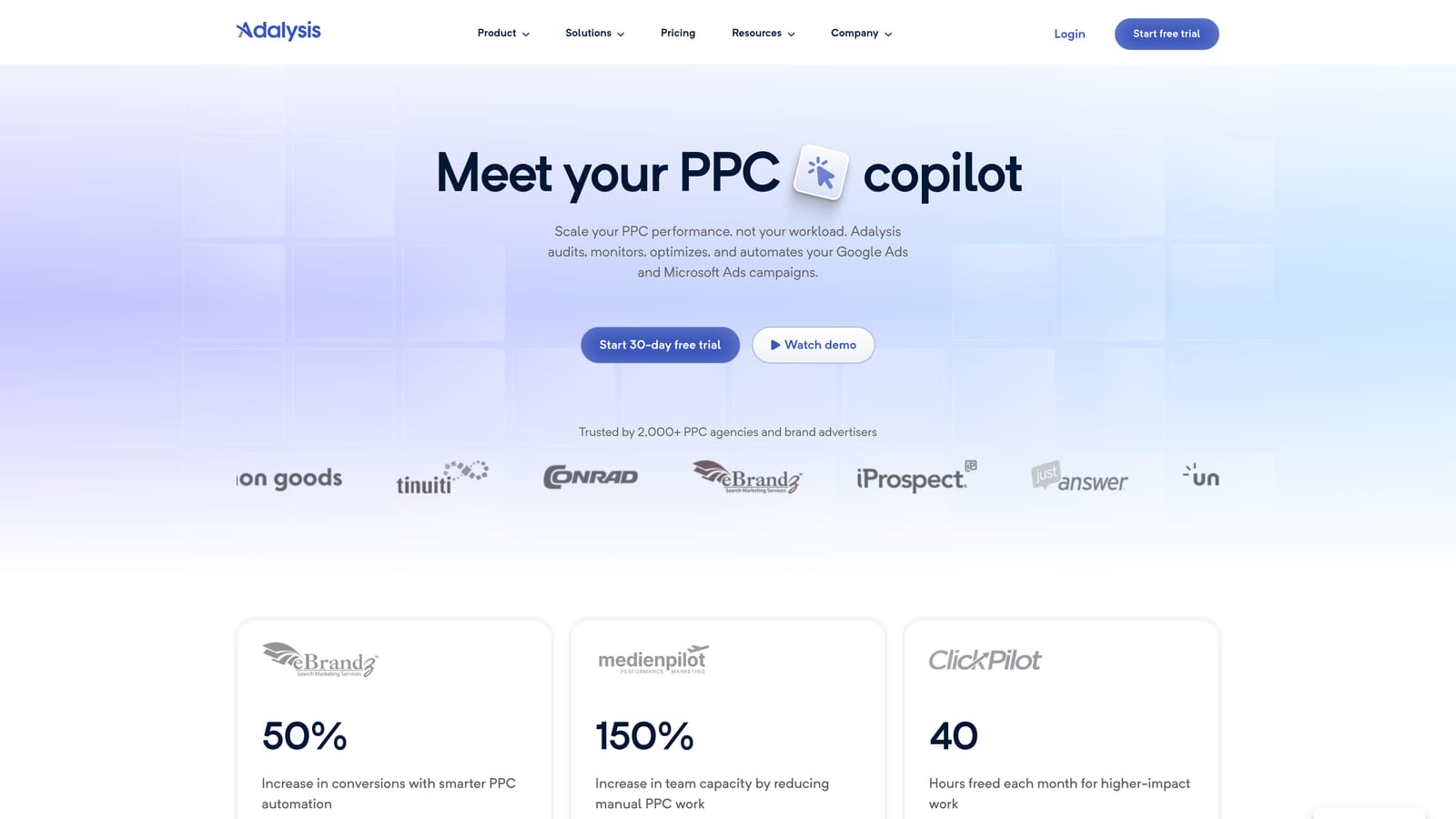
That focus is what sets it apart here. Plenty of tools audit accounts, but Adalysis leans into automated ad testing with recommendations, which helps teams that would otherwise track tests in a spreadsheet.
- Automated account audits that flag issues across campaigns.
- Ad testing that compares ad variations and recommends next steps.
- Alerts that tell the team when something needs attention, so nobody has to check every account daily.
- Agency account views for managing many client accounts in one place.
It works with Google Ads and Microsoft Advertising. Day to day, it's typically used by the person responsible for copy and testing, with others checking alerts.
Limitations: it's search-centric, so teams wanting broad cross-channel tools will need to look elsewhere. It also doesn't replace search term cleanup or reporting.
Pricing: see the Adalysis website for current plans.
Best for: Agencies running ad copy tests across many accounts.
5. Google Ads Manager Account (MCC) and Scripts
A Google Ads manager account (often called an MCC, for "My Client Center") lets you access and manage multiple Google Ads accounts from one login. Scripts, Google's JavaScript-based automation feature, add custom alerts and checks on top.
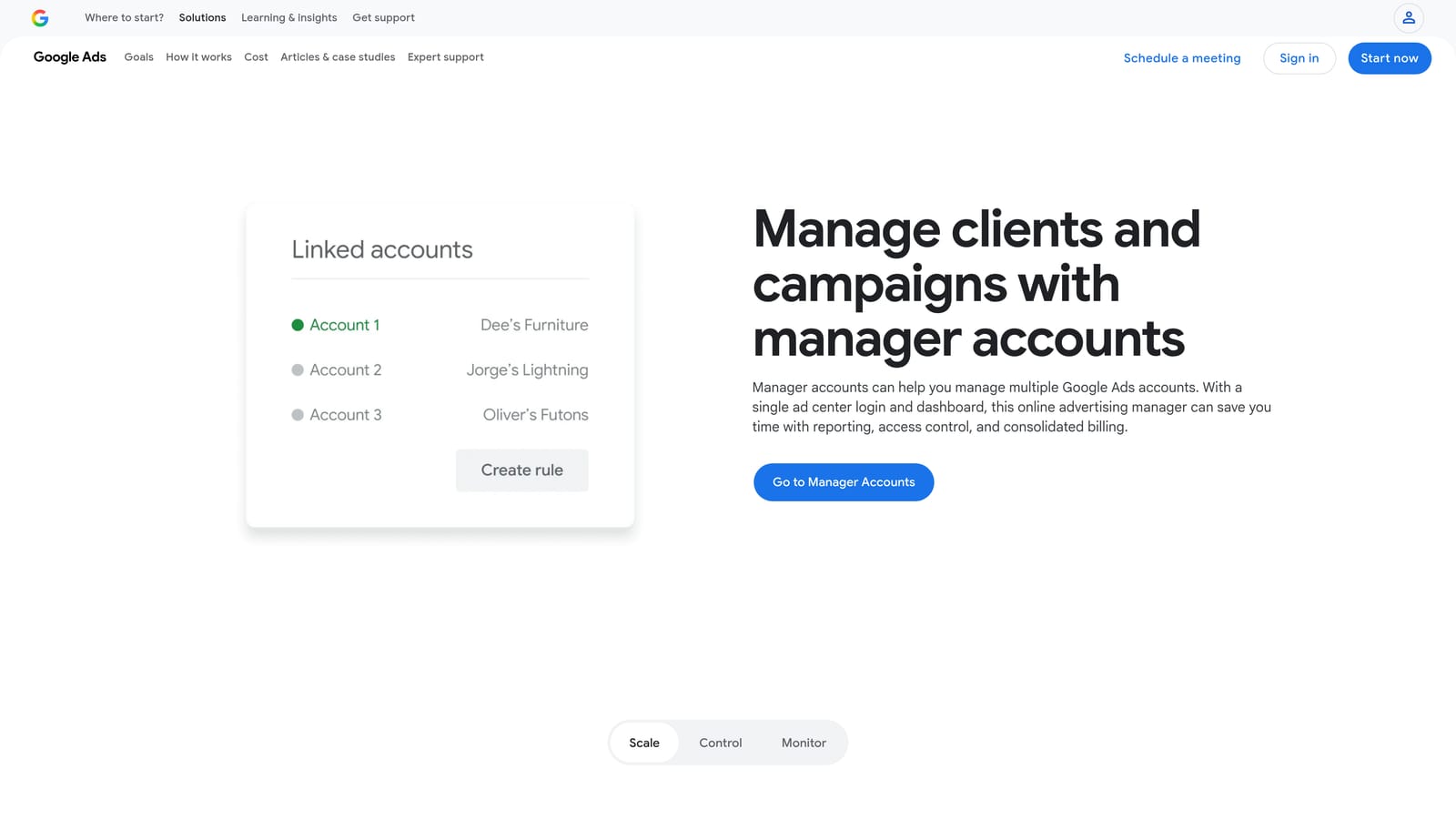
The permission model is the draw. You control who can see or change which client accounts, natively, without adding another vendor. For most teams this is foundational: the other tools on this list sit on top of it.
- One login for multiple accounts, which ends the shuffle between credentials.
- User access levels, so you can match each person's permissions to their role.
- Consolidated management of linked accounts.
- Scripts for alerts and checks, such as flagging budget or performance issues you define.
Setup means creating the manager account and linking client accounts, which is quick. Scripts are a different story: someone needs to write and maintain the JavaScript.
Limitations: scripts require JavaScript skills and ongoing upkeep, and a script that breaks quietly can leave a gap in your monitoring. The manager account itself has no task management or reporting beyond what Google provides.
Pricing: free.
Best for: Any team managing more than one Google Ads account.
6. Looker Studio
Looker Studio is Google's free dashboard tool with a native Google Ads connector. It's the default pick for teams that want shared reporting without paying for it.
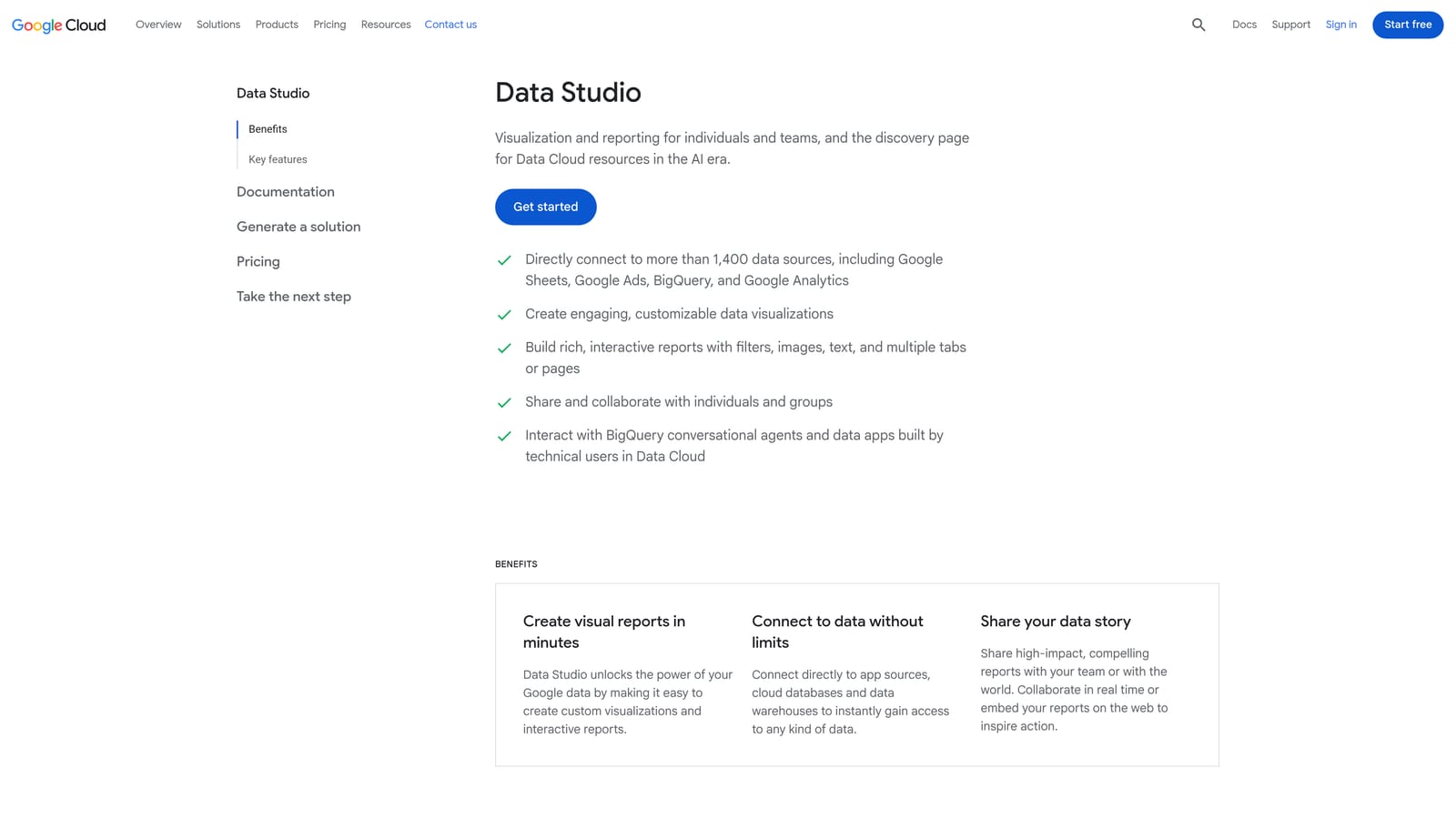
Because dashboards are live and use Google-style sharing, several people can view and edit the same report. That beats emailing exported spreadsheets around every Monday.
- A native Google Ads connector pulls account data into your reports directly.
- Shareable dashboards give clients and teammates one link instead of a file.
- Custom charts and templates let you build a report once and reuse it.
- Google-style sharing permissions control who can view or edit.
It also connects to Google Sheets and Google Analytics. Someone has to build and maintain the dashboards, and that person needs some comfort with data and layout.
Limitations: it's reporting only. It can't change your account. Pulling in other platforms often needs third-party connectors, which may cost extra.
Pricing: free, with a paid Pro tier available (check Google for current details).
Best for: Teams that need free shared reporting.
7. Supermetrics
Supermetrics is a data connector. It pulls advertising data from many platforms into the places where you build reports, such as spreadsheets, dashboards, and data warehouses.
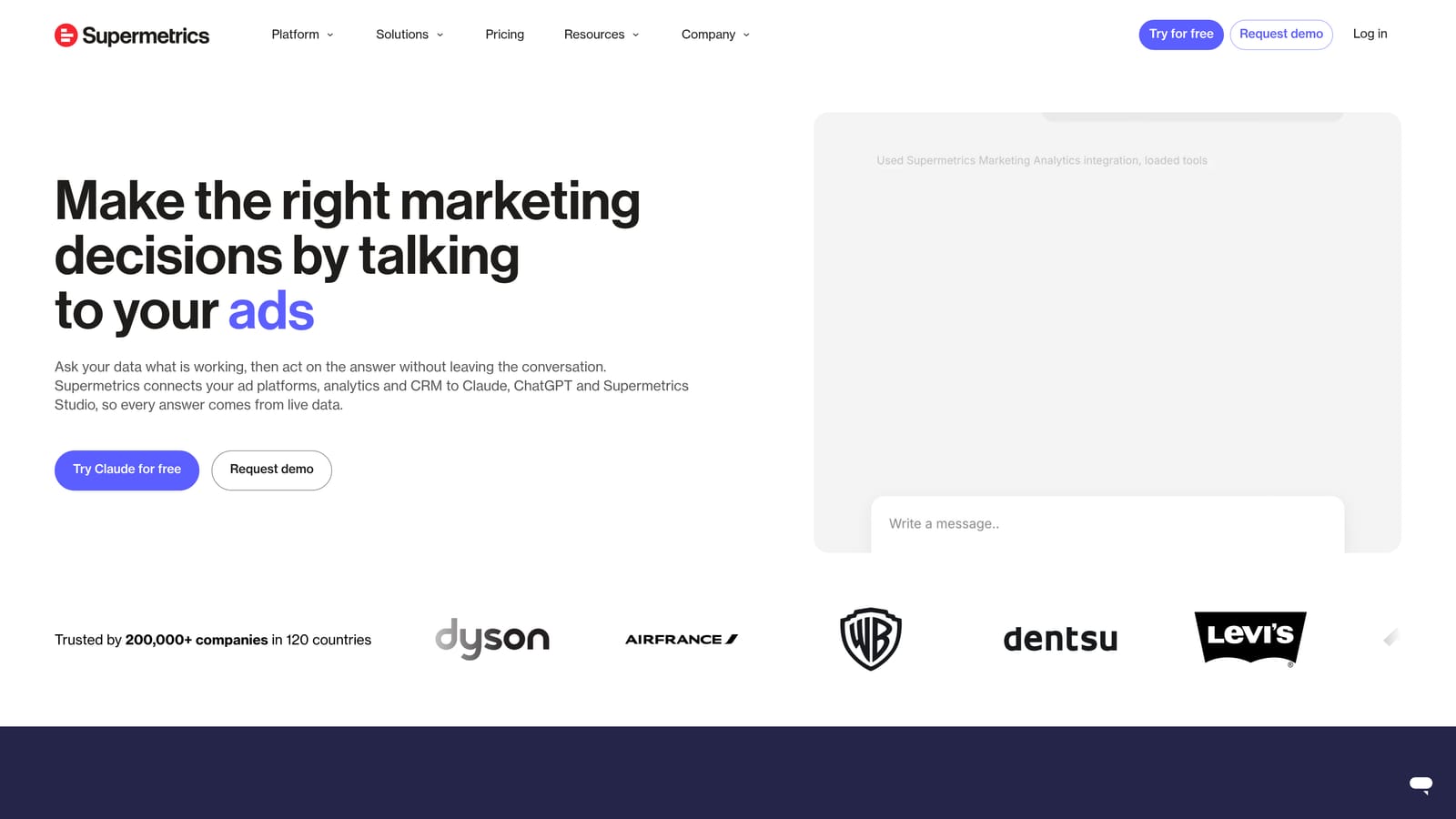
Its distinguishing job is unification. If your team reports on Google Ads alongside Meta Ads and other channels, Supermetrics gets that data into one pipeline so you aren't stitching exports together by hand.
- A Google Ads data connector that feeds your reporting stack.
- Cross-platform data pulls, so paid channels sit side by side.
- Google Sheets and Looker Studio destinations, which fit the tools many teams already use.
- Data warehouse support such as BigQuery for larger setups.
Setup depends on your destination. Connecting to Sheets is simple; building a warehouse pipeline takes someone with data skills, and that person usually owns it afterward.
Limitations: it's not an optimization tool, and it won't touch your campaigns. Pricing can run high for small teams, and it's only worth it if you really need multi-channel data.
Pricing: quote-based. See the Supermetrics website.
Best for: Teams reporting across Google Ads and other channels.
8. Swydo
Swydo is an automated reporting platform built for agencies. You set up templates once, and reports go out to clients on a schedule.
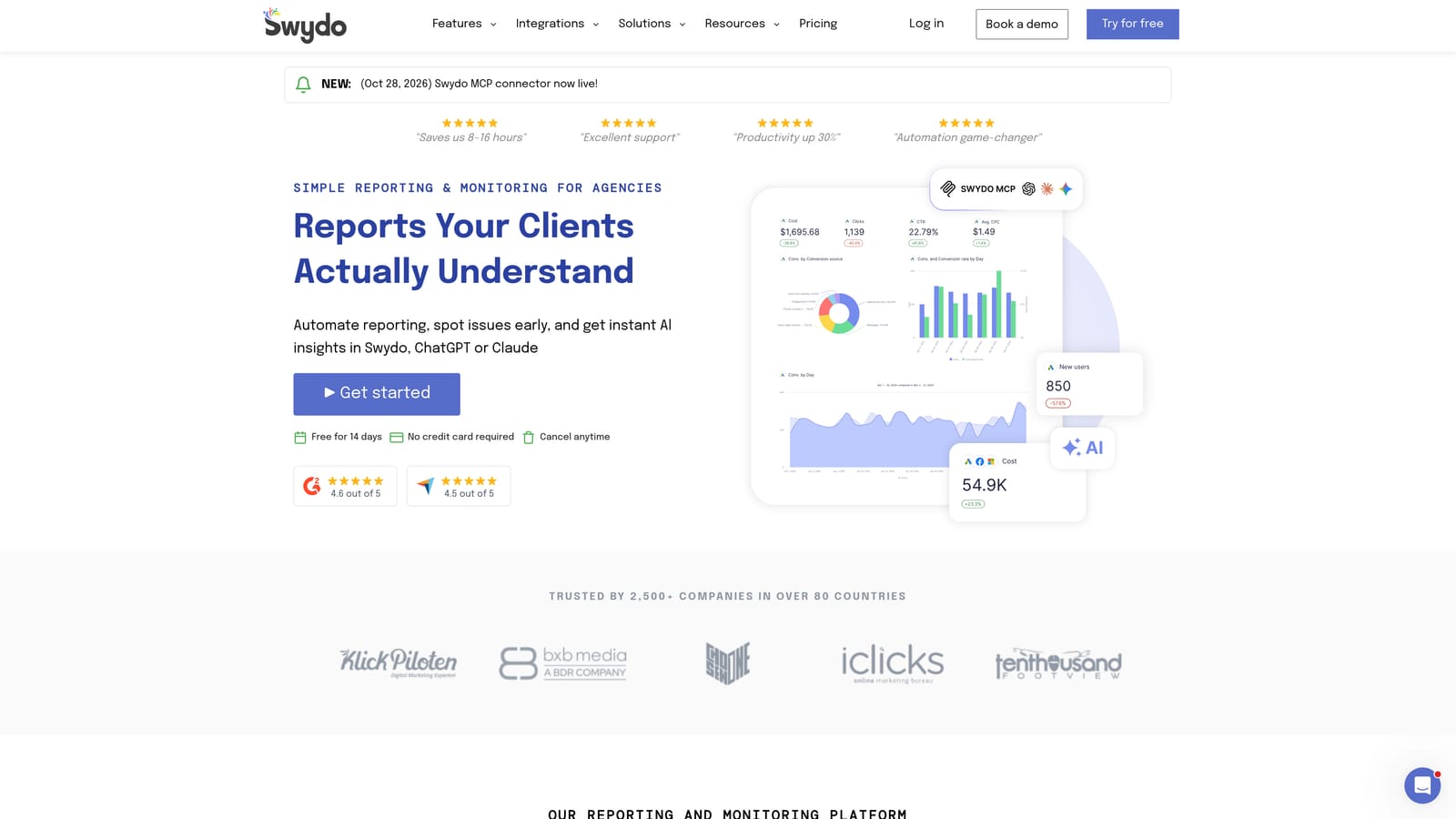
Where Looker Studio gives you flexible dashboards, Swydo is more about packaged deliverables: white-label reports that look like yours, sent automatically.
- White-label reports carry your agency's branding instead of a vendor's.
- Report templates cut the time spent rebuilding the same layout per client.
- Scheduled delivery sends reports without someone remembering to do it.
- Multi-client dashboards keep a whole roster in one view.
It connects to Google Ads, Google Analytics, and Meta Ads. The account manager or reporting lead typically owns templates; setup is mostly connecting accounts and tuning the layout.
Limitations: reporting only. It makes no account changes, and it's less compelling for in-house teams with no clients to report to.
Pricing: see the Swydo website for current plans.
Best for: Agencies sending recurring client reports.
9. Asana
Asana is a project management tool. It isn't a Google Ads product, but teams use it to organize PPC work: who is doing the monthly search term review, who signs off on a budget change, what's on the launch checklist.

That's its role on this list. The other tools handle data and edits; Asana handles ownership and accountability, which is where team setups tend to leak.
- Task assignment makes it clear who owns each recurring job.
- Project templates turn a launch or audit checklist into something reusable.
- Approval workflows add a sign-off step before important changes.
- Timelines show how campaign work lines up across the team.
It integrates with Slack, Google Workspace, and many third-party apps. Whoever runs the team's process (often a lead or account director) sets up the templates.
Limitations: it has no Google Ads data and takes no actions in your account. It records the process; it doesn't enforce it.
Pricing: a free tier and paid plans are available. Paid pricing typically depends on seats and plan level, so check Asana's website.
Best for: Teams that need task ownership and sign-off for campaign changes.
Matching Tools to Your Team
Most teams end up with one optimization tool, one reporting tool, and one workflow tool. No single product on this list does all three, and it's better to accept that early.
Solo freelancers can get far on free tools: a manager account, Google Ads Editor, and Looker Studio. If search term cleanup eats your week, Keywordme is the cheapest upgrade here at $12/month per user (as of November 2026).
In-house teams usually need clear ownership more than more features. Pair a manager account with a search term workflow tool like Keywordme, add Looker Studio for shared dashboards, and use Asana if approvals keep getting lost.
Agencies have the widest field. Optmyzr or Adalysis cover audits and testing at scale, Swydo handles client reporting, and Keywordme speeds up the search term work your account managers repeat in every account.
If search term cleanup is your bottleneck, start there. Optimize Google Ads Campaigns 10X Faster. Without Leaving Your Account. Keywordme lets you remove junk search terms, build high-intent keyword lists, and apply match types instantly, right inside Google Ads. No spreadsheets, no switching tabs, just quick, seamless optimization. Start your free 7-day trial (then just $12/month) and take your Google Ads game to the next level.
