
9 Best Google Ads Software for Marketers
This guide ranks the 9 best Google Ads software for marketers in 2026, covering tools built for search term analysis, negative keyword management, bid optimization, and reporting. Whether you manage one account or fifty, it highlights the platforms actually worth your time for day-to-day PPC campaign work.


TL;DR: The best Google Ads software for marketers in 2026 ranges from in-interface optimization tools to full-stack PPC platforms. If you're managing campaigns and tired of toggling between spreadsheets and dashboards, this list covers the tools actually worth your time, ranked by how useful they are for day-to-day campaign work.
Managing Google Ads without the right software is like doing surgery with a butter knife. The native interface gives you data, but it doesn't make optimization fast or intuitive. That's where third-party Google Ads software comes in: tools built to help marketers cut wasted spend, find high-intent keywords, and scale what's working without burning hours on manual tasks.
This list covers nine tools that marketers, freelancers, and agency owners are actually using in 2026. We've focused on tools that solve specific, real problems: search term analysis, negative keyword management, keyword research, bid optimization, reporting, and campaign auditing. Whether you're running one account or fifty, there's something here for you.
1. Keywordme
Best for: In-interface search term cleanup and negative keyword management inside Google Ads.
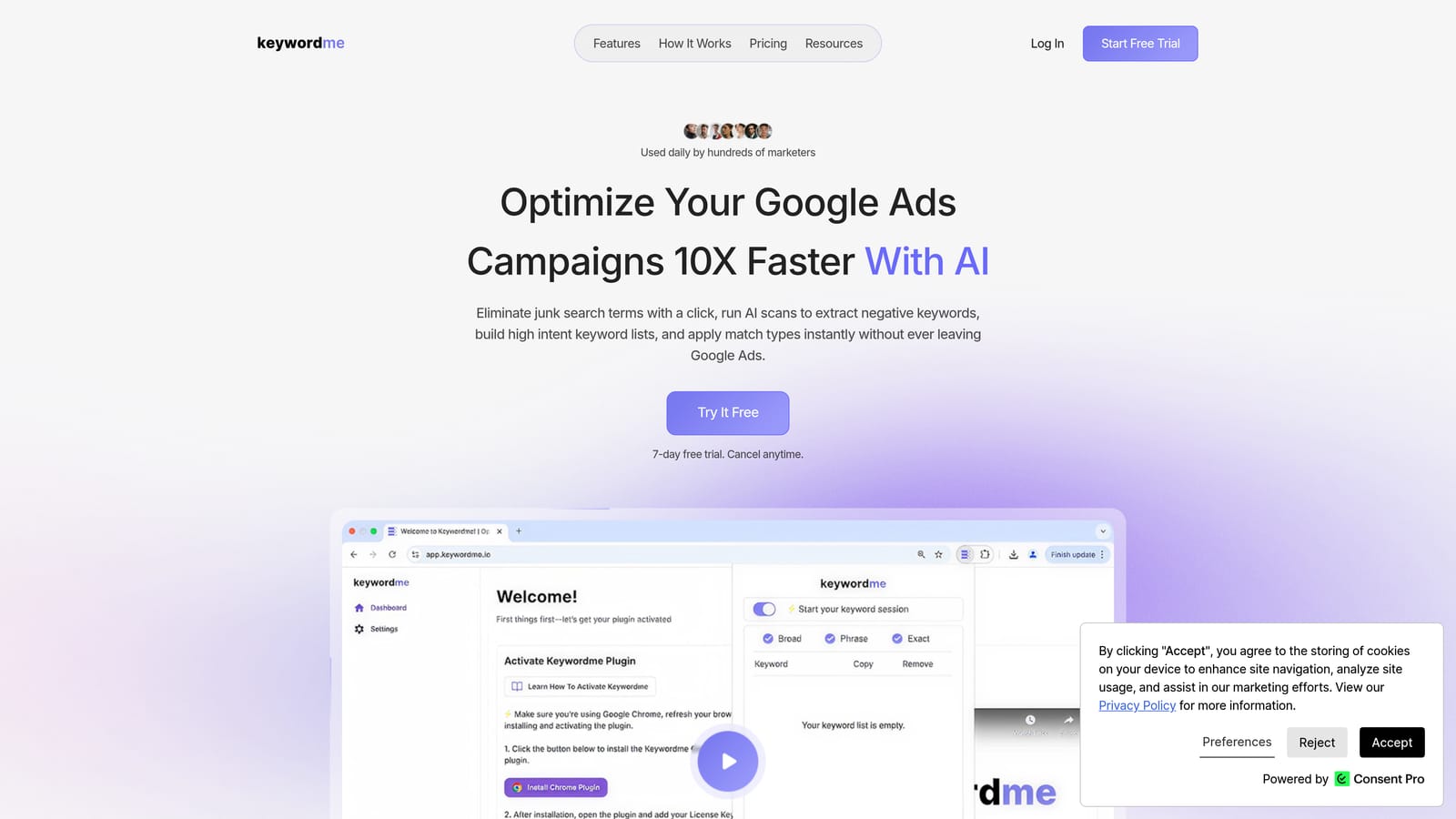
Keywordme is a Chrome extension that integrates directly into Google Ads' Search Terms Report, enabling one-click optimization without ever leaving the native interface.
Where This Tool Shines
Most Google Ads software lives outside the platform, which means you're constantly exporting data, working in a separate dashboard, and then importing changes back. Keywordme flips that model entirely. It sits inside Google Ads, so you're acting on search terms in the same place you're reviewing them.
In most accounts I audit, the search terms report is where the biggest waste lives. Irrelevant queries eating budget, broad match triggering for things that should've been negated months ago. Keywordme makes cleaning that up genuinely fast: one click to remove junk, one click to add a negative, one click to apply a match type. For agencies running multiple accounts, the time savings compound quickly.
Key Features
One-Click Junk Term Removal: Flag and remove irrelevant search terms directly inside the Google Ads interface without exporting to a spreadsheet.
Instant Negative Keyword Addition: Add negatives at the campaign or ad group level in a single action, applied immediately.
Match Type Application: Apply exact, phrase, or broad match types to search terms without leaving the report view.
Keyword Clustering and Bulk Editing: Group related terms and make bulk changes across multiple search terms at once.
Multi-Account and Team Support: Built for agencies managing multiple clients, with team access and shared workflows.
Best For
Keywordme is ideal for PPC managers, freelancers, and agency teams who spend meaningful time in the Search Terms Report each week. If your current workflow involves exporting to Sheets, color-coding rows, and manually uploading negatives, this tool directly replaces that process. It's also a strong fit for solo advertisers who want to move fast without learning a complex platform.
Pricing
Flat rate of $12/month per user. A 7-day free trial is available with no credit card required upfront. It's the most affordable paid tool on this list by a wide margin.
2. Google Ads Editor
Best for: Offline bulk editing and structural account changes at scale.
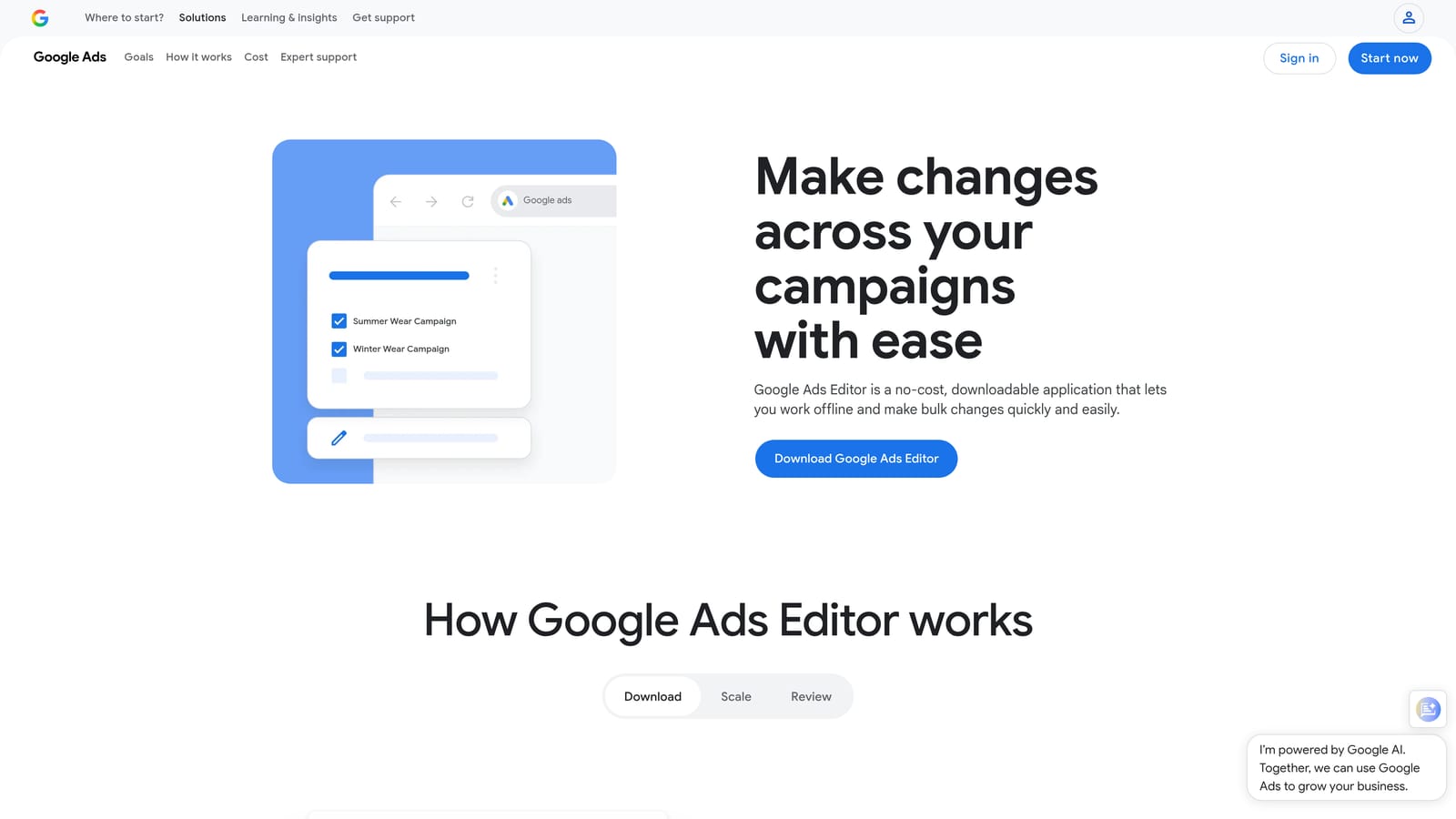
Google Ads Editor is Google's free desktop application for managing and editing Google Ads accounts offline before pushing changes live.
Where This Tool Shines
When you need to restructure a large account, rename hundreds of ad groups, or copy campaign structures between clients, doing it inside the native Google Ads interface is painful. Editor lets you stage all of those changes locally, review them in a spreadsheet-like view, and upload everything in one batch. The find-and-replace function alone saves hours on large accounts.
What usually happens here is that agencies use Editor for the heavy structural work: building out new campaigns, duplicating existing ones, making sweeping keyword changes. It's not a workflow tool for daily optimization, but for the big, messy account changes, nothing beats it.
Key Features
Offline Bulk Editing: Download your account, make changes locally, and upload in bulk without risking live account disruption mid-edit.
Find and Replace: Update text across campaigns, ad groups, keywords, and ads simultaneously with a single search-and-replace action.
Copy/Paste Between Accounts: Duplicate campaign structures from one account to another, useful for agencies onboarding new clients with similar setups.
Draft and Review Mode: Stage changes and review them before publishing, reducing the risk of costly errors going live unreviewed.
Free Access: Available to any Google Ads account holder at no cost.
Best For
Agencies managing large accounts with frequent structural changes. Also valuable for any marketer who needs to make sweeping edits across campaigns without the lag and risk of working live in the interface.
Pricing
Free. Available to download from Google for any active Google Ads account.
3. SEMrush (Advertising Toolkit)
Best for: Competitive PPC research and keyword gap analysis.
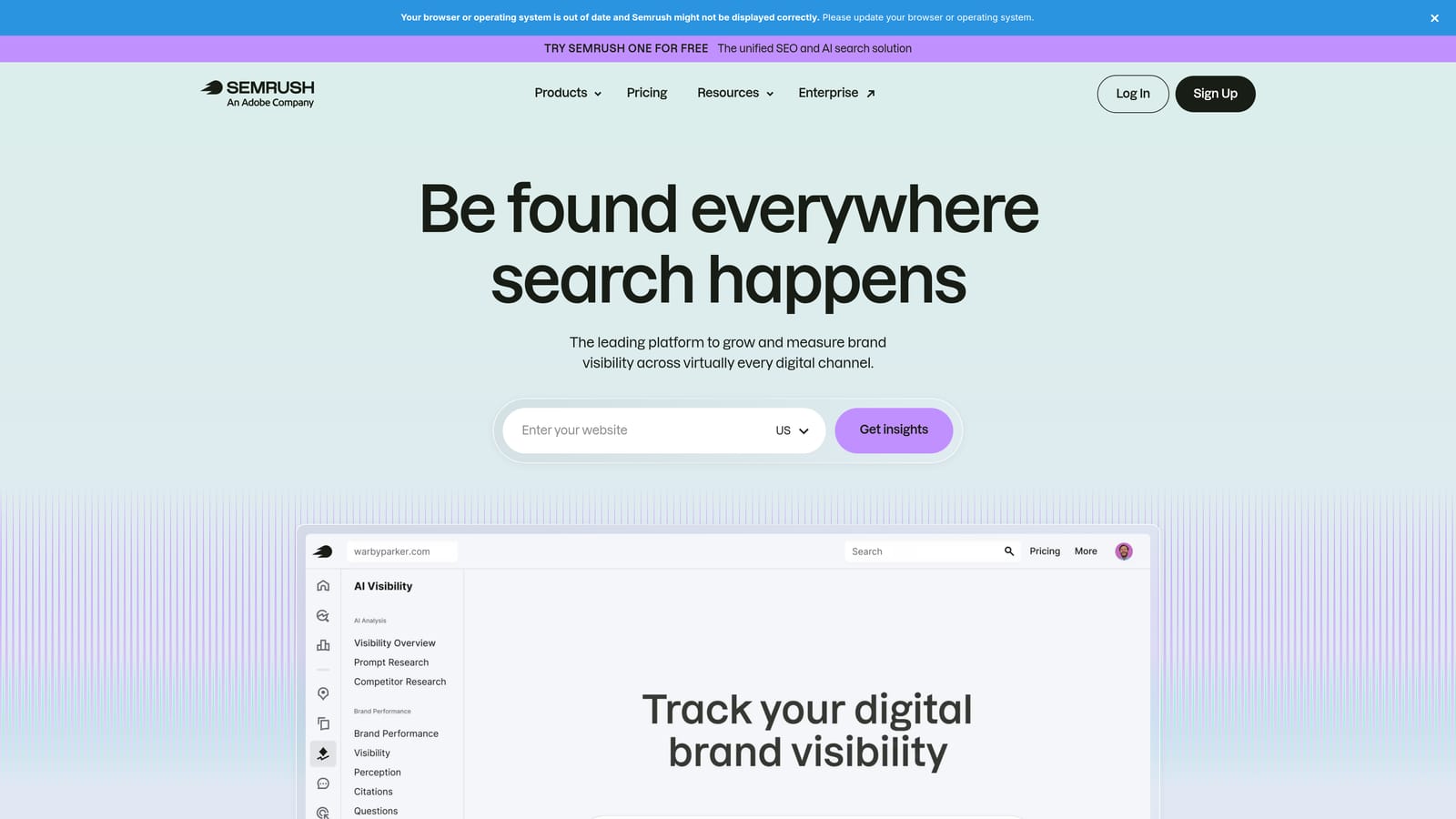
SEMrush is a comprehensive SEO and PPC platform with a dedicated advertising research suite used by marketers to understand competitor keyword strategies and ad spend.
Where This Tool Shines
The Advertising Toolkit is where SEMrush earns its place in a PPC workflow. You can type in any competitor's domain and see which keywords they're bidding on, their estimated spend, their ad copy history, and how their positions have shifted over time. That's genuinely useful intelligence when you're entering a new market or trying to find gaps in a crowded category.
The keyword gap tool is particularly practical: compare your domain against two or three competitors and immediately see keywords they're bidding on that you aren't. That's a faster way to build a prospecting list than starting from scratch in Keyword Planner.
Key Features
Competitor PPC Research: See the keywords any domain is bidding on, their estimated monthly spend, and historical ad copy.
Keyword Gap Analysis: Identify keywords competitors are targeting that your account isn't covering yet.
Ad Copy History: Review years of competitor ad variations to understand what messaging they've tested and kept.
CPC and Competition Data: Get cost-per-click estimates and competition levels for keyword planning and budgeting.
Integrated SEO and PPC Workflow: Manage both organic and paid research in a single platform, useful for teams that own both channels.
Best For
Marketers and agencies who need deep competitive intelligence before launching or expanding campaigns. Also strong for content and SEO teams who want to align paid and organic keyword strategies.
Pricing
Starts around $139.95/month for the Pro plan. Verify current pricing at semrush.com, as it changes periodically and varies by plan tier.
4. Optmyzr
Best for: PPC automation and multi-account campaign management for agencies.
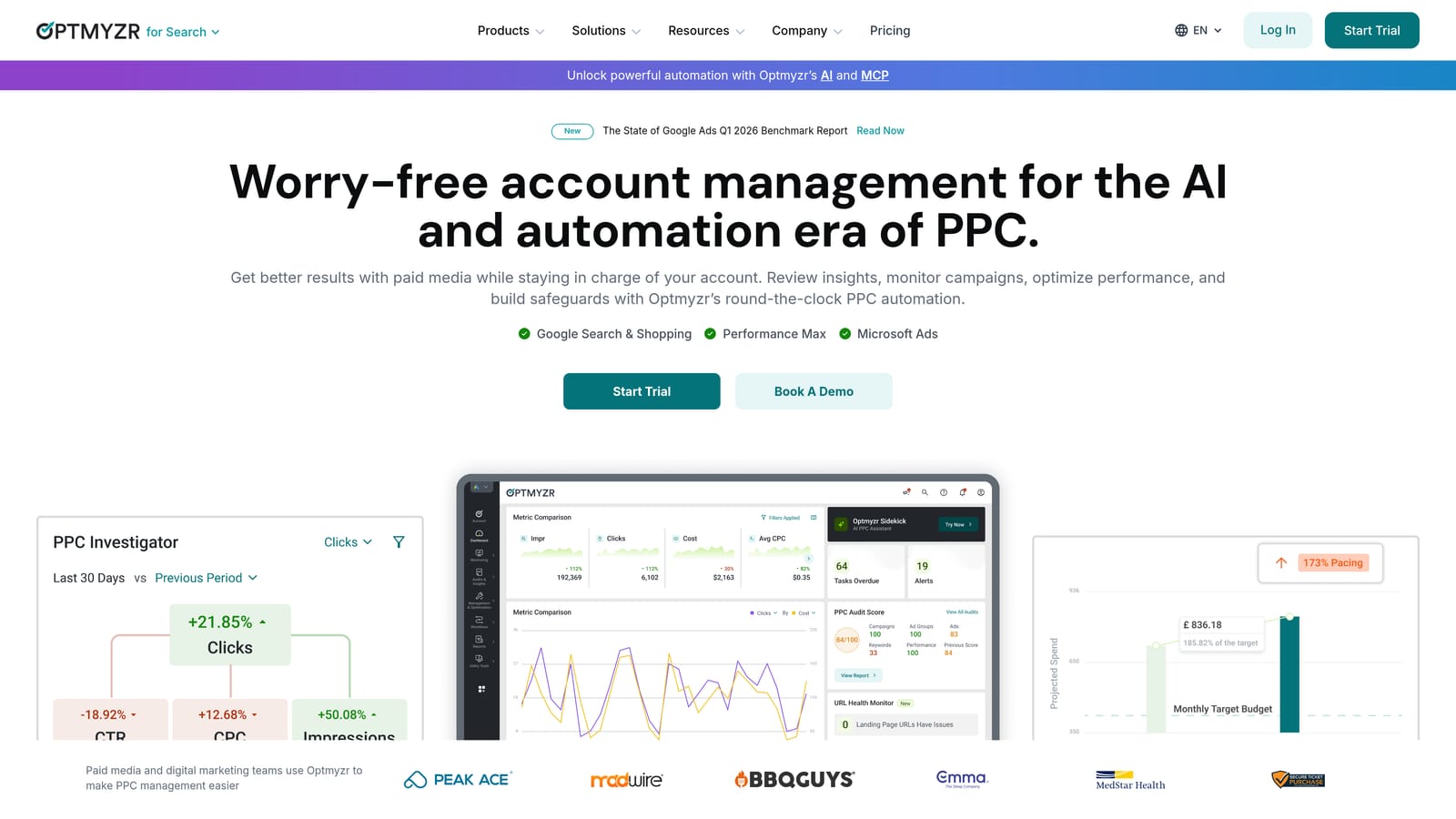
Optmyzr is a PPC optimization and automation platform with pre-built optimization recipes, rule-based automation, and campaign health monitoring built for teams managing accounts at scale.
Where This Tool Shines
The mistake most agencies make is trying to manually manage bid adjustments, budget pacing, and keyword hygiene across ten or twenty accounts simultaneously. Optmyzr's optimization recipes are essentially pre-built playbooks for common Google Ads fixes: adjust bids based on device performance, pause keywords below a quality score threshold, reallocate budget from underperforming campaigns. You set the rules once and let the system run them.
The campaign health dashboards give account managers a quick view of where things need attention across all clients, which is genuinely useful when you're context-switching between accounts all day.
Key Features
Optimization Recipes: Pre-built automation scripts for common campaign fixes that can be applied with minimal configuration.
Rule-Based Automation: Create custom rules for bids, budgets, and keyword actions triggered by performance thresholds.
Campaign Health Monitoring: Account-wide dashboards that surface issues across multiple clients in a single view.
Multi-Account Management: Designed for agency use with client-level reporting and access controls.
Shopping Campaign Tools: Dedicated features for managing Google Shopping campaigns including product group optimization.
Best For
Mid-to-large agencies managing multiple Google Ads accounts who want to reduce the manual workload of routine optimization tasks without building custom scripts from scratch.
Pricing
Starts around $208/month. Pricing scales based on total ad spend managed. Verify current tiers at optmyzr.com before committing.
5. Google Keyword Planner
Best for: First-party keyword research and budget forecasting directly from Google.
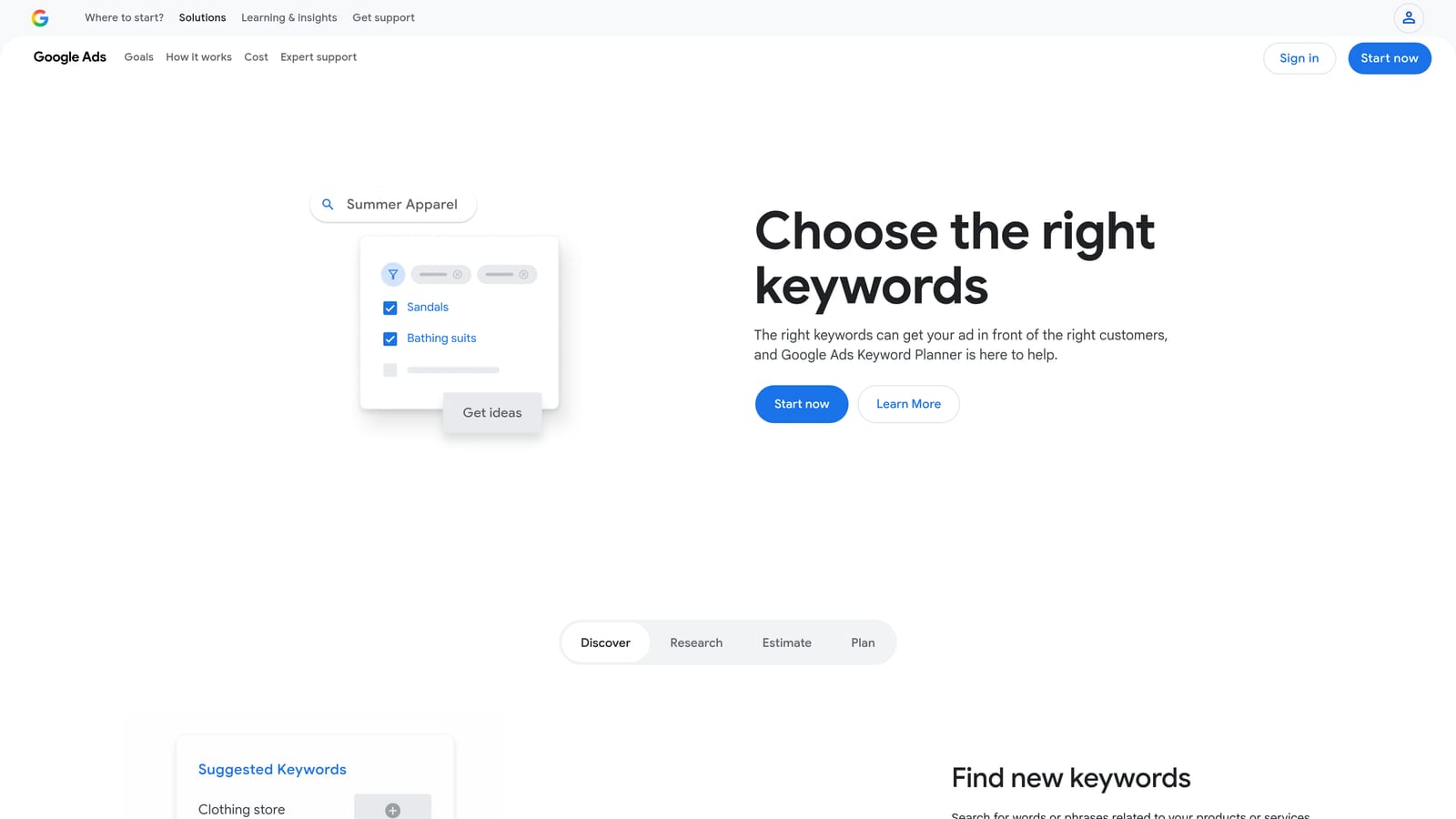
Google Keyword Planner is Google's native keyword research tool inside the Google Ads interface, providing search volume data, competition levels, and bid estimates sourced directly from Google's own data.
Where This Tool Shines
No third-party tool has access to Google's actual search data. Keyword Planner does. That makes it uniquely authoritative for understanding search volume trends, seasonal patterns, and bid estimates. The data isn't always as granular as paid tools (volume is shown in ranges unless your account has meaningful spend), but it's the closest thing to ground truth for keyword research.
The forecast tool is underused by most marketers. You can input a keyword list and get projected clicks, impressions, and costs based on your target CPC, which is useful for scoping a new campaign before you spend a dollar.
Key Features
Keyword Discovery: Generate keyword ideas from seed terms or URLs, with Google's own search data behind the estimates.
Search Volume and Trends: View monthly search volume ranges and seasonal trend charts for any keyword.
Bid Estimates: Get suggested bid ranges for low, medium, and high ad positions to inform budget planning.
Keyword Grouping Suggestions: Get recommendations for how to organize keywords into ad groups.
Forecast Tool: Model expected performance for a keyword list based on budget and bid inputs before launching.
Best For
Any Google Ads advertiser doing initial keyword research or planning a new campaign. Best used as a starting point alongside a paid research tool for competitive analysis.
Pricing
Free. Requires an active Google Ads account to access.
6. SpyFu
Best for: Historical competitor PPC research on a budget.
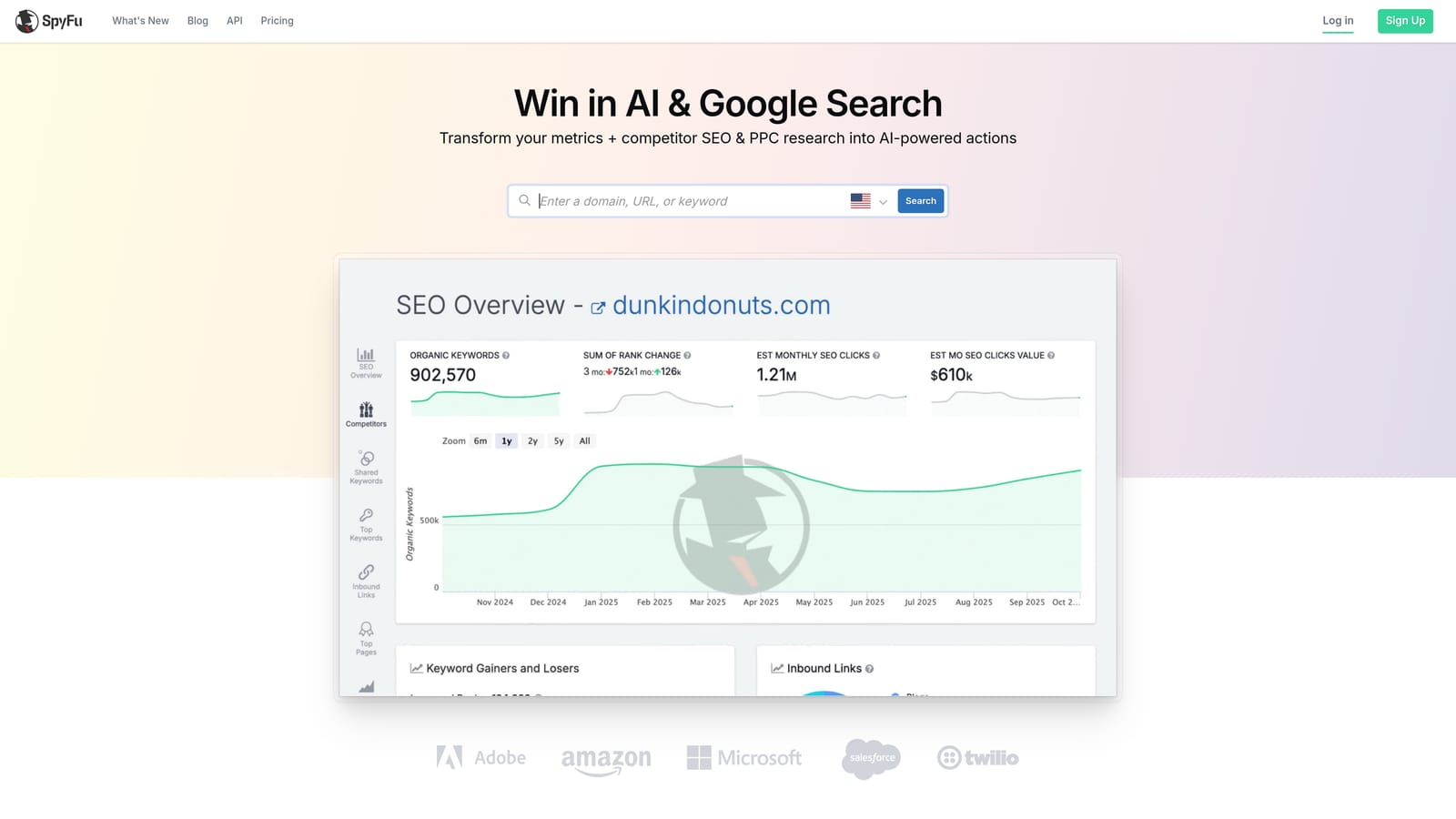
SpyFu is a competitor intelligence tool focused on PPC and SEO, with years of historical keyword and ad data for any domain, including keywords competitors have tested and abandoned.
Where This Tool Shines
SpyFu's depth of historical data is its real differentiator. You can look at what a competitor was bidding on three years ago versus today, which tells you a lot about what worked and what didn't in their strategy. The keywords-they-abandoned feature is particularly useful: if a competitor tested a keyword for six months and stopped bidding on it, that's a signal worth paying attention to before you invest in the same term.
The Kombat tool, which shows three-way keyword overlap between your domain and two competitors, is a fast way to find the keywords where you're outgunned and the ones where you have an opening.
Key Features
Competitor PPC History: See years of keyword bidding history for any domain, not just current activity.
Ad Copy and Landing Page Analysis: Review historical ad variations and the landing pages competitors were testing.
Abandoned Keywords: Identify keywords competitors have stopped bidding on, useful for avoiding their mistakes or spotting opportunities.
Domain Comparison: Benchmark your keyword coverage against competitors side by side.
Kombat Tool: Visualize three-way keyword overlap to find gaps and competitive openings.
Best For
Marketers and agencies who want competitive intelligence at a lower price point than SEMrush. Particularly useful for industries with established competitors who have been running Google Ads for several years.
Pricing
Starts around $39/month. Verify current pricing at spyfu.com, as plans and features may vary.
7. Adalysis
Best for: Ad testing with statistical significance and account-wide auditing.
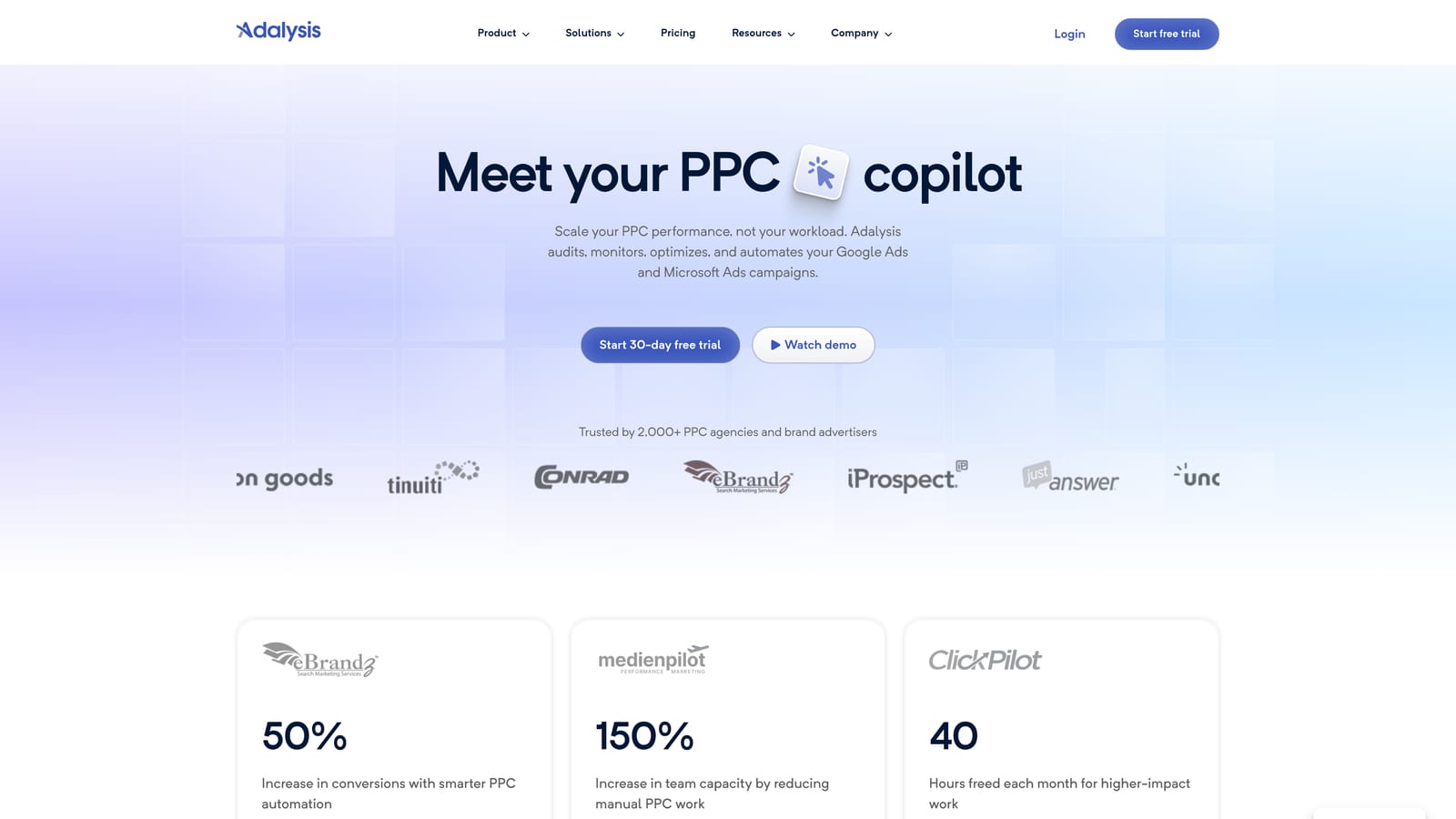
Adalysis is a Google Ads auditing and ad testing platform that automates A/B testing, monitors quality scores, and surfaces account health issues that are easy to miss in the native interface.
Where This Tool Shines
Ad testing in Google Ads is something most accounts do poorly, not because marketers don't care, but because tracking statistical significance manually is tedious. Adalysis automates that: it monitors your RSA combinations, tracks which variations are winning, and flags when a test has enough data to call a result. That's the kind of systematic discipline that most accounts skip.
The audit tools are also genuinely useful. In most accounts I look at, there are quality score issues, underperforming ad groups, and budget allocation problems that nobody has flagged because nobody built a system to look for them. Adalysis builds that system for you.
Key Features
Automated Ad Testing: Track RSA performance with statistical significance monitoring so you know when a test is actually conclusive.
Quality Score Monitoring: Get trend alerts and historical tracking for quality scores across keywords and ad groups.
Account Audit Tools: Surface underperforming elements, policy issues, and structural problems across the account.
RSA Analysis: Evaluate which asset combinations are performing in your Responsive Search Ads and which are dragging results down.
Automated Alerts: Get notified about budget anomalies, performance drops, and policy flags before they become expensive problems.
Best For
Performance-focused marketers who run ongoing ad tests and want a systematic approach to account health. Also useful for agencies doing periodic audits for clients who haven't had their accounts reviewed in a while.
Pricing
Starts around $99/month. Pricing scales with ad spend managed. Verify current tiers at adalysis.com.
8. Looker Studio
Best for: Free, customizable Google Ads reporting and client-facing dashboards.
Looker Studio is Google's free business intelligence and dashboard tool that connects natively to Google Ads, GA4, and Search Console for building shareable, branded reports.
Where This Tool Shines
Looker Studio is the standard for agency client reporting, and for good reason. It connects directly to Google Ads without any third-party connector fees, lets you build fully customized dashboards, and produces reports you can share via link or schedule as email deliveries. For a free tool, the flexibility is remarkable.
The ability to blend data sources is where it gets powerful. Combine Google Ads spend data with GA4 conversion paths and Search Console organic performance in a single view, and you have a reporting setup that tells a much fuller story than any single-channel report.
Key Features
Native Google Ads Connector: Pull Google Ads data directly into dashboards without additional setup costs or third-party connectors.
Drag-and-Drop Builder: Build custom dashboards with charts, tables, and scorecards without any coding knowledge.
Shareable Client Reports: Share dashboards via link or embed them, with branded templates for agency use.
Blended Data Sources: Combine Google Ads, GA4, Search Console, and Google Sheets data in a single report view.
Scheduled Email Delivery: Automate report delivery to clients or stakeholders on a set schedule.
Best For
Agencies and freelancers who need professional client reporting without paying for a dedicated reporting tool. Also ideal for in-house marketers who want to build internal performance dashboards that update automatically.
Pricing
Free. No subscription required. Works with any Google account.
9. Supermetrics
Best for: Automated Google Ads data pipelines into Sheets, Excel, and BI tools.
Supermetrics is a data connector tool that automates pulling Google Ads data into Google Sheets, Excel, Looker Studio, BigQuery, and other destinations, eliminating manual data exports entirely.
Where This Tool Shines
Looker Studio handles reporting well when you're working within Google's ecosystem. But when your team needs Google Ads data in Excel, or you want to pipe it into a custom BI tool or data warehouse, Supermetrics is the bridge. It handles the scheduled pulls, the data formatting, and the multi-account aggregation so your reports are always current without anyone manually exporting CSVs.
For agencies managing ten or more accounts and building consolidated performance reports, the time savings are significant. Set up the connection once, configure the refresh schedule, and the data flows automatically.
Key Features
Automated Data Exports: Pull Google Ads data into Google Sheets, Excel, Looker Studio, or BigQuery on a set schedule without manual intervention.
Scheduled Refresh: Configure daily or hourly data refreshes so reports are always showing current performance.
Multi-Account Aggregation: Combine data from multiple Google Ads accounts into a single destination for consolidated reporting.
Pre-Built Report Templates: Start with templates for common PPC metrics rather than building every report from scratch.
100+ Data Sources: Connect Google Ads alongside other platforms like Meta Ads, LinkedIn, and more for cross-channel reporting.
Best For
Agencies and in-house teams with established reporting workflows who need reliable, automated data pipelines rather than manual exports. Particularly useful when reporting spans multiple platforms or destinations beyond Google's native tools.
Pricing
Starts around $29/month for the Google Sheets connector. Pricing varies significantly by destination and number of data sources. Verify current plans at supermetrics.com.
Which Tool Is Right for Your Workflow
Most serious marketers end up running two or three tools from this list in combination. The right stack depends on what's slowing you down most right now.
For search term cleanup and negative keyword management: Start with Keywordme. It's the fastest way to work through your Search Terms Report without leaving Google Ads or touching a spreadsheet.
For bulk editing and structural account changes: Google Ads Editor is free and essential. Use it alongside your other tools for any heavy account restructuring.
For competitive research: SEMrush if you want a full-suite platform with deep data. SpyFu if you want historical competitor intelligence at a lower price point.
For automation and optimization rules: Optmyzr is worth the investment if you're managing multiple accounts and want to reduce the manual workload of routine campaign maintenance.
For reporting: Looker Studio is free and handles most reporting needs well. Supermetrics is the upgrade when you need automated pipelines into external tools or data warehouses.
For ad testing and account audits: Adalysis fills a gap that most other tools don't address well, particularly for systematic RSA testing and quality score tracking.
A common and effective stack for agencies: Keywordme for in-account optimization, SEMrush for research and competitive intelligence, and Looker Studio for client reporting. That covers the three biggest time sinks in most PPC workflows.
If you're only going to add one tool to your workflow this year, make it something that directly reduces wasted spend, because that's where most Google Ads budgets leak quietly and consistently. Start your free 7-day trial of Keywordme and see how much faster your search term optimization gets when you're doing it right inside the interface, without spreadsheets, without tab-switching, and without the usual friction that makes this task easy to skip.
.svg)