
8 Best Google Ads Search Term Report Tools in 2026
Managing a Google Ads search terms report by hand is slow and error-prone — the right Google Ads search term report tools automate negative keyword workflows, surface wasted spend, and help advertisers build smarter keyword lists in far less time. This guide reviews the 8 best options in 2026 for solo advertisers and agencies alike.


If you've ever spent an hour in a spreadsheet just to clean up your search terms report, you already know the problem. The native Google Ads interface gives you the data, but it doesn't make it easy to act on. Sorting through hundreds of search terms, spotting irrelevant queries, adding negatives, and building keyword lists by hand is slow, error-prone, and honestly kind of painful.
The good news: there are tools built specifically to speed this up. Some live inside Google Ads itself. Others pull your data into a separate dashboard. A few are Chrome extensions that add a layer of functionality right where you're already working.
This list covers the best tools for working with the Google Ads search terms report in 2026, whether you're a solo advertiser watching a tight budget or an agency managing dozens of accounts. We've focused on tools that genuinely reduce wasted spend, speed up negative keyword workflows, and help you build smarter keyword lists faster.
1. Keywordme
Best for: Advertisers who want to optimize search terms without leaving the Google Ads interface
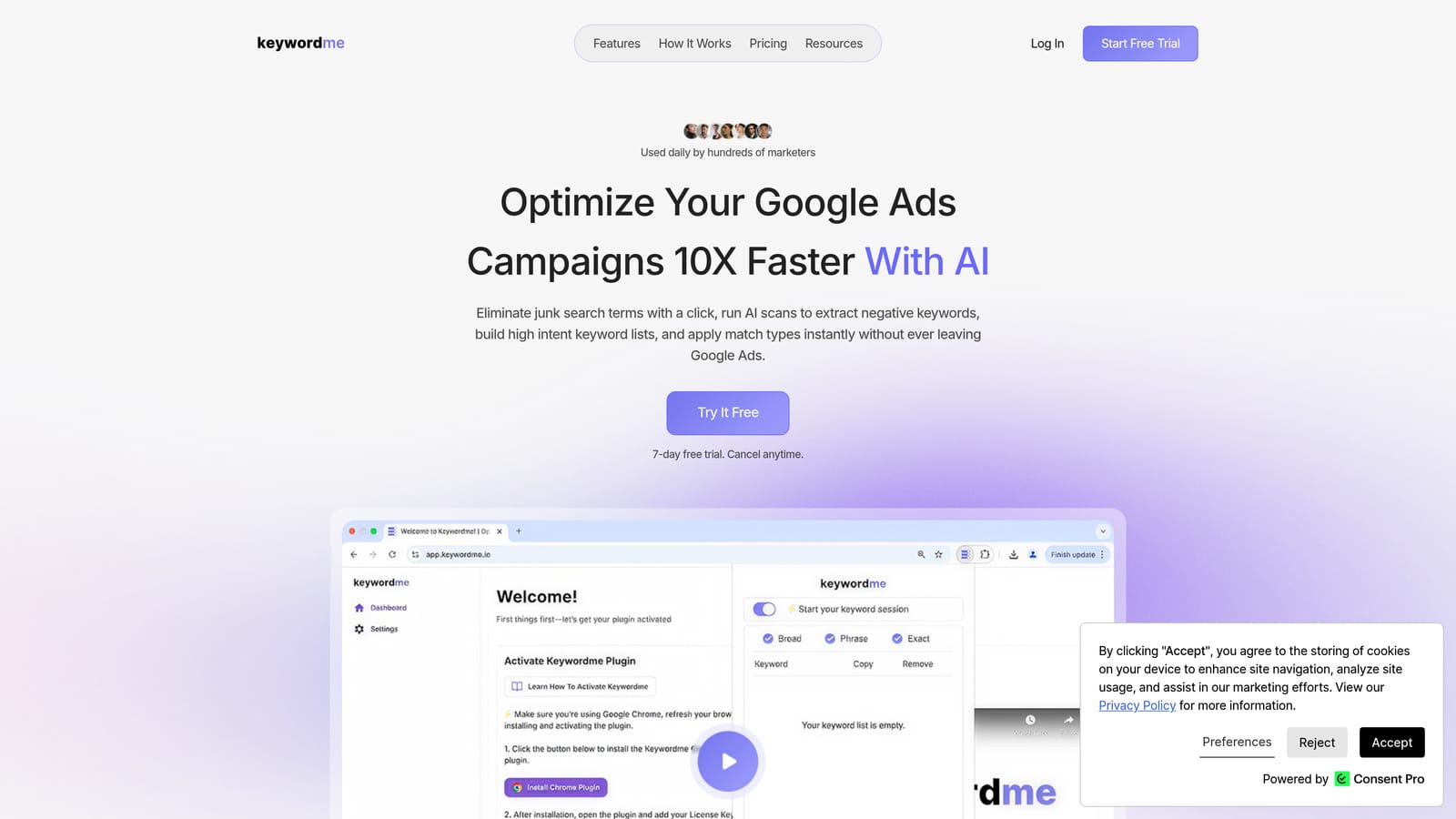
Keywordme is a Chrome extension that overlays directly on the Google Ads Search Terms Report, adding one-click actions for adding negatives, applying match types, clustering keywords, and removing junk terms.
Where This Tool Shines
The core idea behind Keywordme is simple: stop making advertisers leave Google Ads to do basic optimization work. Instead of exporting to a spreadsheet, processing your data, and re-importing changes, you do everything directly inside the native interface. That frictionless workflow is what sets it apart from most other tools in this space.
It's particularly useful for anyone who manages search terms regularly and finds the native report too limited for fast action. Keywordme's product documentation describes workflows as up to 10x faster than manual methods, though that's the company's own claim rather than an independently verified figure. Based on the feature set, the time savings from eliminating export-edit-import cycles are real and meaningful.
Key Features
One-click negative keyword addition: Add negatives to campaign or ad group level directly from the Search Terms Report without exporting anything.
Instant match type application: Apply broad, phrase, or exact match types to keywords without leaving the Google Ads UI.
Keyword clustering: Group related search terms quickly to identify themes and build tighter ad groups.
Bulk editing: Make changes across multiple campaigns at once rather than one term at a time.
Multi-account and team support: Manage multiple client accounts and collaborate with team members, making it well-suited for agency workflows.
Best For
Solo advertisers who want faster daily optimization and agencies managing multiple Google Ads accounts. If your current process involves exporting the search terms report to a spreadsheet, Keywordme eliminates that step entirely. It's especially useful for practitioners who work inside Google Ads frequently and want to stay in the native interface.
Pricing
$12/month per user, flat rate. A 7-day free trial is available with no commitment required.
2. Google Ads Search Terms Report (Native)
Best for: Advertisers who want a free, always-current starting point with no third-party tools
Google's native Search Terms Report is the built-in report inside Google Ads showing the actual queries that triggered your ads, with filtering, segmentation, and basic bulk negative keyword actions included.
Where This Tool Shines
The native report is always accurate and always current. There's no sync delay, no API connection to maintain, and no additional cost. For advertisers just getting started with search term analysis, it's the obvious first stop and genuinely useful for smaller accounts with manageable search term volumes.
Google has improved the native report's bulk actions over time. You can now select multiple terms and add them as negatives at the campaign or ad group level in a single step. That said, it still lacks smart filtering, keyword clustering, and match type suggestions, which is where third-party tools earn their place.
Key Features
Free and always current: No subscription, no sync lag, and no third-party data access required.
Filtering and segmentation: Filter by campaign, ad group, date range, and performance metrics including clicks, conversions, and cost.
Bulk negative keyword actions: Select multiple search terms and add them as negatives directly from the report.
CSV export: Download your search terms data for offline analysis or import into other tools.
Dimension segmentation: Segment data by device, network, and other dimensions for deeper analysis.
Best For
Advertisers managing smaller accounts, those just starting with PPC, or anyone who wants a free baseline before adding a paid tool. It's also the necessary starting point for workflows that feed into Google Ads Editor or DataSlayer.
Pricing
Free. Included with any Google Ads account.
3. Search Atlas
Best for: Agencies and marketers who want SEO and PPC research in a single platform
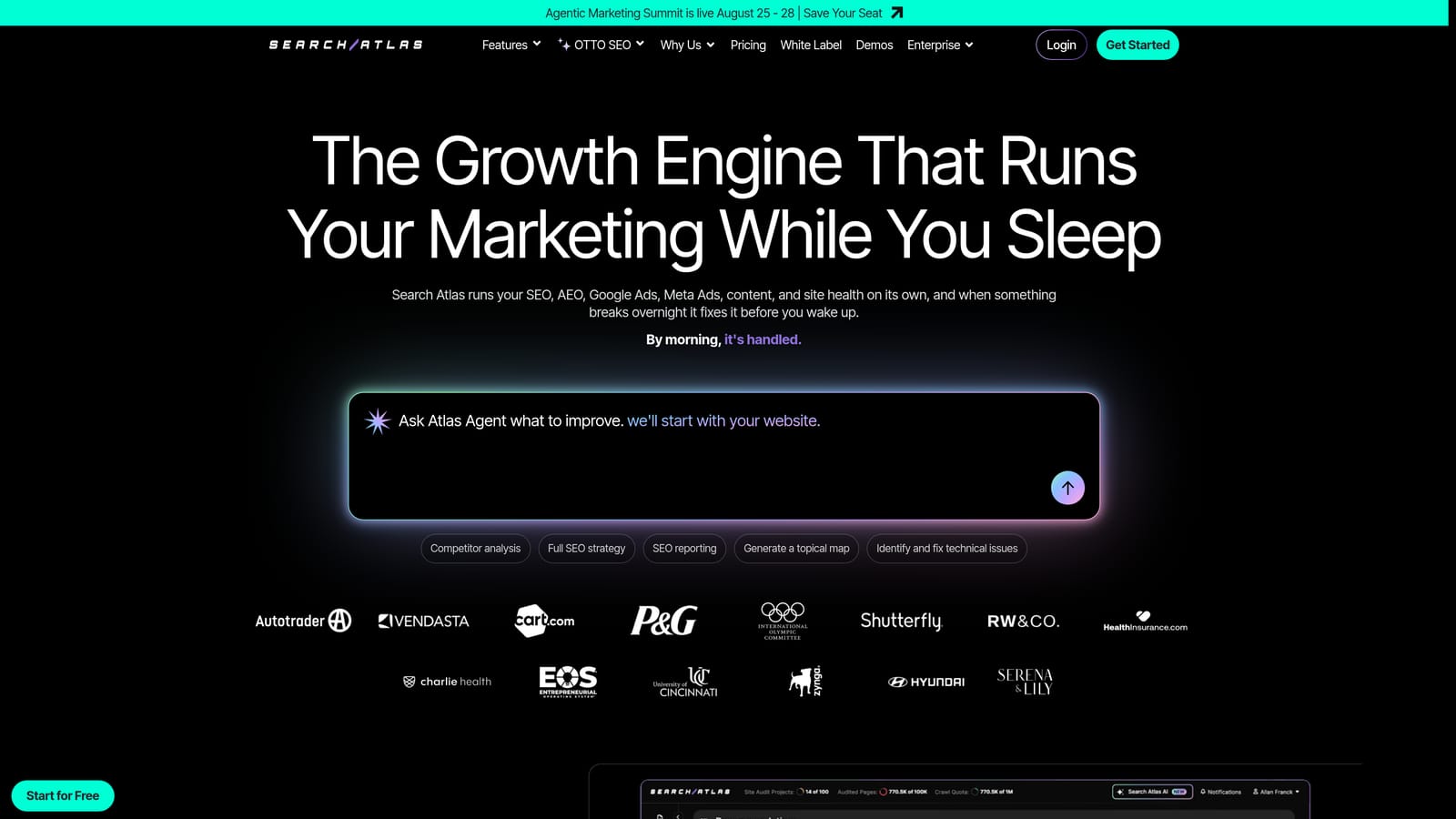
Search Atlas is an all-in-one SEO and PPC platform that combines keyword research, rank tracking, and paid search tools, including search term analysis, within a unified dashboard.
Where This Tool Shines
Search Atlas is built for teams that don't want to maintain separate subscriptions for SEO and PPC research. Its keyword clustering and intent grouping features are useful for advertisers who want to understand how their search terms map to different audience intents, not just which ones to exclude.
For agencies in particular, the white-label reporting capability adds practical value when presenting campaign data to clients. It's a growing platform in the agency space and worth evaluating if you're already paying for multiple research tools separately.
Key Features
PPC keyword research and search term analysis: Research and analyze paid search terms within the same platform you use for organic keyword work.
Keyword clustering and intent grouping: Organize terms by topic and intent to inform ad group structure.
Competitor ad intelligence: Research what terms and messaging competitors are using in paid search.
White-label reporting: Generate branded reports for agency clients without additional tools.
Google Ads integration: Import data from Google Ads for analysis within the Search Atlas dashboard.
Best For
Agencies and in-house teams that want a combined SEO and PPC research environment. Less suited to advertisers who only need search term optimization without the broader research features.
Pricing
Tiered subscription plans. Verify current pricing at searchatlas.com.
4. Optmyzr
Best for: Agencies and enterprise advertisers managing large account portfolios with automation needs
Optmyzr is a full-featured PPC management platform with rule-based automation, one-click optimization suggestions, and search term workflow tools designed for agencies and high-volume advertisers.

Where This Tool Shines
Optmyzr's strength is automation at scale. Rather than reviewing search terms one by one, you can set rules that automatically flag or action terms based on conditions you define, such as adding a negative when a term exceeds a cost threshold without converting. For agencies running many accounts, that kind of rule-based workflow saves significant time.
The MCC-level management means you can work across all client accounts from a single workspace, which is a real operational advantage for agencies. It's a more complex tool than most on this list, with a learning curve to match, but the depth is there for teams that need it.
Key Features
Rule-based search term automation: Set conditions to automatically add negatives or flag terms for review based on performance data.
One-click optimization suggestions: Review and apply recommendations across large account portfolios quickly.
MCC-level management: Manage multiple client accounts from a single dashboard without switching between accounts.
Search term mining and keyword expansion: Identify new keyword opportunities from existing search term data.
Custom reporting and client dashboards: Build branded performance reports for agency clients.
Best For
Agencies and enterprise advertisers managing high ad spend across multiple accounts who need automation rather than manual review. Less cost-effective for solo advertisers or small accounts where manual workflows are manageable.
Pricing
Subscription-based, scaling with ad spend. Verify current pricing at optmyzr.com.
5. WordStream Advisor
Best for: Small businesses and less experienced advertisers who want guided PPC optimization
WordStream Advisor is a guided PPC management platform from LocaliQ that provides weekly action items, including search term suggestions and negative keyword recommendations, aimed at advertisers who prefer structured guidance over raw data.

Where This Tool Shines
WordStream's approach is different from most tools on this list. Rather than giving you a data environment and letting you figure out what to do, it surfaces prioritized recommendations through a weekly workflow called the "Work Week." For advertisers who don't have a PPC specialist on staff, that guided structure can help ensure search term hygiene doesn't get ignored.
The tradeoff is flexibility. Experienced advertisers often find the guided format limiting compared to tools that give direct access to raw search term data. It's designed for advertisers who want optimization help, not a power-user environment.
Key Features
Weekly Work Week workflow: Prioritized action items surfaced each week, including search term and negative keyword tasks.
Search term suggestions: Recommendations for terms to add as keywords or negatives based on account performance.
Negative keyword recommendations: Guided prompts to add negatives without manually reviewing raw data.
Performance Grader: A quick account health check that benchmarks your account against industry averages.
Guided optimization design: Built for advertisers who want structured help rather than open-ended data access.
Best For
Small business owners and newer advertisers who want structured guidance on search term optimization without needing to develop deep PPC expertise. Not the right fit for experienced practitioners who want direct control over their data.
Pricing
Contact WordStream for current pricing. Verify at wordstream.com.
6. Google Ads Editor
Best for: Advertisers who need free bulk editing of keywords and negative keyword lists across large accounts
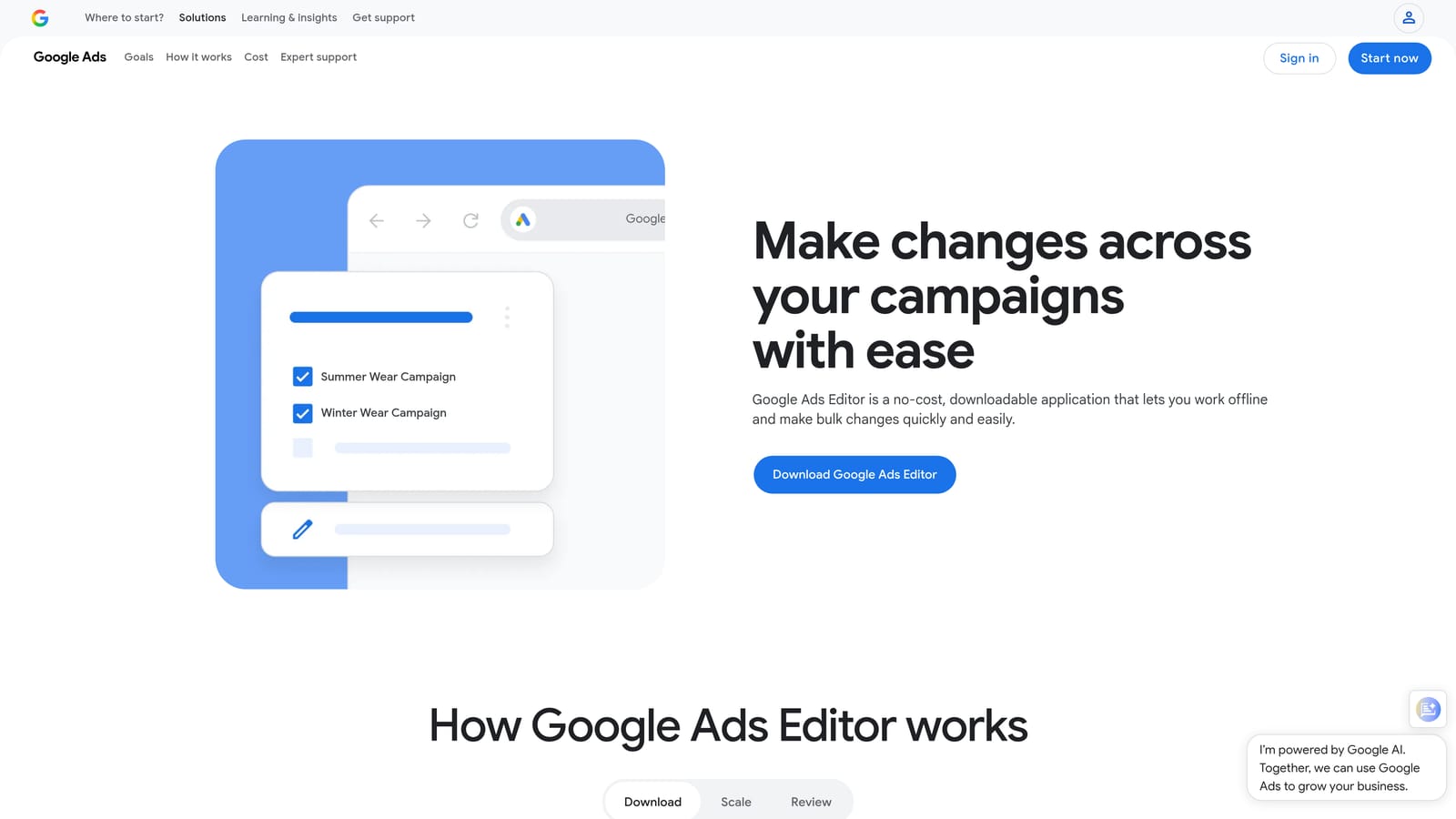
Google Ads Editor is Google's free desktop application for bulk offline editing of Google Ads campaigns, including keyword lists and negative keyword management across large accounts.
Where This Tool Shines
Google Ads Editor is the go-to tool when you need to make large-scale changes to keyword lists or negative keyword lists without paying for a third-party platform. You export your search terms report from the native UI, process the data, and import your changes through Editor in bulk. It's not a glamorous workflow, but it's free and reliable.
One important distinction: Google Ads Editor does not pull the search terms report directly. You still need to export from the Google Ads interface first, then use Editor to apply your changes at scale. Think of it as the free bulk-processing layer rather than a search term analysis tool in its own right.
Key Features
Free desktop application: No subscription required. Available for Windows and Mac.
Bulk keyword and negative keyword editing: Add, edit, or remove keywords and negatives across multiple campaigns simultaneously.
CSV import for search term workflows: Import exported search terms data and apply bulk changes before uploading.
Offline editing with batch upload: Make all your changes offline and upload them to Google Ads when ready.
Multi-account workspace: Manage multiple Google Ads accounts within a single Editor workspace.
Best For
Advertisers managing large accounts who need bulk keyword and negative keyword editing without a paid tool. Also useful as a complement to the native search terms report for anyone who doesn't need real-time in-interface actions.
Pricing
Free. Available for Windows and Mac directly from Google.
7. Semrush PPC Toolkit
Best for: Advertisers who want competitive keyword intelligence alongside their search term analysis
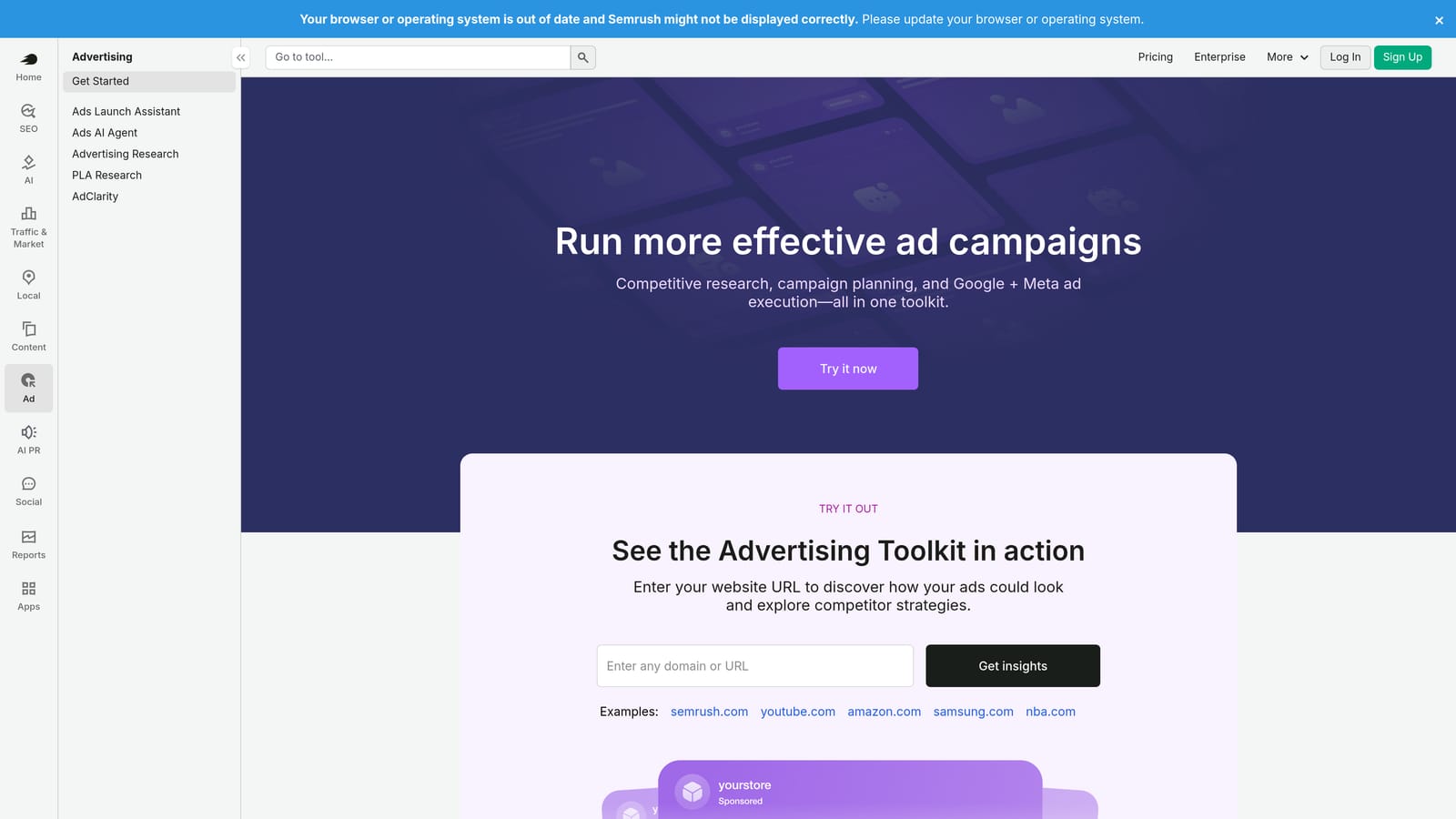
Semrush's PPC Toolkit adds competitive keyword intelligence, ad history research, and keyword gap analysis to complement search term analysis workflows, as part of the broader Semrush platform.
Where This Tool Shines
Semrush's primary PPC value is competitive intelligence. The Ad History tool lets you see which keywords competitors have been bidding on and what ad copy they've used over time. The Keyword Gap feature surfaces terms your competitors bid on that you don't, which is useful context when expanding your keyword strategy beyond what your search terms report shows.
It's worth being clear about what Semrush does not do here: it doesn't overlay on the Google Ads search terms report or provide in-interface actions. It's a separate research environment, best used alongside your Google Ads workflow rather than as a replacement for search term management tools.
Key Features
Ad History tool: Research competitor ad copy and keyword bidding history over time.
PPC keyword list building: Build keyword lists with volume and CPC data to inform campaign structure.
Keyword Gap analysis: Identify terms competitors bid on that your campaigns don't currently cover.
CPC Map: Benchmark cost-per-click data by region for budget planning.
Broader Semrush integration: Combine PPC research with SEO, content, and link data in one platform subscription.
Best For
Advertisers and agencies who already use Semrush for SEO and want to extend it to PPC research. Also useful for teams that prioritize competitive intelligence as part of their keyword strategy. Less useful as a standalone search term management tool.
Pricing
Included with Semrush subscriptions. Verify current plan pricing at semrush.com.
8. DataSlayer
Best for: Analysts and agencies who need custom reporting with automated Google Ads data pulls
DataSlayer is a data connector that pulls Google Ads search term data directly into Google Sheets or Looker Studio, enabling custom reporting, automated refreshes, and flexible analysis outside the native interface.
Where This Tool Shines
DataSlayer solves a specific problem: keeping your search term data fresh in Google Sheets or Looker Studio without manual exports. You set up your data connection once, schedule automatic refreshes, and your reports stay current without anyone having to remember to download a CSV. For agencies building client-facing dashboards, that automation removes a recurring manual task.
It also lets you combine search term data with other sources in a single sheet, which opens up analysis that isn't possible inside the native Google Ads interface. If your team is already comfortable in Sheets or Looker Studio, DataSlayer extends those environments with live Google Ads data rather than forcing you to learn a new tool.
Key Features
Automated data pulls into Google Sheets and Looker Studio: Connect Google Ads search term data to your preferred reporting environment.
Scheduled refresh: Set data to update automatically so reports stay current without manual exports.
Multi-source data combination: Merge search term data with other sources in a single sheet for custom analysis.
Custom report templates: Pre-built templates for agencies to speed up client reporting setup.
No coding required for basic setups: Accessible to analysts who aren't developers, with more advanced configurations available for technical users.
Best For
Analysts and agencies who build custom dashboards and want automated, always-current search term data in Google Sheets or Looker Studio. Not designed for in-interface search term actions, so it works best alongside a tool like Keywordme or Google Ads Editor rather than as a standalone optimization solution.
Pricing
Tiered subscription plans. Verify current pricing at dataslayer.ai.
Choosing the Right Tool for Your Workflow
The right tool depends less on which one has the most features and more on how you actually work with search term data day to day.
If you're a solo advertiser managing a tight budget and want the fastest path to cleaner search terms without extra cost, start with the native report and Google Ads Editor. Both are free, and together they cover most basic negative keyword workflows. When manual review starts eating too much time, Keywordme is the natural next step: it eliminates the export-edit-import cycle entirely by letting you act directly inside the Google Ads interface.
For agencies managing multiple client accounts, the two strongest options are Keywordme and Optmyzr. Keywordme keeps things fast and in-interface at a straightforward flat rate per user. Optmyzr adds rule-based automation for teams that need to systematically process large search term volumes across many accounts without manual review.
If competitive intelligence is a priority, Semrush PPC Toolkit gives you the clearest view of what competitors are bidding on and where keyword gaps exist. And if your team runs on custom Sheets or Looker Studio dashboards, DataSlayer is the cleanest way to keep search term data flowing into those environments automatically.
Just getting started with PPC? The native Search Terms Report paired with WordStream's guided workflow gives you a structured path without needing to interpret raw data on your own.
Whichever tool you land on, the goal is the same: spend less time on manual search term cleanup and more time making decisions that actually move your campaigns forward.
If cutting out the spreadsheet step sounds appealing, Start your free 7-day trial of Keywordme and see how much faster search term optimization feels when it all happens inside Google Ads.
.svg)