
8 Best Google Ads Search Term Analysis Tools in 2026
This guide reviews the eight best Google Ads search term analysis tools available in 2026, covering solutions that work directly inside Google Ads as well as platforms that add competitive intelligence and automation — so advertisers can cut wasted spend, build precise negative keyword lists, and act on high-intent search data without the manual grind.


Your Google Ads Search Terms Report is one of the most actionable places in your entire account. It tells you exactly what users typed before clicking your ads, which means it also tells you exactly where your budget is leaking. The catch? Working through hundreds of search terms manually, copying data into spreadsheets, and applying changes one by one is slow work that most advertisers simply don't do often enough.
The right tool changes that. Whether you want to clean up junk traffic, build tighter negative keyword lists, or surface high-intent search terms worth bidding on, the tools below cover the full range of approaches. Some work directly inside Google Ads to cut out context-switching entirely. Others bring competitive intelligence or automation that the native interface can't match. Here are the best Google Ads search term analysis tools available in 2026.
1. Keywordme
Best for: Marketers and agencies who want to optimize search terms without leaving Google Ads
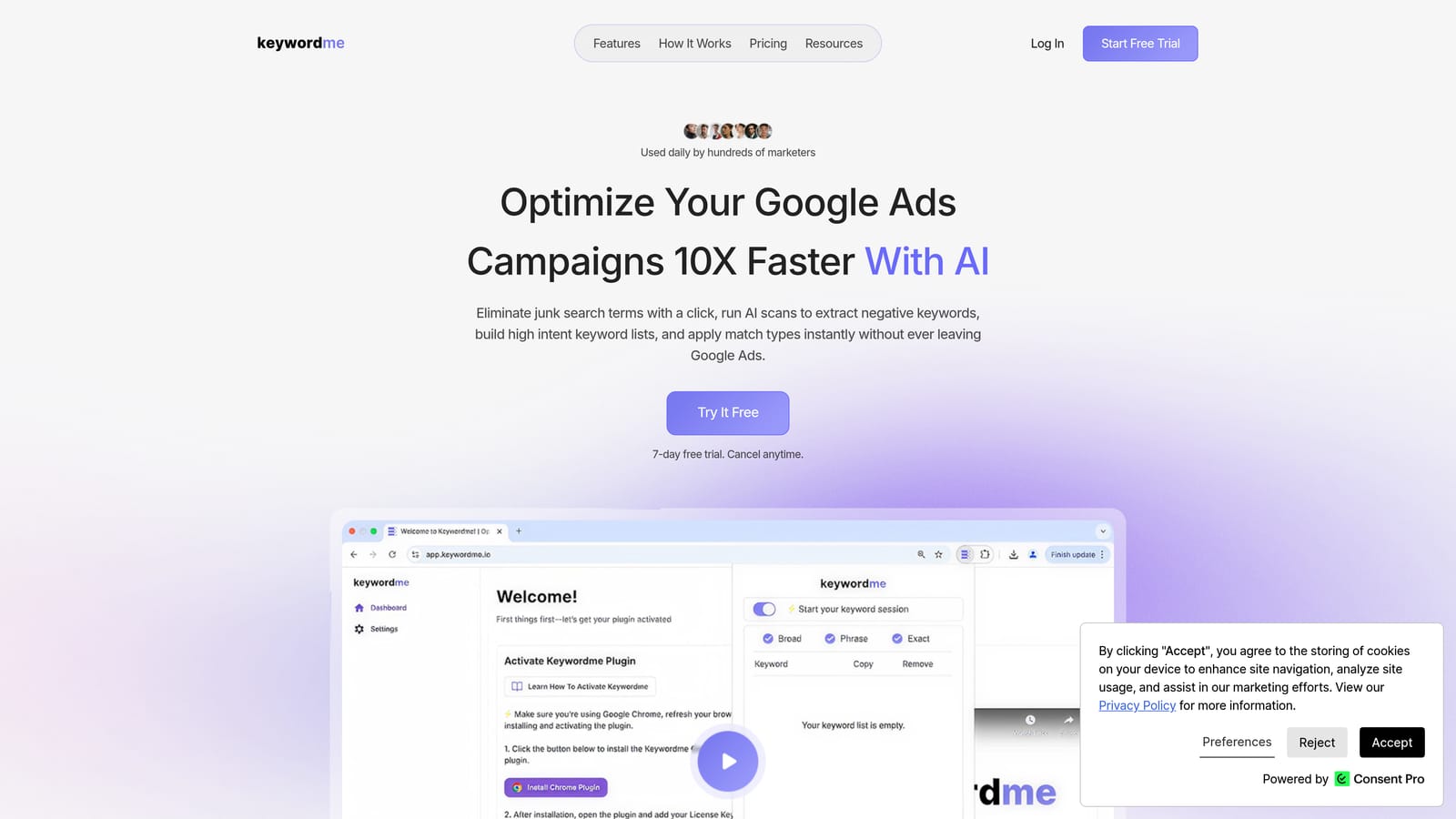
Keywordme is a Chrome extension that plugs directly into Google Ads' Search Terms Report, turning what is normally a slow, multi-step process into a series of single clicks.
Where This Tool Shines
Most search term workflows involve at least three steps: identify the problem term, copy it somewhere, apply the change. Keywordme collapses that into one action. You can add a negative keyword, promote a search term to a keyword with a match type already applied, or build a keyword list without opening a spreadsheet or switching tabs.
For agencies managing multiple client accounts, the multi-account and team support features make this especially practical. Everyone works from the same interface they already use, just faster. The keyword clustering and bulk editing capabilities also help when you're dealing with large volumes of search terms across several campaigns at once.
Key Features
One-click negative keyword addition: Flag and exclude irrelevant search terms directly from the Search Terms Report without navigating away from the page.
Promote search terms to keywords: Add high-intent search terms as positive keywords with your preferred match type applied in the same action.
Keyword clustering and bulk editing: Group and manage search terms in bulk, reducing the time spent on repetitive list-building tasks.
Multi-account and team support: Designed to work across multiple Google Ads accounts, making it practical for agencies and in-house teams managing several campaigns.
No external dashboard required: Everything happens inside the native Google Ads interface, so there's no context-switching or data export needed.
Best For
Keywordme is a strong fit for freelancers and agency owners who spend meaningful time inside the Search Terms Report each week and want to move faster without adding more tools to their stack. It's also useful for solo advertisers who want to maintain cleaner accounts without the overhead of a full PPC management platform.
Pricing
$12 per user per month, with a 7-day free trial available. Flat-rate pricing makes it straightforward to budget for, especially for small teams.
2. Google Ads Search Terms Report (Native)
Best for: Any Google Ads advertiser who needs first-party search term data at no additional cost
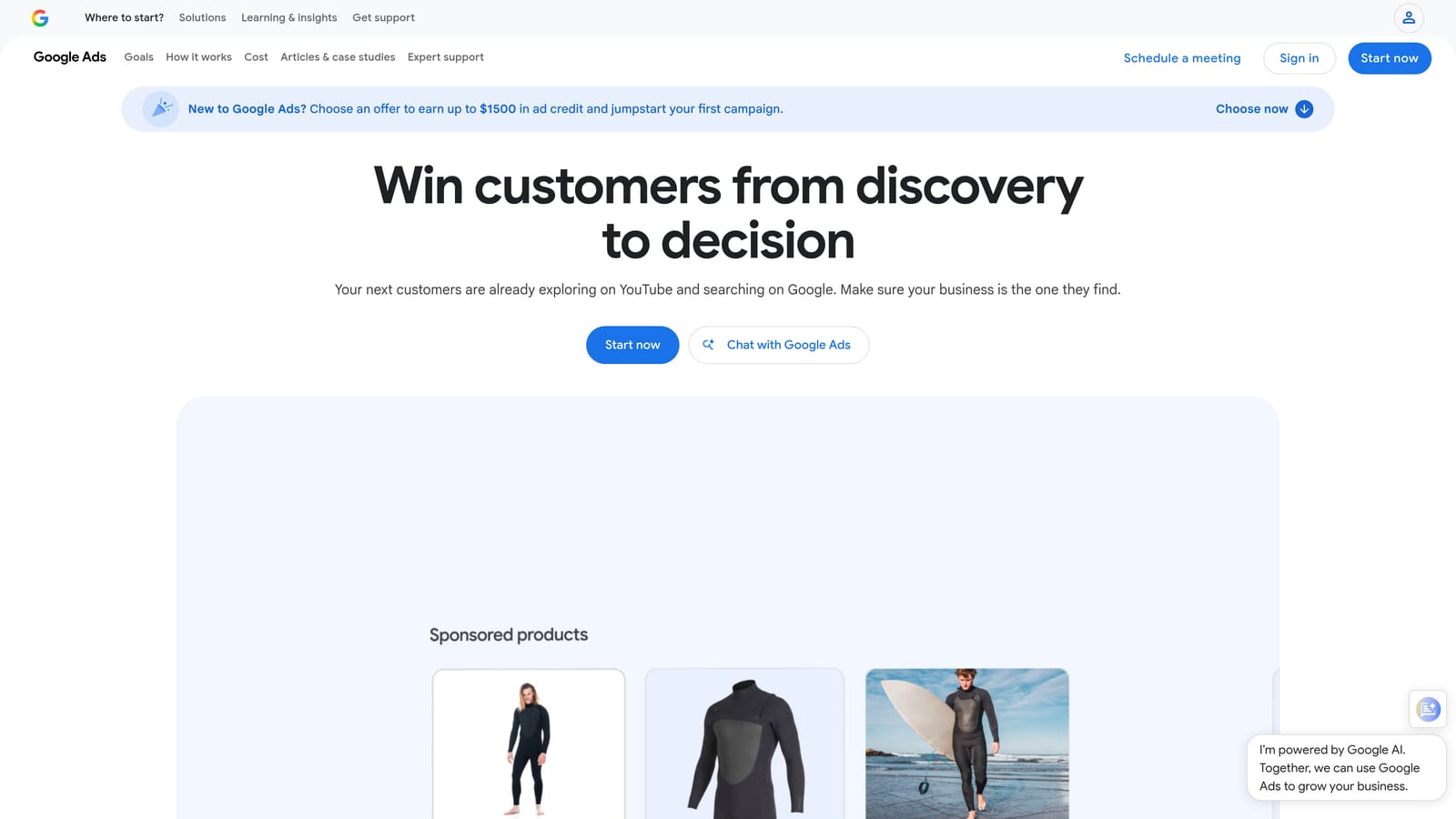
Google Ads' built-in Search Terms Report is the primary source of truth for search term data. Every other tool on this list either connects to it, pulls from it, or helps you act on what it shows.
Where This Tool Shines
The native report gives you actual, first-party data on the queries that triggered your ads. There's no modeling, no estimation, and no third-party interpretation. You can filter by campaign, ad group, date range, and performance metrics, then add search terms as keywords or negative keywords directly from the interface.
It's worth noting a real limitation: Google applies privacy thresholds that prevent some low-volume search terms from appearing in the report. This means your view is not always complete, and some irrelevant traffic may be invisible to you. For the terms that do appear, the native workflow works but requires multiple steps per action, which adds up quickly when you're working through a long list.
Key Features
First-party data from Google: No estimates or modeled figures; these are the actual queries that triggered your ads.
Flexible filtering: Sort and filter by campaign, ad group, date range, clicks, conversions, and other performance metrics.
Native keyword actions: Add search terms as positive keywords or negative keywords at the campaign or ad group level.
CSV export: Download the full report for offline analysis or to share with clients.
Free access: Available to anyone with an active Google Ads account at no extra cost.
Best For
The native report is the right starting point for every advertiser, regardless of what other tools you use. It's especially sufficient for advertisers with smaller accounts and lower search term volume who don't need to process large lists quickly.
Pricing
Free, included with any active Google Ads account.
3. Search Atlas
Best for: Agencies managing both organic and paid search who want unified keyword intelligence
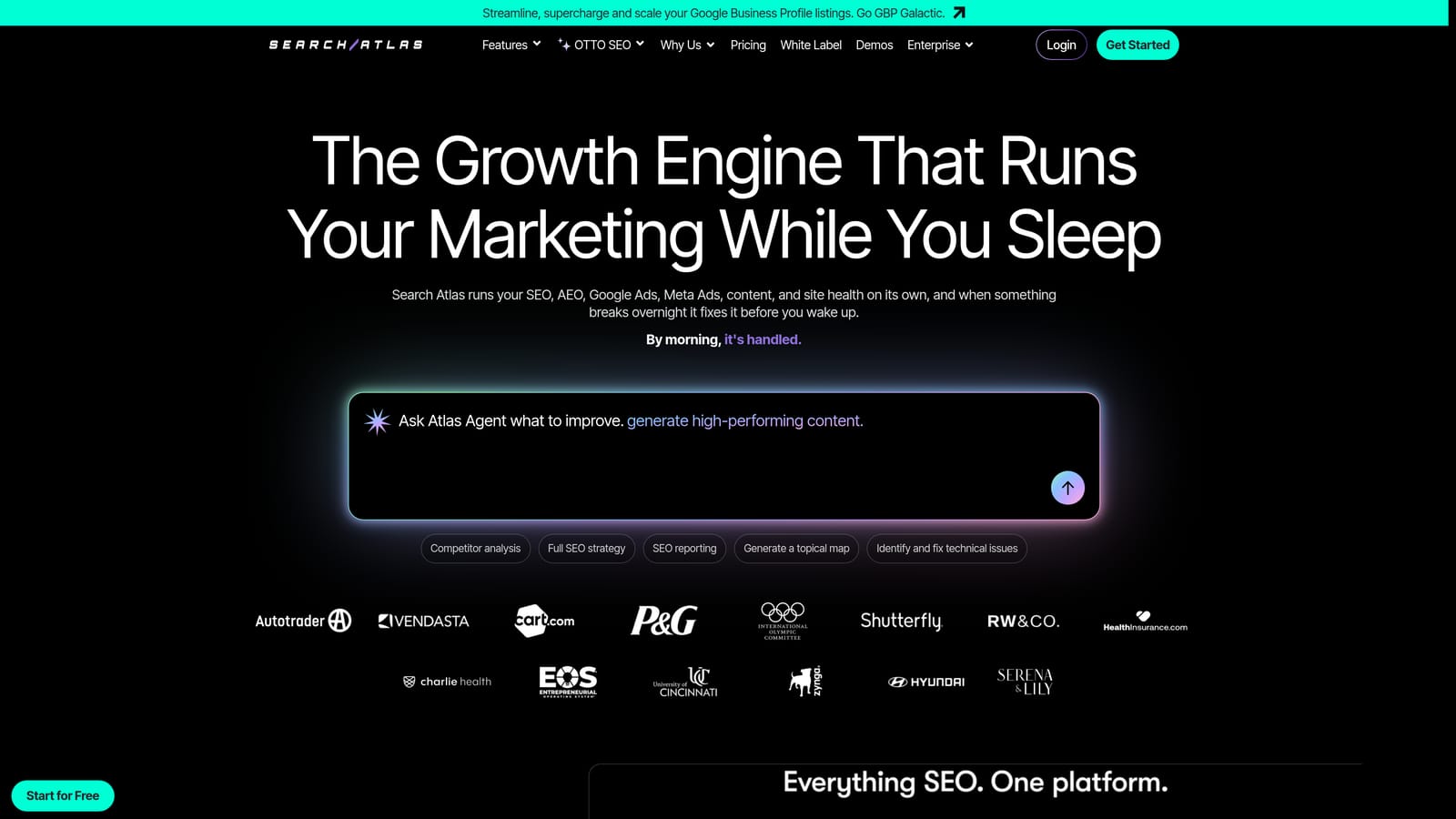
Search Atlas is an all-in-one SEO and PPC platform that brings organic and paid keyword data together in a single workspace.
Where This Tool Shines
The main appeal of Search Atlas for search term analysis is the ability to cross-reference paid and organic data. If a search term is converting in your Google Ads account, you can quickly assess whether it also represents an organic opportunity, or vice versa. For agencies running integrated campaigns, this removes the need to jump between separate SEO and PPC tools.
The platform also includes agency-focused reporting and multi-project support, which makes it easier to manage client work without rebuilding your workflow for each account.
Key Features
Unified keyword data: Combines organic and paid search term intelligence in one platform.
PPC keyword research tools: Supports search term strategy with keyword discovery and analysis features.
Competitor keyword and ad analysis: Surfaces what competitors are targeting in both paid and organic search.
Content and keyword clustering: Groups related search terms to support both ad structure and content planning.
Agency reporting and multi-project support: Designed for teams managing multiple clients or campaigns.
Best For
Search Atlas is a practical choice for agencies or in-house teams that run both SEO and paid search and want a single platform for keyword intelligence rather than maintaining separate subscriptions for each channel.
Pricing
Multiple tiers available. Check searchatlas.com for current pricing.
4. SEMrush
Best for: Advertisers who want deep competitive keyword intelligence alongside their search term research
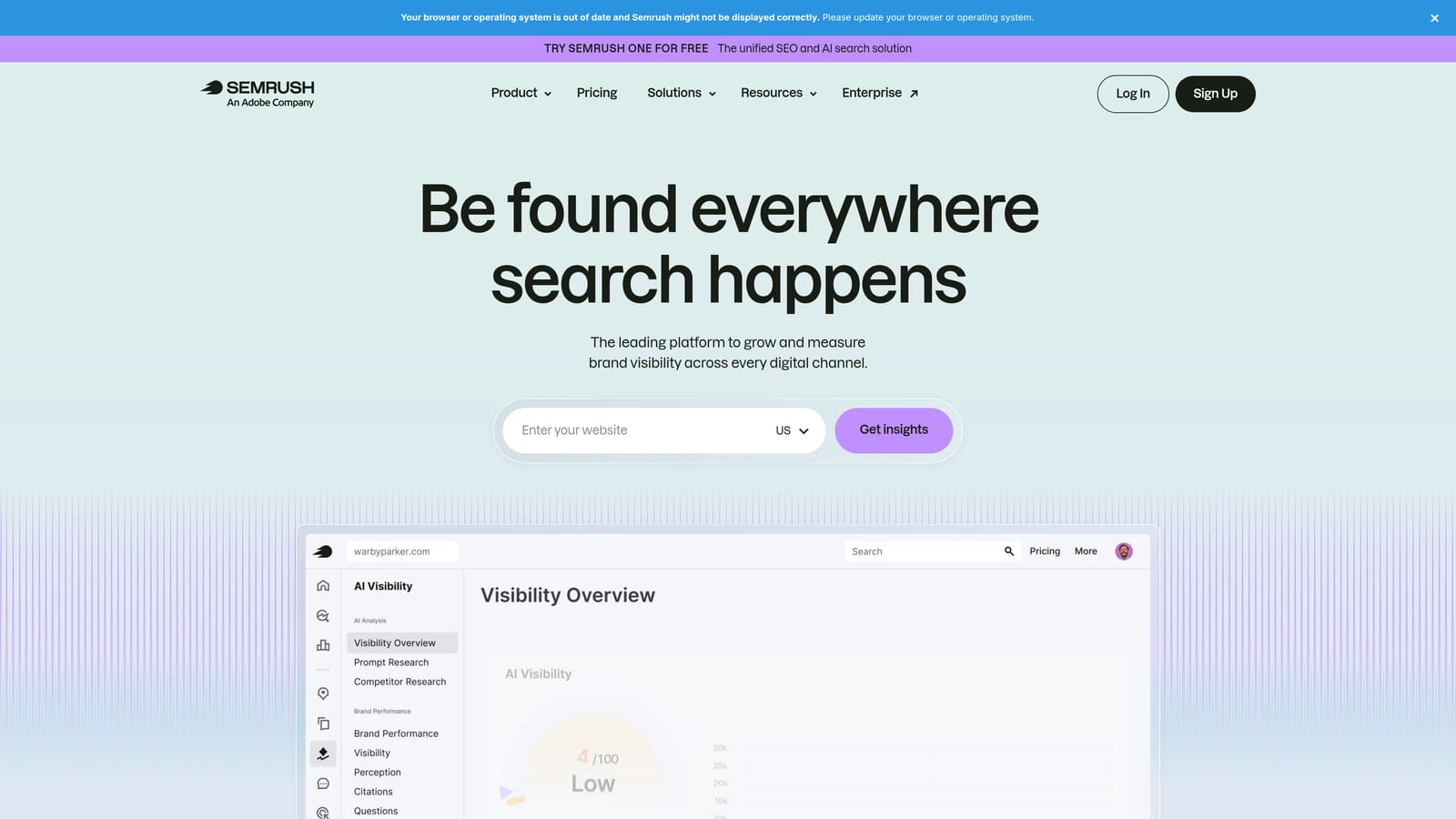
SEMrush is a widely used SEO and SEM platform with a dedicated PPC Toolkit that helps advertisers research search terms, study competitor ad strategies, and plan keyword targeting across markets.
Where This Tool Shines
SEMrush is particularly strong when you want to understand the competitive landscape around a set of search terms. The Advertising Research feature shows you which keywords competitors are bidding on and what their ad copy looks like, which is useful for identifying terms you might be missing or for building negative keyword lists based on what you don't want to compete for.
The Keyword Magic Tool surfaces related search terms with volume and intent data, which helps when you're trying to expand a campaign's reach or validate whether a search term you're seeing in your report is worth promoting to a keyword.
Key Features
Keyword Magic Tool: Generates related search terms with volume, intent, and difficulty data to support keyword planning.
Advertising Research: Shows competitor keywords and ad copy to inform targeting and negative keyword decisions.
PPC Keyword Tool: Organizes and filters keyword lists for use in Google Ads campaigns.
Position tracking: Monitors keyword visibility and ranking changes over time.
Large keyword database: Covers multiple markets and languages, useful for international campaigns.
Best For
SEMrush is a good fit for advertisers who need competitive keyword intelligence as part of their search term strategy, or for teams already using SEMrush for SEO who want to extend it to their paid search workflow without adding another subscription.
Pricing
Paid plans with multiple tiers; no free plan for full PPC features. Check semrush.com for current pricing.
5. Ahrefs
Best for: Advertisers who want to validate search terms using organic click and intent data
Ahrefs is primarily an SEO platform, but its Keywords Explorer provides search volume, click data, and intent signals that are genuinely useful for Google Ads search term decisions.
Where This Tool Shines
Where Ahrefs adds value for paid search is in helping you understand what a search term actually means before you bid on it or block it. The click-through data shows how often users click on results for a given query, which can indicate whether a term has commercial intent or is more informational. The SERP analysis helps you see what's currently ranking, which gives context to whether a term is worth targeting or better suited to organic content.
This kind of intent validation is useful when you're reviewing search terms in your report and trying to decide which ones to promote to keywords and which ones to add as negative keywords.
Key Features
Keywords Explorer: Provides click-through rates, search volume, and keyword difficulty for any search term.
Search intent classification: Helps distinguish informational, navigational, and transactional queries to guide keyword decisions.
SERP analysis: Shows what content currently ranks for a given search term to inform targeting strategy.
Keyword ideas and related terms: Surfaces related search terms for expanding or refining your keyword targeting.
Site Explorer for competitive gap analysis: Identifies keywords competitors rank for that you're not targeting.
Best For
Ahrefs is most useful for advertisers who want to cross-reference their search term data with organic intent signals, or for teams that already use Ahrefs for SEO and want to apply that data to their paid campaigns without a separate research tool.
Pricing
Paid plans with multiple tiers. Check ahrefs.com for current pricing.
6. Optmyzr
Best for: Agencies managing large Google Ads budgets across multiple accounts who need automation
Optmyzr is a PPC management platform that connects to Google Ads via API and offers rule-based automation, search term reporting, and bulk optimization tools designed for teams working at scale.

Where This Tool Shines
Optmyzr's Search Term Analysis feature goes beyond what you can do manually in the native interface. You can set rules to automatically flag search terms that meet certain criteria, whether that's high spend with no conversions, irrelevant intent patterns, or terms that consistently underperform. This kind of systematic processing is difficult to replicate manually when you're managing dozens of campaigns or multiple client accounts.
The bulk negative keyword management tools let you apply changes across campaigns and accounts in one workflow, which is a meaningful time saver compared to making the same updates account by account.
Key Features
Search Term Analysis tool: Identifies search terms to add as keywords or exclude as negative keywords at scale.
Rule-based automation: Flags and processes search terms based on performance criteria you define.
Bulk negative keyword management: Apply negative keywords across multiple campaigns and accounts in one action.
Performance dashboards and custom reporting: Tracks account performance and surfaces optimization opportunities.
Multi-account management: Designed specifically for agency workflows managing many client accounts simultaneously.
Best For
Optmyzr is built for agencies and in-house teams managing significant ad spend across multiple accounts. If you're a solo advertiser with a single account and moderate search term volume, the platform may offer more than you need at a higher price point than simpler alternatives.
Pricing
Pricing is based on the amount of ad spend managed. Check optmyzr.com for current plans and pricing tiers.
7. SpyFu
Best for: Advertisers who want to research competitor keyword strategies to inform their own targeting
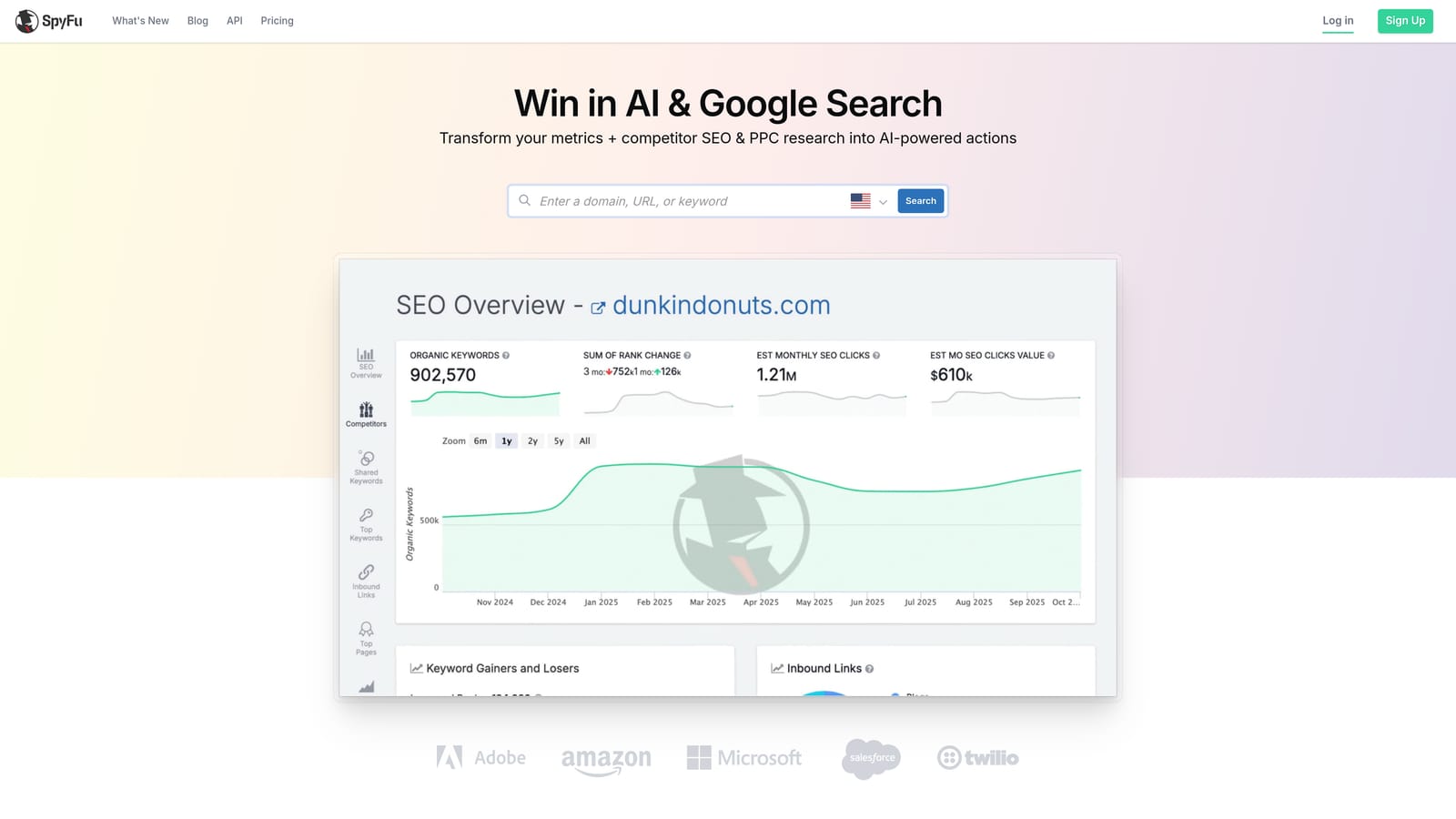
SpyFu is a competitive intelligence tool that shows the keywords and search terms competitors have historically bid on in Google Ads, helping you identify gaps in your own targeting and sharpen your negative keyword strategy.
Where This Tool Shines
SpyFu's strength is historical competitor data. You can see which keywords a competitor has been bidding on over time, what their ad copy looks like, and where their strategy has shifted. This is useful for identifying search terms you may be missing, but it's equally useful for understanding which terms your competitors avoid, which can inform your own negative keyword decisions.
The Kombat tool allows side-by-side comparison of keyword overlap between you and a competitor, making it easy to spot where your targeting diverges and whether those gaps represent opportunities or intentional choices.
Key Features
Competitor PPC keyword history: Shows the keywords and ad copy competitors have used over time in Google Ads.
Search term and keyword gap identification: Highlights terms competitors target that you currently don't.
SERP ad history: Tracks competitor bidding patterns over extended time periods.
Keyword grouping and export: Organizes keywords for import into your Google Ads campaigns.
Kombat comparison tool: Side-by-side competitor keyword overlap analysis to identify targeting gaps.
Best For
SpyFu is a practical choice for advertisers in competitive markets who want to understand what's working for competitors before committing budget to new search terms, or for anyone building out a new campaign who wants a head start on keyword discovery.
Pricing
Multiple tiers available. Check spyfu.com for current pricing.
8. Google Keyword Planner
Best for: Advertisers who want to validate search terms and estimate volume before adding them as keywords
Google Keyword Planner is Google's free native keyword research tool within Google Ads. It provides search volume ranges, competition levels, and bid estimates that help you assess whether a search term is worth targeting before you commit budget to it.
Where This Tool Shines
Keyword Planner is most useful as a validation step. When you spot a search term in your Search Terms Report that looks promising, Keyword Planner lets you quickly check the estimated monthly search volume, competition level, and suggested bid before promoting it to a keyword. This helps you prioritize which search terms are worth acting on and which aren't likely to drive meaningful volume.
It's worth being clear about what Keyword Planner is not: it's a keyword research tool, not a search term analysis tool in the operational sense. It won't help you process your existing search term data faster, but it does support better decisions about what to do with the terms you find.
Key Features
Keyword ideas from seed terms or URLs: Generates related keyword suggestions to expand your targeting.
Monthly search volume ranges and seasonality data: Shows estimated query volume and how it fluctuates throughout the year.
Competition level and suggested bid estimates: Provides context on how competitive a keyword is and what you might expect to pay.
Forecast tool: Projects estimated clicks and impressions for a given keyword list and budget.
Free access: Available to any advertiser with a Google Ads account at no additional cost.
Best For
Keyword Planner is a useful free complement to the native Search Terms Report, particularly for advertisers who want to validate new keyword additions before spending on them. It's not a replacement for more capable research or optimization tools, but it earns its place in the workflow precisely because it costs nothing and draws on Google's own data.
Pricing
Free, included with any Google Ads account.
Which Tool Fits Your Workflow
The right tool depends on what's slowing you down. Here's a quick way to match your situation to the options above.
If your main problem is the time it takes to act on search terms inside Google Ads, Keywordme is the most direct solution. It removes the friction from the most common tasks: adding negative keywords, promoting search terms to keywords, and applying match types. Everything happens inside the interface you're already using, with no tab-switching or spreadsheet work required.
If you're not ready to add a paid tool, the native Search Terms Report and Google Keyword Planner together give you a solid free baseline. The native report shows you what's happening; Keyword Planner helps you validate what to do next. The tradeoff is manual effort and slower workflows, especially as account volume grows.
If competitive intelligence is the gap in your process, SpyFu, SEMrush, and Ahrefs each approach it differently. SpyFu focuses on historical competitor ad data. SEMrush offers the broadest combination of competitive and keyword research features. Ahrefs is strongest when you want to understand search intent and organic context before making paid decisions.
If you're managing multiple client accounts with significant ad spend and need automation, Optmyzr is built for that scale. And if you're running integrated SEO and PPC campaigns and want unified keyword data across both channels, Search Atlas is worth evaluating.
Most practitioners end up using more than one tool: a native or in-interface tool for day-to-day optimization, and a research or competitive tool for strategy. The key is making sure the combination you choose actually reduces friction rather than adding more tabs to manage.
If you want to start with the tool that has the most direct impact on your daily search term workflow, start your free 7-day trial of Keywordme and see how much faster your optimization routine can get, right inside Google Ads, at $12/month after that.
.svg)