
9 Best Google Ads ROI Improvement Tools
This guide reviews the 9 best Google Ads ROI improvement tools in 2026, covering everything from search term cleanup and negative keyword management to bid automation and landing page testing. Whether you manage one account or dozens, each tool is evaluated for its direct impact on cost per conversion and overall workflow efficiency.


TL;DR: The fastest way to improve Google Ads ROI is to stop wasting budget on irrelevant clicks and start acting on your search terms data faster. These nine tools help you do exactly that: from in-interface keyword optimization to landing page testing and bid automation. Whether you're a solo freelancer or an agency managing dozens of accounts, there's a tool here that fits your workflow.
Improving Google Ads ROI isn't just about bidding smarter. It's about cutting waste, targeting the right intent, and making faster optimization decisions. The problem? Most advertisers are stuck toggling between Google Ads, spreadsheets, and clunky third-party dashboards. This list covers the best tools for improving Google Ads return on investment in 2026, selected based on workflow impact, ease of use, and how directly they affect your cost per conversion.
In most accounts I audit, the biggest ROI leaks aren't bid strategy problems. They're search term problems. Irrelevant queries eating budget, match types set too loosely, and negative keyword lists that haven't been touched in months. The tools below address the full optimization stack: keyword cleanup, bid forecasting, competitive research, landing page conversion, and reporting.
1. Keywordme
Best for: Freelancers and agencies who want to optimize search terms without leaving Google Ads.
Keywordme is a Chrome extension that integrates directly into Google Ads' Search Terms Report, letting you remove junk search terms, add negative keywords, apply match types, and build keyword lists without ever leaving the native Google Ads UI.

Where This Tool Shines
The workflow problem Keywordme solves is real: you open the Search Terms Report, spot irrelevant queries, and then have to export to a spreadsheet, sort through it, build a negative list, and re-import it. That process kills momentum and introduces errors. Keywordme collapses that entire workflow into one-click actions right inside Google Ads.
For agencies managing multiple accounts, the multi-account and team support means your whole team can work from the same workflow without stitching together spreadsheet systems. The keyword clustering feature is particularly useful for tightening ad group structure on accounts that have drifted over time.
Key Features
One-Click Search Term Exclusion: Remove irrelevant queries and add them to your negative keyword list directly inside the Search Terms Report, no exports required.
Match Type Application: Apply exact, phrase, or broad match types to new keywords without touching a spreadsheet or leaving the native UI.
Keyword Clustering: Group related search terms into tighter ad groups to improve relevance and Quality Score.
Bulk Editing: Handle high-volume accounts efficiently with bulk actions across multiple search terms at once.
Multi-Account and Team Support: Built for agencies managing multiple clients, with team collaboration features included.
Best For
Freelancers managing a handful of accounts who want faster search term workflows, and agencies running 10+ accounts who need a consistent, repeatable process for negative keyword management and keyword expansion. If you're spending more than 30 minutes a week in spreadsheets cleaning up search terms, Keywordme is worth the trial.
Pricing
$12/month per user, with a 7-day free trial available. Flat-rate pricing makes budgeting straightforward for both solo advertisers and agency teams.
2. Google Ads Search Terms Report
Best for: Any Google Ads advertiser who wants to see exactly what triggered their ads.
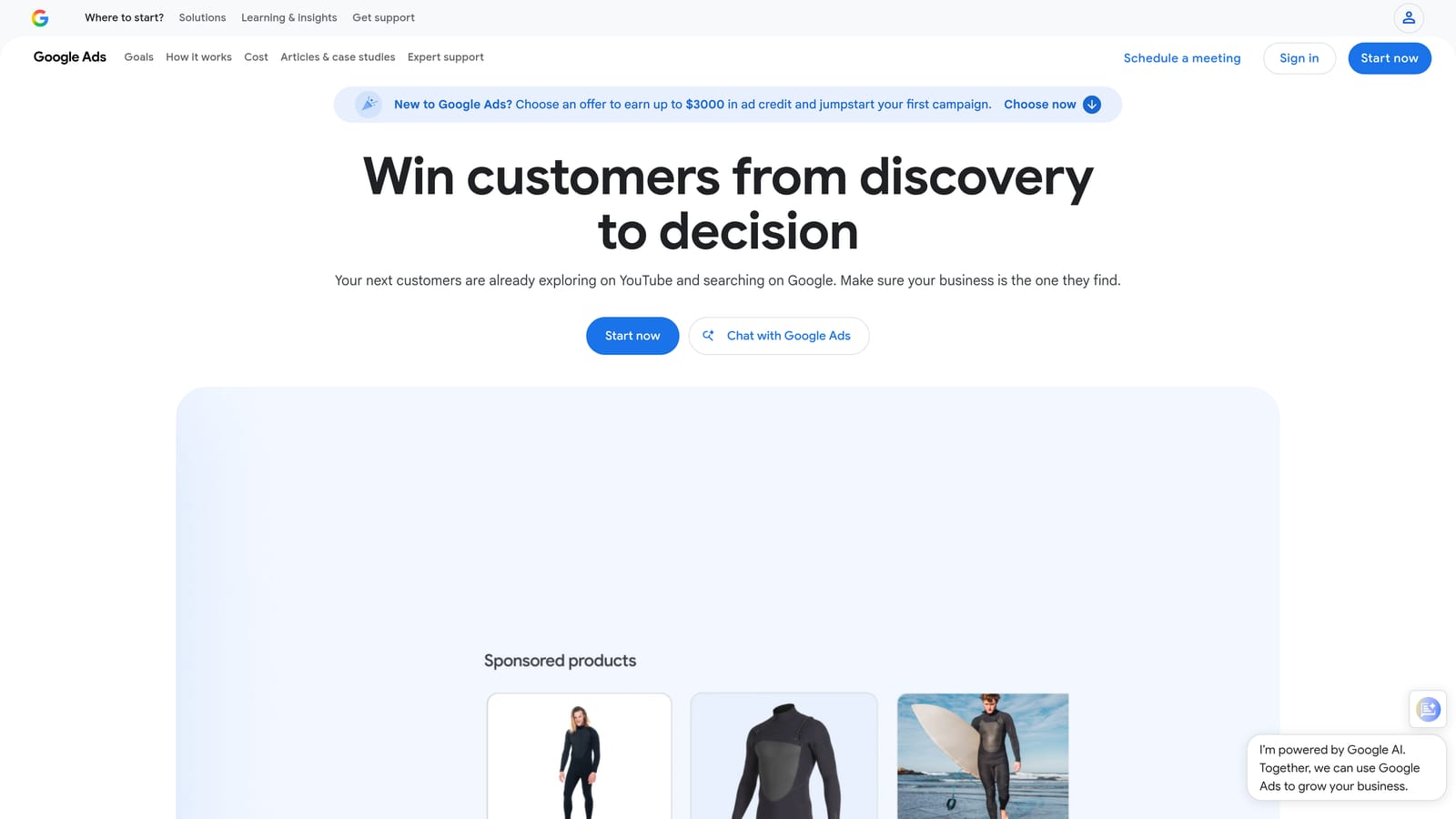
Google Ads Search Terms Report is the native reporting view inside Google Ads that shows every search query that triggered your ads. It's the foundational data source for any ROI improvement workflow.
Where This Tool Shines
No third-party tool gives you this data. The Search Terms Report is the ground truth for understanding whether your keywords are attracting the right intent. If you haven't been in this report at least weekly, that's almost certainly where your budget is going.
The limitation is that it's entirely manual. You can filter by date range, campaign, or match type, and you can add terms as keywords or negatives directly. But at scale, actioning this data without a tool like Keywordme is slow and error-prone. Think of the Search Terms Report as the engine and everything else as the interface that makes it usable.
Key Features
Actual Query Visibility: Shows the real search queries users typed before clicking your ads, not just your keyword targets.
Flexible Filtering: Filter by date range, campaign, ad group, and match type to isolate specific performance patterns.
Direct Keyword and Negative Actions: Add search terms as new keywords or negatives without leaving the report.
CSV Export: Export full data sets for offline analysis or bulk upload workflows.
Zero Cost: Free with every Google Ads account, no setup required.
Best For
Every Google Ads advertiser, full stop. This is non-negotiable. The question isn't whether you use this report but how efficiently you act on what it shows you. Pair it with Keywordme to close the gap between insight and action.
Pricing
Free. Included with any active Google Ads account.
3. Optmyzr
Best for: Agencies and advanced advertisers who need rule-based automation across multiple accounts.
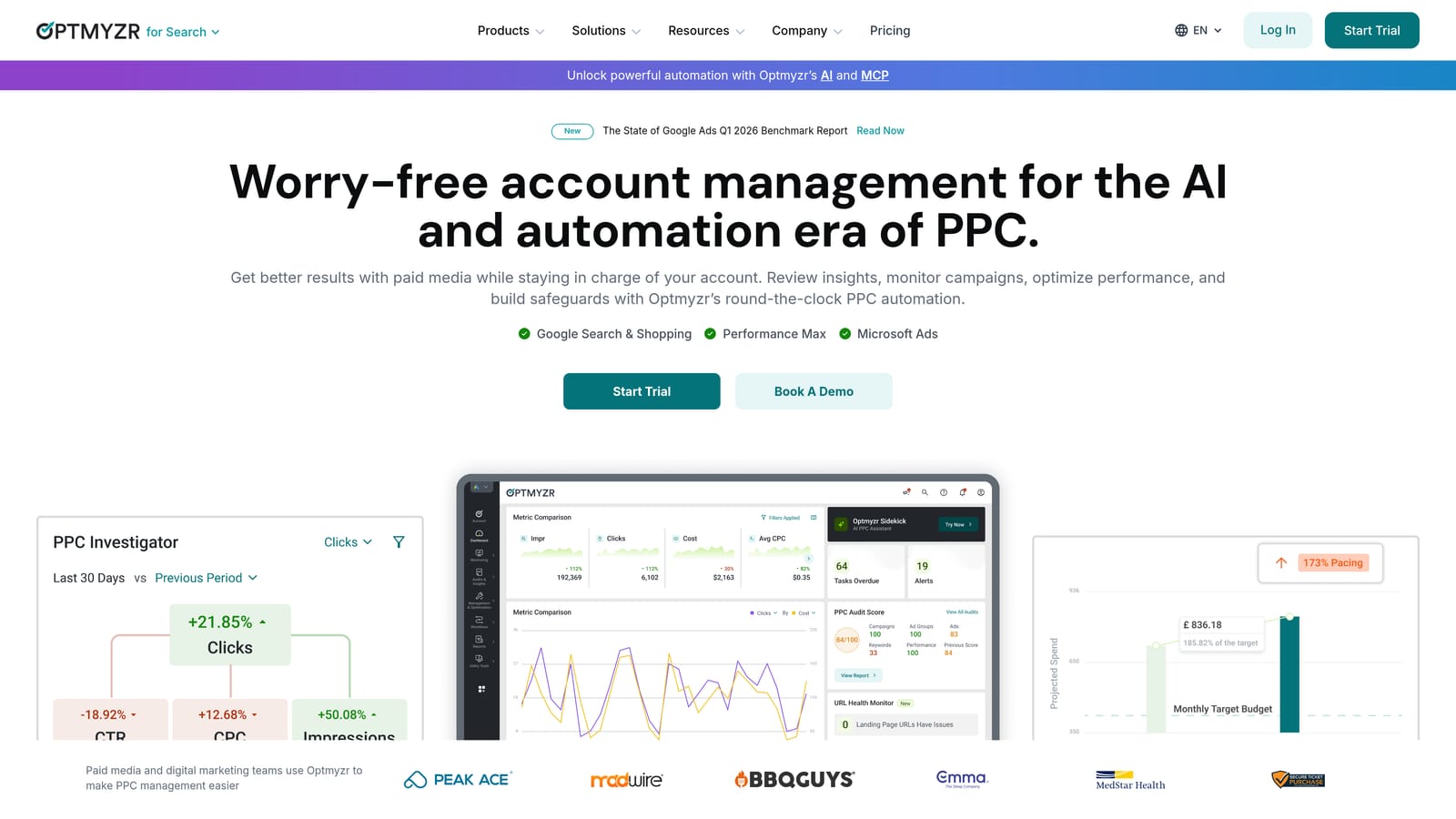
Optmyzr is a PPC management platform offering optimization recipes, rule-based automation, and multi-account reporting dashboards built for teams managing complex account structures.
Where This Tool Shines
Optmyzr's strongest differentiator is its optimization recipe system. Instead of building automation from scratch, you can apply pre-built logic for common tasks like bid adjustments, budget pacing, and keyword expansion. For agencies running dozens of accounts, this saves significant time on repetitive optimization work.
The PPC audit functionality is also genuinely useful. It surfaces underperforming areas quickly, which matters when you're onboarding a new client account and need to identify quick wins. What usually happens here is that agencies use Optmyzr to handle the systematic, rule-driven work while using more targeted tools for granular search term management.
Key Features
Optimization Recipes: Pre-built automation workflows for common PPC tasks including bid adjustments, budget pacing, and keyword expansion.
Rule-Based Automation: Trigger actions based on performance thresholds without manual intervention.
Multi-Account Management: Unified dashboard and reporting across all client accounts.
PPC Audit Tools: Quickly surface underperforming campaigns, ad groups, and keywords across accounts.
Ad Testing and Scheduling: Manage ad rotation and testing workflows from a central interface.
Best For
Agencies managing 10 or more accounts who need systematic automation and consolidated reporting. Also strong for in-house teams at larger organizations with complex campaign structures. Less suited to solo advertisers managing one or two accounts where the overhead isn't justified.
Pricing
Subscription-based with tiered plans. Check optmyzr.com for current pricing before making a decision.
4. Google Ads Performance Planner
Best for: Advertisers who need to forecast budget impact before making changes or presenting recommendations to clients.
Google Ads Performance Planner is a free forecasting tool built into Google Ads that models how changes to budgets and bids are likely to affect campaign performance before you apply them.

Where This Tool Shines
The Performance Planner is underused by most advertisers, which is a missed opportunity. It uses your actual campaign historical data to project outcomes, which makes it far more reliable than generic industry benchmarks. If a client asks whether they should increase budget next month, this is how you back up the recommendation with data.
The scenario comparison feature lets you model multiple budget options side by side. This is particularly useful for quarterly planning conversations or when a client wants to understand the trade-off between spending more aggressively versus maintaining current pacing.
Key Features
Conversion Forecasting: Projects expected conversions, clicks, and cost based on proposed budget or bid changes using your real account data.
Scenario Comparison: Model and compare multiple budget scenarios across campaigns simultaneously.
Historical Data Integration: Uses your own campaign performance history for projections, not generic industry averages.
Native Integration: Accessed directly inside Google Ads with no third-party login or data connection required.
Client-Ready Outputs: Useful for presenting budget recommendations to stakeholders with data backing.
Best For
In-house marketers justifying budget requests internally, and agency account managers preparing client budget recommendations. Also valuable for any advertiser who wants to stress-test a bid strategy change before committing to it.
5. Semrush PPC Toolkit
Best for: Advertisers who want competitive keyword intelligence and high-intent keyword discovery before building campaigns.
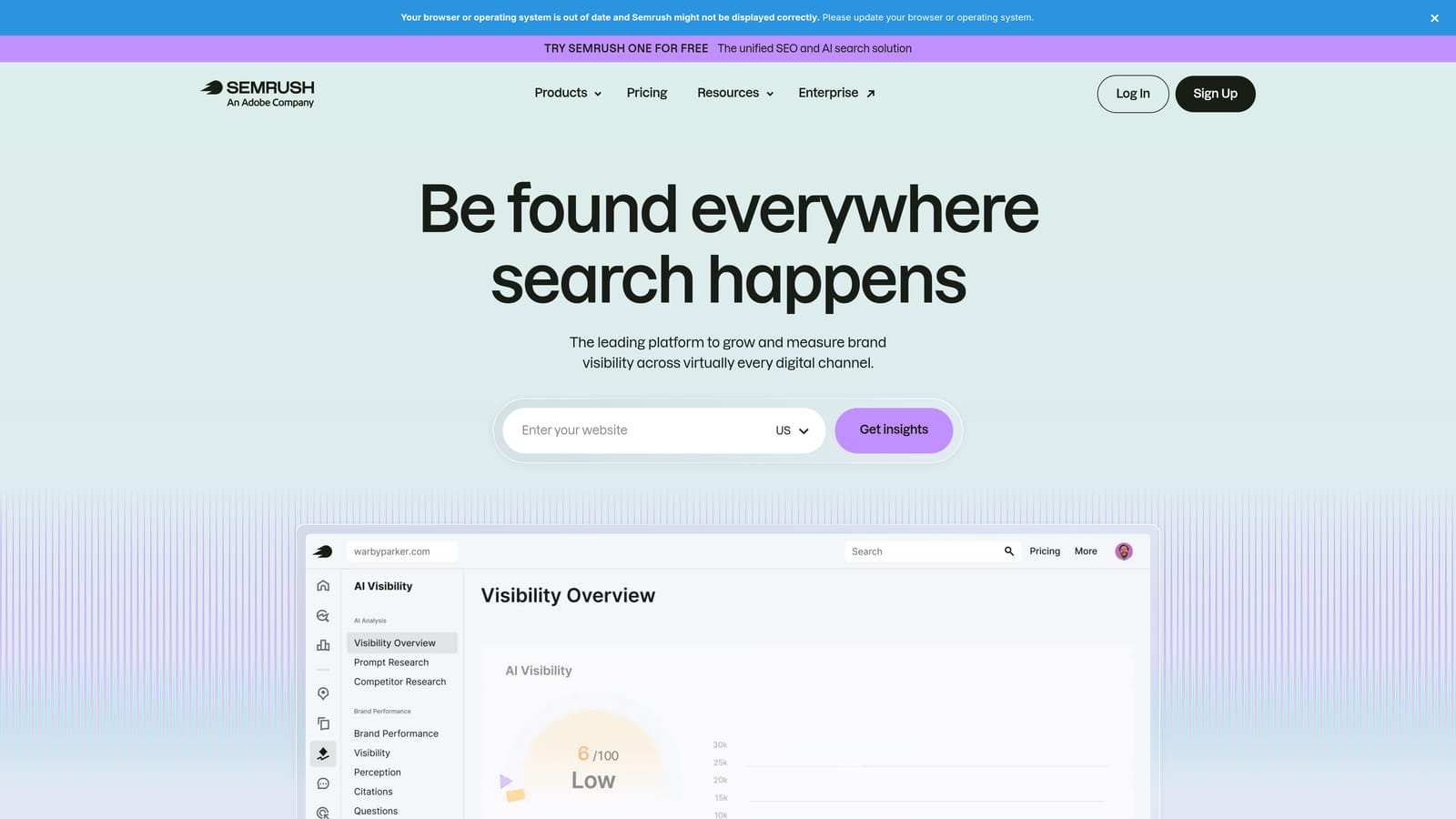
Semrush PPC Toolkit is part of the broader Semrush platform and provides competitive keyword research, ad copy analysis, and CPC data to help advertisers identify high-ROI keyword opportunities before spending a dollar.
Where This Tool Shines
The Advertising Research tool is where Semrush earns its place in this list. You can see which keywords competitors are bidding on, what their ad copy looks like, and how long specific ads have been running. An ad that's been running for six months is almost certainly converting, which tells you something important about where the intent is.
The Keyword Magic Tool is useful for expanding into adjacent terms you might not have considered, particularly for finding lower-competition, high-intent queries that can deliver strong ROI without the CPCs of the obvious head terms.
Key Features
Advertising Research: Shows competitor keywords, ad copy, and estimated spend to identify gaps and opportunities in your category.
Keyword Magic Tool: Surfaces high-intent, lower-competition keyword variations for budget-efficient targeting.
CPC and Difficulty Data: Provides cost-per-click estimates and competition scores for budget planning.
PPC Keyword Organizer: Helps build and organize keyword lists before pushing them into Google Ads.
Ad History: Shows which competitor ads have run over time, helping identify proven creative angles.
Best For
Advertisers launching new campaigns or entering new markets where competitive intelligence is essential. Also valuable for agencies onboarding new clients in unfamiliar verticals. Less critical for established accounts where the keyword strategy is already mature.
Pricing
Semrush plans are subscription-based with multiple tiers. Check semrush.com for current pricing, as the PPC toolkit is included across most plan levels.
6. Unbounce
Best for: Advertisers whose conversion rates are the primary bottleneck rather than click volume or keyword targeting.
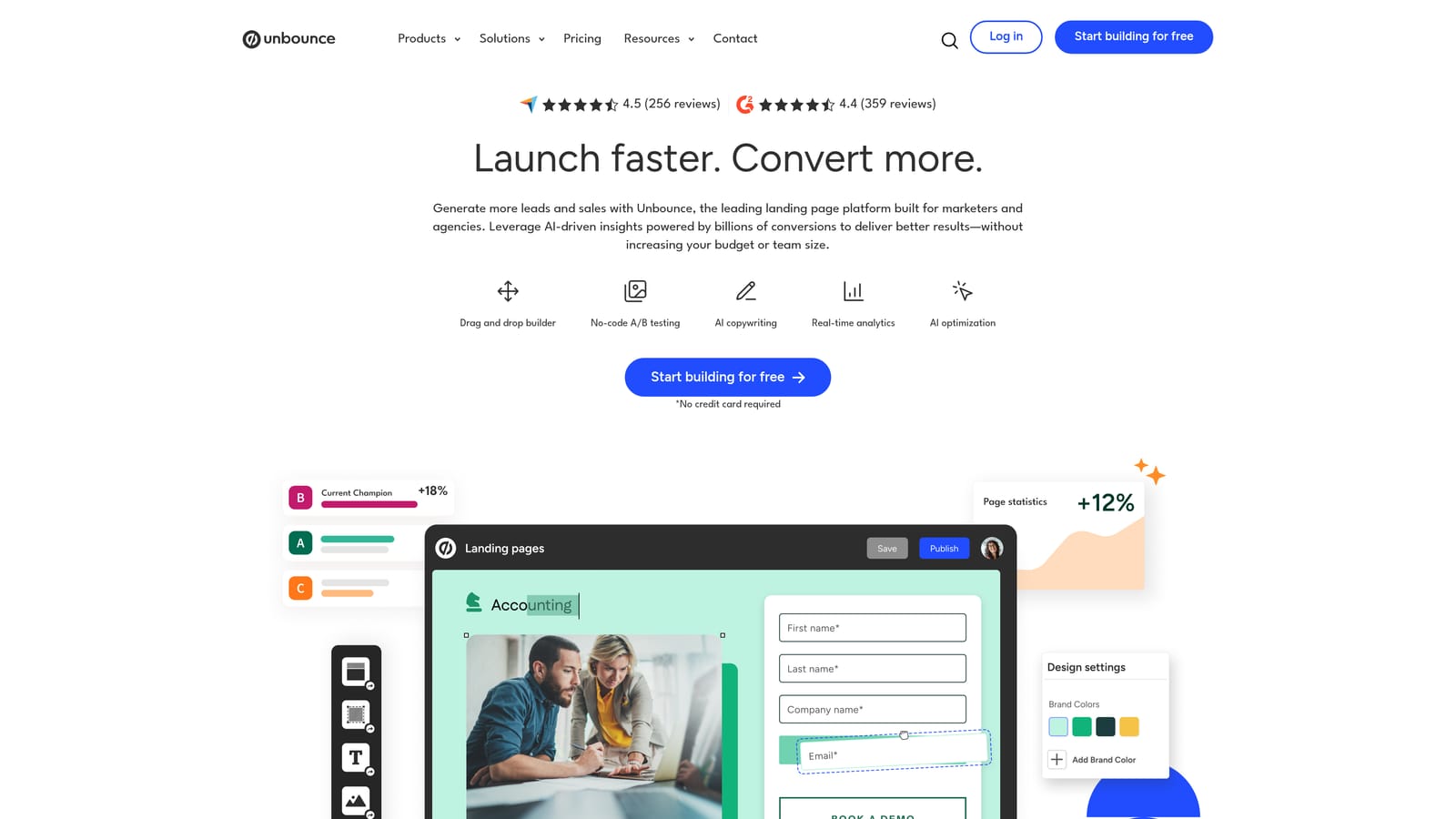
Unbounce is a landing page builder with A/B testing and AI-powered traffic routing, designed to improve post-click conversion rates for paid traffic campaigns.
Where This Tool Shines
Here's something that gets missed in a lot of ROI conversations: if your landing page converts at 2% and your competitor's converts at 5%, no amount of bid optimization closes that gap. Post-click experience is a direct ROI lever, and Unbounce is built specifically for this problem.
The Smart Traffic feature is worth highlighting. Instead of waiting for a traditional A/B test to reach statistical significance, Smart Traffic routes visitors to the variant most likely to convert based on their attributes. For accounts with moderate traffic volumes, this can compress the time it takes to identify a winning page significantly.
Key Features
Drag-and-Drop Page Builder: PPC-optimized landing page templates that don't require a developer to customize.
A/B Testing: Built-in split testing with statistical significance tracking to validate page improvements.
Smart Traffic AI: Automatically routes visitors to the highest-converting page variant based on visitor attributes.
Dynamic Text Replacement: Matches landing page copy to the specific ad keyword that triggered the click, improving message match and Quality Score.
Google Ads Integration: Connects with Google Ads conversion tracking for accurate attribution.
Best For
Advertisers with healthy click volume but disappointing conversion rates. Particularly valuable for small business owners and agencies running lead generation campaigns where landing page relevance is a major conversion factor. Less urgent if you're already converting well and the issue is upstream.
Pricing
Subscription-based with tiered plans. Check unbounce.com for current pricing.
7. Adalysis
Best for: Large accounts that need systematic ad copy testing and Quality Score monitoring at scale.
Adalysis is a Google Ads management tool focused on systematic ad copy testing, Quality Score monitoring, and account health analysis across complex, high-volume accounts.
Where This Tool Shines
The mistake most agencies make with ad testing is running it informally. They change copy, eyeball the results after a few weeks, and declare a winner without statistical validity. Adalysis automates the testing framework so that winner detection is based on actual significance, not gut feel.
The Quality Score tracking is also more granular than what you get natively in Google Ads. Adalysis shows historical trends, which matters because Quality Score changes slowly and the native interface doesn't make it easy to see whether your optimizations are actually moving the needle over time.
Key Features
Automated Ad Testing: Statistically valid winner detection for ad copy tests without manual calculation.
Quality Score Tracking: Historical trend analysis of Quality Score components across your keyword portfolio.
Performance Alerts: Automated notifications for significant metric changes that need attention.
Audience and Device Segmentation: Break down performance by device, location, audience, and ad schedule to identify hidden efficiency opportunities.
Account Health Scoring: Prioritized list of optimization opportunities ranked by potential impact.
Best For
Agencies and in-house teams managing large accounts with many ad groups and active ad variations. If you're running fewer than 20 active ad groups, the overhead of Adalysis probably isn't justified. At scale, it's one of the more rigorous tools available for ad testing discipline.
Pricing
Subscription-based. Check adalysis.com for current pricing.
8. Google Looker Studio
Best for: Advertisers and agencies who need custom ROI dashboards and shareable client reports without paying for a BI tool.
Google Looker Studio is Google's free data visualization platform (formerly Data Studio) that connects directly to Google Ads and Analytics to build custom performance dashboards and client-facing reports.
Where This Tool Shines
Visibility is a prerequisite for improvement. If you're making optimization decisions based on the default Google Ads interface, you're probably missing cross-channel patterns and trend data that a custom dashboard would surface immediately. Looker Studio solves this without a subscription fee.
The native Google Ads connector means your data is always live. No manual exports, no stale spreadsheets. For agencies, the shareable link feature is practical: clients can view their dashboard without needing a Google account or login, which removes friction from reporting conversations.
Key Features
Native Google Ads Connector: Direct connection to Google Ads, Google Analytics 4, and Google Sheets with automatic data refresh.
Fully Customizable Dashboards: Build any visualization you need, from CPA trend lines to campaign-level ROI comparisons.
Live Data: Reports always reflect current performance without manual updates.
Shareable Without Login: Send clients a link to their live dashboard without requiring them to have a Google account.
No Usage Limits: Free for most use cases with no caps on dashboards or data connections.
Best For
Any advertiser who wants better visibility into ROI metrics without paying for a reporting tool. Especially valuable for agencies that need to deliver professional, branded client reports efficiently. Requires some setup time to build useful dashboards, but the investment pays off quickly.
Pricing
Free. No subscription required for standard use.
9. WordStream Advisor
Best for: Small business owners and non-specialist marketers who need guided optimization recommendations without deep PPC expertise.
WordStream Advisor is a guided PPC management platform that surfaces prioritized optimization recommendations weekly, designed to make Google Ads management accessible to advertisers who aren't full-time PPC specialists.
Where This Tool Shines
The 20-Minute Work Week feature is the core value proposition: WordStream analyzes your account and surfaces the highest-impact actions you should take that week, ranked by priority. For a small business owner who doesn't have time to dig into account data daily, this kind of guided workflow can prevent the common mistake of ignoring optimization altogether.
The benchmarking feature is also useful for context. Seeing how your click-through rate or conversion rate compares to industry averages helps set realistic expectations and identify where you're genuinely underperforming versus where you're actually doing fine. If you're considering WordStream, it's also worth reading how Keywordme compares as an alternative for advertisers who want faster, more hands-on search term management.
Key Features
20-Minute Work Week: Prioritized weekly optimization checklist that focuses your time on the highest-impact actions.
Keyword and Negative Keyword Suggestions: Automated recommendations for expanding or tightening your keyword strategy.
Performance Grading: Account health score with benchmarking against industry averages for context.
Ad Copy Suggestions: Recommendations for improving ad copy based on performance data.
Multi-Platform Support: Covers both Google Ads and Microsoft Ads from a single interface.
Best For
Small business owners managing their own Google Ads without dedicated PPC expertise, and marketers who need a structured weekly workflow to stay on top of optimization basics. Less suited to experienced PPC managers who prefer more granular control over their optimization process.
Pricing
Subscription-based. Check wordstream.com for current pricing.
Which Tool Is Right for Your Situation
The right combination of tools depends on your account size, team structure, and where your biggest ROI leaks actually are. Here's a quick breakdown by use case.
Freelancers managing 1-5 accounts: Start with Keywordme and Looker Studio. You get fast in-interface search term optimization and clean reporting without enterprise-level pricing. Add Semrush if you're doing competitive research for new campaigns.
Agencies managing 10+ accounts: Keywordme handles your search term workflow, Optmyzr covers rule-based automation and multi-account reporting, and Adalysis brings rigor to your ad testing process. This stack covers the three biggest time drains in agency PPC management.
In-house marketers: Google's native tools (Performance Planner and Search Terms Report) paired with Keywordme cover most optimization needs cost-effectively. Add Looker Studio for stakeholder reporting and Unbounce if conversion rates are underperforming.
Small business owners: WordStream Advisor provides the guided workflow structure that prevents accounts from going stale. If post-click conversion is the bottleneck, Unbounce is the next logical addition.
The biggest ROI gains in Google Ads usually come from the basics done consistently: cutting irrelevant search terms, tightening match types, and improving landing page relevance. Most advertisers don't need more data. They need faster action on the data they already have.
That's exactly the gap Keywordme was built to close. Instead of exporting search terms to a spreadsheet and spending an hour cleaning them up, you handle it in clicks, right inside Google Ads, without breaking your workflow. Start your free 7-day trial and see how much faster your Search Terms Report workflow gets. After that, it's just $12/month per user.
.svg)