
9 Best Google Ads Productivity Tools for Marketers
This guide reviews nine Google Ads productivity tools for marketers in 2026, evaluated on workflow impact, ease of use, and pricing transparency. Whether you're a solo freelancer or an agency managing dozens of campaigns, each tool is matched to a distinct use case to help you cut busywork and focus on strategy.


Managing Google Ads campaigns manually is a grind. Between combing through search term reports, juggling match types, building negative keyword lists, and trying to spot wasted spend before it spirals, there's a lot of repetitive work that eats into time you could spend on strategy.
The good news: there are tools built specifically to cut that busywork down. Whether you're a solo freelancer managing a handful of accounts or an agency running dozens of campaigns, the right productivity tool can mean the difference between spending your afternoon in spreadsheets or actually moving the needle.
This list covers nine Google Ads productivity tools worth your attention. We evaluated them on workflow impact, ease of use, pricing transparency, and how well they fit real advertiser needs. Each tool has a distinct strength, so we'll flag who each one is best for.
1. Keywordme
Best for: Marketers who want to optimize search terms and keywords without leaving Google Ads.
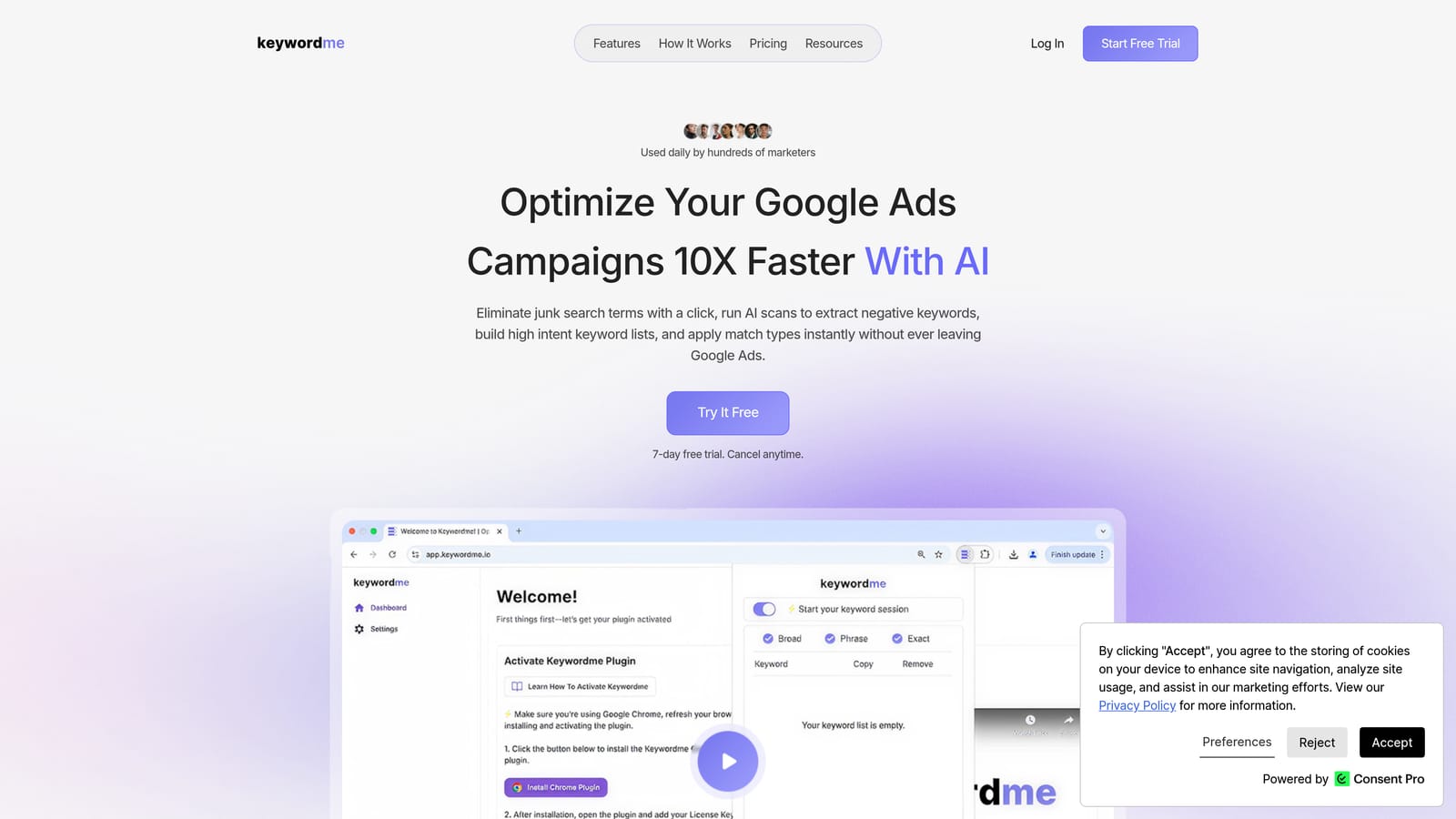
Keywordme is a Chrome extension that plugs directly into the Google Ads Search Terms Report, turning what's normally a multi-step, spreadsheet-heavy process into a series of quick clicks.
Where This Tool Shines
Most Google Ads tools pull you out of the native interface and into a separate dashboard. Keywordme doesn't. It lives inside Google Ads, so you can remove junk search terms, add negative keywords, apply match types, and build keyword lists right where you're already working. That in-interface approach removes a lot of the friction that makes search term reviews feel tedious.
It's also worth understanding the distinction Keywordme is built around: search terms (what users actually type) are different from keywords (what advertisers bid on). Keywordme works at the search term level, helping you decide which terms to add as positive keywords, which to block as negatives, and how to structure what remains. If you want to dig into why that distinction matters, this breakdown on search terms vs. keywords is a good starting point.
Key Features
One-click negative keyword addition: Flag irrelevant search terms and add them as negatives directly from the Search Terms Report without exporting anything.
Instant match type application: Apply broad, phrase, or exact match types to terms on the spot, without touching a spreadsheet.
Keyword clustering: Group related terms together to keep your keyword structure organized as your lists grow. See why keyword clustering matters for context on this feature.
Bulk editing: Act on multiple search terms at once rather than processing them one by one.
Multi-account and team support: Useful for agencies managing several client accounts, with shared access across team members.
Best For
Solo advertisers and agency managers who spend meaningful time in the Search Terms Report every week. If search term hygiene is one of your bigger time drains, Keywordme is designed to address that specifically. It's less suited to advertisers whose main bottleneck is reporting or creative testing rather than keyword management.
Pricing
$12/month per user, with a 7-day free trial. Flat-rate pricing with no tiered feature gating based on ad spend.
2. Google Ads Editor
Best for: Making large-scale structural changes to campaigns offline before pushing them live.
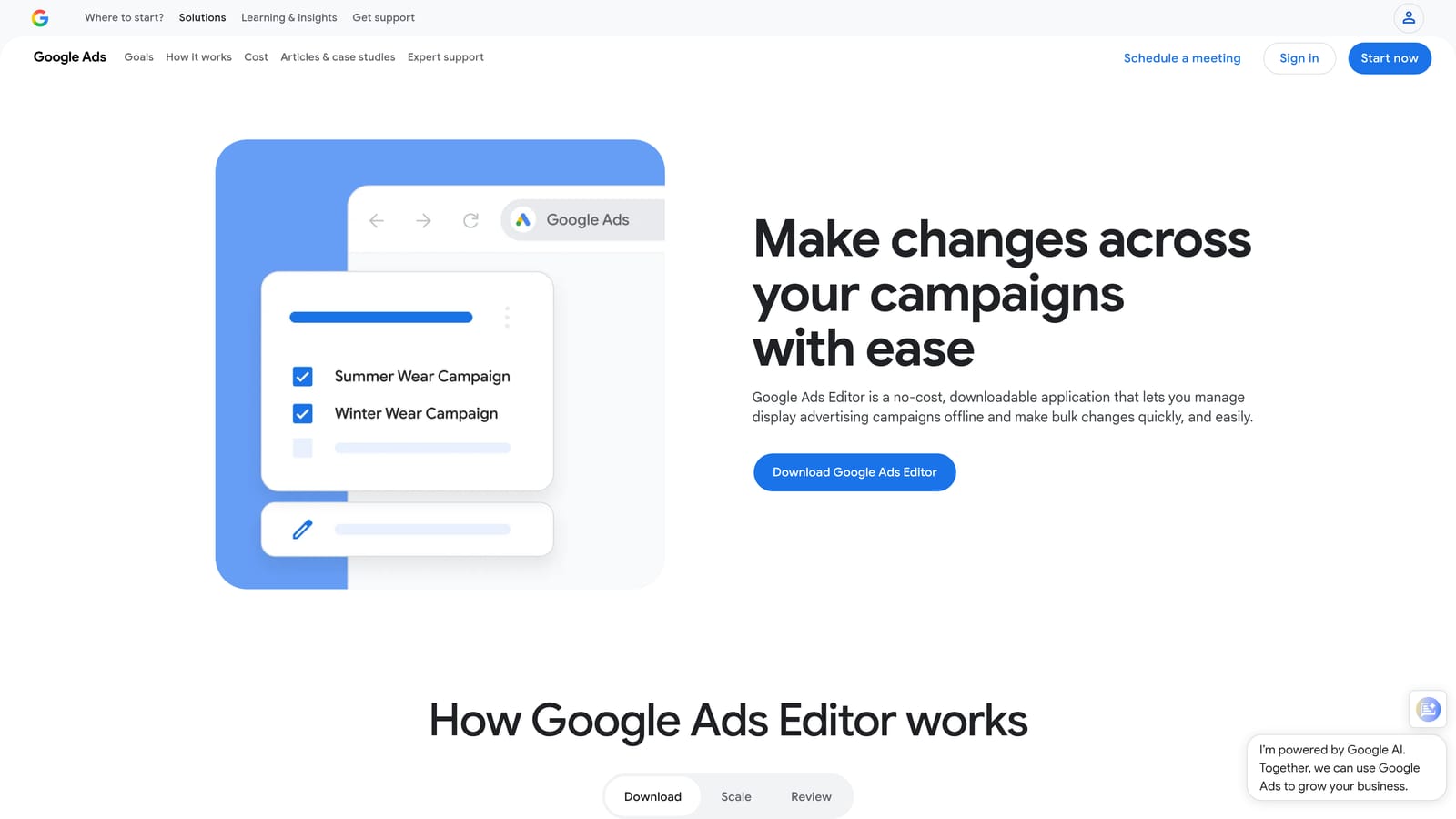
Google Ads Editor is Google's official free desktop application for bulk editing campaigns, ad groups, keywords, ads, and extensions without working inside the browser-based interface.
Where This Tool Shines
When you need to restructure a large account, rename dozens of ad groups, or duplicate a campaign with modifications, doing it inside the Google Ads web interface is slow. Ads Editor lets you stage all of those changes offline, review them before anything goes live, and push them in bulk when you're ready. That draft-and-review workflow is genuinely useful for avoiding costly mistakes on large accounts.
The find-and-replace functionality alone saves significant time on tasks like updating URLs, swapping out headlines across multiple ads, or making consistent bid adjustments across a campaign set.
Key Features
Bulk offline editing: Edit campaigns, keywords, ads, and extensions in a desktop environment without an active browser session.
Multi-account management: Work across several accounts in a single application window.
Draft and review before upload: Stage changes and inspect them before anything affects live campaigns.
Find-and-replace: Make consistent text changes across large volumes of ads or keywords at once.
CSV import and export: Move data in and out for external review or collaboration.
Best For
Any Google Ads practitioner doing structural account work at scale. Especially useful for agencies onboarding new clients, running seasonal campaign builds, or making account-wide changes that would take hours in the web UI.
Pricing
Free. Available for Windows and macOS directly from Google.
3. Optmyzr
Best for: Agencies and advanced advertisers who want rule-based automation for routine optimization tasks.
Optmyzr is a rule-based optimization and reporting platform that automates repetitive Google Ads management tasks through pre-built optimization recipes and a customizable rule engine.

Where This Tool Shines
Optmyzr is built for teams that have identified their repeatable optimization workflows and want to systematize them. Its "recipes" cover common tasks like adjusting bids based on performance thresholds, pausing underperforming keywords, and flagging budget pacing issues. Rather than running through these checks manually each week, you set the rules and let the platform surface what needs attention.
The account health audit feature is particularly useful for agencies inheriting new client accounts. It surfaces structural issues and Quality Score problems quickly, giving you a starting point without having to dig through the account manually.
Key Features
Pre-built optimization recipes: Ready-to-use automation workflows for common campaign management tasks.
Bid management and budget pacing assistance: Rule-based tools to help keep bids and spend aligned with targets.
Account health audits: Automated analysis of account structure, Quality Scores, and common issues.
Multi-account dashboard: Manage and monitor multiple client accounts from a centralized view.
Custom rule engine: Build your own automation logic when pre-built recipes don't fit your workflow.
Best For
Agencies managing multiple accounts and experienced in-house advertisers who want to automate their standard optimization routines. Less suited to smaller advertisers who don't yet have established, repeatable workflows to systematize.
Pricing
Paid plans with pricing that varies by tier. Check optmyzr.com for current rates, as pricing can change.
4. Google Ads Scripts
Best for: Technically comfortable advertisers who want free, flexible automation built directly into Google Ads.
Google Ads Scripts is JavaScript-based automation built natively into Google Ads, accessible under Tools > Bulk Actions > Scripts.
Where This Tool Shines
Scripts give you a lot of control without any third-party dependency. You can automate keyword pausing based on performance data, send email or Slack alerts when a campaign goes over budget or a conversion rate drops unexpectedly, and pull custom reports on a schedule. Because scripts run inside Google's own infrastructure, there's no data transfer to external tools and no additional platform to manage.
A large library of community-written scripts is freely available online, which means you don't necessarily need to write JavaScript from scratch. Many common automation tasks have already been solved and shared publicly.
Key Features
Free native automation: No third-party tool required; runs inside Google Ads directly.
Keyword and bid automation: Pause underperforming keywords, adjust bids, and monitor budget consumption automatically.
Alert and notification triggers: Send email or Slack messages when campaign metrics hit defined thresholds.
Community script library: Access a large collection of pre-written scripts for common tasks.
Custom reporting: Pull and format performance data on a schedule without manual exports.
Best For
Advertisers with JavaScript knowledge or the willingness to adapt pre-written scripts. Also useful for agencies that want powerful automation without adding another paid platform to their stack.
Pricing
Free. Requires JavaScript familiarity or use of community-written scripts.
5. Supermetrics
Best for: Teams that need automated, scheduled data pipelines from Google Ads into reporting destinations.
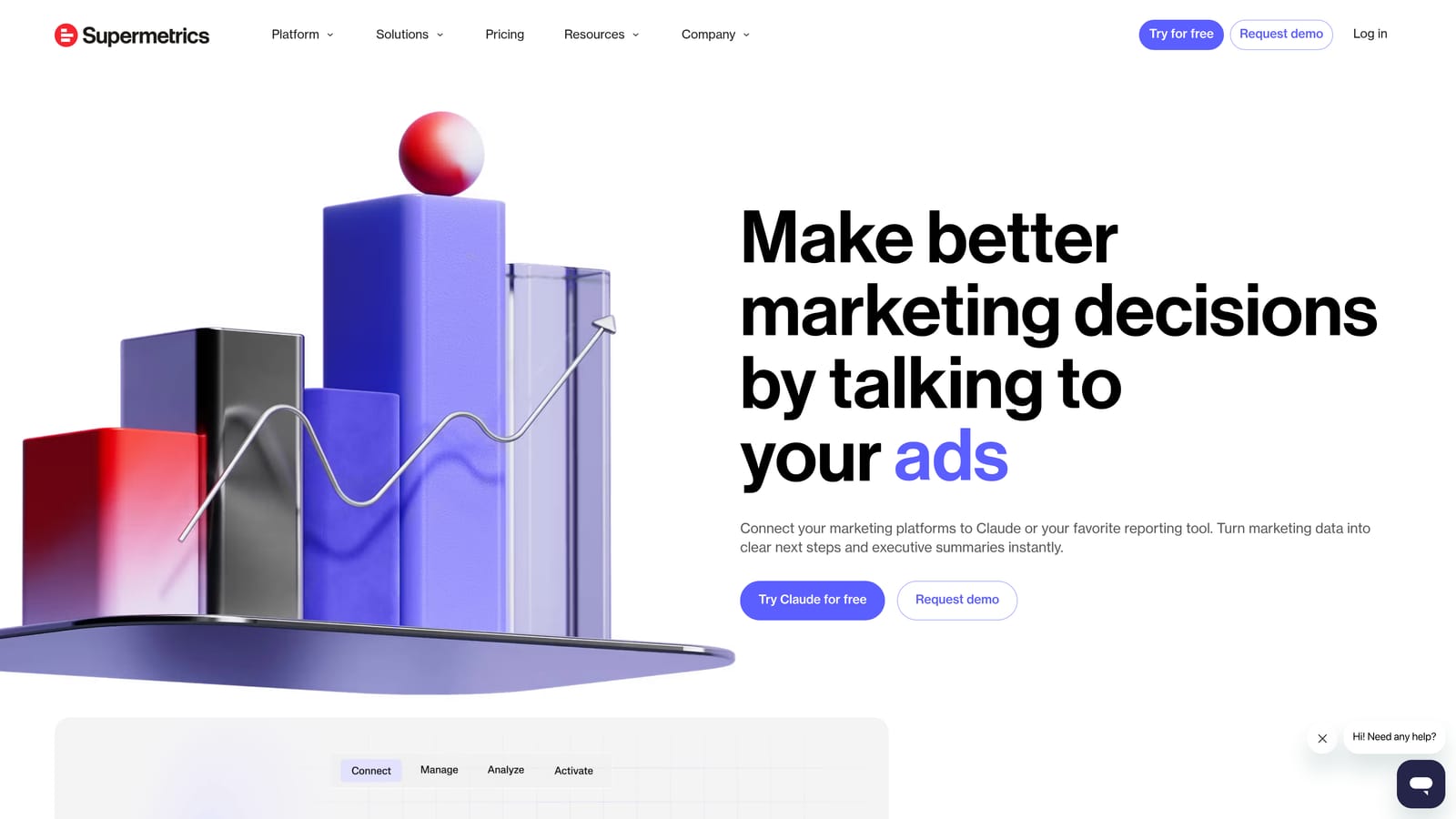
Supermetrics is a data pipeline tool that connects Google Ads (and other ad platforms) to reporting destinations including Looker Studio, Google Sheets, Excel, and BigQuery.
Where This Tool Shines
The core value of Supermetrics is eliminating manual data exports. Instead of downloading reports from Google Ads and pasting them into a spreadsheet or dashboard, Supermetrics pulls the data automatically on a schedule you define. For agencies producing regular client reports, this can save meaningful time each week.
It also handles multi-platform consolidation well. If you're managing Google Ads alongside Meta or LinkedIn campaigns, Supermetrics can pull data from all of them into a single reporting destination, which makes cross-channel comparison much more straightforward.
Key Features
Scheduled automated data pulls: Set data to refresh automatically without manual exports.
Multi-destination connectors: Push data to Looker Studio, Google Sheets, Excel, BigQuery, and more.
Multi-platform support: Connects to Google Ads, Meta, LinkedIn, and other ad platforms.
Custom metric and date range selection: Pull exactly the data you need for each report.
Team and client sharing workflows: Collaborate on reports across internal teams and external stakeholders.
Best For
Reporting-heavy agencies and in-house teams that produce regular performance reports across multiple platforms and clients. Less necessary for solo advertisers running a small number of accounts with straightforward reporting needs.
Pricing
Paid plans with pricing that varies by connector and data destination. See supermetrics.com for current rates.
6. DataSlayer
Best for: Freelancers and smaller teams who need PPC data reporting without enterprise-level pricing.
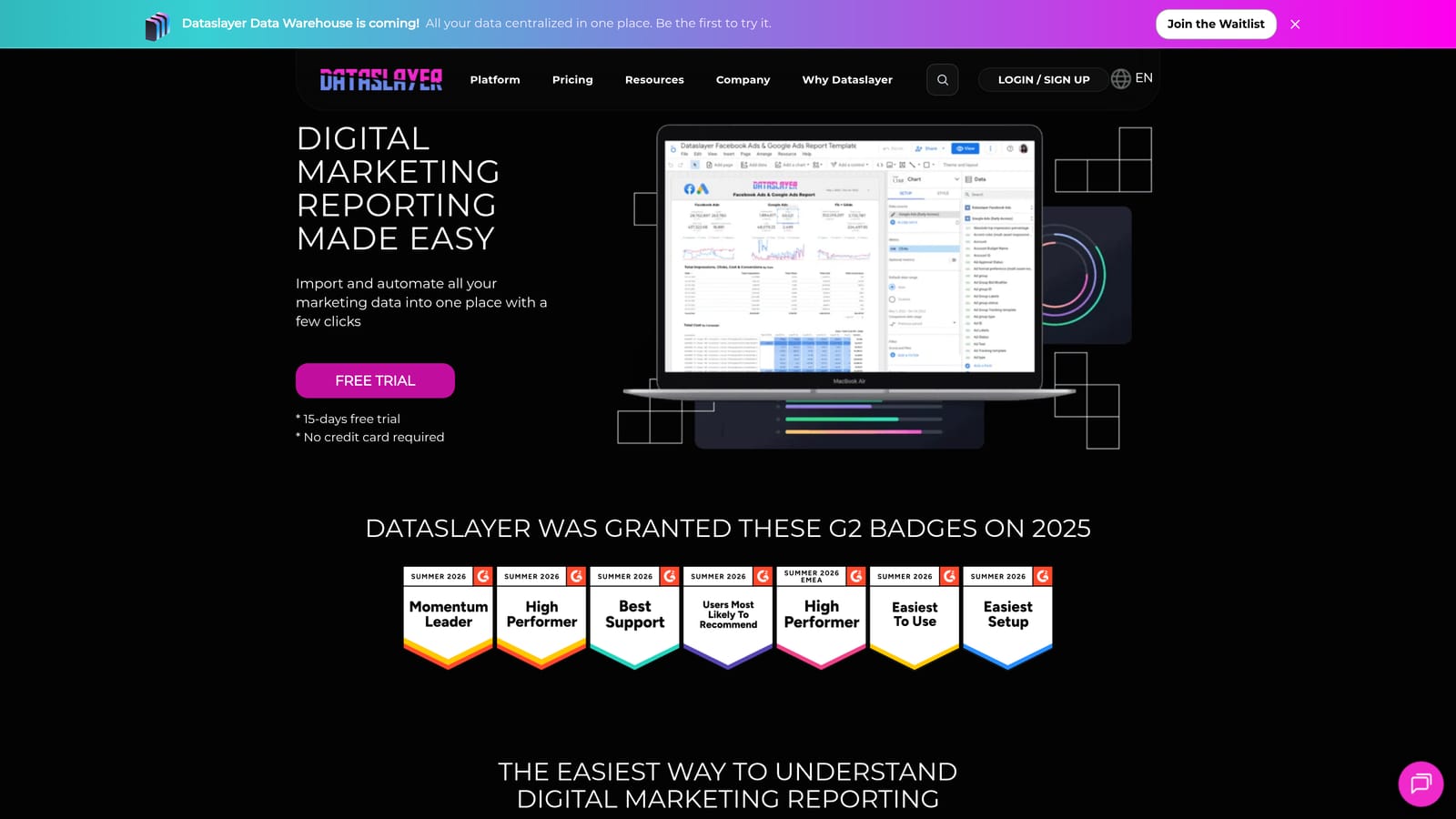
DataSlayer is a Google Sheets and Looker Studio add-on for pulling PPC data from Google Ads and other ad platforms, positioned as a more accessible alternative to larger reporting tools.
Where This Tool Shines
DataSlayer covers the same core use case as Supermetrics—automated PPC data extraction into Google Sheets and Looker Studio—but at a lower price point. For freelancers or small agencies that don't need enterprise-scale data pipelines, it offers a practical middle ground between manual exports and a full-featured (and full-priced) data platform.
The Google Sheets add-on is particularly useful for practitioners who already build their reports in Sheets and just want the data to arrive automatically rather than through manual downloads.
Key Features
Google Sheets add-on: Pull PPC data directly into Sheets on a schedule without manual exports.
Looker Studio connector: Build automated dashboards using live ad platform data.
Multi-platform support: Connects to Google Ads, Facebook Ads, Bing Ads, and other platforms.
Scheduled data refreshes: Keep reports current without manual intervention.
Accessible pricing: Lower cost than enterprise-tier reporting tools, making it practical for smaller teams.
Best For
Freelancers and small agency teams who want automated reporting without committing to a higher-cost data pipeline tool. A good entry point if you're outgrowing manual exports but not yet at the scale where Supermetrics pricing makes sense.
Pricing
Paid plans at a lower price point than Supermetrics. See dataslayer.ai for current rates.
7. Looker Studio
Best for: Anyone who needs shareable, customizable Google Ads dashboards without a reporting tool budget.
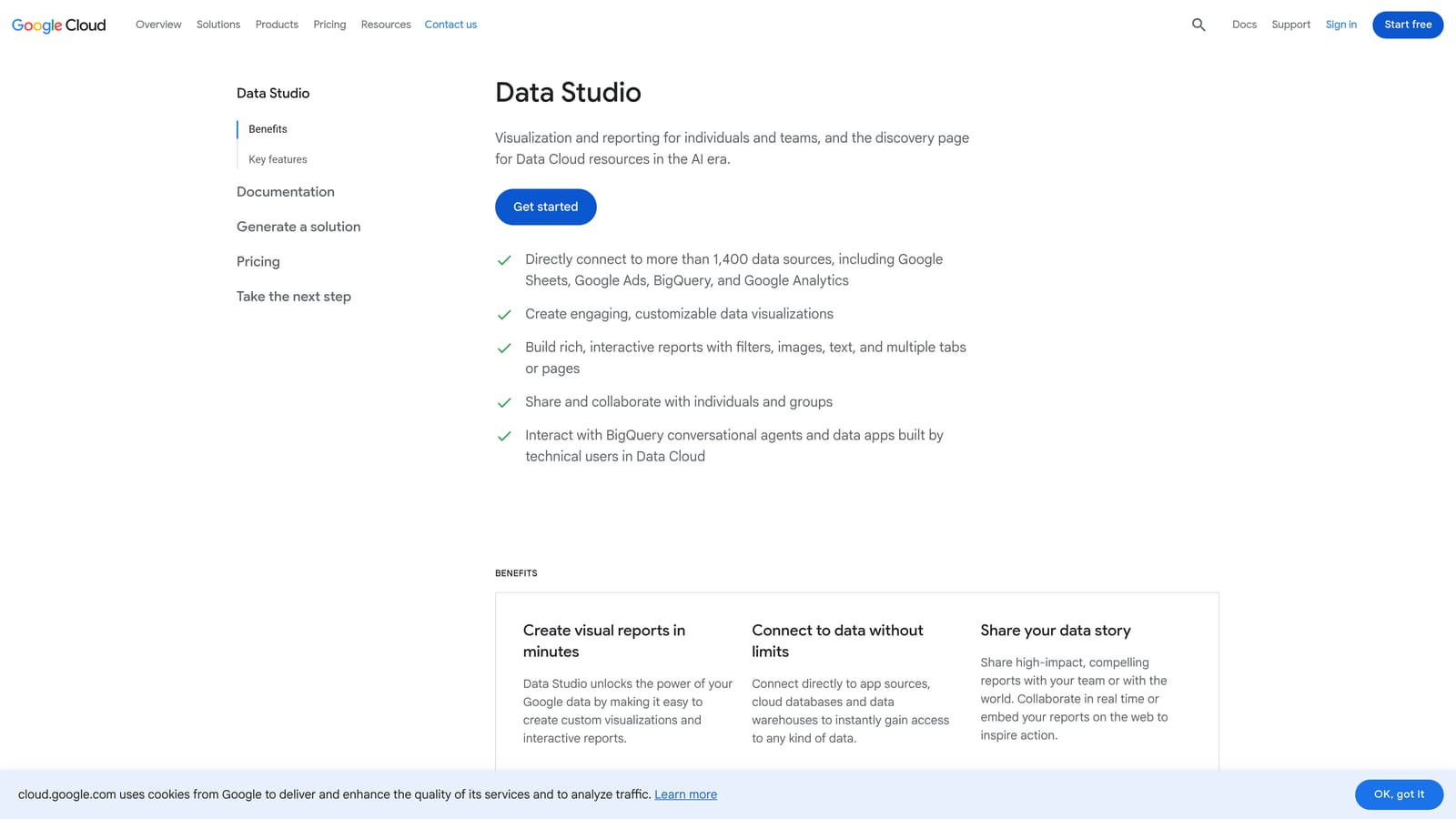
Looker Studio is Google's free native reporting and dashboard tool with a direct Google Ads connector, letting marketers build and share performance dashboards without exporting data or paying for a third-party tool.
Where This Tool Shines
The direct Google Ads connector is the key advantage here. You don't need Supermetrics or DataSlayer to get Google Ads data into Looker Studio—Google provides that connection natively and for free. For advertisers whose reporting needs are centered on Google's own platforms (Ads, GA4, Search Console), Looker Studio can handle a lot without any additional cost.
The shareable link format is also genuinely useful for client reporting. Instead of emailing PDFs or exporting spreadsheets, you can share a live dashboard that updates automatically and looks professional without much design effort.
Key Features
Free native Google Ads connector: Pull Google Ads data directly without a third-party tool.
Drag-and-drop dashboard builder: Create charts, tables, and scorecards with a visual editor.
Shareable via link: Send clients or stakeholders a live, auto-updating dashboard.
Blended data sources: Combine Google Ads, GA4, and Search Console data in a single view.
Community connectors: Extend to non-Google data sources when needed.
Best For
Any Google Ads practitioner who needs client-ready dashboards without a reporting tool budget. Works especially well when paired with a data pipeline tool like Supermetrics or DataSlayer for non-Google platform data.
Pricing
Free.
8. Semrush
Best for: Pre-campaign keyword research and competitive intelligence on Google Ads strategies.
Semrush is a competitive intelligence platform with Google Ads-specific features including competitor ad copy history, keyword gap analysis, and CPC data for planning and expansion research.
Where This Tool Shines
Semrush is most useful before and between campaigns rather than during active management. Its advertising research reports show which keywords competitors are bidding on, what their ad copy looks like, and how their strategies have shifted over time. That kind of competitive context is hard to get from inside Google Ads itself.
The keyword gap analysis is particularly practical for finding terms your competitors are targeting that you haven't covered yet. For e-commerce advertisers, the PLA (Product Listing Ad) research adds another layer of competitive visibility into shopping campaigns.
Key Features
Competitor ad copy and landing page history: See what ads competitors have run and which landing pages they've used.
Keyword gap analysis: Identify keywords competitors target that your campaigns aren't covering.
CPC data and keyword difficulty estimates: Inform budget planning and keyword prioritization before launch.
PLA research: Competitive intelligence for Google Shopping campaigns.
Advertising research reports: Analyze competitor spend patterns and keyword strategies over time.
Best For
Advertisers doing pre-campaign planning, competitive research, or keyword expansion work. Semrush is a research tool, not a campaign management tool, so it fits best as a complement to your active management workflow rather than a replacement for any part of it.
Pricing
Paid plans with multiple tiers. See semrush.com for current rates.
9. Slack (with Google Ads Integrations)
Best for: Agency teams that need real-time campaign alerts and centralized client communication.
Slack is a team communication platform that, when connected to Google Ads via scripts or automation tools like Zapier or Make, functions as a real-time alert and notification hub for campaign events.
Where This Tool Shines
Slack itself doesn't touch Google Ads. The productivity value comes from connecting it to your campaigns so that important events—a campaign going over budget, a conversion rate dropping sharply, a CTR anomaly—trigger an immediate notification rather than getting caught in your next scheduled review. For agencies managing multiple client accounts, that kind of real-time visibility can prevent small problems from becoming expensive ones.
Channel-based organization also helps agencies keep client communications and internal discussions separate, which gets harder to manage over email as the client roster grows.
Key Features
Real-time campaign alerts: Receive notifications for budget overruns, CTR drops, or conversion anomalies as they happen.
Google Ads integration via scripts or Zapier: Connect campaign data to Slack channels through Google Ads Scripts, Zapier, or Make.
Channel-based organization: Separate channels for different clients, campaigns, or internal teams.
Centralized stakeholder communication: Keep clients and team members in shared channels for faster decision-making.
Mobile notifications: Stay informed on campaign events without being at a desk.
Best For
Agency teams managing multiple clients who need real-time alerting and a central communication hub. Solo advertisers running smaller accounts may find the setup effort outweighs the benefit, but for teams already using Slack, the Google Ads integration adds meaningful visibility.
Pricing
Freemium, with paid plans for larger teams. Note that Zapier or Make integrations for Google Ads alerts may require separate paid plans depending on the volume and complexity of your automations.
Which Tool Is Right for Your Workflow?
No single tool on this list does everything, and that's actually fine. The most effective setups tend to combine two or three tools that each solve a specific bottleneck rather than chasing one platform that promises to handle it all.
Here's a quick way to think through the options by use case:
Search term hygiene and keyword management: Keywordme is the most direct fit here. It works inside the Google Ads interface, so there's no context-switching, and it handles the specific tasks—removing junk terms, adding negatives, applying match types—that tend to eat the most time in active campaign management. This piece on why automating keyword management matters is worth a read if you're weighing whether it's worth adding to your workflow.
Bulk structural edits: Google Ads Editor is the right tool. It's free, it's made by Google, and it's purpose-built for exactly this kind of work.
Automated optimization workflows at scale: Optmyzr is built for agencies and advanced advertisers who have repeatable processes they want to systematize. Google Ads Scripts is a free alternative if you have the technical appetite for it.
Reporting and dashboards: Start with Looker Studio since it's free and connects directly to Google Ads. If you need to pull in data from other ad platforms or want scheduled automated refreshes, add Supermetrics or DataSlayer depending on your budget and scale.
Pre-campaign research and competitive intelligence: Semrush fills a gap that none of the other tools on this list address. It's most useful in the planning phase, not during active management.
For most Google Ads practitioners, the biggest time drain is the search terms report. That's a good place to start. Understanding why negative keywords matter and then building a faster workflow around managing them tends to have the most immediate impact on both wasted spend and time efficiency.
If that's where you want to start, start your free 7-day trial of Keywordme and see how much faster your search term workflow can get. After the trial, it's $12/month per user—no spreadsheets, no tab-switching, just faster optimization right inside Google Ads.
.svg)