
9 Best Google Ads Productivity Tools for Agencies in 2026
This guide ranks the best Google Ads productivity tools for agencies, comparing options for search-term cleanup, bulk campaign edits, and client reporting so multi-account teams can cut manual work. Each tool is grouped by the specific job it handles, from automated rules to full campaign optimization.


If you manage more than one Google Ads account, you already know where the hours go: scrubbing search-term reports for junk queries, rebuilding negative keyword lists, applying match types one at a time, and then formatting all of it into a client report before the invoice goes out. The tools below were picked for how much of that manual work they actually remove, and they're weighted toward multi-account and team features because that's what agency workflows demand. Some optimize campaigns directly, some automate rules, and some exist purely to make reporting less painful. Few do all three, so the comparison below groups them by the job they handle.
Quick Comparison
- Keywordme: best for agencies cleaning up search terms daily inside Google Ads; starting at $12/month per user; the only tool here that works entirely inside the native Search Terms Report.
- Google Ads Editor: best for bulk structural changes across many accounts; free; lets you copy and paste whole campaigns between client accounts.
- Google Ads Scripts: best for technical teams wanting custom automation; free; runs code-based rules on a schedule with no subscription.
- Optmyzr: best for agencies wanting automation and white-label reporting bundled together; pricing varies by account count and spend.
- Adalysis: best for ongoing account audits and statistically valid ad testing; quote-based pricing.
- WordStream Advisor by LocaliQ: best for agencies managing many small SMB accounts; quote-based pricing with a guided weekly workflow.
- Supermetrics: best for automating data pulls into existing report templates; quote-based, tiered by data sources.
- AgencyAnalytics: best for white-label client dashboards across channels; quote-based, priced per client.
- Looker Studio: best for budget-conscious agencies building their own dashboards; free.
1. Keywordme
Keywordme is a Chrome extension that adds one-click optimization actions directly into the Google Ads Search Terms Report. Instead of exporting search terms to a spreadsheet, sorting for waste, and re-uploading negative keyword lists, you act on queries right where Google already shows them to you. It's built for agencies and freelancers who touch the search terms report often and want that recurring task to take minutes instead of an hour per account.
What sets it apart on this list is that it never asks you to leave the Google Ads interface. Search terms are the actual queries that triggered your ads, distinct from the keywords you bid on, and reviewing them regularly is how you catch irrelevant traffic before it burns budget. Keywordme turns that review into a series of clicks rather than a manual export-and-filter process.
- Removes junk search terms and builds negative keyword lists with a single click
- Applies match types (broad, phrase, exact) instantly from within the report
- Groups related terms through keyword clustering so you can act on patterns instead of one query at a time
- Supports bulk editing across large search term reports
- Includes multi-account and team access so agency staff can work across clients from one setup
Setup is just installing the Chrome extension and connecting it to your Google Ads account; there's no separate dashboard to learn, which keeps the learning curve low for account managers already fluent in the native interface. It integrates with Google Ads only, by design, since its whole value proposition is staying inside that one screen.
The tradeoff is scope. Keywordme focuses on search-term and keyword-list optimization, not full campaign reporting, cross-channel dashboards, or bid automation across ad platforms. Agencies that need client-facing reports or Microsoft Ads support will need a second tool alongside it.
Pricing is a flat $12 per month per user as of 2026, with a 7-day free trial. That per-seat model is straightforward for agencies scaling a team up or down.
Best for: Agencies who want to speed up daily search-term cleanup without leaving Google Ads.
2. Google Ads Editor
Google Ads Editor is Google's free desktop application for making bulk, offline edits across campaigns, ad groups, and ads in one or several accounts at once. It's the tool most agencies already have installed, even if they don't use it daily, because it's the standard way to make large structural changes without clicking through the web interface one campaign at a time.

Its distinct strength is scale across accounts. If you manage an MCC (Google's manager account structure for handling multiple client accounts), Ads Editor lets you copy a campaign built for one client and paste it into another, then adjust as needed. That's a genuine time-saver when you're spinning up similar campaign structures for multiple clients in the same vertical.
- Edits campaigns, ad groups, ads, and keywords offline before pushing changes live
- Runs bulk find-and-replace across large accounts
- Copies and pastes entire campaigns between accounts under the same MCC
- Manages multiple accounts from a single interface
Setup is minimal: download the app, sign in, and download your accounts. Any account manager comfortable with spreadsheets can pick it up quickly, though the interface has its own logic that takes a few sessions to get fluent in.
The limitation is that Ads Editor has no automation logic, no search-term filtering intelligence, and no reporting layer. It's a manual bulk editor, full stop. You still decide what to change and when; it just makes applying that decision across many campaigns faster.
It's free, with no tiers or paid upgrades.
Best for: Agencies making large structural changes across many accounts at once.
3. Google Ads Scripts
Google Ads Scripts is Google's built-in scripting feature that lets you write JavaScript to automate recurring account tasks on a schedule, hourly, daily, or weekly. It sits inside your Google Ads account under Tools, and once a script is set up, it runs without you touching it.
What makes it worth a spot on this list is that it's free, code-based automation with no subscription and no vendor lock-in. If you can write or adapt JavaScript, you can build a rule that's genuinely custom to your account rather than a preset offered by a SaaS platform.
- Runs automated tasks on a recurring schedule without manual triggering
- Sends custom alerts when budgets or performance metrics cross thresholds you set
- Draws on a library of pre-built templates from Google and the PPC community so you don't have to write everything from scratch
- Works across every account under an MCC, so one script framework can serve multiple clients
The catch is real: you either need JavaScript knowledge or a willingness to adapt someone else's template carefully, and a bug in a live script can make unwanted changes to real campaigns. This isn't a tool you hand to a junior account manager without review. It's best run by someone on the team who's comfortable reading code or willing to test scripts in a sandboxed way before deploying them broadly.
It's free with any Google Ads account.
Best for: Agencies with technical staff who want custom automation without buying another platform.
4. Optmyzr
Optmyzr is a PPC management platform that combines rule-based bid and budget automation with account audits and white-label reporting, built for agencies handling multiple clients across more than one ad platform.

What it covers
- Sets rule-based bid and budget automation so routine adjustments happen without manual intervention
- Runs account audits that surface optimization opportunities and account health issues
- Generates white-label reports you can hand to clients under your own agency branding
- Manages accounts across Google Ads, Microsoft Ads, and other channels from one dashboard
Where it fits and where it doesn't
Optmyzr's standout is bundling automation and reporting in one subscription, which matters if you're currently stitching together a scripts tool and a separate reporting tool. For agencies juggling a dozen or more accounts, having both under one login cuts down on tool-switching.
The tradeoff is cost. Pricing scales with account count and spend, which can make it more than a solo freelancer or a two-person shop with a handful of small clients actually needs. It's built with mid-size to larger agencies in mind.
Setup involves connecting your Google Ads (and other platform) accounts and configuring rules and report templates, a process typically handled by whoever owns PPC operations at the agency rather than a junior hire.
Pricing is quote-based and tiered by account count and spend as of 2026; check the current numbers on their site before committing.
Best for: Agencies managing many client accounts who want automation and reporting bundled together.
5. Adalysis
Adalysis is an automated auditing and ad-testing tool that continuously checks Google Ads accounts for issues and evaluates ad tests for statistical significance, removing the guesswork from deciding when an ad variation has actually won.
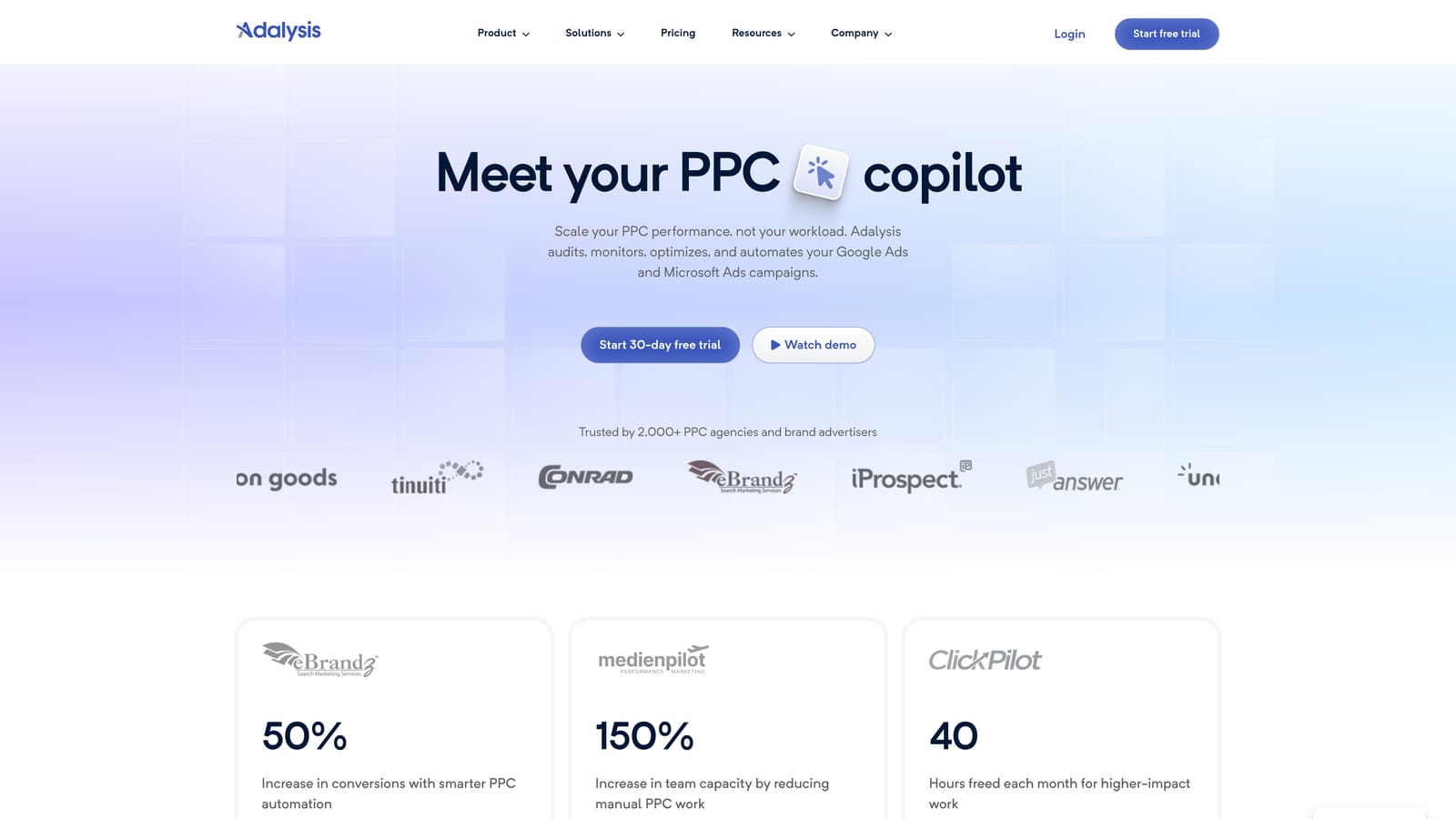
Its clearest differentiator on this list is the statistical testing. Instead of eyeballing click-through rate differences between ad variations and guessing whether the gap is real, Adalysis runs the math and tells you when a result is statistically significant. That single feature saves a surprising amount of back-and-forth in agencies that run ongoing ad tests across many clients.
- Audits accounts automatically, flagging disapproved ads, budget pacing issues, and missing ad extensions
- Tests ad copy variations and reports statistical significance without manual spreadsheet calculations
- Manages responsive search ads and bulk ad copy changes across accounts
- Monitors multiple accounts at once, useful for agencies checking client health daily
It connects to Google Ads and Microsoft Ads, and setup mostly means connecting accounts and letting the audit engine run; day-to-day use falls to whoever's responsible for ad quality and account hygiene.
Adalysis doesn't handle search-term review or negative keyword list building directly, so it's not a replacement for a search-term optimization tool. It's built for ad testing and account audits specifically, not the full range of account management.
Pricing is quote-based; check current rates on their site as of 2026.
Best for: Agencies that want ongoing account health checks and rigorous ad testing across clients.
6. WordStream Advisor by LocaliQ
WordStream Advisor by LocaliQ is an agency-facing Google Ads management platform built around a guided weekly workflow, often referred to as the "20-Minute Work Week," that surfaces specific optimization suggestions rather than raw data dumps.

The distinct value here is the guidance itself. Where most tools on this list assume you already know what to look for, WordStream Advisor tells less-experienced account managers what to check and in what order. That matters for agencies where junior staff handle a large volume of smaller accounts and need structure more than raw automation.
- Delivers a guided weekly checklist of optimization actions tailored to each account
- Sends budget pacing and performance alerts before problems compound
- Manages multiple client accounts from one login
- Includes built-in reporting templates for client updates
It integrates with Google Ads, Microsoft Ads, and Facebook Ads, covering the channels most SMB-focused agencies actually run. Setup is guided, and the platform is designed to be operated by account managers rather than technical staff.
The suggestions can feel generic once accounts get larger or more complex; a $50,000/month enterprise account with nuanced strategy needs more judgment than a guided checklist provides. It's a better fit for volume than for depth.
Pricing is quote-based as of 2026; contact WordStream for current rates.
Best for: Agencies managing a high volume of smaller SMB client accounts.
7. Supermetrics
Supermetrics is a data connector that automatically pulls Google Ads data, along with data from dozens of other marketing platforms, into Google Sheets, Looker Studio, or a BI tool of your choice.
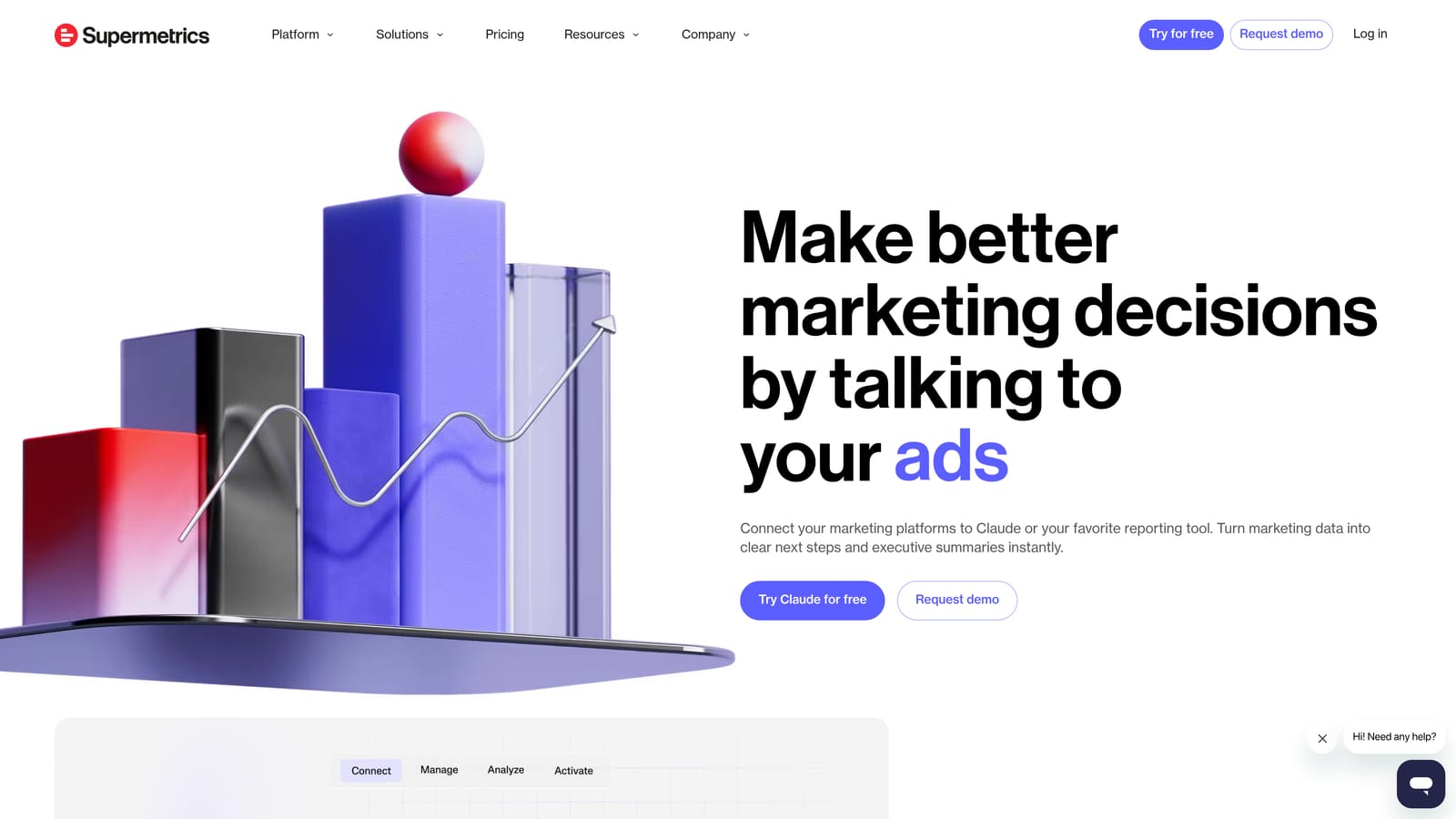
Its job on this list is narrow but valuable: it removes the manual export-and-refresh cycle that eats time before every client reporting deadline. If your agency already has a report template it likes, whether that's a Sheet, a Looker Studio dashboard, or something in a BI platform, Supermetrics keeps the underlying data current automatically instead of someone re-pulling numbers by hand each week.
- Pulls Google Ads data automatically into Sheets, Looker Studio, or BI platforms
- Refreshes data on a schedule so reports stay current without manual re-exports
- Blends data across search, social, and analytics platforms into one view
- Offers pre-built templates to speed up initial report setup
Setup involves connecting each data source and destination once; after that, it largely runs itself, with occasional maintenance if a connector needs re-authorizing. It's typically owned by whoever builds and maintains client reports.
Supermetrics moves and blends data; it does not audit accounts, flag wasted spend, or suggest optimizations. Pair it with an optimization tool rather than expecting it to replace one.
Pricing is quote-based, tiered by number of data sources and destinations, as of 2026.
Best for: Agencies that already have a reporting template but are tired of manually refreshing data.
8. AgencyAnalytics
AgencyAnalytics is a white-label client reporting platform that builds live dashboards combining Google Ads data with SEO, social, and other channel metrics, aimed squarely at agency client communication rather than internal account management.
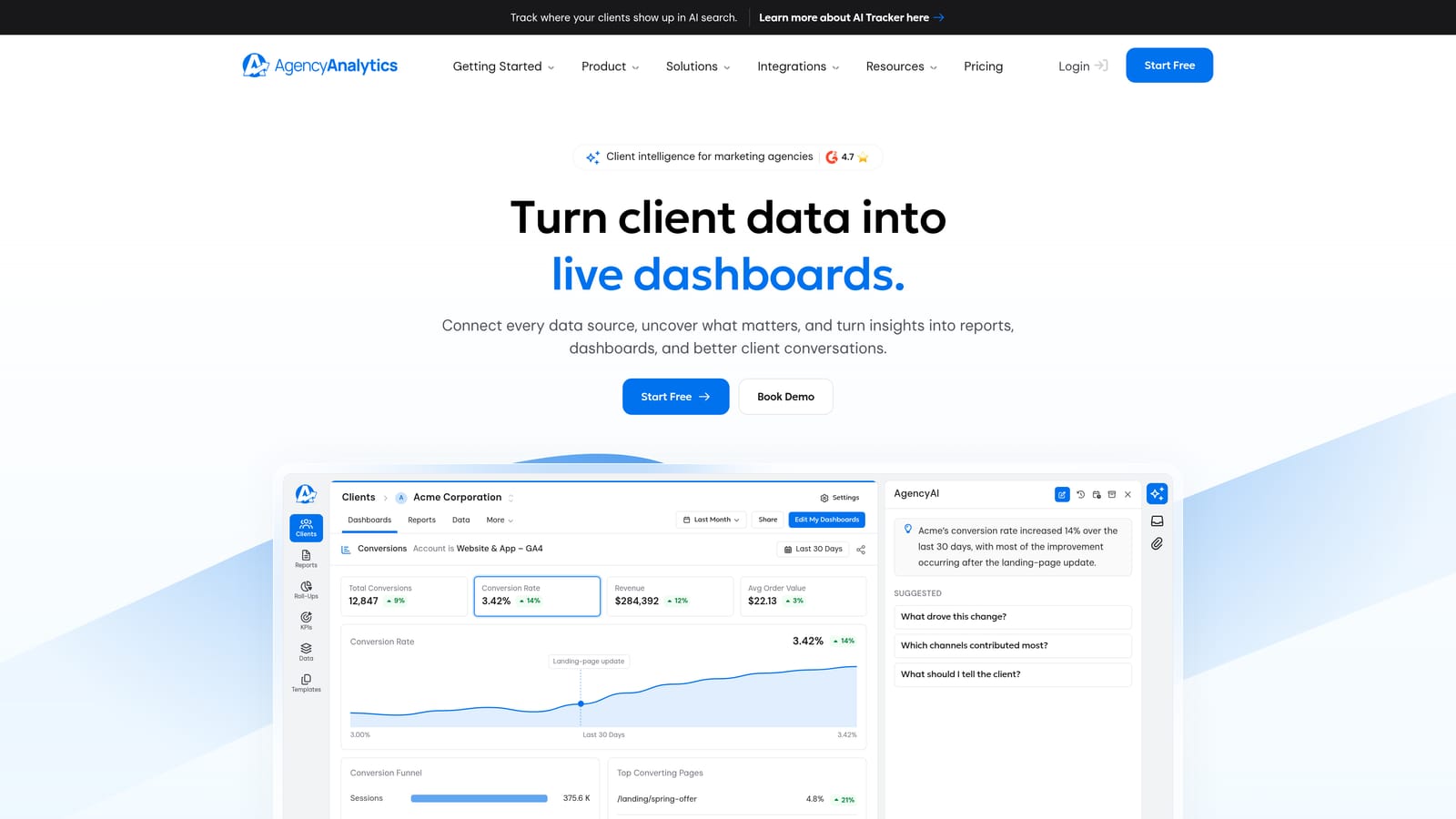
What separates it from Supermetrics or Looker Studio is that it's built specifically for the client relationship: branded dashboards, a client portal, and scheduled report delivery designed to reduce the "can you send me an update" emails agencies field constantly.
- Builds white-label dashboards clients can log into directly, under your agency's branding
- Delivers scheduled reports automatically instead of requiring manual send-outs
- Combines PPC, SEO, and social metrics into a single cross-channel view
- Gives clients their own portal access so they can check performance without emailing you
It connects to Google Ads, Google Analytics, and reportedly over 80 other marketing platforms, making it a fit for agencies offering multi-channel services beyond just PPC. Setup means connecting each client's accounts and building dashboard templates you can reuse; this is usually owned by an account manager or an ops person rather than a PPC specialist.
It doesn't touch campaign optimization or search-term-level actions at all; it's purely a reporting and client communication layer. Agencies still need a separate tool for the actual account work.
Pricing is quote-based, typically priced per client or campaign, as of 2026.
Best for: Agencies whose biggest time sink is building and sending client reports, not day-to-day account optimization.
9. Looker Studio
Looker Studio is Google's free data visualization tool, connecting natively to Google Ads to build shareable, live-updating dashboards without a subscription fee.
Its advantage is price and flexibility: it's free with any Google account, and because Google maintains the native Ads connector, data flows in without a third-party middleman. For agencies that want full control over dashboard design and don't mind investing setup time, it's hard to beat on cost.
- Connects directly to Google Ads for live campaign data
- Lets you build fully customizable, shareable dashboards
- Blends Google Ads data with other Google sources like Analytics, Sheets, and BigQuery
- Costs nothing to use beyond a standard Google account
The tradeoff is time and skill. Building a genuinely polished, client-ready dashboard, one with clean visuals, correct data blending, and useful filters, takes real setup work and some comfort with data modeling. It's not plug-and-play the way a paid reporting SaaS is.
Integrations extend to Google Analytics, Sheets, and BigQuery alongside Google Ads, and it's typically run by whoever on the team has the patience to build and maintain templates.
Free, with no paid tier.
Best for: Budget-conscious agencies willing to build their own dashboards instead of buying a reporting SaaS.
Building a Stack Instead of Picking One Tool
Few agencies get everything from a single subscription, and that's fine. Keywordme fits into the daily grind of search-term cleanup right inside Google Ads, which is the kind of task that otherwise eats an hour per account per week. Optmyzr and Adalysis serve agencies that need rule-based automation and rigorous ad testing running in the background across many client accounts. And for the reporting side, Supermetrics, AgencyAnalytics, and Looker Studio each solve that problem at a different price point, from fully managed to fully DIY.
Most agencies end up running two or three of these together rather than one tool that claims to do it all: something for optimization, something for automation or audits, and something for client-facing reporting. Start with whichever task currently costs your team the most hours, and build outward from there.
If that task is search-term review, Keywordme lets you optimize Google Ads campaigns up to 10 times faster without leaving your account. Remove junk search terms, build high-intent keyword lists, and apply match types instantly, all inside the native Search Terms Report, with no spreadsheets and no tab-switching. Start your free 7-day trial and then continue for just $12/month.
.svg)