
9 Best Google Ads Productivity Tools to Speed Up Your Workflow in 2026
Managing Google Ads campaigns means drowning in repetitive tasks like processing search term reports, building negative keyword lists, and manually optimizing across multiple tabs. The right Google Ads productivity tools automate this busywork and streamline your workflow, whether you're a freelancer or agency managing multiple accounts. This guide covers nine essential tools that help PPC professionals work faster and focus on strategy instead of manual data entry in 2026.


If you manage Google Ads campaigns, you already know the drill: endless search term reports, manual negative keyword builds, copy-pasting data into spreadsheets, and switching between tabs just to make basic optimizations. It's the kind of repetitive work that eats hours every week—time you could be spending on actual strategy.
The right productivity tools change that. They automate the busywork, speed up workflows, and let you focus on the decisions that actually move performance. Whether you're a solo freelancer managing a handful of accounts or an agency juggling dozens of clients, the tools below help you work smarter without adding complexity.
Here are the top Google Ads productivity tools that make a real difference in 2026.
1. Keywordme
Best for: Fast, in-interface search term optimization without leaving Google Ads
Keywordme is a Chrome extension that turns the Google Ads search terms report into a one-click optimization workspace.

Where This Tool Shines
Most PPC managers spend hours each week exporting search term reports, manually flagging junk queries, building negative keyword lists in spreadsheets, and then uploading them back into Google Ads. Keywordme eliminates that entire workflow by letting you take action directly inside the native interface.
You can remove irrelevant search terms with a single click, apply match types instantly, build negative keyword lists on the fly, and cluster keywords into logical groups—all without opening a single spreadsheet or switching tabs. It's designed for people who live in the search terms report and need to move fast.
Key Features
One-Click Junk Removal: Flag and remove low-quality search terms directly in the Google Ads interface without exporting data.
Instant Match Type Application: Apply exact, phrase, or broad match modifiers to keywords without manual formatting.
Keyword Clustering: Automatically group related search terms into logical keyword themes for better campaign structure.
Bulk Editing: Make changes across multiple search terms at once, saving hours on repetitive tasks.
Multi-Account & Team Support: Manage multiple Google Ads accounts and collaborate with team members seamlessly.
Best For
Keywordme works best for PPC managers who optimize search terms regularly—whether you're a solo advertiser, freelancer, or agency team. It's especially powerful if you manage multiple accounts and need to scale your workflow without adding headcount.
Pricing
Flat-rate pricing at $12/month per user with a 7-day free trial. No usage limits or ad spend tiers—just straightforward per-seat pricing.
2. Optmyzr
Best for: Agencies needing comprehensive PPC automation across multiple platforms
Optmyzr is a full-scale PPC management platform with rule-based automation, custom scripts, and advanced reporting.

Where This Tool Shines
Optmyzr is built for teams managing large-scale accounts who need to automate repetitive optimizations without writing code. The platform's Rule Engine lets you set up automated actions based on performance thresholds—like pausing underperforming keywords, adjusting bids, or shifting budgets between campaigns.
What sets it apart is the depth of customization. You can build custom scripts using their visual builder, create one-click optimization workflows, and manage campaigns across Google Ads, Microsoft Ads, and Amazon Ads from a single dashboard. It's overkill for small accounts, but for agencies managing dozens of clients, it's a serious time-saver.
Key Features
Rule Engine: Automate bid adjustments, budget shifts, and campaign actions based on custom performance rules.
Custom Script Builder: Create automated workflows without coding using a visual interface.
One-Click Optimizations: Pre-built optimization templates for common tasks like negative keyword additions and bid adjustments.
Multi-Platform Support: Manage Google, Microsoft, and Amazon campaigns in one place.
Advanced Reporting: Build custom reports with data from multiple accounts and platforms.
Best For
Agencies managing multiple clients or in-house teams running large-scale accounts with complex automation needs. If you're spending more than $50K/month on ads, the automation features justify the cost.
Pricing
Starts at $249/month for accounts spending up to $50K. Pricing scales with ad spend, so larger accounts pay more.
3. Google Ads Editor
Best for: Bulk campaign edits and offline account management
Google Ads Editor is Google's free desktop application for managing campaigns offline with bulk editing capabilities.

Where This Tool Shines
Google Ads Editor is the go-to tool when you need to make large-scale changes across campaigns without clicking through the web interface. You can download entire accounts, make bulk edits offline, and then upload changes all at once—useful when you're restructuring campaigns, updating ad copy across hundreds of ad groups, or duplicating campaigns between accounts.
The find-and-replace functionality is especially powerful. Need to update UTM parameters across 500 ads? Or swap out a discontinued product name in all your ad copy? Editor handles it in seconds. It's not flashy, but it's reliable and free.
Key Features
Bulk Editing: Make changes across campaigns, ad groups, keywords, and ads simultaneously.
Offline Editing: Download accounts, work offline, and sync changes when you're ready.
Find and Replace: Search and replace text across entire accounts—useful for updating URLs, copy, or tracking parameters.
Copy/Paste Between Accounts: Duplicate campaigns or ad groups across different Google Ads accounts.
Draft Mode: Test changes before pushing them live to avoid accidental mistakes.
Best For
Anyone who needs to make bulk changes across large accounts or manage multiple accounts efficiently. It's especially useful for agencies duplicating campaign structures for new clients.
Pricing
Completely free. It's a native Google tool with no usage limits.
4. Adalysis
Best for: Automated ad testing and quality score optimization
Adalysis is a data-driven PPC platform focused on ad testing, quality score monitoring, and automated optimization recommendations.

Where This Tool Shines
Adalysis is built around the idea that most advertisers don't test ad copy rigorously enough. The platform automates ad testing by tracking performance across variations and flagging winners based on statistical significance—not just gut feeling. It also monitors quality scores at the keyword level and sends alerts when scores drop, helping you catch issues before they tank performance.
The N-gram analysis is particularly useful for search term mining. It breaks down search queries into patterns, making it easier to spot high-intent phrases you should be targeting or negative keywords you're missing. If you're serious about ad testing and quality score optimization, Adalysis gives you the data to make smart decisions.
Key Features
Automated Ad Testing: Track ad performance and identify winning variations based on statistical significance.
Quality Score Monitoring: Get alerts when quality scores drop and receive recommendations for improvement.
N-Gram Analysis: Analyze search term patterns to identify high-intent keywords and negative keyword opportunities.
Automated Recommendations: Receive actionable optimization suggestions based on account performance data.
Custom Alerts: Set up notifications for performance changes, budget pacing issues, or quality score drops.
Best For
PPC managers who prioritize ad testing and quality score optimization. It's ideal for accounts where small improvements in CTR and quality score make a big difference in cost-per-click.
Pricing
Starts at $149/month for smaller accounts. Pricing increases based on ad spend and number of accounts managed.
5. WordStream
Best for: Small businesses needing guided PPC management workflows
WordStream is an all-in-one PPC platform designed for small businesses with guided optimization workflows and cross-platform management.

Where This Tool Shines
WordStream's core feature is the "20-Minute Work Week"—a guided workflow that walks you through weekly optimizations step-by-step. It's designed for business owners or marketers who don't live in Google Ads every day but still need to keep campaigns running efficiently. The platform surfaces the most impactful optimizations first, so you're not wasting time on low-priority tasks.
It also manages campaigns across Google Ads, Facebook, and Microsoft Ads from a single dashboard, which is useful if you're running multi-channel campaigns. The performance benchmarking tools show how your account compares to industry averages, giving you context for what "good" performance looks like.
Key Features
20-Minute Work Week: Guided optimization workflow that prioritizes high-impact tasks.
Cross-Platform Management: Manage Google Ads, Facebook, and Microsoft Ads campaigns in one place.
Automated Alerts: Get notifications for budget overspend, low quality scores, or performance drops.
Performance Benchmarking: Compare your account metrics to industry averages.
Custom Reporting: Build client-friendly reports with white-label branding options.
Best For
Small business owners or in-house marketers who need a simplified PPC management experience without the complexity of enterprise platforms. It's also a good fit for agencies managing small-budget clients.
Pricing
Custom pricing based on ad spend. WordStream typically requires a demo call to get a quote, which can be a barrier for some users.
6. Supermetrics
Best for: Automating Google Ads reporting and data pipelines
Supermetrics is a data connector that automates reporting by pulling Google Ads data into spreadsheets, Looker Studio, and data warehouses.
Where This Tool Shines
If you spend hours each week exporting Google Ads data into spreadsheets or building manual reports, Supermetrics eliminates that entire workflow. It connects Google Ads to Google Sheets, Excel, Looker Studio, and data warehouses like BigQuery—automatically pulling in campaign performance data on a schedule you set.
The real value is in the time saved. Instead of manually exporting data every Monday morning, you set up a Supermetrics connector once and let it refresh automatically. You can also combine data from multiple sources—like Google Ads, Facebook Ads, and Google Analytics—into a single dashboard, making cross-channel reporting much easier.
Key Features
Automated Data Pulls: Schedule automatic data refreshes to Google Sheets, Excel, or data warehouses.
Looker Studio Connector: Build live dashboards that update automatically with fresh Google Ads data.
70+ Data Source Integrations: Combine data from Google Ads, Facebook, LinkedIn, and other platforms in one place.
Custom Queries: Pull specific metrics and dimensions without exporting entire datasets.
Scheduled Refresh: Set up daily, weekly, or hourly data updates to keep reports current.
Best For
Agencies or in-house teams that build regular client reports or need to centralize data from multiple advertising platforms. It's especially useful if you're already using Google Sheets or Looker Studio for reporting.
Pricing
Starts at $39/month for a single data connector. Pricing increases based on the number of connectors and data sources you need.
7. PPC Samurai
Best for: AI-powered bid management and budget optimization
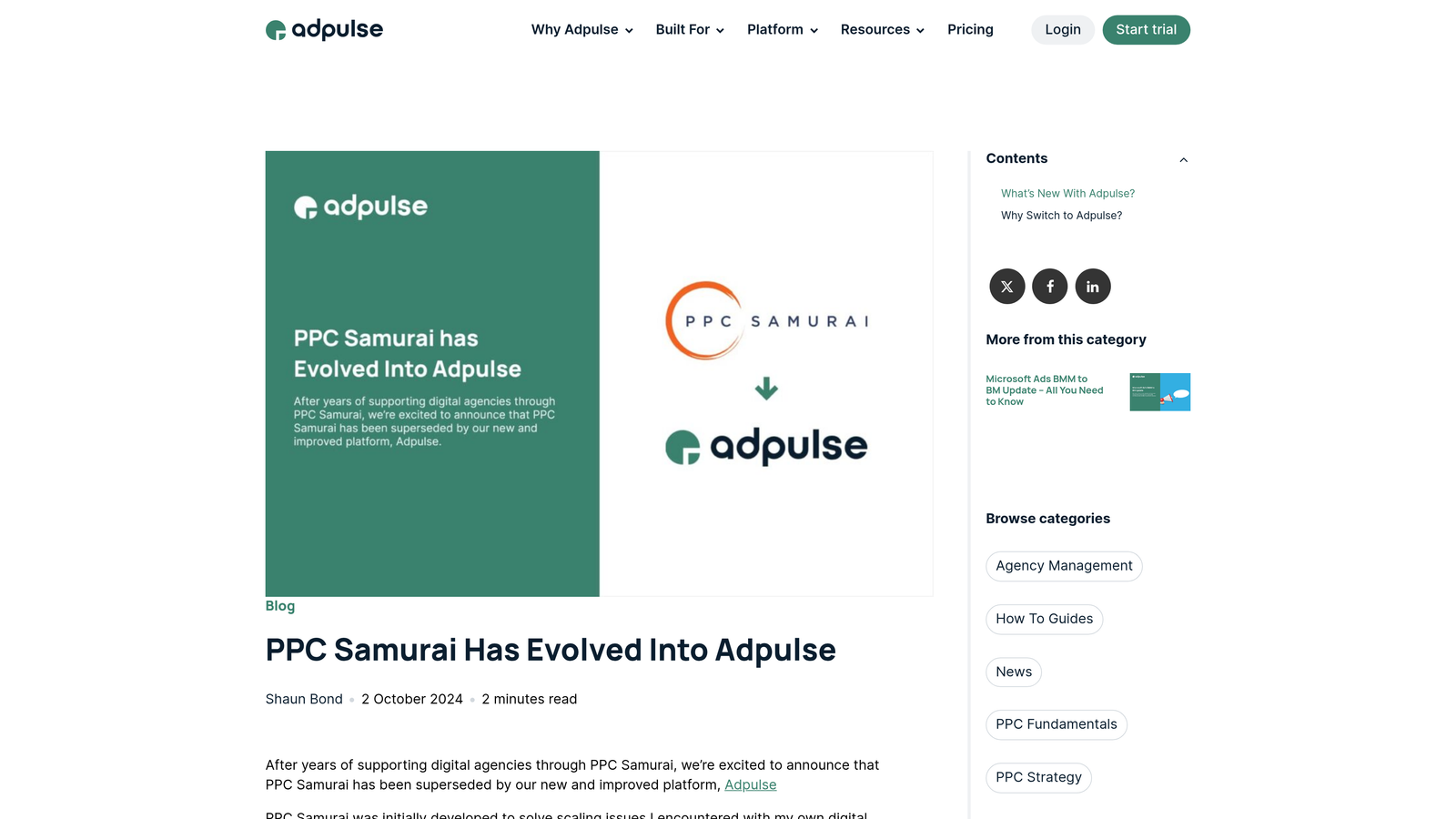
PPC Samurai is an AI-driven PPC automation platform focused on bid management, budget pacing, and search term optimization.
Where This Tool Shines
PPC Samurai uses machine learning to automate bid adjustments based on performance trends, which is useful if you manage accounts where manual bidding still makes sense. The platform monitors keyword performance and adjusts bids automatically to hit your target CPA or ROAS goals.
The budget pacing feature is particularly helpful for accounts with tight monthly budgets. It tracks daily spend and adjusts bids to prevent overspend while maximizing conversions. The platform also includes search term mining tools that surface negative keyword opportunities and high-intent queries you should be targeting.
Key Features
Automated Bid Adjustments: AI-driven bid changes based on performance data and conversion goals.
Budget Pacing: Prevent overspend by automatically adjusting bids to stay within monthly budgets.
Search Term Mining: Identify negative keyword opportunities and high-intent search queries.
Overspend Protection: Set hard limits on daily or monthly spend to avoid budget blowouts.
White-Label Reporting: Generate client reports with custom branding for agencies.
Best For
Agencies or freelancers managing accounts with manual bidding strategies who need automated bid management without switching to Google's Smart Bidding. It's also useful for accounts with strict budget constraints.
Pricing
Starts at $99/month for smaller accounts. Pricing scales with the number of accounts and ad spend managed.
8. Channable
Best for: E-commerce advertisers managing product feeds and Shopping campaigns
Channable is a feed management and PPC automation platform designed specifically for e-commerce advertisers running Google Shopping campaigns.
Where This Tool Shines
If you run Shopping campaigns, you know that product feed quality directly impacts performance. Channable automates feed optimization by letting you set rules for how product data is formatted, categorized, and distributed across channels. You can create custom product titles, add missing attributes, and fix data quality issues without touching the source feed.
The platform also automates Shopping campaign creation by generating campaigns directly from your product feed. You can segment products into different campaigns based on performance, margin, or category—and the platform keeps campaigns in sync with feed updates automatically. It's a huge time-saver for e-commerce teams managing thousands of SKUs.
Key Features
Automated Shopping Campaign Creation: Generate campaigns directly from product feeds with custom segmentation rules.
Dynamic Text Ad Generation: Create search ads automatically using product data from your feed.
Product Feed Optimization: Set rules to clean up product titles, add missing attributes, and improve feed quality.
Multi-Channel Feed Distribution: Distribute optimized feeds to Google, Facebook, Amazon, and other channels.
Performance-Based Bidding: Adjust bids automatically based on product-level performance data.
Best For
E-commerce businesses running Google Shopping campaigns with large product catalogs. It's especially useful if you sell across multiple channels and need to manage feeds centrally.
Pricing
Starts at €39/month for basic feed management. Pricing increases based on the number of products and channels you manage.
9. Karooya
Best for: Budget-conscious advertisers needing free negative keyword tools
Karooya offers negative keyword and search term analysis tools with both free and premium options for advertisers on tight budgets.
Where This Tool Shines
Karooya's standout feature is its free negative keywords tool, which analyzes your search term reports and suggests negative keywords to add. It's a simple, no-frills tool that does one thing well—helping you identify wasted spend quickly without paying for a full platform subscription.
The premium version adds more advanced features like wasted spend identification, ad scheduling optimization, and deeper search term analysis. But even the free tier is useful if you're just starting out or managing small accounts where paid tools don't make sense yet.
Key Features
Free Negative Keywords Tool: Upload search term reports and get negative keyword suggestions instantly.
Search Term Analysis: Identify patterns in search queries to find optimization opportunities.
Wasted Spend Identification: Highlight keywords and search terms that are driving clicks without conversions.
Ad Scheduling Optimization: Analyze performance by time of day to optimize ad schedules.
Simple Interface: No steep learning curve—upload a file and get recommendations.
Best For
Solo advertisers or small businesses managing Google Ads on a tight budget. The free tier is perfect for anyone who needs basic negative keyword recommendations without paying for a full platform.
Pricing
Free tier available for basic negative keyword analysis. Premium plans start at $59/month for advanced features and larger accounts.
Choosing the Right Tool for Your Workflow
The best Google Ads productivity tool depends on where you spend the most time and what's slowing you down. If you're constantly reviewing search terms and building negative keyword lists, Keywordme gives you the fastest workflow by keeping everything inside Google Ads. For agencies managing dozens of accounts with complex automation needs, Optmyzr's rule engine and multi-platform support make more sense.
If you're focused on bulk edits and campaign restructuring, Google Ads Editor is the obvious choice—it's free and handles large-scale changes better than the web interface. For reporting and data automation, Supermetrics eliminates the manual export-and-format workflow entirely. And if you're running e-commerce campaigns with large product catalogs, Channable's feed management tools save hours on Shopping campaign optimization.
Most PPC managers end up using a combination of tools. You might use Google Ads Editor for bulk changes, Keywordme for search term optimization, and Supermetrics for reporting—each tool handling the part of the workflow it's best at.
The key is to start with the biggest time-sink in your current workflow and find the tool that solves it. If you're spending hours each week on search term review, that's where you'll see the fastest ROI. Start your free 7-day trial of Keywordme and see how much faster you can optimize campaigns when you're working directly inside Google Ads—no spreadsheets, no tab-switching, just quick, seamless optimization for $12/month.
.svg)