
9 Best Google Ads Productivity Tools for Marketers and Agencies in 2026: Reviews and Comparison
These Google Ads productivity software reviews compare nine tools that cut hours from search term reviews, negative keywords, bulk edits, and reporting. Each tool is judged on time saved, fit for solo advertisers versus agencies, pricing clarity, and how much control you keep over changes before they go live.


Google Ads account work is mostly repetition: combing through search terms, adding negatives, making bulk edits, building reports, checking several accounts before lunch. The right tool takes hours out of those jobs without hiding what changes in the account. This list is for marketers, freelancers, and agency owners. Each tool was judged on four things: time saved on a real recurring task, fit for a solo advertiser versus an agency, how clear the pricing is, and how much control you keep over changes before they go live.
Quick Comparison of the Google Ads Productivity Tools
- Keywordme: freelancers and agencies who review lots of search terms; $12/month per user; adds one-click keyword and negative keyword actions inside the native Search Terms Report.
- Google Ads Editor: advertisers making large structural changes; free; official offline editing with a review-before-post step.
- Google Ads Scripts: technical advertisers who want custom automation; free; fully customizable code-based automation inside Google Ads.
- Optmyzr: agencies wanting an all-in-one management layer; see website; a large library of ready-made optimization tools.
- Adalysis: agencies running routine account health checks; see website; automated ad testing and issue alerts across many accounts.
- Google Ads Mobile App: advertisers checking in away from a desk; free; monitoring and quick edits from your phone.
- Looker Studio: freelancers automating client reporting on a budget; free; flexible dashboards that replace reporting spreadsheets.
- Supermetrics: teams reporting across multiple ad channels; see website; pulls Google Ads data and other channels into one pipeline.
- Swydo: small agencies wanting branded client reports quickly; see website; white-label reports built for agencies.
1. Keywordme
Keywordme is a Chrome extension that adds one-click actions to the Search Terms Report inside Google Ads. It is built for people who spend a lot of time reviewing search terms (the queries people actually typed) and deciding which become keywords (what you bid on) and which become negative keywords (terms you block).
Its distinctive strength is where it lives. Because it works in the native report, search term cleanup needs no exports and no spreadsheets. You see the term, check its clicks, cost, and conversions in the interface you already use, and act on it right there. Keywordme claims this makes optimization up to 10x faster; that is the company's own figure, so treat it as a vendor claim and test it against your own workflow during the trial.
- One-click negative keywords from the Search Terms Report, so junk queries get blocked without copying anything out.
- Add keywords and apply match types without leaving Google Ads, which keeps new keyword lists consistent.
- Keyword clustering, which helps you group related terms into tighter lists.
- Bulk editing, for applying the same action to many terms at once.
- Multi-account and team support, so agencies can use it across client accounts and staff.
Setup is light: you install the extension and work inside Google Ads, and whoever reviews search terms day to day is the person who uses it. The integration is Google Ads only, via Chrome.
The limits are real. Keywordme is focused on search term and keyword management. It has no reporting, no bid automation, and no ad creative tools, and it requires Chrome. It also does not decide for you. A fast negative-keyword button makes it easy to block good traffic, so check conversion data and match type before you add a negative.
Pricing is $12/month per user with a 7-day free trial (as of October 2026; verify on the website). Cost scales with the number of users, not ad spend.
Best for: Freelancers and agencies who spend lots of time on search term review.
2. Google Ads Editor
Google Ads Editor is Google's free desktop app for managing campaigns in bulk and offline. You download account data, make changes locally, review them, then post them back to the account.
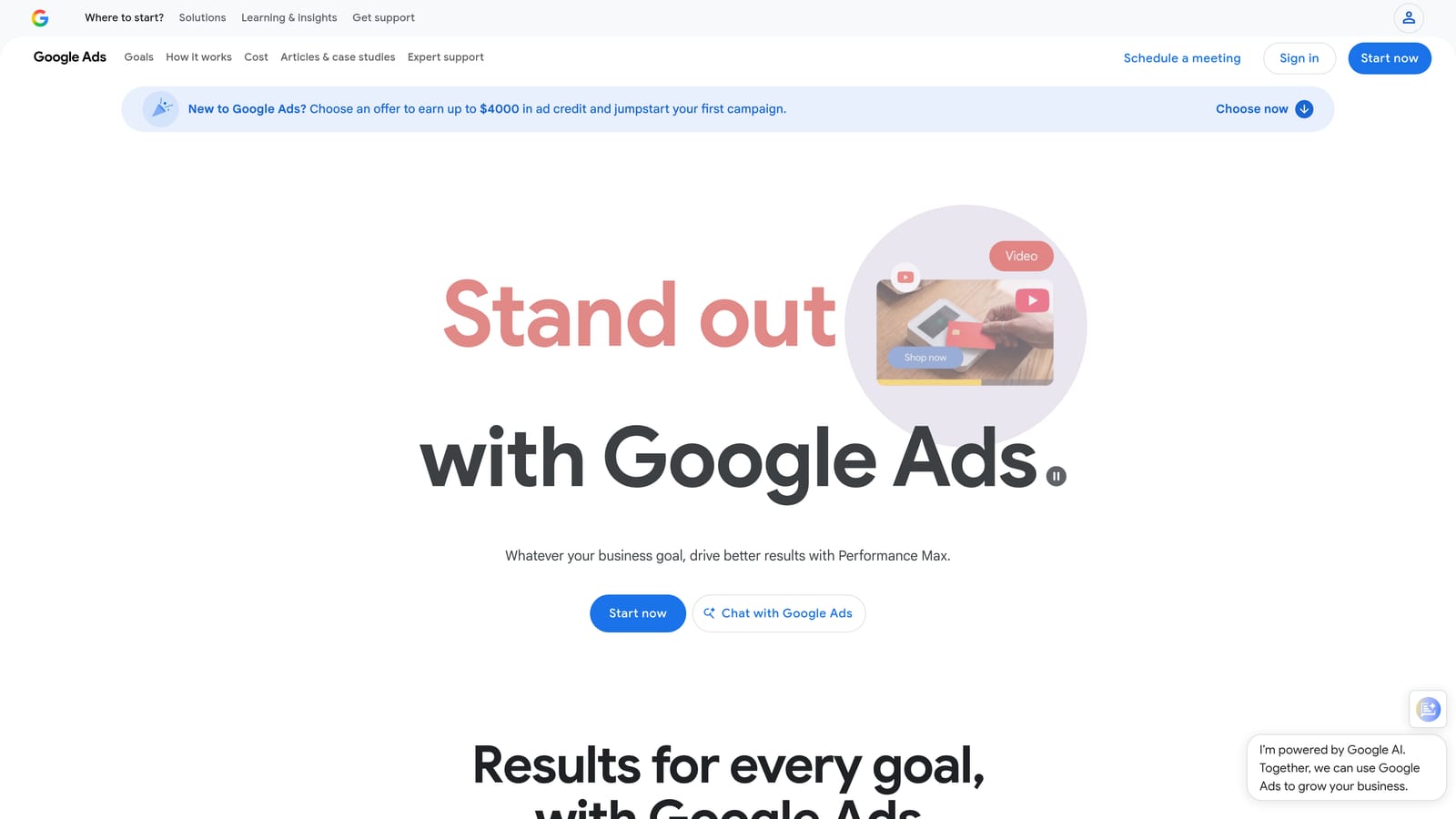
What sets it apart on this list is that review-before-post workflow. You can draft a hundred changes, look over every one, and only then push them live. That makes it the safest option here for big structural edits.
- Bulk edits across campaigns and accounts, so renaming, restructuring, or updating bids doesn't mean clicking through the web UI.
- Offline drafting with review before posting, which gives you a checkpoint before anything changes.
- Copy and paste between campaigns and accounts, handy for cloning a proven structure to a new client.
- Multi-account management from one app.
It connects only to Google Ads. Expect a learning curve, since the interface is dense and unlike the web UI. One person, usually whoever owns account structure, tends to run it.
It is not built for search term triage, and the manual posting step means it is slower for small, frequent tweaks. If your week is mostly reviewing queries, you will find it clunky for that job.
Pricing: free.
Best for: Advertisers making large structural changes across many campaigns.
3. Google Ads Scripts
Google Ads Scripts lets you write JavaScript that runs inside your account on a schedule. It handles things like budget pacing alerts, broken-URL checks, and custom reports sent to Google Sheets.

Its edge over everything else here is flexibility. If you can describe a check or change in logic, you can code it, and it costs nothing. No packaged tool matches that for odd, account-specific needs.
- Scheduled script runs, so routine checks happen without you remembering them.
- Custom alerts and monitoring, such as a flag when spend spikes or a campaign stops serving.
- Custom reporting to Google Sheets, giving you tailored data pulls.
- Programmatic account changes, for rules the interface does not offer.
It integrates with Google Ads and Google Sheets. Setup means writing or adapting code, then authorizing and scheduling it, and someone has to maintain scripts when things break or Google changes the API.
This is the wrong pick if nobody on your team codes. The bigger risk is that an untested script can change a live account, so preview runs and careful logging matter. Scripts that only report are much safer than scripts that edit.
Pricing: free.
Best for: Technical advertisers who want custom automation.
4. Optmyzr
Optmyzr is a PPC management platform that bundles optimization tools, rule-based automation, and reporting. It targets agencies and in-house teams that want one layer on top of their ad accounts instead of a pile of separate utilities.

The standout is breadth. It offers a large library of ready-made optimization tools in a single suite, so you are not building checks yourself the way you would with Scripts.
- Optimization recommendations that point you to changes worth considering, which you can review before acting.
- Rule-based automation for recurring tasks, so you define the logic once.
- Bulk operation tools for changes across many campaigns or accounts.
- Reporting for client and internal updates.
It connects to Google Ads, Microsoft Advertising, and Meta Ads, which suits agencies running more than one channel. Expect more onboarding than a lightweight extension, and plan for someone to own configuration, since rules are only as good as their setup.
The trade-off is cost and complexity. It is heavier than a single-purpose tool, and a solo advertiser with a few accounts may never use most of it. Check current plans before shortlisting, because they change.
Pricing: tiered and spend-based; see the website for the starting price.
Best for: Agencies wanting an all-in-one management layer.
5. Adalysis
Adalysis is an audit and monitoring platform. It scans accounts for problems, tracks ad tests, and alerts you when something needs attention.
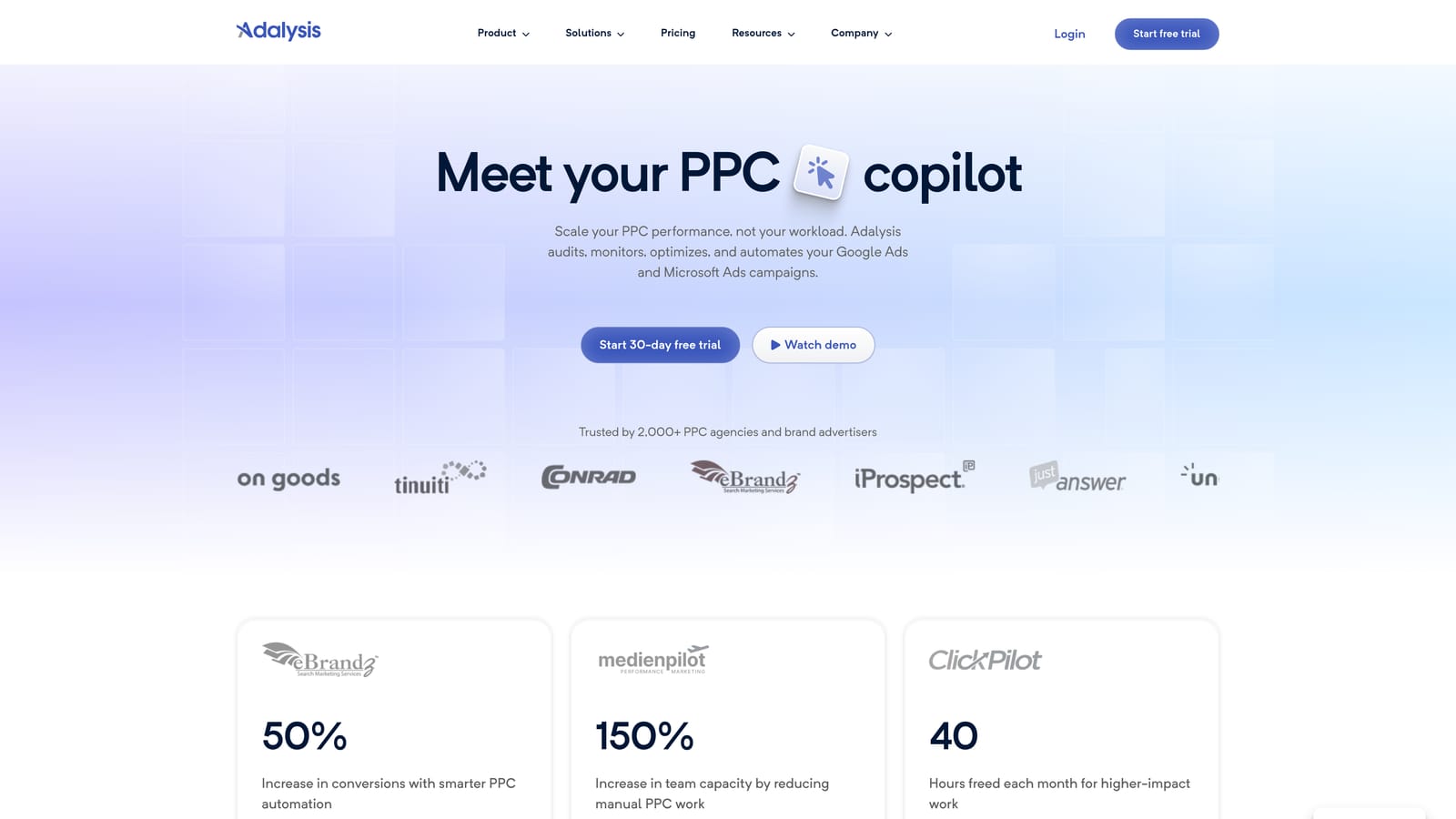
Its distinguishing strength is automated ad testing and issue alerts at scale. If you manage many accounts, it surfaces the ones that have drifted (a disapproved ad, a stalled test, a structural gap) without you opening each one.
- Automated account audits that flag issues on a schedule instead of waiting for a manual review.
- Ad testing, so you can see which creative is actually winning.
- Alerts that point you at accounts needing attention.
- Reporting to summarize findings for clients or teammates.
It integrates with Google Ads and Microsoft Advertising. Setup is mostly connecting accounts and tuning alerts, and it usually falls to the account manager or a team lead running weekly health checks.
It is audit-oriented rather than a one-click editor, so you will still make the fixes elsewhere. Pricing varies by spend, which can make it harder to forecast for large portfolios.
Pricing: tiered by ad spend or account count; see the website.
Best for: Agencies running routine account health checks.
6. Google Ads Mobile App
The Google Ads Mobile App is Google's official phone app for checking performance and making quick changes. It exists for the moments you are away from your desk and something needs a look.
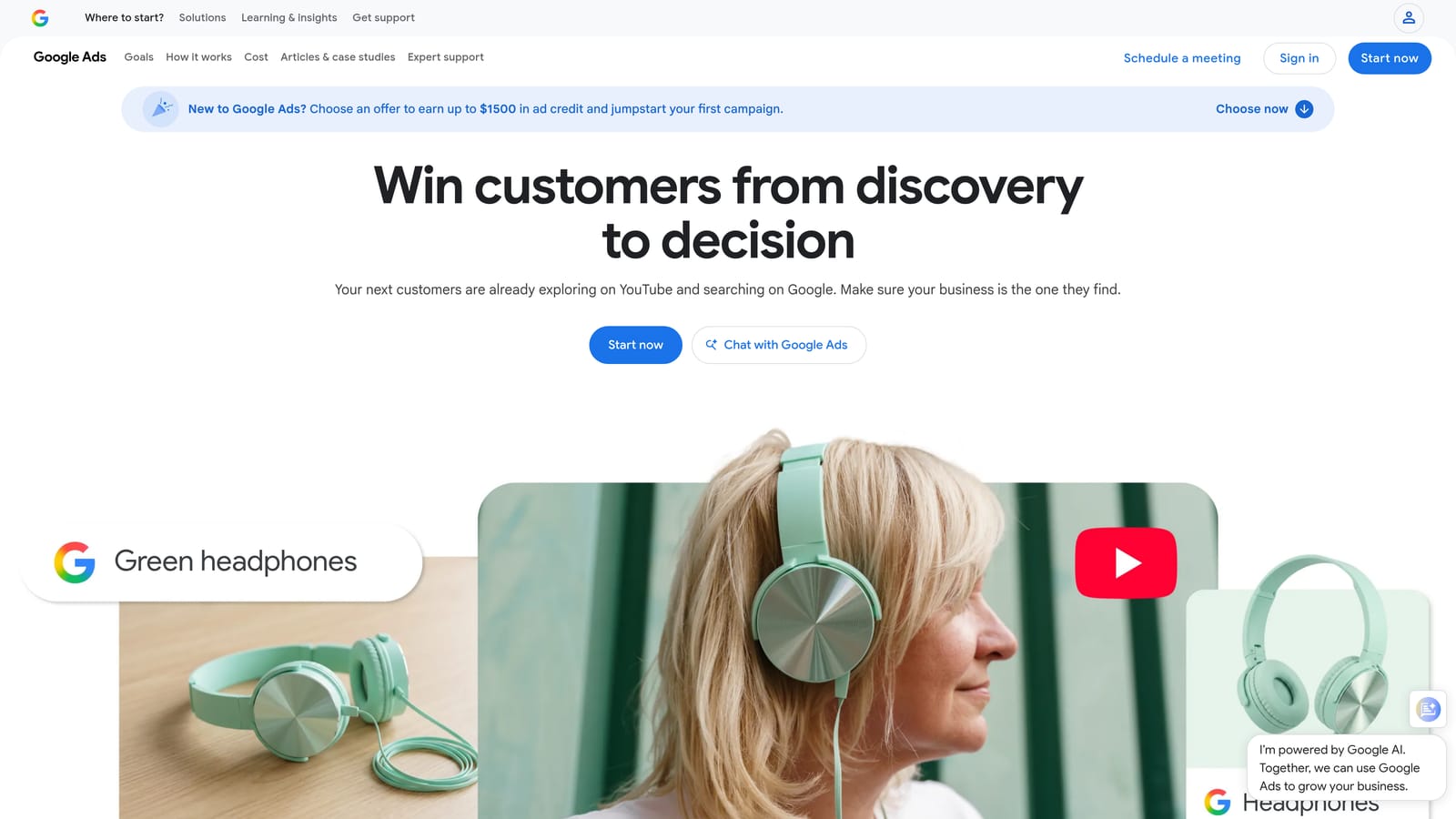
Its one advantage is portability. No other tool here lets you check pacing, review recommendations, and pause a runaway campaign from your phone.
- Performance monitoring, so you can glance at spend and results anywhere.
- Recommendations review, letting you read Google's suggestions before deciding on them.
- Quick campaign edits, like adjusting a budget or pausing something.
- Notifications that flag changes worth knowing about.
It works only with Google Ads and needs no real setup beyond signing in. Anyone with account access can use it.
Depth is the limit. It is not suited to bulk work or detailed search term analysis, and tapping through recommendations on a small screen is a good way to approve something you did not think through. Treat it as a monitor, not a workbench.
Pricing: free.
Best for: Advertisers who need quick checks away from a desktop.
7. Looker Studio
Looker Studio is Google's free reporting tool. You connect your Google Ads data and build dashboards that update on their own, replacing the monthly copy-paste into a spreadsheet.

It stands out for flexibility at zero cost. You control the layout, metrics, and filters, which is hard to get from a fixed template at this price.
- A Google Ads connector that pulls account data straight into your reports.
- Custom dashboards, so you show clients the metrics they care about.
- Shareable reports through a link, with no file attachments.
- Scheduled email delivery, which removes the recurring "send the report" task.
It also connects to Google Analytics, Google Sheets, and BigQuery. Building a good dashboard takes time up front, and the person who builds it usually ends up maintaining it.
It is reporting only; it cannot edit your account. Some third-party connectors, needed for non-Google data, cost extra.
Pricing: free, with some paid third-party connectors.
Best for: Freelancers automating client reporting on a budget.
8. Supermetrics
Supermetrics is a data connector. It pulls Google Ads data, plus data from other marketing platforms, into the places where you report: spreadsheets, dashboards, and similar destinations.
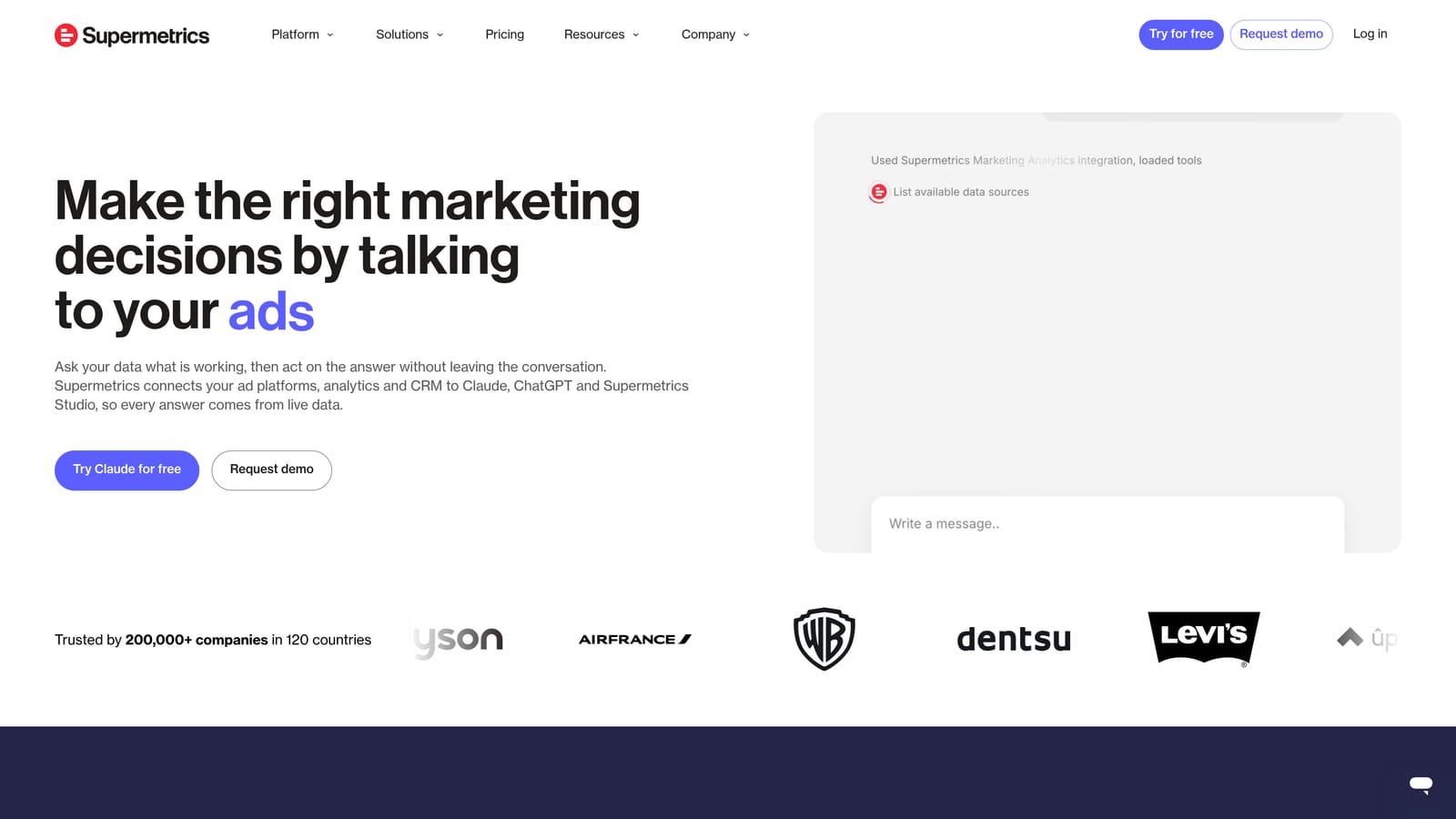
Its edge is combining channels. If a client runs Google Ads, Meta, and LinkedIn, it can feed all of them into one view, which is awkward to do natively.
- A Google Ads data connector, so you stop exporting CSVs by hand.
- Multi-platform data pulls, letting you compare channels side by side.
- Scheduled refreshes that keep reports current.
- Destinations including Google Sheets and Looker Studio, so it slots into tools you may already use.
It integrates with Sheets, Looker Studio, Excel, Meta Ads, and LinkedIn Ads. Setup is connecting sources and building queries, and it tends to be run by whoever owns reporting.
It moves data only. It does not change your account, and you still need a destination to build the report in. Cost scales with usage, so more sources and accounts raise the bill.
Pricing: paid tiers; see the website.
Best for: Teams reporting across multiple ad channels.
9. Swydo
Swydo is a reporting and monitoring tool designed for agencies. Its main output is client-ready, white-label reports with your branding on them.
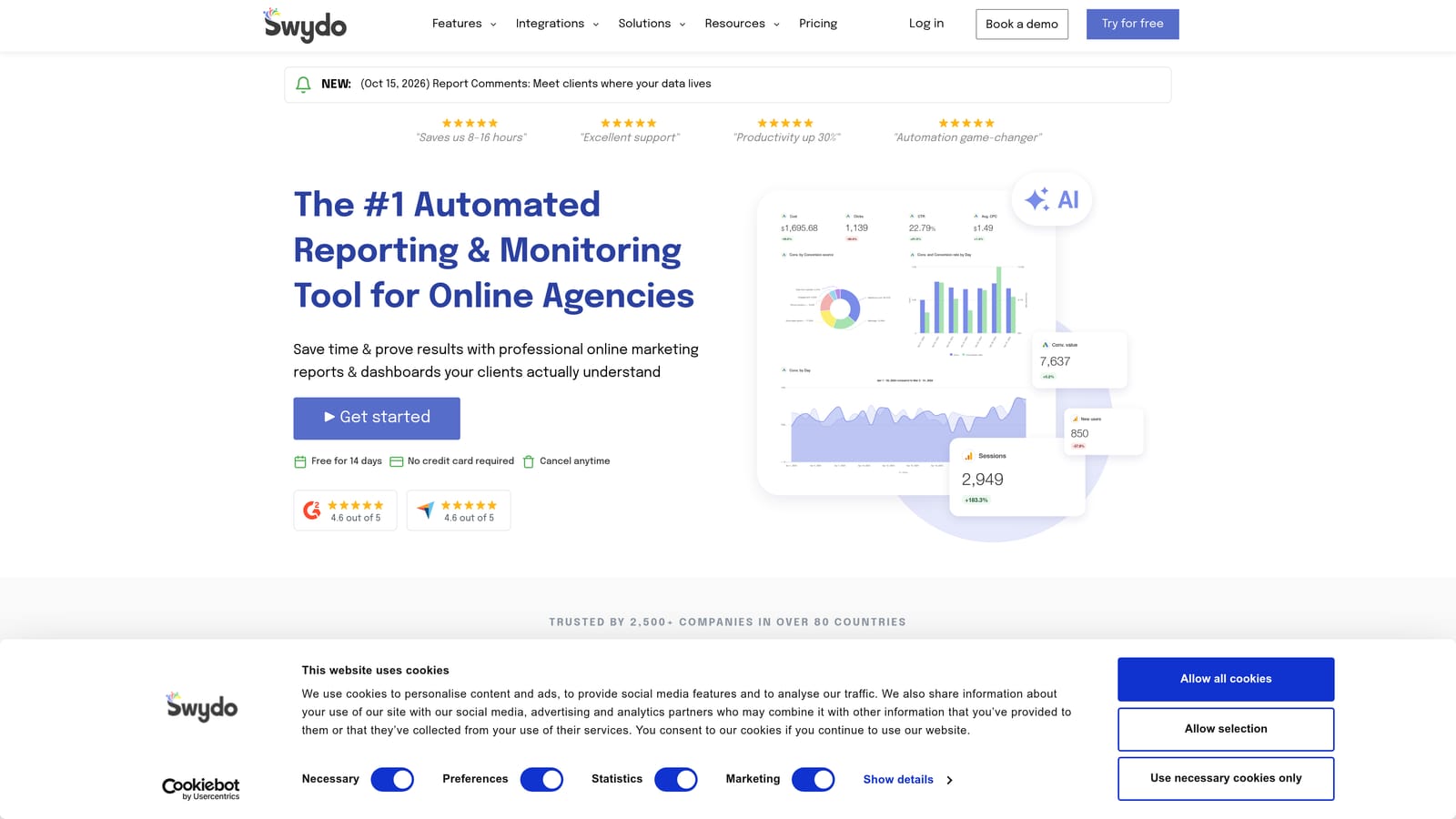
That polish is the point. Where Looker Studio gives you a blank canvas, Swydo gives you templates that look finished quickly, which matters when you have a pile of client reports due.
- White-label reports that carry your agency's branding, not someone else's.
- Report templates, so a new client does not mean starting from scratch.
- Scheduled delivery that sends reports without a manual step.
- Performance dashboards for a quick read between reports.
It connects to Google Ads, Google Analytics, and Meta Ads. Setup is lighter than building custom dashboards, and an account manager or ops person usually runs it.
It is reporting-focused, so there is no campaign editing. Agencies that need heavy customization may find templates limiting.
Pricing: tiered plans; see the website.
Best for: Small agencies wanting branded client reports quickly.
Matching the Tool to the Task
No single tool here covers everything, and most advertisers end up pairing two. Pick by the job that eats your week:
- Search term cleanup: Keywordme, since it works inside the Search Terms Report.
- Bulk edits: Google Ads Editor, for large changes you want to review before posting.
- Automation: Google Ads Scripts if you code, Optmyzr if you want packaged rules.
- Audits: Adalysis for routine health checks across accounts.
- Reporting: Looker Studio on a budget, Swydo for branded agency reports, Supermetrics for multi-channel data.
A common pairing is Keywordme for daily search term work plus Looker Studio or Swydo for reporting. Whatever you choose, check conversion data and match type before adding negatives, and review changes before they go live. For more on the basics, see the Google Ads Help Center.
Optimize Google Ads Campaigns 10X Faster. Without Leaving Your Account. Keywordme lets you remove junk search terms, build high-intent keyword lists, and apply match types instantly, right inside Google Ads. No spreadsheets, no switching tabs, just quick, seamless optimization. Start your free 7-day trial (then just $12/month) and take your Google Ads game to the next level.
.svg)