
9 Best Google Ads Productivity Extensions for Faster Campaign Management in 2026
This google ads productivity extensions comparison covers nine Chrome-based tools that eliminate repetitive PPC tasks like manual keyword formatting and tab-switching, helping marketers, freelancers, and agency owners manage campaigns faster and more accurately. Each extension is evaluated on workflow impact, ease of use, pricing, and real-world fit for accounts ranging from single clients to large agency portfolios.


TL;DR: If you're still copy-pasting search terms into spreadsheets or jumping between tabs to apply match types, you're burning time that could go toward actual optimization. Google Ads productivity extensions handle the repetitive stuff so you can focus on strategy. This list covers the top Chrome-based tools for marketers, freelancers, and agency owners who want to move faster without sacrificing accuracy. We evaluated each tool on workflow impact, ease of use, pricing, and how well it fits into a real PPC workflow.
Whether you're running one account or managing fifty clients, the right extension stack can meaningfully change how your day feels. Let's get into it.
The Tools at a Glance
This list covers nine extensions across different workflow categories: in-interface PPC optimization, keyword research, reporting automation, tag verification, competitive intelligence, client communication, ad copy, research organization, and SEO/PPC crossover. Each tool solves a different problem, so the best stack depends on where your biggest time drain actually is.
Most advertisers waste the most time in the Search Terms Report. That's where we're starting.
1. Keywordme
Best for: In-interface Search Terms Report optimization without leaving Google Ads
Keywordme is a Chrome extension that plugs directly into Google Ads' Search Terms Report, letting you manage negative keywords, apply match types, cluster keywords, and run bulk edits without ever opening a spreadsheet or switching tabs.

Where This Tool Shines
In most accounts I audit, the Search Terms Report is where hours disappear every week. Advertisers open it, find junk queries, and then either export to a spreadsheet or manually click through the native UI one term at a time. Keywordme eliminates that loop entirely. You review a term, click once to exclude it or promote it, and move on.
What makes it genuinely different from other tools on this list is that it operates inside the native Google Ads interface. There's no dashboard to log into, no data export, no context-switching. If you're already in your account, you're already using the tool. For agencies managing multiple clients, the multi-account and team support features extend that same efficiency across the whole book of business.
Key Features
One-click negative keyword addition: Add junk search terms as negatives directly from the Search Terms Report without exporting or opening a separate tool.
Match type application: Apply exact, phrase, or broad match types instantly, right inside the interface, without touching a spreadsheet.
Keyword clustering and grouping: Organize search terms into keyword groups within Google Ads, which speeds up the process of building out new ad groups.
Bulk editing: Make changes across multiple campaigns or ad groups simultaneously, which is particularly useful when managing accounts at scale.
Multi-account and team support: Designed for agency workflows where multiple team members need access across different client accounts.
Best For
Solo advertisers who want to cut their optimization time significantly, and agency teams managing multiple accounts who need a consistent, repeatable workflow for search term reviews. If the Search Terms Report is part of your weekly routine, this is the highest-leverage tool on this list.
Pricing
$12/month per user. A 7-day free trial is available with no credit card required upfront. Straightforward flat-rate pricing with no credit system or usage caps.
2. Keywords Everywhere
Best for: Overlaying keyword data on Google search results without opening a separate research tool
Keywords Everywhere is a browser extension that surfaces search volume, CPC estimates, and competition data directly on Google SERPs and other platforms as you browse.

Where This Tool Shines
The best thing about Keywords Everywhere is that it meets you where you already are. You're searching something in Google, and the data just appears alongside the results. No copy-pasting into Keyword Planner, no tab-switching. For quick keyword research during campaign planning or competitive checks, it's genuinely fast.
It also works across YouTube, Amazon, Bing, and other platforms, which is useful if you're doing research that spans channels. The "People Also Search For" data that surfaces automatically can surface keyword angles you'd miss in a standard research workflow.
Key Features
Inline search volume and CPC data: Displays keyword metrics directly on Google search results pages as you browse.
Related keywords surfaced automatically: Shows "People Also Search For" data without any additional clicks.
Multi-platform support: Works on YouTube, Amazon, Bing, and other platforms beyond Google.
Bulk keyword analysis: Upload a CSV of keywords and get volume and CPC data back in bulk.
Credit-based pricing: Pay only for the data you actually pull, which keeps costs low for lighter users.
Best For
Freelancers and in-house marketers who do regular keyword research and want data surfaced passively while browsing. Also useful for quick competitive checks during campaign planning without opening a full SEO tool.
Pricing
Credit-based model. Starts at $10 for 100,000 credits. Credits are consumed when you view keyword data. Verify current credit packages at keywordseverywhere.com.
3. Supermetrics
Best for: Automating Google Ads data pulls into Sheets, Looker Studio, or other reporting tools
Supermetrics is a data integration platform with a Chrome extension component that automates pulling Google Ads performance data into your reporting environment of choice.
Where This Tool Shines
The mistake most agencies make is rebuilding the same report manually every month. Supermetrics solves that by setting up a data pipeline once and letting it run. Your Google Sheets or Looker Studio dashboard refreshes automatically on whatever schedule you set. That's a meaningful time save when you're reporting across multiple clients.
It also supports multi-channel data, so you can combine Google Ads performance with Meta, LinkedIn, or other platforms in a single report. For agencies with clients running cross-channel campaigns, that's genuinely useful rather than just a feature checkbox.
Key Features
Automated data pipelines: Pulls Google Ads data into Sheets, Looker Studio, Excel, and other tools on a scheduled basis.
Scheduled refreshes: Reports update automatically without any manual intervention.
Multi-channel support: Combine Google Ads data with Meta, LinkedIn, and other platforms in one report.
Pre-built report templates: Common PPC reporting formats are available out of the box to speed up setup.
Team sharing: Data connections can be shared across team members, which is useful for agency environments.
Best For
Agencies and in-house teams with recurring reporting needs across multiple clients or channels. Less useful for solo advertisers managing a single account who don't need automated pipelines.
Pricing
The Google Ads connector starts around $39/month. Pricing varies by connector and plan. Verify current pricing at supermetrics.com before purchasing.
4. Tag Assistant (by Google)
Best for: Debugging and verifying Google Ads conversion tags and Google Analytics in real time
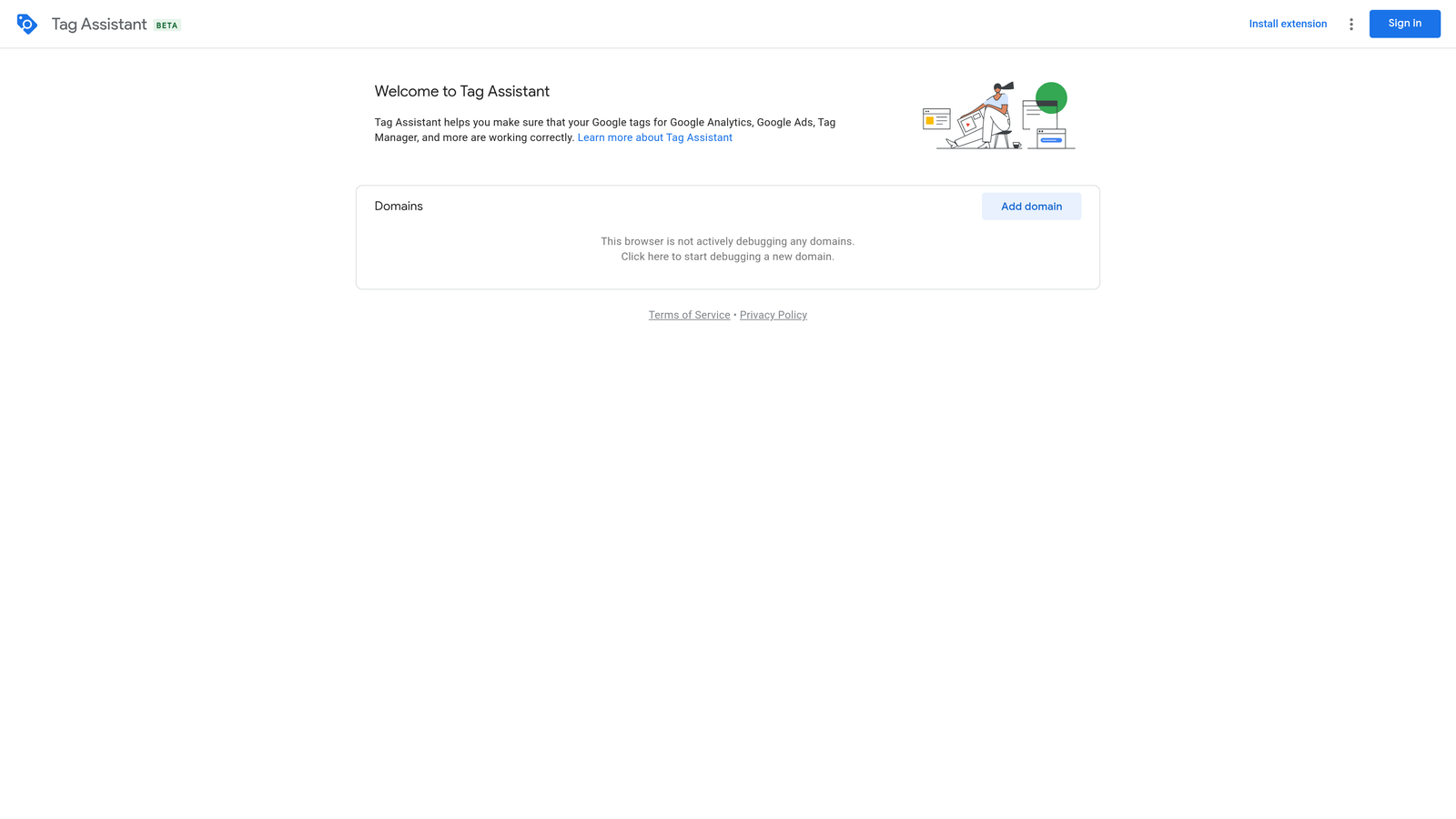
Tag Assistant is Google's official Chrome extension for verifying that your conversion tracking, GA4, and Google Tag Manager implementations are firing correctly on any live webpage.
Where This Tool Shines
Conversion tracking issues are one of the most common and costly problems in Google Ads accounts. Tag Assistant lets you verify that tags are firing correctly before a campaign goes live, and debug them when something breaks. The recording mode is particularly useful because it lets you simulate a user journey—like completing a purchase—and see exactly what tags fire at each step.
Because it's built and maintained by Google, it's always current with the latest tag formats and has the most reliable compatibility with Google's own products. There's no reason not to have this installed.
Key Features
Real-time tag verification: Confirms whether tags are firing correctly on any live webpage as you browse.
Broken tag identification: Flags missing, broken, or misconfigured conversion tags with specific error details.
Full Google stack support: Works with Google Ads, GA4, Google Tag Manager, and other Google tags.
Tag recording mode: Captures tag behavior through a complete user flow, not just a single page load.
Free and officially maintained: No cost, no third-party dependencies, always updated by Google.
Best For
Anyone setting up or auditing conversion tracking in Google Ads. Essential for PPC managers, developers, and agency teams who need to verify that client tracking is working correctly before spending budget.
Pricing
Free. No paid tiers or usage limits.
5. Similarweb Browser Extension
Best for: Quick competitive intelligence on any domain without opening a separate platform
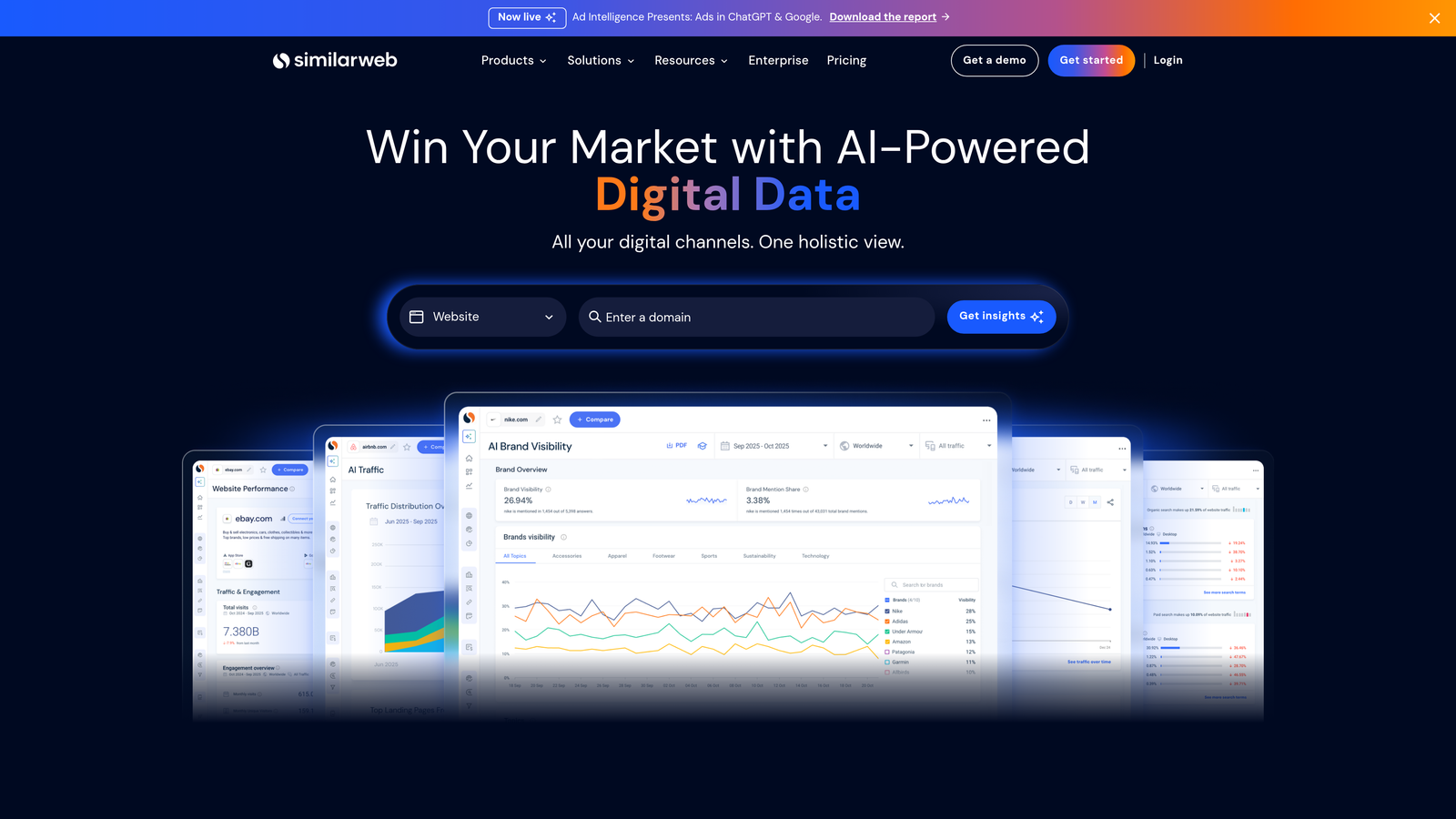
Similarweb's browser extension surfaces traffic estimates, source breakdowns, and competitive signals for any domain you visit, directly in your browser.
Where This Tool Shines
During campaign planning or competitive audits, you often want a quick read on a competitor's traffic mix before investing time in deeper research. Similarweb's extension gives you that at a glance. Visit a competitor's domain and you immediately see estimated traffic volume, top traffic sources, and signals around their paid search activity.
It's not a replacement for a full competitive analysis, but it's a useful first-pass filter. If a competitor's paid search traffic share is minimal, that's useful context before you start worrying about their ad strategy.
Key Features
Traffic estimates and source breakdowns: Shows estimated monthly visits and traffic channel mix for any domain.
Paid search signals: Surfaces indicators of paid search activity and top keywords for competitor domains.
Audience demographics: Overlays basic audience data and engagement metrics in the browser.
Quick competitor comparison: Accessible without leaving the page you're already on.
Free tier available: Basic data is accessible without a paid subscription.
Best For
PPC managers and strategists who do regular competitive research and want a fast, low-friction way to get directional data on competitors during planning sessions.
Pricing
Free tier available for basic data. Paid plans unlock deeper competitive intelligence. Check current pricing at similarweb.com.
6. Loom
Best for: Async client communication, campaign walkthroughs, and performance reporting
Loom is a screen and camera recording tool that lets you record and share walkthroughs instantly, with no file uploads or downloads required for the viewer.
Where This Tool Shines
What usually happens in agency workflows is that a written performance summary creates more questions than it answers. Clients want to understand what they're looking at. A two-minute Loom walking through the Search Terms Report changes or explaining a budget recommendation is often clearer than a three-paragraph email and saves a 30-minute call.
Loom works directly inside Google Ads, so you can record yourself navigating the interface and narrating your decisions in real time. The shareable link is instant, and viewers can leave timestamped comments, which keeps feedback organized.
Key Features
One-click recording: Captures screen and camera simultaneously with a single click, generating an instant shareable link.
No viewer downloads required: Recipients watch in browser with no software needed.
Viewer comments and reactions: Timestamped comments keep client feedback tied to specific moments in the recording.
Trim and edit: Basic editing without needing separate video software.
Works inside Google Ads: Record campaign walkthroughs directly from the Google Ads interface.
Best For
Agency teams communicating with clients asynchronously, and solo advertisers who need to explain changes or performance to stakeholders without scheduling calls.
Pricing
Free tier available, limited to 25 videos. Paid plans start around $12.50/user/month. Verify current pricing at loom.com.
7. Grammarly
Best for: Catching grammar, tone, and clarity issues in ad copy before it goes live
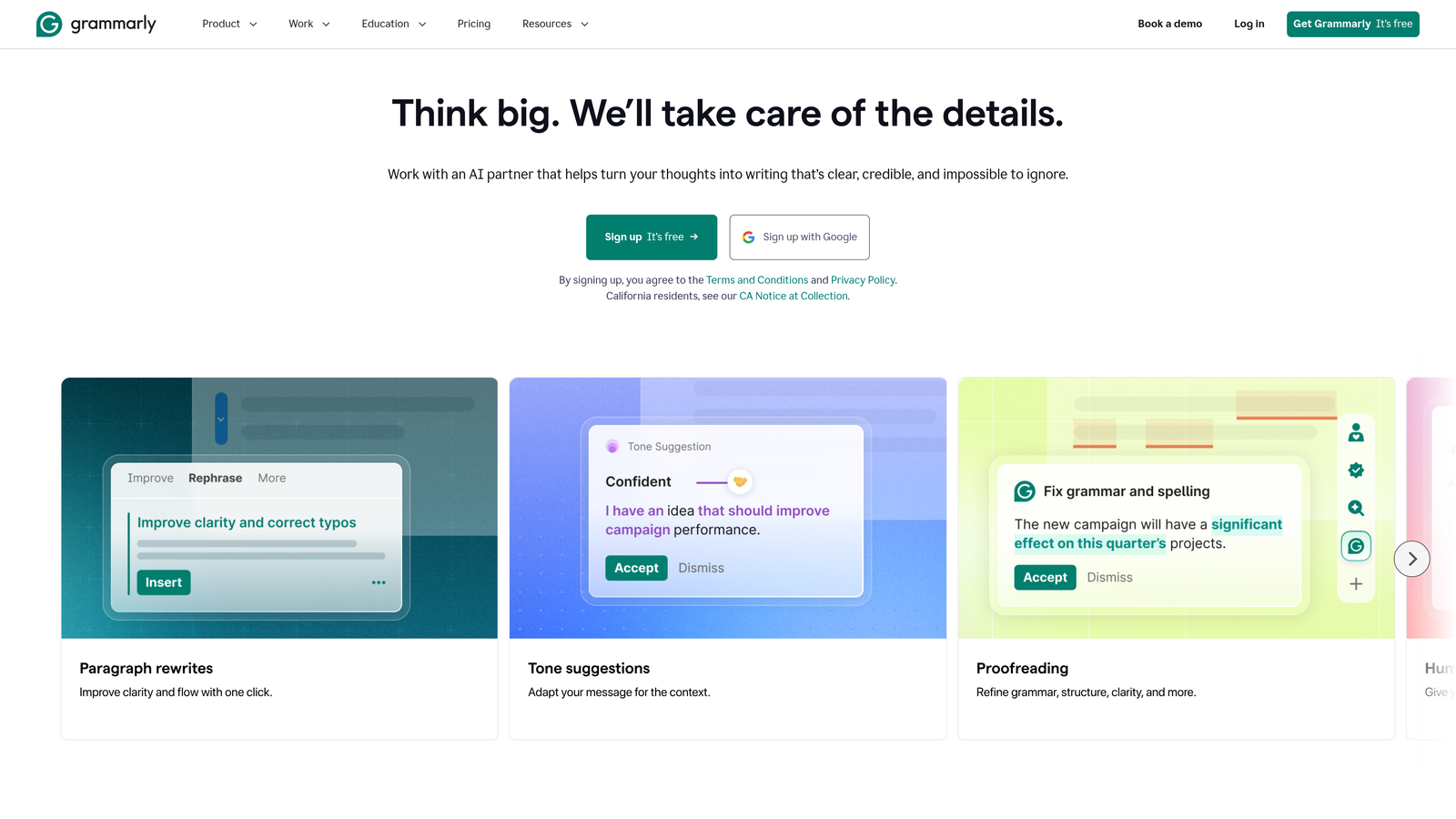
Grammarly is an AI writing assistant that works inline inside Google Ads text fields, flagging errors and suggesting improvements as you type.
Where This Tool Shines
Typos in responsive search ads are more common than most advertisers want to admit. When you're writing fifteen headline variations in one session, errors slip through. Grammarly catches them in real time inside the Google Ads text fields without requiring you to paste copy into a separate tool.
Beyond spelling, the tone and clarity suggestions are useful for tightening ad copy. A headline that's grammatically correct but awkward to read still hurts performance. Grammarly's suggestions often surface those issues before the ad goes live.
Key Features
Inline grammar and spelling checks: Flags errors directly inside Google Ads text fields as you write.
Tone detection: Identifies whether copy reads as confident, formal, or unclear and suggests adjustments.
Works across all ad copy fields: Active in headlines, descriptions, and sitelink copy.
Clarity suggestions: Recommends more concise phrasing when sentences are unnecessarily complex.
Free tier covers core functionality: Grammar and spelling checks are available without a paid subscription.
Best For
Anyone writing ad copy regularly, especially those managing high volumes of responsive search ads across multiple accounts where errors are easy to miss.
Pricing
Free tier available. Grammarly Pro starts around $12/month. Verify current pricing at grammarly.com.
8. Notion Web Clipper
Best for: Saving keyword research, competitor ad examples, and campaign notes into an organized workspace
Notion Web Clipper is a browser extension that saves any webpage directly into a Notion workspace with a single click, preserving content, URL, and metadata.
Where This Tool Shines
PPC research tends to be scattered. You find a competitor ad angle on a search results page, a useful keyword thread in a forum, a benchmark article worth referencing later. Without a system to capture these, they disappear. Notion Web Clipper gives you a one-click save that goes directly into whatever organizational structure you've already built in Notion.
For agencies, the ability to organize saved content by client, campaign, or keyword theme keeps research accessible and shareable across team members. It's a small habit that compounds over time into a genuinely useful knowledge base.
Key Features
One-click save: Captures any webpage into a Notion database or page instantly.
Content and metadata preservation: Saves the page content, URL, and date alongside the clip.
Flexible organization: Organize saved content by client, campaign, keyword theme, or any other structure you've set up in Notion.
Team-accessible: Saved content is available to anyone with access to the shared Notion workspace.
Free with Notion account: No additional cost beyond whatever Notion plan you're already on.
Best For
Strategists and account managers who do regular research and want a lightweight system for capturing and organizing ideas, competitor examples, and reference material across campaigns.
Pricing
Free with any Notion account. Notion has free and paid tiers. Check current pricing at notion.so.
9. Ahrefs SEO Toolbar
Best for: Overlaying keyword difficulty and SERP metrics on Google search results for PPC/SEO crossover research
Ahrefs SEO Toolbar is a browser extension that overlays keyword difficulty, search volume, and SERP-level metrics directly on Google search results pages.
Where This Tool Shines
PPC managers who also think about organic search—or who work alongside SEO teams—benefit from understanding keyword difficulty and SERP composition when making bidding decisions. High-difficulty keywords with strong organic competition often signal that you'll face aggressive CPC bidding from well-resourced competitors. The Ahrefs toolbar surfaces that context without requiring you to open the full Ahrefs platform.
The on-page metrics for individual URLs are also useful during competitive research. Seeing the domain rating, backlink count, and estimated organic traffic for a competitor's landing page gives you a sense of how established they are in the space.
Key Features
Keyword difficulty and volume on SERPs: Overlays Ahrefs keyword metrics directly on Google search results as you browse.
On-page SEO metrics: Shows domain rating, backlinks, and traffic estimates for any URL you visit.
SERP overview data: Displays DR, backlinks, and traffic estimates per result in the search results page.
Redirect tracer and broken link checker: Useful for technical audits and competitive research.
Requires Ahrefs subscription: Full data access is tied to an active Ahrefs account.
Best For
PPC managers who work closely with SEO strategy, or who want competitive SERP context when planning keyword bids. Less useful if you don't already have or need an Ahrefs subscription.
Pricing
Requires an active Ahrefs subscription. Plans start around $129/month. Verify current pricing at ahrefs.com.
Which Tool Is Right for Your Workflow?
The honest answer is that no single extension covers everything, and the right stack depends on where your time is actually going.
If you're a solo advertiser, the highest-leverage combination is Keywordme plus Keywords Everywhere. You get fast in-interface optimization and passive keyword data while you browse, all for under $25/month combined.
If you're running an agency team, add Supermetrics and Loom to that base. Supermetrics handles the recurring reporting burden, and Loom replaces a meaningful chunk of client communication overhead. Those two tools alone can recover several hours per week across a full client roster.
If your focus is ad copy quality, Grammarly alongside Keywordme gives you both optimization speed and copy accuracy in the same workflow. Simple combination, high impact.
For anyone setting up or auditing conversion tracking, Tag Assistant is non-negotiable. It's free and there's no good reason not to have it installed.
For most Google Ads users, the Search Terms Report is where the most time gets lost every week. Reviewing terms manually, exporting to spreadsheets, applying negatives one by one—it adds up fast. That's the best place to start if you want to feel the difference immediately.
Start your free 7-day trial of Keywordme and see how much faster your next optimization session goes. No spreadsheets, no tab-switching, just faster decisions right inside Google Ads.
.svg)