
9 Best Google Ads Plugins for Optimization in 2026
This guide reviews 9 of the best Google Ads plugin for optimization options in 2026, comparing tools for search term cleanup, automated audits, and bulk keyword edits so advertisers can pick the right fit for their workflow.


If you manage Google Ads accounts for a living, you already know the Search Terms Report is where the real optimization work happens: spotting junk queries, building negative keyword lists, and deciding which match types deserve your budget. The tools below were chosen because they speed up that specific workflow, whether that means acting directly inside the native interface, running scheduled audits, or handling bulk edits offline. Some are browser extensions, some are desktop apps, and a couple are broader platforms that happen to do this job well. Here's how they stack up.
Quick Comparison
- Keywordme: best for solo advertisers and agencies who want in-interface search term cleanup; starting at $12/month per user; the only tool here that applies changes directly inside the native Google Ads Search Terms Report.
- Optmyzr: best for agencies running scheduled, rule-based automation across large accounts; quote-based pricing; its Rule Engine can execute bulk changes on a schedule, not just flag them.
- Adalysis: best for teams that want recurring, automated account audits; quote-based pricing; runs scheduled scans for ad copy, bidding, and structural issues.
- WordStream Advisor by LocalIQ: best for small businesses running Google and Microsoft Ads together; quote-based pricing; bundles both platforms into one guided weekly workflow.
- Google Ads Editor: best for advertisers who want free, reliable bulk editing; free; lets you stage large changes offline before pushing them live.
- Google Ads Scripts: best for technical marketers who want custom automation; free; runs fully customizable JavaScript logic natively inside the account.
- Search Term Insights: best for advertisers who want word-level query analysis; pricing on website; breaks search terms into n-grams spreadsheets make tedious to isolate.
- Karooya PPC Toolkit: best for advertisers who prefer small, single-purpose browser tools; free tier with paid add-ons; a modular set you mix and match instead of one platform.
- Semrush PPC Toolkit: best for teams that already use Semrush for SEO; pricing on website; feeds competitor and keyword research directly into PPC planning.
1. Keywordme
Keywordme is a Chrome extension that adds one-click optimization actions directly inside the Google Ads Search Terms Report. Instead of exporting data to a spreadsheet to sort out which queries are wasting spend, you work through the report itself and act on search terms as you review them. It's built for anyone who spends real time in that report, whether that's a freelancer running a handful of accounts or an agency team managing many.
What sets it apart on this list is that it never pulls you out of the native Google Ads interface. Several tools here are strong at auditing or research, but they hand you a separate dashboard to work from. Keywordme skips that step entirely.
- Clears junk search terms from the report with a single click instead of manual review and exclusion.
- Builds negative keyword lists as you go, so exclusions get organized without a side spreadsheet.
- Applies match types to new keywords instantly from within the report.
- Groups related search terms through keyword clustering to speed up list-building.
- Supports multi-account and team access, useful for agencies juggling several clients at once.
Setup is just installing the Chrome extension and connecting it to your Google Ads account; there's no separate login to a dashboard to manage. It integrates natively with the Google Ads Search Terms Report and nothing else, which is intentional, but also its main limitation: it's not built for broader account audits, bid strategy management, or cross-channel reporting. If you need those, you'll be pairing it with another tool.
Pricing is a flat $12/month per user as of 2026, with a 7-day free trial. There are no spend-based tiers to navigate, which makes budgeting simple compared to some of the platform-style tools further down this list. Confirm current pricing on the website before you commit, since PPC tool pricing shifts fairly often.
Best for: Solo advertisers and agencies who want fast, in-interface search term cleanup without adopting a full platform.
2. Optmyzr
Optmyzr is a PPC management platform built around a rule-based automation engine, designed for advertisers who need to make bulk changes across many campaigns and campaign types without touching each one by hand. It covers Search, Shopping, and Performance Max, and adds budget pacing and Quality Score tracking on top.

The distinguishing feature here is that Optmyzr's rules can be scheduled to run automatically rather than just surfacing recommendations for you to approve one by one. That said, scheduled automation still runs off rules you define and review, so it's worth setting conservative guardrails before letting anything execute unattended.
- Runs a Rule Engine that applies bulk changes on a schedule you set.
- Tracks budget pacing so accounts don't overspend or underspend mid-month.
- Audits Quality Score and campaign structure to flag issues before they compound.
- Supports Performance Max alongside standard Search and Shopping campaigns.
It connects with Google Ads, Microsoft Ads, and Google Analytics, and it's typically run by whoever owns campaign strategy on a team, often a PPC manager or agency lead, since setting up rules well takes some upfront thought. Setup effort is moderate: you're not just installing an extension, you're configuring automation logic.
The tradeoff is cost and complexity. Optmyzr is priced by ad spend tier and is quote-based, so you'll need to check current tiers on the website. For a freelancer managing one or two small accounts, the price and feature depth are likely more than needed.
Best for: Agencies managing multiple large accounts that want scheduled, rule-based automation across campaign types.
3. Adalysis
Adalysis is an automated PPC auditing tool built for ongoing account monitoring rather than one-off cleanup sessions. It scans accounts on a recurring schedule and flags ad copy, bidding, and structural issues, and it also supports statistically rigorous ad testing.
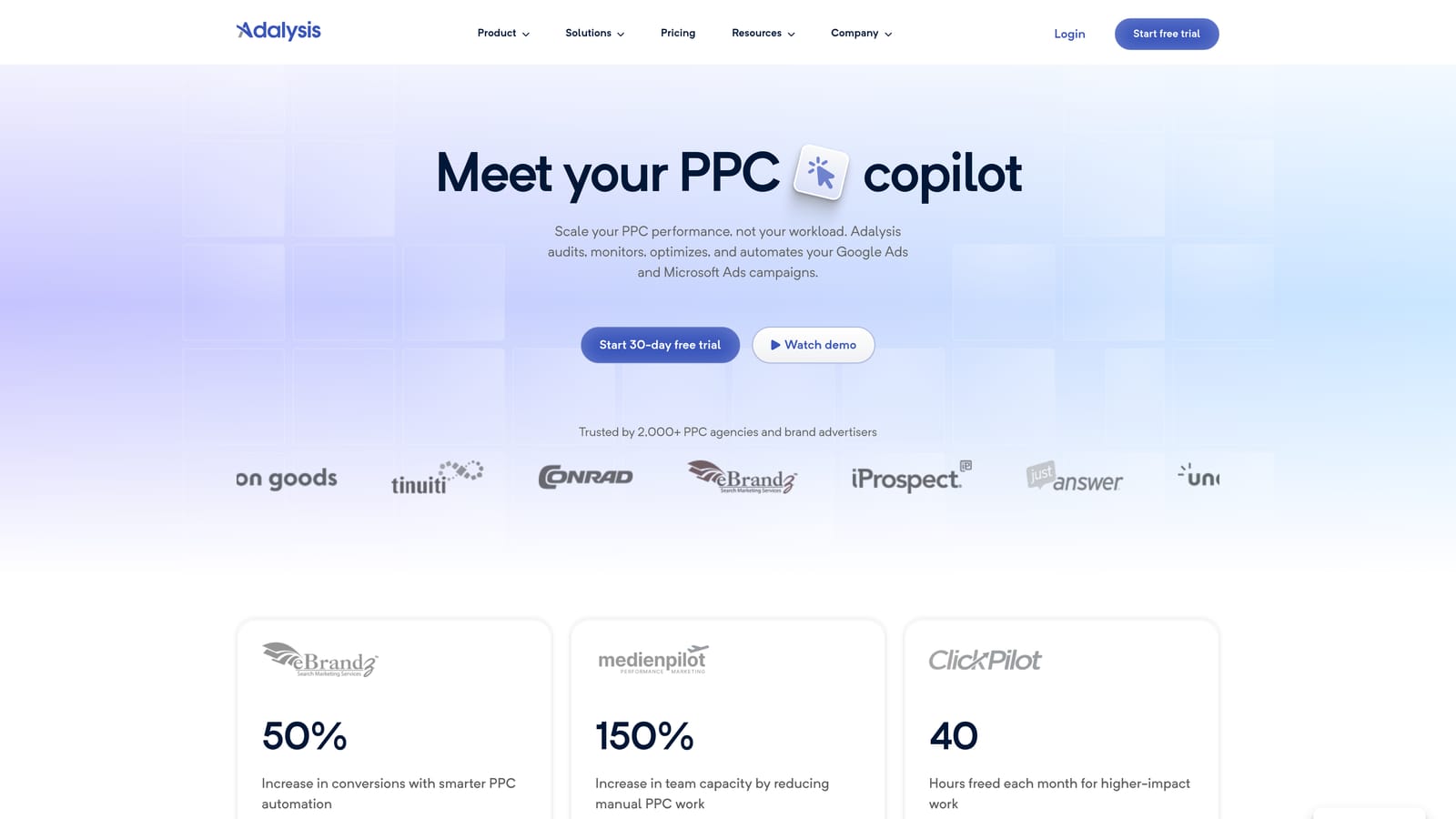
Its edge over the other tools here is the "set it and check back" model: once configured, Adalysis keeps scanning your account and alerting you to problems, rather than requiring you to remember to run a manual review.
- Runs scheduled audits that catch structural and setup issues automatically.
- Tracks ad testing with statistical significance, so you know when a result is real rather than noise.
- Monitors Quality Score trends over time.
- Sends alerts when something in the account needs attention.
It integrates with Google Ads and Microsoft Ads, and it's generally run by a PPC specialist or account manager who checks the alerts and audit reports regularly. Initial setup takes some time to configure audit rules and testing parameters correctly.
Adalysis is not built for quick, in-the-moment search term cleanup. If you're looking for a tool to sit inside the Search Terms Report and act on individual queries as you scan them, this isn't it. It's better suited to teams that want a standing monitoring system. Pricing is quote-based, so confirm current plans on the website.
Best for: Teams that want scheduled account audits and ad testing over manual, in-the-moment optimization.
4. WordStream Advisor by LocalIQ
WordStream Advisor, now part of LocalIQ, is a management dashboard aimed at time-strapped marketers running both Google and Microsoft Ads. It's built around a guided "20-Minute Work Week" workflow that walks you through suggested optimizations rather than leaving you to hunt for them.

What makes it distinct here is the cross-platform bundling: instead of a native-only or single-platform tool, it manages Google and Microsoft Ads (and touches Facebook Ads) from one dashboard, with automated suggestions guiding the weekly routine.
- Surfaces automated optimization suggestions so you're not starting from a blank report each week.
- Manages Google and Microsoft Ads from a single dashboard.
- Guides work through a structured weekly routine aimed at small business schedules.
- Sends performance alerts when something needs attention between sessions.
Setup involves connecting your ad accounts to the dashboard, and it's typically run by a marketer wearing multiple hats rather than a dedicated PPC specialist, which fits its target audience. That's also its limitation: it's less granular for deep search term-level work than tools built specifically around the Search Terms Report, so if word-by-word query cleanup is your main task, you may find it broader than deep.
Pricing is quote-based; confirm current plans on the website, as packages tend to vary by account size and platform mix.
Best for: Small business marketers running both Google and Microsoft Ads who want one guided dashboard.
5. Google Ads Editor
Google Ads Editor is Google's own free desktop application for making bulk changes offline before uploading them to your live account. It's a first-party tool, not a third-party add-on, and it's been a staple for account managers who need to move fast without risking accidental live edits.

Its standout quality is the offline staging step. You can build out changes across dozens of campaigns, review everything in one place, and only post the changes once you're confident they're correct, which cuts down on the kind of mistakes that happen when editing live.
- Edits campaigns offline so nothing goes live until you approve it.
- Runs find-and-replace across multiple campaigns at once.
- Lets you copy and paste settings between accounts.
- Shows a full preview of pending changes before you post them.
Setup is just downloading the application and syncing it with your Google Ads account. It's typically run by whoever handles the bulk mechanics of account management, often a PPC coordinator. Since it's a free, official Google tool, there's no vendor relationship or contract to manage.
The limitation is that it has no AI-driven suggestions and no automatic detection of junk search terms or optimization opportunities. It's a bulk editing tool, not an analysis tool, so you'll still need to decide what to change before you open it.
Best for: Advertisers who need reliable, free bulk editing without automated recommendations.
6. Google Ads Scripts
Google Ads Scripts is Google's native, free automation framework built into any Google Ads account. It uses JavaScript to let you write custom logic that runs against your account data on a schedule, from flagging underperforming search terms to adjusting bids based on rules you define.
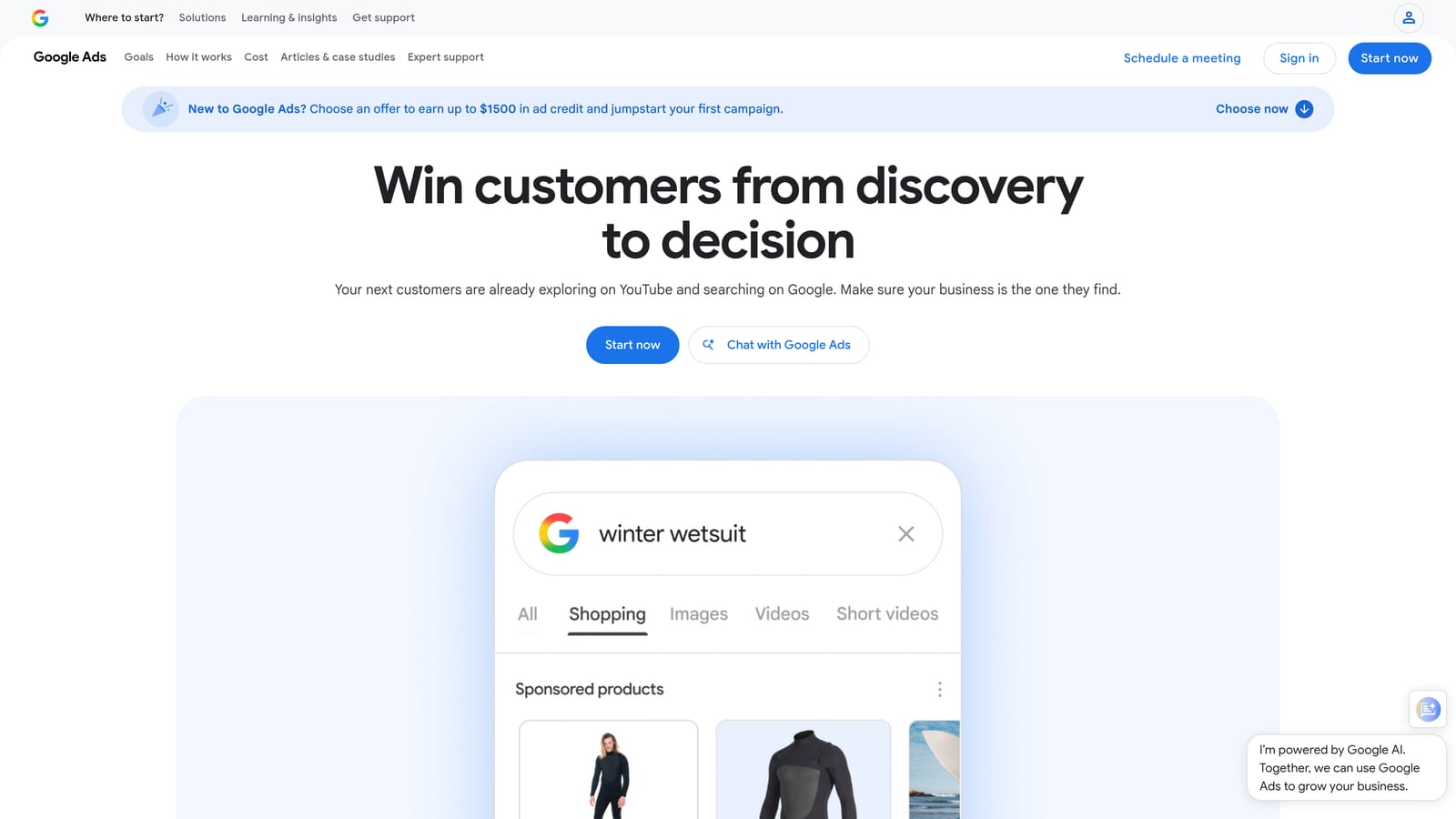
Unlike the other tools on this list, there's no subscription and no separate application: scripts run inside the account you already have. That makes it the most flexible option here, provided you or someone on your team can write or adapt the code.
- Runs custom JavaScript automation tailored to your exact workflow.
- Executes on a schedule, so tasks run without manual triggering.
- Pulls account, campaign, and search term data for custom analysis.
- Costs nothing beyond your existing Google Ads account.
It integrates with Google Ads and can push data to Google Sheets for reporting. Setup requires either writing scripts from scratch or adapting trusted pre-built ones, and it's usually run by a technically inclined marketer or developer working alongside the PPC team.
That technical requirement is also the main barrier. If nobody on your team codes, or you're not comfortable trusting someone else's script logic without reviewing it, this option adds friction rather than removing it.
Best for: Technical marketers or agencies comfortable writing or adapting scripts for recurring account tasks.
7. Search Term Insights
Search Term Insights is a Chrome extension focused purely on analysis: it breaks your search term data down to the word level, often called n-gram analysis, to reveal patterns that are tedious to find by scrolling through a spreadsheet.
Where this tool stands out is depth of analysis rather than speed of action. If you want to know that a specific word across dozens of search terms is consistently underperforming, this surfaces that pattern quickly.
- Breaks search terms into individual words to highlight performance patterns.
- Flags recurring terms across large query lists that would be easy to miss manually.
- Runs as a Chrome extension directly against your report, no export required.
It integrates with Google Ads and is typically used by whoever is doing hands-on keyword and search term analysis, often a PPC analyst. Setup is just installing the extension.
The tradeoff is that it's built for insight, not execution. It won't let you remove a junk search term or apply a match type with a click; you'll still need to act on what it shows you elsewhere. Pricing is subscription-based; check the website for current rates.
Best for: Advertisers who want deeper search term data mining rather than direct in-account editing.
8. Karooya PPC Toolkit
Karooya PPC Toolkit is less a single product than a bundle of small Chrome extensions, each handling a narrow task: keyword extraction, ad preview, quick account switching, and similar utilities.
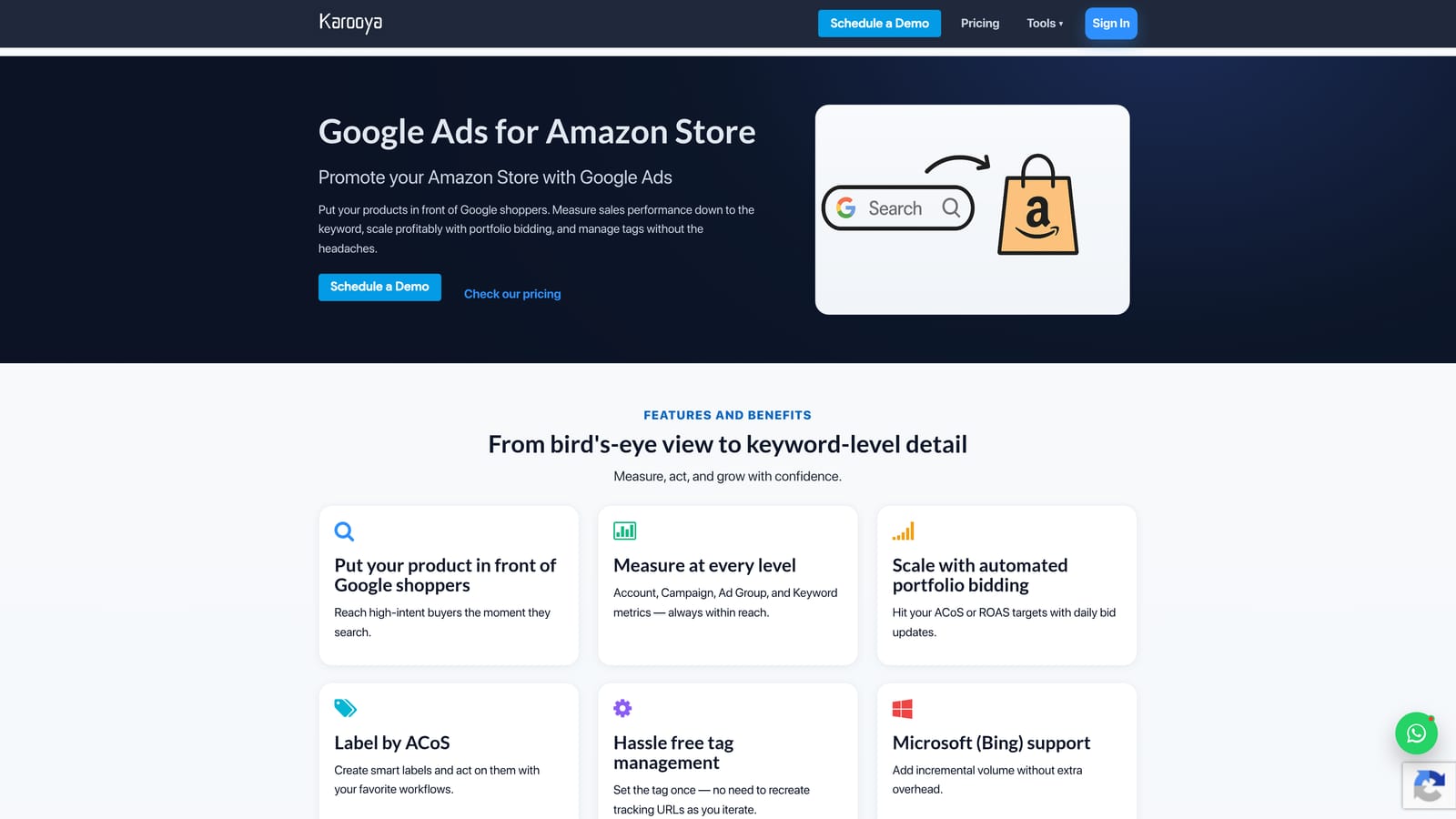
Its distinguishing trait is modularity. Rather than adopting one unified platform, you pick the specific point tools you need and skip the rest, which appeals to advertisers who don't want to pay for or learn features they'll never touch.
- Extracts keywords quickly from pages or reports for list-building.
- Previews ads without navigating away from your current task.
- Switches between multiple Google Ads accounts faster than the native interface.
- Offers a free tier alongside optional paid add-ons.
Setup is per-extension, installed individually from the Chrome Web Store, and it's typically managed by whoever handles the day-to-day account work directly, since there's no team dashboard tying the tools together.
The limitation is scope: each utility does one small thing well, but none of them offer a unified optimization workflow. You may end up installing several add-ons to cover what one platform-style tool would handle in a single interface. Pricing follows the same pattern, a free tier with individually priced paid add-ons, so check the website for what each one costs.
Best for: Advertisers who prefer a handful of small, specific-purpose browser tools over a single bundled platform.
9. Semrush PPC Toolkit
Semrush's PPC Toolkit brings keyword research and competitor ad intelligence into the campaign planning process, drawing on the same data Semrush uses for SEO work. It's aimed at marketers who want to plan and refine campaigns using research, not just clean up what's already running.
Where it fits versus the rest of this list
Everything else here focuses on managing an existing account. Semrush's toolkit sits upstream of that, helping you figure out which keywords and match type variations to target before you build campaigns, and what competitors are doing with their ad copy and landing pages in the meantime.
- Generates match type variations through its PPC Keyword Tool for faster campaign building.
- Surfaces competitor ad copy and landing page approaches for reference.
- Identifies keyword gaps between your account and competitors.
- Connects to Semrush's broader SEO suite, so research carries over between channels.
Setup and fit
It integrates with Google Ads and Google Analytics, and it's usually run by a marketer who already has a Semrush subscription for SEO and wants PPC research in the same place. Setup is mostly account linking; the heavier lift is learning to navigate Semrush's broader suite if you're new to it.
The clear limitation is that this isn't built for one-click actions inside Google Ads itself. It's a research layer, not an in-interface editor, so pair it with an execution tool if you need both. It's part of Semrush's subscription plans; confirm current pricing on the website, as of 2026.
Best for: Marketers who already use Semrush for SEO and want keyword research feeding directly into PPC planning.
Matching the Tool to Your Actual Workflow
If your main pain point is spending too much time manually reviewing the Search Terms Report, Keywordme or Karooya get you there fastest since both work directly in the browser without a separate platform to learn. If you're an agency owner managing several large accounts and need rules that run on a schedule, Optmyzr and Adalysis do the heavier lifting of automated audits and bulk actions. If budget is the deciding factor, Google Ads Editor and Google Ads Scripts are free, official, and reliable, though one requires no technical skill and the other requires some. And if you want optimization bundled with broader marketing or keyword research, WordStream and Semrush extend the work beyond a single account.
For search term cleanup specifically, in-interface speed matters more than most people expect. Keywordme lets you remove junk search terms, build high-intent keyword lists, and apply match types instantly, right inside Google Ads, with no spreadsheets and no tab-switching. Start your free 7-day trial (then just $12/month) and see how much faster your optimization routine gets.
.svg)