
9 Best Google Ads Performance Optimization Tools for Cutting Waste and Scaling Results in 2026
This guide compares nine Google Ads performance optimization tools by what each one optimizes, including search terms, bids, ad copy, budgets, reporting, and landing pages. It also weighs team fit for small teams versus agencies, pricing clarity, and how closely each tool works with the Google Ads interface, so you can find wasted spend and speed up routine optimization.


You run Google Ads for yourself, for clients, or for an agency roster, and you need tools that find wasted spend and speed up routine optimization instead of just reporting on it. These nine were picked by what each one actually optimizes (search terms, bids, ad copy, budgets, reporting, landing pages), how well it suits a small team versus an agency, how clear its pricing is, and how much of the work happens inside or alongside the Google Ads interface.
Quick Comparison of the Google Ads Optimization Tools
- Keywordme: freelancers and agency PPC managers who review search terms weekly; $12/month per user (as of writing); works inside the native Search Terms Report.
- Optmyzr: agencies managing many accounts; pricing tiered by ad spend, see website; the broadest account-wide optimization checks and rules.
- Google Ads Editor: anyone needing large-scale structural edits; free; official bulk editing with change review before posting.
- Google Ads Recommendations and Scripts: technical advertisers who want custom automation; free with Google Ads; JavaScript automation built into the platform.
- Adalysis: teams that want ongoing testing and monitoring; tiered by ad spend, see website; automated ad test tracking.
- Looker Studio: agencies and freelancers building client reports; free; custom client-facing dashboards at no cost.
- Semrush: planning keyword expansion and competitive positioning; subscription tiers, see website; third-party competitor and market data.
- WordStream Advisor: small business owners running their own campaigns; see website; a beginner-friendly prioritized to-do list.
- Unbounce: advertisers with decent click volume but weak conversion rates; tiered subscription, see website; routes visitors to the best-matching landing page variant.
1. Keywordme
Keywordme is our own product, so weigh this section with that in mind. It's a Chrome extension that adds one-click actions to the Search Terms Report inside Google Ads. Search terms are what people actually typed; keywords are what you bid on. Keywordme sits in the gap between the two, so you can act on a search term the moment you spot it.
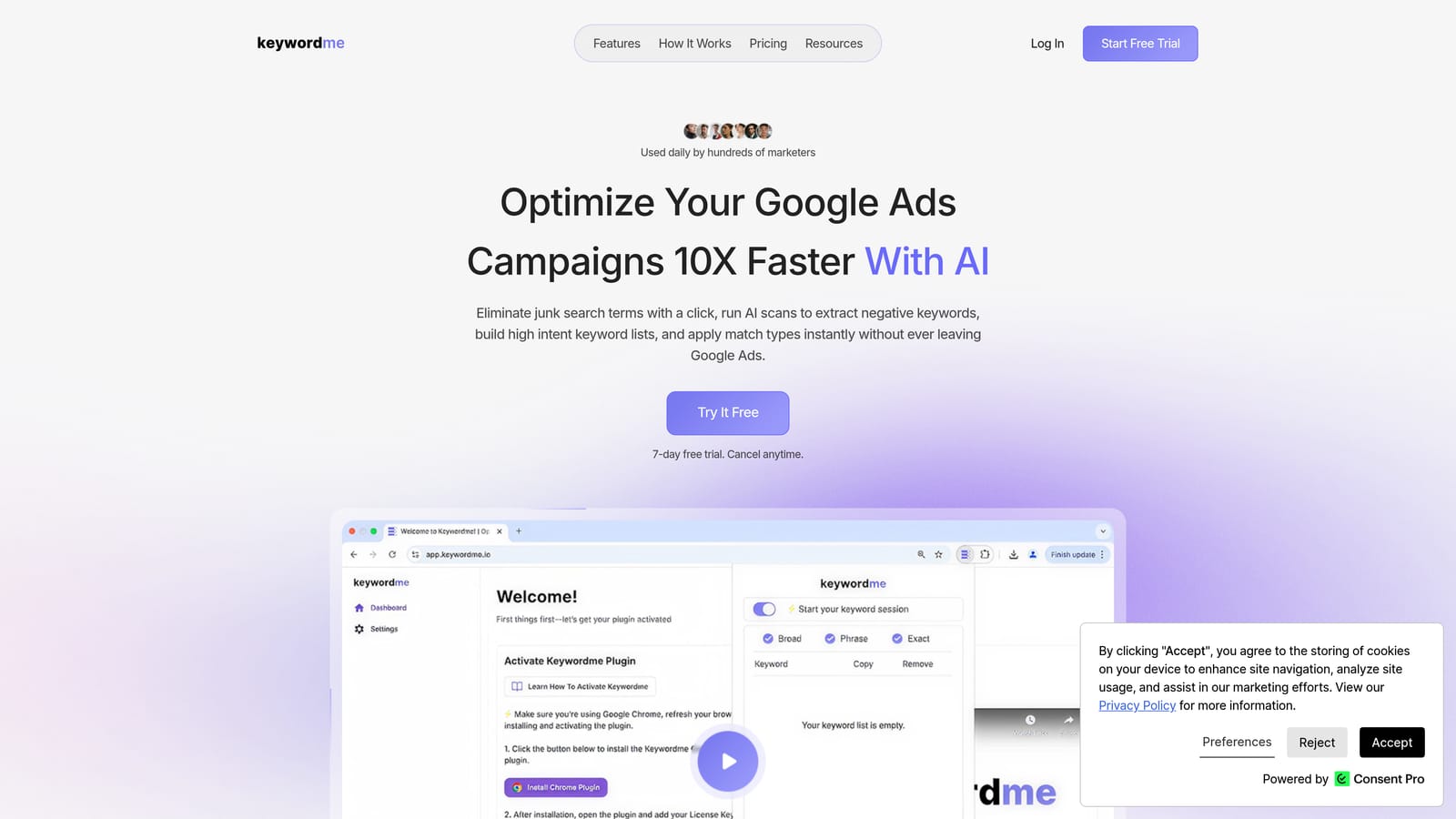
Its distinctive strength is that it works in the native report. There's no export to a spreadsheet, no upload back, and no separate dashboard to learn. For anyone who reviews search terms every week, that removes most of the friction from the job.
- Add a search term as a keyword or as a negative keyword with one click, so cleanup takes seconds instead of a spreadsheet round trip.
- Apply match types instantly, so you don't retype brackets and quotes by hand.
- Keyword clustering groups related terms so you can build tighter, higher-intent lists.
- Bulk editing lets you act on many terms at once.
- Multi-account and team support suits agencies running several clients.
Setup is light: install the extension, connect it to the Google Ads account you already use, and work in the interface as normal. Whoever reviews search terms runs it, usually a freelancer or an account manager. You still decide which terms are junk; the tool speeds up applying your decisions rather than making them for you.
The limits are real. Keywordme is focused on search term and keyword management. It does not automate bids, test creative, or report across channels, and it requires Chrome. If you want an all-in-one platform, it won't be that; it's one piece of a stack.
Pricing is $12 per month per user, with a 7-day free trial, as of writing. Cost scales with the number of users, not ad spend. Check the website for current terms.
Best for: Freelancers and agency PPC managers who review search terms every week.
2. Optmyzr
Optmyzr is a PPC management platform that bundles optimization tools, audits, and reporting. It's built mainly for agencies and in-house teams that need consistent checks across many accounts, and it covers Google Ads, Microsoft Advertising, and Meta Ads.

Its edge over the rest of this list is breadth. It offers the widest set of account-wide optimization checks and rules here, so one platform can flag issues across bids, budgets, ads, and structure instead of you hunting for them in each account.
- One-click optimizations let you review a suggested change and apply it without building it manually.
- Rule-based automation runs checks you define on a schedule, so routine monitoring stops depending on memory.
- Account audits surface structural and performance issues in one pass.
- Reporting packages results for clients or stakeholders.
- Bulk management across accounts keeps multi-client work manageable.
Expect a real setup effort. You connect accounts, decide which rules and checks to use, and someone needs to own the platform day to day. That's a fair trade for an agency with many accounts, but it can be too much for a small account where a single-purpose tool would do.
It also costs more than lighter options. Pricing is tiered by ad spend, so your bill moves with the budgets you manage. Current plans and prices are on the website.
Best for: Agencies managing many accounts who want rules and audits in one platform.
3. Google Ads Editor
Google Ads Editor is Google's free, official desktop application for bulk editing accounts. You download your account data, make changes in bulk, and post them back when you're ready. It's the tool for structural work: building out campaigns, rewriting many ads, or restructuring ad groups.

What sets it apart here is that it's free, first-party, and lets you review changes before they go live. No other tool on this list gives you that combination at no cost.
- Bulk edits change hundreds of keywords, ads, or bids in one pass instead of one by one in the browser.
- Offline drafting lets you build and revise changes without being logged in and without touching live campaigns.
- Copy and paste across campaigns and accounts speeds up replicating structures.
- Change review shows what will be posted so you can catch mistakes first.
It integrates with Google Ads only, and setup is a download and account sync. Whoever manages the account runs it, and there's a learning curve if you're used to the web interface.
The key limitation: Editor does not tell you what to change. It has no guided search term workflow and no diagnostics, so you need to bring the analysis. That's why it pairs well with a tool that finds the problems.
It's free.
Best for: Anyone who needs free, large-scale structural edits.
4. Google Ads Recommendations and Scripts
These aren't a standalone product. They're native features inside Google Ads that cost nothing extra: the Recommendations tab, which suggests changes, and Scripts, which let you automate tasks with JavaScript.
The distinctive piece is Scripts. Customizable automation built into the platform is something no other tool here offers for free, and it can cover alerts, reporting tasks, and routine checks tailored to how you run accounts.
- The Recommendations tab suggests changes to review, giving you a starting list of ideas.
- Optimization score is Google's estimate of how fully an account uses available recommendations; treat it as a prompt to review, not a grade of performance.
- Scripts automate repetitive tasks in code you control.
- Alerts and reporting can be built through scripts, for example to flag unusual spend.
There's no integration to set up, since it's all inside the account. The catch is who can run it: scripts need coding skill, so this suits technical advertisers or teams with someone who writes JavaScript.
Recommendations need critical review. They're suggestions, and some may serve Google's goals or a broad average more than your specific account. Accepting them blindly is a common mistake, so check each one against your targets before applying it.
Both are free with Google Ads.
Best for: Technical advertisers who want custom automation without paying for software.
5. Adalysis
Adalysis is a Google Ads auditing and testing platform, with Microsoft Advertising support as well. Its focus is monitoring accounts and tracking what works, particularly in ad copy.
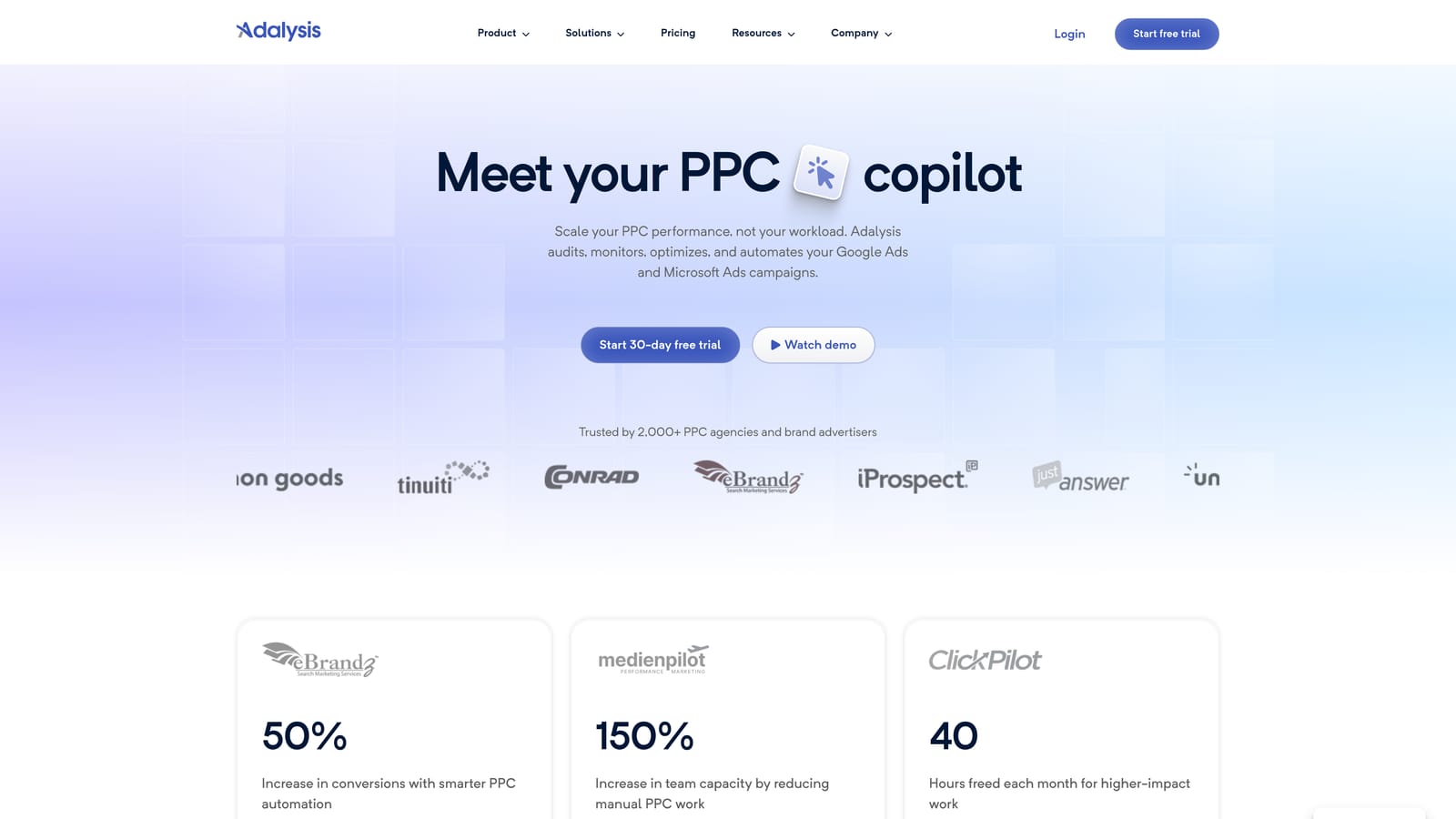
Its standout is automated ad test tracking. It keeps tabs on your ad tests and surfaces the winners, which saves the manual work of comparing variations over time.
- Ad copy testing tracks variations so you can see which ads are actually performing better.
- Account audits point out issues across the account.
- Bid and budget alerts flag changes you should look at before they become costly.
- Performance checks give a recurring view of account health.
Setup means connecting your ad accounts and configuring the checks and alerts you care about. A PPC manager or team member needs to review the output regularly for it to pay off.
The limitation is that it leans diagnostic. It's better at telling you what's happening and what to look at than at helping you take a quick action, so you'll often make the fix elsewhere. It's less of a fit if your biggest need is fast search term cleanup.
Pricing is tiered by ad spend, so costs move with the budgets you manage. See the website for current plans.
Best for: Teams that want ongoing testing and monitoring across accounts.
6. Looker Studio
Looker Studio is Google's free dashboard and reporting tool. It has a native Google Ads connector, so you can pull campaign data into custom, shareable reports.
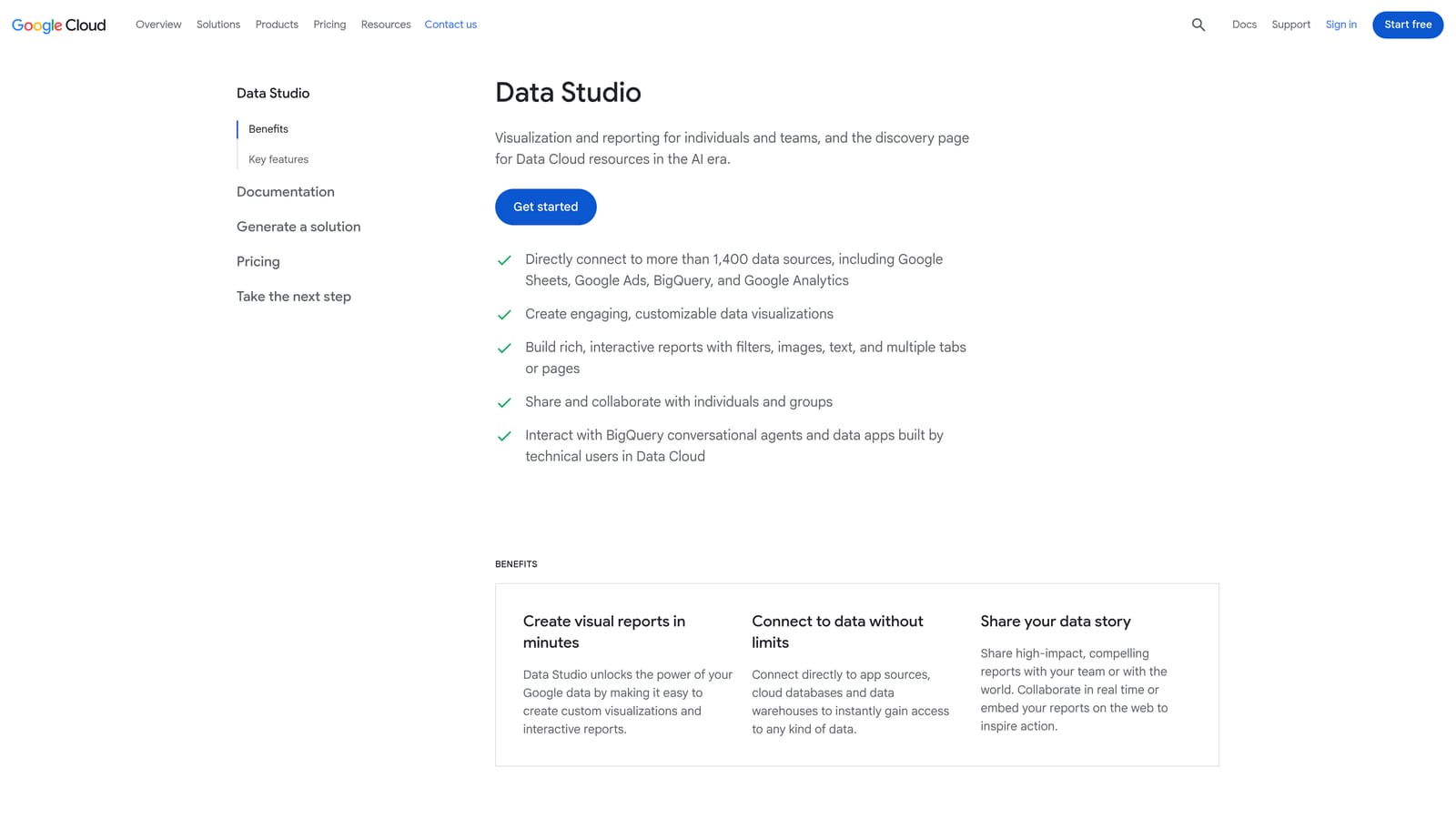
Its distinctive value is free, custom, client-facing dashboards. For agencies and freelancers, that means polished reporting without a reporting-software bill.
- The Google Ads connector pulls your account data into reports without manual exports.
- Custom dashboards let you show the metrics each client or stakeholder cares about.
- Shareable reports go out by link, so clients can check numbers themselves.
- Data blending combines sources, for example Google Ads with Google Analytics.
It also connects to Google Analytics and Google Sheets. Setup is building the report once and reusing it as a template, which takes time up front. Whoever handles reporting owns it.
The limitation is important: it reports only. It doesn't change campaigns or detect waste on its own, so a dashboard showing a problem still needs another tool or your own judgment to fix it. Treating dashboards as optimization is a common trap.
It's free, and a paid Pro tier exists; verify details on the website.
Best for: Agencies and freelancers building client reports.
7. Semrush
Semrush is a broad marketing suite, and its advertising research tools are what matter here. It's used to analyze competitor keywords and ads rather than to manage your own campaigns.
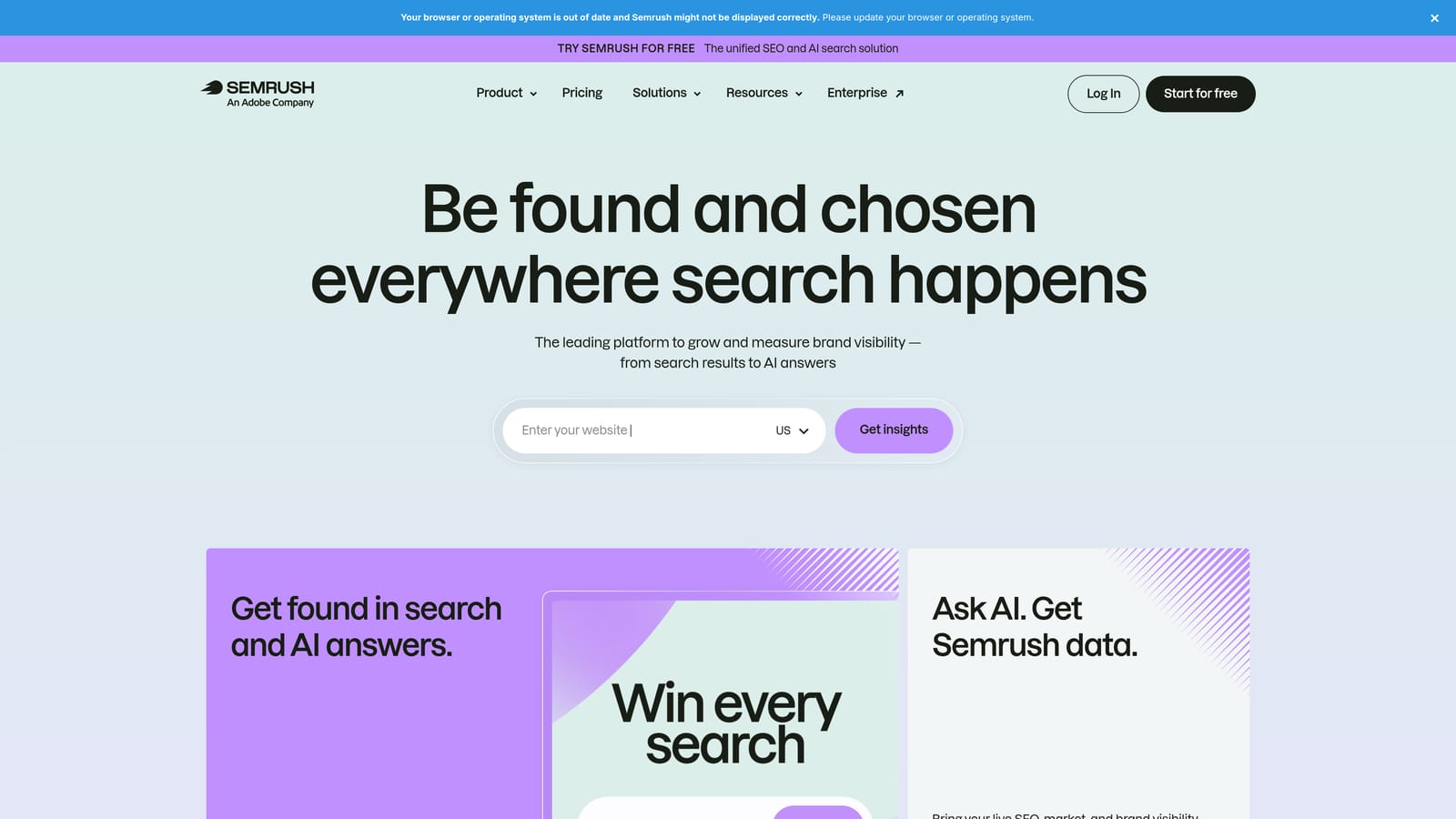
What it does differently from everything else on this list is give you third-party market insight. Your own account only shows what happened with your ads; Semrush helps you see what competitors are bidding on and how they position their ads.
- Competitor PPC keyword research shows terms others are targeting, useful for finding gaps.
- Ad copy research lets you see how competitors word their messaging.
- Keyword research supports building out new keyword ideas.
- Market analysis gives context on where you sit competitively.
It lists integrations with Google Ads, Google Analytics, and Looker Studio. Setup is light for research use, and it's typically run by whoever plans keyword strategy or content.
Limitations: the data is estimated and third-party, not from your own account, and it does not edit campaigns. It won't clean up search terms or change bids. It's a planning aid.
Pricing is subscription tiers; check the website for current plans and what each includes.
Best for: Planning keyword expansion and competitive positioning.
8. WordStream Advisor
WordStream Advisor is a guided Google Ads management and grading tool aimed at small businesses. It also supports Microsoft Advertising and Meta Ads.
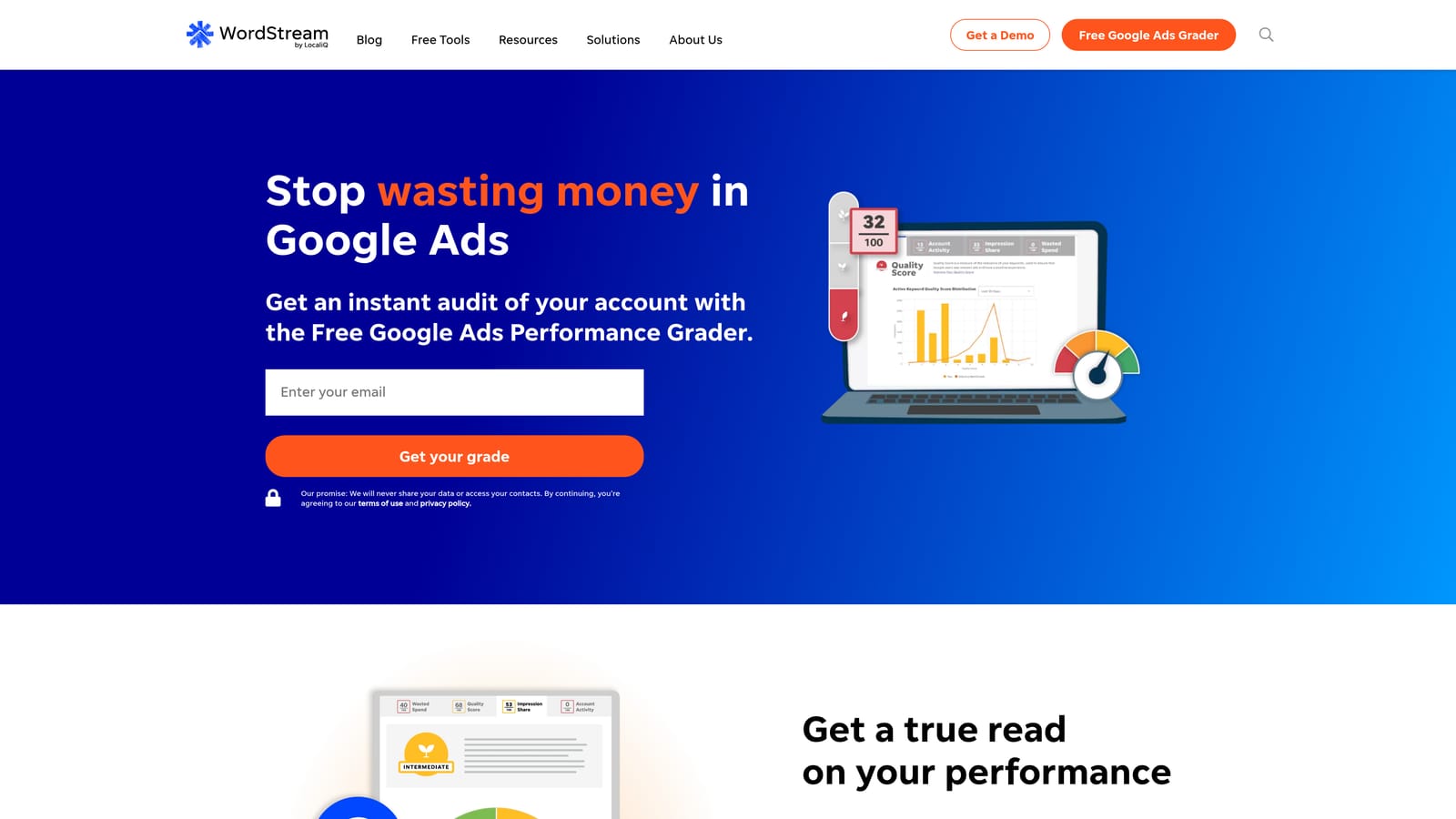
Its standout is a beginner-friendly, prioritized to-do list. If you're a business owner without a PPC background, it tells you what to look at first instead of leaving you to interpret a pile of metrics.
- Account grading gives you a quick read on where an account stands.
- Prioritized recommendations order the work so you tackle the important items first.
- A free Google Ads Grader lets you get a sense of the account before committing.
- Performance tracking helps you see whether changes are helping.
Setup is straightforward: connect your account and follow the guidance. The person running it is usually the owner or a generalist marketer rather than a specialist.
The limitation is depth. Experienced practitioners and agencies with established workflows may find it too basic, and as with any recommendation list, judge each suggestion against your goals before acting.
Pricing isn't something to guess at; check the WordStream website for current plans.
Best for: Small business owners managing their own campaigns.
9. Unbounce
Unbounce works on a different part of the funnel: the landing page after the click. It's a landing page builder with AI-driven traffic routing, meant to lift conversion rates from the traffic you already pay for.
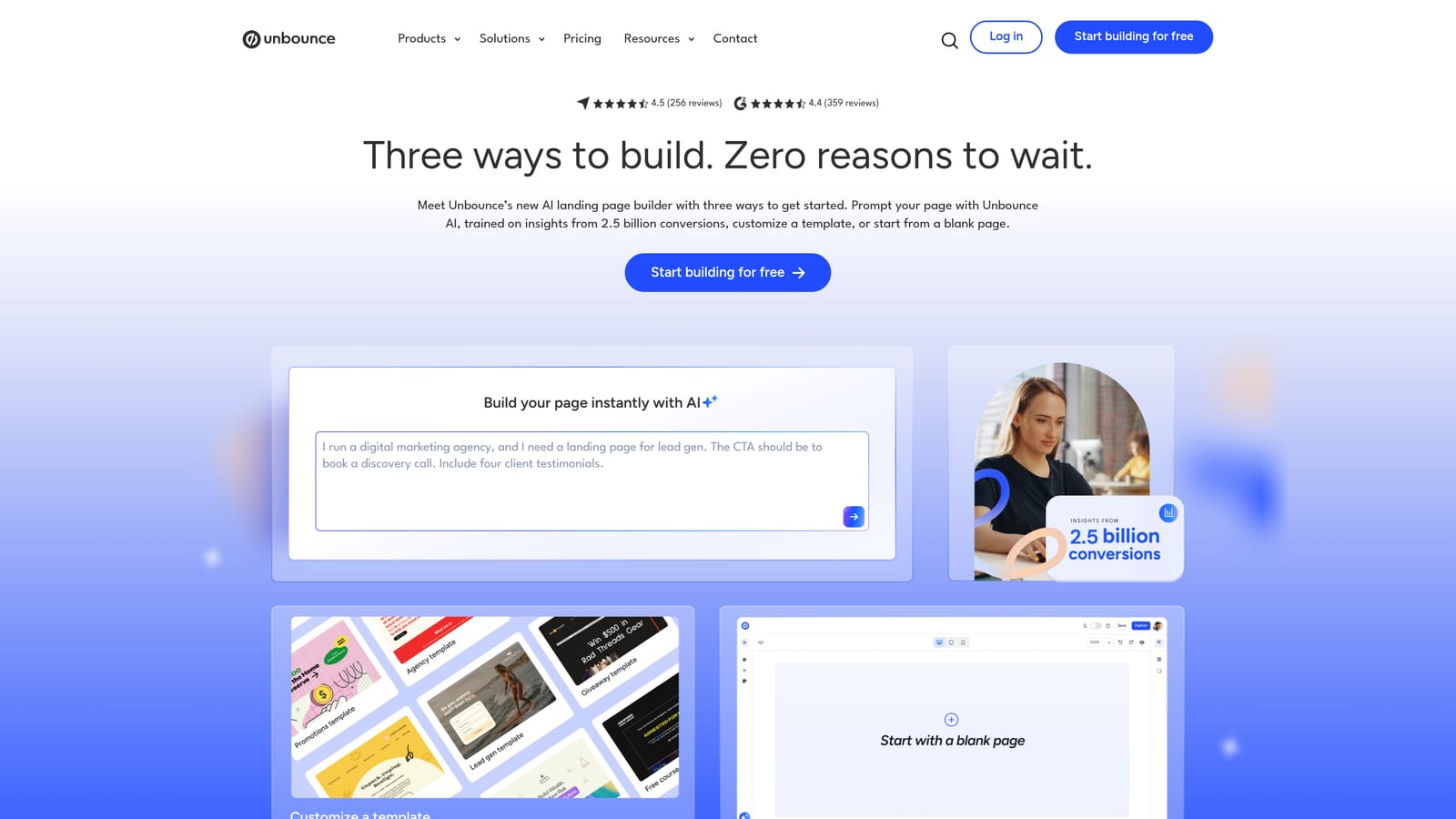
The distinctive feature is Smart Traffic, which routes each visitor to the landing page variant most likely to suit them, rather than splitting traffic evenly and waiting for a winner.
- The landing page builder lets marketers create pages without developer help.
- Smart Traffic sends visitors to the best-matching variant automatically.
- A/B testing compares versions in the traditional way when you prefer it.
- Dynamic text replacement matches page text to the search term or ad, keeping the message consistent after the click.
It integrates with Google Ads, CRM and email tools, and Zapier. Setup involves building pages and connecting them to your ads and lead handling, typically run by a marketer or designer.
Limitations: it needs enough traffic to work well, so low-volume accounts won't get much from it. It also does nothing about wasted spend inside the account, such as irrelevant search terms. It fixes conversion, not targeting.
Pricing is a tiered subscription; see the website for current plans.
Best for: Advertisers with decent click volume but weak conversion rates.
Which Tool Fits Which Job
Most advertisers end up combining tools rather than relying on one: a search-term tool, a bulk editor, and a reporting layer. That's the shape of a workable stack, and the picks below follow from it.
- Solo freelancer: Keywordme for weekly search term review, Google Ads Editor for bulk edits, and Looker Studio for client reports. All three are free or low-cost.
- Agency: Optmyzr for account-wide rules and audits, with Keywordme handling fast search term cleanup inside the interface. Add Adalysis if ongoing ad testing is a priority.
- Small business owner: WordStream Advisor for guidance on what to fix first, plus the free native Recommendations, reviewed with a critical eye.
- Conversion-focused advertiser: Unbounce, once you have enough click volume to make routing worthwhile.
Semrush earns its place when you're planning expansion, and Scripts suit anyone with the coding skill to automate. Whatever you pick, don't judge tools by feature count, and don't let a dashboard stand in for actually changing the account.
Optimize Google Ads Campaigns 10X Faster. Without Leaving Your Account. Keywordme lets you remove junk search terms, build high-intent keyword lists, and apply match types instantly, right inside Google Ads. No spreadsheets, no switching tabs, just quick, seamless optimization. Start your free 7-day trial (then just $12/month) and take your Google Ads game to the next level.
