
9 Best Google Ads Performance Improvement Tools
This article reviews 9 of the best Google Ads performance improvement tools in 2026, evaluating each on the specific problems it solves—from eliminating wasted spend and keyword bloat to improving Quality Scores and bid efficiency. Whether you're a solo advertiser or an agency managing multiple accounts, this guide helps you find tools that deliver measurable results.


TL;DR: The best Google Ads performance improvement tools range from in-interface Chrome extensions that speed up keyword management to full-scale PPC analytics platforms. This list covers 9 tools that actually move the needle—whether you're a solo advertiser trying to cut wasted spend or an agency managing dozens of accounts.
If you've ever spent an hour in a spreadsheet just to clean up a search terms report, you already know the problem. Google Ads optimization is time-consuming by default, and most tools either duplicate work you're already doing or pull you out of the native interface entirely.
This list cuts through the noise. We've focused on tools that solve specific, real problems: junk traffic, keyword bloat, low Quality Scores, poor bid efficiency, and slow reporting. Each tool is evaluated on what it actually does well, not just its feature list.
1. Keywordme
Best for: PPC managers who want to clean up search terms and manage keywords without leaving Google Ads.
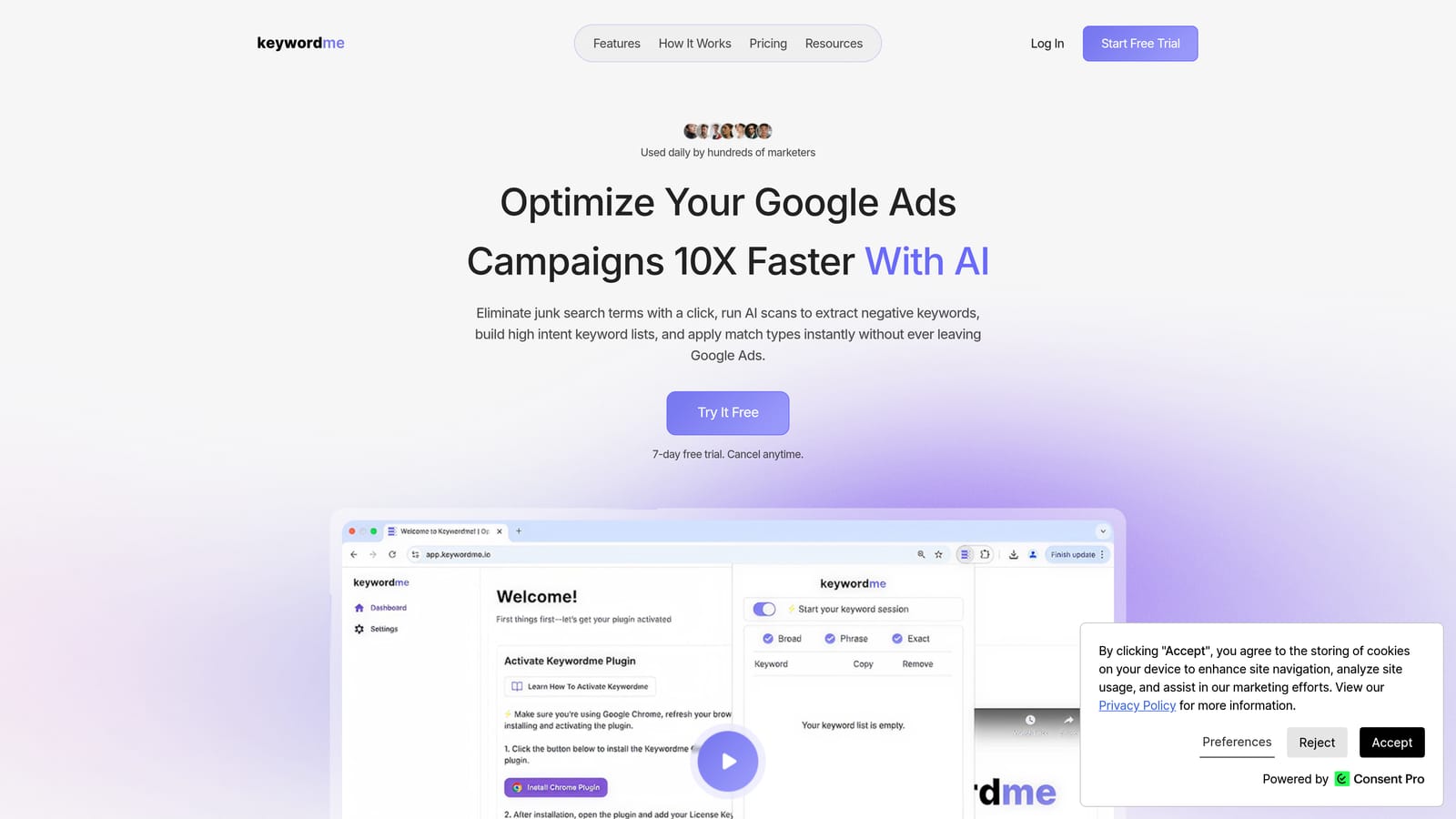
Keywordme is a Chrome extension that integrates directly into Google Ads' Search Terms Report, letting you take action on keywords without ever switching tabs or opening a spreadsheet.
Where This Tool Shines
In most accounts I audit, the biggest source of wasted spend isn't the bidding strategy—it's irrelevant search terms that slipped through. The traditional fix involves exporting a CSV, filtering in Excel or Google Sheets, building a negative keyword list, and re-uploading. Keywordme collapses that entire loop into a few clicks, right inside the native interface.
What makes it genuinely useful is that it doesn't try to replace Google Ads—it just makes it faster. You're not learning a new dashboard or reconciling data from a third-party platform. You're doing the same work you'd do anyway, just without the friction.
Key Features
One-click negative keyword addition: Flag and exclude junk search terms directly from the Search Terms Report without any exports.
In-interface match type application: Apply or change match types on the fly without touching a spreadsheet.
Keyword clustering and bulk editing: Group and restructure keywords faster during account audits or campaign builds.
Multi-account and team support: Built to handle agency workflows where multiple users are working across different client accounts.
No separate dashboard required: Everything happens inside Google Ads itself, which means zero onboarding friction for the core workflow.
Best For
Freelancers and agency teams doing regular search term reviews will get the most out of Keywordme. It's especially useful if you're managing accounts where broad or phrase match is generating a high volume of search terms that need regular pruning. Solo advertisers who do their own PPC management will also find the time savings significant.
Pricing
$12/month per user. A 7-day free trial is available with no credit card required upfront. One of the more straightforward pricing models on this list.
2. Google Ads Editor
Best for: Bulk offline edits, account restructures, and large-scale campaign changes before pushing live.
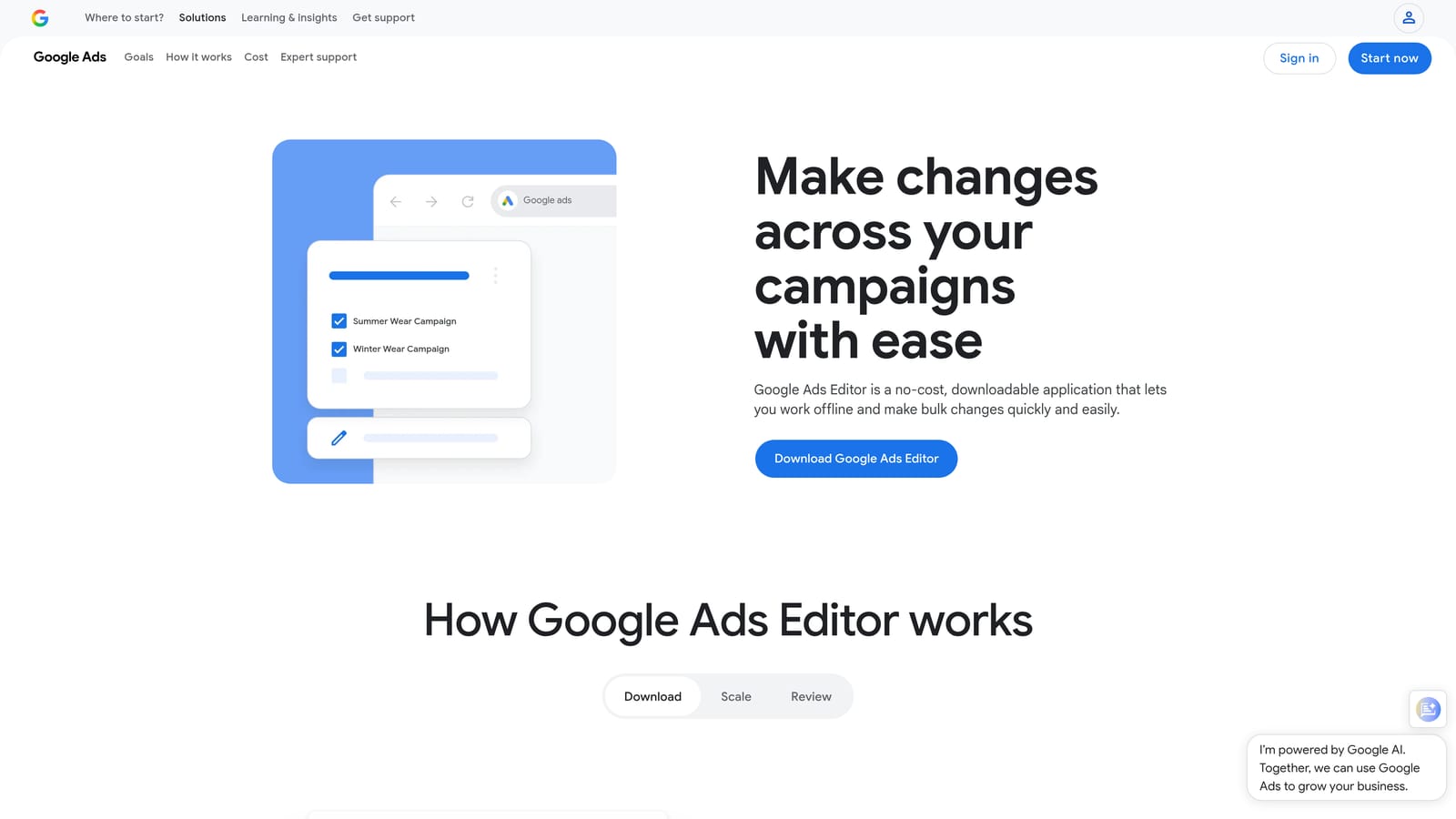
Google Ads Editor is Google's free desktop application for making bulk changes to accounts offline before syncing them to the live interface.
Where This Tool Shines
When you need to restructure a large account—moving ad groups, cloning campaigns, doing mass bid adjustments—working inside the browser interface is painful. Editor lets you make hundreds of changes in a single session, review everything before it goes live, and push when you're ready. The find-and-replace functionality alone saves meaningful time on large accounts.
The mistake most agencies make is underusing it. Editor isn't just for big restructures. Bulk negative keyword list uploads, mass ad copy updates, and campaign duplication are all faster here than anywhere else.
Key Features
Offline bulk editing: Make large-scale changes to campaigns, ad groups, keywords, and ads without a live connection.
Find-and-replace: Update ad copy, URLs, or keyword text across an entire account in seconds.
Campaign cloning: Duplicate entire campaign structures for new markets, products, or tests.
Bulk negative keyword uploads: Add negative keyword lists at scale without manual entry in the UI.
Free to use: No subscription, no trial period—just download and connect your account.
Best For
Anyone managing accounts with hundreds of campaigns or ad groups. Particularly valuable during account audits, migrations, or when launching a large number of new campaigns simultaneously.
Pricing
Free. No strings attached. This is a Google product available to any advertiser with a Google Ads account.
3. Optmyzr
Best for: Agencies and experienced managers who need rule-based automation and multi-account optimization at scale.
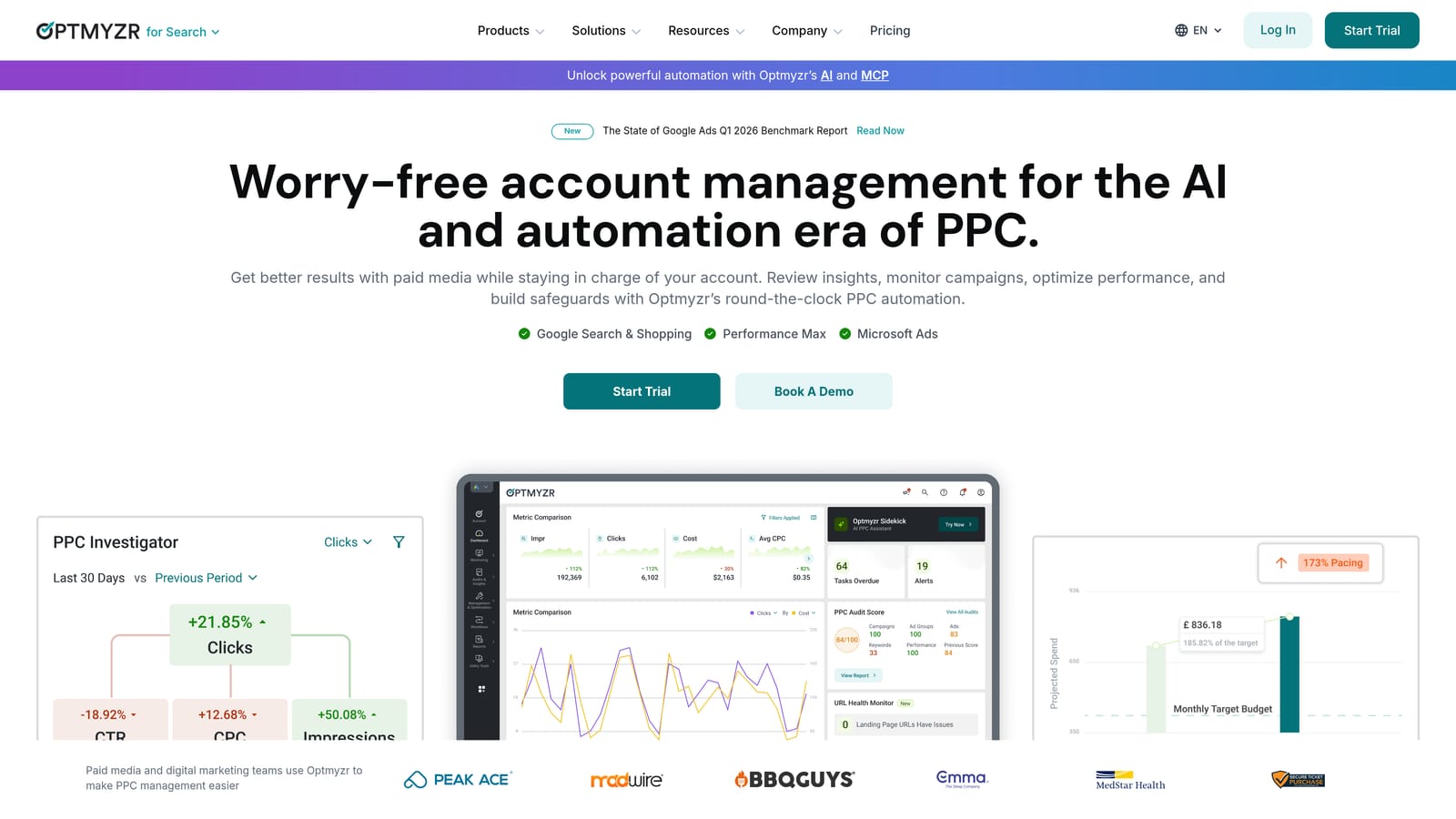
Optmyzr is a PPC management platform built around one-click optimizations, automated rules, and agency-scale reporting workflows.
Where This Tool Shines
What usually happens with automation tools is they're either too rigid or too complex to set up. Optmyzr sits in a useful middle ground: its rules engine is flexible enough to handle real account logic, and the one-click optimization suggestions make it accessible without requiring you to build everything from scratch.
The PPC Investigator feature is genuinely useful for diagnosing performance drops. Instead of manually cross-referencing metrics to figure out why CPA spiked, it walks you through the likely causes in a structured way.
Key Features
Rules engine: Build automated bid and budget adjustments based on account performance thresholds.
One-click optimization suggestions: Surface actionable changes based on live account data without manual analysis.
PPC Investigator: Diagnose performance drops by walking through a structured analysis of what changed.
Multi-account dashboard: Manage and monitor multiple client accounts from a single view.
Custom client reporting: Build and share client-facing dashboards with branded reporting templates.
Best For
Agencies managing multiple accounts who need to scale optimization workflows without adding headcount. Also well-suited for experienced in-house managers who want to automate routine bid and budget adjustments.
Pricing
Tiered pricing based on total ad spend managed across connected accounts. A free trial is available. Pricing details are available directly on their site, as tiers shift based on spend volume.
4. SEMrush (Advertising Toolkit)
Best for: Competitor keyword research, ad copy intelligence, and pre-campaign keyword strategy.
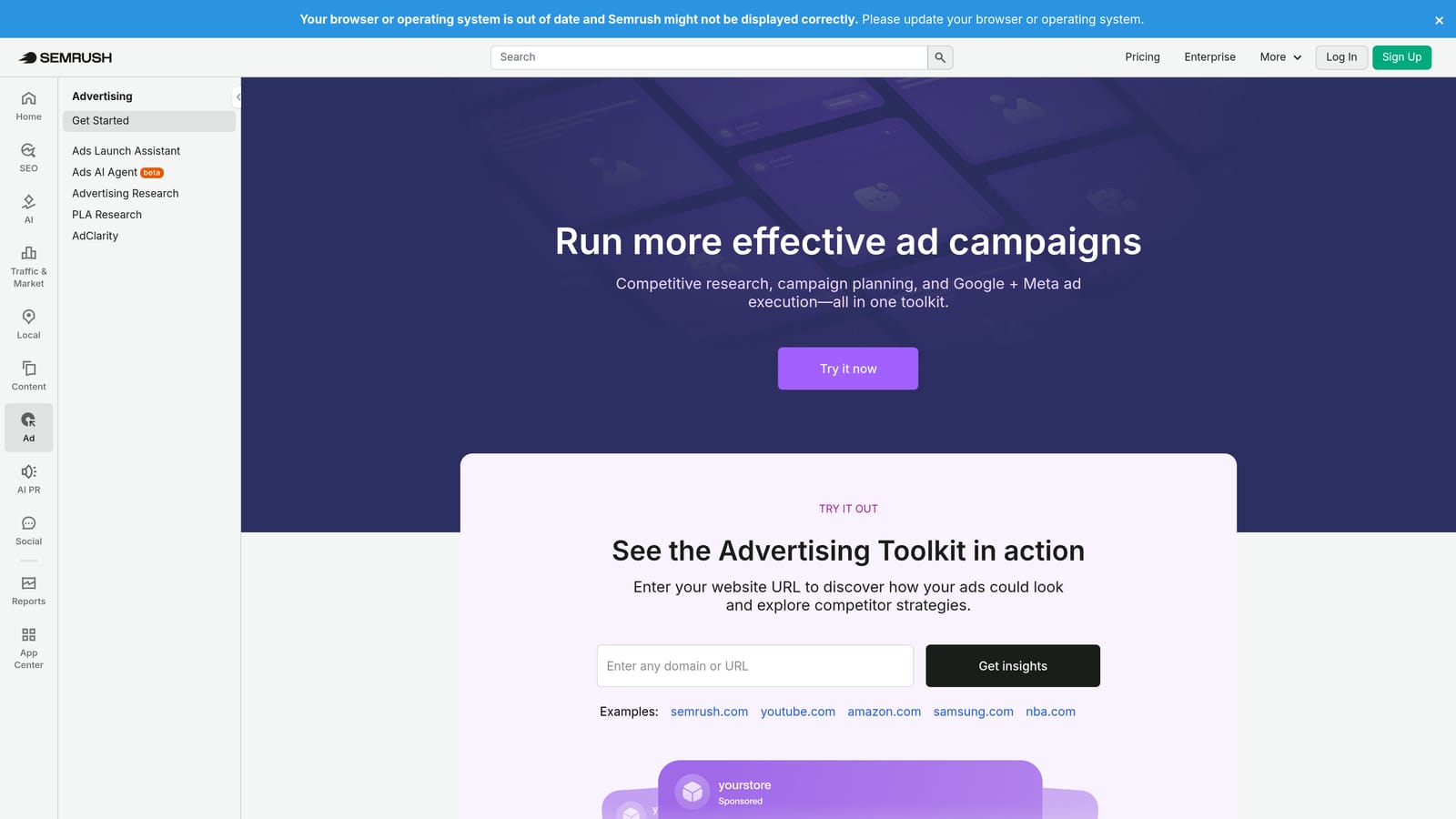
SEMrush is a broad SEO and SEM platform with a dedicated advertising research module that surfaces competitor keyword and ad data for strategic planning.
Where This Tool Shines
SEMrush is most valuable before a campaign launches, or when you're trying to understand why a competitor is outperforming you. The keyword gap tool is genuinely useful: you can see which terms your competitors are bidding on that you're not, and make informed decisions about where to expand.
The CPC data segmented by geography and device adds useful context for budget allocation decisions, especially for campaigns targeting multiple regions.
Key Features
Competitor ad copy research: See what ad copy competitors are running and how long they've been running it.
Keyword gap analysis: Identify high-value terms competitors are bidding on that your account isn't targeting.
Geographic and device CPC data: Understand cost-per-click variation across locations and devices for smarter budget planning.
Ad history tracking: Review the full history of competitor ad campaigns to identify patterns and seasonal trends.
Cross-channel integration: Combine advertising data with SEO insights for a unified view of search visibility.
Best For
Advertisers doing competitive research, keyword expansion, or entering new markets. More useful for strategic planning than day-to-day campaign management. Works well as a research layer on top of your core optimization workflow.
Pricing
Starts at $139.95/month (Pro plan). Higher tiers unlock additional features and data access. One of the pricier tools on this list, which makes it more suitable for agencies or teams that can spread the cost.
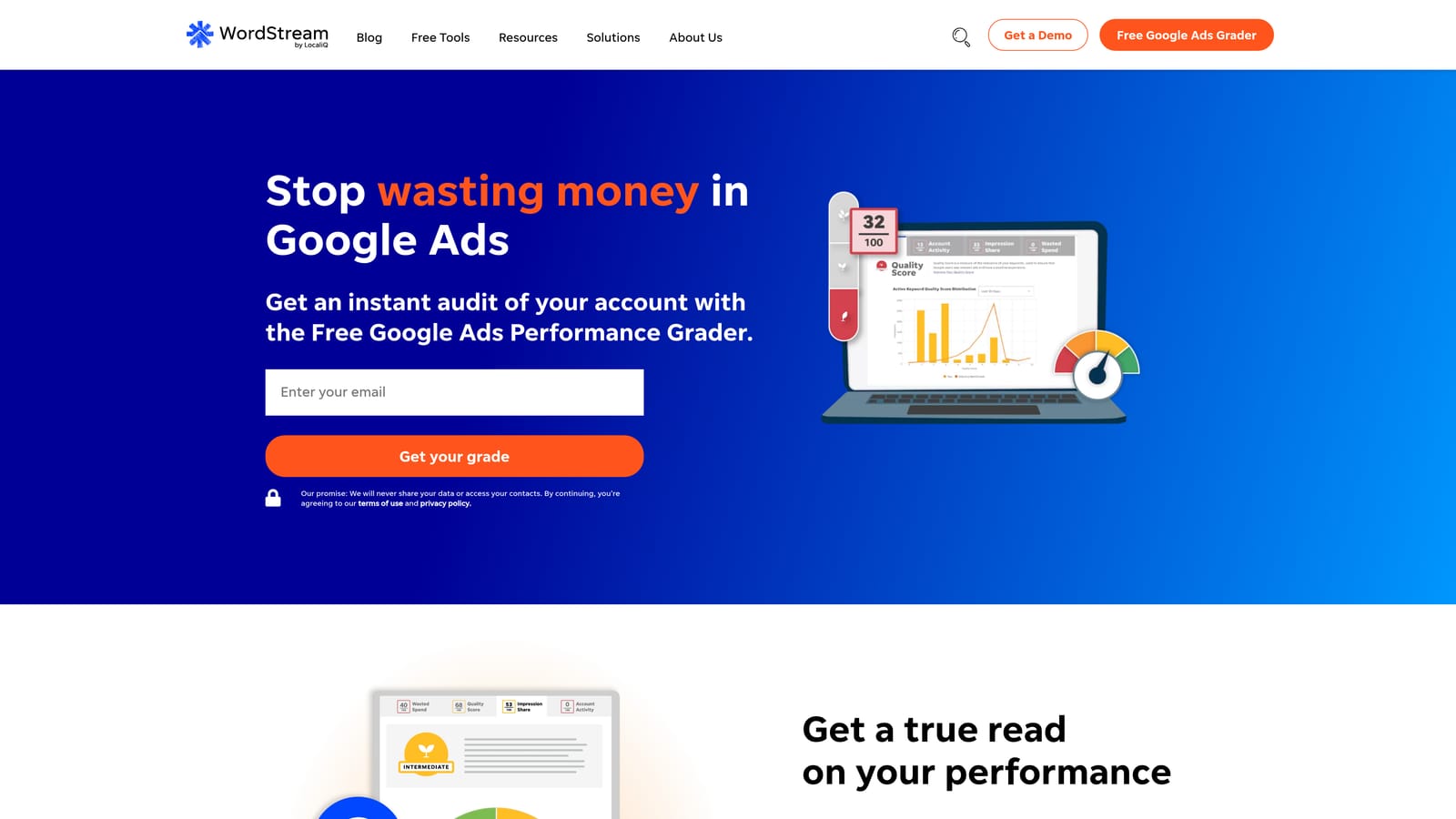
5. WordStream Advisor
Best for: Small business owners and non-specialist advertisers who need guided, prioritized weekly optimization tasks.
WordStream Advisor is a guided Google Ads management tool that surfaces high-priority optimization opportunities in a simplified weekly workflow.
Where This Tool Shines
The "20-Minute Work Week" concept is the core of what WordStream does differently. Instead of presenting a full account dashboard and expecting you to know what to look at, it tells you the three to five things that will move the needle most this week. For a small business owner who isn't a PPC specialist, that guided approach has real value.
It's not the right tool for an experienced PPC manager who already knows what to prioritize. But for accounts where the advertiser is doing their own management without deep platform knowledge, it reduces the chance of important optimizations being missed.
Key Features
20-Minute Work Week workflow: A curated list of the highest-impact optimization tasks for the week, ranked by priority.
Keyword and negative keyword suggestions: Automated recommendations for expanding or refining keyword coverage.
Performance grading: Benchmarks account performance against industry averages to identify gaps.
Ad copy recommendations: Flags underperforming ads and suggests improvements based on performance data.
Simplified reporting: Designed for non-specialist audiences who need clear, jargon-free performance summaries.
Best For
Small business owners managing their own Google Ads without a dedicated PPC team. Less suited for agencies or experienced managers who need more granular control and flexibility.
Pricing
Pricing is available on request through the LOCALiQ/WordStream sales team. Contact them directly for current plan details.
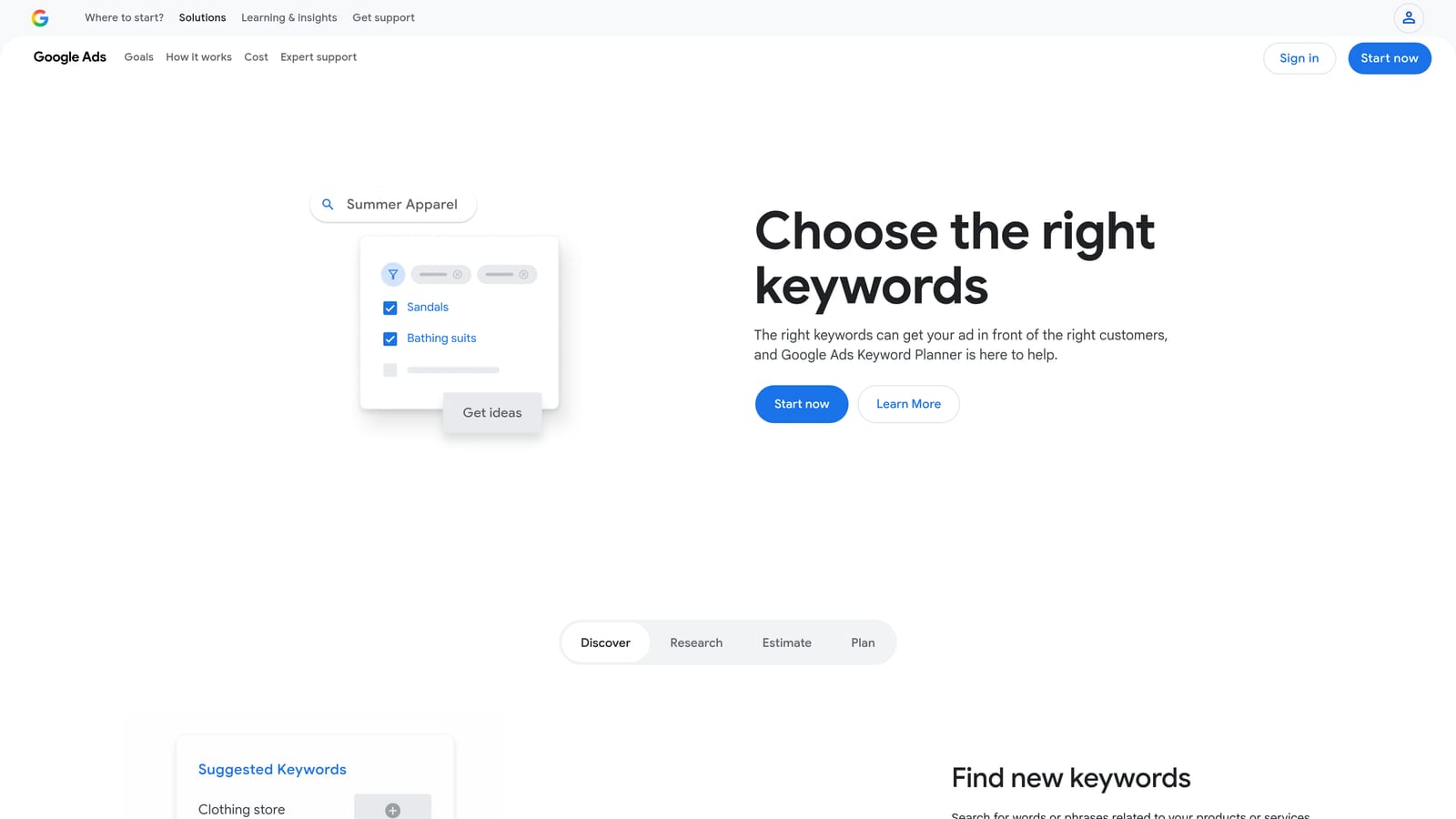
6. Google Keyword Planner
Best for: Initial keyword discovery, search volume estimation, and campaign planning before launch.
Google Keyword Planner is Google's free native keyword research tool inside Google Ads, providing search volume estimates, competition data, and bid range guidance directly from Google's own index.
Where This Tool Shines
The key advantage here is the data source. Keyword Planner pulls directly from Google's own search data, which means you're not working with third-party estimates. The accuracy of search volume data improves when your account has active spend, at which point you get more precise ranges rather than broad buckets.
It's not a sophisticated tool, and it's not trying to be. For building out initial keyword lists, identifying seasonal trends, and getting a rough sense of CPC before committing budget, it does exactly what it needs to do.
Key Features
Keyword discovery: Generate keyword ideas from seed terms, competitor URLs, or product categories.
Search volume and trend data: Monthly search volume ranges and year-over-year trend lines from Google's index.
Competition and bid estimates: Competition level indicators and suggested bid ranges for each keyword.
Keyword grouping: Organize discovered keywords into ad group structures for campaign planning.
Native campaign integration: Push selected keywords directly into a new or existing Google Ads campaign.
Best For
Anyone building a new campaign from scratch or expanding into new keyword territory. Less useful for ongoing optimization—once campaigns are live, you'll get more actionable data from your actual search terms report.
Pricing
Free. Requires an active Google Ads account to access.
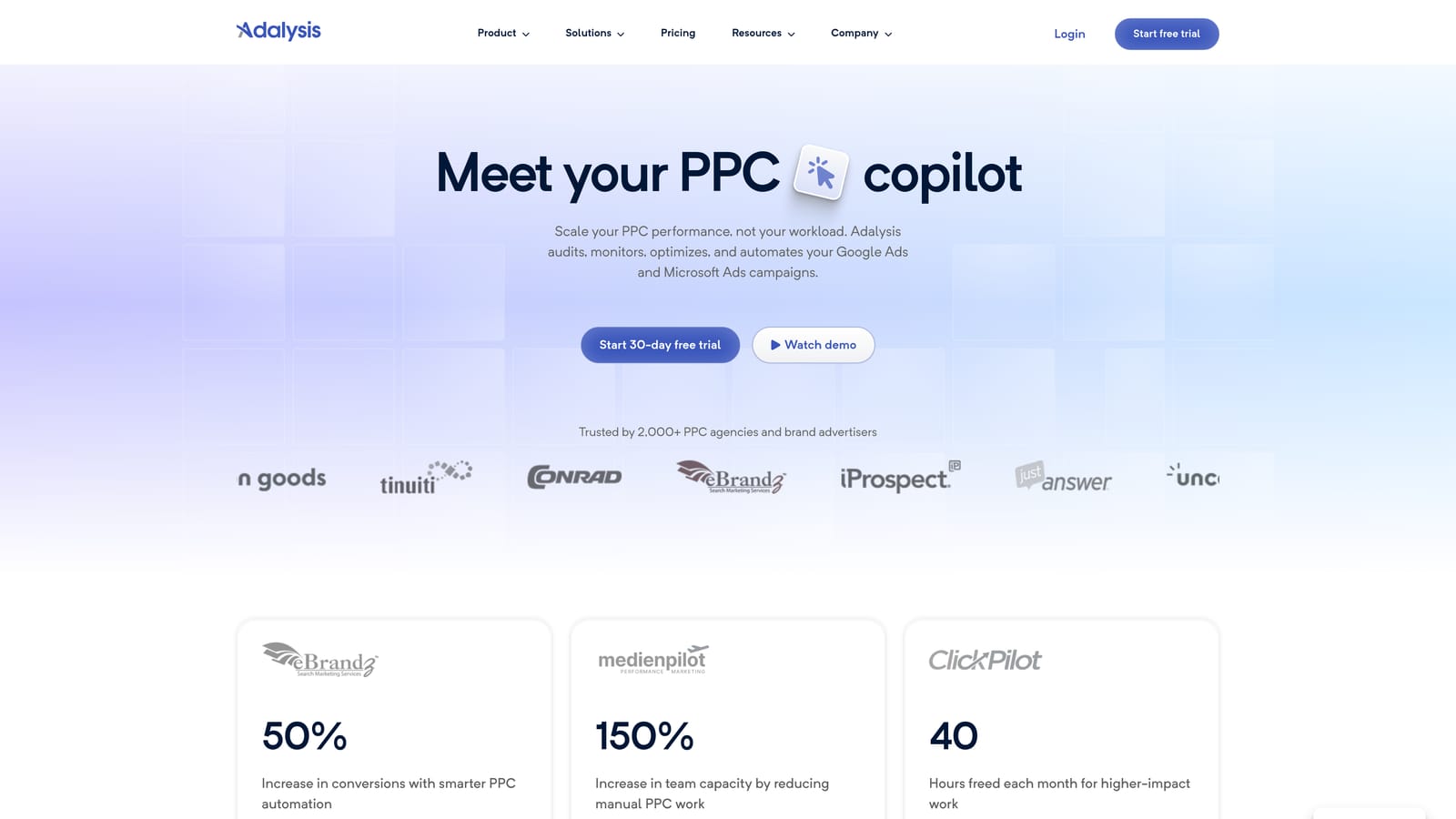
7. Adalysis
Best for: Data-driven advertisers who run systematic ad testing and need Quality Score monitoring at scale.
Adalysis is a PPC optimization platform focused on ad testing, Quality Score diagnostics, and account health monitoring for teams that take creative testing seriously.
Where This Tool Shines
Quality Score is one of those metrics that many advertisers track but few manage proactively. Adalysis tracks Quality Score history over time, which lets you see whether changes you've made are actually improving it—something the native Google Ads interface doesn't show you easily.
The A/B ad testing functionality with statistical significance tracking is the other standout. Most ad rotation setups in Google Ads lean heavily on Google's own "optimized" rotation, which doesn't give you clean test results. Adalysis gives you the controls to run proper tests and know when you actually have a winner.
Key Features
Automated A/B ad testing: Run controlled ad tests with statistical significance tracking to identify genuine winners.
Quality Score history monitoring: Track Quality Score changes over time and get alerts when scores decline.
Account audit tools: Automated flags for structural issues like missing ad variations, disapproved ads, or low-performing ad groups.
Ad rotation management: Identify and pause underperforming ads based on statistically valid performance data.
Performance anomaly alerts: Customizable alerts that notify you when key metrics move outside expected ranges.
Best For
Teams running high-volume ad testing programs or managing accounts where Quality Score is a known issue. Also useful for agencies that need systematic account health monitoring across multiple clients.
Pricing
Starts at $99/month. Pricing scales based on account size and number of ads. Free trial available.
8. SpyFu
Best for: Deep competitor PPC research, historical keyword data, and ad copy intelligence.
SpyFu is a competitive intelligence tool that surfaces years of historical PPC data, including which keywords competitors have bid on, what ad copy they've tested, and which terms they've since abandoned.
Where This Tool Shines
The historical depth is what separates SpyFu from most competitor research tools. Seeing that a competitor tested a keyword for six months and then dropped it tells you something meaningful—either the economics didn't work, or the intent didn't convert. That's useful signal before you commit budget to the same term.
SpyFu is also more accessible price-wise than SEMrush, which makes it a practical first choice for agencies doing competitive research without a large tool budget.
Key Features
Historical competitor keyword data: See every keyword a competitor has bid on, going back years.
Dropped keyword analysis: Identify terms competitors have tested and abandoned—often a useful negative signal.
Ad copy archive: Browse historical ad copy from competitors for creative research and positioning insights.
Domain-level PPC spend estimates: Get a rough sense of how much competitors are investing in paid search.
Keyword overlap analysis: See where your keyword coverage overlaps with or diverges from competitors.
Best For
Advertisers in competitive verticals who want to understand the paid search landscape before building or expanding campaigns. Also useful for agencies pitching new clients in markets they haven't worked in before.
Pricing
Starts at $39/month (Basic plan). More affordable than most full-suite SEM platforms, with solid data depth for the price.
9. Looker Studio
Best for: Building custom, shareable Google Ads reporting dashboards for clients or internal stakeholders.
Looker Studio is Google's free data visualization platform (formerly Google Data Studio) for creating live-connected, fully customizable reporting dashboards.
Where This Tool Shines
Agencies spend a disproportionate amount of time on reporting. Looker Studio doesn't eliminate that time entirely, but once a template is built, it dramatically reduces the recurring effort. The native Google Ads connector pulls live data, so the dashboard updates automatically without anyone manually exporting and formatting numbers.
The ability to blend data from multiple sources—Google Ads, GA4, Search Console, even third-party connectors—in a single report is genuinely powerful for clients who want a unified view of their marketing performance.
Key Features
Native Google Ads connector: Pull live campaign data directly into dashboards without manual exports.
Fully customizable layouts: Build reports that match client branding or internal reporting standards.
View-only sharing: Share dashboards with clients or stakeholders without giving them account access.
Multi-source data blending: Combine Google Ads data with GA4, Search Console, and other sources in a single report.
No data row limits: Handle large datasets without hitting the caps that constrain some third-party reporting tools.
Best For
Agencies that need to deliver clean, professional client reports without paying for a dedicated reporting platform. Also useful for in-house teams that need custom dashboards for internal stakeholders who don't have Google Ads access.
Pricing
Free. No subscription, no data limits. Requires a Google account to access.
Which Tool Is Right for Your Situation
The honest answer is that most advertisers benefit from using two or three of these tools together rather than one platform that claims to do everything. Here's a quick breakdown by the problem you're trying to solve.
Wasted spend from junk search terms: Start with Keywordme. It's the fastest way to clean up a search terms report without leaving Google Ads, and at $12/month it's low-risk to test.
Bulk structural edits or account restructures: Google Ads Editor is free and purpose-built for this. There's no reason not to be using it.
Competitor research and keyword strategy: SpyFu is the better starting point for pure PPC intelligence at an accessible price. SEMrush makes more sense if you also need SEO data in the same platform.
Ad testing and Quality Score management: Adalysis is the most focused tool for this. It fills a gap that the native interface doesn't address well.
Client reporting: Looker Studio is hard to beat at zero cost. The setup investment is worth it once you have a reusable template.
Multi-account agency workflows: Optmyzr or Adalysis layered on top of a tool like Keywordme for day-to-day keyword hygiene covers most of what a growing agency needs.
Pick the tool that solves your most painful problem first, get it working, then layer in the next. If you're not sure where to start, keyword waste is almost always the fastest win. Start your free 7-day trial and see how much time you reclaim on your next search terms review.
.svg)