
9 Best Google Ads Optimization Tools for Freelancers in 2026
Freelancers managing Google Ads campaigns waste hours on manual optimization tasks like negative keyword builds and bid adjustments. This guide reviews nine affordable google ads optimization tools for freelancers that streamline campaign management, reduce wasted ad spend, and deliver better client results without requiring nights and weekends of work.


If you're a freelancer managing Google Ads campaigns, you know the drill: endless search term reports, manual negative keyword builds, bid adjustments that eat up your entire afternoon, and clients asking why their budget disappeared on irrelevant clicks. The right optimization tools don't just save time—they help you deliver better results without working nights and weekends.
Here are the top Google Ads optimization tools built for solo advertisers who need affordable, effective solutions that actually fit into a freelance workflow.
1. Keywordme
Best for: In-interface search term cleanup and negative keyword management without spreadsheets
Keywordme is a Chrome extension that integrates directly into Google Ads' search terms report, letting you optimize campaigns without ever leaving the native interface.

Where This Tool Shines
Most PPC optimization happens outside Google Ads—downloading reports, building spreadsheets, copying keywords back and forth. Keywordme eliminates that entire workflow by putting optimization controls right where you're already working.
You can remove junk search terms with a single click, add high-intent keywords to existing ad groups, apply match types instantly, and build negative keyword lists without touching a CSV file. For freelancers juggling multiple client accounts, this saves hours every week.
Key Features
One-Click Search Term Actions: Remove irrelevant queries or add them as negatives directly from the search terms report.
Instant Match Type Application: Apply broad, phrase, or exact match modifiers without manual keyword formatting.
Keyword Clustering: Automatically group related search terms to identify new ad group opportunities.
Bulk Editing: Make changes across multiple search terms simultaneously instead of one at a time.
Multi-Account Support: Switch between client accounts seamlessly with saved settings for each.
Best For
Freelancers who spend significant time in the search terms report and want to eliminate spreadsheet workflows. Particularly valuable if you manage multiple client accounts and need consistent optimization processes across all of them.
Pricing
$12/month per user with a 7-day free trial. No per-account fees or ad spend minimums.
2. Optmyzr
Best for: Rule-based automation and one-click optimizations with preview capabilities
Optmyzr is a comprehensive PPC management platform that automates repetitive optimization tasks while keeping you in control.

Where This Tool Shines
Optmyzr's Rule Engine lets you create custom automation workflows without writing code. Want to pause keywords below a certain quality score? Automatically increase bids on high-converting terms? Set it up once and let it run.
The one-click optimizations show you exactly what will change before you apply it—no surprises, no accidental campaign disasters. This is especially useful when managing client accounts where you need to explain every decision.
Key Features
Rule Engine: Build custom automated rules for bids, budgets, keywords, and ads based on performance thresholds.
One-Click Optimizations: Pre-built optimization suggestions with full preview before implementation.
Shopping Campaign Tools: Specialized features for managing product feeds and Shopping ads.
Custom Script Builder: Create Google Ads scripts through a visual interface without coding knowledge.
Quality Score Tracker: Monitor Quality Score changes over time to identify optimization opportunities.
Best For
Freelancers managing accounts with $25K+ monthly ad spend who want sophisticated automation but need to review changes before they go live. Particularly strong for Shopping campaigns.
Pricing
Starts at $249/month for accounts spending up to $25K. Pricing scales with ad spend.
3. Adalysis
Best for: Ad testing and quality score optimization with automated daily audits
Adalysis focuses on ad performance and quality score improvements through automated testing and conflict detection.

Where This Tool Shines
Ad testing is one of those things every freelancer knows they should do but rarely has time for. Adalysis runs continuous ad tests and tells you when results are statistically significant—no more guessing whether your new headline actually performs better.
The negative keyword conflict detector catches situations where your negatives are blocking legitimate traffic. In most accounts I audit, this alone uncovers thousands in lost revenue from overly aggressive negative lists.
Key Features
Automated Ad Testing: Continuous testing with statistical significance calculations and winner identification.
Quality Score Tracking: Historical Quality Score data with specific recommendations for improvement.
Negative Keyword Conflicts: Identifies when negative keywords are blocking your own positive keywords.
Daily Automated Audits: Scans accounts for common issues and optimization opportunities.
Alert System: Notifications for significant performance changes or account issues.
Best For
Freelancers who prioritize ad copy performance and want systematic testing without manual tracking. Especially valuable for accounts with large keyword inventories where conflict detection matters.
Pricing
Starts at $149/month for accounts spending up to $50K monthly. Includes unlimited ad tests and audits.
4. Google Ads Editor
Best for: Bulk editing and offline campaign management without cost
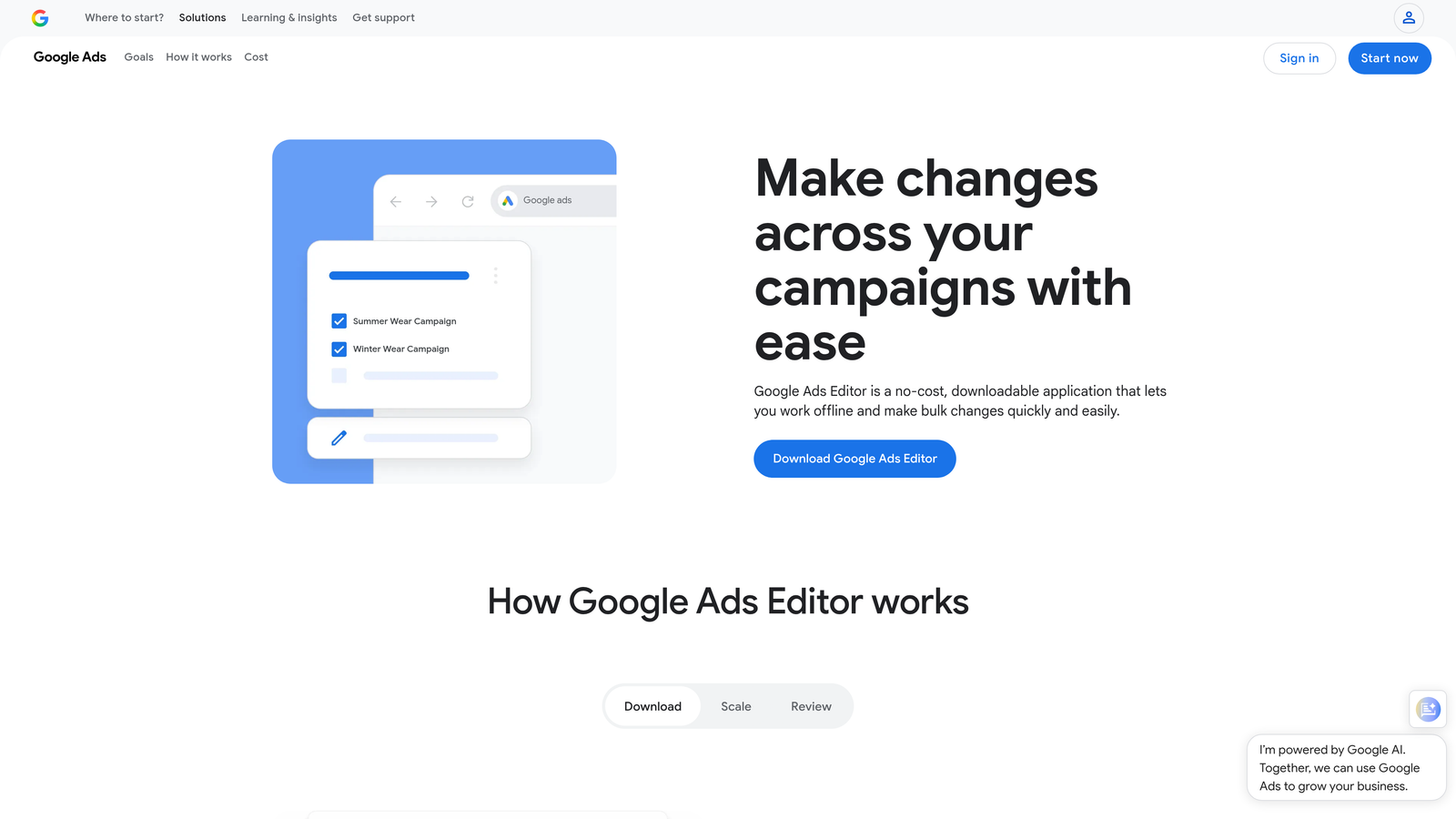
Google Ads Editor is Google's free desktop application for making large-scale changes across campaigns.
Where This Tool Shines
When you need to restructure an entire campaign or make the same change across hundreds of ad groups, the web interface becomes painfully slow. Editor lets you download entire accounts, make bulk edits offline, and push changes when you're ready.
The find-and-replace functionality alone saves hours. Need to update URLs across all ads? Change bid strategies campaign-wide? Copy entire campaigns between accounts? Editor handles it in minutes instead of hours.
Key Features
Bulk Editing: Make large-scale changes across multiple campaigns simultaneously.
Offline Editing: Work without internet connection and sync changes when ready.
Account Copying: Duplicate campaigns, ad groups, or entire account structures between accounts.
Find and Replace: Search and modify text across all campaign elements at once.
Multiple Account Management: Switch between client accounts and compare structures side-by-side.
Best For
Every freelancer should have this installed. It's free and essential for any bulk editing task. Particularly valuable when launching new campaigns or restructuring existing accounts.
Pricing
Completely free. Download directly from Google.
5. WordStream
Best for: Beginner-friendly optimization with guided workflows and cross-platform management
WordStream simplifies PPC management through structured optimization workflows that guide you through best practices.

Where This Tool Shines
The 20-Minute Work Week feature presents a prioritized list of optimization tasks you can complete quickly. Instead of staring at dashboards wondering what to optimize next, WordStream tells you exactly what needs attention and why.
For freelancers managing Google Ads alongside Facebook and Bing campaigns, the cross-platform dashboard eliminates tab-switching. You get a unified view of performance across all channels in one place.
Key Features
20-Minute Work Week: Guided optimization workflow that prioritizes high-impact tasks.
Cross-Platform Management: Manage Google Ads, Facebook, and Bing from a single interface.
Performance Grader: Free account audit that benchmarks your performance against industry standards.
Smart Ad Creation: Suggestions for ad copy based on your landing pages and keywords.
Automated Reporting: Client-ready reports that generate automatically on your schedule.
Best For
Freelancers newer to PPC who want structured guidance, or experienced advertisers managing campaigns across multiple platforms. The guided workflows make it particularly good for maintaining consistent optimization habits.
Pricing
Custom pricing based on total ad spend across all platforms. Contact for quote.
6. SpyFu
Best for: Competitor research and keyword intelligence for campaign planning
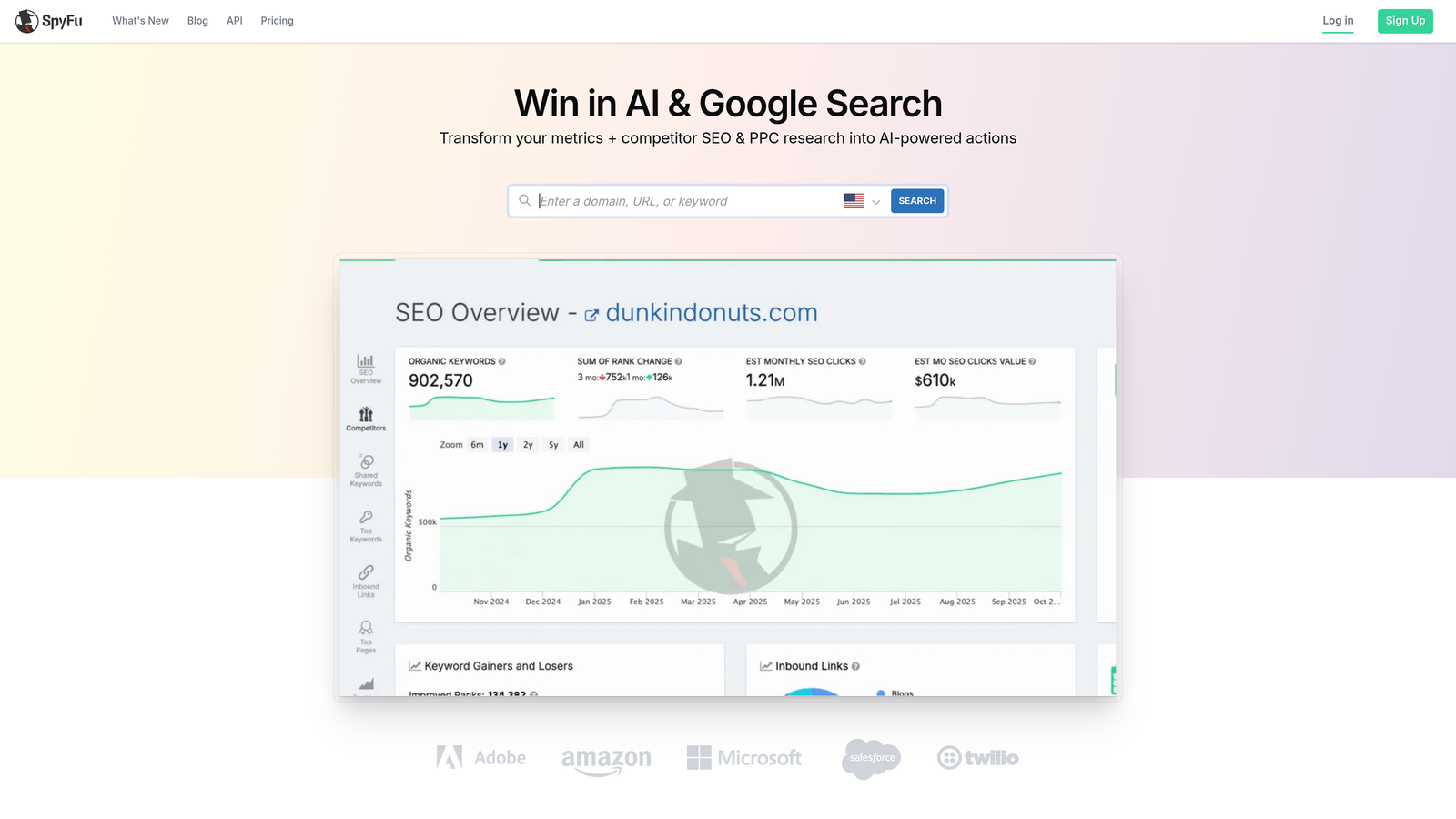
SpyFu reveals your competitors' keyword strategies, ad copy history, and budget estimates through historical PPC data.
Where This Tool Shines
Before launching campaigns in competitive industries, SpyFu shows you exactly what's working for competitors. You can see their ad copy variations over time, identify which keywords they bid on consistently versus those they tested and dropped, and estimate their monthly budgets.
The keyword gap analysis is particularly useful—it shows keywords your competitors rank for that you're missing entirely. This often uncovers high-intent terms that weren't on your radar.
Key Features
Competitor Ad History: View years of ad copy variations and identify successful messaging patterns.
Keyword Gap Analysis: Discover keywords competitors target that you're missing.
PPC Keyword Research: Get CPC estimates, search volume, and competition data for keyword planning.
Ad Variation Testing Insights: See which ad variations competitors tested and which they kept running.
Budget Estimates: Approximate monthly ad spend for any competitor domain.
Best For
Freelancers launching campaigns in new industries or competitive markets where understanding the landscape before spending budget matters. Also valuable for ongoing competitive monitoring.
Pricing
Basic plan starts at $39/month. Professional plan with full features at $79/month.
7. Negative Keywords Pro
Best for: Building comprehensive negative keyword lists without starting from scratch
Negative Keywords Pro provides pre-built negative keyword lists organized by industry and common waste patterns.
Where This Tool Shines
Setting up negative keywords from scratch is tedious and you inevitably miss obvious terms. Negative Keywords Pro gives you industry-specific starter lists—legal, medical, e-commerce, B2B—that block common waste patterns immediately.
The search term analysis feature scans your existing campaigns and highlights patterns of wasted spend you might not notice manually. What usually happens here is you discover entire categories of irrelevant traffic you've been paying for unnecessarily.
Key Features
Pre-Built Industry Lists: Ready-to-use negative keyword lists organized by vertical and use case.
Search Term Waste Analysis: Identifies patterns of wasted spend in your existing search term reports.
Cross-Campaign Management: Apply negative lists across multiple campaigns simultaneously.
Export-Ready Lists: Download formatted lists for direct upload to Google Ads.
Best For
Freelancers launching new campaigns who want comprehensive negative keyword coverage from day one, or optimizing existing accounts with significant wasted spend on irrelevant searches.
Pricing
Free basic version with limited lists. Pro version starts at $29/month for unlimited access.
8. PPC Samurai
Best for: N-gram analysis and automated search query mining for pattern discovery
PPC Samurai uses n-gram analysis to identify patterns in search query data that manual review misses.
Where This Tool Shines
N-gram analysis breaks down search queries into word combinations and shows you which phrases appear most frequently. Instead of reviewing thousands of individual search terms, you see patterns like "how to" queries or "near me" searches grouped together.
This makes it much easier to spot opportunities for new ad groups or identify entire categories of terms that need negative keywords. The automated bid rules and alerts keep campaigns on track without constant manual monitoring.
Key Features
N-Gram Analysis: Automatically identifies word patterns and phrase combinations in search query data.
Automated Bid Rules: Set conditional bid adjustments based on performance thresholds.
Search Query Mining: Categorizes search terms by intent and relevance automatically.
Alert System: Notifications for performance anomalies or budget issues.
White-Label Reporting: Client-ready reports with your branding for agency work.
Best For
Freelancers managing accounts with large search volumes where manual search term review becomes impractical. The pattern recognition helps you optimize faster than individual term analysis.
Pricing
Starts at $99/month with unlimited accounts and users.
9. Channable
Best for: Feed management and dynamic ad creation for e-commerce campaigns
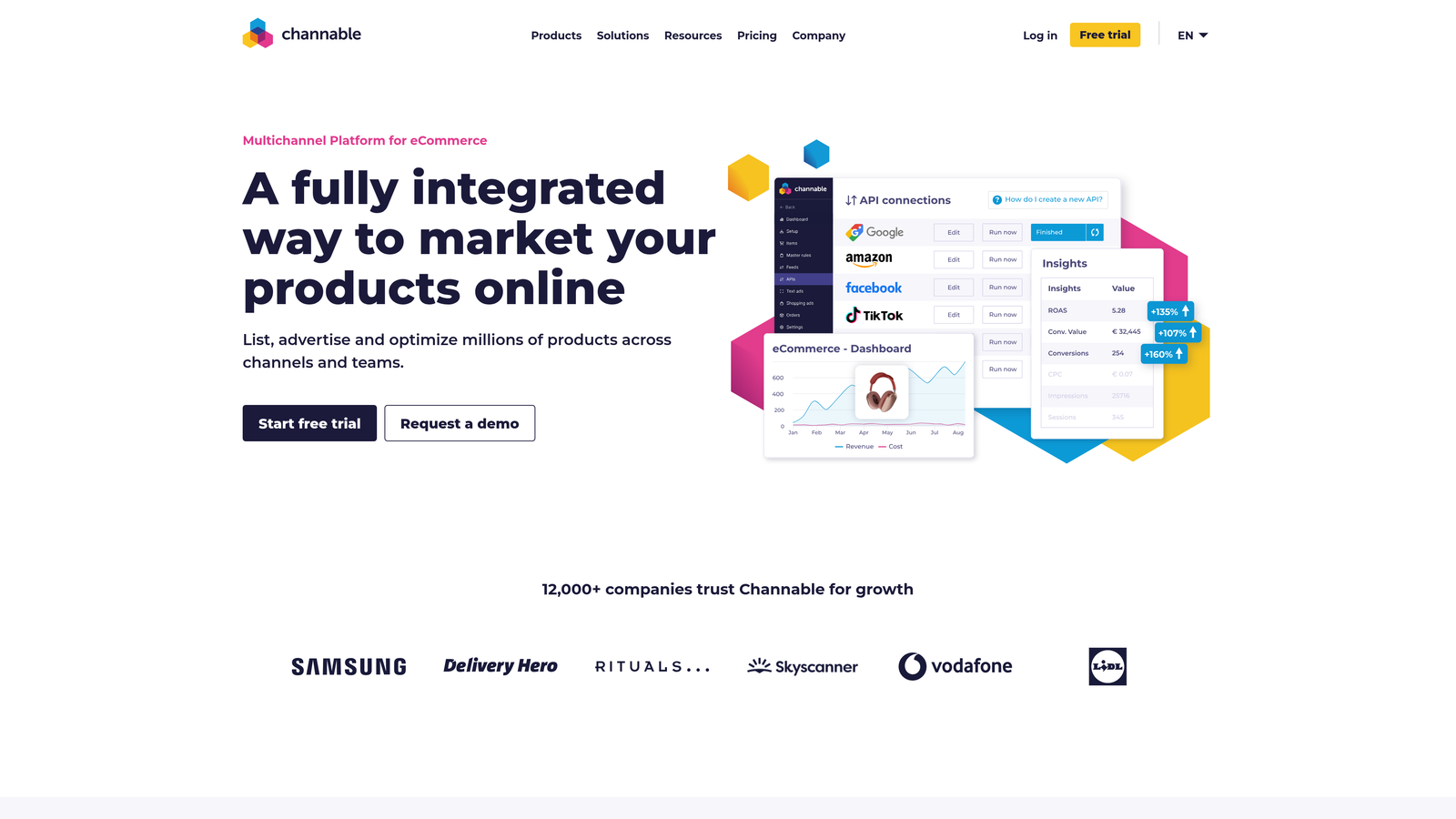
Channable optimizes product feeds for Shopping campaigns and automates ad creation from product data.
Where This Tool Shines
E-commerce advertisers often struggle with product feed quality—missing attributes, poor titles, incorrect categorization. Channable lets you transform feeds with custom rules, optimize product titles for search queries, and ensure your Shopping campaigns show the right products.
The dynamic text ad generation is particularly useful for large catalogs. Instead of writing individual ads for hundreds of products, you create templates that pull product data automatically and generate unique ads at scale.
Key Features
Product Feed Optimization: Transform and enhance product data with custom rules and filters.
Dynamic Text Ad Generation: Create text ads automatically from product feed data using templates.
Multi-Channel Distribution: Push optimized feeds to Google Shopping, Facebook, Amazon, and other platforms.
Automated Feed Rules: Set conditions that automatically update product data based on performance or inventory.
Feed Monitoring: Alerts for feed errors or disapproved products before they impact campaigns.
Best For
Freelancers managing e-commerce clients with significant product catalogs where Shopping campaigns drive substantial revenue. Less relevant for service-based or lead generation accounts.
Pricing
Starts at €29/month for basic feed management. Advanced features with dynamic ads from €99/month.
Finding Your Perfect Optimization Stack
The right tool depends entirely on where you're spending the most time—and where you're losing the most money to inefficiency.
If you're drowning in search term reports and manual negative keyword builds, start with Keywordme. The in-interface workflow eliminates the spreadsheet gymnastics that eat up hours every week. For $12/month, it's the fastest way to reclaim time without changing how you work.
For comprehensive automation across all campaign elements, Optmyzr and Adalysis deliver sophisticated optimization at higher price points. They're worth it when managing larger accounts where the time savings justify the investment.
Competitor research matters most during campaign planning—SpyFu helps you avoid expensive mistakes by showing you what's already working in your market. And if you're managing e-commerce accounts, Channable solves feed management headaches that manual editing can't scale.
The mistake most freelancers make is trying to optimize everything manually because they don't want to add another subscription. But one tool that saves you five hours a week pays for itself immediately—and lets you take on more clients without working longer hours.
Start your free 7-day trial of Keywordme and see how much faster you can optimize campaigns when everything happens right inside Google Ads. No spreadsheets, no context-switching, just quick clicks that eliminate wasted spend and build better keyword strategies. After the trial, it's just $12/month to keep your optimization workflow running smoothly.
.svg)