
9 Best Google Ads Optimization Tools for Ecommerce in 2026
This guide reviews the 9 best Google Ads optimization tools for ecommerce in 2026, comparing how each handles search term cleanup, Shopping and Performance Max campaigns, and cross-channel ROAS tracking. It helps store owners and agencies pick a tool that fits their workflow and budget.


Managing Google Ads for an ecommerce store means dealing with junk search terms, Shopping and Performance Max campaigns that need constant attention, and attribution that rarely tells the full story. This list covers the nine tools most directly useful for that workflow in 2026 — chosen for how concretely they solve real ecommerce Google Ads problems, not just for feature breadth.
Each tool is evaluated on three questions: Does it actually improve Google Ads performance for ecommerce? Does it handle ecommerce-specific needs like Shopping feeds, Performance Max, or cross-channel attribution? Is the pricing clear enough to budget for? Use the quick comparison below to find the right fit for your account size and workflow, then read the full breakdown for whichever tools match your situation.
Quick Comparison of the Top Picks
- Keywordme: best for advertisers who want fast, in-platform search term cleanup; starting at $12/month per user; the only tool here that adds one-click optimization actions directly inside the native Google Ads Search Terms Report.
- Optmyzr: best for agencies running audits across Search, Shopping, and Performance Max; quote-based pricing; the only tool combining rule-based automation with full-account audits across campaign types.
- Adalysis: best for teams that want hands-off, statistically valid ad copy testing; quote-based pricing; the only tool that runs ad copy significance testing on autopilot.
- Google Ads Editor: best for freelancers doing large bulk edits on a budget; free; the only tool that's a first-party, offline bulk-editing app with no API lag.
- Triple Whale: best for DTC brands wanting true, store-linked ROAS; quote-based pricing; the only tool that ties Shopify revenue directly to ad spend across platforms.
- Northbeam: best for larger brands with complex, multi-touch journeys; quote-based, enterprise pricing; the only tool here built around media mix modeling for channel budget decisions.
- Smartly.io: best for enterprise brands scaling creative testing; quote-based, enterprise pricing; the only tool that automates ad creative generation at volume across platforms.
- WordStream Advisor: best for small businesses wanting a guided routine; quote-based pricing; the only tool that packages optimization into a structured weekly checklist.
- SEMrush Advertising Toolkit: best for competitor keyword and ad copy research; subscription pricing; the only tool built for spying on competitor PPC strategy before you build your own campaigns.
1. Keywordme
Keywordme is a Chrome extension that adds one-click optimization actions directly inside the Google Ads Search Terms Report. Instead of exporting search term data to a spreadsheet, sorting it, and manually adding negatives back into the account, you work right where the data already lives.
What sets it apart on this list is that it doesn't ask you to leave Google Ads at all. Attribution platforms and audit tools generate reports you then have to act on manually; Keywordme is built purely for the action step, which is often the part that eats the most time in a weekly account review.
- Removes junk search terms from the report with a single click instead of a manual exclusion process
- Builds negative keyword lists in bulk so you're not adding exclusions one at a time
- Applies match types instantly to new keyword ideas pulled from the search terms report
- Clusters related search terms together, making it easier to spot patterns in high-intent versus low-intent traffic
- Supports multiple accounts and team members, useful for agencies juggling several ecommerce clients
Setup is minimal: install the Chrome extension, log into Google Ads as usual, and the new actions appear inside the Search Terms Report. It's designed to be run by whoever already owns day-to-day account management, whether that's a solo advertiser or a junior PPC manager on an agency team.
It's not a fit for ecommerce sellers looking for feed management, automated bidding, or cross-channel attribution reporting. Keywordme sticks to search term and keyword optimization, so larger teams often pair it with an attribution tool like Triple Whale or an audit platform like Optmyzr for the pieces it doesn't cover.
Pricing is flat: $12/month per user, with a 7-day free trial to test it against your account's actual search term volume before committing.
Best for: Ecommerce advertisers who want fast, in-platform search term cleanup without adding another dashboard to their stack.
2. Optmyzr
Optmyzr is a PPC management platform built around rule-based automation and account audits, aimed at agencies and in-house teams running Search, Shopping, and Performance Max campaigns for ecommerce clients.

What it does well
Optmyzr's PPC Investigator audit tool scans an account and flags issues across campaign types in one pass, rather than requiring separate reviews for Search versus Shopping versus Performance Max. That matters for ecommerce accounts where Shopping and Performance Max often carry the bulk of the budget but get less granular attention than Search campaigns.
- Automates bid and budget adjustments based on rules you define, instead of manual daily checks
- Runs full account audits that surface wasted spend, structure issues, and missed opportunities
- Breaks down Shopping and Performance Max performance in ways the native Google Ads UI doesn't
- Tracks historical performance trends through dashboards built for client reporting
Who it suits
It integrates with Google Ads, Microsoft Advertising, and Google Analytics, and it's typically run by a PPC manager or agency account lead rather than a solo freelancer with one account. The depth here is built for multi-account management, so a single-store advertiser may find more feature than they need.
Pricing is quote-based and scales with the number of accounts you manage, so check the current rate on the website before assuming it fits a small budget.
Best for: Agencies managing several ecommerce accounts that need deep, automated audits across campaign types.
3. Adalysis
Adalysis is built around one core job: testing ad copy automatically and telling you, with statistical confidence, when one version is actually beating another.
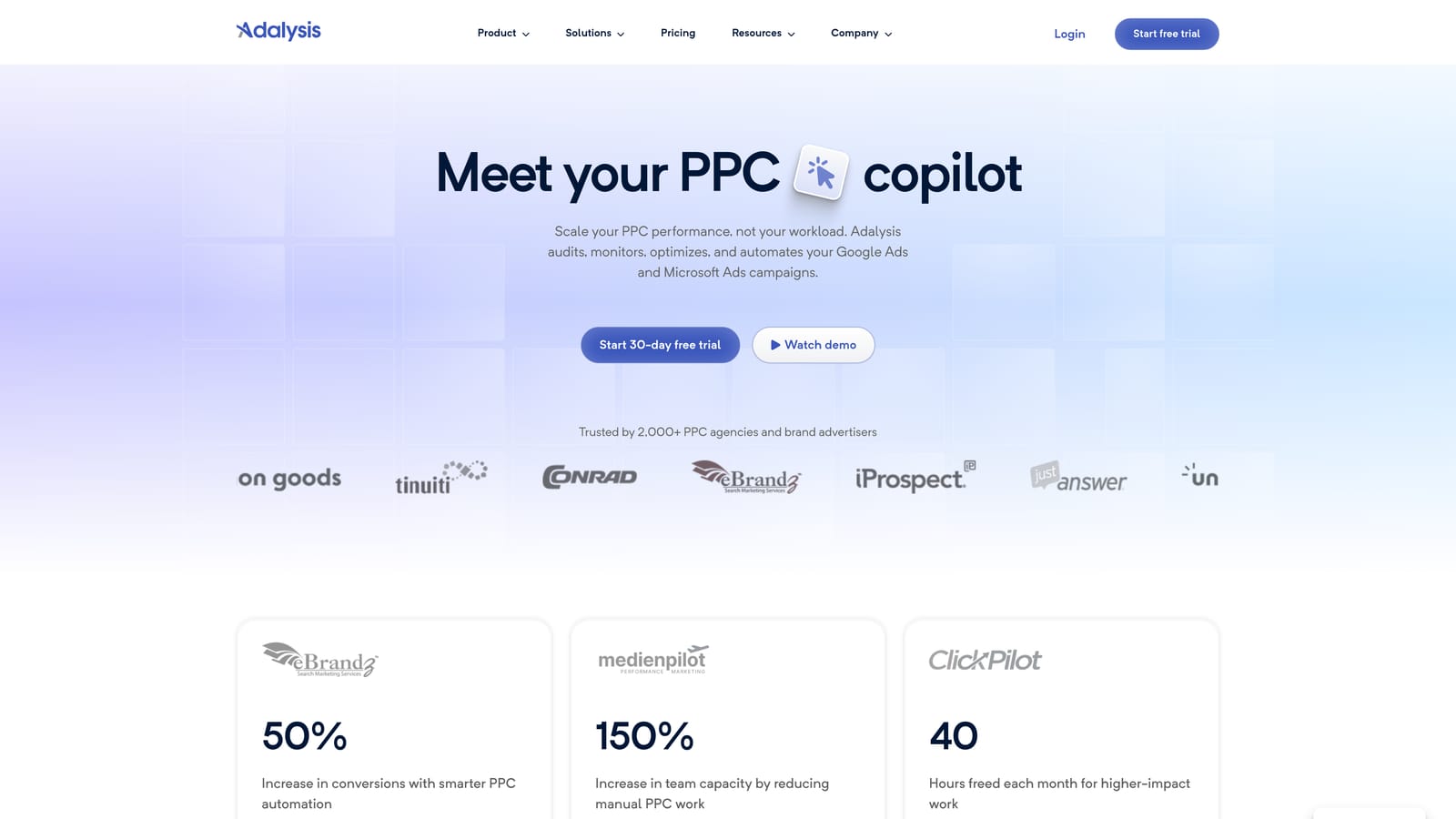
Manually tracking ad copy tests in a spreadsheet means eyeballing click-through rate differences that might just be noise. Adalysis removes that guesswork by running the significance math continuously in the background, then flagging when a test has a real winner.
- Tests ad copy variations automatically and reports statistical significance without manual calculation
- Audits the account continuously for structural issues, not just on a scheduled basis
- Monitors quality score trends so declines get caught before they raise costs
- Alerts you to disapproved ads and tracking errors that would otherwise go unnoticed
It connects to Google Ads and Microsoft Advertising, and it's generally run by whoever owns ad copy strategy, since the value is in trusting the test results enough to act on them. Setup takes little more than connecting your account; the ongoing work is reviewing what it flags.
The gap for ecommerce sellers is that Adalysis has no dedicated Shopping feed or product-level features, so it's really an ad-copy-and-account-health tool rather than a full ecommerce optimization suite. Teams running heavy Shopping or Performance Max budgets typically pair it with a feed management tool for that side of the account.
Pricing is subscription-based and quote-based; confirm current tiers on the site since they can shift with account size.
Best for: Teams that want continuous, automated ad copy testing rather than manual A/B tracking in spreadsheets.
4. Google Ads Editor
Google Ads Editor is Google's own free desktop application for making bulk changes to campaigns offline, then uploading them in a batch. For ecommerce accounts with hundreds of ad groups tied to product categories, this is often the fastest way to make sweeping changes.

Its biggest advantage is that it's a first-party tool talking directly to Google's own systems, so there's no third-party API delay between making a change and having it reflected. It's also completely free, which no other tool on this list can claim.
- Edits campaigns, ad groups, and keywords in bulk across an entire account at once
- Works offline, so you can prepare large changes without live-editing a running account
- Lets you copy and paste changes between accounts, useful for agencies replicating structures across clients
- Syncs directly with Google Ads with no third-party integration layer in between
The catch is that it's entirely manual. There are no automated suggestions, alerts, or performance reporting built in, so it functions as a bulk-edit tool rather than an optimization tool in the sense the rest of this list means. It's typically run by whoever is comfortable navigating spreadsheet-style bulk edits directly in the account.
Best for: Budget-conscious freelancers or small teams who need fast manual bulk edits across large catalogs.
5. Triple Whale
Triple Whale connects Shopify store data with ad spend across Google, Meta, and TikTok, so you can see blended ROAS based on actual store revenue rather than platform-reported conversions.
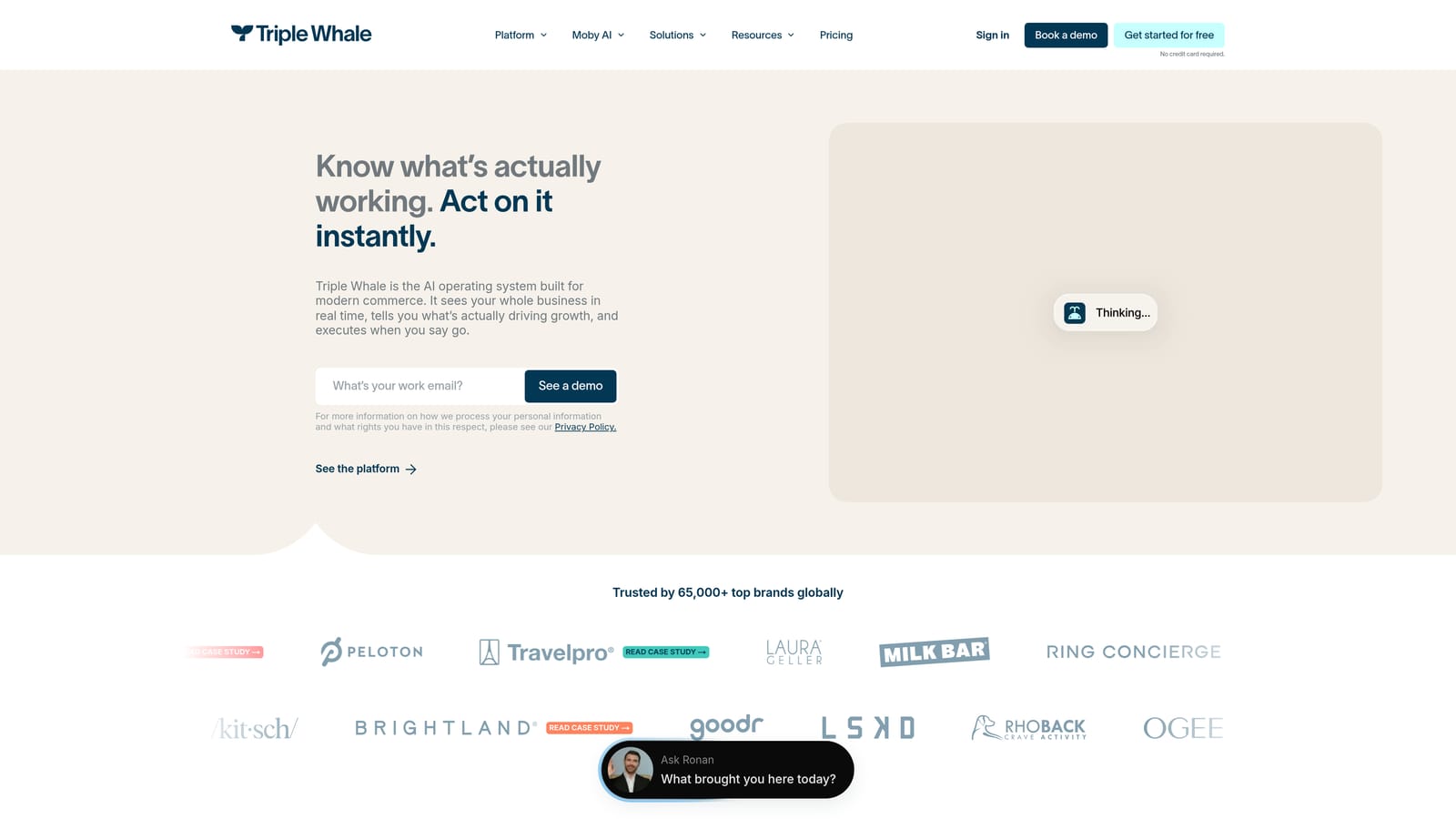
This is where it earns its place on an ecommerce-specific list: Google Ads' own conversion tracking can overstate or understate true impact depending on attribution settings, and Triple Whale's Shopify-native connection gives a more grounded revenue number to optimize toward.
- Builds ROAS dashboards that link real store revenue back to ad spend by platform
- Breaks down performance by individual ad creative, not just campaign or ad group
- Reports across Google, Meta, and TikTok in one place instead of separate platform dashboards
- Pulls data natively from Shopify, avoiding manual export and reconciliation work
It's run by whoever owns overall marketing performance reporting, often a marketing lead or agency account manager, and setup involves connecting Shopify and each ad platform's API. It is not a bid or keyword manager, though, so it won't make changes inside Google Ads itself. Teams use it to decide where to shift budget, then execute those changes with a tool like Optmyzr or Keywordme.
Pricing is subscription-based and quote-based, generally scaling with store revenue or ad spend volume, so check current tiers directly.
Best for: DTC brands that need clear, store-linked ROAS visibility across multiple ad platforms.
6. Northbeam
Northbeam is a multi-touch attribution and media mix modeling platform built for ecommerce brands whose customers touch several channels before converting.
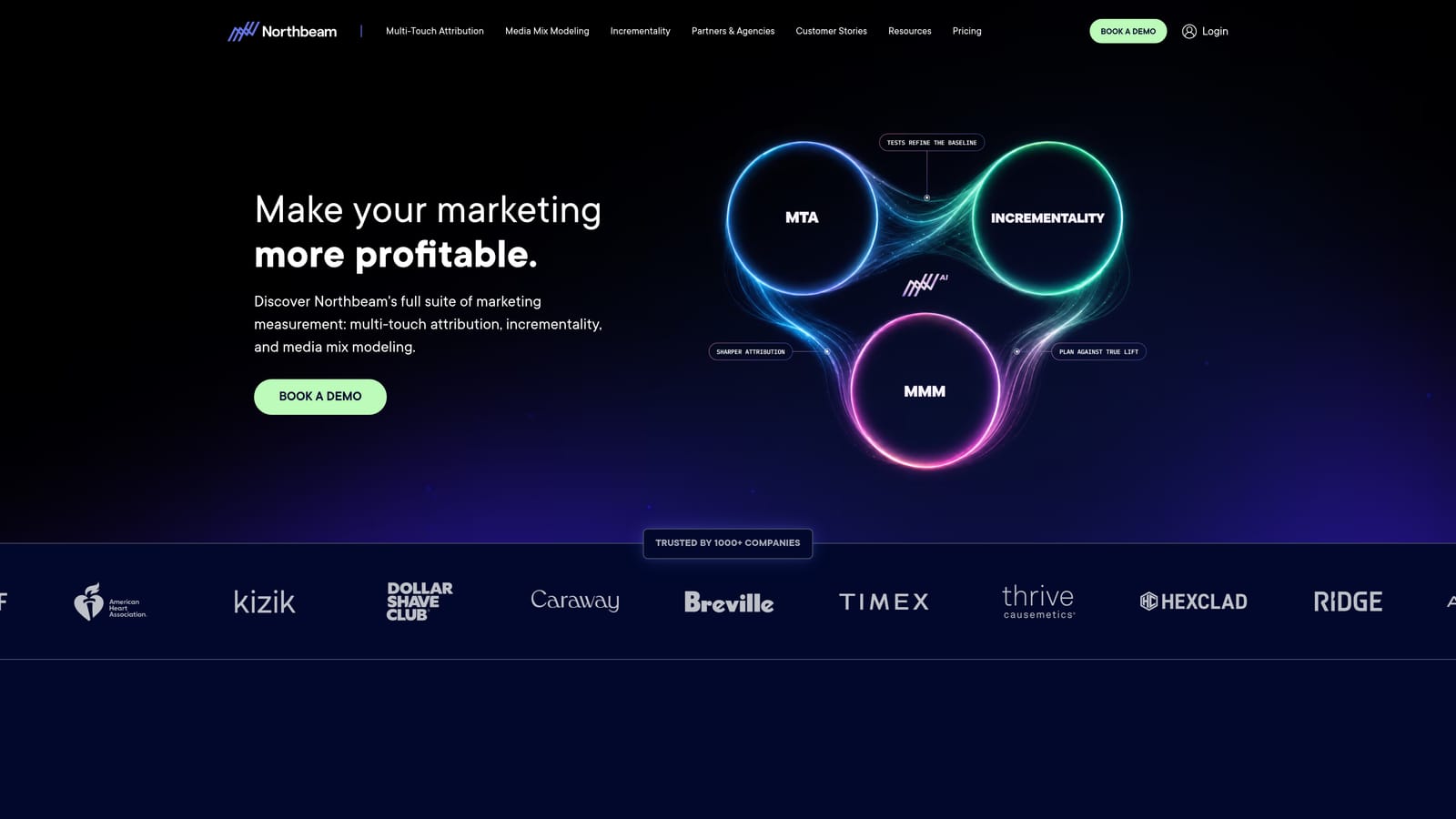
Where Triple Whale gives a blended ROAS view, Northbeam goes further into modeling: it estimates the incremental impact of each channel, including ones with longer or less direct paths to purchase, which matters when Performance Max and Shopping campaigns overlap with retargeting and social spend.
- Models multi-touch attribution to credit channels beyond last-click conversions
- Runs media mix modeling to support decisions about shifting budget between channels
- Tracks customer lifetime value alongside acquisition cost, not just first-purchase ROAS
- Aggregates cross-channel performance into dashboards built for leadership-level reporting
It integrates with Google Ads, Meta Ads, Shopify, and other ecommerce platforms, and it's usually owned by a marketing director or data-focused analyst rather than a day-to-day PPC manager, since the setup and interpretation require some attribution literacy.
The tradeoff is cost and complexity. Northbeam's enterprise pricing and setup requirements make it impractical for small stores or solo advertisers who don't have the spend volume to justify the modeling investment.
Pricing is quote-based and positioned at the enterprise tier; contact the company directly for current rates.
Best for: Larger ecommerce brands trying to justify budget shifts across a complex, multi-channel funnel.
7. Smartly.io
Smartly.io is a creative automation and cross-channel ad management platform built for large ecommerce brands that need to generate and test ad creative at a volume manual teams can't sustain.
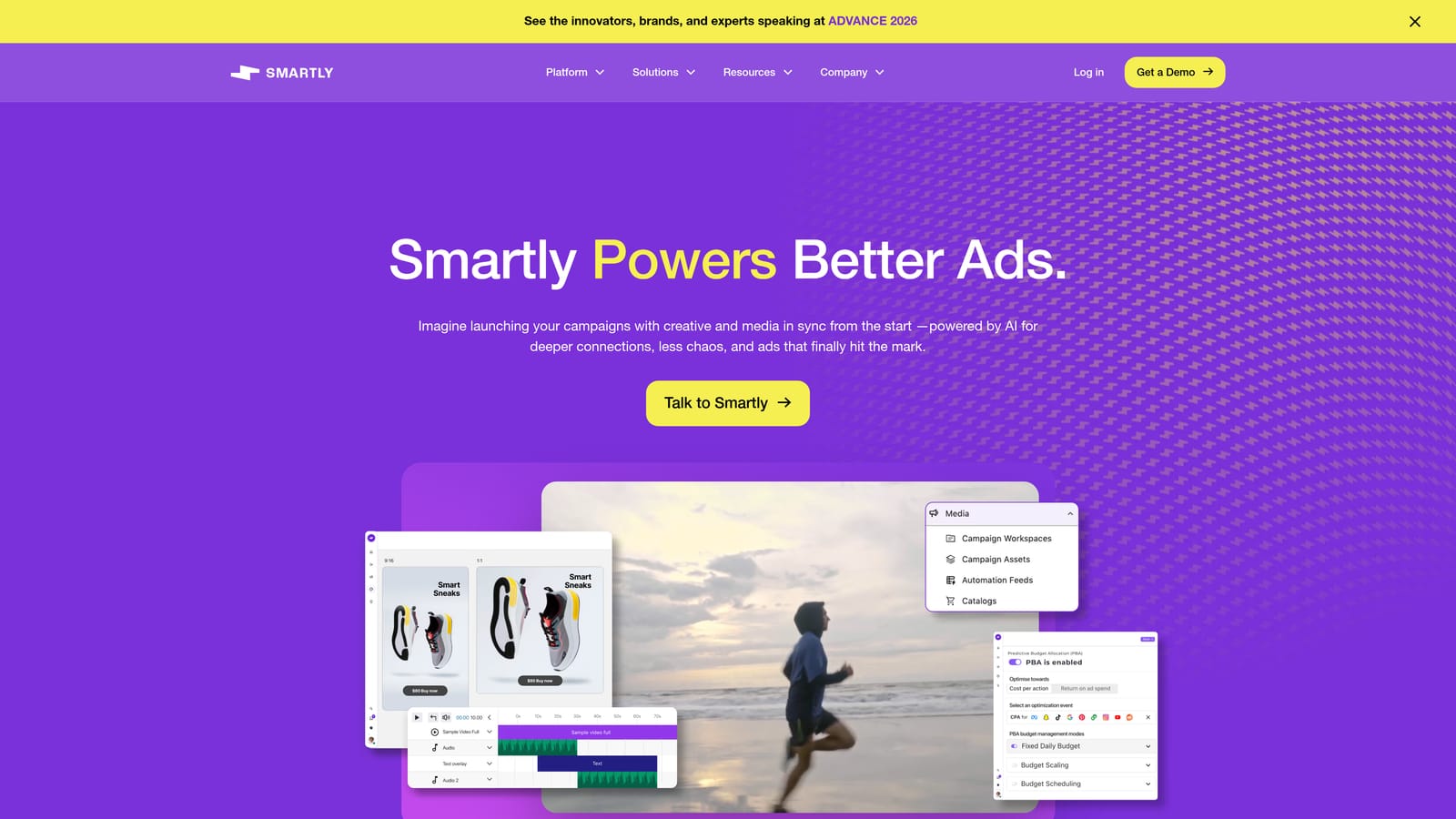
Its distinctive strength is creative production at scale. Rather than a designer building each ad variation by hand, Smartly.io templates the process so hundreds of creative combinations can be generated and tested across Google, Meta, TikTok, and Snapchat.
- Automates ad creative generation from templates, cutting manual design time for large catalogs
- Manages campaigns across Google, Meta, TikTok, and Snapchat from a single workflow
- Assists budget allocation across platforms using performance signals
- Includes enterprise-grade approval workflows for teams with multiple stakeholders signing off on creative
It's typically run by a dedicated creative or growth team, not a solo advertiser, and onboarding involves integrating brand assets, feeds, and approval chains, which takes real setup time.
That scale comes at enterprise pricing and with an onboarding process that doesn't suit small businesses or single-person accounts. If you're running a handful of Shopping campaigns for one store, this is more infrastructure than you need.
Pricing is quote-based at the enterprise level; expect a sales conversation rather than a self-serve signup.
Best for: Large ecommerce brands running high-volume creative testing across multiple ad platforms.
8. WordStream Advisor
WordStream Advisor, from LocaliQ, packages Google Ads optimization tasks into a structured weekly workflow aimed at small businesses that don't have a dedicated PPC person.

Its "20-Minute Work Week" approach turns account optimization into a guided checklist: rather than knowing what to look for in an account, you follow prompts that walk through the highest-priority fixes each week.
- Walks through a guided weekly optimization routine instead of requiring self-directed audits
- Benchmarks your account against industry data through its Performance Grader
- Suggests new keywords based on account and industry patterns
- Alerts you to account issues that need attention between sessions
It integrates with Google Ads, Microsoft Advertising, and Facebook Ads, and it's designed to be run by a business owner or generalist marketer rather than a specialist. That's also its limitation: the guided structure means less granular self-serve control than an audit-focused tool like Optmyzr or Adalysis, and WordStream is often bundled with LocaliQ's managed services rather than sold as a pure self-serve product.
Pricing is quote-based; check current packages directly since it's frequently tied to service bundles.
Best for: Small ecommerce businesses that want a guided, low-effort routine rather than deep manual control.
9. SEMrush Advertising Toolkit
SEMrush's Advertising Toolkit is a competitive research suite that shows which keywords and ad copy competing ecommerce brands are running in Google Ads, useful groundwork before you build or restructure your own campaigns.
Where the rest of this list focuses on optimizing an account you already have, SEMrush is about the research phase: seeing what's working for competitors before you commit budget to a similar approach.
- Surfaces competitor PPC keyword lists so you can spot gaps in your own targeting
- Shows ad copy history for competitors, revealing which messaging they've stuck with over time
- Runs keyword gap analysis comparing your account against multiple competitors at once
- Connects to a broader SEO and PPC toolkit if you're managing both channels together
It integrates with Google Ads via export and with Google Analytics, and it's usually run by whoever owns keyword strategy or competitive research, whether that's a PPC manager or a marketing generalist at a smaller shop.
The limitation is clear from its purpose: it's a research tool, not an execution tool. It can't apply negative keywords, adjust bids, or make any changes inside Google Ads directly, so findings still need to be manually implemented, ideally with a tool like Keywordme handling the in-platform work.
Pricing is subscription-based, with tiers that vary by feature access; check current plans on the site.
Best for: Marketers doing competitor keyword research before building or restructuring ecommerce campaigns.
Matching the Right Tool to Your Workflow
If your biggest time sink is weekly search term cleanup, Keywordme handles that directly inside Google Ads without adding another login to your day. If you need deeper account audits or hands-off ad copy testing, Optmyzr and Adalysis cover that ground, with Optmyzr leaning toward multi-campaign-type audits and Adalysis focused specifically on statistically valid split tests. For attribution, Triple Whale suits DTC brands wanting a store-linked ROAS number, while Northbeam fits larger brands modeling budget across a genuinely multi-touch funnel. Smartly.io makes sense only once you're producing creative at enterprise volume, and Google Ads Editor or SEMrush cover free manual bulk edits and competitor research, respectively, without ongoing subscription cost.
Many of these get used together rather than as replacements for each other, since attribution, auditing, and execution solve different problems in the same account. If the search term cleanup piece is what's actually eating your week, that's the fastest one to fix. Start your free 7-day trial and see how quickly you can remove junk search terms, build high-intent keyword lists, and apply match types without leaving Google Ads. After the trial, it's $12/month.
.svg)