
9 Best Google Ads Optimization Tools With Free Trials in 2026
Discover the 9 best Google Ads optimization tool trial options available in 2026, each offering free access so marketers, freelancers, and agencies can test keyword management, reduce wasted ad spend, and streamline PPC workflows before committing to a paid plan. This roundup includes standout features, ideal use cases, and current pricing details to help you find the right fit.


TL;DR: If you're managing Google Ads campaigns and want to test-drive optimization tools before committing, this roundup covers the best Google Ads optimization tools that offer free trials in 2026. We've focused on tools that genuinely help reduce wasted ad spend, improve keyword management, and streamline PPC workflows—whether you're a solo freelancer, an in-house marketer, or running an agency with dozens of client accounts. Each entry includes standout features, who it's best for, and current trial and pricing info so you can pick the right fit without guessing.
Let's get into it.
1. Keywordme
Best for: In-interface search term cleanup and keyword management directly inside Google Ads
Keywordme is a Chrome extension that lets you optimize your Google Ads campaigns right inside the Search Terms Report—no external dashboards, no spreadsheets, no tab-switching.

Where This Tool Shines
Most PPC managers spend a surprising chunk of their week doing the same repetitive tasks: reviewing search terms, flagging junk, adding negatives, applying match types. Keywordme collapses all of that into single clicks without ever leaving the Google Ads interface. That's the core differentiator here.
In most accounts I audit, the Search Terms Report is where the most wasted spend hides. Keywordme is purpose-built for exactly that workflow. It's especially powerful for agency teams managing multiple client accounts, where the time savings stack up fast.
Key Features
One-Click Junk Term Removal: Instantly flag and remove irrelevant search terms directly inside the Search Terms Report without exporting to a spreadsheet.
Bulk Keyword Addition with Match Types: Add high-intent terms as exact, phrase, or broad match in bulk—all within the native Google Ads UI.
Negative Keyword List Builder: Build and apply negative keyword lists on the fly without switching to a separate tool or tab.
Keyword Clustering: Group related search terms into logical clusters to inform new ad groups or campaigns quickly.
Multi-Account and Team Support: Built for agencies managing multiple clients, with team access and account-level controls.
Best For
Freelancers and agency owners who manage Google Ads accounts regularly and want to cut down the time spent on manual search term review. If your weekly workflow includes opening the Search Terms Report and working through it line by line, Keywordme will immediately feel like a time upgrade.
Pricing
$12/month per user (flat rate). 7-day free trial available with no credit card required—one of the lowest-friction entry points on this list.
2. Optmyzr
Best for: Automation-heavy PPC management across multiple platforms and accounts
Optmyzr is a comprehensive PPC management platform built for advertisers who want serious automation without writing custom scripts.

Where This Tool Shines
Optmyzr is widely regarded in the PPC community as one of the most capable automation platforms available. The rule-based automation engine is genuinely flexible—you can set up triggers and actions that respond to performance data in ways that would otherwise require a developer.
What usually happens here is that agencies adopt Optmyzr to replace a patchwork of scripts and manual processes. The one-click optimization features are useful for quick wins, but the deeper value comes from the custom automation workflows once you've spent time building them out.
Key Features
One-Click Optimizations: Apply recommended bid, budget, and keyword changes with a single click after reviewing the suggestions.
Custom Automation Rules: Build rule-based automations with flexible triggers and actions tied to performance thresholds.
White-Label Reporting: Generate branded PPC reports and dashboards for client-facing use.
Shopping and Performance Max Support: Manage and optimize feed-based and automated campaign types alongside standard search campaigns.
Multi-Account Management: Centralized dashboard for agencies handling multiple Google Ads and Microsoft Ads accounts.
Best For
Mid-size to large agencies and in-house teams running complex, multi-platform PPC programs who need automation depth and reporting flexibility. It's overkill for a solo freelancer managing two accounts but excellent for teams managing ten or more.
Pricing
Starts around $249/month. 14-day free trial available.
3. WordStream (LocaliQ)
Best for: Beginners and small businesses looking for guided PPC optimization with minimal setup
WordStream, now part of the LocaliQ platform, is one of the most beginner-accessible Google Ads tools available—and it offers a genuinely useful free entry point.

Where This Tool Shines
The free Google Ads Performance Grader is a standout feature. You connect your account, and within minutes you get a scored audit covering wasted spend, Quality Score, impression share, and more. It's a solid way to quickly identify where an account is leaking money without committing to a paid plan.
The paid platform builds on this with a "20-minute work week" workflow that prioritizes your most impactful optimization tasks. For advertisers who aren't deep in PPC day-to-day, this kind of guided approach removes a lot of the guesswork.
Key Features
Free Performance Grader: Instant account audit with scored recommendations across key performance areas—no payment required.
20-Minute Work Week: Prioritized daily task list that focuses your time on the highest-impact changes first.
Cross-Platform Support: Manage and optimize campaigns across Google, Microsoft, and Facebook Ads from one interface.
Guided Keyword and Ad Copy Recommendations: Actionable suggestions surfaced automatically based on account performance data.
Best For
Small business owners and marketers who are newer to PPC and want structured guidance rather than a blank canvas. Also useful for quick account audits before a deeper engagement.
Pricing
The Performance Grader is free. Paid platform pricing varies and is available upon request with a trial option.
4. Adalysis
Best for: Systematic ad testing and Quality Score management at scale
Adalysis is a Google Ads optimization platform built specifically around rigorous ad testing and account health monitoring.

Where This Tool Shines
The mistake most agencies make with ad testing is running variations without any statistical framework to determine a winner. Adalysis solves this by automating the statistical significance calculations for you, so you're making decisions based on actual data rather than gut feel or arbitrary time windows.
Beyond ad testing, the Quality Score monitoring is unusually detailed. You get historical tracking at the keyword level, which makes it easy to spot trends and connect changes in QS to specific account actions over time.
Key Features
Automated Ad Testing: Runs statistical significance tests on ad variations automatically, surfacing clear winners without manual calculation.
Quality Score Monitoring: Tracks Quality Score history at the keyword level with trend data over time.
Negative Keyword Conflict Detection: Flags negative keywords that may be blocking your own ads—a surprisingly common issue in larger accounts.
Automated Alerts: Notifies you when ads or keywords drop below performance thresholds so issues don't go unnoticed.
Best For
PPC managers and agencies who run structured ad testing programs and want to move beyond manual spreadsheet-based analysis. Particularly valuable for accounts with large numbers of ad variations running simultaneously.
Pricing
Starts around $99/month based on ad spend. 14-day free trial available.
5. Opteo
Best for: Continuous account monitoring with simple, recommendation-driven optimization
Opteo monitors your Google Ads account around the clock and surfaces prioritized improvement suggestions you can act on with a single click.

Where This Tool Shines
Opteo's interface is one of the cleanest in the PPC tool space. Recommendations are presented as individual "improvements" with context on why each one matters and what impact it's expected to have. You can approve, skip, or schedule each one without digging through menus.
The search term management features are solid, including negative keyword suggestions that are surfaced proactively rather than requiring you to go hunting. For accounts that need regular maintenance but don't justify a full-time PPC manager, Opteo fills that gap well.
Key Features
Continuous Account Monitoring: Watches your account performance 24/7 and queues up suggestions as issues or opportunities emerge.
One-Click Implementation: Apply or dismiss recommended changes directly from the Opteo interface without logging into Google Ads.
Performance Graphs and Spend Tracking: Visual spend and performance data to give context to recommendations.
Search Term and Negative Keyword Suggestions: Proactively surfaces irrelevant search terms and recommends negatives based on your account data.
Best For
Freelancers and small agency teams who want a low-maintenance optimization loop running in the background. Also a good fit for in-house marketers who manage Google Ads as one of several responsibilities.
Pricing
Starts at $129/month. 30-day free trial available—the longest trial window on this list.
6. Semrush PPC Toolkit
Best for: Competitive PPC research, keyword gap discovery, and ad copy intelligence
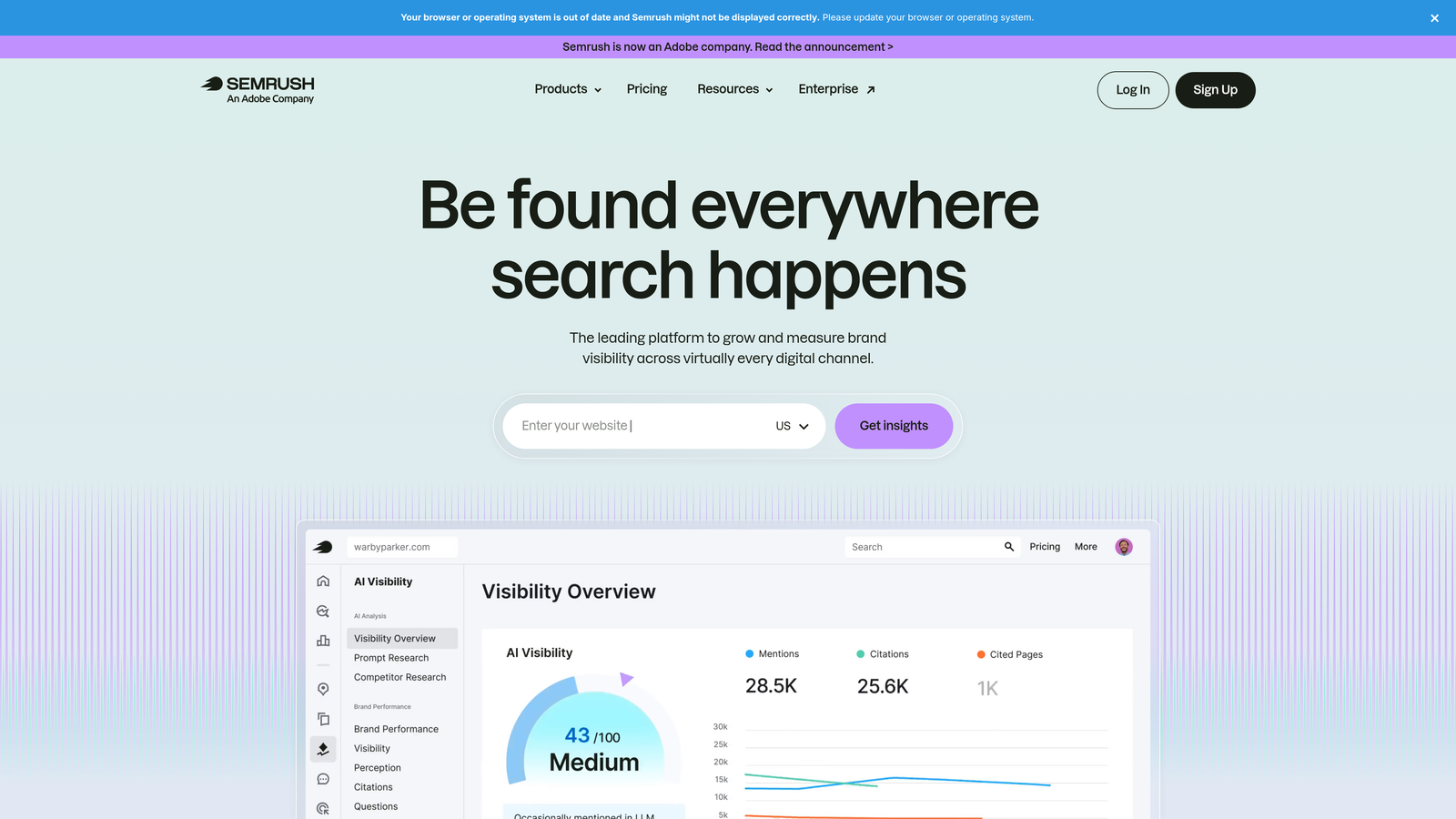
Semrush is primarily known as an SEO platform, but its PPC toolkit is genuinely capable for advertisers doing competitive research and keyword planning.
Where This Tool Shines
The Advertising Research tool is where Semrush earns its place on a PPC list. You can enter any competitor's domain and see their current and historical ad copy, the keywords they're bidding on, and estimated traffic data. For building out a new campaign or auditing a competitive landscape, this kind of intelligence is hard to replicate manually.
The PPC Keyword Tool also does a solid job of grouping keywords into campaign-ready clusters with CPC and competition estimates attached. It's not a replacement for hands-on bid management, but it's a strong research and planning layer.
Key Features
Advertising Research Tool: View competitor ad copy, keywords, and estimated traffic data for any domain.
PPC Keyword Tool: Build and group keyword lists with CPC and competition data for campaign planning.
Ad History Tracking: See what ad copy competitors have tested over time, including position and frequency data.
CPC and Competition Estimates: Get data-informed estimates for keyword costs before committing budget.
Best For
Advertisers and agencies doing competitive research, launching campaigns in new verticals, or auditing what competitors are spending on. Less useful as a day-to-day campaign management tool.
Pricing
Pro plan starts at $139.95/month. 7-day free trial available.
7. SpyFu
Best for: Deep competitor PPC history and keyword intelligence on a tighter budget
SpyFu is a competitive intelligence platform that specializes in historical PPC and SEO data, with a particular strength in showing you everything a competitor has ever bid on.

Where This Tool Shines
SpyFu's historical depth is genuinely impressive. You can look back years into a competitor's PPC history to see which keywords they've consistently bid on (a signal of profitability) versus which ones they've abandoned. That kind of longitudinal data is difficult to find anywhere else at this price point.
The ad copy archives are similarly useful. Rather than seeing one snapshot of a competitor's ads, you can track how their messaging has evolved—which is useful for identifying what angles have worked in your market over time.
Key Features
Competitor PPC Keyword History: View every keyword a competitor has bid on, going back years, with estimated spend data.
Ad Copy Archives: Browse historical ad copy to see what competitors have tested and how long they ran specific messages.
Keyword Grouping and Negative Recommendations: Organize discovered keywords and flag likely negatives for your own campaigns.
Google Ads Advisor: Profit-focused keyword suggestions based on competitive and performance data.
Best For
Freelancers and agency strategists doing competitive research on a budget. SpyFu delivers strong intelligence value at a lower price point than Semrush, though with less breadth across other marketing channels.
Pricing
Basic plan starts at $39/month. Limited free searches are available without an account.
8. Google Ads Editor
Best for: Bulk editing and offline campaign management—completely free
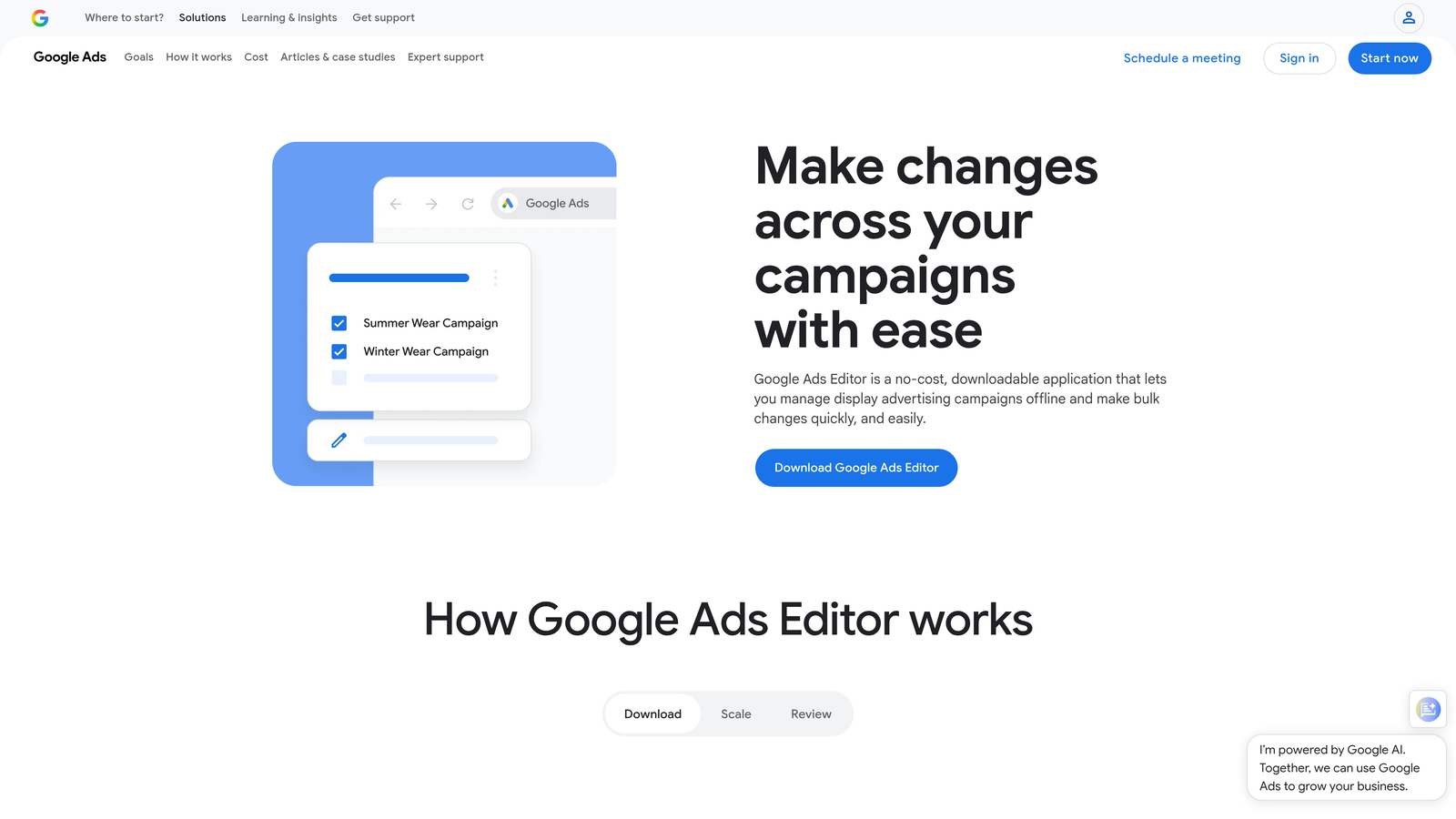
Google Ads Editor is Google's free desktop application for managing campaigns, ad groups, keywords, and ads in bulk—offline, before pushing changes live.
Where This Tool Shines
Every PPC manager should know Google Ads Editor. It's not glamorous, but it handles bulk operations that would take hours to complete inside the standard Google Ads web interface. Find and replace across an entire account, copy ad groups between campaigns, restructure keyword lists—all of it is faster here.
The offline workflow is also underrated. You can make extensive changes, review them locally, and only push them live when you're confident. For large account restructures or campaign launches, this reduces the risk of accidentally publishing something mid-edit.
Key Features
Bulk Editing: Make changes across campaigns, ad groups, keywords, and ads simultaneously without clicking through individual items.
Offline Workflow: Edit campaigns locally and publish only when ready, reducing the risk of live errors during complex changes.
Find and Replace: Update ad copy, URLs, or keywords across an entire account in seconds.
Copy/Paste Between Accounts: Duplicate campaigns, ad groups, or keywords across multiple accounts quickly.
Completely Free: No subscription, no trial period—just download and use it.
Best For
Every Google Ads user, full stop. If you're managing more than one campaign and haven't used Ads Editor, it should be the first thing you add to your workflow. It's especially valuable for agencies handling large-scale restructures or new campaign builds.
Pricing
Free. No trial required—it's a fully free Google product with no usage limits.
9. Lunio
Best for: Click fraud protection and invalid traffic filtering across paid channels
Lunio (formerly PPC Protect) is a click fraud protection platform that automatically detects and blocks invalid traffic before it consumes your Google Ads budget.
Where This Tool Shines
Click fraud is a real concern for advertisers in competitive verticals, and Google's built-in invalid click detection doesn't catch everything. Lunio operates at a more granular level, analyzing traffic patterns in real time and automatically excluding sources that show signs of fraud or bot behavior.
The analytics layer is also worth mentioning. You get detailed breakdowns of traffic quality, which sources are being blocked, and what that protection is estimated to be worth in saved spend. For clients who want visibility into where their budget is actually going, this kind of reporting is useful in account reviews.
Key Features
Real-Time Invalid Click Detection: Identifies and blocks fraudulent or low-quality traffic as it happens, before budget is wasted.
Cross-Channel Fraud Protection: Covers Google Ads, Meta, and Microsoft Ads from a single platform.
Traffic Quality Analytics: Detailed reporting on blocked clicks, traffic sources, and estimated budget protected.
Google Ads Integration via Tracking Template: Connects to your Google Ads account without requiring complex technical setup.
Best For
Advertisers in competitive industries where click fraud is a known issue, and agencies who want to demonstrate budget protection value to clients. Less critical for accounts with small budgets or low-competition keywords.
Pricing
Custom pricing based on ad spend. Free trial available—contact Lunio directly for details.
Which Tool Is Right for You
Here's the honest summary: there's no single best Google Ads optimization tool. The right one depends on where your biggest inefficiency actually lives.
If you're spending too much time reviewing search terms and manually managing keywords inside Google Ads, Keywordme is the most direct fix. It works inside the interface you're already using, takes minutes to set up, and the 7-day free trial requires no credit card. For most PPC managers, the time savings show up in the first session.
If you need automation at scale across a large agency portfolio, Optmyzr is the premium choice. If you're newer to PPC and want guided recommendations, WordStream gives you a free audit to start and a structured workflow to follow. For rigorous ad testing, Adalysis is the specialist. For a low-maintenance optimization loop, Opteo's 30-day trial gives you plenty of time to evaluate it properly.
On the research side, Semrush is the broader platform with PPC as one module, while SpyFu delivers strong competitive intelligence at a lower price. Google Ads Editor is the free baseline every advertiser should already be using. And if click fraud is eating into your budget, Lunio addresses a problem the other tools don't.
The smartest approach is to identify your biggest time sink or cost leak, then trial the tool that targets it directly. Most of the options above offer genuine free trials—use them before committing to a monthly subscription.
If search term management and keyword cleanup is where you want to start, start your free 7-day trial of Keywordme and see how much faster your weekly optimization workflow can get—right inside Google Ads, no spreadsheets required.
.svg)