
8 Best Google Ads Optimization Tools With a Free Trial
This guide reviews eight Google Ads optimization tools that offer a genuine free trial in 2026, evaluating each on trial generosity, core functionality, and fit for real practitioner workflows—from in-interface automation to deep competitor intelligence. It gives advertisers and agencies a clear, vendor-neutral basis for choosing the right tool before committing to a paid plan.


If you're paying for Google Ads clicks, you need confidence that your spend is going to the right searches. The problem is that reviewing search terms, pruning junk traffic, and managing keyword lists manually takes serious time—especially across multiple campaigns or client accounts. The good news: there are solid tools that let you try before you buy.
This list covers eight Google Ads optimization tools that offer genuine free trial access. Each one solves a different piece of the optimization puzzle, from faster in-interface workflow to deeper competitor intelligence. We've evaluated them based on trial generosity, core functionality, and how well they fit real practitioner workflows—not vendor marketing copy.
1. Keywordme
Best for: Advertisers who want to optimize campaigns faster without leaving Google Ads
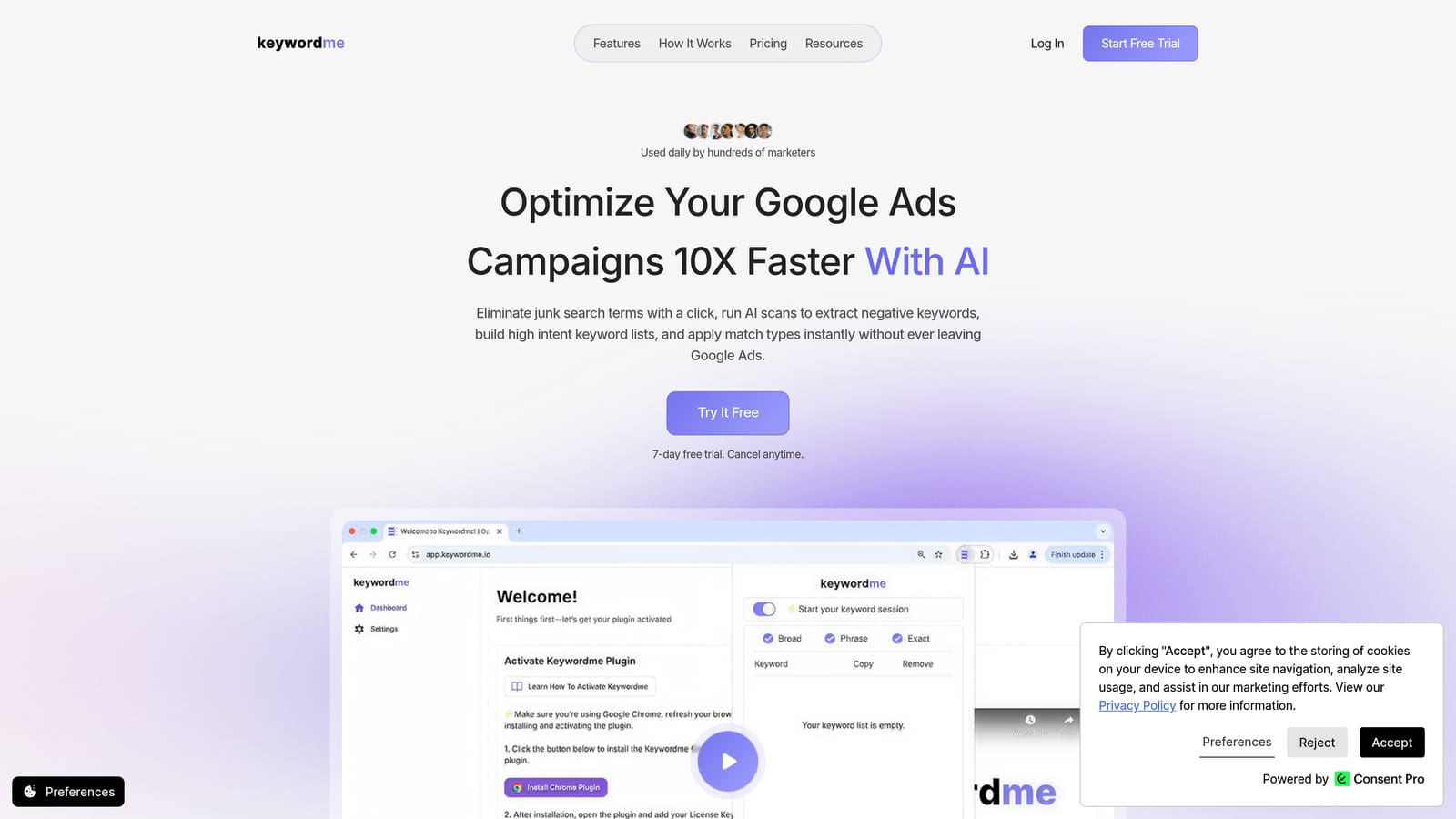
Keywordme is a Chrome extension that plugs directly into Google Ads' Search Terms Report, turning manual optimization tasks into one-click actions.
Where This Tool Shines
Most optimization tools pull you out of Google Ads and into a separate dashboard. Keywordme works the other way around: it lives inside the native Google Ads interface, so you can review search terms, add negative keywords, apply match types, and cluster keywords without opening a spreadsheet or switching tabs.
For agencies managing multiple client accounts, the multi-account and team support means you're not paying per account—just per user at a flat rate. That makes it practical to scale without the pricing getting complicated.
Key Features
One-Click Negative Keyword Additions: Flag irrelevant search terms and add them as negative keywords directly from the Search Terms Report—no exporting required.
Match Type Application: Apply exact, phrase, or broad match types to keywords instantly, right inside the Google Ads UI.
Keyword Clustering: Group related search terms into keyword clusters to build more organized ad groups without manual sorting.
Bulk Editing: Make changes across multiple keywords or search terms at once, cutting down repetitive manual work.
Multi-Account and Team Support: Manage several client accounts and collaborate with team members under one flat-rate subscription.
Best For
Keywordme is a strong fit for freelancers and agency owners who spend meaningful time inside the Search Terms Report each week. If your main bottleneck is the slow, manual process of cleaning up junk traffic and building keyword lists, this tool addresses that directly. Solo advertisers running a handful of campaigns will also find the flat-rate pricing easy to justify.
Pricing
$12/month per user. A 7-day free trial is available with no credit card required. Verify current trial terms at keywordme.io before signing up.
2. Google Ads Editor
Best for: Bulk offline editing of campaigns, ad groups, and keywords
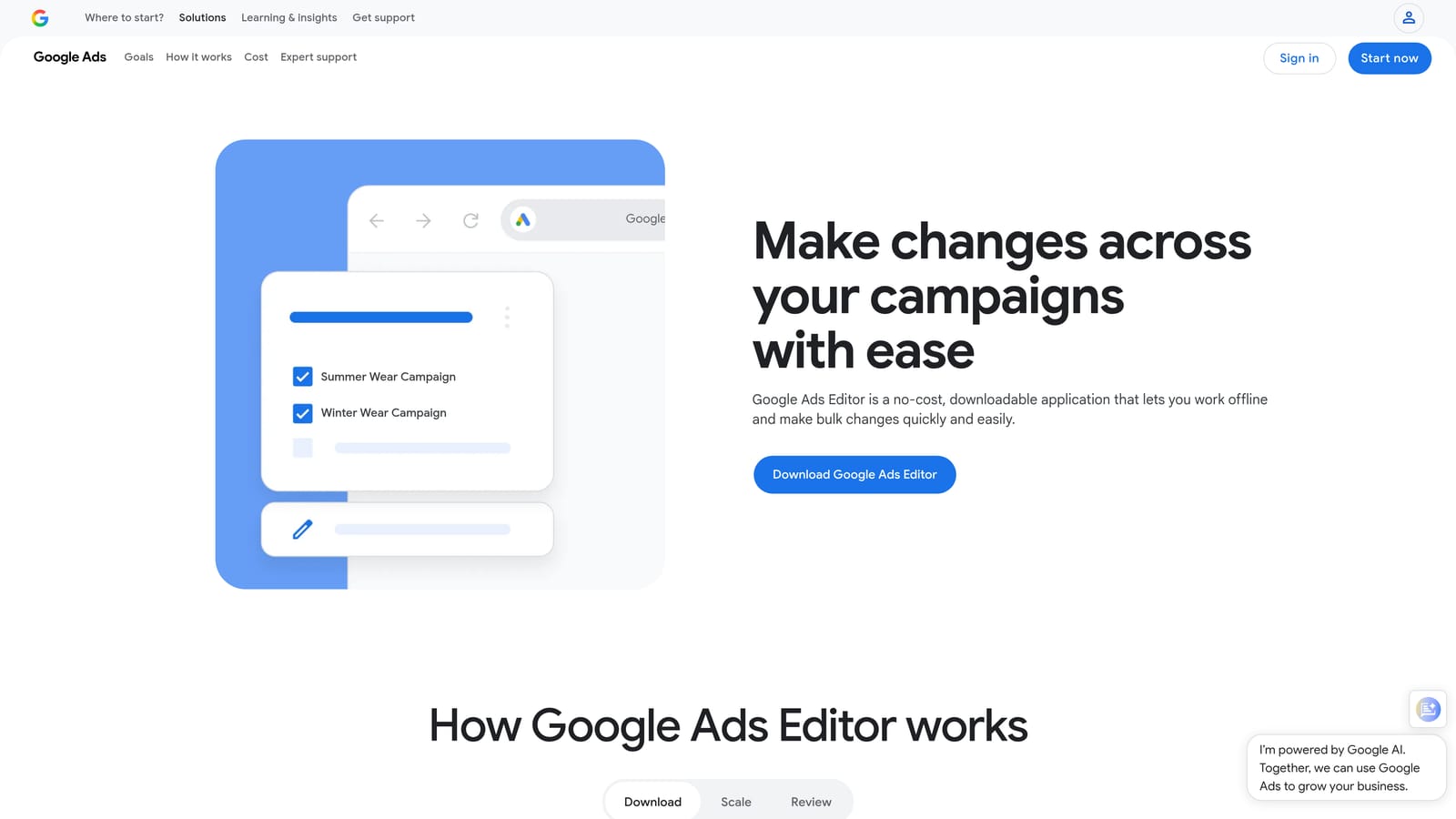
Google Ads Editor is Google's official desktop application for making large-scale changes to Google Ads accounts without working inside the browser interface.
Where This Tool Shines
When you need to make sweeping changes—updating bid strategies across dozens of ad groups, doing a find-and-replace on ad copy, or restructuring keyword lists—the browser interface gets slow and tedious. Ads Editor lets you download your account, work offline in a draft state, and push everything live at once when you're ready.
Because it's free and requires no subscription, it's a practical addition to any advertiser's toolkit. It doesn't replace a dedicated optimization platform, but for bulk structural work, nothing else comes close at this price point.
Key Features
Bulk Find-and-Replace: Update text across campaigns, ad groups, keywords, and ads simultaneously.
Offline Draft Editing: Download your account, make changes locally, and review everything before pushing live.
Multi-Account Management: Work across multiple Google Ads accounts within a single desktop application.
Import and Export: Move data in and out via CSV for integration with other workflows or tools.
Best For
Any Google Ads practitioner who regularly makes bulk changes to campaign structure, keywords, or ad copy. Particularly useful for agencies onboarding new clients or advertisers doing periodic account restructures. Not suited for real-time Search Terms Report review or ongoing negative keyword management.
Pricing
Completely free. No trial needed—available to any active Google Ads account holder via the Google Ads Help Center.
3. Optmyzr
Best for: Agencies and in-house teams managing multiple Google Ads accounts with automation
Optmyzr is a PPC management platform built around rule-based automation, pre-built optimization scripts, budget pacing, and account reporting.

Where This Tool Shines
Optmyzr is designed for teams that need to manage many accounts without proportionally increasing headcount. Its rule-based automation engine lets you set conditions—spend thresholds, performance drops, Quality Score changes—and trigger actions automatically, with an audit trail so you know what changed and when.
The pre-built optimization scripts are particularly useful for practitioners who want automation without writing custom code. Budget pacing alerts help prevent accounts from going dark or overspending before the month ends.
Key Features
Rule-Based Automation Engine: Build custom optimization rules that trigger actions based on account performance conditions.
Pre-Built PPC Optimizations: Access a library of ready-to-run optimization workflows without scripting from scratch.
Budget Pacing and Alerts: Track spend across accounts and receive alerts when budgets are at risk of over- or under-delivery.
One-Click Optimization Suggestions: Review and apply recommended changes with a full audit trail for accountability.
PPC Reporting and Dashboard Builder: Create client-facing reports and internal performance dashboards.
Best For
Mid-size to large agencies managing multiple client accounts who need scalable automation without custom development. Also suits in-house teams with complex account structures and regular reporting requirements.
Pricing
Paid plans are available. A free trial is offered—check optmyzr.com for current trial length and pricing, as these details change periodically.
4. Google Keyword Planner
Best for: Keyword research, search volume ranges, and bid forecasting before campaign launch
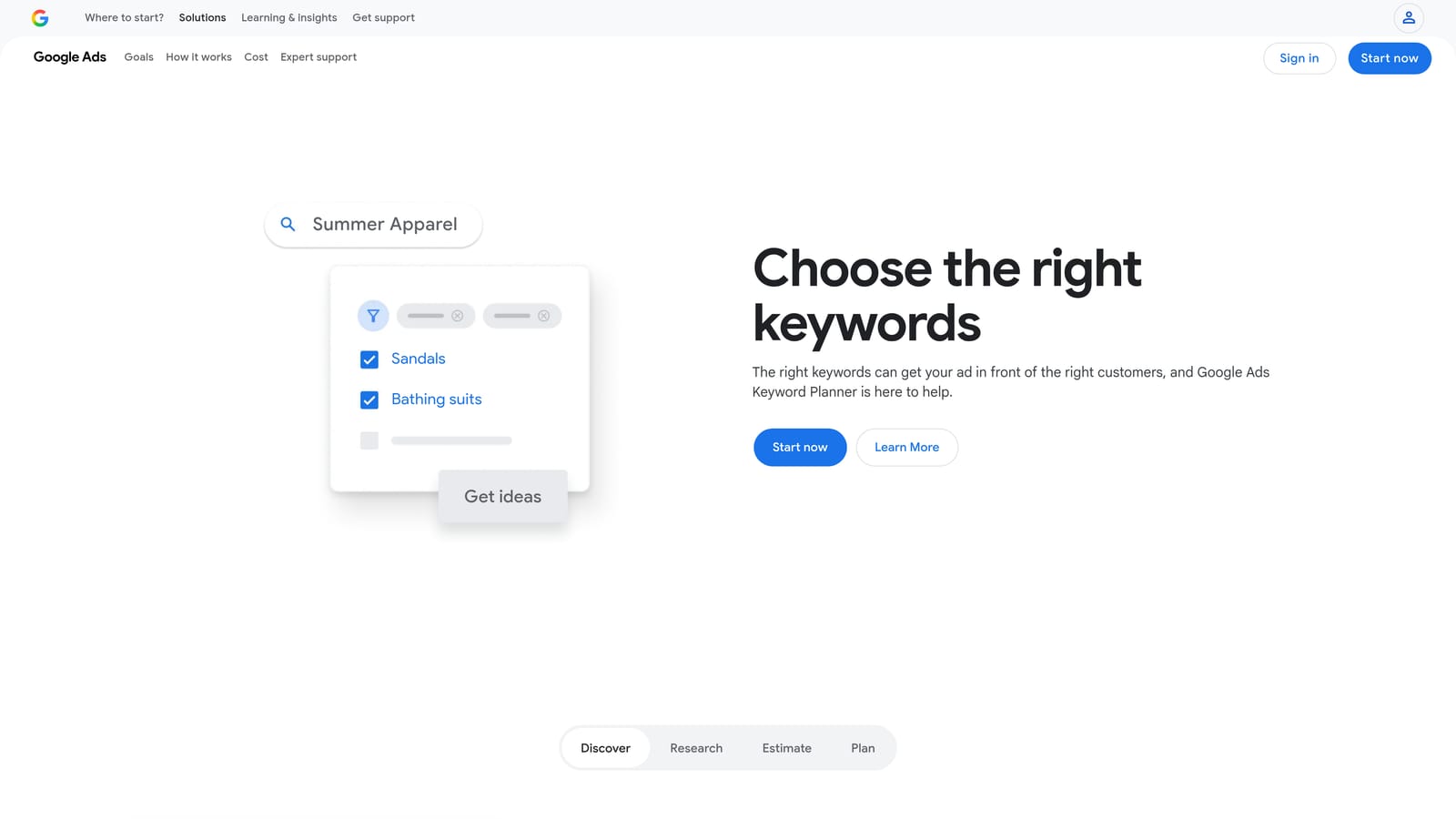
Google Keyword Planner is Google's native keyword research tool, built directly into the Google Ads interface and available at no cost to any active account holder.
Where This Tool Shines
When you're building a new campaign or expanding an existing one, Keyword Planner gives you first-party data straight from Google: search volume ranges, seasonal trends, and bid range estimates. Because the data comes directly from Google, you're not relying on third-party estimates that may lag or differ from what Google actually sees.
It also connects directly to the Google Ads campaign builder, so you can move from research to campaign setup without exporting anything. The limitation is that it's a research tool, not an optimization tool—it helps you plan, but it won't help you manage or refine live campaigns.
Key Features
Keyword Discovery: Find new keyword ideas based on seed terms, phrases, or URLs.
Search Volume Ranges and Trends: Review monthly search volume ranges and seasonal patterns for any keyword.
Bid Range Estimates: See low and high bid estimates to inform budget planning before launching.
Direct Campaign Integration: Push keywords directly into new or existing campaigns from within the tool.
Best For
Any Google Ads advertiser in the planning or expansion phase. Most useful before launching campaigns or when identifying new keyword opportunities. Not a substitute for ongoing campaign optimization or Search Terms Report management.
Pricing
Free. Requires an active Google Ads account. No trial or subscription needed.
5. Adalysis
Best for: Structured ad testing, Quality Score tracking, and automated performance alerts
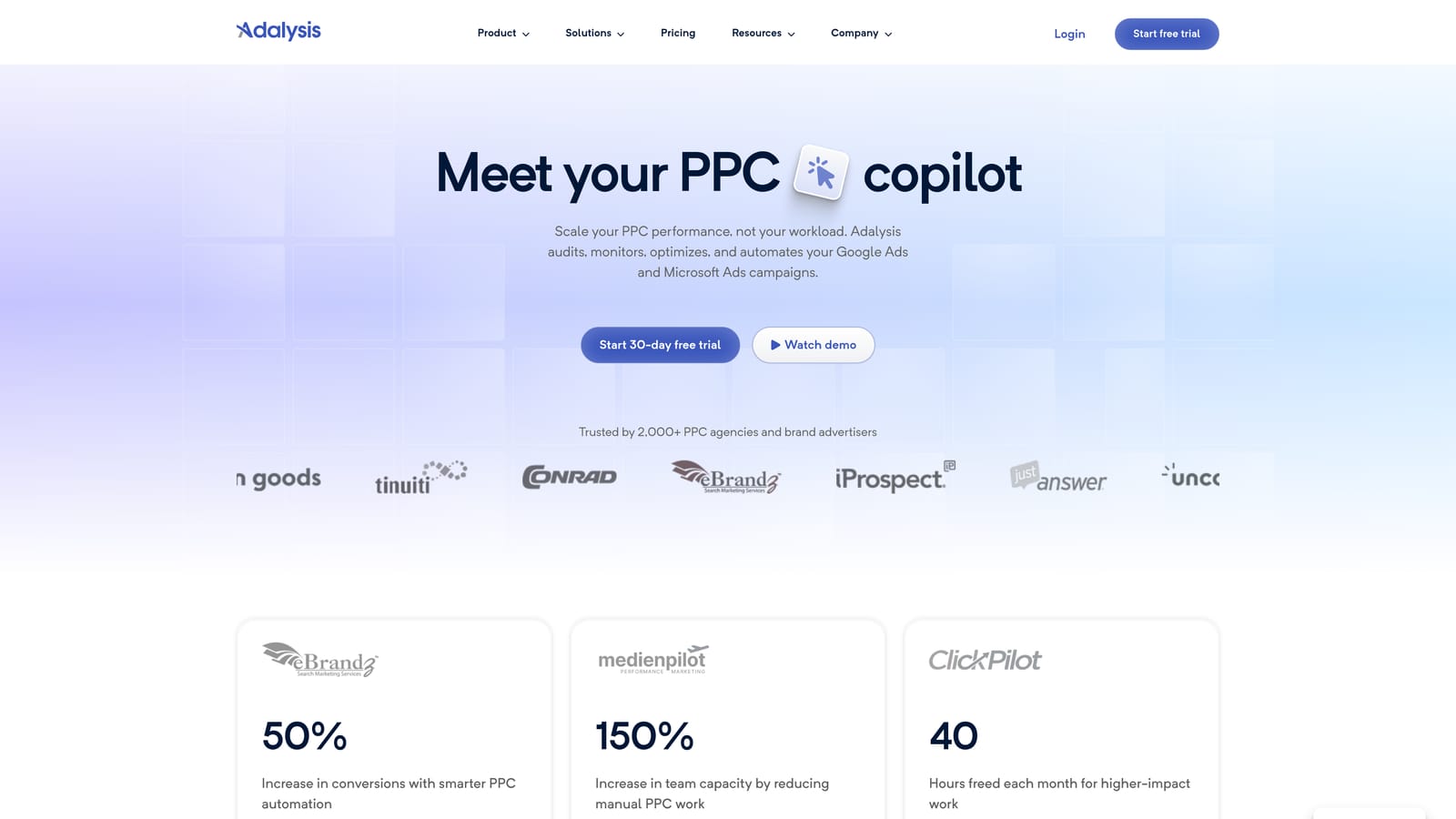
Adalysis is a Google Ads management tool focused on systematic ad testing, Quality Score monitoring, and automated anomaly detection.
Where This Tool Shines
Ad testing in Google Ads is easy to do sloppily—running variants without statistical rigor, pausing ads based on gut feel, or losing track of what you've already tested. Adalysis builds a structured framework around this process, tracking statistical significance so you know when a result is actually meaningful rather than noise.
The automated performance alerts are genuinely useful for teams managing large accounts. Instead of manually checking for drops in conversion rate, click-through rate, or Quality Score, Adalysis flags anomalies and surfaces them before they compound into bigger problems.
Key Features
Structured A/B Ad Testing: Run controlled ad experiments with statistical significance tracking built in.
Quality Score Monitoring: Track Quality Score history at the keyword level over time to identify trends and diagnose issues.
Automated Performance Alerts: Receive notifications when performance drops or anomalies appear across your accounts.
Account Audit Tools: Surface optimization opportunities across campaigns, ad groups, and keywords.
Bulk Ad Management: Pause, activate, or modify ads in bulk based on performance criteria.
Best For
Advertisers and agencies that run frequent ad copy experiments and need a systematic way to track results. Also well-suited for teams managing large accounts where manual anomaly detection isn't practical.
Pricing
Paid plans are based on ad spend. A free trial is available—check adalysis.com for current trial terms and plan pricing.
6. SpyFu
Best for: Competitor keyword research and PPC intelligence
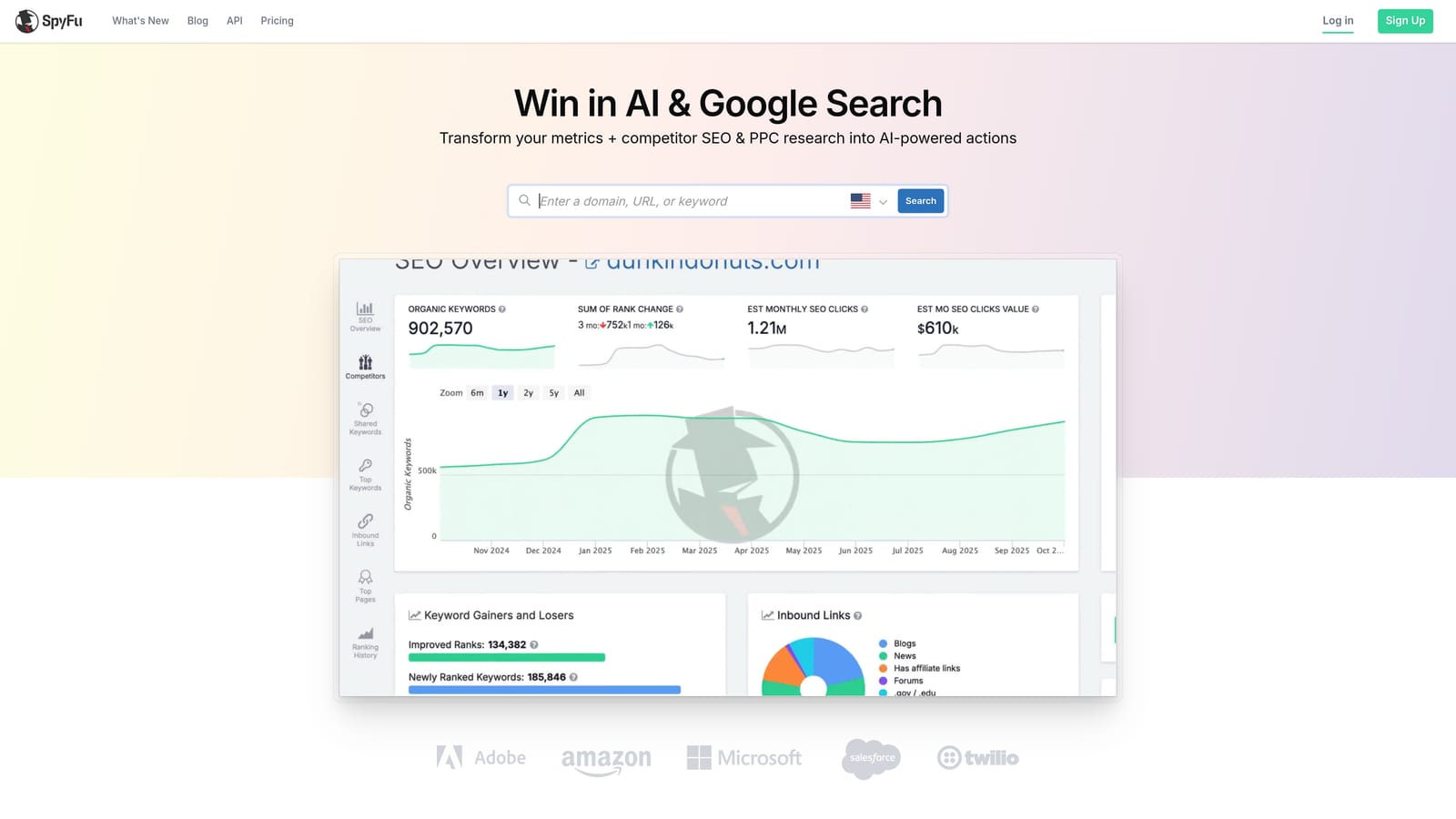
SpyFu is a competitor intelligence platform that shows which keywords competing domains are bidding on, their estimated ad spend, and historical ad copy.
Where This Tool Shines
SpyFu is useful when you want to understand the competitive landscape before building or expanding a keyword strategy. You can enter a competitor's domain and see the keywords they've historically bid on, the ad copy they've run, and an estimate of their PPC spend. This helps identify keyword gaps—terms competitors are bidding on that you aren't—and can inform both keyword additions and negative keyword strategy.
The historical data is particularly valuable. Seeing which keywords a competitor has consistently bid on over time (versus terms they've tested briefly and dropped) gives you a more reliable signal about what's actually working in your market.
Key Features
Competitor Keyword and Ad Copy History: View the keywords and ads a competing domain has run over time.
Estimated Competitor PPC Spend: See estimated monthly spend and click data for competing domains.
Keyword Gap Analysis: Identify keywords competitors are bidding on that your account isn't targeting.
SERP Overlap Reporting: Understand which competitors appear alongside you most frequently in paid search results.
Best For
Advertisers entering a new market, auditing their keyword strategy against competitors, or looking for keyword expansion opportunities. Less useful for day-to-day campaign optimization—this is a research and intelligence tool rather than a workflow tool.
Pricing
Paid plans are available. Limited free access is also offered without a paid subscription—check spyfu.com for current free-tier access and trial terms.
7. Semrush (PPC Toolkit)
Best for: Advertisers managing both paid and organic search who want combined data in one platform
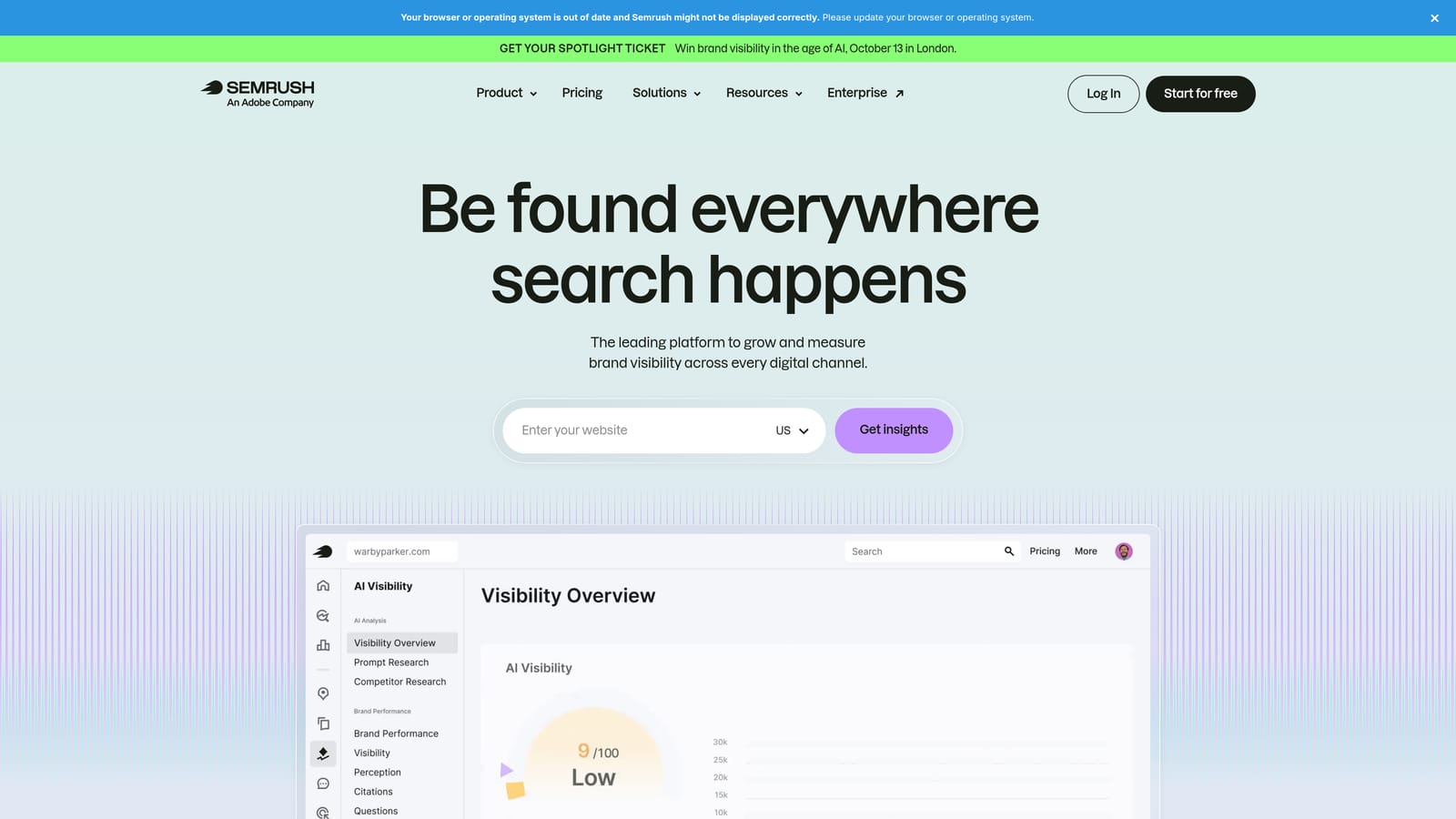
Semrush is a broad digital marketing platform with a dedicated PPC toolkit covering keyword research, competitor ad analysis, and keyword gap identification.
Where This Tool Shines
Semrush's strength in PPC comes from the breadth of its data. The Advertising Research tool shows competitor keywords and ad copy. The Keyword Gap tool lets you compare your domain against multiple competitors at once to find terms you're missing. And because Semrush covers both paid and organic search, advertisers who manage both channels can work from a single dataset rather than switching between tools.
The PPC keyword list builder includes match type assignment and negative keyword tools, which helps with pre-launch planning. That said, Semrush is a research and analysis platform—it doesn't integrate directly into Google Ads the way a workflow tool does.
Key Features
Advertising Research: View competitor keywords, ad copy, and estimated traffic for any domain.
Keyword Gap Tool: Identify keywords competitors rank or bid on that your account isn't covering.
PPC Keyword List Builder: Build keyword lists with match type assignments and negative keyword tagging.
Google Ads Integration: Import keyword lists directly into Google Ads campaigns.
Combined SEO and PPC Data: Access organic and paid search data in a single platform for unified strategy planning.
Best For
Marketers and agencies handling both SEO and paid search who want a single research platform. Also useful for competitive analysis and keyword gap work before launching or expanding campaigns.
Pricing
Paid plans are available. A free trial is offered on select plans—check semrush.com for current trial terms and plan details.
8. WordStream Advisor
Best for: Small business owners and generalist marketers who want guided, step-by-step campaign optimization
WordStream Advisor is a guided Google Ads optimization platform that surfaces prioritized action items through its weekly workflow feature.
Where This Tool Shines
WordStream's signature feature is its "20-Minute Work Week"—a prioritized list of optimization tasks generated each week based on your account's performance data. Rather than asking you to know what to look for, it tells you what to do next. This makes it accessible for small business owners or marketers who manage Google Ads as one part of a broader job, not their primary focus.
The platform also includes keyword suggestion tools, negative keyword management, and performance benchmarking against industry averages—useful context for advertisers who don't have an internal benchmark to compare against.
Key Features
20-Minute Work Week: A weekly prioritized task list that surfaces the most impactful optimization actions for your account.
Keyword Suggestion and Negative Keyword Tools: Identify new keyword opportunities and flag irrelevant search terms for exclusion.
Ad Grader and Performance Benchmarking: Evaluate ad quality and compare your account performance against industry averages.
Budget Allocation Recommendations: Receive guidance on how to distribute budget across campaigns for better results.
Reporting Dashboards: Track campaign performance with pre-built reporting views.
Best For
Small business owners and generalist marketers who run Google Ads without deep PPC expertise. The guided workflow reduces the learning curve, though experienced practitioners may find the prescriptive approach limiting compared to more flexible platforms.
Pricing
Paid plans are available. A free trial is offered—check wordstream.com for current trial length and pricing details.
Which Tool Is Right for Your Workflow?
The right tool depends on where your biggest bottleneck actually is. Here's a quick way to think through the options.
If you're a freelancer or agency owner spending hours each week in the Search Terms Report, Keywordme is the most direct solution. It removes the friction from the tasks you're already doing inside Google Ads—adding negative keywords, applying match types, clustering search terms—and does it without pulling you into a separate dashboard. At $12/month per user with a 7-day free trial, it's also easy to evaluate against your real account data.
If you're a small business owner who wants guidance rather than raw tools, WordStream Advisor's structured weekly workflow gives you a clear starting point each week without requiring deep PPC knowledge.
If you're an agency managing many accounts and need scalable automation with reporting, Optmyzr is worth evaluating. If competitor intelligence is your gap, SpyFu or Semrush's PPC toolkit will serve you better for research and keyword gap work.
If you need free tools with no commitment, Google Ads Editor and Google Keyword Planner are both genuinely useful and cost nothing beyond your existing Google Ads account.
One thing worth remembering: free trials exist precisely so you can test a tool against your own account data before spending money. A tool that works well for one advertiser's workflow may not fit yours. Take the trial seriously—use it on a real campaign, not a test account, and pay attention to whether it actually saves you time.
Ready to cut the time you spend on Search Terms Report cleanup? Start your free 7-day trial of Keywordme and see how much faster your weekly optimization workflow can move—right inside Google Ads, no spreadsheets required.
.svg)