
8 Best Google Ads Optimization Software Tools You Can Try Before You Buy (2026)
This guide reviews 8 Google Ads optimization software tools that offer free trials, helping PPC managers, freelancers, and agencies evaluate real performance on their own accounts before committing to a subscription. Each tool is assessed for trial accessibility, Google Ads-specific features, ease of use, and measurable impact on wasted spend and campaign results.


TL;DR: If you're searching for Google Ads optimization software with a free trial, you're in the right place. Most PPC tools look impressive in demos, but the real test is running them on your own account with your own data. This list covers tools that let you do exactly that before committing to a subscription. We've focused on tools that actually move the needle on wasted spend, keyword management, and campaign performance. Whether you're a solo freelancer, an in-house marketer, or an agency juggling multiple accounts, there's something here worth trialing.
Selection criteria: free trial availability, depth of Google Ads-specific features, ease of use, and real value for the price.
How to Get the Most Out of a PPC Tool Trial
Before jumping into the list, one quick note: the best way to evaluate any of these tools is to bring a real problem to the trial. Don't just click around the UI. Load your actual account, find your worst-performing search terms, and see how fast the tool helps you fix them. That's the only honest test.
Most of these tools offer 7 to 14 days with no credit card required. That's enough time to know whether the workflow improvement is real or just a polished demo.
1. Keywordme
Best for: Freelancers and agencies who want to optimize search terms without leaving Google Ads
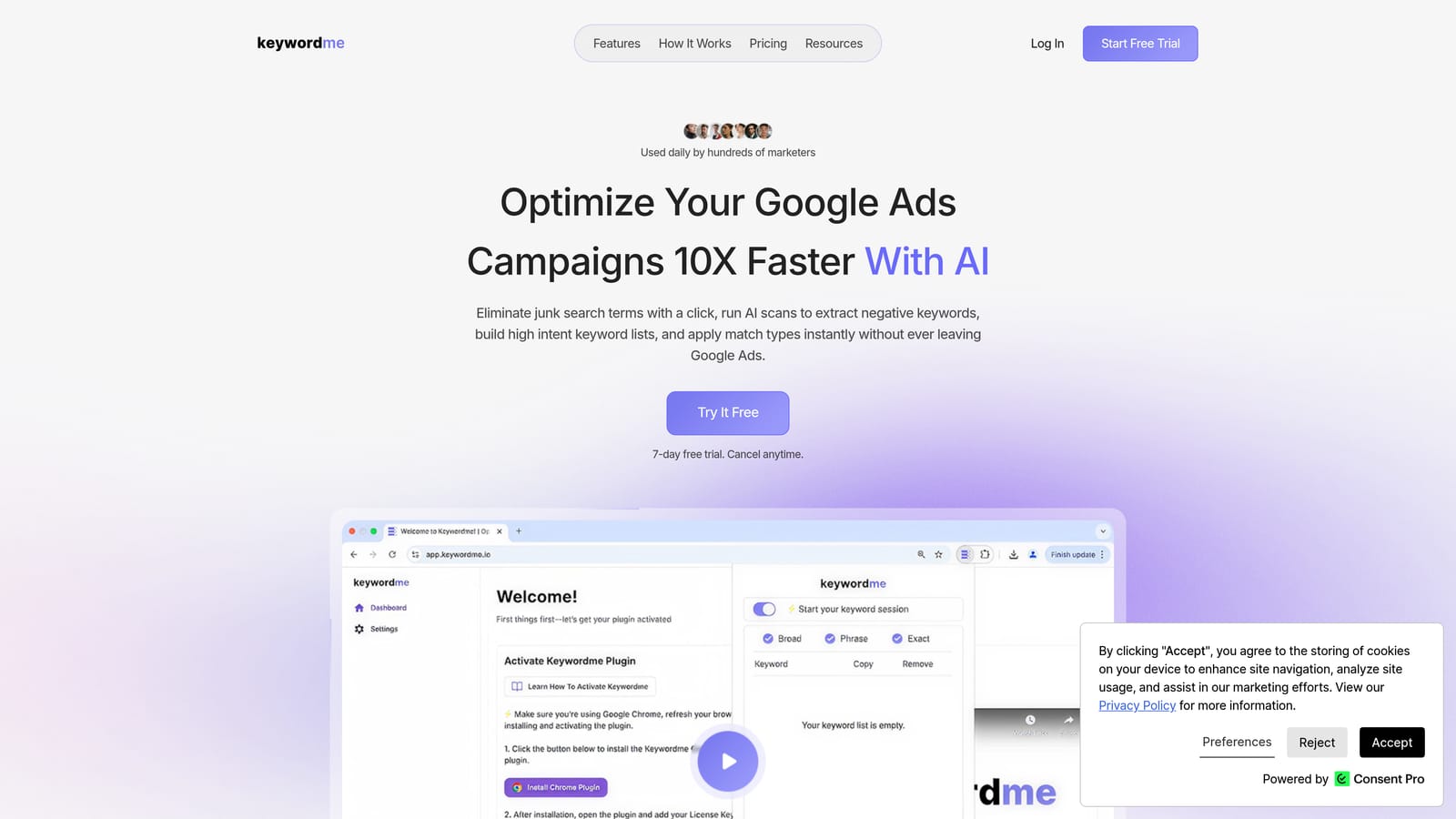
Keywordme is a Chrome extension that plugs directly into Google Ads' Search Terms Report, letting you clean up junk terms, add negatives, apply match types, and build keyword lists without opening a single spreadsheet.
Where This Tool Shines
In most accounts I audit, the Search Terms Report is where wasted spend hides. The problem is that acting on it usually means exporting to a spreadsheet, making edits, re-importing, and hoping nothing breaks. Keywordme collapses that entire workflow into a few clicks, right inside the native Google Ads interface.
What makes it stand out is how frictionless it feels. You're not learning a new dashboard. You're just doing what you'd normally do in Google Ads, but faster. For agencies managing multiple client accounts, the multi-account and team support means everyone on the team can work from the same optimized workflow.
Key Features
One-Click Negative Keyword Addition: Add negatives directly from the Search Terms Report without exporting or switching tabs.
Instant Match Type Application: Apply exact, phrase, or broad match types to keywords in a single click from within Google Ads.
Keyword Clustering: Group related search terms into logical keyword clusters to build tighter ad groups faster.
Bulk Editing: Handle multiple search terms at once instead of processing them one by one.
Multi-Account and Team Support: Designed for agencies running several client accounts with multiple team members optimizing simultaneously.
Best For
Solo advertisers and agency teams who spend too much time manually cleaning up search terms. If your biggest time sink in Google Ads is the Search Terms Report, this tool is built specifically for that pain point. It's also a strong fit for freelancers billing by the hour who need to work faster without sacrificing quality.
Pricing
Flat rate at $12/month per user. 7-day free trial available with no credit card required. Straightforward pricing with no tiers based on ad spend.
2. Optmyzr
Best for: Mid-to-large agencies managing multiple Google Ads accounts at scale
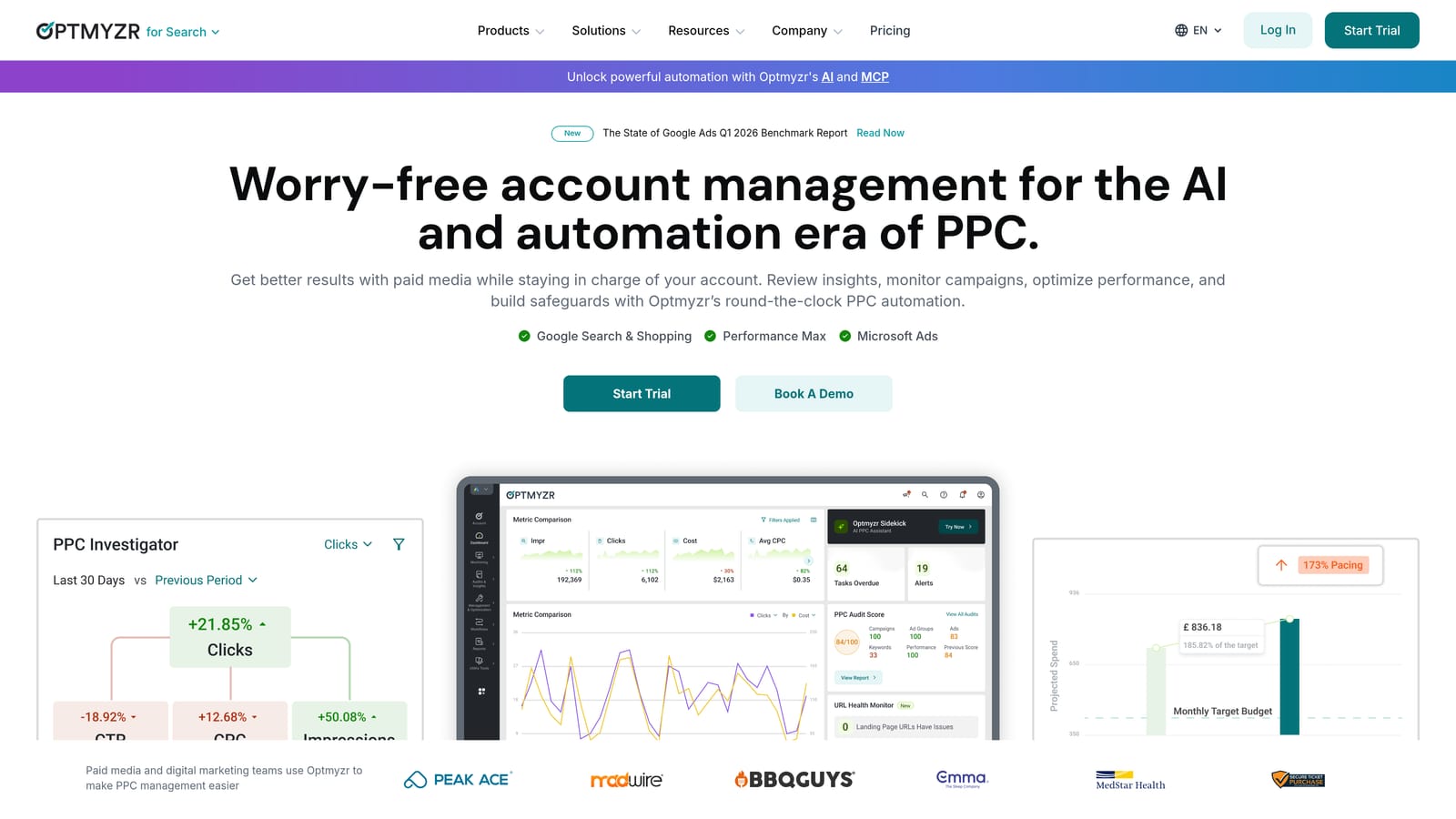
Optmyzr is a rule-based PPC automation platform built for agencies that need to manage Google Ads and Microsoft Ads accounts without drowning in repetitive manual tasks.
Where This Tool Shines
The Rule Engine is where Optmyzr earns its reputation. You can build custom automation logic without writing a single line of code, which is genuinely useful when you're managing accounts with complex bidding logic or budget rules across multiple clients. The one-click optimization suggestions are also well-thought-out: they surface actionable changes rather than just flagging issues.
The mistake most agencies make with Optmyzr is not investing enough time in the trial to set up the automations properly. It has a learning curve, but the payoff for high-volume account management is real.
Key Features
Custom Rule Engine: Build automated optimization rules without coding, triggered by performance thresholds or schedules.
One-Click Optimization Suggestions: Review and apply recommended changes across campaigns with a single click.
Automated Bidding and Budget Adjustments: Set rules to adjust bids and budgets based on performance signals automatically.
Client-Ready Reporting Templates: Generate polished reports for clients without manual data compilation.
Shopping Campaign Management: Dedicated tools for managing and optimizing Google Shopping campaigns.
Best For
Agencies managing five or more accounts who need automation that goes beyond what Google's native tools offer. Less suited for solo advertisers running a single account where the overhead of setup may outweigh the benefit.
Pricing
Tiered by ad spend managed. 14-day free trial available. Check optmyzr.com for current pricing as it varies by spend tier.
3. Search Atlas
Best for: Marketers managing both organic SEO and paid search from one platform
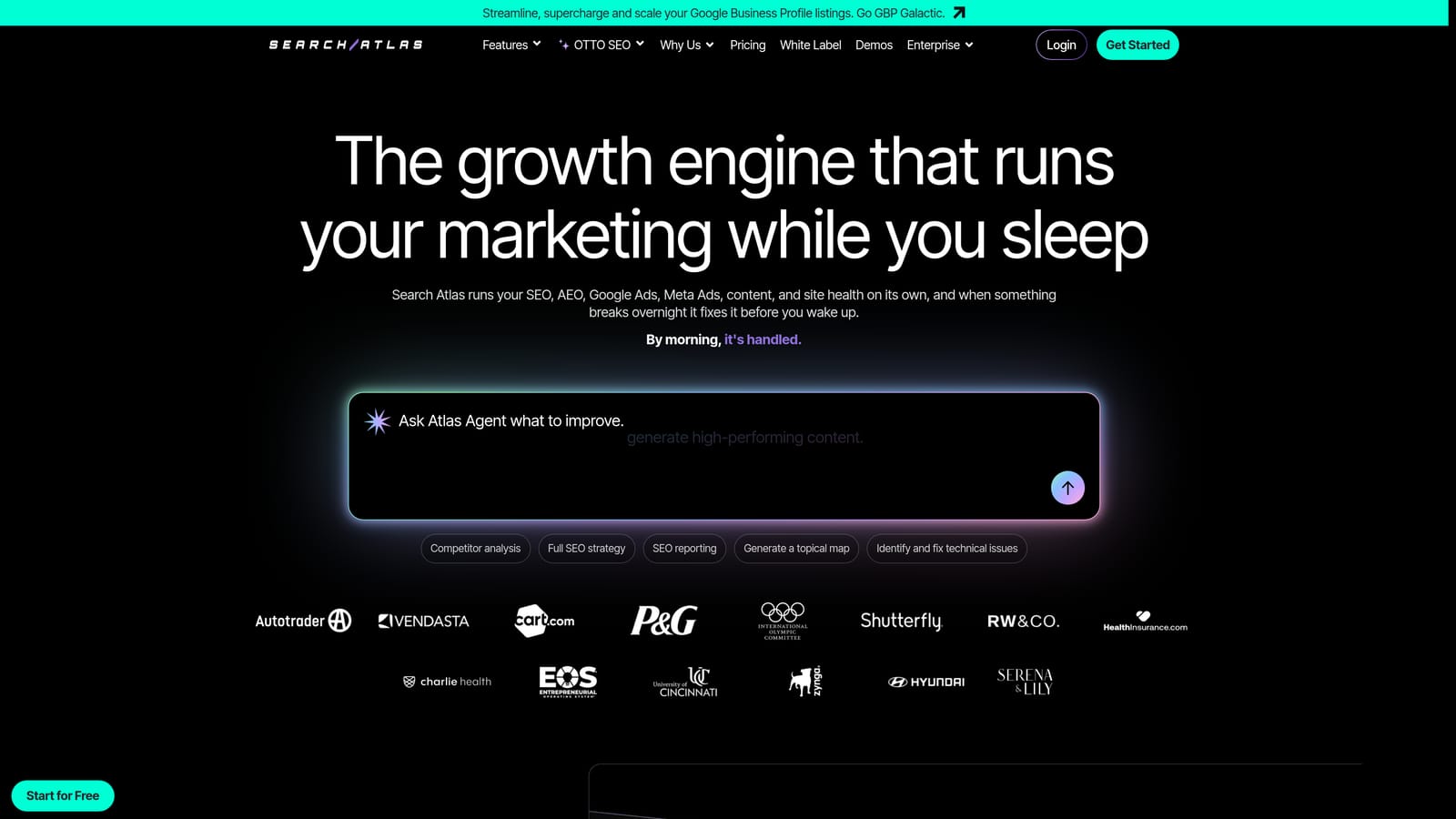
Search Atlas is an all-in-one digital marketing platform that combines SEO and PPC tools, making it useful for teams that don't want to maintain separate subscriptions for keyword research and paid search management.
Where This Tool Shines
The unified keyword research experience is the main draw here. When you can see organic keyword data and paid search data side by side, it changes how you approach campaign planning. You stop treating SEO and PPC as separate channels and start seeing the full keyword opportunity landscape.
For agencies or in-house teams running both channels, the competitor research features are particularly useful during the planning phase of a new campaign or client onboarding.
Key Features
Unified SEO and PPC Keyword Research: Research keywords across both channels in a single interface.
Keyword Gap Analysis: Identify keywords competitors are bidding on that you're currently missing.
Competitor Research: Analyze both organic and paid strategies for any domain.
Content Optimization Tools: Built-in content tools that connect SEO content strategy with paid search targeting.
Site Auditing: Technical SEO auditing integrated alongside campaign planning features.
Best For
Digital marketing generalists and agencies that handle both SEO and PPC for clients. If you're purely a paid search specialist with no interest in SEO features, the platform may feel broader than you need.
Pricing
Tiered plans available with a free trial. Check searchatlas.com for current pricing details.
4. Adalysis
Best for: Performance marketers focused on ad testing, Quality Score tracking, and campaign diagnostics
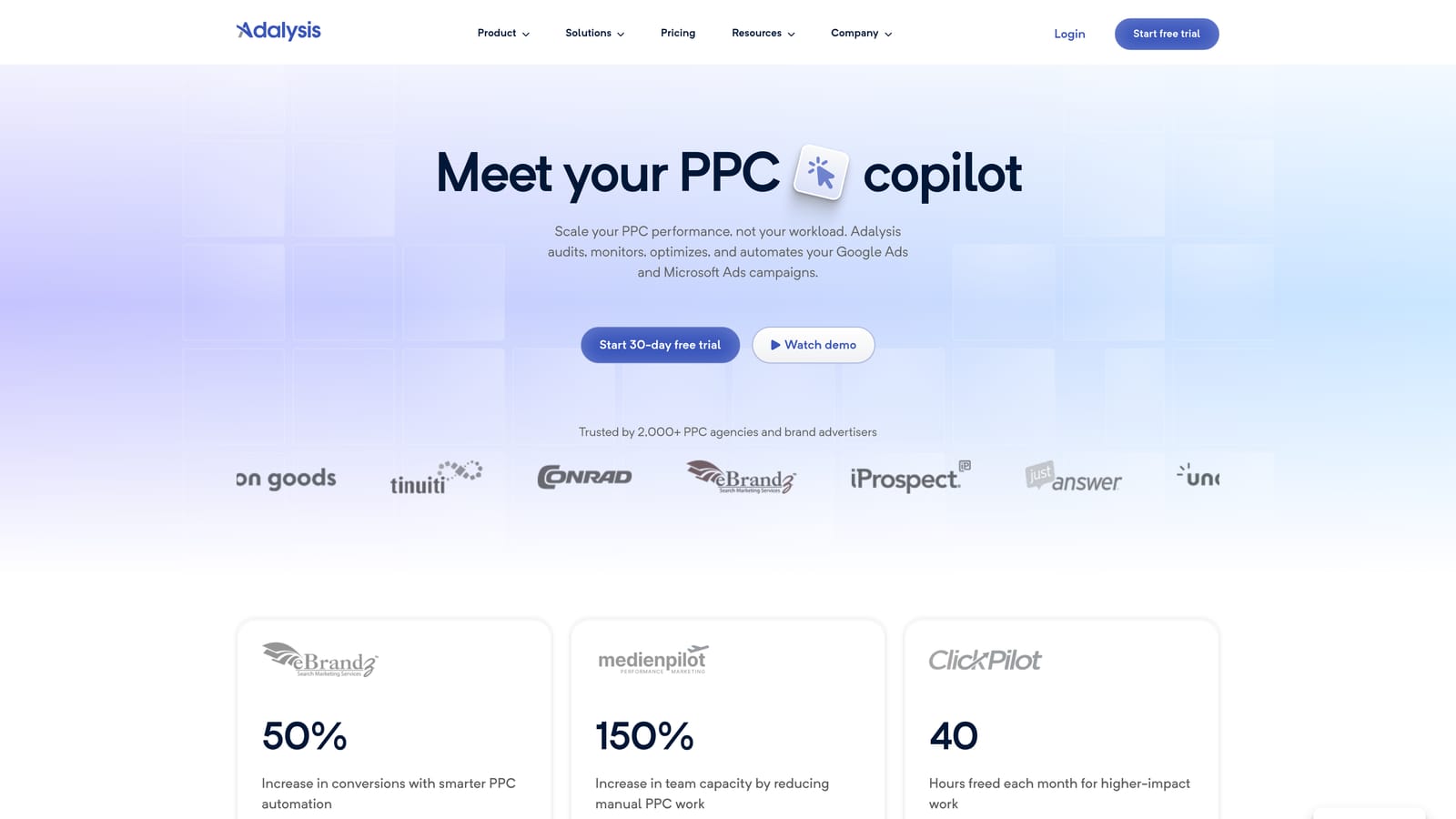
Adalysis is a Google Ads management tool built around ad testing automation and campaign health monitoring, with particularly strong features for agencies that need to prove performance improvements to clients.
Where This Tool Shines
What usually happens in most accounts is that ad testing gets deprioritized because it's tedious to set up and track manually. Adalysis automates the A/B testing framework so you're always running statistically valid tests without having to babysit the process. The Quality Score monitoring at the keyword and ad group level is also more granular than what Google's native interface shows you.
The performance alerts are genuinely useful for agencies. Instead of logging into every account daily to check for anomalies, Adalysis flags issues proactively.
Key Features
Automated A/B Ad Copy Testing: Set up structured ad tests that automatically declare winners based on statistical significance.
Quality Score Monitoring: Track Quality Score changes at the keyword and ad group level over time.
Performance Alerts and Anomaly Detection: Get notified when campaigns deviate from expected performance patterns.
Campaign Structure Recommendations: Receive actionable suggestions for improving account structure and ad relevance.
Agency-Friendly Reporting: Generate client-facing reports that highlight testing results and performance trends.
Best For
Agencies and performance marketers who prioritize ad relevance and systematic testing. Particularly valuable if you're managing accounts where Quality Score improvements could meaningfully reduce CPCs.
Pricing
Priced based on number of active ads. Free trial available. Check adalysis.com for current pricing.
5. SpyFu
Best for: Competitive research before launching or expanding a Google Ads campaign
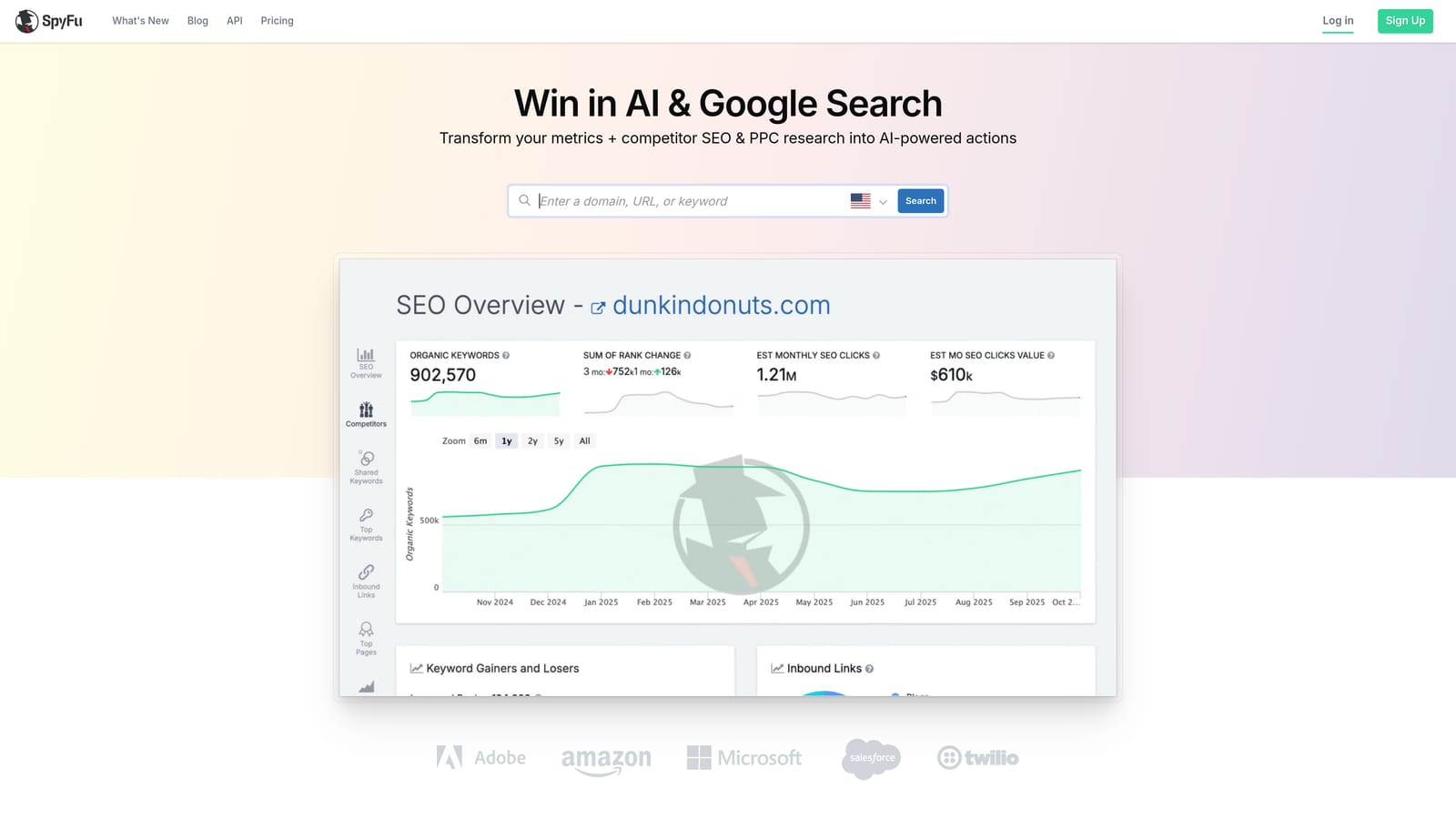
SpyFu is a competitive intelligence tool that surfaces competitor PPC keyword strategies, historical ad copy, and estimated spend data across any domain.
Where This Tool Shines
SpyFu's historical data depth is where it earns its place in a PPC toolkit. You can see what keywords a competitor has been bidding on for years, which tells you a lot about what's actually working for them. If a keyword has been in a competitor's account consistently for 18 months, there's a good chance it's profitable.
The PPC gap analysis is particularly useful during client onboarding or when entering a new vertical. Instead of starting from scratch with keyword research, you can see exactly what the established players are already paying for.
Key Features
Competitor Keyword History: View the full keyword bidding history for any domain going back years.
Ad Copy Visibility: See the actual ad copy and landing pages competitors are running for specific keywords.
Most Profitable Keywords by Competitor: Identify which keywords are likely driving the most value for competing domains.
PPC Gap Analysis: Find keyword opportunities your competitors are capturing that you're currently missing.
Domain Overview: Combined SEO and PPC data for any domain in a single view.
Best For
Freelancers and agencies doing pre-launch competitive research or auditing a new client's competitive landscape. Less useful as a day-to-day campaign management tool, but invaluable during the strategy and planning phase.
Pricing
Starts around $39/month. Limited free access available without a paid plan. Check spyfu.com for current pricing and trial terms.
6. Semrush Advertising Toolkit
Best for: Agencies and in-house teams that need deep keyword research and competitor ad intelligence
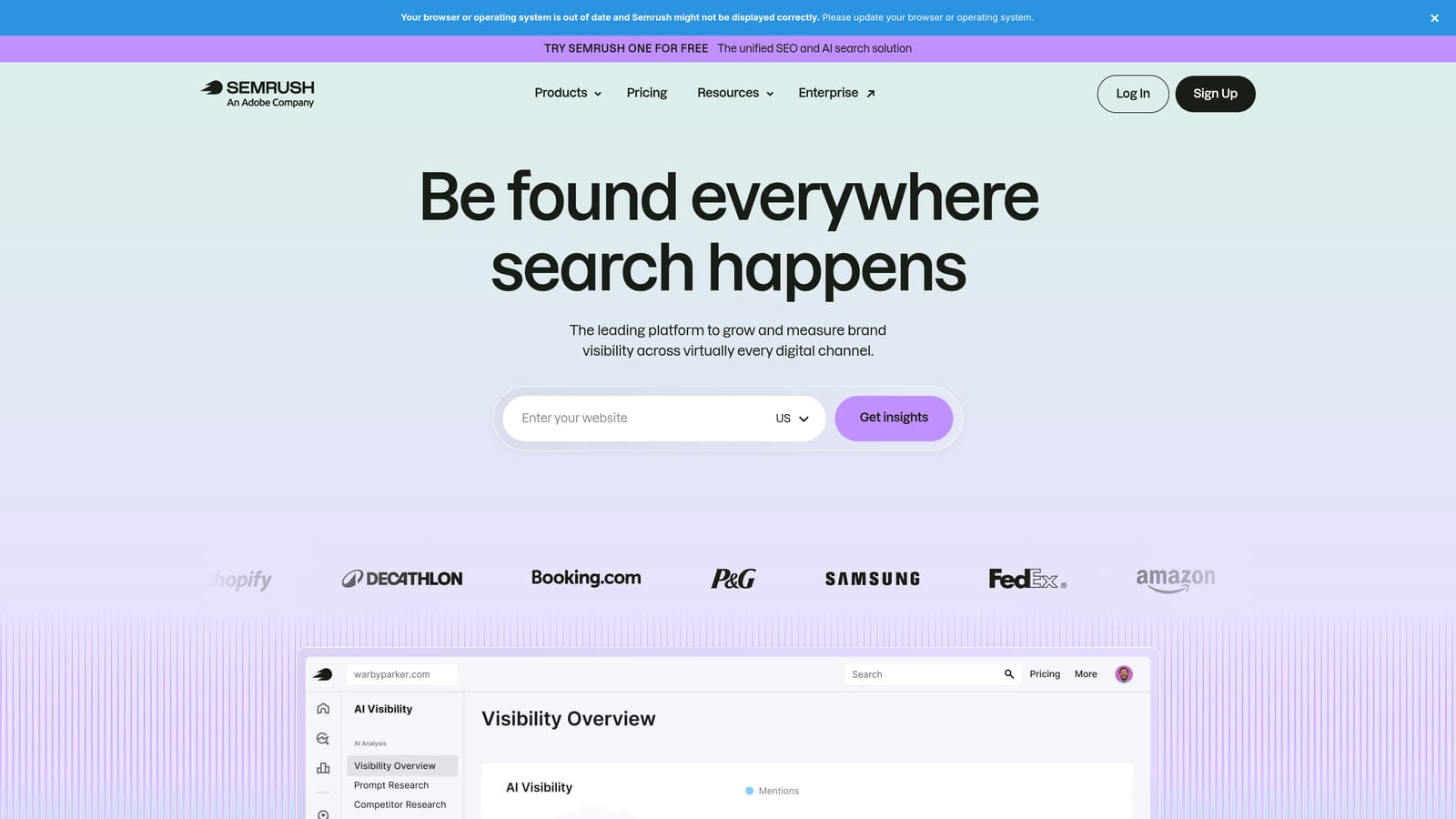
Semrush's Advertising Toolkit is the paid search component of the broader Semrush platform, offering keyword research, competitor ad analysis, and PPC planning tools backed by one of the largest keyword databases available.
Where This Tool Shines
The Keyword Magic Tool with CPC data is genuinely one of the better keyword research experiences for PPC planning. The combination of search volume, competition level, and cost-per-click estimates in one place speeds up the keyword planning process significantly. The Advertising Research feature, which shows you competitor ads and the keywords triggering them, is also well-executed.
The main consideration is that Semrush is a broad platform. If you only need PPC tools, you're paying for a lot of SEO functionality you may not use. But if your team uses both, the value equation shifts considerably.
Key Features
Keyword Magic Tool: Keyword research with CPC data, competition scores, and search volume across global markets.
Advertising Research: View competitor ads, keywords, and estimated traffic for any domain.
Product Listing Ads Research: Competitive intelligence specifically for Google Shopping campaigns.
Display Advertising Intelligence: Research display ad placements and creatives across the web.
Historical Ad Copy Data: Access archived ad copy to understand how competitor messaging has evolved.
Best For
Agencies and in-house marketing teams that need both SEO and PPC research in one platform. The depth of data makes it particularly strong for teams entering competitive verticals or managing large-scale campaigns.
Pricing
Pro plan starts around $139.95/month. Free account available with limited access. Check semrush.com for current pricing and trial availability.
7. Google Ads Editor
Best for: Any Google Ads user who needs reliable bulk editing without paying for a third-party tool
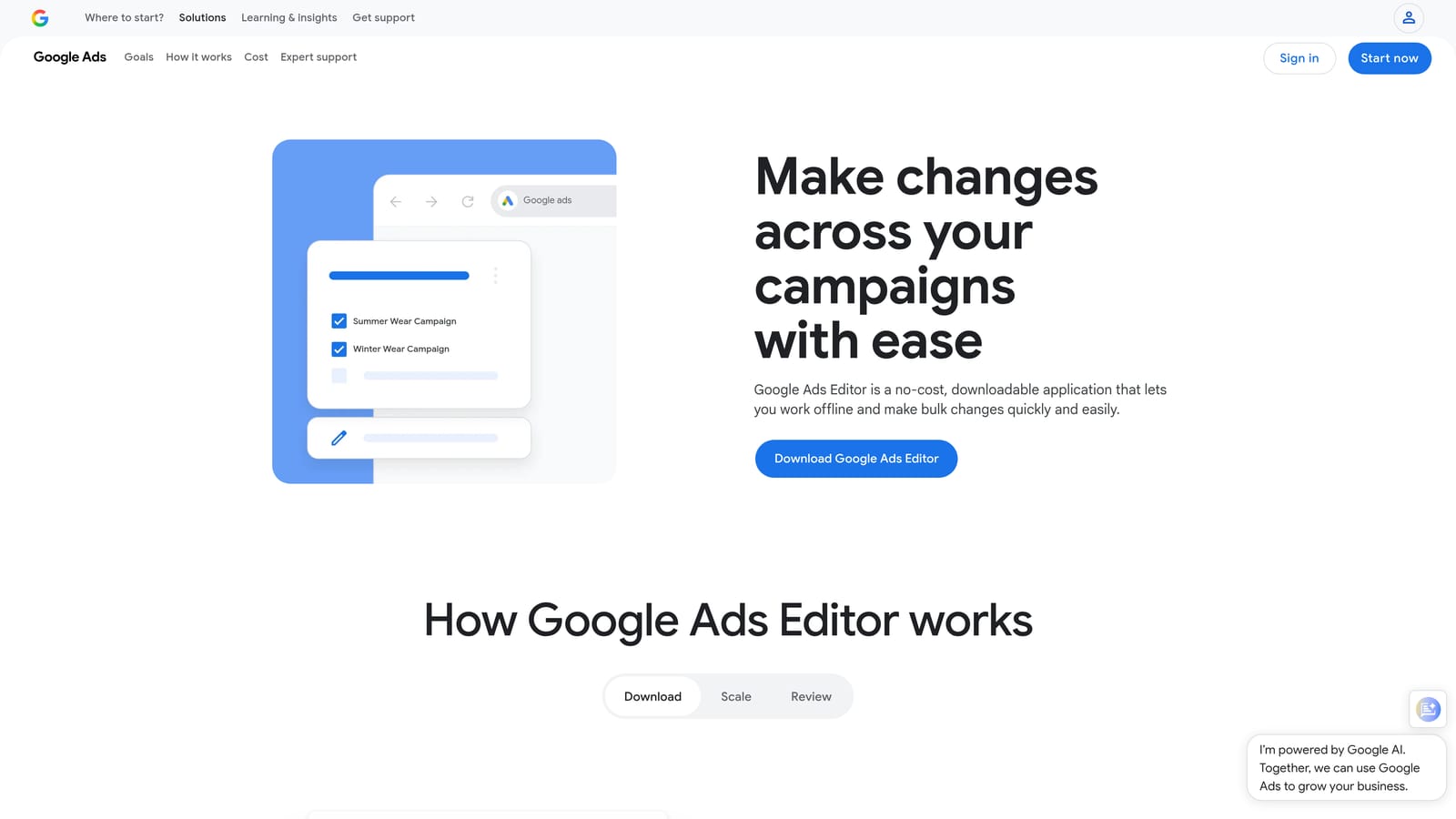
Google Ads Editor is Google's free desktop application for managing and bulk editing campaigns offline, without the limitations of the web-based interface.
Where This Tool Shines
There's no trial needed here because it's completely free. What Google Ads Editor does, it does reliably. Bulk find-and-replace across hundreds of ad groups, copying entire campaign structures to a new account, making offline edits and pushing them when you're ready: these are tasks that the web interface handles poorly, and Editor handles well.
It's not a flashy tool. There's no AI, no automation suggestions, no dashboards. But every PPC manager should have it installed regardless of what other tools they use. It fills a specific gap that nothing else covers for free.
Key Features
Bulk Find-and-Replace: Update URLs, ad copy, or keywords across entire campaigns in seconds.
Offline Editing: Make changes without an internet connection and sync when ready.
Campaign Copy and Paste: Duplicate campaigns, ad groups, and keywords across accounts instantly.
CSV Import and Export: Move data in and out using spreadsheets for large-scale changes.
Multi-Account Management: Manage several Google Ads accounts from a single desktop application.
Best For
Every Google Ads user, full stop. It's free, it's reliable, and it handles bulk operations that would take hours in the web interface. Use it alongside a paid optimization tool, not instead of one.
Pricing
Completely free. No trial needed. Download and use immediately from Google's website.
8. Tenscores
Best for: Advertisers with high CPCs caused by poor Quality Scores who need a focused fix
Tenscores is a specialized Google Ads tool built entirely around improving Quality Scores through better keyword grouping, ad relevance tracking, and account health diagnostics.
Where This Tool Shines
Quality Score is one of those metrics that most advertisers know matters but few actively manage. Tenscores makes it the center of the workflow. The keyword grouping recommendations are particularly useful because poor ad group structure is usually the root cause of low Quality Scores, and fixing it has a compounding effect on CPC over time.
The account health scoring gives you a clear picture of where Quality Score issues are concentrated, so you can prioritize fixes in the campaigns where they'll have the most impact on spend efficiency.
Key Features
Quality Score History Tracking: Monitor Quality Score changes at the keyword level over time to identify trends and regressions.
Keyword Grouping Recommendations: Get suggestions for restructuring ad groups to improve relevance and expected Quality Scores.
Account Health Scoring: A top-level diagnostic view showing where Quality Score problems are concentrated across your account.
Quality Score Drop Alerts: Get notified when keywords experience significant Quality Score declines.
CPC Reduction Guidance: Actionable recommendations tied directly to Quality Score improvements and their expected impact on cost.
Best For
Advertisers running campaigns with above-average CPCs who suspect poor ad relevance or account structure is the culprit. Also useful for agencies doing initial account audits where Quality Score issues are a common finding.
Pricing
Free trial available. Check tenscores.com for current pricing details.
Which Tool Should You Trial First?
The best trial strategy is simple: pick the tool that solves your most painful current problem, not the one with the most features. Here's a quick breakdown by use case.
If your biggest time sink is cleaning up search terms: Start with Keywordme. The workflow improvement is immediate and measurable, which makes it the easiest trial to evaluate. You'll know within a day whether it's saving you time.
If you're managing five or more accounts and need automation: Optmyzr or Adalysis are worth the deeper trial investment. Both have learning curves, but both deliver real leverage at scale.
If you're about to launch a new campaign or onboard a new client: SpyFu or Semrush are the right starting points for competitive research before you commit budget.
If Quality Score is dragging your CPCs up: Tenscores is focused enough that the trial will tell you quickly whether the issue is fixable and how.
Regardless of what else you use: Download Google Ads Editor. It's free, it's reliable, and it handles bulk operations nothing else covers at that price point.
Most of these tools offer 7 to 14 day trials with no credit card required. There's no reason to commit to anything before you've tested it on your own account with your own data. That's the only honest evaluation.
If you're ready to start with the fastest, lowest-friction improvement to your Google Ads workflow, Start your free 7-day trial of Keywordme and see how much time you reclaim in the Search Terms Report alone.
.svg)