
9 Best Google Ads Optimization Software for Small Business in 2026
This guide compares nine Google Ads optimization software options for small business, from free tools like Google Ads Editor to paid platforms like Optmyzr and Keywordme. Each tool is judged on budget fit, ease of use, optimization coverage, pricing transparency, and whether it works inside Google Ads, so you can pick the right one and cut wasted spend.


If you run Google Ads for a small business, your own or a client's, you probably have a modest budget, a long to-do list, and a search terms report full of queries you never wanted to pay for. This list is for you. The tools below were picked on five criteria: fit for small budgets, ease of use, how much of the optimization work they cover, how transparent the pricing is, and whether they work inside Google Ads or in a separate dashboard. Pricing and features change, so treat everything here as accurate as of 2026 and check each vendor's site before you buy.
Quick Comparison of the Tools
- Keywordme: solo advertisers and small teams cleaning up search terms; $12/month per user; runs inside the native Search Terms Report.
- Google Ads Editor: owners making big structural changes; free; bulk edits with a review-before-post workflow.
- Google Ads Recommendations: beginners wanting a starting checklist; free with your account; suggestions based on your own account data.
- Optmyzr: growing businesses wanting deep automation; tiered pricing, see website; customizable rule-based automation across accounts.
- WordStream (LocaliQ): busy owners wanting guidance; quote-based; a managed-service option alongside the software.
- Adalysis: freelancers and small agencies running many ad tests; see website for pricing; automated ad-copy test evaluation.
- Looker Studio: owners wanting a free view of trends; free; customizable visual dashboards.
- Semrush: marketers planning keyword strategy; subscription, see website; competitor paid-search intelligence.
- Swydo: freelancers and small agencies reporting to clients; see website for pricing; white-label report templates.
1. Keywordme
Keywordme is a Chrome extension that adds one-click actions to the Google Ads Search Terms Report. Search terms are the actual queries people typed before seeing your ad; keywords are what you bid on. The gap between the two is where small budgets leak, and Keywordme is built to close it from inside the screen where you already review those queries.
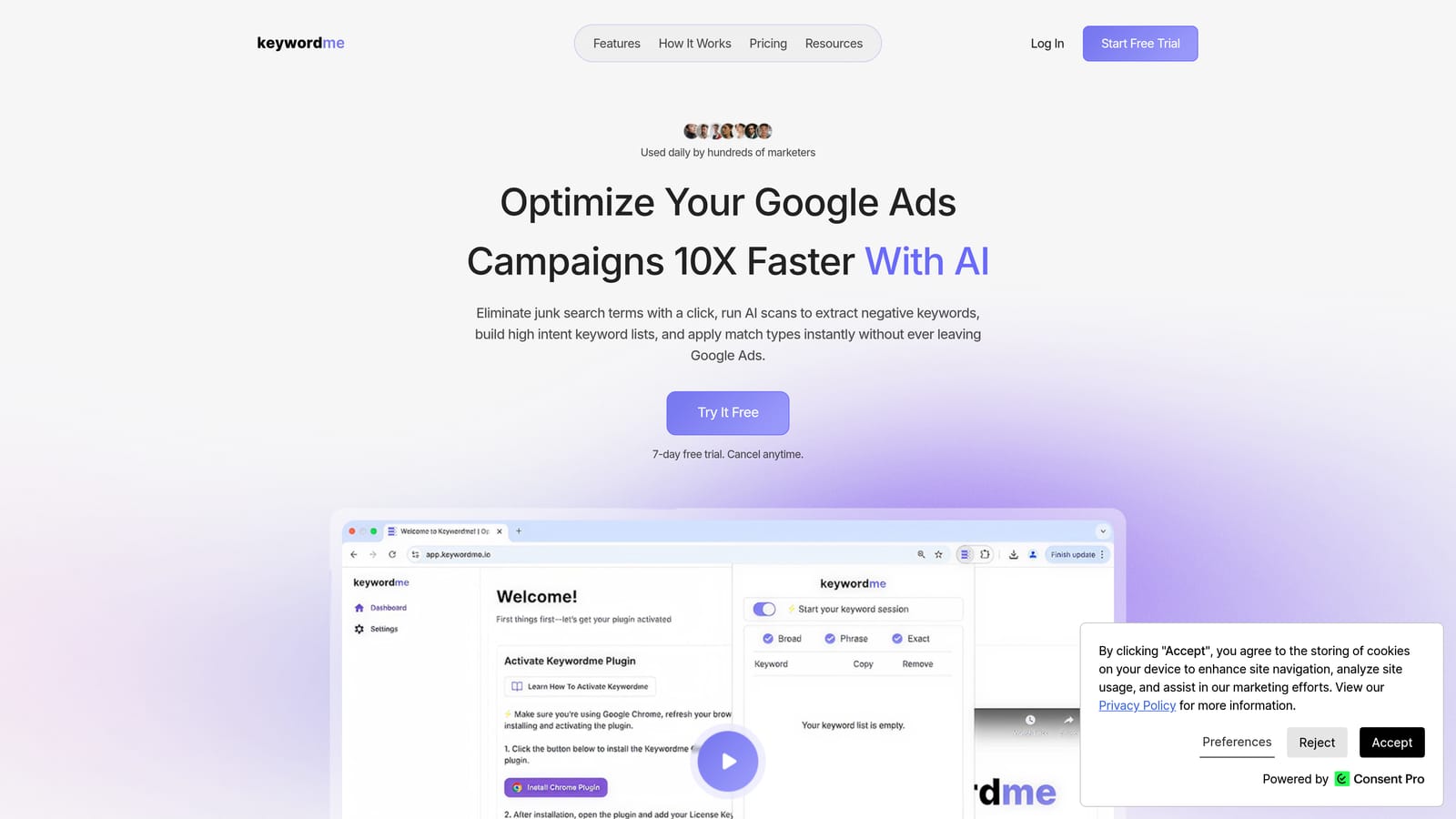
What sets it apart on this list is where it lives. Nothing gets exported to a spreadsheet and nothing gets uploaded back. You read the report in the native Google Ads interface, click, and move on. Keywordme says this can make optimization up to 10x faster; that is the company's own claim, not an independent result, and your speedup will depend on how you work today.
- Add negative keywords straight from the Search Terms Report, so irrelevant queries stop costing you money.
- Add good search terms as keywords with the match type already applied, which saves the manual typing of brackets and quotes.
- Keyword clustering groups related terms so you can build tighter keyword lists.
- Bulk editing handles many terms at once instead of one at a time.
- Multi-account and team support suits freelancers and small agencies juggling several accounts.
Setup is light: install the extension in Chrome, open Google Ads, and you work as usual. One person can run it day to day, and the only integration is Google Ads via Chrome.
The limits are real. Keywordme focuses on the search term and keyword workflow. It is not a bidding, ad creative, or reporting platform, and it only runs in Chrome. If you want audits, automated rules, or client dashboards, you will need another tool alongside it. It also still needs your judgment: you decide which terms are junk and which are worth bidding on.
Pricing is $12 per month per user, with a 7-day free trial (confirm on the website). Cost scales with the number of users, not ad spend or account count.
Best for: Solo advertisers and small teams who want faster search term cleanup.
2. Google Ads Editor
Google Ads Editor is Google's free desktop application for managing campaigns in bulk, including offline. You download your account, make changes locally, review them, then post them back to Google Ads.
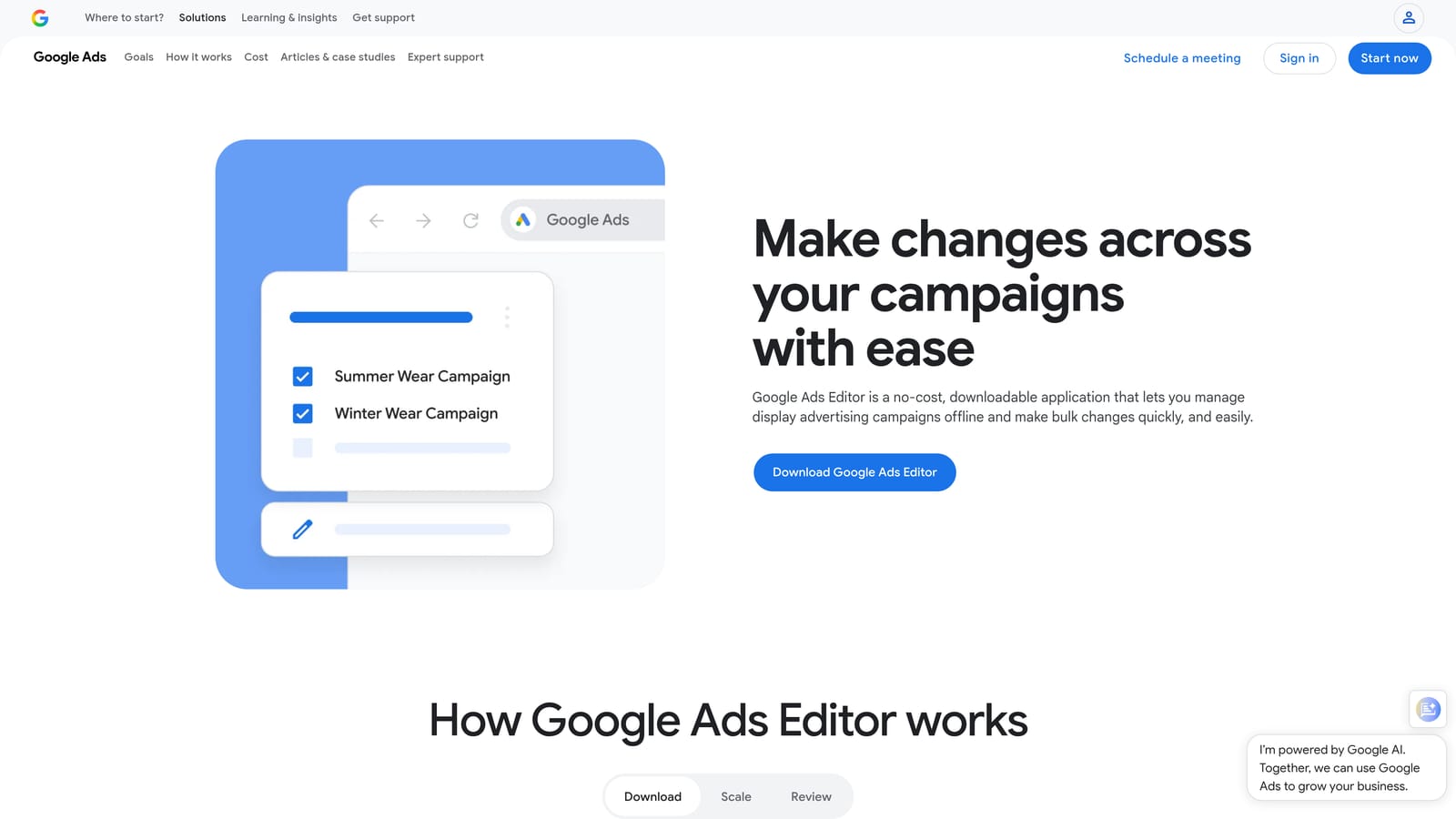
Its distinctive strength is free, large-scale restructuring with a review step built in. Splitting one crowded ad group into five, renaming dozens of campaigns, or rolling a new set of ad variations across accounts is far less painful here than in the web interface.
- Bulk edit campaigns, ad groups, ads, and keywords in one pass instead of row by row online.
- Draft changes offline and review them before posting, so mistakes get caught before they cost money.
- Copy and paste across campaigns and accounts to reuse a structure that already works.
- Manage multiple accounts from one app, handy for freelancers.
Editor is a manual tool. It will not tell you what to change or why, so it assumes you already know what good account structure looks like. There is a learning curve, and the desktop install and download-then-post routine feel clunky for quick daily tasks like trimming a few search terms. Because it works on a downloaded copy of your account, you also need to keep it synced before editing.
Pricing: free. Setup means installing the app and signing in with your Google Ads login.
Best for: Owners who need to make large structural changes at no cost.
3. Google Ads Recommendations
The Recommendations tab is built into Google Ads itself. It lists suggested changes to keywords, bidding, and ads, and shows an Optimization Score, a percentage Google calculates to indicate how much of its suggested improvement potential your account has captured.
The advantage is zero setup and zero cost. The suggestions come from your own account data, so a brand-new advertiser gets a ready-made list of things to look at without paying for anything.
- Suggested keyword, bidding, and ad changes point you toward possible improvements you may not have considered.
- The Optimization Score gives a quick, if rough, sense of how many open suggestions remain.
- One-click apply makes accepting a suggestion fast.
- Account-specific prioritization shows which suggestions Google thinks matter most for your campaigns.
Treat it with care. A high Optimization Score does not equal better performance, and a score is not a measure of profit. Some suggestions, such as broader targeting or higher budgets, may serve Google's goals or the score more than your return, so each one deserves a manual review before you apply it. That one-click apply button is convenient and also the risk, particularly for beginners who may accept everything to push the number up.
Pricing: free with a Google Ads account. Whoever owns the account runs it, and it takes minutes to start.
Best for: Beginners wanting a free starting checklist of possible improvements.
4. Optmyzr
Optmyzr is a PPC management suite built around rule-based automation, audits, and reporting. Rather than telling you what to look at, it lets you define conditions (for example, pause or flag something when a metric crosses a threshold) and applies that logic across accounts.
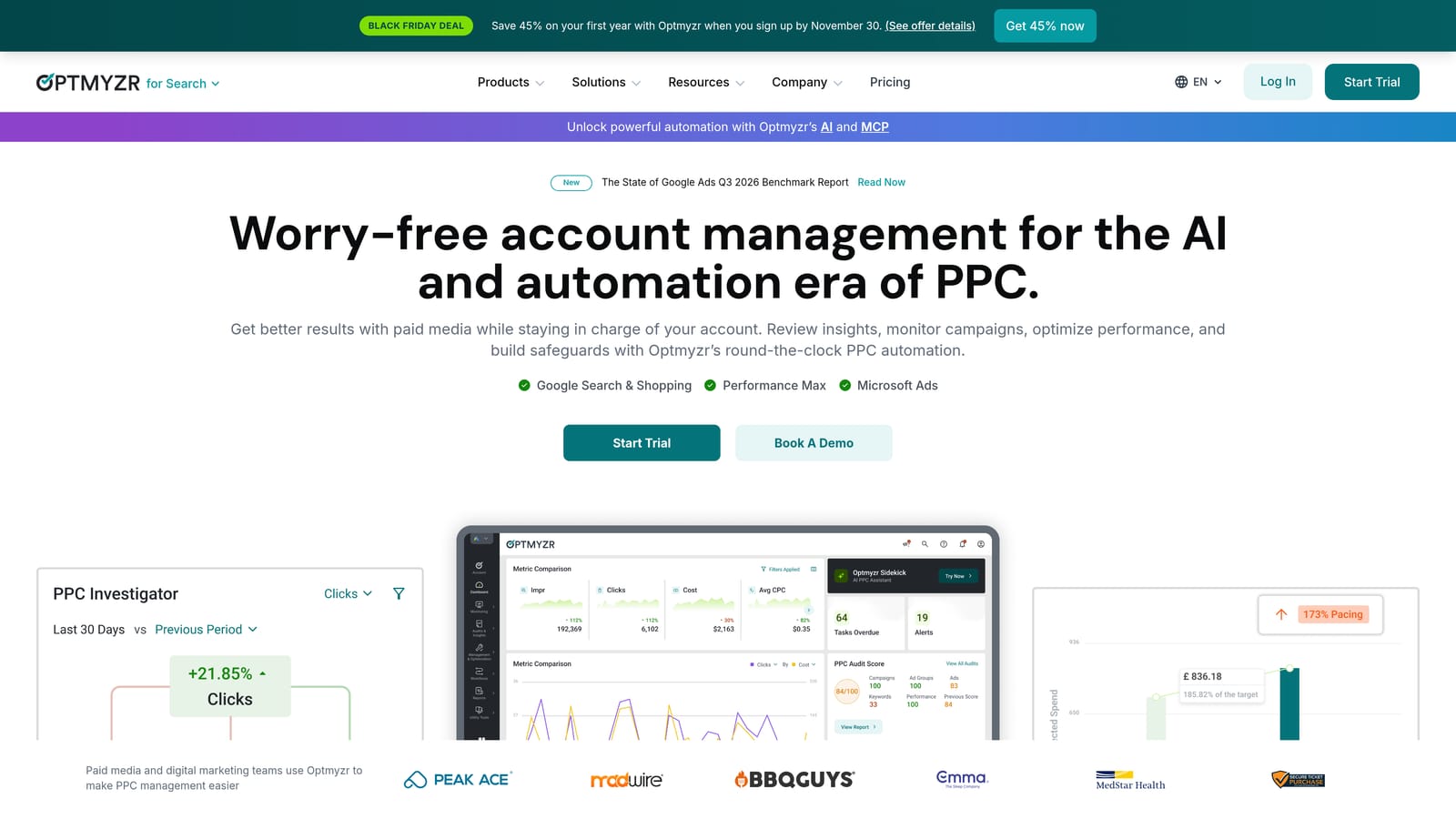
Its edge over the rest of this list is how customizable that automation is. If you manage enough campaigns that repetitive checks eat your week, building your own rules turns your own habits into software.
- Rule-based optimization automates the checks you would otherwise do by hand each week.
- Account audits surface issues across campaigns without manual digging.
- Bulk management tools let you make changes at scale.
- Reporting is built in, so you do not necessarily need a separate dashboard.
It connects to Google Ads, Microsoft Advertising, and Meta Ads, which helps if you advertise on more than one platform. Expect a real setup period: connecting accounts, learning the tool, and tuning rules so they match how you actually work.
That depth is also the downside. For a small account spending a few hundred dollars a month, much of it may be more than you need, and badly configured automation can do damage as quickly as it saves time. It suits someone willing to invest effort in learning it.
Pricing is tiered, and the specific numbers change, so see the website for current plans as of 2026.
Best for: Growing small businesses that want deep, customizable automation.
5. WordStream (LocaliQ)
WordStream, part of LocaliQ, targets small business advertisers and is probably best known for its Google Ads Grader, a free-style assessment that checks an account against common practices. Verify the current branding and packaging, since both have changed over the years.
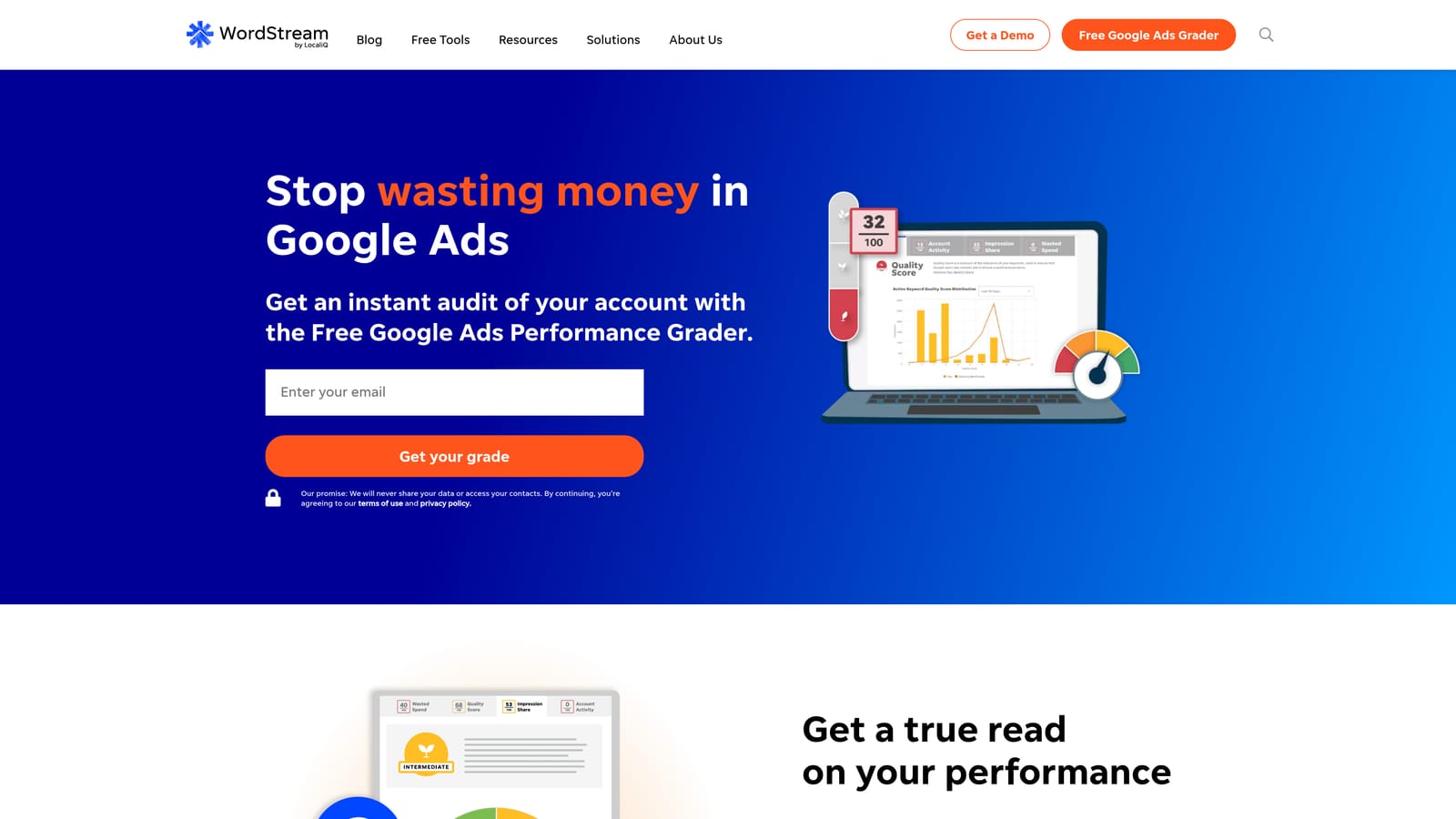
What stands out is the beginner orientation paired with an optional managed service. Most tools here assume you will do the work; this one lets you choose to hand part of it off.
- The Google Ads Grader gives you a quick read on where an account might be weak.
- Guided campaign management walks you through changes rather than leaving you in a blank interface.
- Optimization suggestions point to areas worth attention.
- Optional managed services let you outsource when you run out of time.
It connects to Google Ads, Microsoft Advertising, and Meta Ads, so one vendor can cover several channels.
The tradeoff is control. Hands-on practitioners who want granular decisions on every search term or bid may find the guided approach limiting. Because packaging has shifted over time, confirm what is included before committing.
Pricing is quote-based; contact the vendor, and see the website for current details.
Best for: Busy owners who want a guided or partly hands-off approach.
6. Adalysis
Adalysis is an auditing and monitoring platform with a strong focus on ad testing. It watches your accounts, flags problems, and evaluates which ad variations are actually winning.
The distinctive piece is automated ad-copy test analysis. Deciding whether one responsive ad outperforms another is tedious and easy to get wrong with small samples; this tool does the evaluation for you.
- Automated ad test analysis tells you which creative is genuinely ahead so you stop guessing.
- Account audits catch structural and performance issues across campaigns.
- Alerts notify you when something breaks, such as a sudden change in performance.
- Bulk fixes let you act on findings quickly instead of editing each item.
It works with Google Ads and Microsoft Advertising. Setup involves connecting accounts and letting it analyze history, and it is best run by someone comfortable reading audit output.
It is built mainly for agencies and consultants, so a single small account may not give it enough to chew on. If you run few ads and little testing, the value drops quickly.
Pricing: see the website for current plans as of 2026.
Best for: Freelancers and small agencies who run lots of ad tests.
7. Looker Studio
Looker Studio is Google's free dashboard and reporting tool. Using its Google Ads connector, you can build charts and tables that show spend, clicks, conversions, and whatever else you want to track.
It stands out for being free and highly customizable. You decide exactly what the dashboard shows, which beats scrolling through default reports to find the numbers you care about.
- The Google Ads connector pulls your account data into reports without manual exports.
- Custom dashboards show the metrics that matter to your business, not a generic set.
- Shareable reports let clients or teammates view results without a Google Ads login.
- Templates give you a head start so you are not building from scratch.
It also connects to Google Analytics and Google Sheets, so you can combine ad data with site behavior or your own spreadsheets.
Know what it is not: a reporting tool only. It cannot change anything in your account, so it shows you the leak but will not fix it. It also takes setup time, and a poorly designed dashboard can look impressive while telling you little.
Pricing: free.
Best for: Owners who want a free view of performance trends.
8. Semrush
Semrush is a broad marketing suite, and its PPC research tools are the relevant part here. Instead of managing your account, it helps you understand the market: which keywords competitors target and what their ads look like.
The unique value is competitor paid-search intelligence. Before spending budget on a keyword, you can see who else is bidding on it and how they approach it, which is useful for a small advertiser who cannot afford to learn by trial and error.
- Competitor ad and keyword research shows what rivals are bidding on and how they write ads.
- Keyword research helps you find terms worth adding before you spend on them.
- PPC planning tools help you map out a strategy ahead of launch.
It integrates with Google Ads, Google Analytics, and Google Search Console, which is helpful if you want paid and organic data in one place.
It is research-focused and does not edit your Google Ads account, so you still need something else to act on what you learn. It also generally costs more than narrower tools, and much of the suite (SEO, content, and so on) may go unused if you only run ads.
Best for: Marketers planning keyword strategy and studying competitors.
9. Swydo
Swydo is a reporting platform that builds templated client reports from Google Ads and other data sources. It is aimed at people who have to explain results to someone else on a schedule.
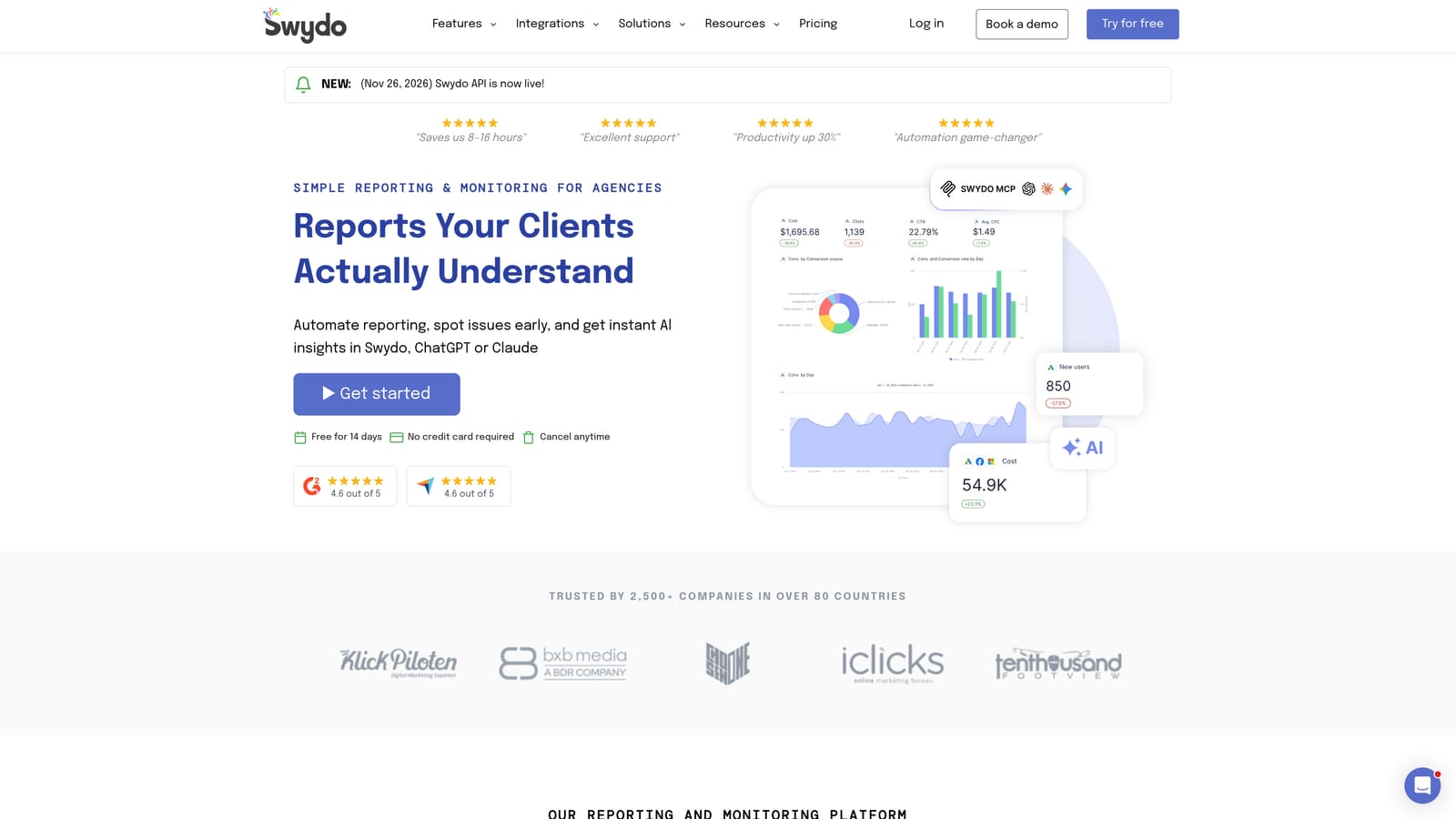
Its standout is white-label reporting templates. You can put your own branding on reports, which matters for freelancers and small agencies who want deliverables that look like their own.
- Templated reports cut the time spent assembling the same monthly update for each client.
- White-label branding makes reports look like your agency's work.
- Multi-platform data connections combine Google Ads, Google Analytics, and Meta Ads in one report.
- Scheduled reports go out automatically so you are not chasing deadlines.
Setup means connecting each client's data sources and picking or tweaking a template. One person, usually the account manager, handles it.
It is reporting only. It will not find wasted spend or change your campaigns, so you need to pair it with an optimization tool. If you run only your own account and have no one to report to, Looker Studio probably covers you for free.
Best for: Freelancers and small agencies reporting to clients.
Matching the Tool to Your Biggest Bottleneck
These tools do different jobs, so the right pick depends on where your time or money is leaking. A few pairings cover most small-business situations.
- Search term waste is the problem: start with Keywordme. It is the narrowest and cheapest option here for cleaning up queries and building keyword lists, and it works inside Google Ads. Pair it with the free Google Ads Editor when you need bigger structural changes.
- You are new and need direction: use Google Ads Recommendations as a checklist, reviewing each suggestion rather than chasing a high Optimization Score. WordStream is worth a look if you would rather have guidance or a managed option.
- Your account is growing and tasks are repetitive: Optmyzr or Adalysis, depending on whether you need automation or ad testing.
- You need to show results: Looker Studio for free, or Swydo for white-label client reports.
- You are planning keywords or studying rivals: Semrush.
Before you buy anything, verify current pricing and plan details on each vendor's site, since several of these change often.
Optimize Google Ads Campaigns 10X Faster. Without Leaving Your Account. Keywordme lets you remove junk search terms, build high-intent keyword lists, and apply match types instantly, right inside Google Ads. No spreadsheets, no switching tabs, just quick, seamless optimization. Start your free 7-day trial (then just $12/month) and take your Google Ads game to the next level.
