
8 Best Google Ads Optimization Software Options for Freelancers in 2026
This guide ranks the 8 best Google Ads optimization software options for freelancers, highlighting affordable, quick-setup tools that help solo PPC managers cut wasted spend without adding another dashboard to babysit.


Freelance PPC managers juggle multiple client accounts with none of the budget an agency has for enterprise tools, so they need software that saves hours without adding another subscription they can't justify. The tools below were picked for affordability, quick setup, and how directly they help a solo operator clean up wasted spend rather than add another dashboard to babysit. Some are built specifically for search term cleanup, others for research, and a few are free first-party Google tools worth knowing before you pay for anything.
Quick Comparison
- Keywordme: best for freelancers who want faster daily search term cleanup inside Google Ads; starts at $12/month per user; the only tool here that works entirely inside the native Search Terms Report.
- Google Ads Editor: best for bulk edits across multiple client accounts; free; lets you stage large offline changes and push them live all at once.
- Google Keyword Planner: best for pre-launch keyword research; free; built directly by Google with no third-party volume estimates.
- Optmyzr: best for freelancers scaling into agency-style workloads; quote-based; the deepest automation and cross-account reporting toolkit on this list.
- Adalysis: best for ongoing ad testing discipline; subscription-based; strongest statistical significance tracking for ad copy tests.
- WordStream Advisor by LocaliQ: best for non-specialists managing a few accounts; quote-based; the only guided, step-by-step optimization workflow here.
- SpyFu: best for researching a brand-new client's competitors; subscription-based; the deepest competitor ad history and keyword tracking on this list.
- Semrush PPC Toolkit: best for freelancers who handle both SEO and PPC; subscription-based; the only tool bundling PPC research with a full SEO suite.
1. Keywordme
Keywordme is a Chrome extension that drops one-click optimization actions directly into the Google Ads Search Terms Report, the report where you review the actual queries that triggered your ads. Instead of exporting that report to a spreadsheet to sort junk from good traffic, you act on it right where it lives. It's built for freelancers and solo PPC managers who do this cleanup weekly, or daily, across several client accounts.
What sets it apart from everything else on this list is that it never asks you to leave Google Ads. Every other tool here either requires a separate login, a downloaded app, or an export step. Keywordme's whole pitch is eliminating that context switch, which matters more than it sounds when you're billing hourly and every tab change costs you time you can't invoice.
- Removes junk search terms from within the Search Terms Report with a single click, instead of flagging them for you to act on later
- Changes match types instantly without opening a separate keyword editor screen
- Builds negative keyword lists (queries you exclude so your ads stop showing for them) as you review terms, rather than in a separate workflow
- Clusters related keywords and supports bulk editing so you're not repeating the same action one line at a time
- Supports multiple accounts, useful if you're bouncing between three or four client logins in a day
Setup is just installing the Chrome extension and connecting it to your Google Ads account, no separate onboarding call needed. It's designed to be run by the same person managing the account day to day, which is exactly the freelancer use case. The tradeoff is scope: Keywordme is an optimization layer for search terms and keywords, not a full reporting or budget-pacing suite. If you need cross-account dashboards, forecasting, or bid automation, you'll want to pair it with something heavier rather than expect it to replace one.
Pricing is flat: $12 per month per user, with a 7-day free trial to test it against your own accounts before paying. There's no tiered pricing based on ad spend or account count, which is rare in this space and makes budgeting predictable for a solo operator.
Best for: Freelancers who want faster daily search term cleanup without adding a new platform to their workflow.
2. Google Ads Editor
Google Ads Editor is Google's free desktop application for making bulk changes to your campaigns offline, then uploading them all at once. It's built for anyone managing Google Ads accounts who needs to restructure campaigns, update dozens of ad groups, or push the same change across several client accounts without clicking through the web interface one item at a time.

Where it stands out on this list is scale at zero cost. You can copy a campaign structure from one account and paste it into another, stage hundreds of keyword or bid changes, review every one of them before anything goes live, then post them in a single batch. No other tool here lets you touch that much account structure for free.
- Lets you build and edit campaigns, ad groups, keywords, and ads while offline, then sync when you're ready
- Supports copying and pasting structures and settings across multiple accounts to save rebuilding from scratch
- Shows you a preview of every pending change before it posts, reducing the risk of a bad bulk edit going live unreviewed
- Works with any number of linked Google Ads accounts at no added cost
It's a Google-built desktop app, so setup is a straightforward download and account sign-in, and it's meant to be run directly by the person managing the account, not handed off to a separate analyst. The catch is that it doesn't analyze anything for you. There are no automated recommendations, no search term scoring, and no flags for junk queries. Every decision about what to change is still yours to make elsewhere before you open the Editor to execute it.
It's free with any Google Ads account, no tiers or usage limits tied to spend.
Best for: Freelancers who need fast bulk edits across multiple client accounts without paying for a management platform.
3. Google Keyword Planner
Google Keyword Planner is the free keyword research tool built into every Google Ads account. It's designed for the stage before a campaign goes live: finding keyword ideas from a seed term or a client's website URL, then checking rough search volume and competition before you commit budget to them.

Its distinction here is that it's the only tool on this list built and maintained directly by Google for this specific job, with no third-party modeling layered on top of the volume estimates. If a client asks where a number came from, "Google's own tool" is a simple answer.
- Generates keyword ideas from a seed phrase, a list of terms, or a landing page URL
- Shows search volume as a range and a competition indicator so you can gauge demand before building out ad groups
- Provides bid estimate ranges by keyword, useful for early budget conversations with a client
- Sits inside the Google Ads dashboard you already use, so there's no separate login
It's free and runs inside your existing Google Ads account, so there's no setup beyond having an account at all. The limitation is real, though: volume figures come as broad ranges rather than exact numbers, which makes it weaker for precise forecasting. It also has nothing to say about search terms already running in a live account, that's the Search Terms Report's job, not Keyword Planner's. Use it before launch, not as an ongoing optimization tool.
Best for: Freelancers researching new keywords before a campaign launches, not for optimizing one already live.
4. Optmyzr
Optmyzr is a PPC management platform built around automated rules, cross-account reporting, and budget pacing, aimed at people managing a real client roster rather than a single account. If you're starting to feel like you have too many campaigns to review manually every week, this is the category it competes in.

Its standout is breadth: no other tool on this list combines automation, forecasting, and multi-account reporting in one place. Where Keywordme focuses tightly on search terms and Google Ads Editor handles bulk changes, Optmyzr tries to be the full operating layer for account management.
- Runs automated rule-based optimizations so routine tasks execute on a schedule instead of manually
- Rolls performance from every connected account into shared dashboards for a client-by-client view
- Forecasts and paces budgets so accounts don't blow through monthly caps unexpectedly
- Suggests search terms and negative keywords based on account activity
- Tracks Quality Score, Google's 1-10 rating of ad relevance and expected performance, over time across accounts
Setup involves connecting each ad account and configuring the automation rules you want running, which takes real time upfront compared with an extension you install in minutes. It also connects to Microsoft Advertising and Meta Ads alongside Google Ads, useful if your clients run cross-platform. The honest limitation is that it's priced and scoped for agency-sized workloads. A freelancer with two or three small accounts may end up paying for reporting and automation depth they'll rarely use.
Pricing is quote-based as of 2026, so check current tiers directly on the site before committing.
Best for: Freelancers scaling into agency-style workloads with several active clients.
5. Adalysis
Adalysis is an account auditing tool that scans your Google Ads accounts for structural problems, ad testing gaps, and search term issues, then surfaces them as a checklist you work through. It's aimed at freelancers who want a second set of eyes catching things a manual review might miss.
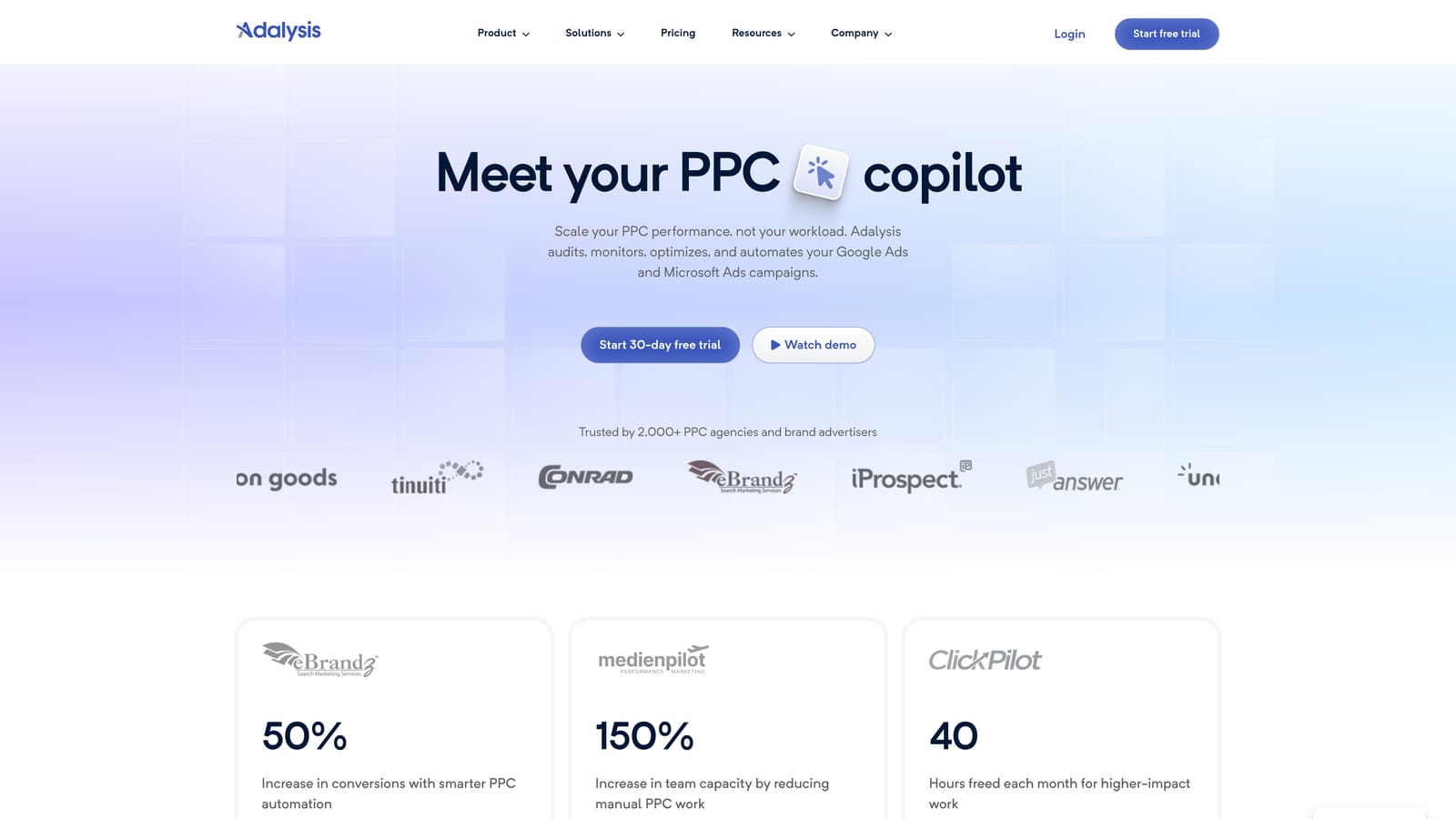
Its strength relative to the rest of this list is ad testing discipline. Adalysis tracks statistical significance on your ad copy tests, meaning it tells you when you actually have enough data to declare a winner rather than calling it too early based on a few days of clicks.
- Runs automated audits that flag disapproved ads, policy issues, and account structure problems
- Tracks ad testing results with statistical significance so you know when a test is conclusive
- Analyzes search terms and suggests negative keywords to add
- Monitors Quality Score trends over time so drops get caught early
It connects to Google Ads and Microsoft Advertising, and setup means linking your accounts and letting the initial audit run. It's meant to be checked regularly by whoever owns the account, which for a freelancer is you. The limitation worth knowing: it runs as its own separate dashboard, not inside Google Ads. Every time it surfaces a suggestion, you're switching over to the Google Ads interface to act on it, which is the exact context-switch problem an in-interface tool like Keywordme is built to avoid.
Pricing is subscription-based; check the current tier structure on Adalysis's site, as it has changed over time.
Best for: Freelancers who want ongoing ad copy testing discipline alongside search term cleanup.
6. WordStream Advisor by LocaliQ
WordStream Advisor by LocaliQ is an all-in-one PPC platform built around a guided "20-Minute Work Week" workflow: a structured checklist meant to walk a non-specialist through weekly account maintenance. It's designed less for career PPC managers and more for people who need to keep an account healthy without deep expertise.

That guided structure is what separates it here. Every other tool on this list assumes you already know what to look for and gives you data or shortcuts to act on it faster. WordStream instead tells you what to do next, step by step, which can be genuinely useful if you're managing an account outside your core specialty.
- Walks you through a structured weekly optimization routine instead of leaving you to decide what to check
- Surfaces keyword suggestions and alerts you to negative keyword opportunities
- Grades overall account performance so you have a quick health snapshot for client reporting
- Reports across Google and Meta campaigns in one place
Setup involves connecting your ad accounts and working through the initial account grading. It's built to be run by the account owner directly, in keeping with its non-specialist framing. The catch for freelancers specifically: it's historically been packaged and priced for small business owners managing a single account, not for someone running several unrelated client accounts. Per-client cost can add up fast if you're paying per connected account rather than per user.
Pricing is quote-based as of 2026; confirm current structure directly with LocaliQ before signing on for multiple client accounts.
Best for: Freelancers managing a small number of accounts who want a guided rather than self-directed workflow.
7. SpyFu
SpyFu is a competitive research tool, not an optimization tool. It shows you which keywords and ad copy a competitor is running in both paid and organic search, which makes it most useful before or during the planning stage of a new client account, not for cleaning up one already running.
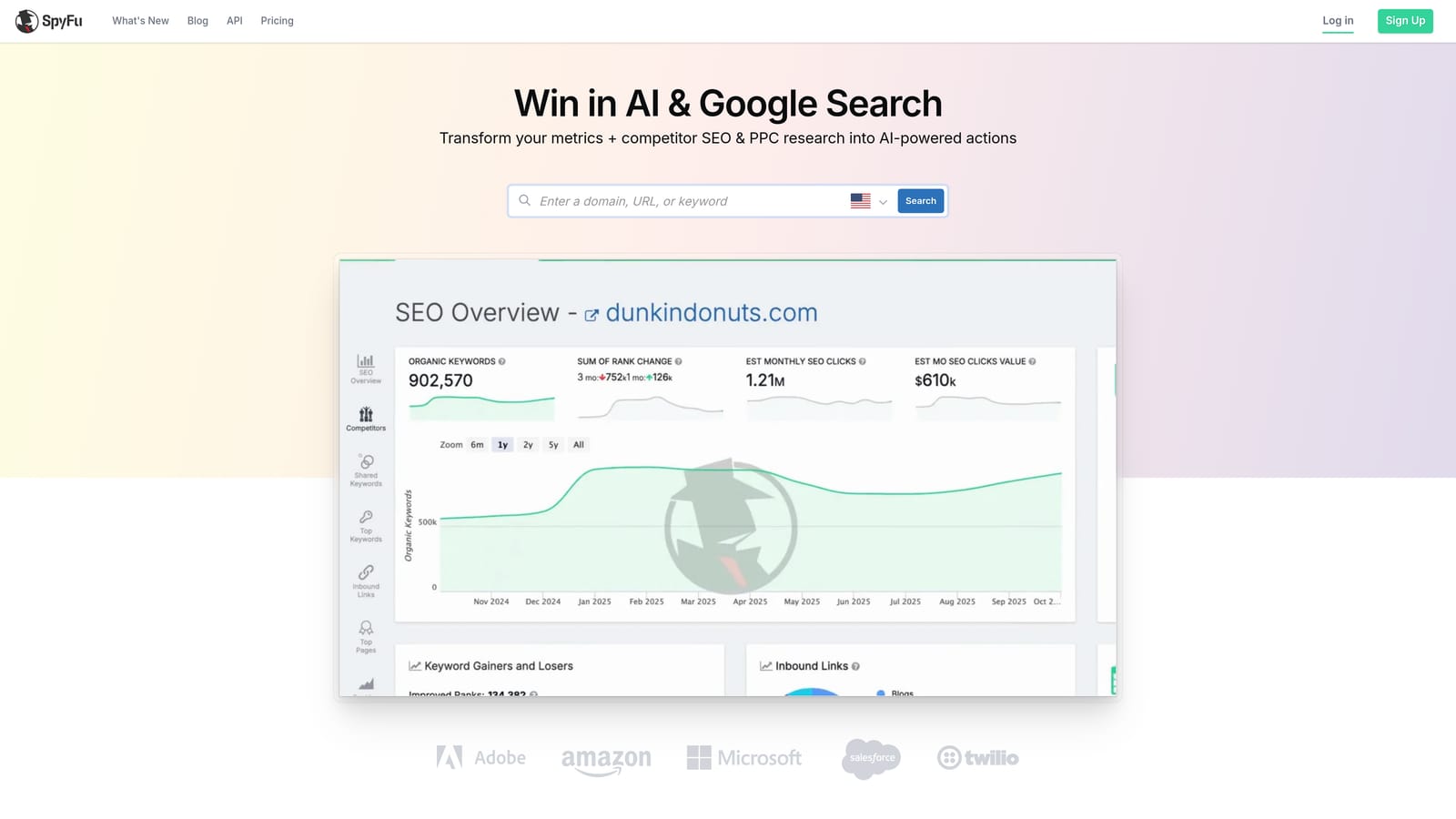
Its distinction on this list is depth of competitor history. If you're onboarding a new client and want to know what their top three competitors have been bidding on for the past year, or how their ad copy has evolved, SpyFu goes deeper on that specific question than any research feature bundled into the other tools here.
- Pulls a competitor's historical PPC keyword and ad copy activity
- Compares your domain against a competitor's keyword footprint side by side
- Tracks how a competitor's ad variations have changed over time
- Groups keyword findings so they translate directly into campaign structure
It exports research to CSV but has no native sync into Google Ads, so anything useful you find still has to be manually added to your account, whether through the web interface, Google Ads Editor, or a tool like Keywordme once the keywords are live. Setup is just a subscription and a login. Its real limitation is scope: it's not built to touch or optimize an account's existing search terms, so it's a research companion to your optimization workflow, not a replacement for one.
Pricing is subscription-based; check SpyFu's site for current tiers.
Best for: Freelancers building keyword and ad angle research for a brand-new client account.
8. Semrush PPC Toolkit
Semrush PPC Toolkit is the paid search module inside Semrush's broader marketing platform, which also covers SEO, content, and site auditing. For a freelancer, the relevant piece is keyword gap analysis and competitor ad research, used for planning rather than day-to-day account cleanup.
What makes it distinct here is that it's the only tool on this list bundling PPC research into a platform that also handles SEO and content work. If you already manage SEO for the same clients you run ads for, that shared login and shared keyword data can save real duplication.
- Runs keyword gap analysis to show which terms competitors rank or bid on that you don't
- Surfaces competitor ad copy history for research before writing new ads
- Labels keywords by intent, useful when deciding which ones deserve paid budget versus organic content
- Bundles in SEO, content, and site audit tools beyond PPC
It connects to Google Ads for keyword export and to Google Analytics, and setup is a standard account sign-up. The tradeoff is that if you're a pure PPC freelancer with no SEO or content responsibilities, you're paying for a large set of features you'll likely never open. It's a strong pick specifically for the freelancer wearing both hats, less so for someone focused only on paid search.
Pricing is subscription-based; check current tiers on Semrush's site, as they're reorganized periodically.
Best for: Freelancers who manage both SEO and PPC for the same clients and want one shared research tool.
Matching Each Tool to Your Workload
If you're doing nothing else, start with Keywordme for the daily grind of search term cleanup. It handles the highest-frequency task in Google Ads management, cutting junk queries and adjusting match types, without pulling you out of the interface you're already in. Pair it with Google Ads Editor and Keyword Planner for the free, first-party work of bulk edits and pre-launch research, and you've covered most of what a solo account needs without paying for anything beyond Keywordme's flat $12 per month.
As your client list grows past what you can review manually each week, Optmyzr or Adalysis become worth the heavier price tag and setup time, one for automation and cross-account reporting, the other for ad testing rigor. When you're starting a new client engagement and need to understand the competitive landscape before touching the account, SpyFu or Semrush's PPC Toolkit do that research legwork, especially Semrush if you're already handling SEO for the same client.
Optimize Google Ads campaigns 10x faster, without leaving your account. Keywordme lets you remove junk search terms, build high-intent keyword lists, and apply match types instantly, right inside Google Ads. No spreadsheets, no switching tabs, just quick, seamless optimization. Start your free 7-day trial (then just $12/month) and take your Google Ads game to the next level.
.svg)