
9 Best Google Ads Optimization Software Alternatives in 2026
This guide compares nine Google Ads optimization software alternatives for freelancers, in-house marketers, and agency owners who want to replace or supplement their current tool. Each option is judged on what it optimizes, how transparent its pricing is, whether it suits solo or agency work, and where it falls short.


You already run Google Ads, and something about your current setup is bugging you. Maybe the tool costs too much for what you use, maybe it's built for a bigger team than yours, or maybe you're still exporting search terms to a spreadsheet and hating every minute. This list is for freelancers, in-house marketers, and agency owners who want to replace or supplement what they have. Each tool was judged on what it actually optimizes (search terms, ads, bids, budgets, reporting, or scripts), how transparent its pricing is, whether it suits solo work or agency work, and where it falls short.
Quick Comparison of the Alternatives
- Keywordme: freelancers and agencies who spend most of their time on search term review; $12/month per user; works inside the native Google Ads Search Terms Report with no exports or separate dashboard.
- Optmyzr: agencies running many client accounts; pricing on the website (tiered); the widest set of built-in audits and rule-based automations on this list.
- Adalysis: teams that want ongoing account-health monitoring; pricing on the website (based on account size); the deepest ad copy testing analysis here.
- Google Ads Editor: anyone doing large structural edits on a budget; free; official offline bulk editing across multiple accounts.
- Google Ads Scripts: technical PPC specialists; free; fully custom automation with no subscription.
- WordStream Advisor (LocaliQ): small business owners who want guided advice; pricing on the website; a guidance-led workflow aimed at non-specialists.
- Swydo: agencies that send recurring client reports; pricing on the website (based on data sources or accounts); automated white-label reporting across platforms.
- Google Ads Recommendations and Smart Bidding: advertisers who want a zero-cost baseline; free with a Google Ads account; direct access to Google's own bidding signals.
- Google Sheets Spreadsheet Workflow: beginners and low-volume accounts; free; total flexibility with nothing new to learn.
1. Keywordme
Keywordme is a Chrome extension that adds one-click actions to the Search Terms Report inside Google Ads. It's built for people who live in that report: freelancers, in-house marketers, and agency teams who review what users actually typed (search terms) and decide what to bid on (keywords) and what to block (negative keywords).
Its main edge over everything else here is location. You don't export anything or open a separate dashboard. You review search terms in the native interface, click, and the change is made. The tradeoff is scope, which is covered below.
- One-click negative keyword actions, so junk search terms get blocked without copying and pasting.
- One-click keyword additions, so converting search terms can become keywords quickly.
- Match type application, so you choose broad, phrase, or exact as you add rather than fixing it later.
- Keyword clustering, which helps you group related terms when building new keyword lists.
- Bulk editing and multi-account and team support, so agencies can work through several clients with the same workflow.
Setup is light: install the extension, open Google Ads, and work in the Search Terms Report. Whoever does search term review runs it day to day, which usually means a PPC manager or freelancer rather than a dedicated admin.
Be clear about the limits. Keywordme focuses on search term and keyword work. It doesn't do automated bidding, account audits, or client reporting, and changes are user-driven, so you still decide on every term. If you want a platform that tells you what's wrong across the whole account, look at the audit tools below. It also runs as a Chrome extension, so it depends on that browser.
Pricing is flat: $12/month per user, with a 7-day free trial (as of November 2026; confirm on the website). Cost scales with the number of users, not ad spend or account count.
Best for: Freelancers and agencies who spend most of their optimization time on search term review.
2. Optmyzr
Optmyzr is a PPC management platform with audits, rule-based optimizations, and reporting, built for people managing many accounts. It's aimed at agencies that need the same checks run the same way across a whole client roster.
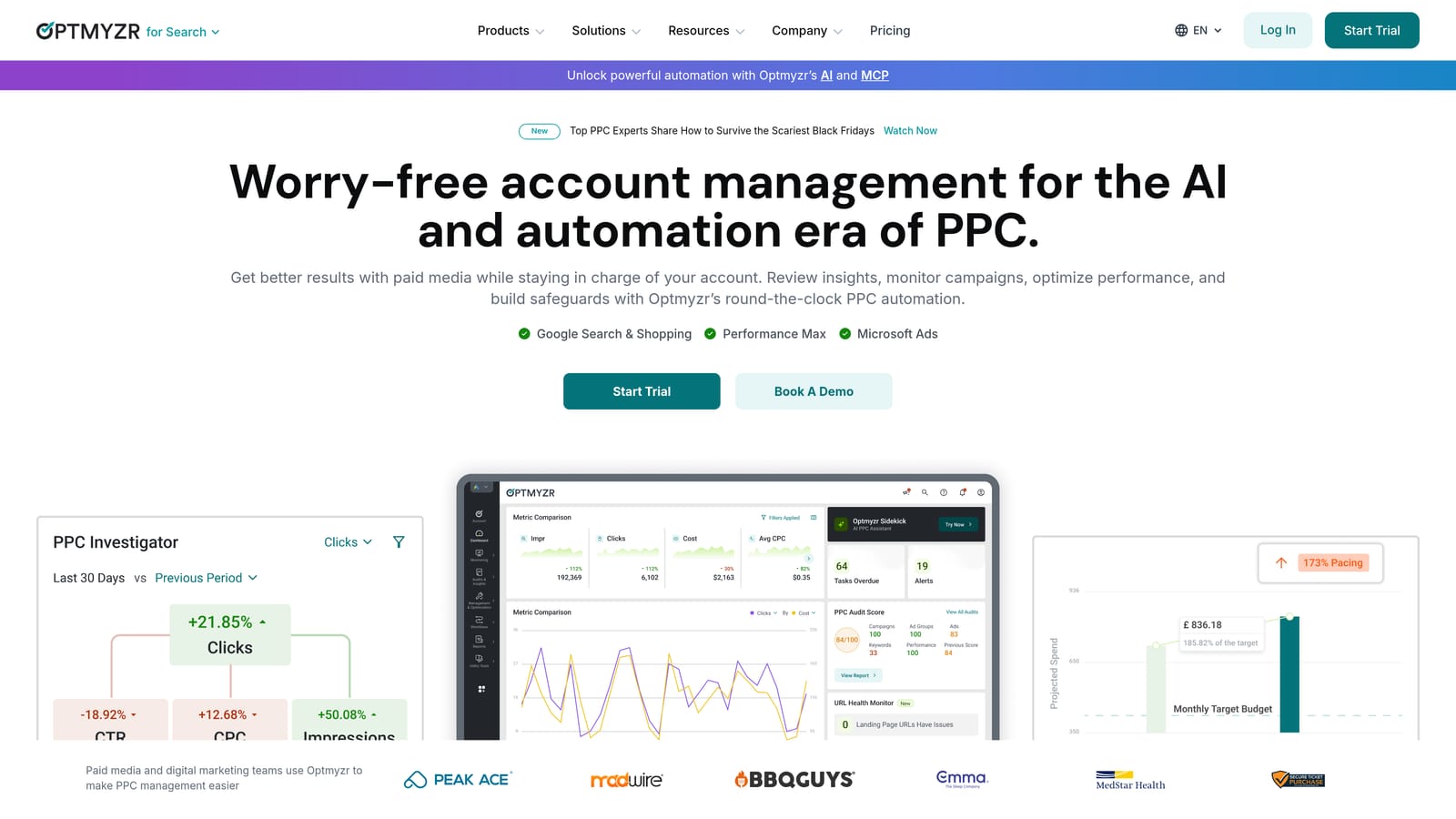
What sets it apart on this list is breadth. Few tools here combine audits, automation rules, suggestions, and reporting in one place, so it can replace several smaller tools if you'll use all of it.
- Account audits that flag issues so you don't have to hunt for them manually.
- Rule-based automations that run repeatable optimizations on a schedule you define.
- Optimization suggestions that point to changes worth reviewing.
- Reporting that packages performance for clients or internal use.
- Multi-account management so one team can work across a portfolio.
It connects to Google Ads, Microsoft Advertising, and Meta Ads. Expect more setup than a browser extension: you connect accounts, configure rules, and learn the interface. Someone on the team usually becomes the owner of those rules.
The honest downside is the learning curve. A solo advertiser with a couple of simple accounts will likely pay for features they never touch. And if your real pain is slow search term review, a full platform is more than you need.
Pricing is tiered; check the Optmyzr website for current plans (as of November 2026), since plan names and what moves the price can change.
Best for: Agencies that need repeatable audits and automation across many client accounts.
3. Adalysis
Adalysis is a PPC audit and testing platform. It monitors your accounts and flags problems across ads, keywords, and quality, so you know where to look rather than discovering issues by accident.
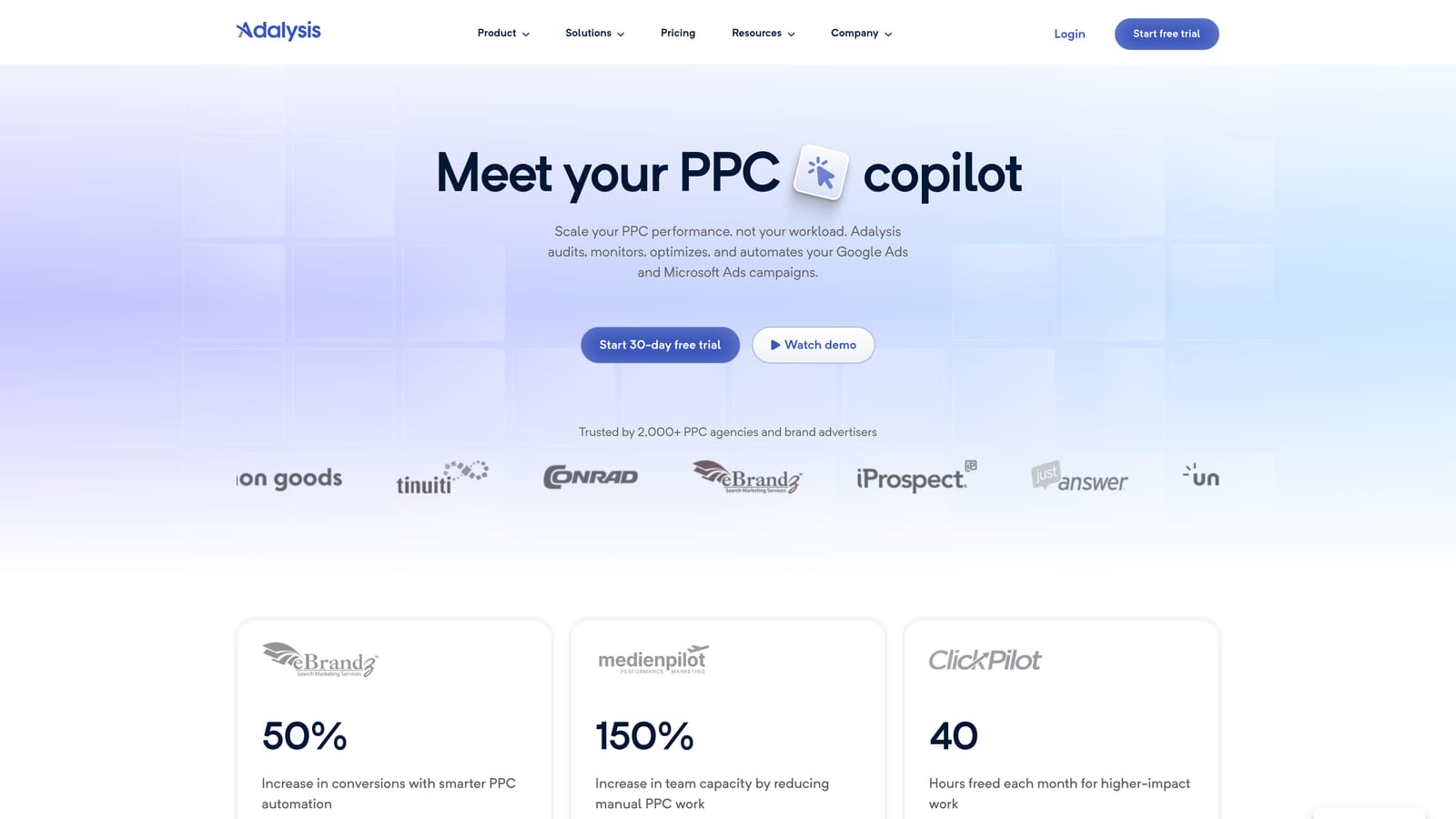
Its distinctive strength is ad copy testing. If you run lots of responsive search ads and want structured analysis of what's winning and what isn't, it goes deeper there than most alternatives here.
What it gives you
- Automated account audits that surface issues continuously.
- Ad testing analysis to show which ad variations are worth keeping.
- Alerts so problems reach you without a manual check.
- Reporting for sharing results.
- Bulk management tools for applying changes across larger accounts.
Where it falls short
Adalysis is better at telling you what to fix than at making the fixing fast. It surfaces issues and recommendations, but hands-on editing, like clearing a long search terms list, still takes your time. Pair it with a faster editing workflow if that's your bottleneck.
It integrates with Google Ads and Microsoft Advertising. Setup means connecting accounts and tuning what gets monitored, and it suits teams with someone who'll act on the alerts regularly. Pricing is based on account size; see the Adalysis website for current plans (as of November 2026).
Best for: Teams that want ongoing ad testing and account-health monitoring.
4. Google Ads Editor
Google Ads Editor is Google's free desktop application for bulk editing campaigns, ad groups, keywords, and ads. You can download account data, edit it, including offline, and post the changes back when you're ready.
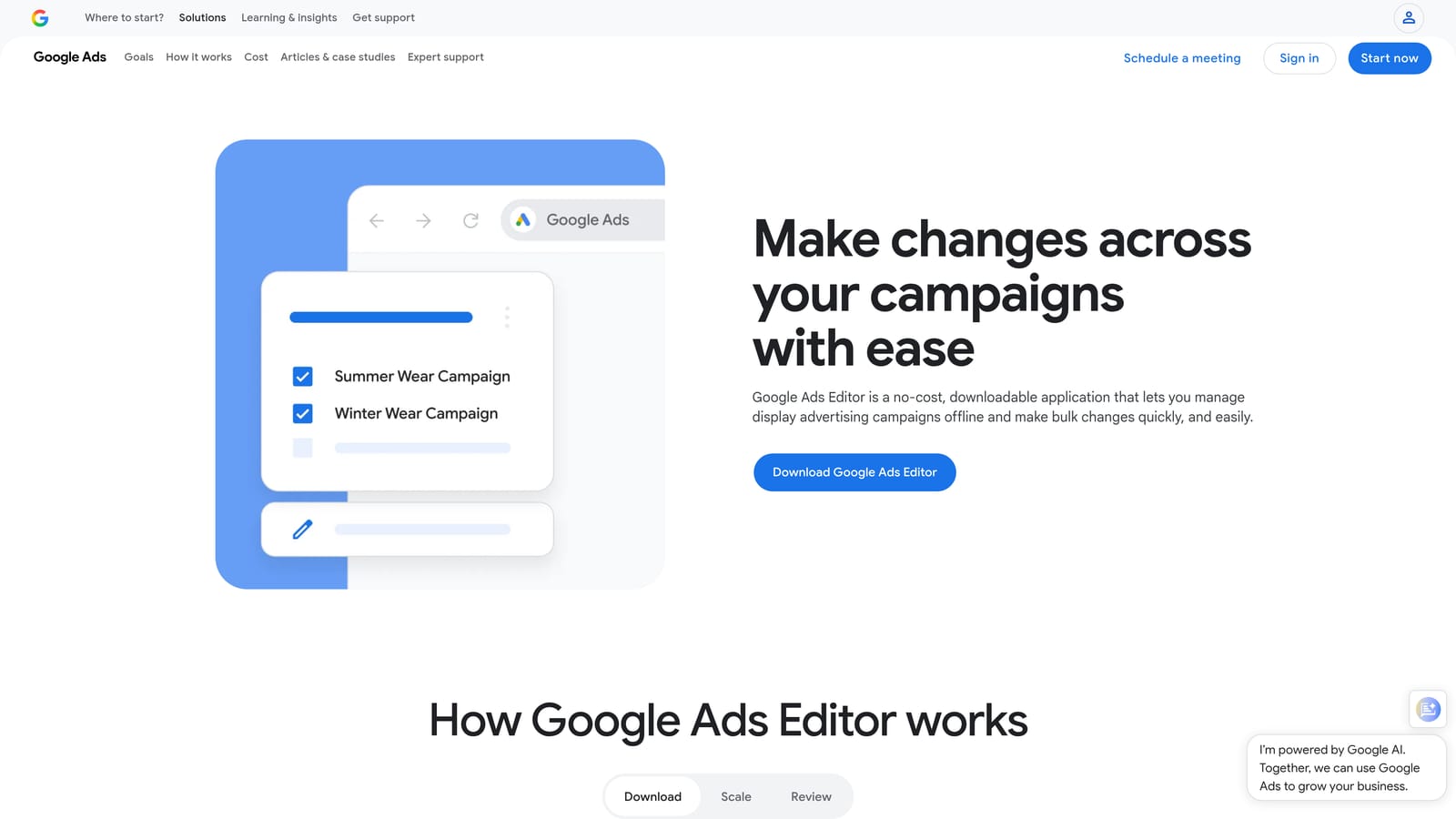
Nothing else on this list matches it for free, official, large-scale structural edits across multiple accounts. Restructuring campaigns, renaming at scale, or rolling out a new ad set to dozens of ad groups is exactly its job.
- Bulk editing across campaigns and accounts, so repetitive changes take minutes.
- Offline editing, so you can work without a live connection and post later.
- Change review before posting, so you catch mistakes before they go live.
- Copy and paste between accounts, which speeds up reusing structures for similar clients.
- Import and export via CSV for working with spreadsheets.
It's an installed app, so setup is a download and an account sign-in. The person doing structural account work runs it. There's no learning cost beyond the interface itself.
The limits are real. It gives no automated recommendations or alerts, and it isn't designed around search term review, so it won't replace a tool built for that. It's an editor, not an advisor.
Pricing: free.
Best for: Advertisers who need large structural edits without paying for software.
5. Google Ads Scripts
Google Ads Scripts is built-in JavaScript automation inside Google Ads. You write code that runs on a schedule to check accounts, produce reports, or make changes.
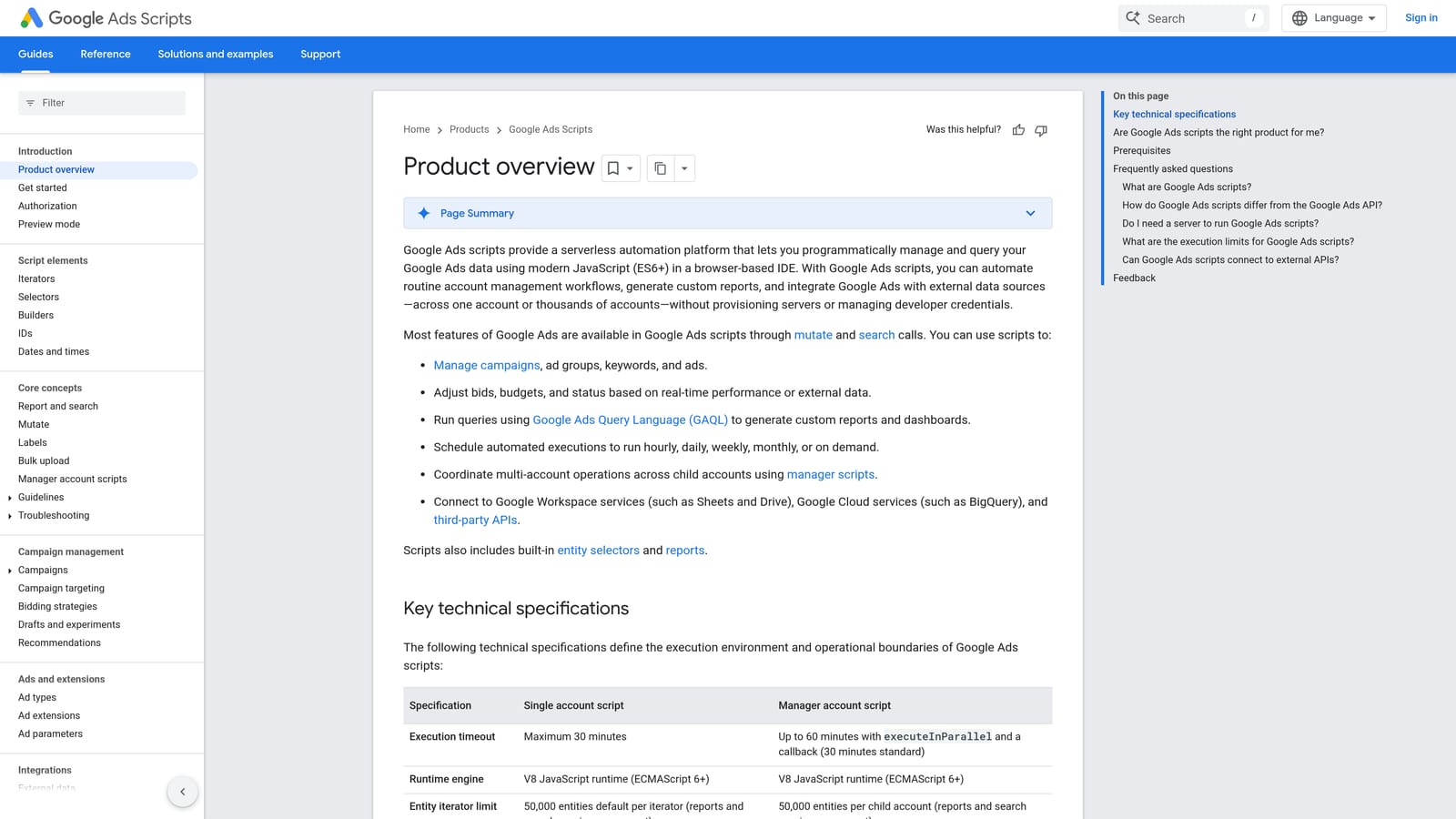
The appeal is control. You aren't limited by a vendor's feature list, and there's no subscription. If you can describe a check or change precisely, you can probably script it.
- Scheduled script runs, so routine checks happen without you.
- Custom alerts and anomaly checks, such as spend spikes or paused campaigns, tuned to your own thresholds.
- Reporting to Google Sheets, which feeds your own dashboards.
- Automated account changes for tasks you'd otherwise repeat by hand.
- Code-level customization, so behavior matches your exact rules.
It integrates with Google Ads and Google Sheets. Setup effort is the catch: someone has to write, test, and maintain the scripts, and that person needs coding skill. When Google changes something, scripts can need updating.
It isn't for non-technical users, and it carries risk. A bug in a script that makes changes can affect live campaigns, so test carefully and start with read-only reporting scripts before automating edits.
Pricing: free.
Best for: Technical PPC specialists who want exact control over automation.
6. WordStream Advisor (LocaliQ)
WordStream Advisor is a small-business-oriented advertising platform with guided recommendations and performance tracking. It's now part of LocaliQ, so check how the product is currently packaged before you plan around it.
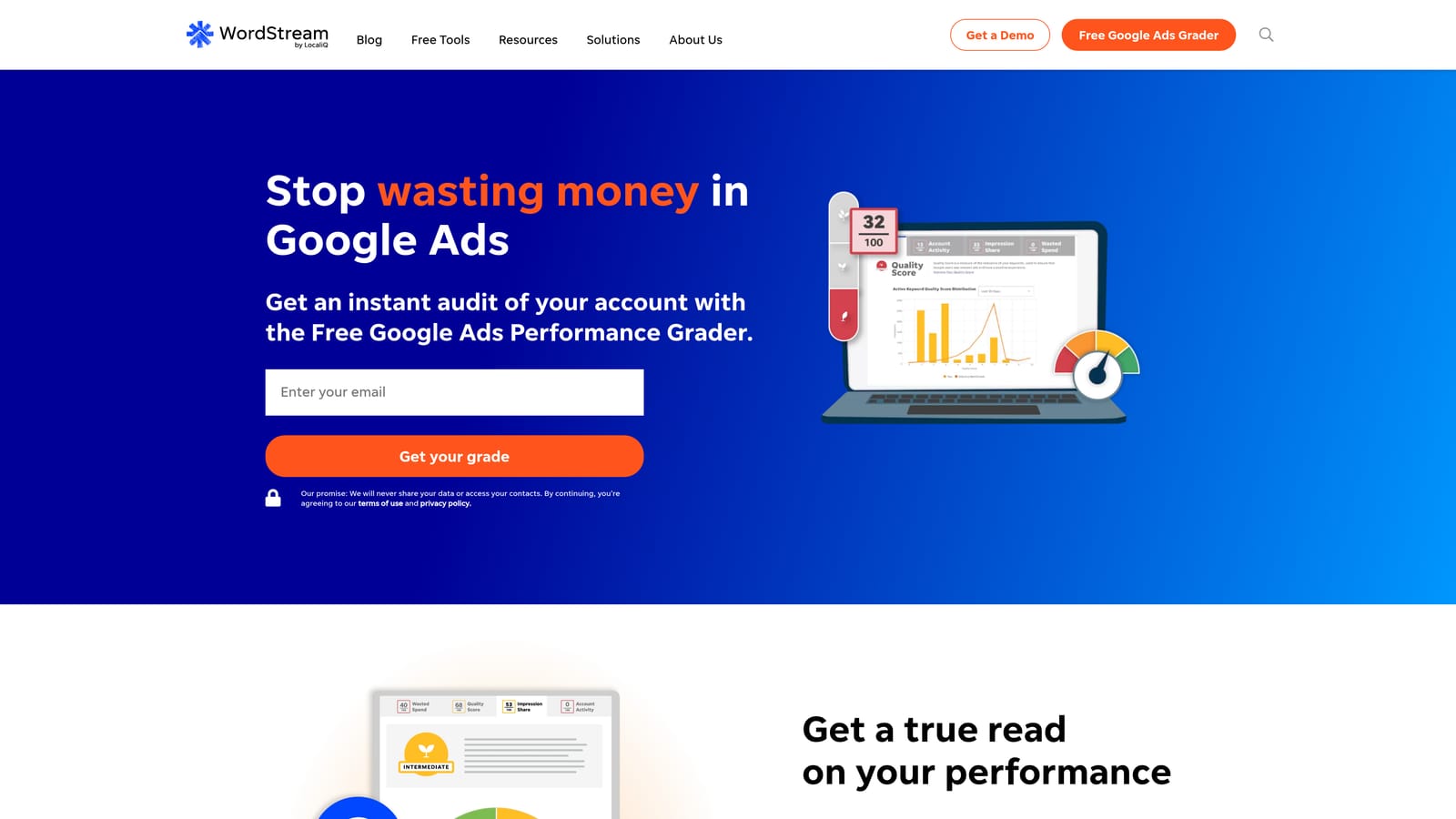
Its distinguishing trait is the guidance-led approach. Instead of handing you controls, it tells a business owner what to do next, which suits people who run ads as one of many jobs.
- Guided optimization recommendations that spell out next steps in plain terms.
- Performance grading so you can see at a glance how an account is doing.
- Reporting to track results over time.
- Multi-platform ad support for businesses running ads beyond Google.
It connects to Google Ads, Microsoft Advertising, and Meta Ads. Setup is aimed at non-specialists, and the business owner or a generalist marketer typically runs it.
The limitations: its packaging and pricing may not fit freelancers or agencies, and experienced practitioners may find a guided workflow too restrictive. Verify whether it's currently sold standalone before shortlisting it. Pricing is listed on the website (as of November 2026), so confirm there.
Best for: Small business owners who want guided advice rather than hands-on control.
7. Swydo
Swydo is a reporting platform that automates white-label PPC and marketing reports for clients. It does one job, and it's the only tool here built purely around client-facing reporting.
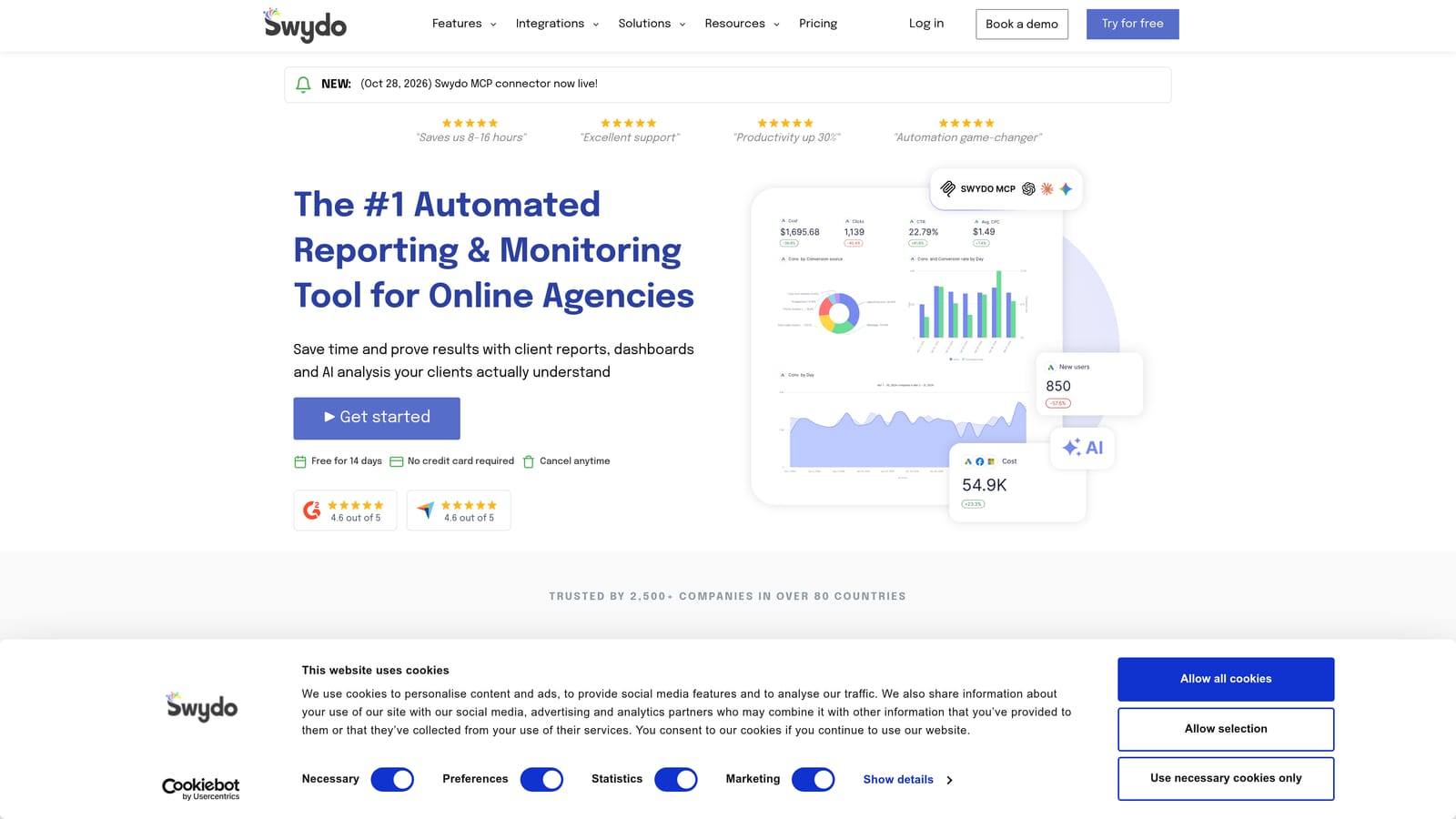
That focus is the point. If you spend hours each month pulling numbers into slides or spreadsheets for clients, automating that is a different win from speeding up optimization.
- Automated client reports that go out on a schedule instead of being rebuilt monthly.
- White-label branding, so reports carry your agency's identity.
- Multi-platform data sources, so one report can cover several channels.
- Report templates that keep client deliverables consistent.
- Performance alerts so you hear about changes before the client does.
It integrates with Google Ads, Meta Ads, Google Analytics, and Microsoft Advertising. Setup means connecting data sources and building or adopting templates, and an account manager or ops person usually owns it.
Don't buy it expecting optimization help. It reports performance only and makes no changes in Google Ads. You'll still need another tool or workflow for search term cleanup and bids. Pricing is based on data sources or accounts; see the website for current plans (as of November 2026).
Best for: Agencies that need polished, recurring client reports.
8. Google Ads Recommendations and Smart Bidding
Google Ads has its own optimization layer: the Recommendations page, optimization score, and automated Smart Bidding strategies. It costs nothing beyond your ad spend, and it's the baseline every paid tool is competing against.
Its advantage is access. Smart Bidding works from Google's own bidding signals, which third-party tools can't see in the same way.
- Recommendations page, with suggested changes to review for your campaigns.
- Optimization score, an estimate of how much of Google's suggested setup you've applied.
- Smart Bidding strategies that adjust bids automatically toward your goal.
- An auto-apply option for recommendations, which you can choose to turn on or leave off.
There's no setup beyond having an account, and whoever manages the campaign uses it.
Treat it as advice, not truth. Suggestions come from Google and need human review before you apply them. Optimization score isn't a performance metric: a high score doesn't mean good results, and some recommendations may not fit your goals. Think carefully before enabling auto-apply, since it lets changes go live without your sign-off. It also won't speed up search term review the way a dedicated workflow does.
Pricing: free with a Google Ads account.
Best for: Advertisers who want a zero-cost baseline before paying for a tool.
9. Google Sheets Spreadsheet Workflow
The Google Sheets workflow is the manual route many people start with: export the search terms report, filter and sort it in a spreadsheet, then upload changes back to Google Ads.
It earns a spot because it's flexible and familiar. You can build any filter or formula you like, and nothing new needs to be learned or bought.
- Search term report exports that give you the raw data to work from.
- Filtering and pivot tables to spot patterns, like wasted spend by word.
- Custom formulas for your own flags, such as terms over a cost threshold with no conversions.
- Shared team access so colleagues can review the same sheet.
- CSV upload back to Google Ads to apply your decisions.
It integrates with Google Ads through export and upload, plus the rest of Google Workspace. Setup is minimal, and anyone can run it, but every step is manual.
That's the weakness. At scale it's slow and error-prone: a bad paste, a wrong match type, or a stale export can push the wrong negatives live. Each change is several steps instead of one click. It works while accounts are small, then becomes the thing people want to replace.
Pricing: free with a Google account.
Best for: Beginners and low-volume accounts that do not yet justify paid software.
Matching the Tool to the Job You Actually Need Done
These tools solve different problems, so the right pick depends on where your hours go.
- Solo advertiser on a budget: start with Google Ads Editor and the native Recommendations (reviewed by you), then add Keywordme at $12/month per user if search term review is eating your week.
- Agency managing many clients: Optmyzr covers audits and automation at scale, while Keywordme speeds up the hands-on search term work inside each account.
- Technical user: Google Ads Scripts gives you custom automation for free, if you're comfortable maintaining code.
- Reporting-heavy agency: Swydo handles the client deliverables, since none of the optimization tools are built for that.
Many teams don't pick just one. A common setup is a native option for baseline automation plus one paid tool aimed at the biggest time sink. Confirm current pricing and features on each vendor's site before you commit, because plans change.
Optimize Google Ads Campaigns 10X Faster. Without Leaving Your Account. Keywordme lets you remove junk search terms, build high-intent keyword lists, and apply match types instantly, right inside Google Ads. No spreadsheets, no switching tabs, just quick, seamless optimization. Start your free 7-day trial (then just $12/month) and take your Google Ads game to the next level.
