
9 Best Google Ads Optimization Tools and Services for 2026
A practical guide to google ads optimization service.


If you run Google Ads for yourself, clients, or a boss who asks about wasted spend every Monday, this list is for you. Most of these are software tools, not done-for-you services, and that's deliberate: the tools below each handle a different optimization job, from search term cleanup to bidding rules, auditing, reporting, and one managed option for when you'd rather hand the work off. We judged each on how directly it changes account performance, how much manual work it removes, how it's priced, and who it actually suits.
Quick Comparison of the Tools
- Keywordme: freelancers and agencies who spend hours on search terms; $12/month per user; adds keywords and negatives from inside the native Search Terms Report.
- Optmyzr: agencies and in-house teams with larger multi-platform accounts; pricing on the website; rule-based automation across bids, budgets, and audits in one suite.
- Adalysis: agencies monitoring many accounts; pricing on the website; automated ad-copy testing and alerts.
- Google Ads Editor: advertisers making big structural changes on a budget; free; offline drafts you review before posting.
- Google Ads Scripts: technical advertisers; free; fully custom automation written in JavaScript.
- Google Ads Recommendations and Optimization Score: beginners; free; zero-setup suggestions personalized to your account.
- WordStream by LocaliQ: small businesses that want to outsource; quote-based; a managed service option alongside software.
- Swydo: agencies needing client-ready reports; pricing on the website; white-label reporting built for agencies.
- Looker Studio: freelancers wanting free custom reporting; free; fully flexible dashboards with a native Google Ads connector.
1. Keywordme
Keywordme is a Chrome extension that adds one-click actions inside the Google Ads Search Terms Report. It's our product, so weigh this section with that in mind. It's built for people who review search terms (what users actually typed before seeing your ad) and turn them into keywords (what you bid on) or negative keywords (what you block).
What it does well is remove the detour. You stay in the Google Ads interface instead of exporting to a spreadsheet, sorting, and uploading again. Keywordme says this makes optimization up to 10x faster; that's the company's own claim, and your results will depend on how you work today.
- Add keywords and negative keywords straight from the Search Terms Report, so junk queries get blocked without leaving the page.
- Apply match types in one click, instead of typing brackets and quotes by hand.
- Keyword clustering groups related terms so you can build tighter keyword lists faster.
- Bulk editing lets you act on many terms at once rather than one row at a time.
- Multi-account and team support suits agencies running several client accounts with more than one person.
Setup is light: it installs through Chrome and works with Google Ads, so there's no dashboard to learn or data to sync. Whoever does the search term review runs it day to day.
The limit is scope. Keywordme focuses on the search term and keyword workflow. It isn't an automated bidding tool, an auditing platform, or a managed service, and it doesn't make changes on its own; you decide what gets added or blocked. If you need alerts, reporting, or ad testing, pair it with something else on this list.
Pricing is $12 per month per user, with a 7-day free trial, so cost scales with the number of people using it rather than your ad spend. Confirm current terms on the website, as of November 2026.
Best for: Freelancers and agencies who spend hours cleaning search terms.
2. Optmyzr
Optmyzr is a PPC management platform that combines automation, optimization suggestions, and reporting. It's aimed at agencies and in-house teams running bigger accounts, often across more than one ad platform.

Its distinctive strength is breadth. Where other tools on this list do one job, Optmyzr tries to cover most of the weekly routine in one place, with rules you set that run on a schedule.
- Rule-based automation lets you define conditions and actions so routine checks run without you.
- One-click optimizations turn suggestions into changes you approve quickly.
- Bid and budget management helps you keep spend pacing in line across campaigns.
- Reporting packages results for clients or internal stakeholders.
- Account audits surface problems you'd otherwise find by digging through settings.
It connects to Google Ads, Microsoft Advertising, and Meta Ads. Expect a real onboarding period: you'll want someone who owns the setup, tunes the rules, and checks that automation does what you intended.
That's also the catch. The learning curve is steeper than with a single-purpose extension, and cost grows with ad spend. Small accounts may pay for far more than they use. It also isn't a faster way to scan search terms, which is where a tool like Keywordme fits alongside it.
Pricing is tiered by ad spend. Check the website for current plans, as of November 2026.
Best for: Agencies and in-house teams managing larger multi-platform accounts.
3. Adalysis
Adalysis is an auditing and monitoring tool. It watches your accounts, flags problems, and points out testing opportunities, so you spend less time hunting for what broke.
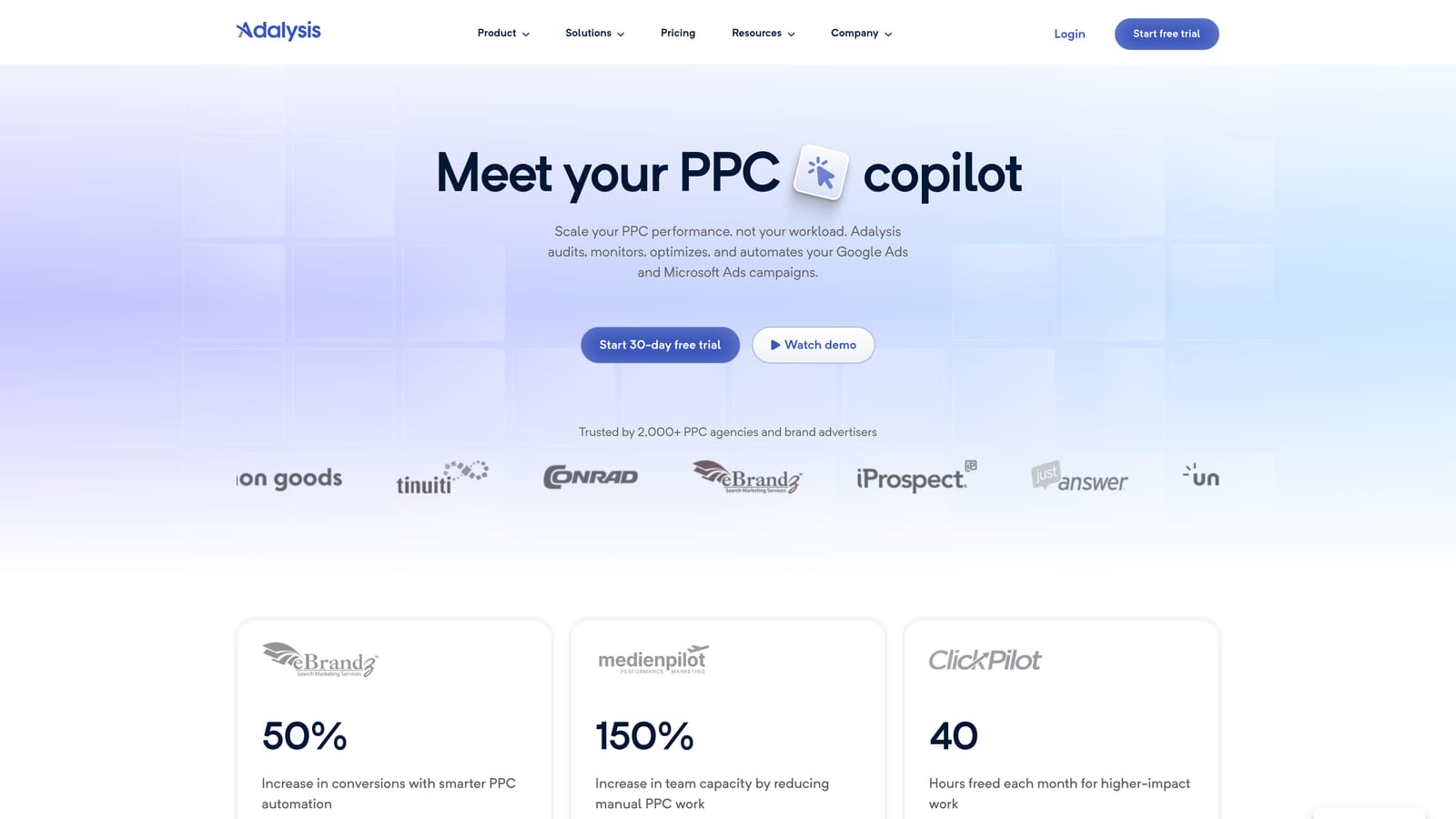
Its edge over the rest of the list is automated ad-copy testing and alerting across many accounts at once. For an agency with dozens of clients, that's the difference between catching an issue this week and finding it at the monthly review.
- Automated account audits check for common issues without a manual walkthrough.
- Ad testing compares ad variations so you can see which copy is winning.
- Alerts tell you when something changes or breaks, instead of waiting for you to notice.
- Quality Score tracking shows movement over time, so you can spot declines early.
- Reporting summarizes findings for clients or your team.
It works with Google Ads and Microsoft Advertising. Setup means connecting accounts and then someone, usually an account manager, working through the flags it raises.
The limitation is that Adalysis diagnoses more than it fixes. It tells you where to look; it won't speed up the hands-on work of editing search terms and keywords. It also has no Meta Ads coverage in the details we have, so it suits search-focused teams best.
Pricing isn't listed in our notes, so check the website for current plans, as of November 2026.
Best for: Agencies monitoring many accounts for problems.
4. Google Ads Editor
Google Ads Editor is Google's free desktop app for editing campaigns in bulk. You download your account, make changes offline, and post them when you're ready.

Its standout is the combination of free, first-party, and reviewable. You see a full list of pending changes before anything goes live, which is useful when you're restructuring dozens of campaigns or ad groups.
- Bulk edits across campaigns let you change many items at once instead of clicking through the web interface.
- Multi-account management lets you move between accounts in one app.
- Offline editing means you can work on drafts without being in the browser.
- Review changes before posting so mistakes get caught before they reach live campaigns.
- Import and export lets you move data in and out using spreadsheet files.
It integrates only with Google Ads. Setup is a download and an account sync, and the person who builds or restructures campaigns typically uses it. Check Google's Help docs for current feature details.
It gives no recommendations and no automation, and it isn't designed for search term review. It's a power editing tool, not an optimization engine, so you bring the judgment.
It's free.
Best for: Advertisers making large structural changes on a budget.
5. Google Ads Scripts
Google Ads Scripts lets you automate your account with JavaScript that runs inside Google Ads. You write (or adapt) a script, schedule it, and it does the repetitive work for you.
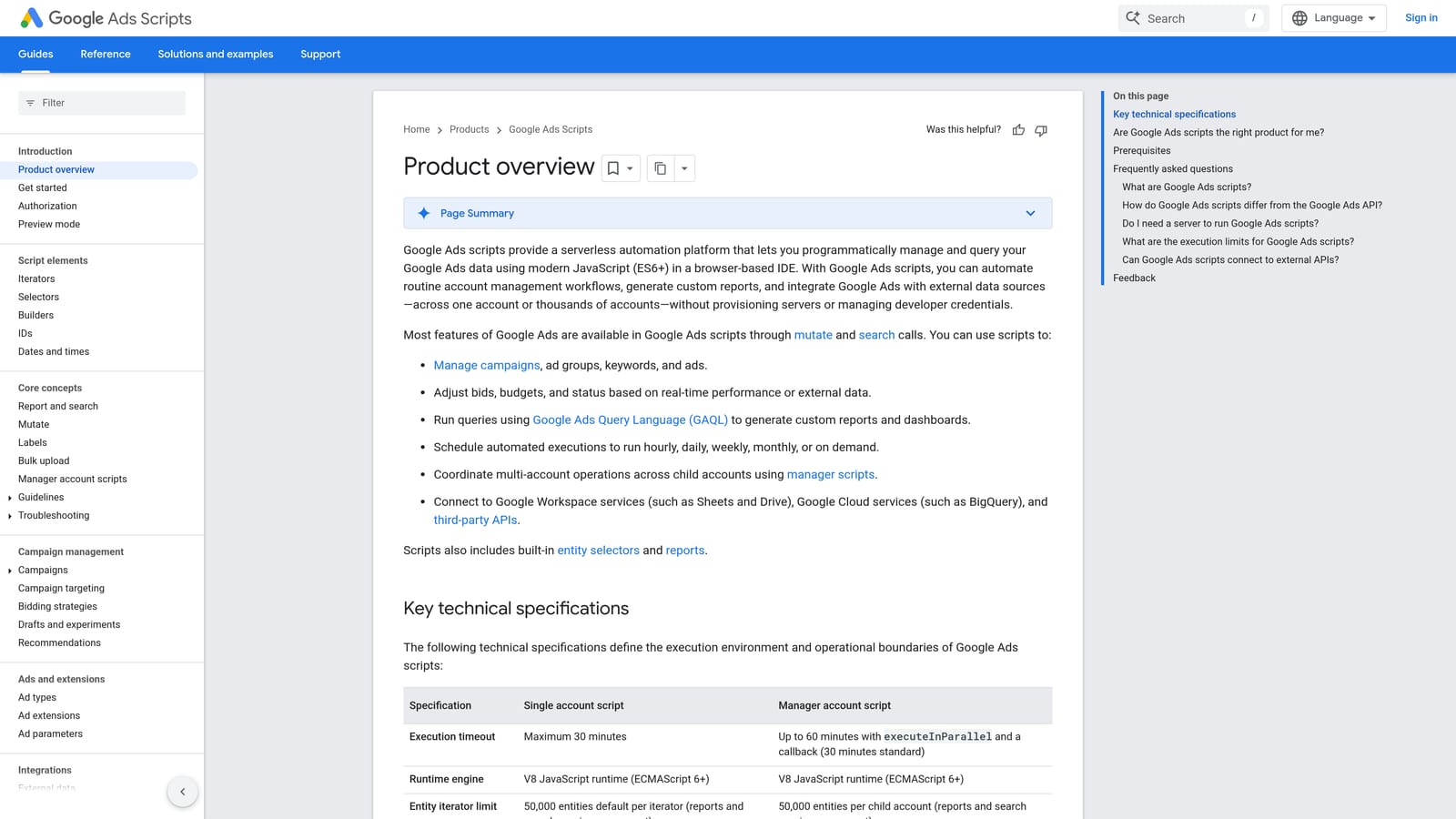
Nothing else here is as customizable at no software cost. If you can describe a rule, such as "pause anything over this cost with no conversions" or "email me when spend spikes," a script can probably do it.
- Scheduled custom scripts run tasks on a timetable without you logging in.
- Alerts notify you when metrics cross thresholds you define.
- Custom reporting can push account data into places like Google Sheets.
- Bid rules apply your own logic to bids rather than a generic setting.
- Account checks catch issues like broken URLs or paused items.
It works with Google Ads and Google Sheets. Setup effort depends entirely on your coding comfort, and someone has to own the scripts afterward.
That's the main limitation: you need coding skills and ongoing maintenance. Scripts can break when things change, and a bug in an automated bid rule can cost real money. It's a poor fit if nobody on your team writes code.
It's free.
Best for: Technical advertisers who want custom automation.
6. Google Ads Recommendations and Optimization Score
Google Ads Recommendations is the native suggestion system inside your account, paired with Optimization Score, a percentage estimate of how well your account is set up to perform based on available recommendations.
What it does best is zero-setup guidance. Suggestions are personalized to your account, which makes it a handy starting checklist.
- The Recommendations page lists suggested changes in one place.
- Optimization Score gives a quick read on how many suggestions are outstanding.
- Apply or dismiss lets you act on a suggestion or reject it.
- Categorized recommendations help you work through bids, keywords, ads, and more in groups.
It lives in Google Ads, so there's nothing to install or connect. Whoever manages the account reviews it.
Be careful with it. Optimization Score is not performance: a high score doesn't mean good results, and a low one doesn't mean bad ones. Recommendations also come from Google, which earns revenue when you spend more, so review each one against your goals before applying. Never treat the score as a target.
It's free.
Best for: Beginners wanting a starting checklist.
7. WordStream by LocaliQ
WordStream by LocaliQ is advertising software and a managed service aimed at small businesses. It includes the Google Ads Grader, a free-style assessment of your account.
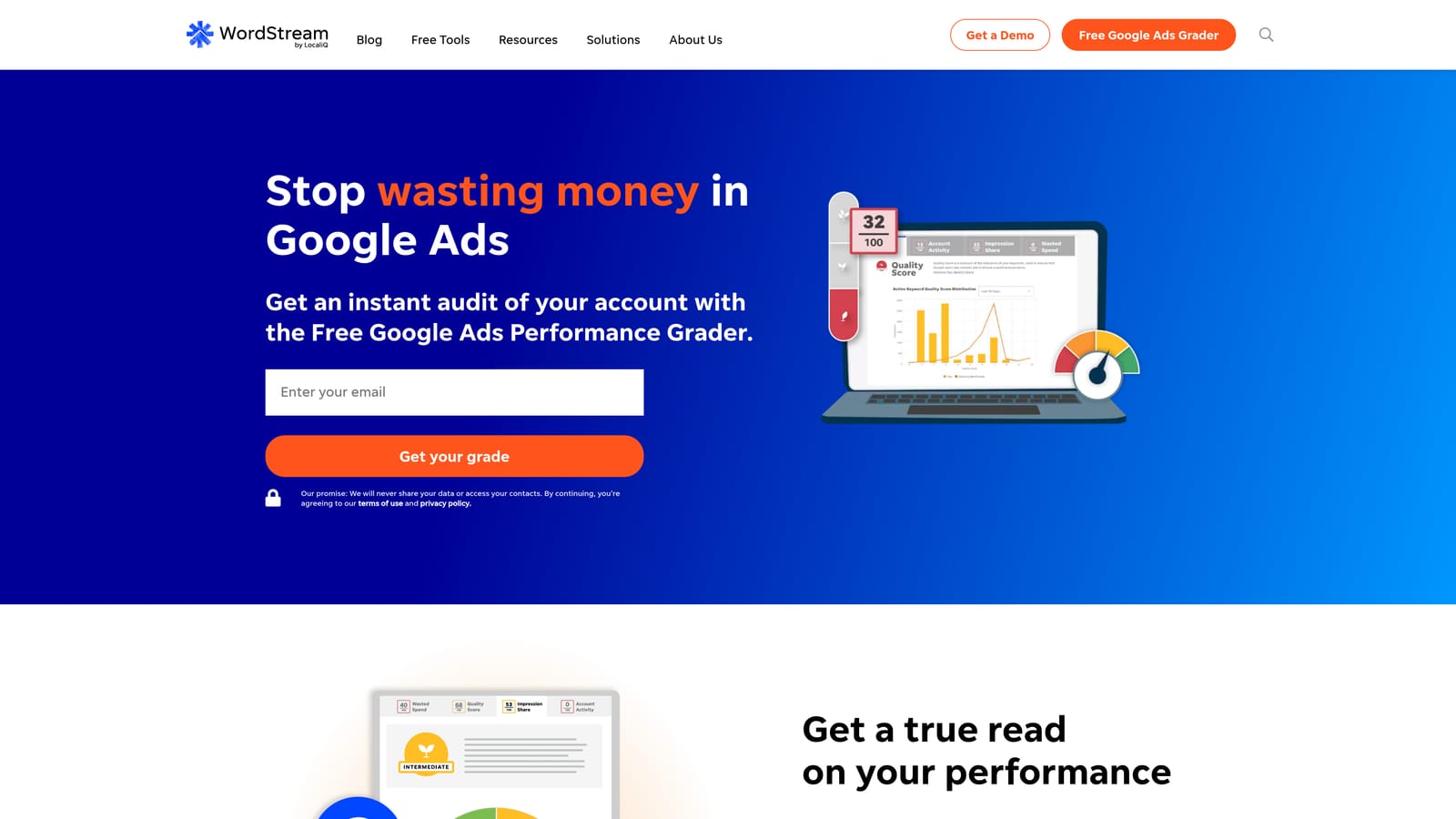
It's the only entry here that openly pairs software with a managed service option. That makes it the closest thing on this list to a literal "Google Ads optimization service."
- Google Ads Grader gives you an assessment of your account to find weak spots.
- Managed campaign service lets the provider run campaigns on your behalf.
- Campaign management software gives you tools if you prefer to run things yourself.
- Performance recommendations suggest changes based on your account data.
It works with Google Ads, Microsoft Advertising, and Meta Ads. With the managed route, setup is mostly onboarding and handing over goals; with the software route, you or a team member operates it.
The trade-off is control. It's built around small-business needs, so agencies wanting deep, granular control may find it limiting. With any managed service, ask what you'll see, how often, and who makes decisions.
Pricing is quote-based, so you'll need to ask the provider, as of November 2026.
Best for: Small businesses that want to outsource campaign management.
8. Swydo
Swydo is a marketing reporting platform made for agencies. It pulls performance data from several channels into reports clients can read.
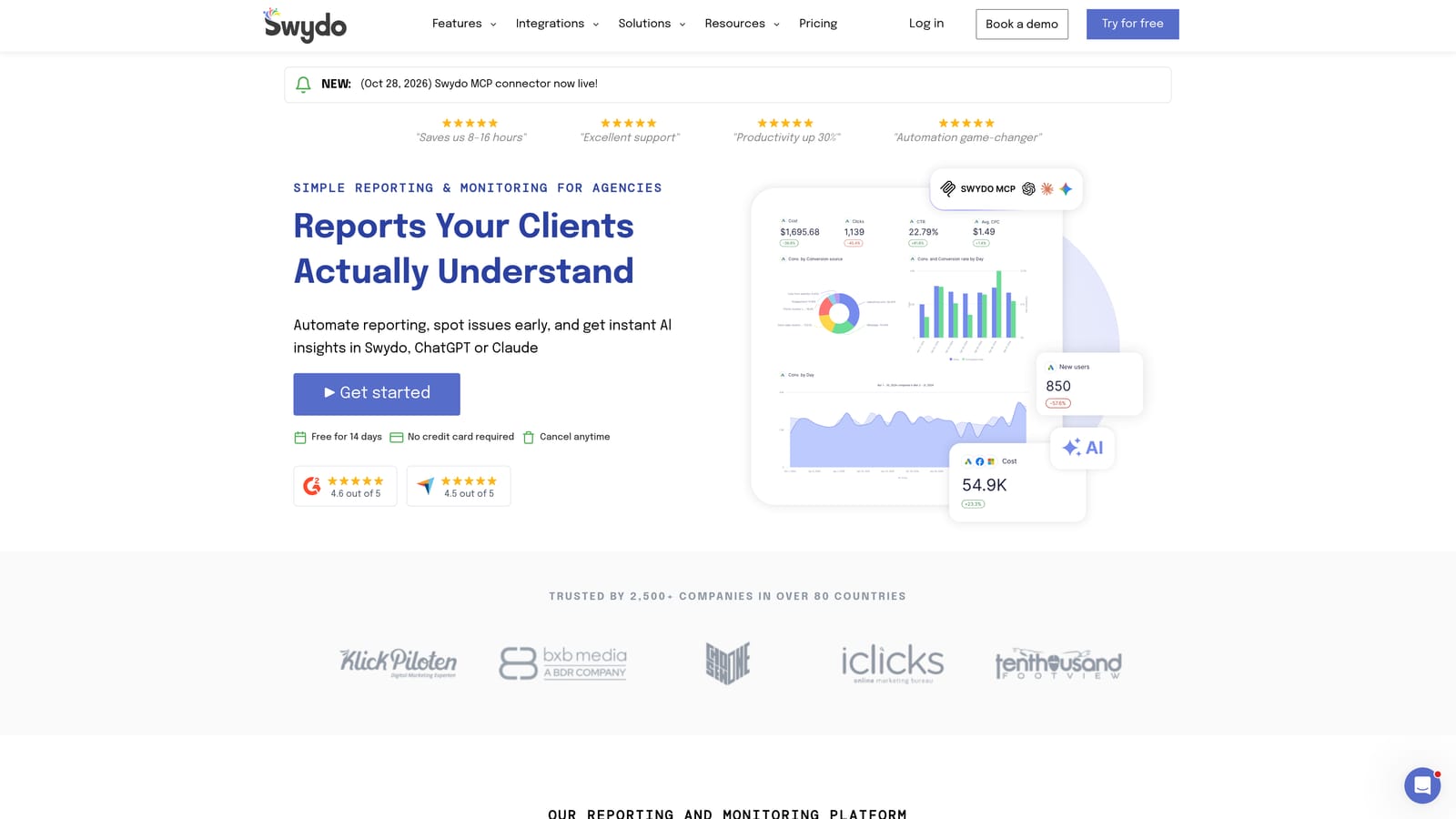
Its distinctive angle is white-label client reporting, meaning reports carry your agency's branding, not the tool's.
- White-label reports put your brand in front of clients.
- Dashboards give a live view of performance.
- Multi-platform data combines Google Ads with other channels in one place.
- Report templates cut the time to build each client's report.
- Scheduled delivery sends reports automatically on your timetable.
It connects to Google Ads, Google Analytics, Meta Ads, and Microsoft Advertising. Setup means linking client accounts and building templates; an account manager or reporting lead typically owns it.
It reports on performance but doesn't edit your account, so it won't clean search terms or change bids. It earns its place only if client communication eats real time.
Pricing isn't in our notes, so check the website, as of November 2026.
Best for: Agencies that need client-ready reports.
9. Looker Studio
Looker Studio is Google's free dashboard and reporting tool, with a connector for Google Ads. Google has rebranded it over the years, so check current naming in Google's docs.
It's the most flexible reporting option here for free. You decide what metrics appear and how they're laid out.
- The Google Ads connector pulls account data into your dashboard.
- Custom dashboards let you show exactly the metrics you care about.
- Shareable reports give clients or teammates a link.
- Data blending combines sources, such as ads and analytics, in one view.
- Templates give you a head start rather than a blank canvas.
It integrates with Google Ads, Google Analytics, Google Sheets, and BigQuery. Setup takes time, since someone has to build and maintain the dashboards.
It's reporting only. It won't optimize anything, and polished white-label client reports take more effort than in a dedicated agency tool.
The core product is free.
Best for: Freelancers wanting free custom reporting.
Which Tool Fits Which Job
Pick by the job eating your week. For search term cleanup, Keywordme is the focused choice for solo advertisers and agencies alike, since it works inside the report you already use. For larger accounts, Optmyzr covers automation and audits, while Adalysis suits teams watching many accounts for problems.
On a tight budget, combine Google Ads Editor, Scripts, and Looker Studio. They cost nothing, though Scripts demands coding time. Treat Optimization Score as a prompt to review, not a goal.
If you'd rather hand it off, WordStream by LocaliQ is the managed option here. Get a quote and ask exactly what you'll control. For client communication, Swydo is built for agencies, and Looker Studio is the free alternative.
Optimize Google Ads Campaigns 10X Faster. Without Leaving Your Account. Keywordme lets you remove junk search terms, build high-intent keyword lists, and apply match types instantly, right inside Google Ads. No spreadsheets, no switching tabs, just quick, seamless optimization. Start your free 7-day trial (then just $12/month) and take your Google Ads game to the next level.
