
8 Best Google Ads Optimization Extensions Reviewed for 2026
This article reviews the eight best Google Ads optimization extensions and web-based tools available in 2026, evaluating each on real-world PPC workflow fit, standout features, and pricing. Whether you manage a single account or dozens, these Google Ads optimization extension reviews help you cut manual busywork and make a fast, informed choice.


If you manage Google Ads campaigns, you already know how much time disappears into spreadsheets, manual search term reviews, and tab-switching between dashboards. Chrome extensions and web platforms built for Google Ads optimization cut that friction by working directly inside the platform or alongside it—no exports, no copy-pasting, no clunky workarounds.
This list covers the top Google Ads optimization extensions and tools available right now, reviewed for real-world PPC workflows. Whether you're a solo freelancer managing a handful of accounts or an agency juggling dozens of clients, there's a tool here that fits how you work. Each review covers what the tool actually does well, who it's built for, and what it costs—so you can make a fast, informed decision without wading through marketing fluff.
One quick note before diving in: not every tool here is a Chrome extension. Some are web-based platforms. Where that distinction matters for your workflow, the review calls it out clearly.
1. Keywordme
Best for: Advertisers who want to optimize search terms and manage negative keywords without leaving Google Ads.
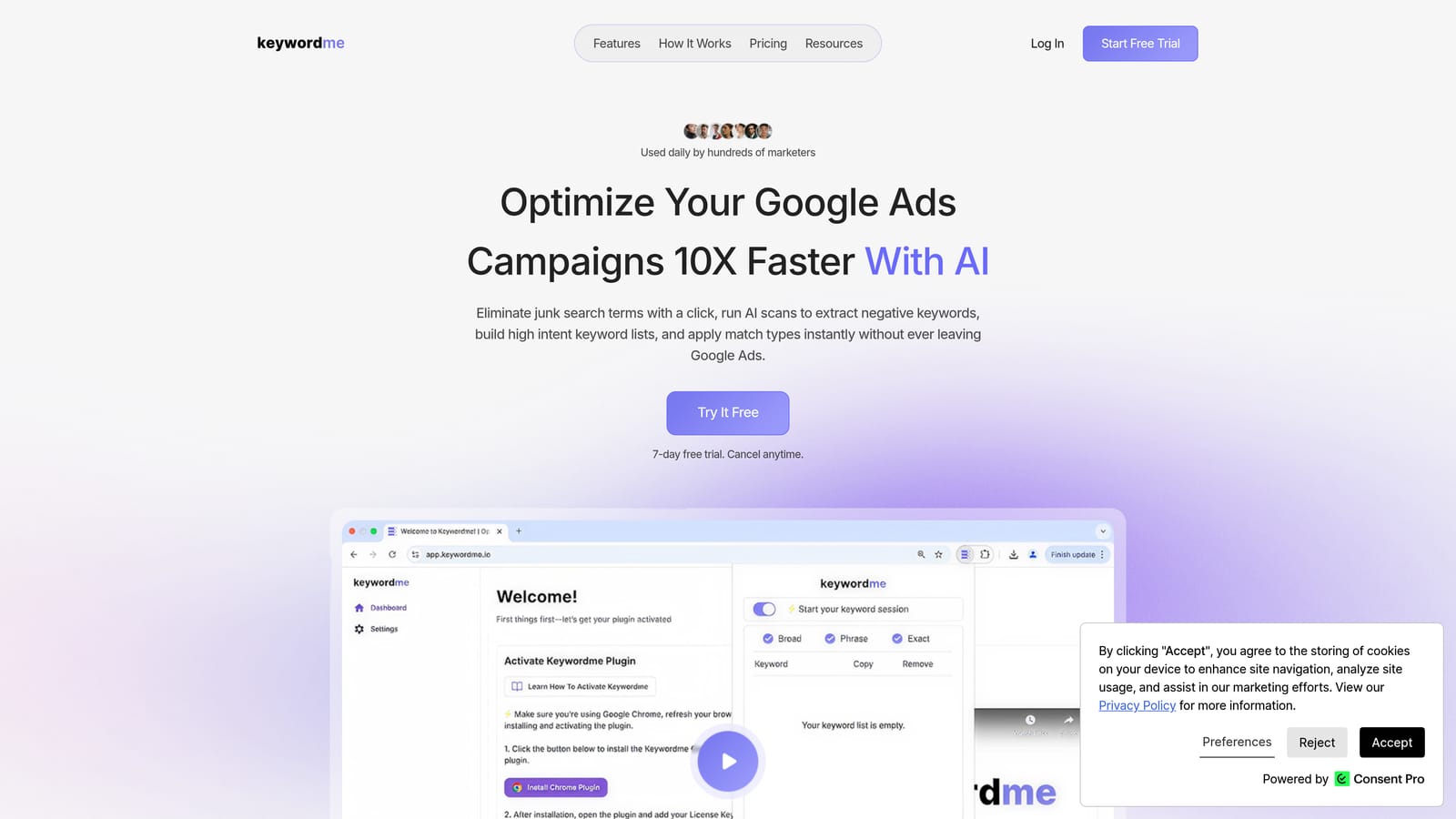
Keywordme is a Chrome extension that integrates directly into Google Ads' Search Terms Report, letting you take action on search terms with a single click.
Where This Tool Shines
Most Google Ads optimization tools pull you out of the platform and into a separate dashboard. Keywordme does the opposite. It sits inside your existing Search Terms Report and adds a layer of controls directly onto the interface you're already using. You can remove junk search terms, add high-intent terms as positive keywords, apply match types, and build negative keyword lists without opening a spreadsheet or switching tabs.
For agencies managing multiple client accounts, the multi-account and team support means several users can work through the same workflow without stepping on each other. The keyword clustering feature is particularly useful when you're building out new ad groups and want to group related search terms quickly rather than sorting them manually.
Key Features
One-Click Search Term Actions: Remove irrelevant search terms or add high-intent ones as positive keywords directly inside Google Ads—no exporting required.
Instant Match Type Application: Apply broad, phrase, or exact match types to keywords without leaving the Search Terms Report.
Negative Keyword List Building: Build and apply negative keyword lists in real time as you review search terms, rather than compiling them separately.
Keyword Clustering: Group related search terms into clusters to speed up ad group organization and keyword list building.
Bulk Editing and Multi-Account Support: Edit across multiple search terms at once, and manage multiple accounts or share access with team members.
Best For
Solo advertisers, freelancers, and agency PPC managers who spend significant time in the Search Terms Report and want to cut down on repetitive manual tasks. Particularly well-suited for anyone who currently relies on spreadsheets to manage search term reviews.
Pricing
Flat rate of $12/month per user. A 7-day free trial is available with no commitment required.
2. Optmyzr
Best for: Agencies and PPC managers who need rule-based automation, one-click optimizations, and client reporting in one platform.
Optmyzr is a web-based PPC management platform—not a Chrome extension—with a broad suite of optimization and reporting tools built for Google Ads and other paid channels.

Where This Tool Shines
Optmyzr's strength is automation at scale. Its rule-based engine lets you set conditions that trigger bid adjustments, budget changes, or keyword actions automatically—useful when you're managing accounts too large to review manually every day. The one-click optimization suggestions surface actionable recommendations without requiring you to dig through raw data yourself.
The reporting side is equally capable. Client-facing dashboards are customizable, and the Google Ads script management feature lets you deploy and monitor scripts across multiple accounts from a single interface. If you're an agency running many accounts simultaneously, Optmyzr is built with that complexity in mind.
Key Features
Rule-Based Automation: Create conditional rules that automatically adjust bids, budgets, and keywords based on performance thresholds you define.
One-Click Optimizations: Review and apply machine-generated optimization suggestions across campaigns without manual data analysis.
PPC Reporting Dashboards: Build and share client-facing reports with customizable metrics and visualizations.
Google Ads Script Management: Deploy, monitor, and manage Google Ads scripts across multiple accounts from one place.
Multi-Account Management: Handle multiple client accounts from a centralized agency-level view.
Best For
Mid-to-large PPC agencies and in-house teams managing significant ad spend across multiple accounts. Less suited to solo advertisers or small accounts where the automation overhead outweighs the benefit.
Pricing
Tiered pricing based on ad spend and features. Verify current plans and pricing at optmyzr.com.
3. Google Ads Editor
Best for: Advertisers who need to make large-scale bulk changes to campaigns, especially in low-connectivity environments.
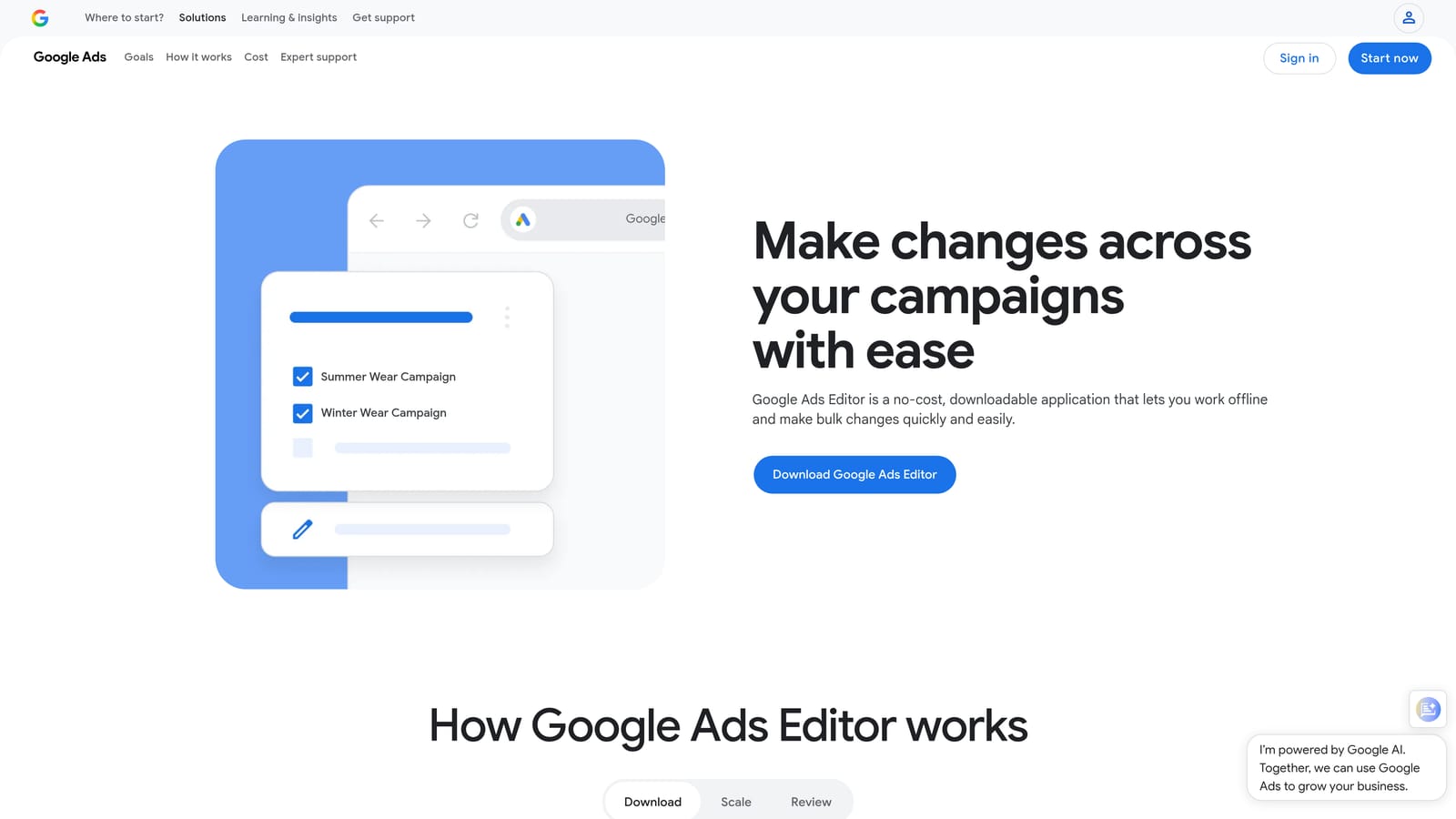
Google Ads Editor is a free desktop application from Google—not a Chrome extension—designed for offline bulk editing of Google Ads campaigns.
Where This Tool Shines
When you need to restructure a large account, upload hundreds of keywords, or make sweeping ad copy changes across many campaigns, Google Ads Editor handles it without the limitations of the browser-based interface. You can work offline, make all your changes locally, then sync everything to your account when you're ready. The find-and-replace feature alone saves significant time when you need to update URLs, headlines, or descriptions across dozens of ads.
It's also the most reliable tool for duplicating campaign structures. If you're setting up a new account that mirrors an existing one, you can copy the structure, adjust the details, and upload in bulk rather than building from scratch in the UI.
Key Features
Bulk Offline Editing: Download your account, make changes locally without an internet connection, and upload when ready.
CSV Keyword and Ad Copy Uploads: Import large keyword lists and ad copy variations via structured CSV files.
Campaign Structure Duplication: Copy and replicate campaign structures across accounts or within the same account.
Find-and-Replace: Update text strings across multiple ads, keywords, or URLs simultaneously.
Free Access: Available to any Google Ads account holder at no additional cost.
Best For
Any Google Ads user who manages large accounts or frequently makes bulk structural changes. Especially useful for account migrations, large keyword uploads, and campaign restructuring projects.
Pricing
Free. Available to all Google Ads accounts.
4. Adalysis
Best for: Advertisers running systematic ad copy tests who also want automated account health monitoring.
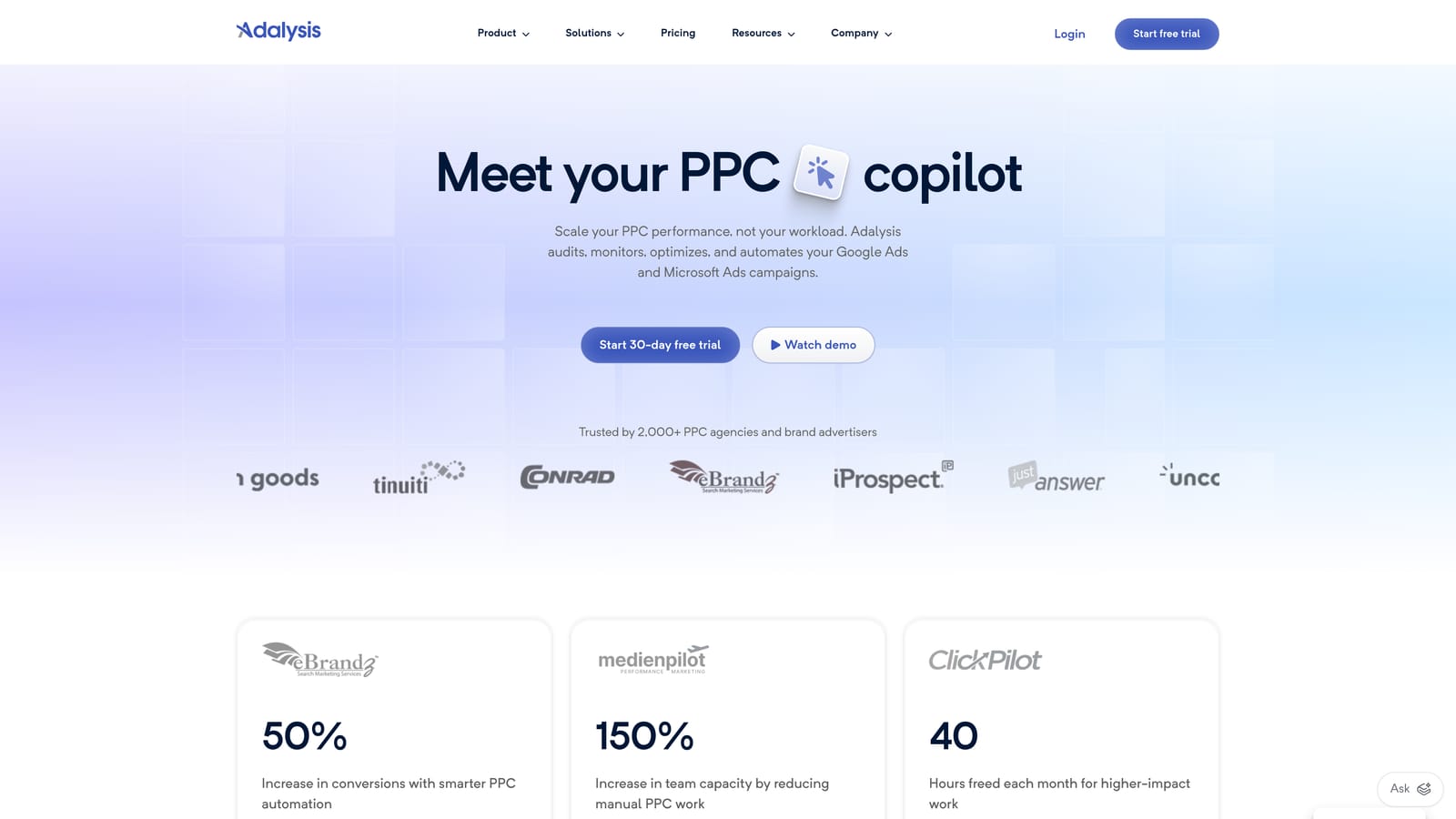
Adalysis is a web-based Google Ads management platform—not a Chrome extension—focused on automated ad testing, Quality Score tracking, and account diagnostics.
Where This Tool Shines
Adalysis is built around the idea that most Google Ads accounts suffer from untested assumptions, particularly in ad copy. Its automated A/B testing framework removes the manual work of setting up, monitoring, and concluding ad tests. Rather than checking in manually to see which ad variant is winning, Adalysis surfaces statistically meaningful results and can pause underperforming ads automatically.
The account health diagnostics layer is a genuine time-saver for accounts with a lot of moving parts. Anomaly detection flags unexpected changes in performance before they compound into bigger problems—useful if you're managing accounts where a sudden drop in conversion rate might otherwise go unnoticed for days.
Key Features
Automated A/B Ad Copy Testing: Set up and monitor ad creative tests without manual check-ins; the platform identifies winners and can pause losers automatically.
Quality Score Tracking and Alerts: Monitor Quality Score changes at the keyword level and receive alerts when scores drop.
Account Health Diagnostics: Automated checks surface structural issues, policy problems, and performance anomalies across the account.
Performance Reporting by Segment: Break down results by device, audience, time, and other dimensions without manual pivot table work.
Anomaly Detection: Get notified when key metrics deviate from expected ranges, so issues don't go unnoticed.
Best For
Advertisers and agencies who run ongoing ad copy tests and want automated oversight of account health. Particularly valuable for accounts with many active ad groups where manual monitoring is impractical.
Pricing
Tiered pricing based on ad spend. Verify current plans at adalysis.com.
5. PPC Samurai
Best for: Advertisers who want a visual, pattern-based approach to search term analysis and negative keyword management.
PPC Samurai is a web-based platform—not a Chrome extension—that specializes in search term analysis using visual mapping to surface patterns in your data.
Where This Tool Shines
Where most tools present search term data as a flat list, PPC Samurai maps it visually, making it easier to spot patterns across large volumes of terms. If your account generates thousands of search terms per month, this visual approach can help you identify clusters of irrelevant traffic more quickly than scrolling through a report line by line.
The negative keyword automation is the other standout. Rather than manually flagging terms one at a time, PPC Samurai suggests negative keywords based on pattern analysis, which speeds up the process of cleaning up accounts with significant wasted spend from irrelevant search traffic.
Key Features
Visual Search Term Mapping: See search term data represented as a visual map rather than a flat list, making patterns easier to identify.
Automated Negative Keyword Suggestions: The platform surfaces negative keyword recommendations based on patterns in your search term data.
Search Term Pattern Analysis: Identify recurring irrelevant terms and themes across large search term datasets.
Negative Keyword List Building: Compile and organize negative keyword lists from within the platform.
Campaign Performance Filtering: Filter search term data by campaign, ad group, or performance metric to prioritize where to focus.
Best For
Advertisers managing accounts with high search term volume who want a more visual approach to negative keyword management. Less suited to small accounts where a simple manual review is sufficient.
Pricing
Tiered pricing. Verify current plans at ppcsamurai.com.
6. Semrush PPC Toolkit
Best for: Advertisers who want competitive keyword intelligence and ad copy research to inform Google Ads campaign strategy.
Semrush's PPC Toolkit is part of the broader Semrush platform—web-based, not a Chrome extension—and focuses on competitive research rather than in-account optimization.
Where This Tool Shines
Semrush PPC Toolkit earns its place here not as an in-account optimization tool, but as a research layer you use before or alongside campaign management. The Advertising Research feature shows you which keywords competitors are bidding on, what their ad copy looks like, and how that's changed over time. That's genuinely useful when you're entering a new market or trying to understand why a competitor is outperforming you on certain terms.
The Keyword Gap tool is particularly practical for finding keywords your competitors are targeting that you haven't added to your campaigns yet. Combined with volume and difficulty data, it gives you a prioritized list of opportunities rather than a raw dump of terms to sort through yourself.
Key Features
Advertising Research: See the keywords competitors are bidding on and the ad copy they're running, including historical data.
Keyword Gap Analysis: Identify keywords your competitors target that are missing from your own campaigns.
Ad Copy Intelligence: Review competitor ad copy variations to inform your own creative strategy.
PLA Research: Analyze competitor Product Listing Ads for e-commerce accounts.
Keyword Volume and Difficulty Data: Evaluate keyword opportunities with search volume and competition metrics before adding them to campaigns.
Best For
Advertisers and agencies who want competitive intelligence to guide keyword strategy and ad copy decisions. Best used as a planning and research tool rather than a day-to-day campaign management solution.
Pricing
Included in Semrush subscription plans. Verify current pricing at semrush.com.
7. SpyFu
Best for: Advertisers who want deep historical competitor PPC data to build smarter keyword lists and understand competitor strategy over time.
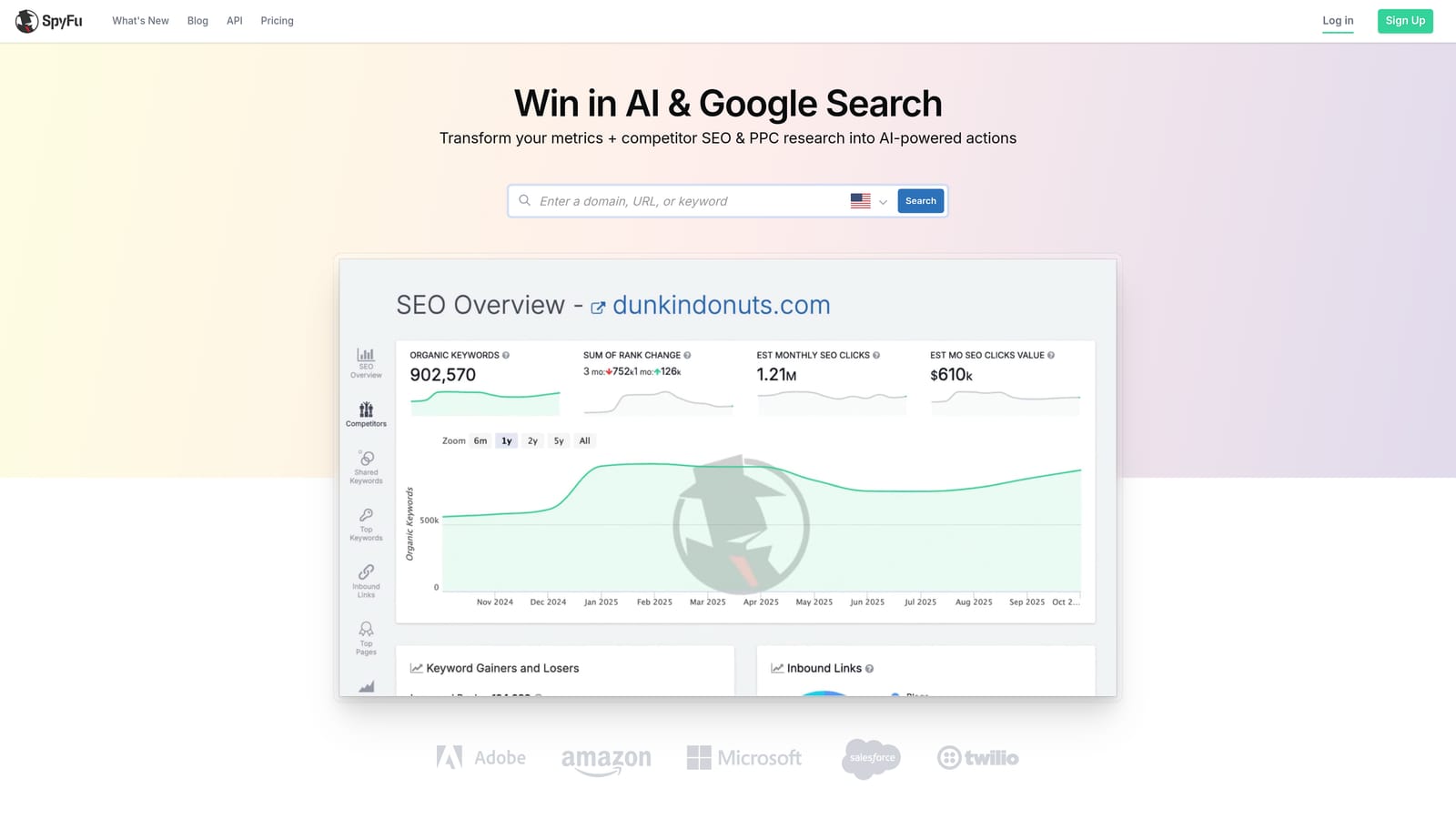
SpyFu is a web-based competitive intelligence platform—not a Chrome extension—with a focus on historical PPC and SEO data for competitor research.
Where This Tool Shines
SpyFu's differentiator is the depth of its historical data. While other tools show you what competitors are doing now, SpyFu shows you what they've been doing for years—which keywords they've consistently bid on, which ad copy they've tested and abandoned, and how their estimated spend has shifted over time. That historical context is useful when you're trying to understand whether a competitor's strategy is a long-term commitment or a short-term test.
For keyword list building, the ability to see which terms a competitor has bid on historically—and which they've dropped—can help you prioritize terms that have proven commercial value rather than guessing from volume data alone.
Key Features
Historical Competitor Keyword Data: See the full history of keywords a competitor has bid on, not just their current active terms.
Estimated Competitor Ad Spend: Get a rough sense of how much competitors are investing in paid search over time.
Ad Copy History and Variation Tracking: Review the ad copy variations a competitor has tested and which ones they've kept running.
Keyword Overlap Analysis: Identify where your keyword strategy overlaps with competitors and where gaps exist.
SERP Competitor Identification: Discover which advertisers consistently appear alongside you in the search results.
Best For
Advertisers building keyword lists from scratch or entering competitive markets where understanding the competitive landscape historically is more valuable than a snapshot of current activity.
Pricing
Tiered pricing. Verify current plans at spyfu.com.
8. Tenscores
Best for: Advertisers who want to diagnose and systematically improve Google Ads Quality Scores at scale.
Tenscores is a web-based platform—not a Chrome extension—focused exclusively on Quality Score analysis and improvement across Google Ads accounts.
Where This Tool Shines
Quality Score affects both your ad rank and what you pay per click, but diagnosing exactly which component is dragging a score down—expected CTR, ad relevance, or landing page experience—is tedious to do manually at scale. Tenscores breaks Quality Score down at the keyword level across your entire account, so you can see at a glance which keywords have problems and which component is the cause.
The historical tracking is what makes it more than a one-time audit tool. You can see how Quality Scores have changed over time in response to the optimizations you've made, which gives you a feedback loop that's otherwise difficult to maintain without a lot of manual data collection.
Key Features
Quality Score Component Breakdown: See expected CTR, ad relevance, and landing page experience scores broken down at the keyword level across your account.
Historical Quality Score Tracking: Monitor how Quality Scores change over time to measure the impact of your optimizations.
Keyword-Level Diagnostic Reports: Identify exactly which keywords have Quality Score problems and why.
Alerts for Quality Score Drops: Get notified when Quality Scores decline so you can respond before it affects campaign performance.
Prioritized Improvement Recommendations: The platform surfaces which keywords to fix first based on potential impact.
Best For
Advertisers and agencies who want to systematically improve Quality Scores across large accounts. Its narrow focus makes it a specialist tool rather than an all-in-one solution—best used alongside a broader campaign management workflow.
Pricing
Tiered pricing. Verify current plans at tenscores.com.
Choosing the Right Tool for Your Workflow
The right tool depends entirely on where your biggest bottleneck actually is—not on which platform has the longest feature list.
If your daily friction is in the Search Terms Report—reviewing search terms, removing junk, adding negatives, and applying match types—Keywordme is the most direct solution. It's the only true Chrome extension in this list that works inside Google Ads itself, which means zero context-switching and a faster review cycle. The flat $12/month pricing also makes it accessible whether you're a solo freelancer or part of an agency team.
Agencies managing large volumes of accounts with complex automation needs will find Optmyzr or Adalysis better suited to that scale. Optmyzr handles rule-based automation and client reporting; Adalysis is the stronger choice if ad testing and account health monitoring are your primary concerns.
If you're building keyword strategy from scratch or entering a competitive market, layering in Semrush or SpyFu for competitive research makes sense before you start optimizing within the account. Google Ads Editor is worth having in your toolkit regardless of which other tools you use—it's free, reliable, and indispensable for bulk structural changes.
PPC Samurai and Tenscores both serve specific use cases: PPC Samurai for visual search term analysis at high volume, and Tenscores for systematic Quality Score improvement. Neither replaces a general-purpose optimization workflow, but both fill gaps that other tools leave open.
The key is matching the tool to the actual problem. If your Search Terms Report review is eating hours every week, start there. Start your free 7-day trial of Keywordme and see how much faster your search term review gets—then just $12/month if it fits your workflow.
.svg)