
8 Best Google Ads Optimization Extensions and Tools, Compared by Price, in 2026
A practical guide to google ads optimization extension pricing.


You want to speed up Google Ads work without paying for a bloated platform, so the first question is what these things actually cost. The tools below were chosen for how directly they help with day-to-day optimization (search term cleanup, scripts, bulk edits, reporting), how transparent their pricing is, and whether they suit freelancers or agencies. Few true Chrome extensions exist for Google Ads, so the list mixes extensions, paid platforms, and free native tools. Prices were not re-checked for every vendor, so treat anything marked "see website" as something to confirm as of November 2026.
Price and Fit at a Glance
- Keywordme: freelancers and agencies who clean search terms all day; $12/month per user, flat rate; one-click search term actions inside the native Search Terms Report.
- Google Ads Editor: advertisers making large structural changes; free; full account editing offline.
- Optmyzr: agencies with significant spend across many accounts; tiered, see website; the deepest rule-based automation here.
- Adalysis: agencies needing consistent QA; tiered, see website; automated ad-copy testing and issue alerts.
- Google Ads Scripts: technical advertisers; free; fully custom automation in JavaScript.
- Google Ads Automated Rules and Recommendations: beginners wanting basic guidance; free; built in, with no new login.
- Google Ads Preview and Diagnosis: anyone troubleshooting a missing ad; free; previews ads without adding impressions.
- Looker Studio: freelancers and agencies building client dashboards; free tier; customizable client-facing reports.
1. Keywordme
Keywordme is a Chrome extension that adds one-click actions to the Search Terms Report inside Google Ads. A quick definition: search terms are the actual queries people typed, while keywords are what you bid on. Keywordme lives in the gap between them, where you decide which queries to block and which to promote.
Its edge over everything else here is that it works in the native interface. There is no export, no spreadsheet, and no separate dashboard. You stay in the report you already use and act on rows as you read them.
- Add negative keywords straight from the Search Terms Report, so junk queries stop costing you with a click instead of a copy-paste routine.
- Add search terms as positive keywords with a match type applied at the same moment.
- Keyword clustering groups related terms, which helps when you are building tighter ad groups or lists.
- Bulk editing lets you handle many terms at once instead of row by row.
- Multi-account and team support suits agencies where several people touch several client accounts.
Setup is installing the extension in Chrome and opening Google Ads. The person doing search term reviews runs it day to day, which usually means a freelancer or a PPC specialist rather than a developer or an analyst.
The limits are real. It focuses on search term and keyword work, so it is not a bidding, reporting, or cross-channel platform. It runs in Chrome only. If you want audits, rule-based automation, or client dashboards, you will pair it with something else on this list. It still makes the changes you click, so human review stays with you.
Pricing is a flat $12/month per user, with a 7-day free trial per the company's own materials. Cost scales with seats, not ad spend, so a growing account does not raise your bill. Confirm current terms on the site.
Best for: Freelancers and agencies who spend most of their time cleaning search terms.
2. Google Ads Editor
Google Ads Editor is Google's free desktop app for bulk editing and managing accounts offline. You download your account, make changes, review them, and post them back when ready.
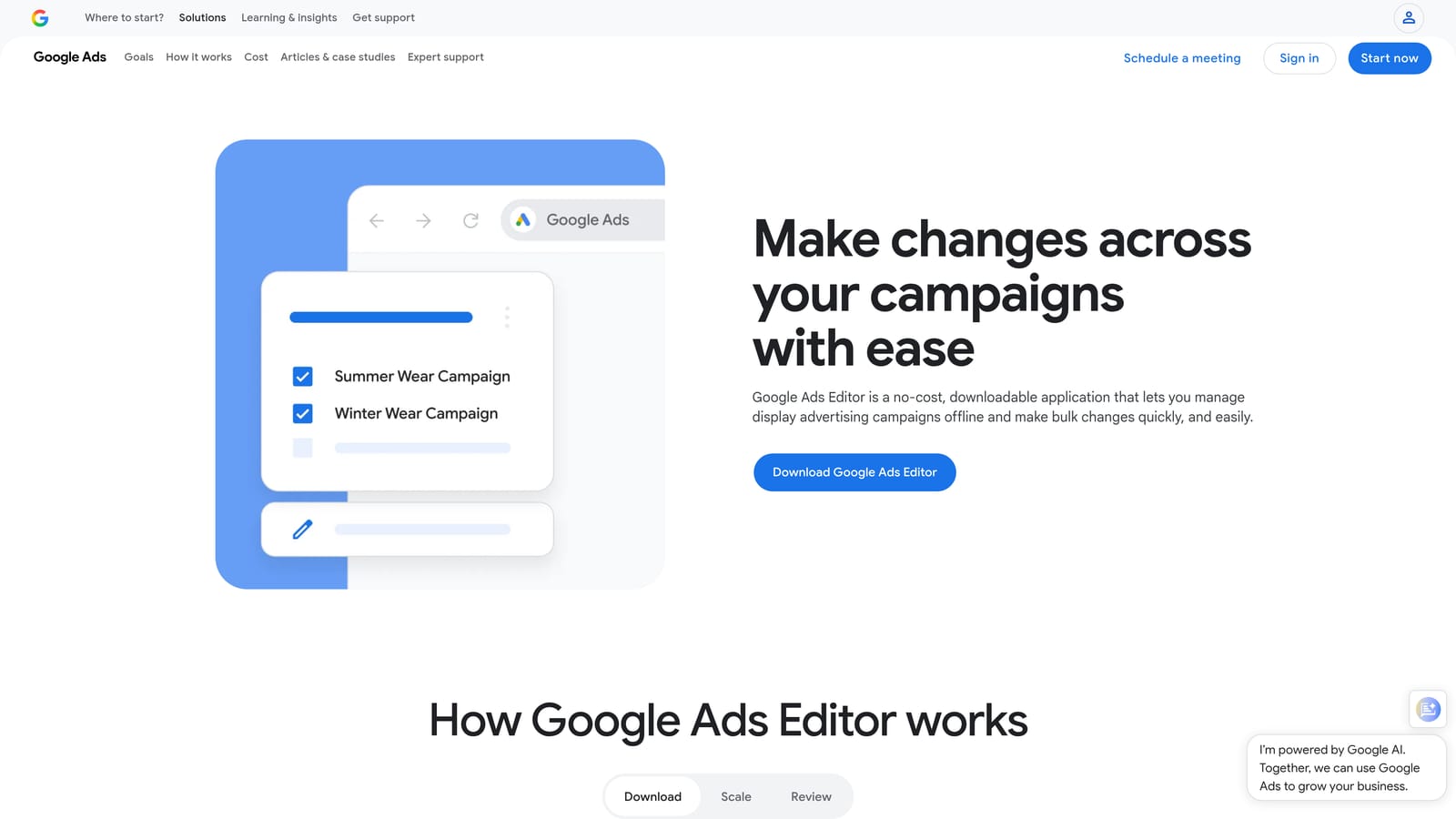
What it does better than anyone else here is structural work. Rebuilding campaign layouts, rewriting hundreds of ads, or changing settings across many campaigns is far quicker than in the web interface, and you can see every pending change before it goes live.
- Bulk edits across campaigns and ad groups save hours on repetitive changes.
- Offline drafting and review lets you prepare changes and check them before anything goes live.
- Copy and paste between accounts makes it easy to reuse a structure for another client.
- Import and export via spreadsheet suits people who prefer to build in a sheet first.
It connects to your Google Ads accounts directly, and setup is a download and a sign-in. There is a learning curve, particularly around downloading fresh data and posting changes correctly, so it tends to be run by someone comfortable with account structure.
The main limitation is that it is not built for live search term triage. Reviewing queries and adding negatives is faster in the interface or with an extension. It is also less friendly for beginners.
The price is free, with nothing that scales.
Best for: Advertisers making large structural changes across campaigns.
3. Optmyzr
Optmyzr is a PPC management platform built around rule-based optimization, audits, and reporting. It sits at the opposite end from a lightweight extension: it is a full separate product with its own dashboard.
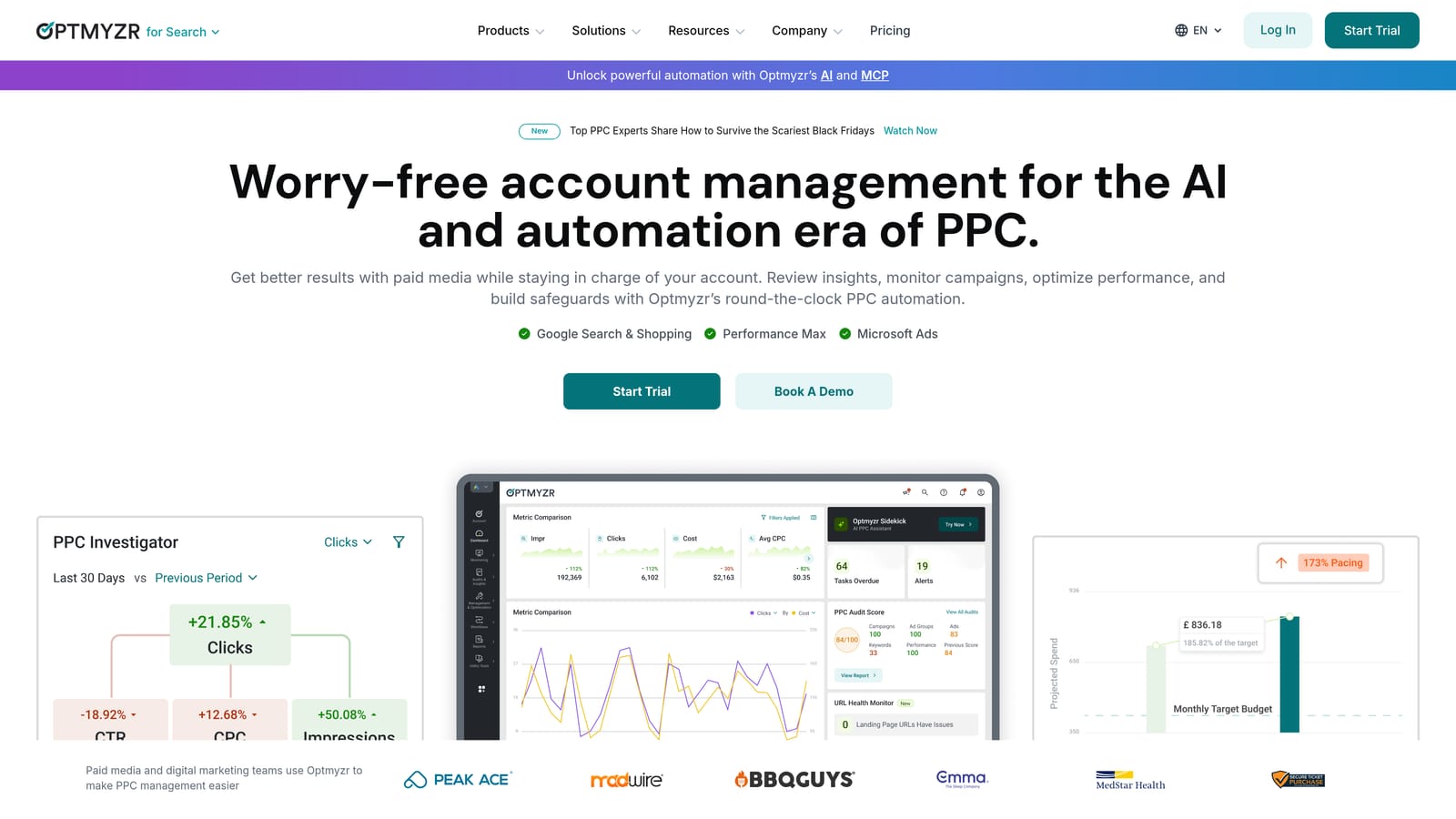
Its strongest point on this list is the depth of rule-based automation across many accounts. If you manage a lot of accounts and want consistent checks and routine tasks handled by rules, that is its territory.
What you get
- Optimization suggestions point to changes worth considering, which you then review.
- Rule-based automation handles repeatable tasks across accounts.
- Account audits flag issues without a manual walk-through.
- Reporting covers client updates from the same platform.
Fit, setup, and cost
It connects to Google Ads and Microsoft Advertising. Expect real setup time to connect accounts and configure rules, and someone on the team who owns that configuration. That is the trade-off: higher cost and more setup than a lightweight tool.
It is likely overkill for a freelancer with a handful of small accounts. Pricing is tiered, and I have not verified current numbers, so check the pricing page as of November 2026. Expect cost to move with plan tier and the ad spend you manage.
Best for: Agencies managing significant spend across many accounts.
4. Adalysis
Adalysis is a PPC auditing and monitoring platform known for ad testing and alerts. Where Optmyzr leans on automation, Adalysis leans on watching your accounts and telling you what needs attention.
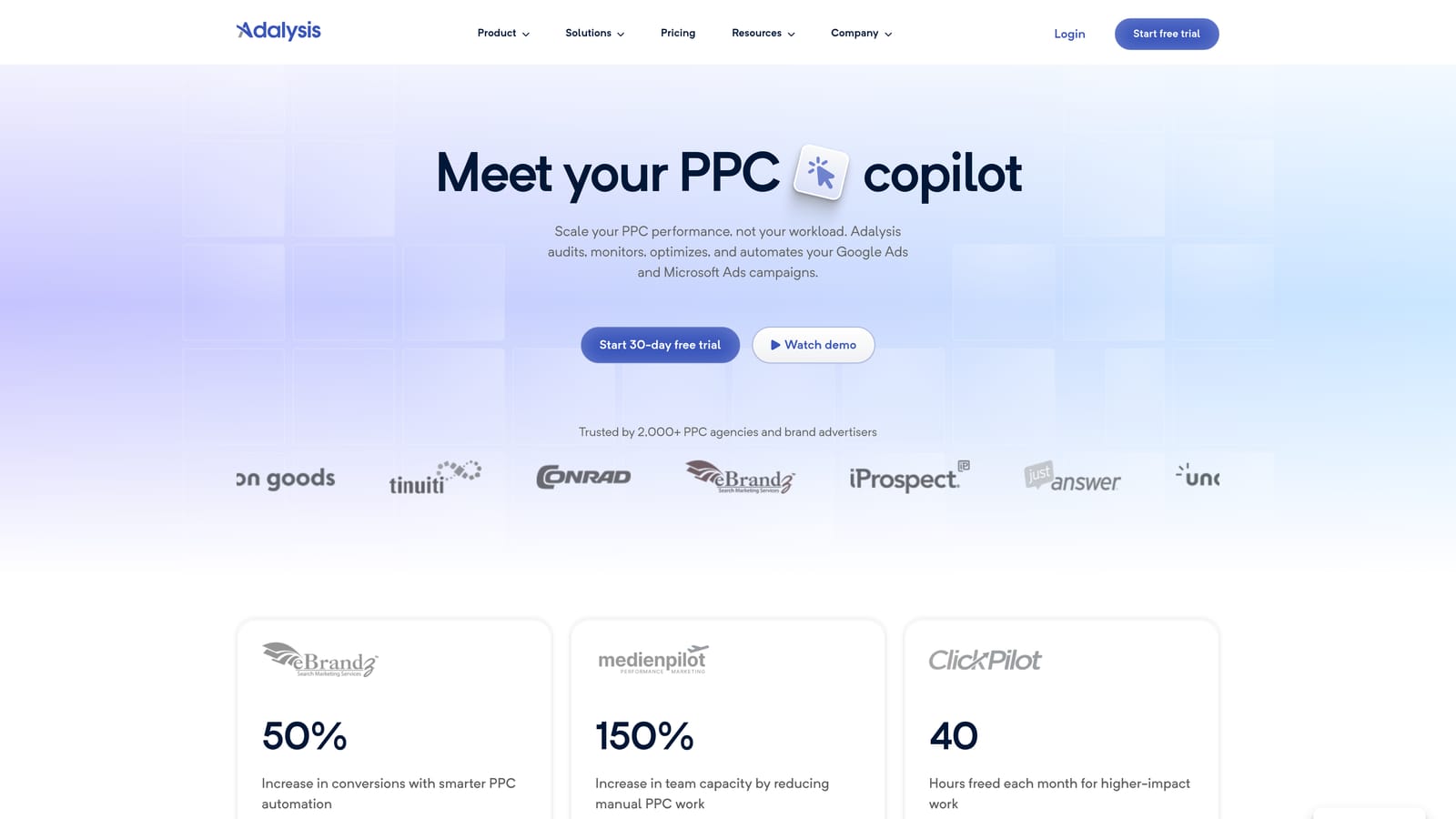
Its standout is automated ad-copy testing along with issue alerts. If your quality control problem is that nobody has time to check ad performance and account health every week, this is the pitch.
- Ad copy testing compares ad variations so you do not eyeball winners by hand.
- Account alerts surface problems as they appear, rather than at the next monthly review.
- Audits and recommendations give you a to-do list of improvements.
- Reporting helps package results for clients or stakeholders.
It integrates with Google Ads and Microsoft Advertising. Setup means connecting accounts and tuning alerts so you are not buried in noise, and it is usually run by an account manager or a QA-minded lead.
It is monitoring-oriented rather than quick-action. It tells you what to look at; it is not where you grind through a search terms list. It is also priced above lightweight tools, so it is a poor fit for a solo advertiser with one or two accounts.
Pricing is tiered. Check the current plans on the vendor's site as of November 2026, since cost typically depends on the plan and the scale of what you manage.
Best for: Agencies needing consistent QA across accounts.
5. Google Ads Scripts
Google Ads Scripts is free JavaScript automation built into Google Ads. You write (or adapt) code that reads and changes your account on a schedule.
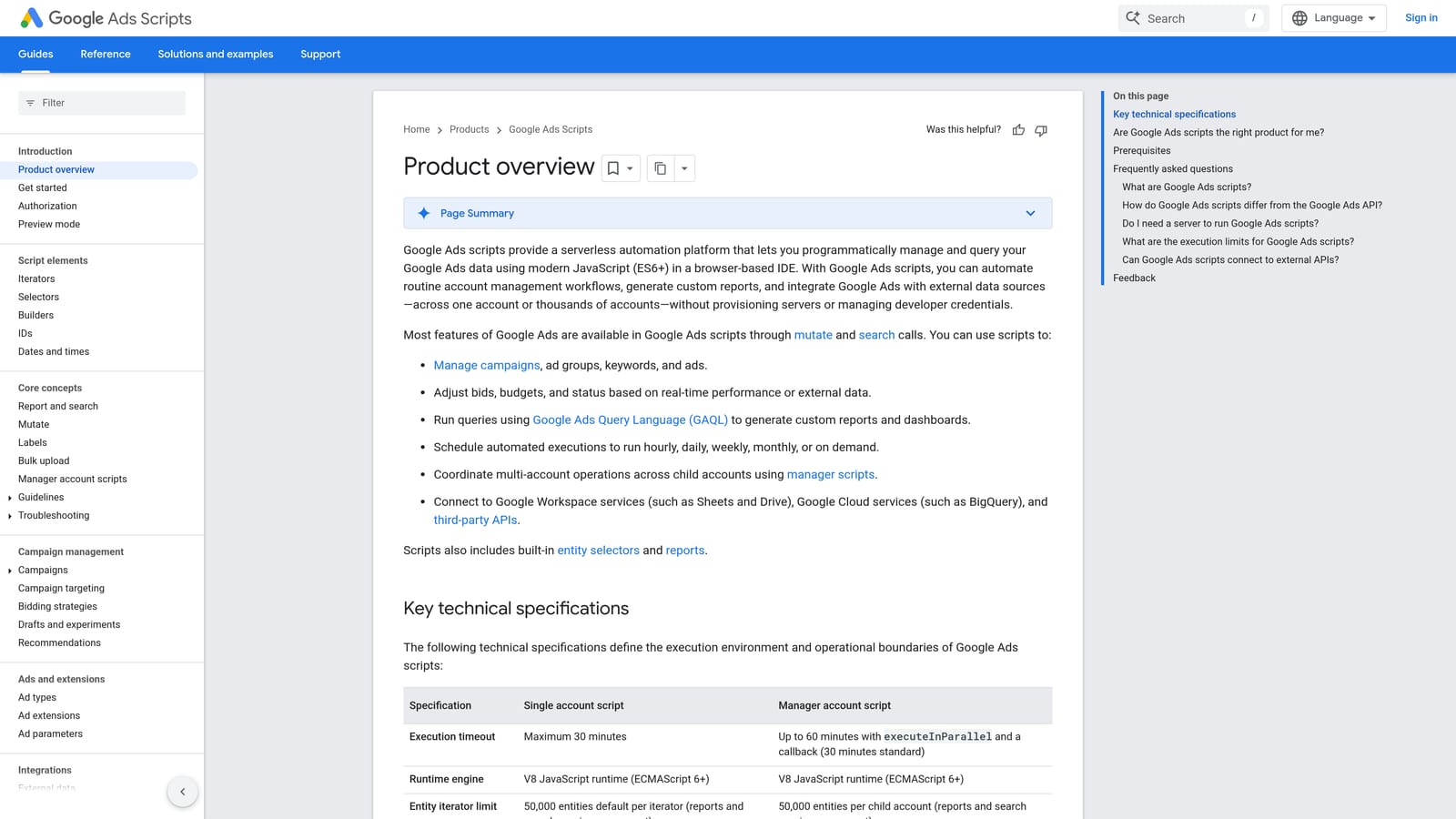
Nothing else here is as flexible for the money. With no license fee, you can build exactly the check or report you need, instead of settling for what a vendor decided to ship.
- Custom automation in JavaScript means you can encode your own rules, not someone else's.
- Alerts and monitoring scripts can notify you when spend, performance, or status moves unexpectedly.
- Scheduled runs mean the work happens without you opening the account.
- Reports to Google Sheets feed your own dashboards or client sheets.
It works with Google Ads and Google Sheets. Setup is writing or pasting a script into your account and authorizing it, and the person running it needs coding comfort.
The risk is the flip side of the power. Scripts that make changes can affect live campaigns, and a bug can do real damage, so test with read-only or preview behavior first. If nobody on your team codes, this is not a shortcut.
It is free. Your cost is the time to write and maintain scripts.
Best for: Technical advertisers who want custom automation.
6. Google Ads Automated Rules and Recommendations
Google Ads Automated Rules and Recommendations are the native features for condition-based changes and suggested improvements. They need no extra setup, no new login, and no budget.
The benefit is that it is already there. A beginner can get basic guidance without learning another product.
- Automated rules apply changes when conditions you define are met, such as pausing or adjusting on a schedule.
- The Recommendations page lists suggested improvements for your account.
- Optimization score gives a rough read on how many suggestions remain.
- No extra setup means you can start using it today.
It works only within Google Ads, and you run it from inside the account.
The misconception worth dodging is that free and native means safe to accept blindly. Recommendations are generated for the account in general and may not match your goals, margins, or lead quality. Review each one before applying it, and do not chase a score for its own sake.
It is free.
Best for: Beginners wanting basic guidance at no cost.
7. Google Ads Preview and Diagnosis
Google Ads Preview and Diagnosis is a free Google tool for checking how, and whether, your ads appear. It answers a narrow question well: why can't I see my ad?
It lets you check visibility without inflating impressions. Searching your own ad on Google repeatedly can distort your data, and this avoids that.
- Ad preview shows what a search would display without counting an impression.
- Eligibility diagnosis points to reasons an ad may not be showing.
- Location and device checks let you see results as a searcher elsewhere might.
It sits inside Google Ads and needs no setup. Whoever is troubleshooting uses it, with no special skills required.
It is a troubleshooting tool, not an optimization tool. It will not clean search terms, edit at scale, or report. It earns its place on a price comparison because it is free and saves time on a common support question, but it is not a core workflow. Note that this entry and the previous one share a general support link, so search the help center for the specific feature name.
It is free.
Best for: Diagnosing why an ad is not showing.
8. Looker Studio
Looker Studio is a free reporting tool with a Google Ads connector for building dashboards. It is the only pure reporting option here.
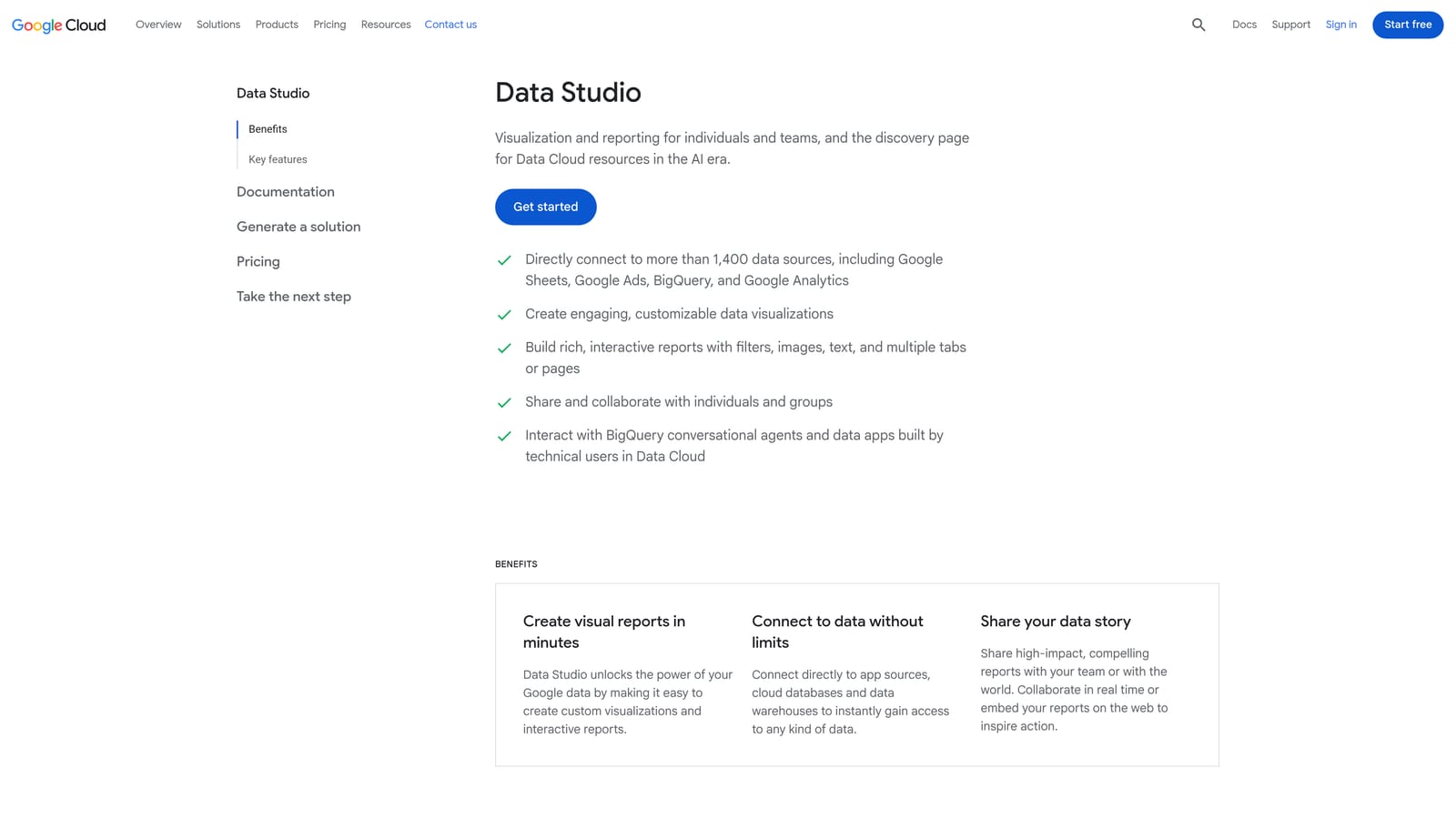
It stands out for customizable, client-facing reports. You choose the layout, metrics, and branding feel, instead of sending a default export.
- The Google Ads connector pulls account data into a report without manual exports.
- Custom dashboards let you show clients the numbers they care about.
- Shareable client reports give stakeholders a link instead of a PDF chain.
- Blended data sources combine Google Ads with other sources in one view.
It connects to Google Ads, Google Analytics, and Google Sheets. Building a good template takes time upfront, usually done by an analyst or the account lead, then it can be reused per client.
It reports only. It does not change campaigns, so it does nothing for optimization work on its own.
The standard version is free. Looker Studio Pro is a paid tier, so verify current pricing on Google's site if you need its extra features.
Best for: Agencies and freelancers building client dashboards.
Which Price Tier Is Worth It for Your Situation
More expensive does not mean better. The right pick depends on the job, and three of the free options here are genuinely strong.
- Solo advertiser on a budget: Keywordme at $12/month covers search term cleanup, and the free native tools handle structure and troubleshooting. Add Google Ads Editor when you start restructuring.
- Agency needing audits and automation: Optmyzr for rule-based automation at scale, or Adalysis if ad testing and QA alerts matter more. Both are tiered, so get a quote against your own account count and spend.
- Technical team wanting free automation: Google Ads Scripts, with careful testing before anything touches live campaigns.
- Client reporting: Looker Studio, paired with whatever tool does the actual optimizing.
Prices change, so confirm the current numbers on each vendor's site before you commit.
Keywordme is the quickest way to see whether in-interface search term work fits you. Optimize Google Ads Campaigns 10X Faster. Without Leaving Your Account. Keywordme lets you remove junk search terms, build high-intent keyword lists, and apply match types instantly, right inside Google Ads. No spreadsheets, no switching tabs, just quick, seamless optimization. Start your free 7-day trial (then just $12/month) and take your Google Ads game to the next level.
