
8 Best Google Ads Optimization Chrome Plugins in 2026
This guide compares eight tools, including Keywordme, Google Ads Editor, Optmyzr, and Adalysis, that cut repetitive Google Ads work like cleaning search terms, adding negatives, auditing accounts, and checking tracking. Whether you want a Google Ads optimization Chrome plugin or a companion tool, you'll see who each one fits and what it costs, so freelancers and agencies can choose confidently.


Most Google Ads work happens in two places: the Search Terms Report and the campaign editor. If that's where your hours go, a browser extension or a companion tool can trim the grind without moving you into yet another dashboard. We picked these tools for what they do inside or alongside the Google Ads interface, how well they handle recurring jobs like negatives, auditing, and tracking checks, and whether the pricing works for freelancers and agencies.
Quick Comparison of the Tools
- Keywordme: freelancers and agencies cleaning search terms and building keyword lists; $12/month per user; the only tool here that adds negatives and keywords with match types inside the native Search Terms Report.
- Google Ads Editor: anyone making large structural edits across many campaigns; free; lets you review changes before posting them.
- Optmyzr: agencies wanting audits and automation; pricing on its website; rule-based optimization workflows.
- Adalysis: teams focused on ad testing and account monitoring; pricing on its website; automated ad testing analysis.
- Keywords Everywhere: advertisers validating keyword ideas; pricing on its website; keyword metrics shown directly on Google results pages.
- Google Tag Assistant: anyone checking conversion tracking; free; official verification that Google tags fire correctly.
- Wappalyzer: auditors of landing pages and competitor setups; pricing on its website; reveals the tech stack and tracking tools on any page.
One honest note before the list: very few Chrome extensions can actually edit a Google Ads account. Some of the tools below are extensions, some are desktop apps or web platforms, and some are diagnostic helpers that sit next to your account work. We've flagged which is which, and pricing details are as of November 2026, so check each site before you buy.
1. Keywordme
Keywordme is a Chrome extension that adds one-click actions to the Search Terms Report inside Google Ads. It's built for solo advertisers, freelancers, and agency teams who spend a lot of time sorting what people typed (search terms) from what you actually bid on (keywords).
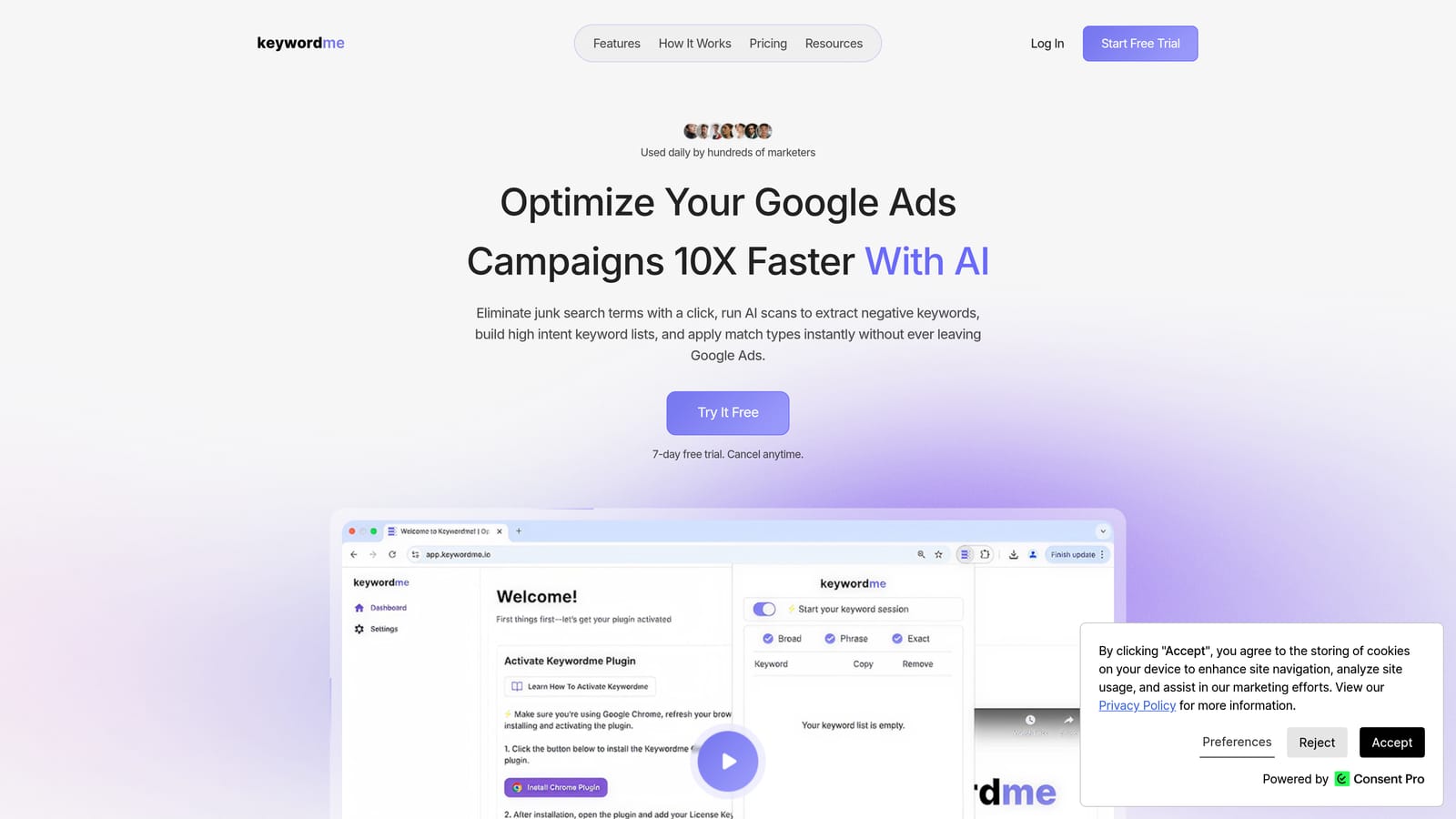
Its standout trait on this list is that the triage happens in the native report. You see a search term, decide what to do with it, and act on it without exporting to a spreadsheet or switching tabs. Nothing is changed automatically: you review the terms and choose the action.
- Add negative keywords from the Search Terms Report in one click, so junk queries stop costing you money.
- Add search terms as keywords with a match type applied instantly, rather than editing match types by hand afterward.
- Cluster keywords into related groups to help you build tighter keyword lists.
- Edit in bulk when a cleanup touches many terms at once.
- Work across multiple accounts and teams, which matters if you manage several clients.
Keywordme works within Google Ads itself, so setup is mostly installing the extension and signing in. The person doing the daily search-term review is usually the one who runs it.
Be clear on what it's not. It's focused on search terms and keywords, so you won't get bid automation or cross-channel reporting. If you want rule-based automation or full account audits, pair it with something else on this list.
A good habit with any tool here: don't add every search term as broad match, and don't negate a term without checking whether it converted. Keywordme makes both actions fast, which means a quick look at conversion data first is worth the extra few seconds.
Pricing is $12/month per user, so cost scales with seats, and there's a 7-day free trial.
Best for: Freelancers and agencies cleaning search terms and building keyword lists fast.
2. Google Ads Editor
Google Ads Editor is Google's free desktop app for bulk editing campaigns. It is not a Chrome plugin, and we include it as the native companion most advertisers already need alongside an extension.

Where it beats the rest of the list is structural work. If you're restructuring ad groups, rewriting ads, or changing settings across many campaigns, Editor handles it in one place, and you can review changes before posting them to your account.
- Make bulk edits across multiple campaigns and accounts instead of clicking through each one.
- Edit offline, then post changes when you're ready.
- Review proposed changes before they go live, which catches mistakes early.
- Import and export spreadsheets when a large build is easier to prepare outside the app.
Setup means downloading and installing the app, then downloading your accounts into it. It's usually run by whoever owns account structure, and it has a learning curve compared with a one-click extension.
The limitation is the one in the name: it's a desktop app, not something that lives in your browser tab. It also isn't built for quick, in-the-moment search-term triage. For that, an in-interface tool is faster.
Pricing: free.
Best for: Large structural edits across many campaigns.
3. Optmyzr
Optmyzr is a PPC optimization platform with account audits and rule-based tools, aimed at agencies and teams that want repeatable processes rather than one-off clicks. Extension availability isn't something we've confirmed, so treat it as a platform that complements your browser workflow, not a Chrome plugin.

What sets it apart here is rule-based optimization. Instead of reviewing everything by hand, you can set up workflows that surface what needs attention, which suits agencies handling many accounts.
What it offers
- Account audits that point you to issues worth fixing.
- Rule-based optimizations that turn recurring checks into repeatable workflows.
- Reporting you can use for client updates.
- Bulk management tools for changes across large accounts.
Fit and limits
It connects to Google Ads and Microsoft Advertising, so it's useful if you run both. Expect a real onboarding period, since you're configuring a platform rather than installing an add-on. Someone on the team, usually a senior account manager, needs to own the rules.
The platform's pricing may suit larger accounts better than a solo freelancer's, and its extension scope is unverified. If you only need to clean search terms quickly, it's more tool than the job requires.
Pricing: see the Optmyzr website, as of November 2026. Cost typically depends on the plan and the size of what you manage, so confirm current details there.
Best for: Agencies wanting audits and automation.
4. Adalysis
Adalysis is a PPC auditing platform known for alerts and ad testing insights. It's a separate web platform, and we haven't confirmed a Chrome extension, so think of it as a monitoring layer beside Google Ads rather than something inside it.
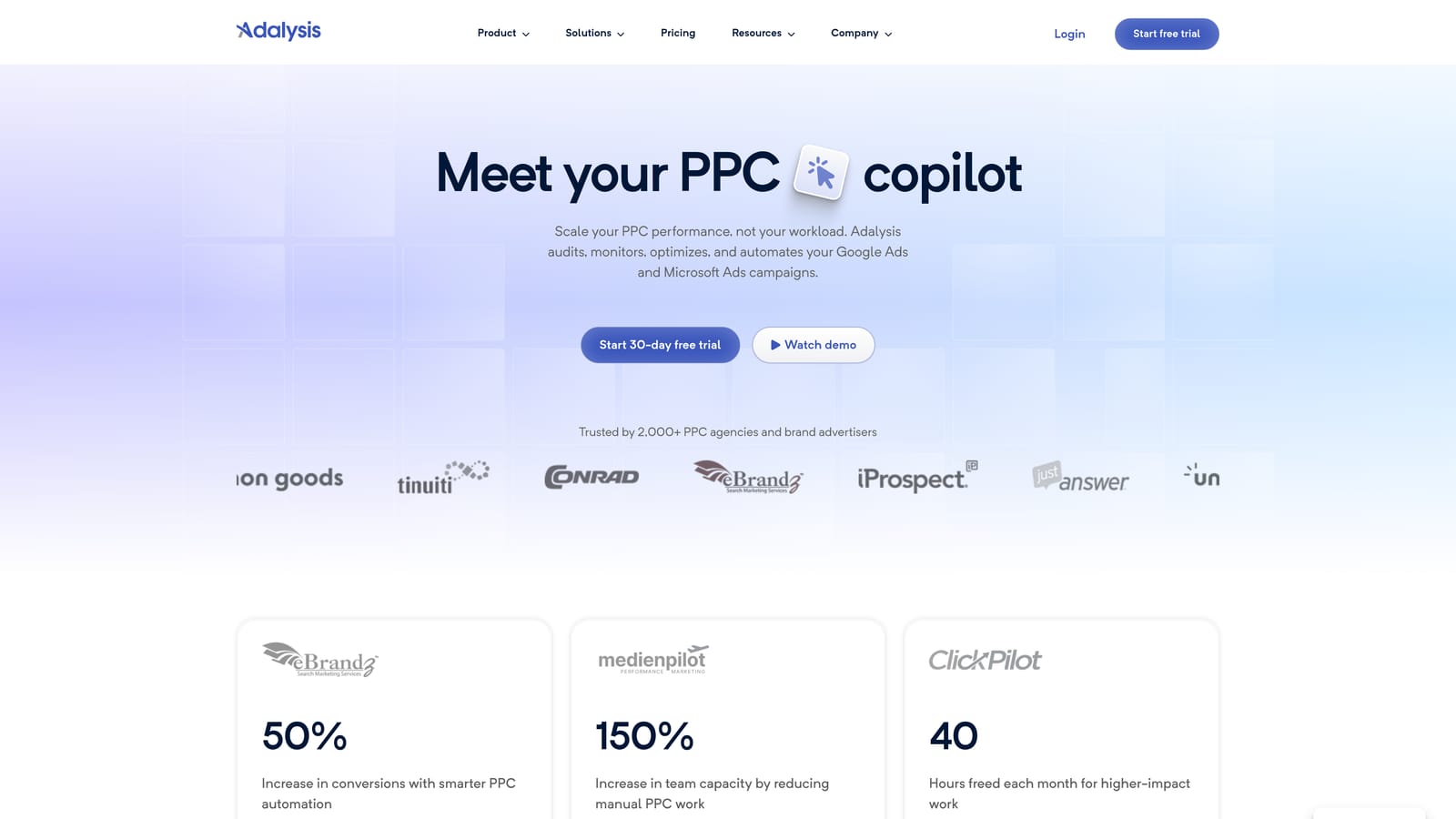
Its strength is ad testing. Rather than eyeballing which ad variations are winning, you get analysis built around that question, which is useful when you run many ads across many ad groups.
- Automated account alerts flag problems so you don't have to hunt for them.
- Ad testing analysis helps you decide which ads to keep and which to pause.
- Audit reports give you a structured view of account health you can share with a team or client.
It works with Google Ads and Microsoft Advertising. Setup involves connecting your accounts to the platform, and it's typically run by the person responsible for account monitoring and testing.
It doesn't suit someone who wants in-interface, one-click actions. You review findings in Adalysis and then make changes elsewhere. It also isn't aimed at search-term cleanup or keyword building.
Pricing: see the Adalysis website, as of November 2026. Check the site for current plans and what moves the price.
Best for: Teams focused on ad testing and account monitoring.
5. Keywords Everywhere
Keywords Everywhere is a Chrome extension that shows keyword data on Google results pages, including search volume, CPC, and related terms. It's a research tool, and it never touches your Google Ads account.
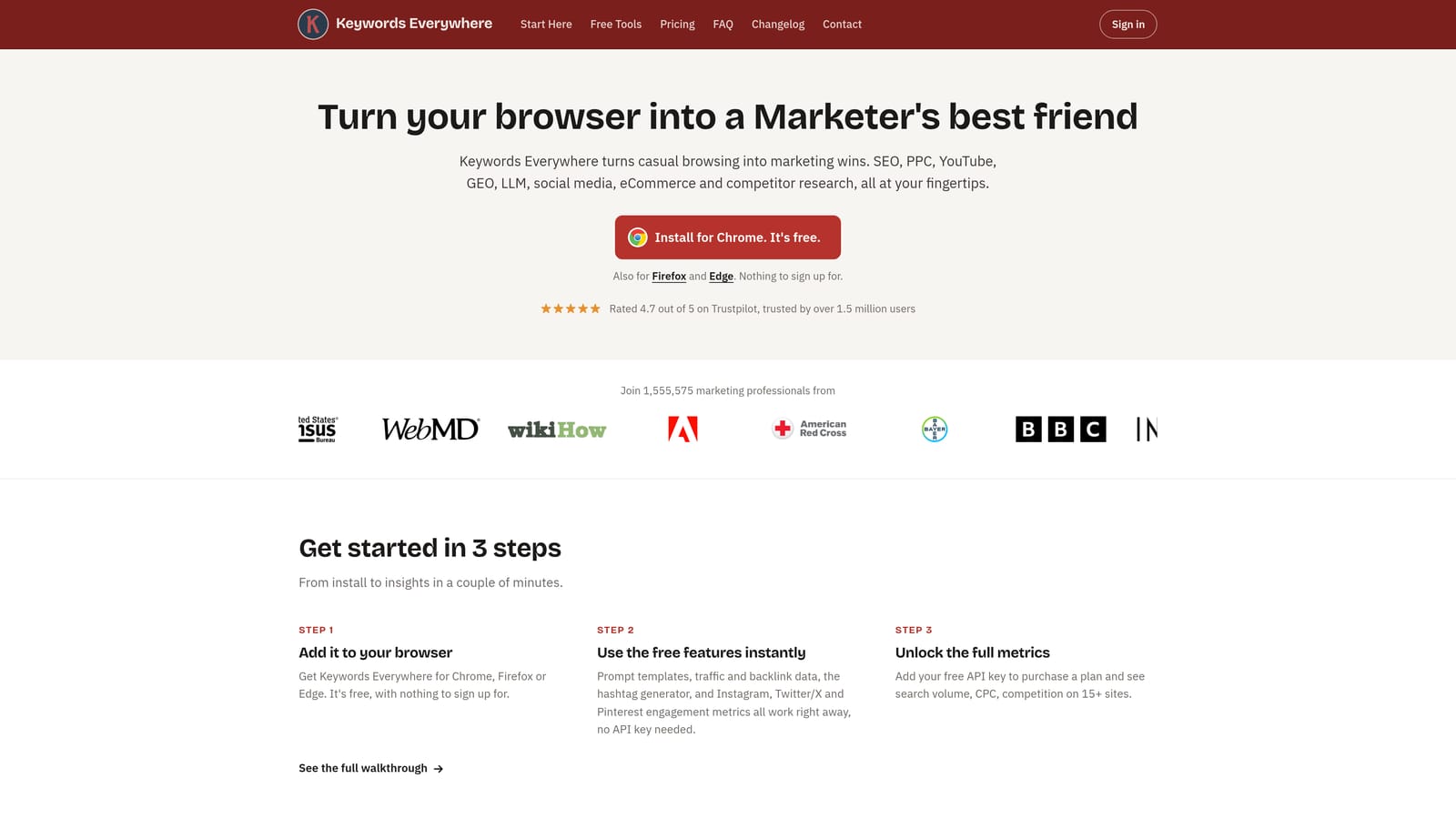
That's also its distinctive advantage: the numbers appear right where you're already searching, so you can sanity-check an idea in seconds before it becomes a keyword you bid on.
- See search volume and CPC beside results, so you can judge whether a term is worth testing.
- Browse related keywords to find angles you hadn't considered.
- Export keyword lists to move ideas into your planning process.
Setup is a quick install. Anyone doing keyword planning can use it, and it needs no account access.
The limitation is simple: it can't add keywords, negatives, or match types to Google Ads. You'd copy or export ideas and enter them elsewhere. Also remember that these metrics are estimates from a third party, so use them as directional input alongside your own account data.
Pricing: see the Keywords Everywhere website, as of November 2026. Check there for current plans.
Best for: Validating keyword ideas before adding them.
6. Google Tag Assistant
Google Tag Assistant is Google's tool for debugging tags and conversion tracking. It doesn't optimize anything directly. It tells you whether the data feeding your optimization is trustworthy.
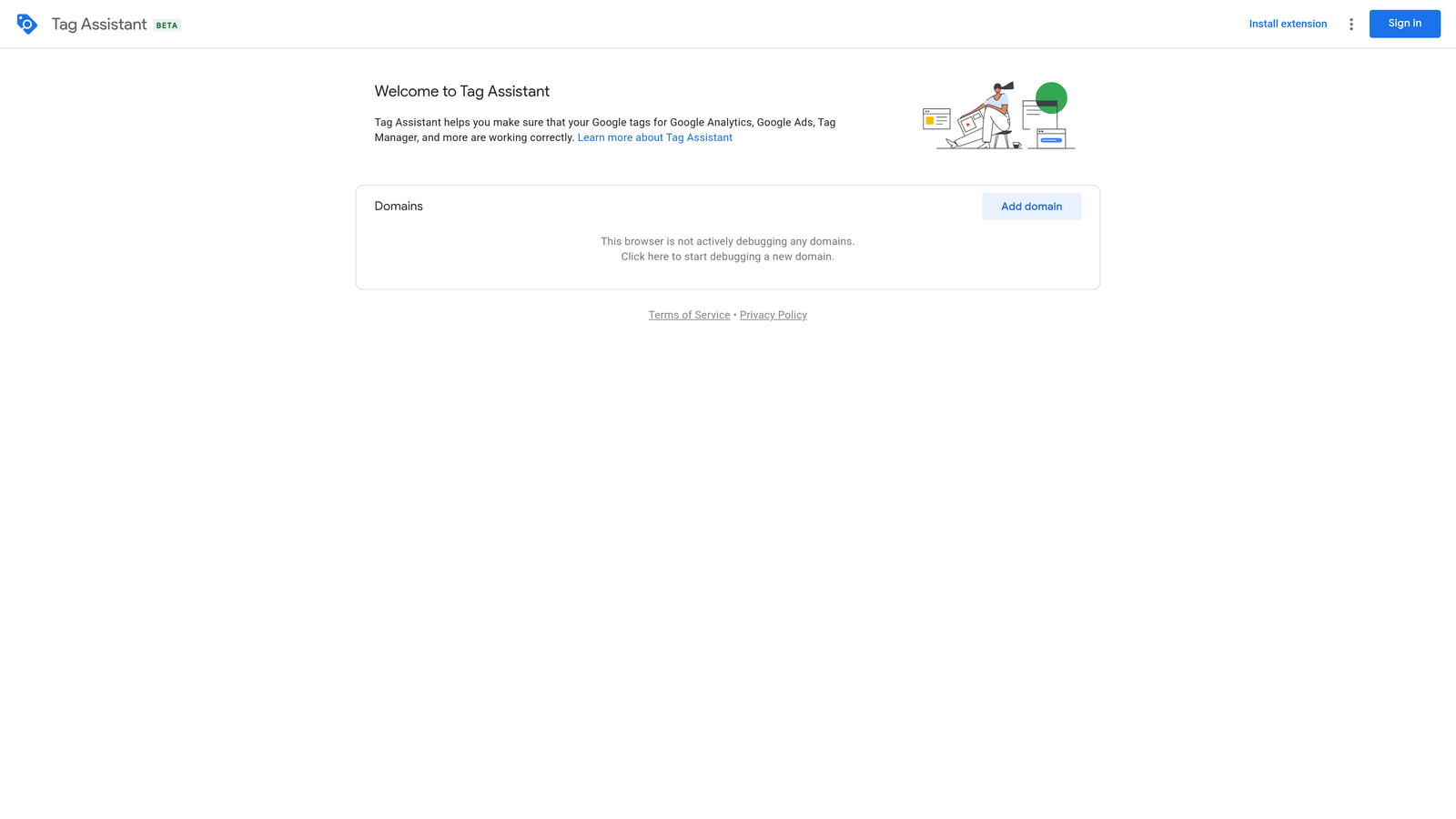
That matters more than it sounds. If conversion tags aren't firing correctly, every bid and keyword decision rests on bad numbers. Tag Assistant is the official way to verify them.
- Debug tags to see which ones load on a page and which don't.
- Verify conversion tags so you know a purchase or lead is actually being recorded.
- Record a session of tag behavior to review what fired, and when, as you move through a flow.
It works with Google Ads, Google Tag Manager, and Google Analytics. Setup is light, though interpreting results takes some tracking knowledge. It's usually used by whoever owns tracking, which may be a developer or analyst on larger teams.
It's diagnostic only. It won't change campaigns, clean search terms, or build keyword lists. Run it before major optimization work, not instead of it.
Pricing: free.
Best for: Checking conversion tracking before optimizing bids.
7. Wappalyzer
Wappalyzer is a Chrome extension that identifies the technologies running on a website. For Google Ads work, it's a quick way to inspect landing pages, yours or a competitor's.
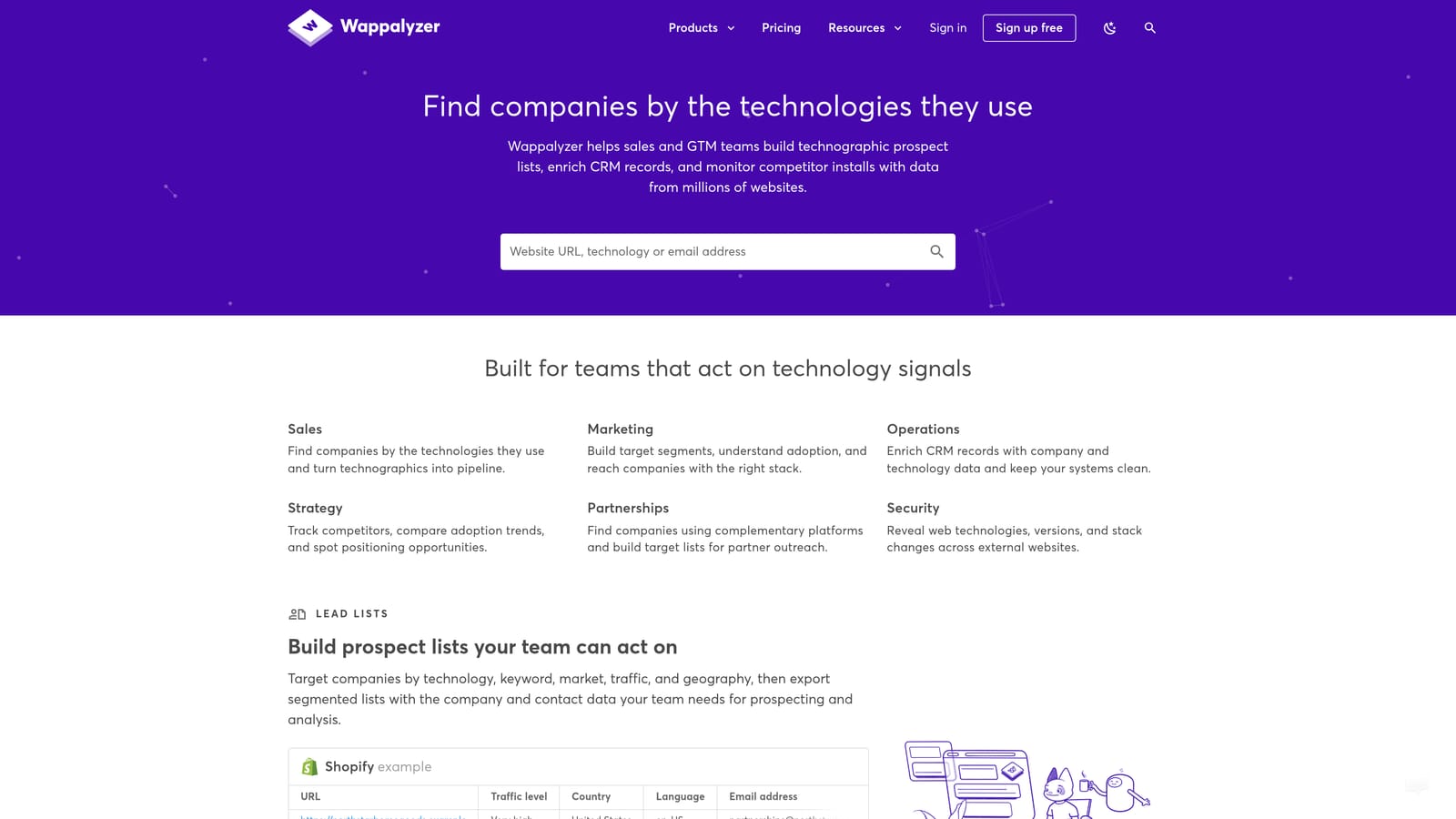
Its unique angle on this list is visibility into a page's tech stack. In a few seconds you can see what analytics and tracking tools a landing page uses, which helps when you're auditing a new client's site or checking that tracking is in place.
- Detect the technologies behind a page, such as the CMS or other platforms.
- Identify tracking and analytics tags, a useful first check before deeper tag debugging.
- Analyze competitor sites to understand how they're set up.
It's a simple install and works in the browser alone, so anyone on the team can use it. It has no access to your Google Ads account.
The help is indirect. It won't tell you what to bid, which terms to negate, or whether a conversion fires correctly (use Tag Assistant for that). Think of it as a landing page audit aid, not an optimization tool.
Pricing: see the Wappalyzer website, as of November 2026. Confirm current plans and limits there.
Best for: Auditing landing pages and competitor setups.
Which Tool to Reach for, and When
Most people will end up combining two. The right pair depends on where your time actually goes.
- Search-term cleanup and keyword building: Keywordme, since it works inside the Search Terms Report and keeps the review in your hands.
- Agency audits and automation: Optmyzr for rule-based workflows, or Adalysis if ad testing and monitoring are the priority.
- Keyword research: Keywords Everywhere for quick volume and CPC checks before anything goes into an account.
- Conversion tracking checks: Google Tag Assistant, ideally before you touch bids.
Google Ads Editor earns a spot whenever the job is big structural edits, and Wappalyzer helps with landing page audits. A sensible default for a freelancer is Keywordme plus Tag Assistant: one for fast, repeatable search-term work, the other for confirming your data is sound.
Optimize Google Ads Campaigns 10X Faster. Without Leaving Your Account. Keywordme lets you remove junk search terms, build high-intent keyword lists, and apply match types instantly, right inside Google Ads. No spreadsheets, no switching tabs, just quick, seamless optimization. Start your free 7-day trial (then just $12/month) and take your Google Ads game to the next level.
