
8 Best Google Ads Negative List Builder Tools
Managing negative keywords in Google Ads is essential but tedious — the right Google Ads negative list builder tool automates the workflow so advertisers can cut wasted spend, stay organized, and keep campaigns optimized without the manual grind. This article reviews 8 of the best tools available in 2026 to help you find the right fit for your process.


If you've ever watched your Google Ads budget drain on searches that have nothing to do with your product, you already understand the value of negative keywords. The problem isn't knowing you need them. It's the workflow: digging through the Search Terms Report, copying irrelevant queries into a spreadsheet, formatting them, uploading a CSV, and repeating the whole process next week. It's tedious, and it's easy to let it slip.
The tools below are built to make that process faster and more systematic. Each one actively helps you identify, organize, or apply negative keywords to Google Ads campaigns—not just surface keyword data. If you want more background on the concept itself, this guide on what negative keywords are in Google Ads is a solid starting point. Otherwise, let's get into the tools.
1. Keywordme
Best for: Advertisers who want to manage negative keywords directly inside Google Ads without switching tools.
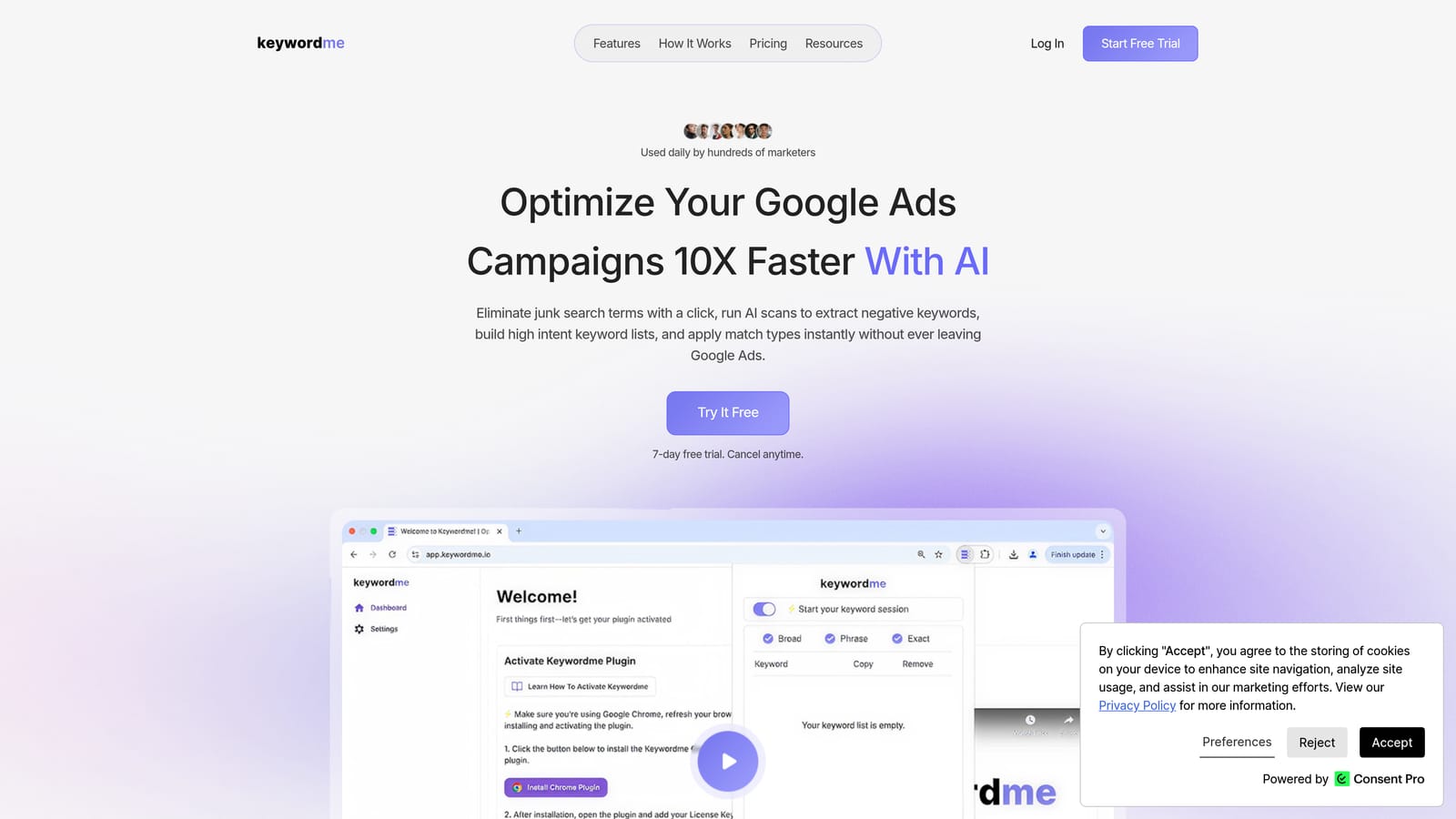
Keywordme is a Chrome extension that integrates directly into the Google Ads Search Terms Report, letting you add negative keywords, apply match types, and build keyword lists with single clicks—without leaving the native interface.
Where This Tool Shines
Most negative keyword tools require you to export data, work in a separate dashboard, and then import changes back into Google Ads. Keywordme skips all of that. Because it lives inside the Search Terms Report, you're reviewing actual search queries and acting on them in the same place—no tab switching, no CSV formatting, no re-uploading.
This in-interface approach is especially useful for advertisers who do regular account maintenance. Instead of blocking off time for a separate "negative keyword audit," you can clean up irrelevant search terms as part of your normal workflow. For agencies handling multiple client accounts, the multi-account and team support means the same streamlined process scales across your book of business.
Key Features
One-Click Negative Additions: Flag irrelevant search terms and add them as negatives directly from the Search Terms Report without exporting anything.
Match Type Application: Apply broad, phrase, or exact match types to negative keywords without leaving the Google Ads UI.
Bulk Editing and Keyword Clustering: Group and manage search terms in bulk, making it practical to handle high-volume accounts efficiently.
Keyword List Building: Build and organize negative keyword lists from within the interface, ready to apply across campaigns or ad groups.
Multi-Account and Team Support: Designed for agencies, with the ability to work across multiple accounts and share access with team members.
Best For
Solo advertisers and agency teams who want a faster, in-interface workflow for negative keyword management. Particularly useful if you're already spending time in the Search Terms Report and want to act on what you see without switching tools or formatting spreadsheets.
Pricing
$12/month per user. A 7-day free trial is available, so you can test the workflow before committing.
2. Google Ads Keyword Planner
Best for: Proactively identifying terms to exclude before campaigns go live.
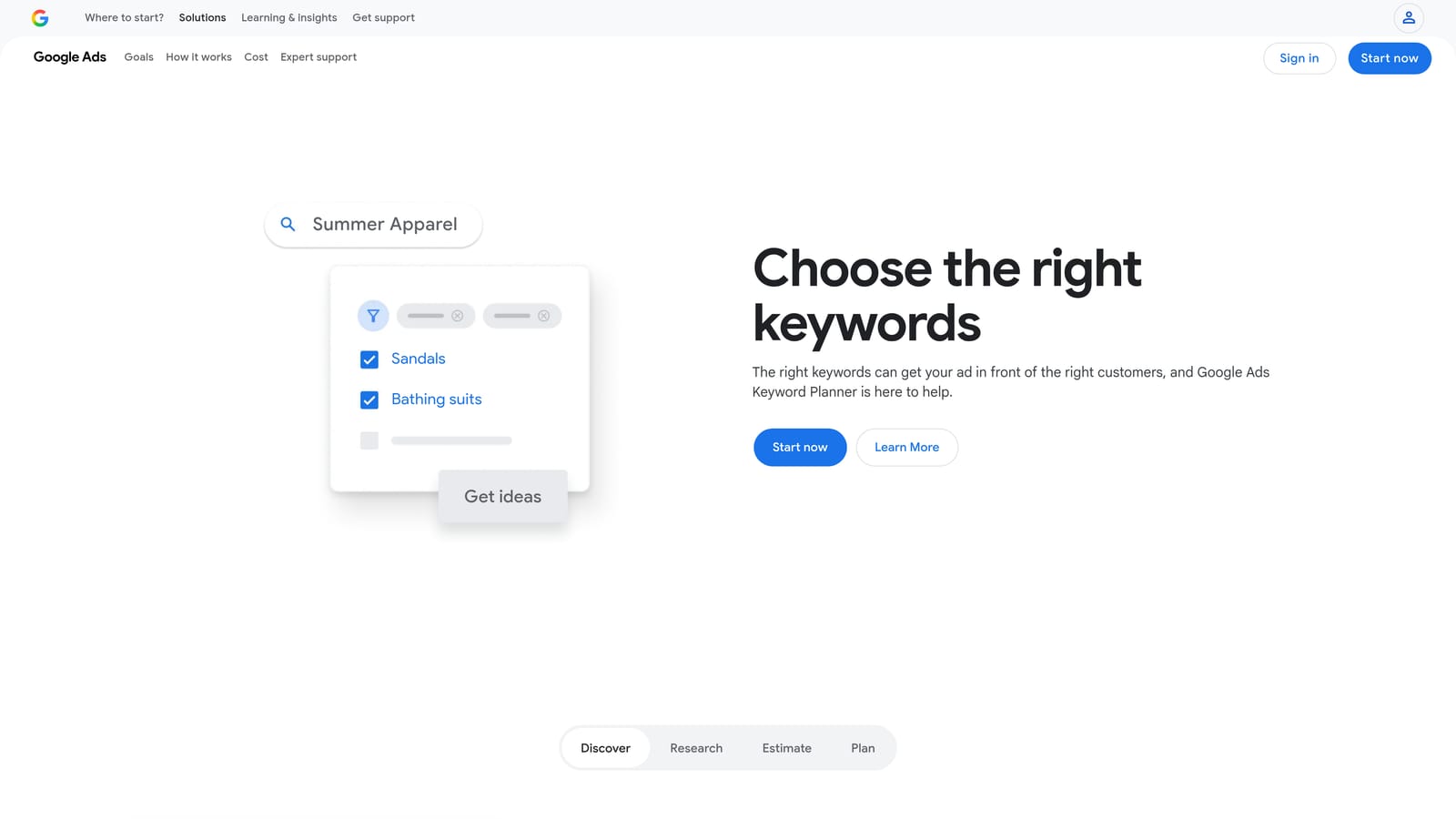
Google Ads Keyword Planner is Google's native keyword research tool, built into every Google Ads account, and useful for thinking through exclusions at the planning stage.
Where This Tool Shines
Keyword Planner doesn't have a dedicated negative list builder, but it's genuinely useful for pre-launch research. When you enter a seed term, it surfaces related search queries drawn from Google's own data. Scanning those results with a critical eye lets you spot categories of terms you'd want to exclude before your campaign starts generating irrelevant clicks.
Think of it as a proactive layer rather than a reactive one. Most negative keyword work happens after campaigns run and you've collected search term data. Keyword Planner helps you get ahead of obvious mismatches before you spend anything.
Key Features
Related Search Term Discovery: Surfaces queries related to your seed keywords, including ones you'd want to exclude from the start.
Native Google Data: Pulls directly from Google's search index, so the data reflects actual search behavior.
No Third-Party Dependency: Fully integrated into Google Ads—no additional account or subscription required.
Volume and Competition Estimates: Helps you prioritize which terms are worth targeting and which are likely to attract the wrong audience.
Best For
Advertisers setting up new campaigns who want to build an initial negative keyword list before going live. Also useful for anyone who prefers to work entirely within Google's native tools.
Pricing
Free with any Google Ads account.
3. Google Ads Search Terms Report and Shared Negative Lists
Best for: Advertisers who want to manage negatives using only Google's built-in tools at no extra cost.
Google Ads' native Search Terms Report, combined with its shared negative keyword lists, gives you a functional end-to-end workflow for identifying and applying negative keywords—entirely within the platform.
Where This Tool Shines
The Search Terms Report shows you the actual queries that triggered your ads. From there, you can manually select irrelevant terms and add them as negatives at the campaign or ad group level. Google also supports shared negative keyword lists at the account level, which means you can build a list once and apply it across multiple campaigns without repeating the same work.
The limitation is scale. Reviewing search terms one by one, manually applying negatives, and keeping shared lists updated is time-consuming. It works well for smaller accounts or advertisers who are just getting started. For higher-volume accounts, the manual nature of the process becomes a real bottleneck. If you want to understand the distinction between shared and campaign-specific negatives, this breakdown explains the difference clearly.
Key Features
Account-Level Shared Negative Lists: Create lists once and apply them across multiple campaigns from a central location.
Campaign and Ad Group-Level Negatives: Apply exclusions at the level that makes sense for your account structure.
No Additional Software: Everything runs inside Google Ads—no extensions, integrations, or exports required.
Direct Access to Real Search Query Data: You're working with the actual terms that triggered your ads, not modeled or estimated data.
Best For
Advertisers managing smaller accounts or those who want a zero-cost solution using only Google's native capabilities. Also a useful baseline to understand before adding any third-party tool to your workflow.
Pricing
Free. Included with every Google Ads account.
4. Optmyzr
Best for: Agencies and large accounts that want automated negative keyword recommendations with one-click application.
Optmyzr is a PPC management platform with a broad set of automation features, including performance-based negative keyword recommendations that can be acted on quickly.

Where This Tool Shines
Optmyzr's One-Click Optimizations feature surfaces recommendations based on your account's actual performance data, including search terms that are generating spend without meaningful results. Rather than manually reviewing every search term, you get a prioritized list of suggested actions you can approve or skip with a single click.
For agencies managing many accounts, the rule-based automation layer is particularly valuable. You can set up ongoing rules that flag or apply negatives based on configurable thresholds, reducing the amount of manual review required week to week.
Key Features
Automated Negative Keyword Recommendations: Surfaces exclusion suggestions based on account performance data, not just keyword research.
One-Click Optimizations: Review and act on negative keyword suggestions without digging through raw data manually.
Rule-Based Automation: Set conditions for ongoing negative keyword management so the process runs with less manual intervention.
Multi-Account Management: Designed for agencies handling multiple client accounts from a single dashboard.
Best For
PPC agencies and in-house teams managing large accounts who want automation layered on top of their negative keyword process, with human review before changes are applied.
Pricing
Subscription-based with tiered plans. See optmyzr.com for current pricing.
5. SEMrush PPC Keyword Tool
Best for: Advertisers who want to identify negative keywords through competitive research and cross-group conflict analysis.
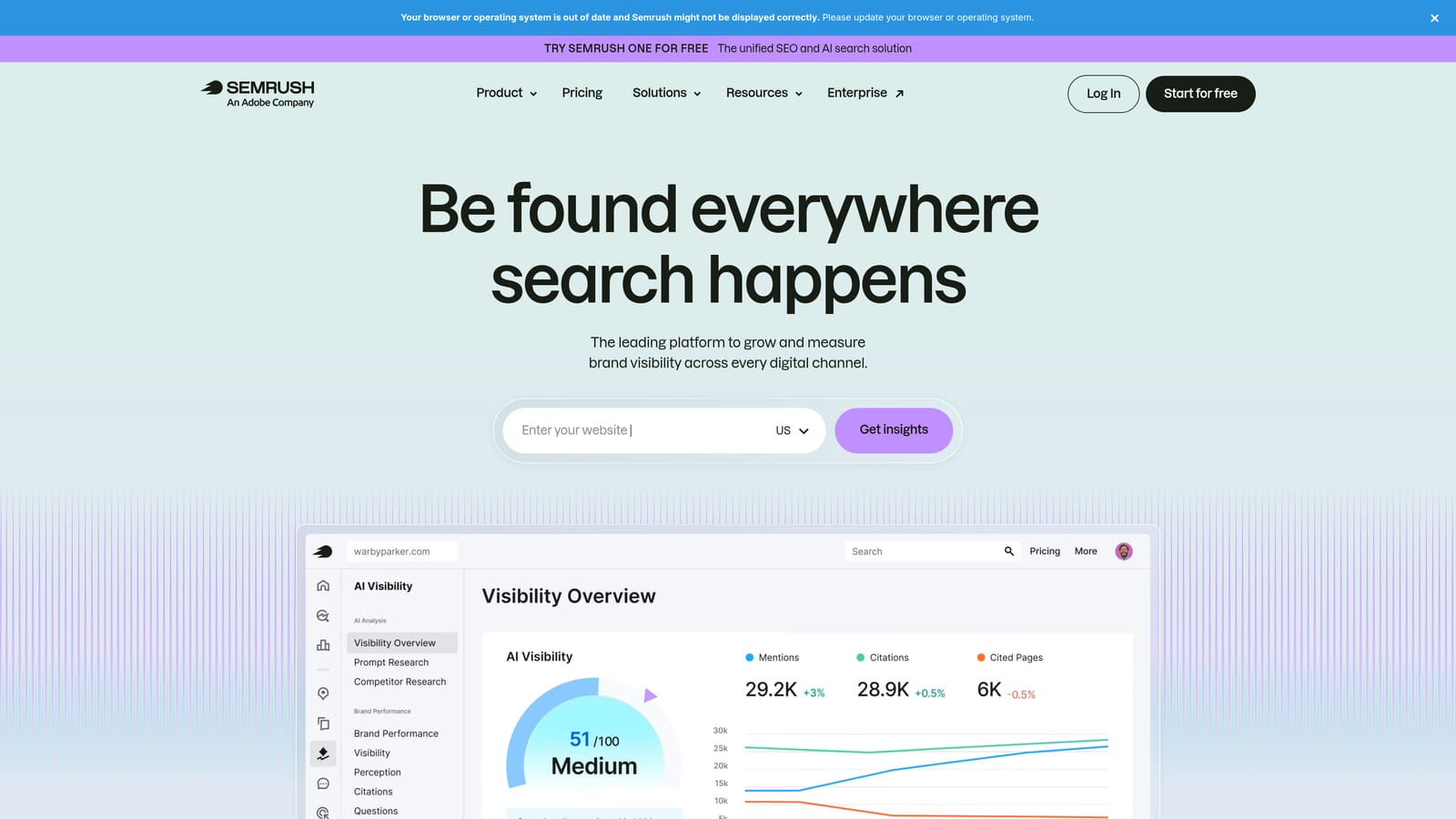
SEMrush's PPC Keyword Tool is part of a broader SEO and PPC suite, with specific features for organizing keywords and surfacing negatives that prevent campaigns from working against themselves.
Where This Tool Shines
One of the more practical features for Google Ads advertisers is cross-group negative keyword suggestions. When the same keyword appears in multiple ad groups, it can cause those groups to compete against each other in the same auction. SEMrush flags these conflicts and suggests negatives to resolve them—a type of analysis that's easy to overlook when managing campaigns manually.
The competitive research angle is also worth noting. SEMrush surfaces competitor keyword data that can inform your exclusion strategy, helping you identify categories of terms that may not be relevant to your specific offering even if they're adjacent to your industry.
Key Features
Cross-Group Negative Suggestions: Identifies keyword conflicts between ad groups and recommends negatives to prevent internal competition.
Competitor Keyword Data: Shows what terms competitors are bidding on, which can help you proactively exclude irrelevant adjacent terms.
Keyword Grouping and Organization: Tools for clustering and structuring keywords before they go into your campaigns.
Combined SEO and PPC Data: Useful for advertisers who want a single platform covering both channels.
Best For
Advertisers who already use SEMrush for SEO or competitive research and want to extend that data into their PPC negative keyword strategy. Also useful for anyone running multiple ad groups who wants to catch cannibalization issues systematically.
Pricing
Subscription-based. See semrush.com for current pricing tiers.
6. SpyFu
Best for: Building exclusion lists informed by competitor Google Ads history.
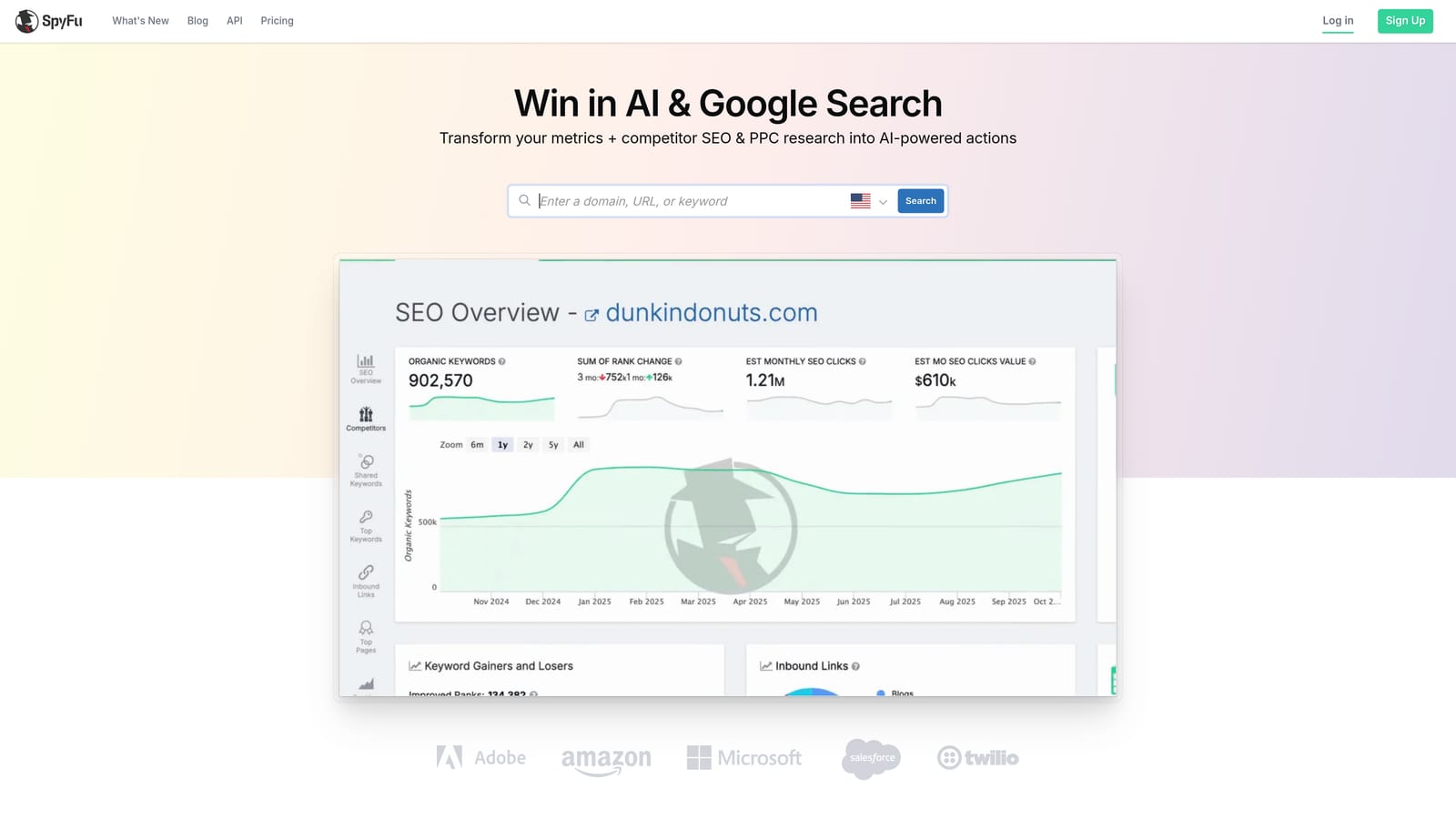
SpyFu is a competitive intelligence tool that gives you visibility into competitors' Google Ads keyword and ad history, which can inform a more strategic approach to negative keyword planning.
Where This Tool Shines
SpyFu doesn't have a dedicated negative list builder, but it offers something most other tools in this list don't: a view into what your competitors have historically tested and, in some cases, stopped bidding on. If a competitor tried a category of terms and moved away from them, that's a signal worth considering when you're planning your own exclusions.
The real value here is strategic context. Rather than only reacting to your own account's search term data, SpyFu helps you think proactively about which corners of the keyword landscape are likely to generate irrelevant traffic before you've spent money finding out.
Key Features
Competitor Google Ads History: See which keywords competitors have bid on over time, including terms they've tested and dropped.
Ad Copy and Landing Page Data: Understand the broader competitive context around specific search queries.
Keyword Research Informed by Real Advertiser Behavior: Data reflects actual advertiser decisions rather than modeled estimates alone.
Competitive Niche Exclusion Strategy: Useful for identifying categories of terms that tend to attract the wrong audience in your specific market.
Best For
Advertisers in competitive niches who want to build smarter negative keyword lists informed by what rivals have done, rather than relying solely on their own account's search term history.
Pricing
Subscription-based. See spyfu.com for current plan options.
7. Google Ads Editor
Best for: Bulk offline management of negative keywords across campaigns and ad groups.
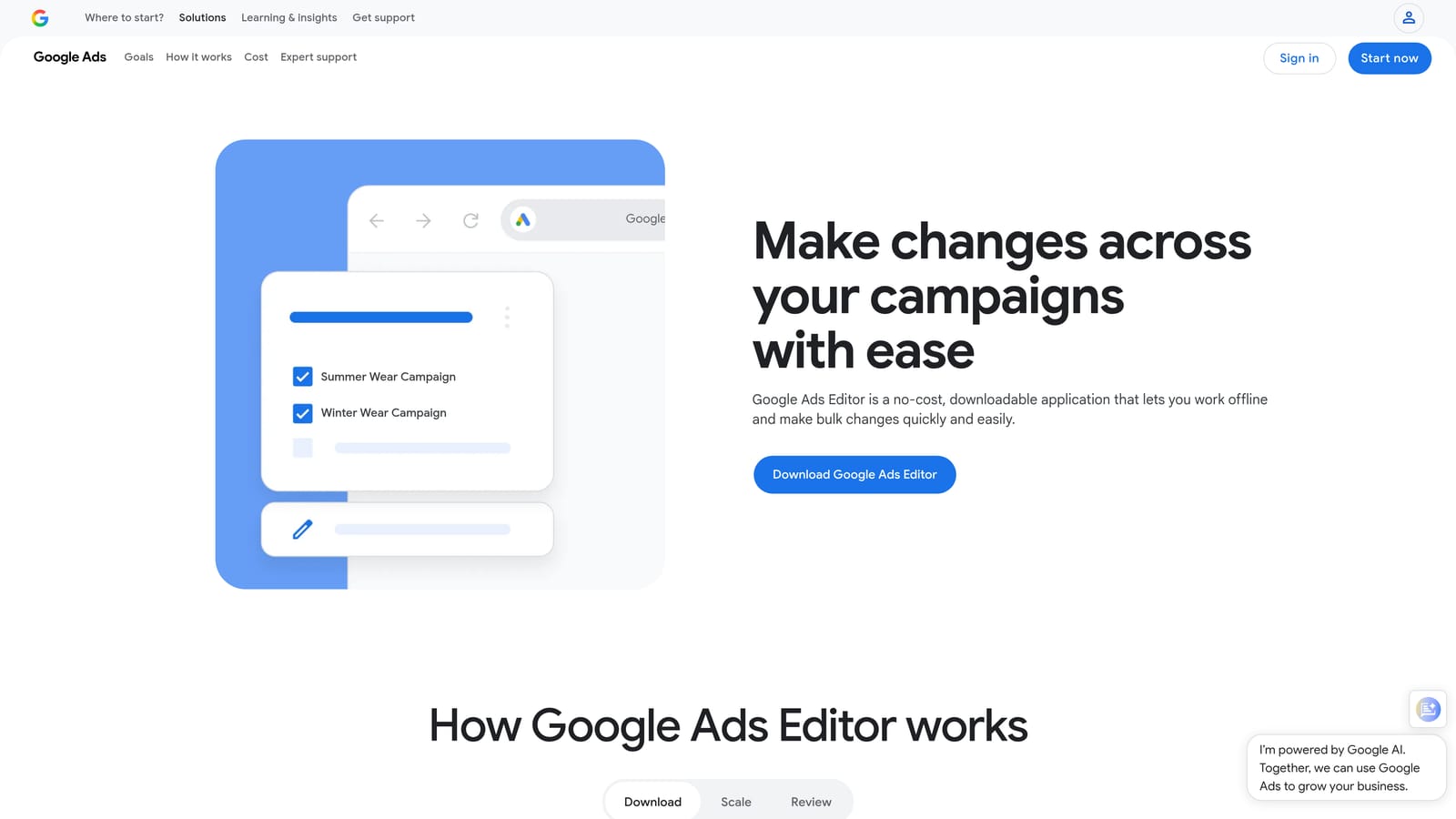
Google Ads Editor is Google's free desktop application for managing campaigns offline, with solid support for bulk negative keyword operations.
Where This Tool Shines
When you need to apply a large batch of negative keywords across multiple campaigns or ad groups at once, Google Ads Editor handles that efficiently. You can import a CSV of negative keywords, assign them to specific campaigns or ad groups, and push the changes to your account when you're ready—all without working through the online interface row by row.
It's also useful for maintaining shared negative lists. If you're managing a list that applies across many campaigns, Editor lets you update it in bulk and sync the changes in one go. The offline nature means you can prepare changes without needing a live connection, then review and upload when ready.
Key Features
Bulk CSV Import and Export: Add or update large volumes of negative keywords using structured spreadsheet files.
Campaign and Ad Group-Level Negative Management: Apply negatives at the appropriate level of your account structure in bulk.
Shared Negative List Support: Manage account-level shared negative lists and apply updates across campaigns simultaneously.
Offline Editing: Prepare and review changes without a live connection, then upload when ready.
Best For
Advertisers who need to make large-scale negative keyword changes efficiently and are comfortable working with CSV files. A strong complement to in-interface tools for periodic bulk operations.
Pricing
Free. No additional cost beyond your Google Ads account.
8. Adalysis
Best for: Ongoing automated monitoring of search terms with alerts for irrelevant traffic.
Adalysis is a PPC automation and analysis platform that takes a more proactive approach to negative keyword management by continuously monitoring search terms and alerting you when something needs attention.
Where This Tool Shines
Most negative keyword tools are reactive: you review what happened and then make changes. Adalysis shifts that dynamic by monitoring your search terms against configurable performance thresholds and surfacing alerts when terms exceed cost or impression limits without producing conversions. Instead of scheduling a weekly audit, you get notified when there's something specific to act on.
This ongoing monitoring approach is particularly useful for accounts with significant traffic volume, where manually reviewing every search term regularly isn't realistic. Adalysis also includes ad testing and account health diagnostics alongside its negative keyword features, making it a broader optimization tool rather than a single-purpose solution.
Key Features
Automated Search Term Analysis: Continuously reviews search term performance against thresholds you configure, rather than requiring manual audits.
Spend-Without-Conversion Alerts: Flags search terms that are generating cost without results, so you can act on them quickly.
Configurable Performance Thresholds: Set the conditions that matter for your account—cost limits, impression thresholds, conversion requirements—and let the monitoring run.
Account Health Diagnostics: Negative keyword management sits alongside broader account analysis, including ad testing and structural recommendations.
Best For
Advertisers and agencies managing high-traffic accounts who want proactive monitoring rather than periodic manual reviews. Useful when the volume of search terms makes a weekly manual audit impractical.
Pricing
Subscription-based. See adalysis.com for current pricing.
Which Tool Fits Your Workflow
The right choice depends less on which tool has the most features and more on where you actually spend your time and what your account demands.
If you want the fastest in-interface workflow without leaving Google Ads, Keywordme is the most direct option. You're already in the Search Terms Report—Keywordme lets you act on what you see without exporting anything or switching tabs. The 7-day free trial makes it easy to test whether the workflow fits before committing to $12/month.
If budget is the priority, the native Google tools cover the fundamentals at no extra cost. The Search Terms Report and shared negative lists handle the core workflow. Keyword Planner helps with pre-launch research. Google Ads Editor handles bulk operations. None of them are fast or automated, but they're free and reliable.
For agencies managing multiple accounts at scale, Optmyzr and Adalysis both add automation that reduces the manual review burden. Optmyzr's One-Click Optimizations work well for teams that want to review recommendations before applying them. Adalysis suits accounts where proactive monitoring matters more than batch reviews.
If competitive intelligence is part of your strategy, SEMrush and SpyFu give you context that your own account data can't provide. SEMrush is stronger for cross-group conflict analysis. SpyFu is more useful for understanding what competitors have historically tested and avoided.
For a deeper look at how to think about the broader process, this guide on the best way to add negative keywords in Google Ads covers the workflow considerations in more detail. If you're still building out your initial exclusion list, our comprehensive guide on how to find negative keywords — covering the Search Terms Report, competitor analysis, and dedicated keyword tools — walks through every discovery method side by side. And if you're thinking about account structure, understanding the difference between shared and campaign-specific negatives is worth a few minutes before you decide how to organize your lists.
The best negative list builder is the one you'll use consistently. Pick the tool that fits how you already work, and you'll find it easier to keep your Search Terms Report clean on an ongoing basis rather than letting it pile up between audits.
If you want to see how much faster the in-interface approach feels, Start your free 7-day trial of Keywordme and clean up your Search Terms Report without touching a spreadsheet.
.svg)