
8 Best Google Ads Negative Keyword Tools Compared by Pricing in 2026
This comparison of google ads negative keyword tool pricing breaks down 8 top options from free to $250+ per month, evaluating each on pricing transparency, features, and value. Whether you're a freelancer or agency, discover which tool delivers the best ROI for your negative keyword management workflow without overpaying for the same core functionality.


TL;DR: Negative keyword management is one of the highest-ROI tasks in Google Ads, but the tools available range from completely free to $250+ per month. This roundup compares the top options by actual pricing, what you get at each tier, and which tool makes sense depending on your situation. Whether you're a solo freelancer or an agency managing dozens of accounts, there's a meaningful difference between paying $0, $12, and $249/month for what is essentially the same workflow. We evaluated each tool on pricing transparency, negative keyword-specific features, ease of use, and overall value.
If you're still fuzzy on the fundamentals, check out our primer on what negative keywords are in Google Ads before diving in. And if you're thinking bigger picture, our guide on the best ways to reduce wasted spend in Google Ads covers the full picture. Otherwise, let's get into the tools.
1. Keywordme
Best for: Freelancers and agencies who want fast, in-platform negative keyword management without switching tools.
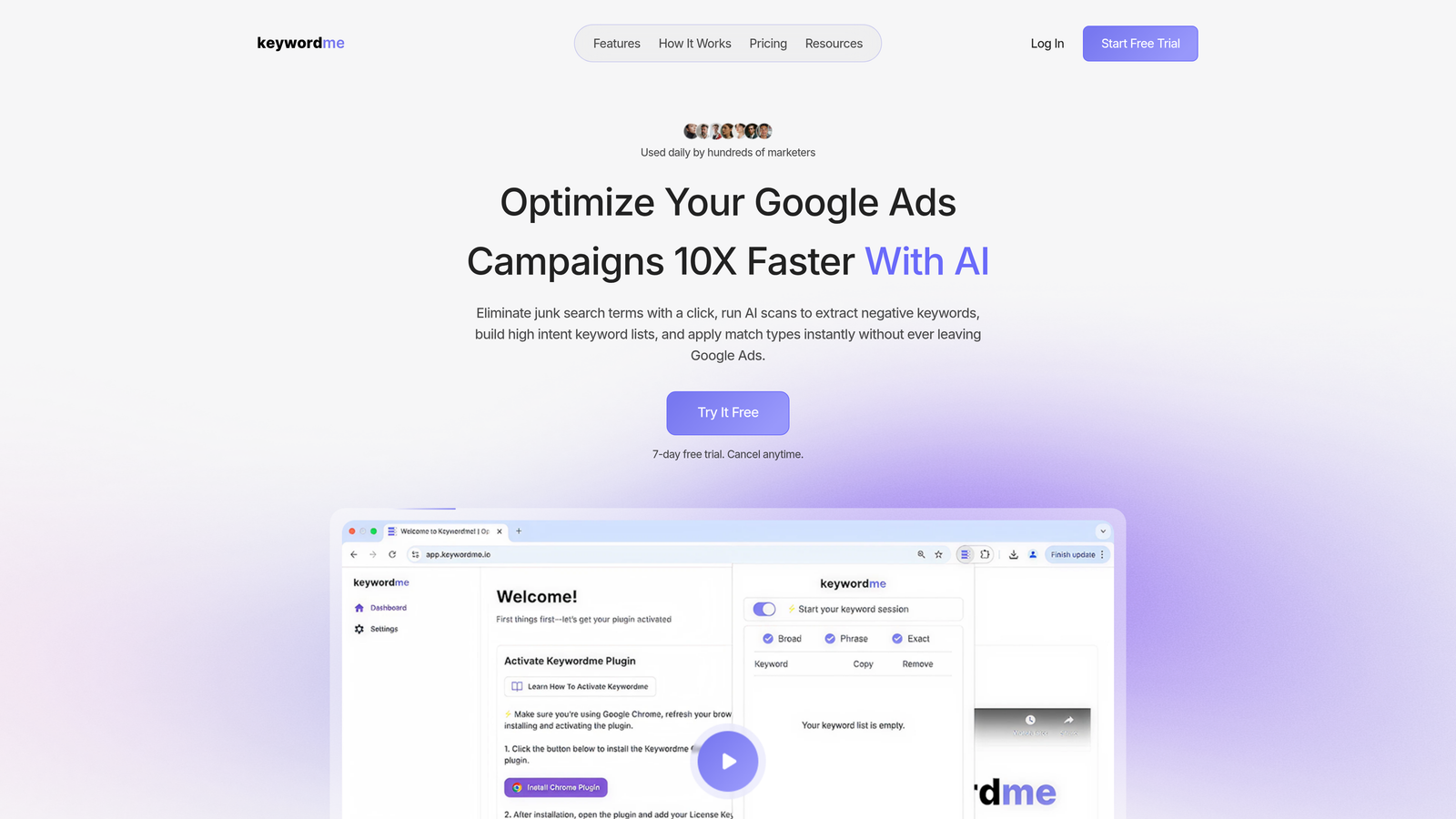
Keywordme is a Chrome extension that plugs directly into Google Ads' Search Terms Report and turns manual negative keyword work into a series of fast clicks.
Where This Tool Shines
The biggest friction in negative keyword management isn't knowing what to exclude—it's the mechanical work of exporting, filtering, categorizing, and re-uploading. Keywordme eliminates that entirely. You stay inside Google Ads, work directly in the Search Terms Report, and handle everything with one-click actions. No CSV exports, no spreadsheet tabs, no context-switching.
In most accounts I audit, the Search Terms Report is where PPC managers already spend a chunk of their time. Keywordme just makes that time dramatically more productive. The keyword clustering feature is particularly useful for spotting patterns across large volumes of search terms, which is where manual review usually breaks down.
Key Features
One-Click Negative Addition: Remove junk search terms directly from the Search Terms Report without leaving Google Ads.
Bulk Editing: Handle large batches of terms at once instead of processing them one by one.
Keyword Clustering: Group similar search terms to identify patterns and build smarter negative lists faster.
Match Type Application: Apply exact, phrase, or broad match types instantly without exporting to a spreadsheet.
Multi-Account and Team Support: Agencies can manage multiple client accounts and collaborate across team members within the same tool.
Best For
Keywordme is a strong fit for Google Ads managers who spend meaningful time each week in the Search Terms Report and want to move faster without adding another dashboard to their workflow. It's especially practical for agencies running multiple accounts where the per-user flat rate stays predictable regardless of how much ad spend you're managing.
Pricing
$12/month per user, flat rate. No tiered feature gating, no spend-based scaling. Includes a 7-day free trial. Straightforward pricing that's easy to justify even on smaller accounts.
2. Optmyzr
Best for: Agencies and enterprise PPC teams managing large, multi-platform campaign portfolios.
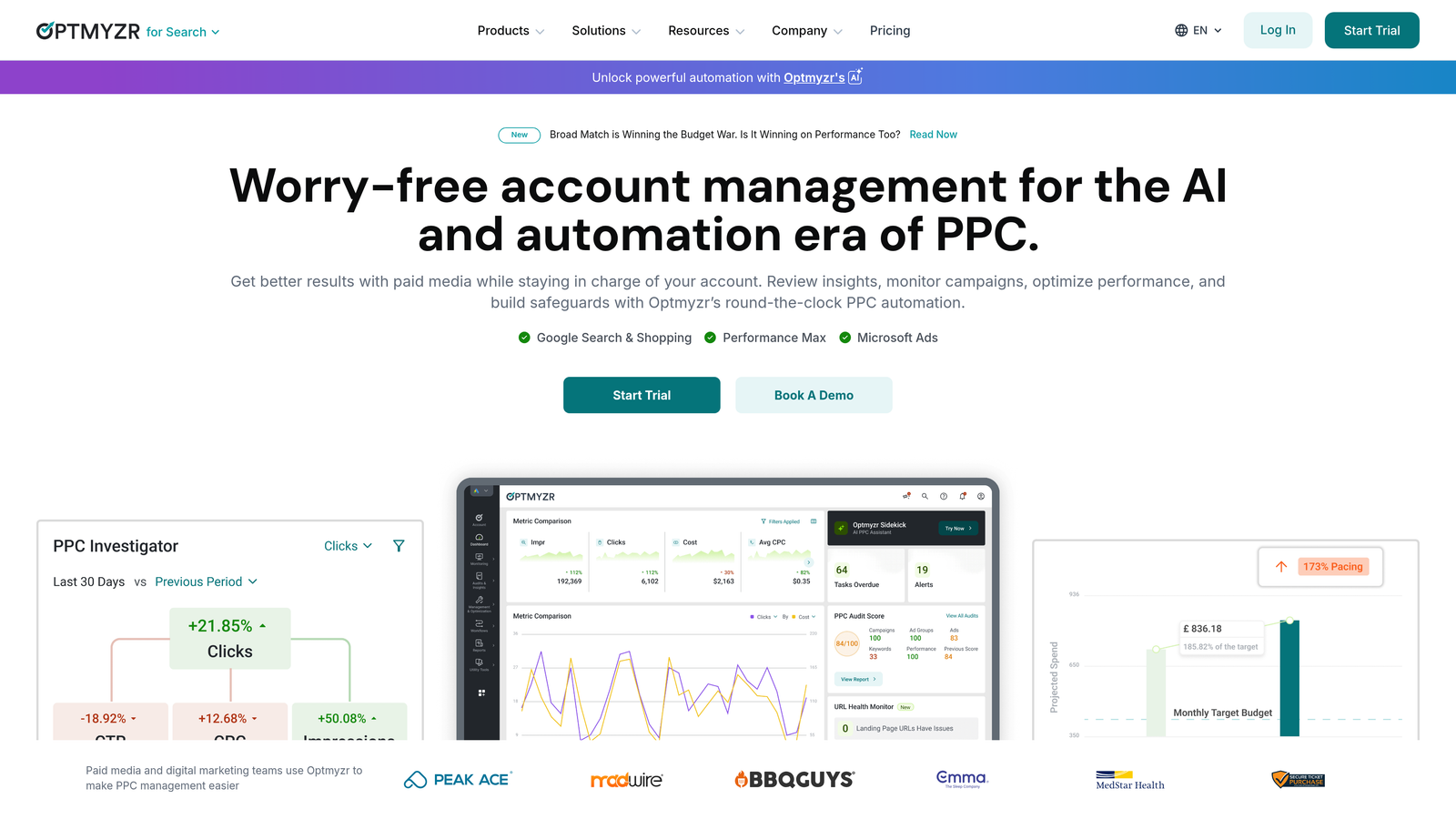
Optmyzr is a full-suite PPC management platform built for teams that need automation, reporting, and optimization tools across Google Ads, Microsoft Ads, and more.
Where This Tool Shines
Optmyzr's strength is breadth. Negative keyword management is one piece of a much larger platform that includes rule-based automations, one-click optimizations, budget pacing, and detailed reporting. If you're already paying for a platform like this, the negative keyword features are a solid bonus rather than a standalone reason to subscribe.
The n-gram analysis built into Optmyzr is genuinely useful for surfacing wasteful search term patterns at scale. What usually happens here is that agencies use it as part of a broader monthly optimization workflow rather than a daily tool, which fits the price point better.
Key Features
Rule-Based Negative Keyword Automations: Set conditions to automatically flag or add negative keywords based on performance thresholds.
N-Gram Analysis: Break down search term data by word components to identify recurring low-value patterns across campaigns.
One-Click Optimizations: Review and apply recommendations across multiple campaigns in bulk.
Multi-Account Management: Manage and report across multiple client accounts from a single interface.
Cross-Platform Support: Works with Google Ads, Microsoft Ads, Amazon Ads, and more.
Best For
Optmyzr makes the most sense for agencies or in-house teams managing significant monthly ad spend across multiple platforms, where the automation and reporting features justify the cost. If you're only looking for negative keyword management, it's likely overkill.
Pricing
Starts at approximately $249/month. A 14-day free trial is available. Pricing scales with the number of accounts and features required.
3. WordStream (LocaliQ)
Best for: SMBs looking for guided PPC optimization with negative keyword suggestions baked into a broader workflow.
WordStream, now operating under the LocaliQ brand, is an SMB-focused PPC platform that surfaces negative keyword suggestions as part of its guided weekly optimization workflow.

Where This Tool Shines
WordStream's "20-Minute Work Week" concept was genuinely useful for small business owners who weren't deep PPC practitioners. The platform walks you through a prioritized set of recommendations—including negative keyword suggestions—so you don't have to know where to look. That guided approach is still its main differentiator.
The challenge since the LocaliQ transition is that pricing has become opaque. What used to be a clearly priced standalone tool is now bundled into a broader local marketing platform, which makes it harder to evaluate on a feature-by-feature basis.
Key Features
20-Minute Work Week Workflow: Guided optimization recommendations surfaced weekly, including negative keyword suggestions.
Automated Negative Keyword Surfacing: Flags irrelevant search terms without requiring you to manually dig through reports.
Cross-Platform Management: Covers Google Ads, Microsoft Ads, and Facebook Ads from one interface.
Performance Dashboards: Reporting tools designed for non-technical users and client-facing presentations.
Best For
Small business owners or marketers who want a guided PPC experience and aren't looking to manage campaigns at a granular level. Less suited for experienced PPC practitioners who prefer direct control over their negative keyword strategy.
Pricing
Custom, quote-based pricing since the LocaliQ transition. Free tools are available for limited keyword analysis. Expect to contact sales for actual plan costs.
4. Negative Keywords Pro (Karooya)
Best for: Advertisers who want a dedicated negative keyword tool with a freemium entry point based on ad spend.
Negative Keywords Pro by Karooya is one of the few tools built specifically around negative keyword discovery and conflict detection rather than bundling it into a broader PPC suite.

Where This Tool Shines
The conflict detection feature is what makes this tool stand out. It identifies situations where your negative keywords are accidentally blocking your own active keywords from serving—a surprisingly common issue in accounts that have grown organically over time. Most general PPC tools don't surface this problem clearly.
The freemium model is also genuinely useful. Accounts spending under $10K/month get meaningful functionality at no cost, which makes it an easy recommendation for smaller advertisers who don't have budget for paid tools.
Key Features
Automated Negative Keyword Recommendations: Surfaces irrelevant search terms based on your account's search term data.
Conflict Detection: Identifies negative keywords that are inadvertently blocking active keywords from matching.
Search Term Analysis and Grouping: Organizes search term data to make negative keyword decisions easier to act on.
Direct Google Ads Integration: Connects to your account to pull live data and push changes.
Best For
Advertisers managing accounts with complex negative keyword lists who want to audit for conflicts, or smaller accounts looking for a free dedicated negative keyword tool. The spend-based pricing model works well for smaller accounts but can become less predictable at higher spend levels.
Pricing
Free for accounts spending up to $10,000/month in ad spend. Paid plans scale with spend volume above that threshold. One of the more accessible entry points in this category.
5. Lunio (formerly PPC Protect)
Best for: Advertisers dealing with significant invalid traffic who want automated exclusions as a byproduct of fraud prevention.
Lunio approaches negative keyword management from a different angle than every other tool on this list: it starts with click fraud and invalid traffic detection, then uses that data to generate exclusions automatically.

Where This Tool Shines
If your account is burning budget on bot traffic, scraper activity, or repeated clicks from low-quality sources, Lunio's approach is genuinely different. It's not a traditional negative keyword tool, but the IP exclusions and placement-level blocking it applies function as a form of negative targeting that standard keyword-based tools can't replicate.
The mistake most agencies make is thinking about invalid traffic as a separate problem from wasted spend. Lunio's value proposition is that they're the same problem, and it addresses both simultaneously.
Key Features
Automated Invalid Traffic Detection: Continuously monitors for bot clicks, scrapers, and other non-human traffic patterns.
IP and Placement Exclusions: Automatically blocks identified sources of invalid traffic across campaigns.
Real-Time Fraud Analytics: Dashboard showing invalid traffic volume, sources, and estimated cost impact.
Cross-Platform Protection: Covers Google Ads, Meta, Microsoft Ads, and other major platforms.
Best For
Advertisers in competitive verticals with high CPCs where invalid click activity is a meaningful budget concern. Less relevant for accounts where search term irrelevance (rather than fraud) is the primary source of wasted spend.
Pricing
Custom pricing based on ad spend volume. Typically sits in the mid-to-premium range. Contact Lunio directly for a quote—pricing isn't published on the website.
6. SEMrush PPC Toolkit
Best for: Marketers already using SEMrush for SEO who want to extend competitive research into PPC negative keyword strategy.
SEMrush's PPC Toolkit is part of the broader SEMrush platform and uses competitive intelligence and search term data to help identify keywords worth excluding from your campaigns.
Where This Tool Shines
The competitive angle is what makes SEMrush's approach to negative keywords interesting. By analyzing what competitors are bidding on versus what's converting in your account, you can build exclusion lists informed by market-level data rather than just your own search term history. That's a different and genuinely useful angle.
That said, SEMrush is fundamentally an SEO and competitive research platform. The PPC Keyword Tool is capable, but negative keyword management isn't the primary reason anyone subscribes. If you're already a SEMrush user, it's worth exploring. If you're only looking for negative keyword tools, the price-to-value ratio is hard to justify.
Key Features
PPC Keyword Tool with Negative Keyword Management: Organize keywords and negatives at the campaign level within SEMrush's interface.
Competitor Keyword Gap Analysis: Identify terms competitors target that aren't relevant to your offering—prime negative keyword candidates.
Organic and Paid Cross-Reference: Compare search term performance across both channels to make smarter exclusion decisions.
Campaign-Level Organization: Structure negative keyword lists by campaign before exporting to Google Ads.
Best For
SEO-focused teams that also run PPC campaigns and want a unified research environment. Not the right choice if negative keyword management is your only use case.
Pricing
PPC Toolkit is included in all SEMrush plans. The Pro plan starts at $139.95/month. No standalone PPC-only pricing is available.
7. Google Ads Built-In Tools (Free)
Best for: Advertisers with limited budgets or smaller accounts where manual review is still manageable.
Google Ads' native Search Terms Report, Keyword Planner, and negative keyword list management are free, fully functional, and already built into every Google Ads account.
Where This Tool Shines
There's no tool on this list that gives you more direct access to your data than Google's own interface. The Search Terms Report shows exactly what triggered your ads, and the native negative keyword list manager lets you apply exclusions at the account, campaign, or ad group level. For accounts with modest search term volume, this workflow is entirely sufficient.
Where it breaks down is scale. Manually reviewing hundreds or thousands of search terms per week, categorizing them, deciding on match types, and re-uploading them is genuinely time-consuming. That's the gap every paid tool on this list is trying to fill.
Key Features
Search Terms Report: Full visibility into the actual queries triggering your ads, filterable by date range and performance metrics.
Manual Negative Keyword Lists: Create shared negative keyword lists and apply them across multiple campaigns simultaneously.
Account and Campaign-Level Application: Apply negatives at whatever level of granularity your account structure requires.
No Additional Cost: Completely free as part of your Google Ads account.
Best For
Advertisers managing one or two small accounts with limited weekly search term volume. Also useful as a complement to any paid tool on this list, since you'll always be working within the native interface regardless of what else you're using.
Pricing
Free. No subscription, no setup cost, no limitations beyond what Google Ads itself provides.
8. N-Gram Analysis via Google Ads Scripts
Best for: Technical PPC practitioners who want deep, systematic negative keyword mining at no cost.
Google Ads Scripts combined with community-built n-gram tools (like the widely-used Brainlabs n-gram script) offer a free, highly customizable approach to identifying wasteful search term patterns at scale.
Where This Tool Shines
N-gram analysis breaks search queries down to individual word components and tracks how those words perform across your entire search term history. Instead of reviewing queries one by one, you can see that a particular word appears in 200 search terms, generates significant spend, and converts at a fraction of your account average. That's a clear negative keyword candidate that manual review would likely miss.
The Brainlabs n-gram script is the most widely referenced free option and has been used and validated by the PPC community for years. The trade-off is setup time and a baseline of technical comfort with Google Ads Scripts.
Key Features
Word-Level Search Term Analysis: Breaks queries into individual components to identify patterns invisible in standard search term review.
Performance-Based Filtering: Set custom thresholds for spend, conversions, CTR, or ROAS to surface only the most impactful negative candidates.
Scale Across Large Accounts: Analyzes thousands of search terms systematically rather than relying on manual spot-checking.
Free Community Scripts: Open-source scripts like the Brainlabs n-gram tool are freely available and well-documented.
Best For
Experienced PPC managers comfortable with Google Ads Scripts who want powerful negative keyword mining without paying for a platform. Best suited for accounts with high search term volume where manual review isn't realistic and budget for paid tools is limited.
Pricing
Free. Requires technical setup and familiarity with Google Ads Scripts. No ongoing cost beyond the time investment of initial configuration.
Which Tool Is Worth the Money?
Here's how to think about this depending on where you are.
If budget is zero, start with Google's native tools and layer in the Brainlabs n-gram script once you're comfortable with Scripts. That combination covers a lot of ground without spending a dollar. Karooya's Negative Keywords Pro is also worth adding if you're under $10K/month in spend, purely for the conflict detection feature.
If you're a freelancer or small agency managing several accounts, Keywordme at $12/month per user is the most straightforward recommendation on this list. The flat-rate pricing is predictable, the in-platform workflow removes the biggest friction point in negative keyword management, and the per-user model doesn't penalize you for growing your client base. The 7-day free trial makes it a zero-risk test.
If you're running a larger agency that needs automation, reporting, and multi-platform support, Optmyzr's price point makes more sense in context. You're not just paying for negative keyword features—you're paying for an entire optimization and reporting infrastructure. The negative keyword tools are one piece of that.
SEMrush is worth considering only if you're already using it for SEO and want to extend that research into PPC. It's not a negative keyword tool first, and the price reflects that.
Lunio sits in its own category. If invalid traffic is a documented problem in your account, it addresses something none of the other tools on this list touch. If it's not, there are better ways to spend that budget.
The broader trend in 2025-2026 is toward tools that reduce context-switching and work inside the platforms you're already using. The days of exporting CSVs to manage negatives are genuinely numbered. If you want to see what that workflow looks like in practice, start your free 7-day trial of Keywordme and run it against your next Search Terms Report review. At $12/month after that, it's one of the easier calls in PPC tooling.
.svg)