
8 Best Google Ads Negative Keyword Management Tools
This roundup ranks the 8 best Google Ads negative keyword management tools for 2026, comparing options from in-interface extensions to agency-scale platforms that automate turning wasted search terms into clean negative keyword lists. Each tool is evaluated on pricing, scale, and how directly it solves the search-term-to-negative workflow.


If you manage Google Ads accounts, you already know the drill: you pull the Search Terms Report, scan for garbage queries, copy the worst offenders into a spreadsheet, then go back and add them as negatives one by one. It works, but it's slow, and it doesn't scale once you're running more than a couple of accounts. This roundup looks at tools that speed up that specific loop, finding waste in search terms and turning it into clean negative keyword lists, whether that happens inside Google Ads itself, in a third-party platform, or through free scripting. Tools are ordered by how directly they solve the search term-to-negative workflow, from in-interface extensions to native Google options.
Quick Comparison
- Keywordme: best for advertisers who want negative keyword cleanup done in seconds without leaving Google Ads; starting price $12/month per user; works entirely inside the native Search Terms Report instead of a separate dashboard.
- Optmyzr: best for agencies managing negatives across dozens of accounts; quote-based pricing; applies negative keyword rules automatically across many accounts at once.
- Adalysis: best for teams that want negative keyword checks folded into routine audits; starts around $99/month; uses n-gram analysis to catch recurring waste patterns.
- WordStream Advisor: best for in-house marketers who want a guided routine; quote-based pricing; structures negative keyword review into a weekly workflow.
- Google Ads Editor: best for advertisers who already know what to cut and need fast bulk uploads; free; edits offline before pushing changes live.
- Google Ads Scripts for Negative Keywords: best for technically comfortable advertisers wanting custom, free automation; free; runs fully custom logic with no subscription.
- SEMrush PPC Toolkit: best for competitive research before launch; starts around $139/month; builds negative candidates from competitor keyword gaps.
- Native Search Terms Report and Negative Keyword Lists: best for small accounts just starting out; free; keeps all data inside Google's own interface.
1. Keywordme
Keywordme is a Chrome extension that sits directly inside the Google Ads Search Terms Report, letting you clean up negative keywords without ever opening a spreadsheet or a separate dashboard. It's built for solo advertisers and agency teams who are tired of exporting reports just to figure out what to cut.
What sets it apart from everything else on this list is that it doesn't ask you to leave Google Ads at all. Where most competitors either pull your data into their own platform or require you to manually copy terms around, Keywordme adds buttons right next to your search term data so the action happens where the data already lives.
- Removes junk search terms and adds negative keywords with a single click, right from the Search Terms Report.
- Builds high-intent keyword lists and applies match types instantly, without switching tabs or tools.
- Clusters related keywords and supports bulk editing so you're not repeating the same action term by term.
- Supports multi-account and team access, which matters if you're running this across several client accounts.
Setup is just installing the Chrome extension and connecting it to your Google Ads account, so there's no onboarding curve. Day to day, it's meant to be run by whoever already owns search term review, whether that's a solo advertiser or an account manager at an agency.
The trade-off is scope: Keywordme is focused on Google Ads. If you're managing negative keywords across Microsoft Advertising or other platforms too, you'll need something else alongside it for those accounts.
Pricing is flat at $12 per month per user, with a 7-day free trial. As of 2026, it's worth confirming current pricing on the Keywordme site, since terms can shift, but the flat-rate model means your cost scales with your team size rather than your ad spend or account count.
Best for: Advertisers who want negative keyword cleanup done in seconds without leaving Google Ads.
2. Optmyzr
Optmyzr is a PPC management platform built around rule-based automation, and its Search Query Analyzer is specifically designed to surface wasted spend across large numbers of Google Ads accounts. It's aimed squarely at agencies, not solo advertisers running a single account.

The distinctive piece here is scale. Optmyzr lets you write a rule once, such as "flag any search term with more than 20 clicks and zero conversions," and apply it across every account you manage rather than repeating the review account by account.
- Clusters and scores search terms so waste patterns are visible across an entire portfolio, not just one account.
- Applies rule-based automations that add negatives across multiple accounts on a schedule you set.
- Reports across accounts in one view, useful for agency owners checking in on several clients at once.
- Bundles bid and budget management alongside negative keyword tools, so you're not paying for two separate platforms.
Optmyzr connects to both Google Ads and Microsoft Advertising, and setup involves configuring rules and account groupings, which takes more time upfront than a plug-and-play extension. It's typically run by a PPC manager or agency lead who's comfortable defining automation logic rather than clicking through terms one at a time.
The trade-off is complexity and cost. If you're running one or two accounts, the platform's cross-account features and rule engine are more than you need, and the learning curve to set rules up correctly isn't trivial.
Pricing is quote-based, since Optmyzr's plans typically scale with the number of accounts managed. Check current tiers on the Optmyzr website, as pricing structures change.
Best for: Agencies managing negative keywords across dozens of client accounts at once.
3. Adalysis
Adalysis is built as an account auditing tool first, with negative keyword management as one piece of a broader quality check. It's a fit for advertisers who want negative keyword issues caught automatically as part of a routine health check rather than a dedicated, standalone workflow.
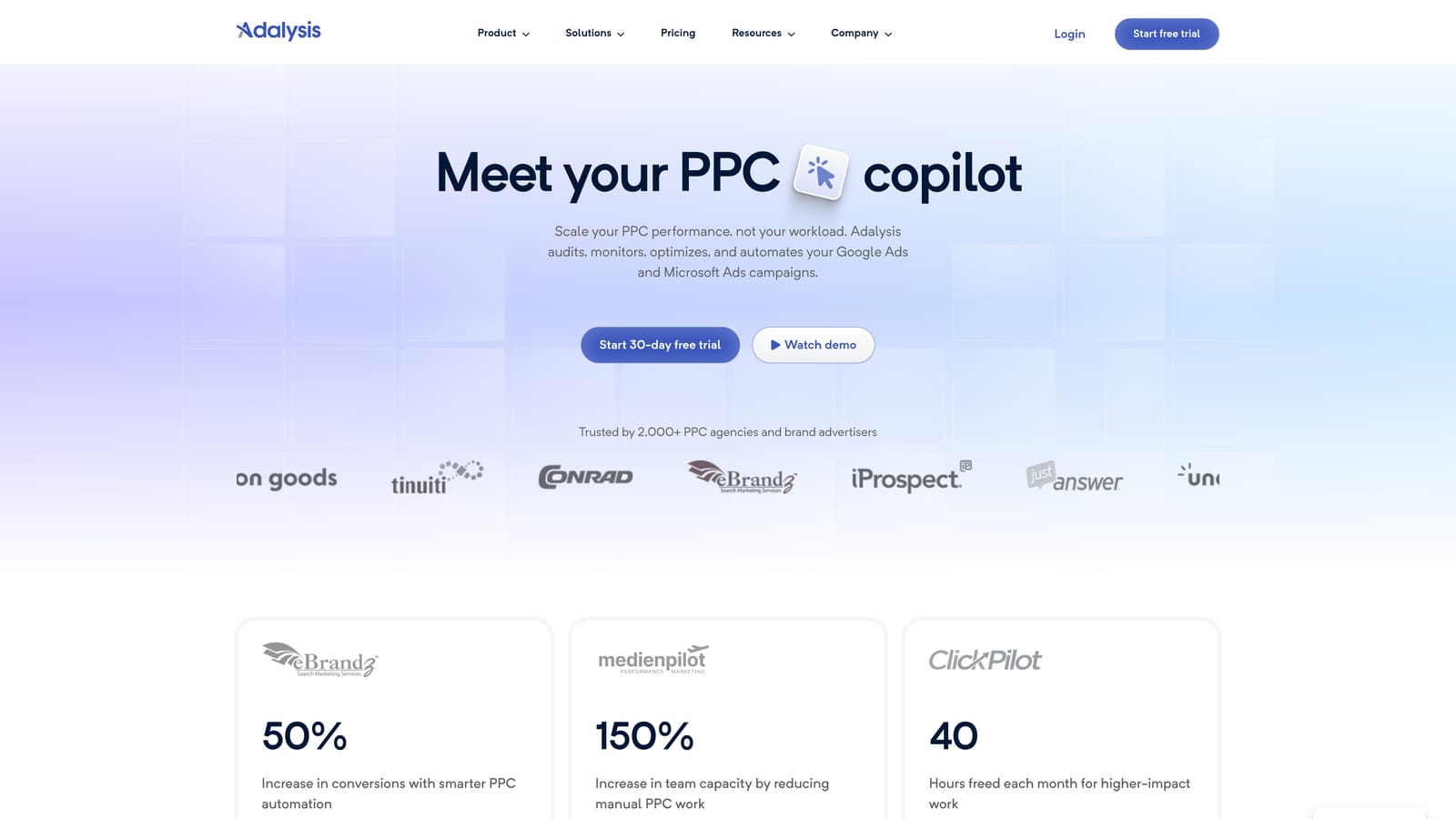
Its n-gram analysis is the standout feature for this specific use case: it breaks search terms into recurring word fragments and flags patterns across a large report that would be tedious to spot by scanning line by line, like a specific brand name or product qualifier showing up repeatedly in irrelevant queries.
- Runs automated audits that flag negative keyword conflicts, such as a negative accidentally blocking a converting term.
- Applies n-gram analysis to detect recurring irrelevant word patterns across large volumes of search terms.
- Bundles ad testing and quality score monitoring into the same audit, so you get more than negative keyword insight for one price.
- Sends scheduled alerts when new issues appear, so review doesn't depend on remembering to log in.
It connects to Google Ads and Microsoft Advertising, and setup mainly involves connecting accounts and letting the audit engine run, which is manageable for a single PPC manager without dedicated dev support.
Because negative keyword management is folded into a wider audit suite, it's less specialized than a tool built only for search term cleanup. If your primary need is fast, one-off negative keyword additions, this can feel like more platform than you need.
Pricing starts around $99 per month per account, though this should be verified on Adalysis's site as of 2026 since plans and account-based pricing can shift.
Best for: Advertisers who want negative keyword checks folded into routine account audits.
4. WordStream Advisor
WordStream Advisor is a guided PPC management platform organized around what it calls a "20-Minute Work Week," a structured routine meant to walk less experienced advertisers through what to check and fix, including which search terms to negate.

Who it's built for
This tool is aimed at small business owners and in-house marketers managing their own accounts without a dedicated PPC specialist on staff. The guided format matters more here than raw data access, since the goal is telling someone exactly what to look at rather than handing them an open-ended report.
- Walks you through a weekly workflow that highlights specific search terms worth negating.
- Surfaces alerts for budget, bid, and search term issues together in a single dashboard.
- Provides templates for common negative keyword lists so you're not building lists from a blank page.
- Offers account management support add-ons for teams that want extra hands-on help.
Where it falls short
Advanced users who want to write their own match logic or dig deep into raw search term data may find the guided structure limiting. It's designed to simplify decisions, which means less granular control than a tool built for power users.
WordStream connects to Google Ads, Microsoft Advertising, and Facebook Ads, making it a reasonable single dashboard for smaller businesses running ads across platforms. Pricing is quote-based, so contact WordStream directly for current plans as of 2026.
Best for: Small business owners or in-house marketers who want a step-by-step routine, not a raw data tool.
5. Google Ads Editor
Google Ads Editor is Google's free desktop application for making bulk changes to campaigns offline, including negative keyword lists, before pushing those changes live. It's a first-party tool, so there's no third-party data sharing involved.

Unlike the analysis-focused tools above, Ads Editor doesn't tell you which terms to cut. It assumes you already know, and its job is to let you apply those decisions fast across many campaigns and ad groups at once.
- Lets you copy, paste, and bulk-edit negative keywords across campaigns and ad groups in one pass.
- Supports offline editing, so you can stage changes and review them before anything goes live.
- Costs nothing, since it's a free tool bundled with your Google Ads account.
- Works alongside shared negative keyword lists, so bulk changes can apply consistently across campaigns.
Setup is just downloading the application and signing in with your Google Ads credentials, so there's essentially no onboarding. It's typically run by whoever already manages the account day to day, since it mirrors the same account structure you see online.
The clear limitation is that it has no built-in analysis or suggestions. It's an editing tool, not a search term analyzer, so you'll still need the Search Terms Report or another tool to identify which terms deserve negatives in the first place.
Pricing: free.
Best for: Advertisers who already have a list of terms to negate and just need fast bulk uploads.
6. Google Ads Scripts for Negative Keywords
Google Ads Scripts gives advertisers a native scripting environment to write JavaScript-based automations that scan search terms and apply negative keyword rules on a schedule, all without a third-party subscription.
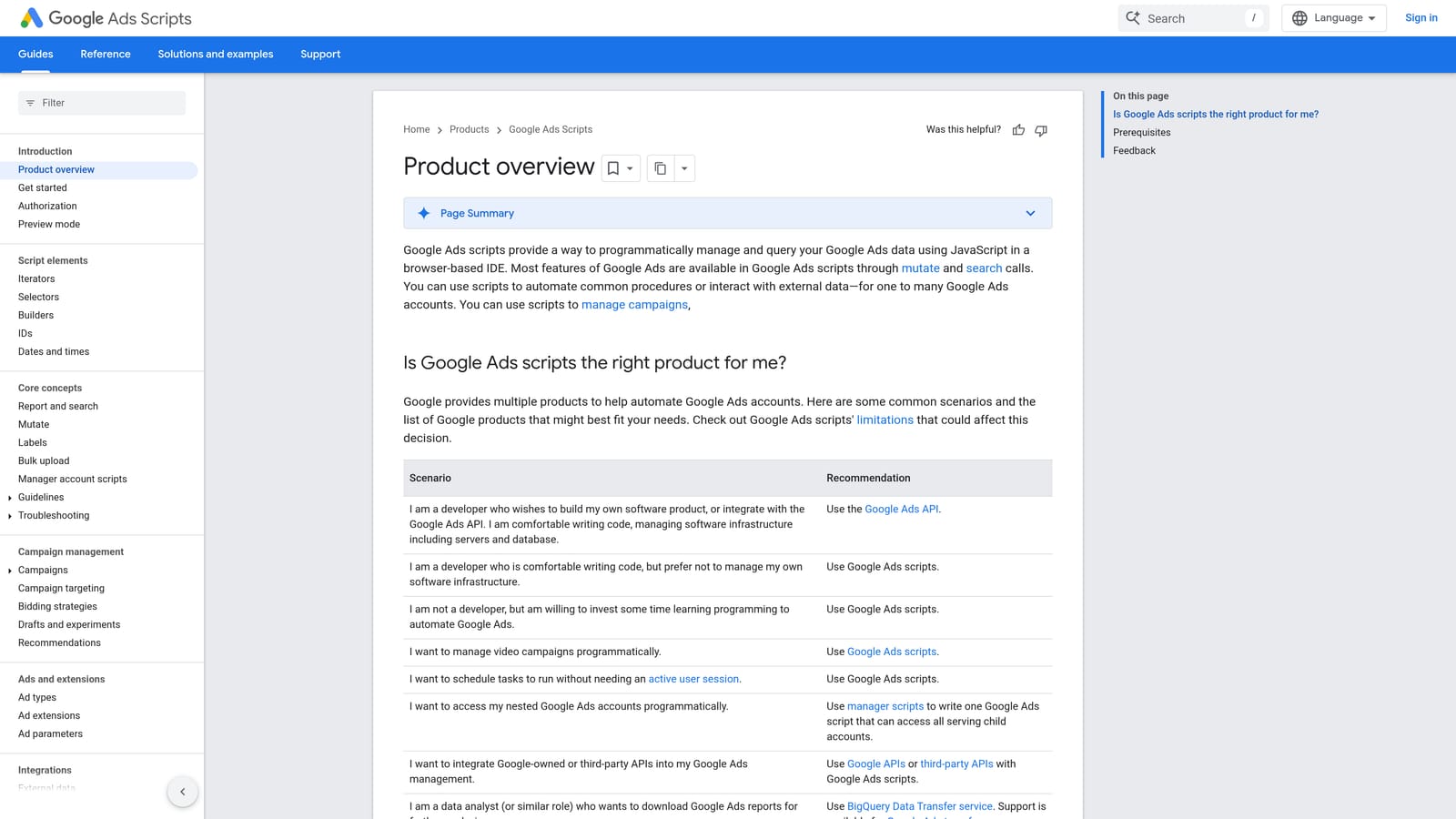
Compared with the paid automation platforms on this list, scripts are fully custom and fully free. You're not buying into someone else's rule engine or dashboard; you're writing the logic yourself and running it directly inside your own account.
- Runs scheduled scripts that scan search terms and apply negative keyword rules automatically.
- Operates entirely inside your account, so no data goes to a third-party server.
- Costs nothing beyond your existing Google Ads access.
- Lets you customize logic to match account-specific quirks that a generic rule engine might miss.
This is where the trade-off shows up clearly: you need JavaScript knowledge, or at least a vetted script template from a reliable source, to use this safely. A poorly tested script can add incorrect negatives account-wide before anyone notices, which is a real risk if you're not comfortable reviewing the code before running it.
It integrates with Google Ads only and is typically run by a PPC manager with some technical background, or set up once by a developer and then handed off for monitoring.
Pricing: free.
Best for: Technically comfortable advertisers who want free, custom automation without a third-party tool.
7. SEMrush PPC Toolkit
SEMrush's PPC Toolkit, including its Keyword Gap and PPC Keyword Tool features, is built for keyword research and competitive analysis rather than ongoing search term monitoring. It fits advertisers who want to shape negative keyword lists before a campaign even launches.
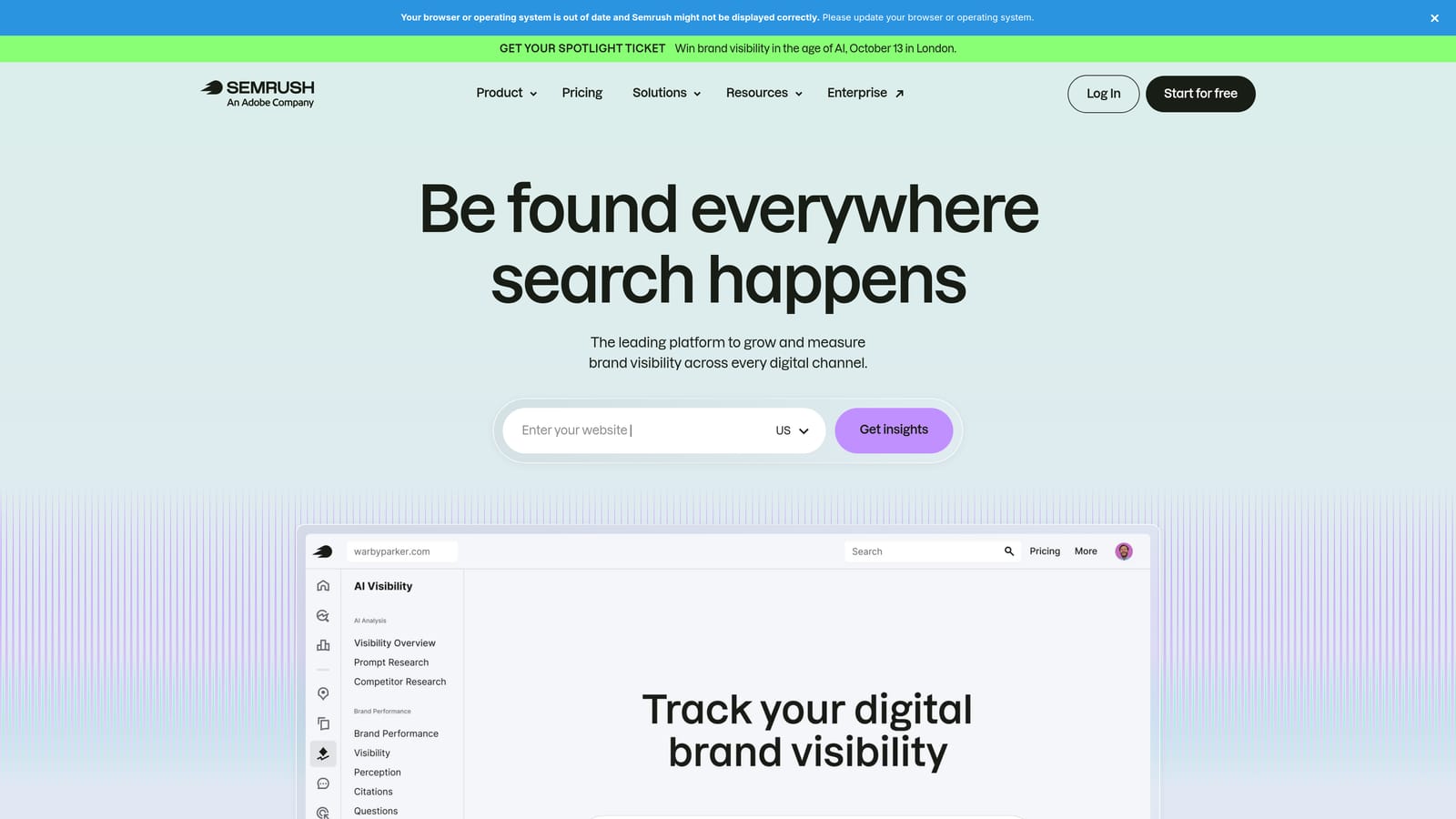
Its distinctive contribution here is pre-launch prep. Instead of waiting for wasted spend to show up in a live Search Terms Report, you can use the Keyword Gap tool to compare your planned keyword list against competitors and flag likely mismatches before you spend a dollar.
- Compares your keyword list with competitors' to spot overlap and irrelevant terms early.
- Groups and filters keyword lists before launch through the PPC Keyword Tool.
- Draws on broader SEO and competitive research data you may already be using for other work.
- Exports keyword and negative candidate lists for import into your account.
SEMrush connects to Google Ads through export and import rather than a live sync, and it also ties into Google Analytics for broader research. It's usually run by whoever handles keyword strategy, which in many teams is the same person managing paid search, but it can also sit with an SEO or content lead who shares research across teams.
The real limitation is that it's not built for ongoing search term report monitoring once a campaign is live. It works best paired with a tool from earlier on this list for the day-to-day cleanup, using SEMrush for the upfront planning stage.
Paid plans start around $139 per month for the Guru tier, though this should be verified on SEMrush's site as of 2026 since pricing tiers shift.
Best for: Advertisers doing competitive and market research who want negative keyword prep folded into broader planning.
8. Native Google Ads Search Terms Report and Negative Keyword Lists
The Search Terms Report and shared negative keyword lists built into Google Ads remain the baseline every other tool on this list is trying to speed up. The report shows the actual queries that triggered your ads, distinct from the keywords you bid on, and shared negative lists let you apply blocks across multiple campaigns at once instead of repeating the same negative in each one.
This option costs nothing and keeps every bit of data inside Google's own interface, with no account access granted to a third party.
- Shows exactly which search queries triggered your ads, filterable by campaign or ad group.
- Lets you build shared negative keyword lists applied across multiple campaigns at once.
- Filters by cost, clicks, and conversions so you can sort by where the waste is concentrated.
- Requires no software installation or account connection beyond your existing Google Ads login.
Anyone with access to the account can run this, and there's no setup involved since it's a standard feature of Google Ads. That said, manual review is exactly the process every tool above this one is built to speed up, and for good reason: it doesn't scale well once search term volume climbs. It's easy to fall behind, especially across multiple campaigns or accounts, and waste can accumulate for weeks before anyone catches it.
Pricing: free.
Best for: Very small accounts or advertisers just starting out who don't yet need automation.
Matching the Tool to Your Account Size
If you're a solo advertiser or a small in-house team and speed inside Google Ads matters most, Keywordme is the direct answer since it turns search term cleanup into one-click actions without ever opening a spreadsheet. If you're an agency owner juggling dozens of accounts, Optmyzr and Adalysis are worth weighing against each other: Optmyzr leans into cross-account rule automation, while Adalysis folds negative keyword checks into a wider audit routine.
Budget-conscious teams can start with the free options: Google Ads Editor for bulk changes once you know what to cut, Scripts for custom automation if you're comfortable with JavaScript, and the native Search Terms Report if you're just getting started and volume is still manageable. Teams doing competitive research before launch can add SEMrush to whatever ongoing tool they use for ongoing cleanup, since it's built for planning, not monitoring.
Optimize Google Ads campaigns 10x faster without leaving your account. Keywordme lets you remove junk search terms, build high-intent keyword lists, and apply match types instantly, right inside Google Ads. No spreadsheets, no switching tabs, just quick, seamless optimization. Start your free 7-day trial (then just $12/month) and take your Google Ads game to the next level.
.svg)