
9 Best Google Ads Native Optimization Tools in 2026
Tired of juggling spreadsheets and browser tabs to optimize your Google Ads campaigns? The best Google Ads native optimization tools work directly inside the platform, letting you clean up search terms, automate repetitive tasks, and scale winning strategies without constant context-switching. This guide covers nine top-rated native and native-adjacent tools that streamline keyword management, bid optimization, and campaign performance—helping you work smarter, not harder.


If you've ever found yourself exporting search terms to a spreadsheet, manually copying keywords between campaigns, or toggling between five browser tabs just to optimize one ad group—you already know the problem. Google Ads optimization shouldn't require a workflow that feels like archaeological excavation. The best optimization tools work where you're already working: inside or alongside the Google Ads interface itself.
Here are the top native and native-adjacent optimization tools that let you clean up search terms, automate tedious tasks, and scale what's working—without the context-switching chaos.
1. Keywordme
Best for: One-click search term cleanup and keyword optimization directly inside Google Ads
Keywordme is a Chrome extension that turns the Google Ads Search Terms Report into an optimization command center.

Where This Tool Shines
Most PPC managers spend hours each week in the Search Terms Report, manually copying queries, switching tabs to add negatives, and building keyword lists in spreadsheets. Keywordme eliminates that entire workflow by adding optimization buttons directly into the native Google Ads interface.
You can remove junk search terms, apply match types, and build negative keyword lists with single clicks—no copy-paste, no spreadsheet middleman. For agencies managing multiple client accounts, the multi-account support and team collaboration features mean everyone can work faster without stepping on each other's toes.
Key Features
One-Click Search Term Removal: Mark irrelevant queries as negative keywords instantly without leaving the report.
Instant Match Type Application: Apply broad match, phrase match, or exact match to new keywords directly from search terms.
Bulk Negative Keyword List Building: Create and update negative keyword lists across campaigns without exporting data.
Keyword Clustering and Grouping: Automatically group related search terms into logical keyword themes for better campaign structure.
Multi-Account and Team Support: Manage multiple Google Ads accounts and collaborate with team members seamlessly.
Best For
Agencies and in-house PPC managers who spend significant time in the Search Terms Report and want to eliminate manual spreadsheet workflows. Particularly valuable if you manage multiple accounts or need to train junior team members on faster optimization processes.
Pricing
$12/month per user with a 7-day free trial. Flat-rate pricing makes it predictable for agencies billing multiple clients.
2. Google Ads Recommendations
Best for: AI-powered optimization suggestions built directly into your Google Ads account
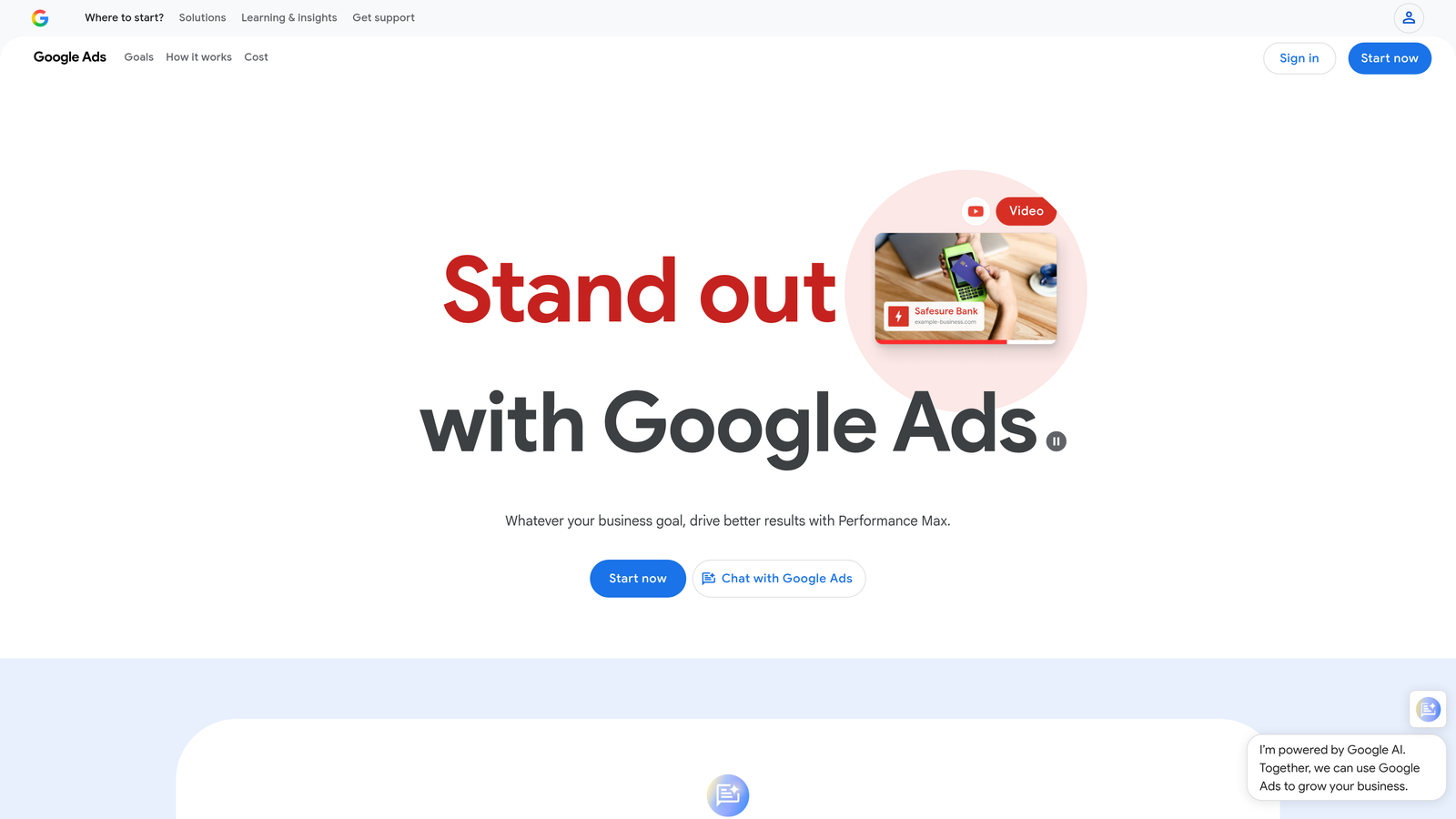
Google Ads Recommendations is Google's native suggestion engine that analyzes your account and surfaces improvement opportunities.
Where This Tool Shines
The Recommendations tab gives you a running optimization score and actionable suggestions across bidding, keywords, ads, and budgets. Google's AI analyzes your account performance against similar advertisers and surfaces opportunities you might miss manually.
The auto-apply feature lets you set rules for implementing certain recommendations automatically—useful for routine optimizations like removing redundant keywords or adjusting bids based on performance thresholds. Just be careful: blindly auto-applying everything can sometimes hurt performance, especially budget and broad match suggestions.
Key Features
Automated Bid and Budget Suggestions: Get recommendations for bid adjustments and budget reallocations based on performance data.
Keyword Expansion Recommendations: Discover new keyword opportunities based on search query patterns and auction insights.
Ad Copy Improvement Tips: Receive suggestions for adding headlines, descriptions, or assets to improve ad strength.
Auto-Apply Options: Configure rules to automatically implement certain types of recommendations without manual review.
Optimization Score Tracking: Monitor your overall account health with a 0-100% optimization score that updates as you implement suggestions.
Best For
Advertisers who want Google's AI to surface optimization opportunities without paying for third-party tools. Best used with selective auto-apply rules rather than blanket acceptance of all suggestions.
Pricing
Free—built directly into every Google Ads account.
3. Google Ads Editor
Best for: Bulk campaign editing and offline management across multiple accounts
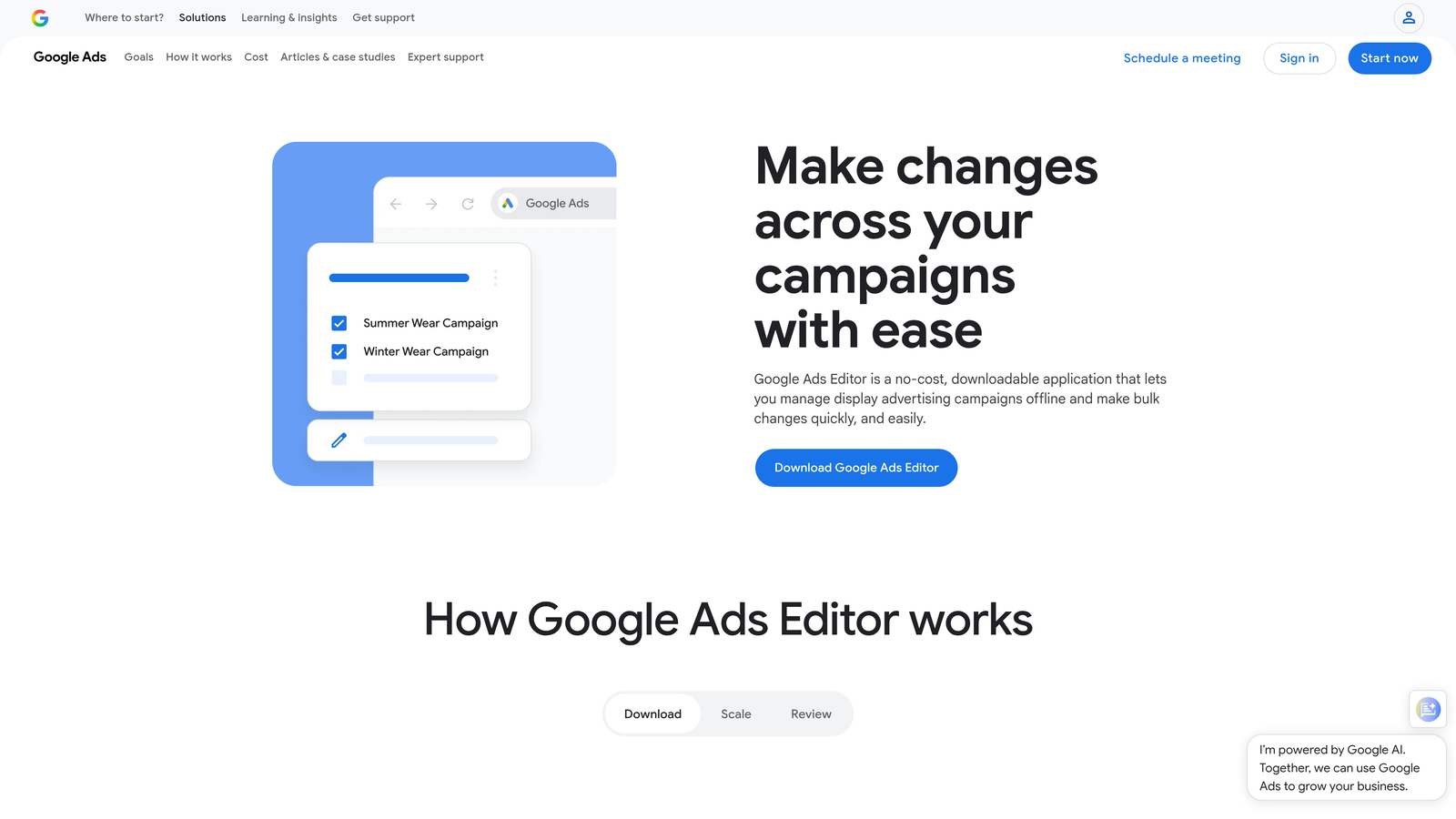
Google Ads Editor is a free desktop application that lets you download campaigns, make bulk changes offline, and upload them back to Google Ads.
Where This Tool Shines
When you need to restructure campaigns, update hundreds of keywords, or copy settings between accounts, doing it in the web interface is painfully slow. Google Ads Editor lets you work in a spreadsheet-like environment with powerful find-and-replace, bulk editing, and copy-paste functionality.
You can download multiple accounts, make changes offline, review everything in a staging environment, and then push updates live when you're ready. For agencies managing client accounts, this workflow prevents accidental live changes and makes it easy to duplicate proven campaign structures across accounts.
Key Features
Bulk Editing Across Campaigns: Make sweeping changes to keywords, ads, bids, and settings across multiple campaigns simultaneously.
Offline Editing with Upload Sync: Download account data, work offline, and sync changes back when you're ready to publish.
Copy and Paste Between Accounts: Duplicate campaign structures, ad groups, and keywords from one account to another with a few clicks.
Find and Replace Functionality: Search for specific text strings and replace them across all ads, keywords, or URLs in bulk.
Draft and Review Before Publishing: Preview all changes in a staging environment before pushing them live to avoid costly mistakes.
Best For
Agencies and power users who manage multiple accounts or need to make large-scale campaign changes regularly. Essential for anyone launching similar campaign structures across multiple clients.
Pricing
Free desktop download for Windows and Mac.
4. Google Ads Scripts
Best for: Custom automation and rule-based actions for advanced PPC managers
Google Ads Scripts is a JavaScript-based automation framework that lets you write custom code to automate repetitive tasks and build custom reporting.
Where This Tool Shines
If you can write basic JavaScript or adapt code from the community library, Scripts unlock automation that no built-in tool can match. You can create custom rules for pausing underperforming keywords, send email alerts when budgets hit thresholds, or pull data into custom dashboards.
Scripts run on a schedule you define—hourly, daily, weekly—so you can automate routine checks without logging into the account. The community has shared thousands of pre-built scripts for common tasks, so you don't always need to code from scratch.
Key Features
Custom Automation Rules: Write JavaScript to automate any action available through the Google Ads API.
Scheduled Script Execution: Set scripts to run automatically on your preferred schedule without manual triggering.
API Access to Account Data: Pull performance data, modify campaigns, and integrate with external tools via API calls.
Community Script Library: Access thousands of pre-built scripts shared by the PPC community for common optimization tasks.
Email Alerts and Reporting: Configure scripts to send automated email reports or alerts when specific conditions are met.
Best For
Technical PPC managers or agencies with development resources who want custom automation beyond what third-party tools offer. Requires JavaScript knowledge or willingness to learn.
Pricing
Free—available to all Google Ads accounts with no usage limits.
5. Optmyzr
Best for: Agency-level PPC management with one-click optimizations and white-label reporting
Optmyzr is a comprehensive PPC platform that connects to Google Ads via API and surfaces optimization opportunities with one-click implementation.

Where This Tool Shines
Optmyzr analyzes your accounts and presents optimization suggestions in a dashboard format—similar to Google's Recommendations but with more customization and control. You can configure custom rules for bid adjustments, budget pacing, and keyword management based on your specific performance thresholds.
For agencies, the white-label reporting and multi-client management features make it easy to deliver consistent optimization across dozens of accounts. The Shopping campaign management tools are particularly strong, with automated bid rules and inventory-level insights that Google's native interface doesn't surface clearly.
Key Features
One-Click Optimization Suggestions: Review and implement bid, budget, and keyword recommendations with single-click approval.
Custom Rule Engine: Build custom automation rules based on your specific performance goals and account structure.
Shopping Campaign Management: Advanced tools for managing product feeds, bid strategies, and inventory-level performance.
Budget Pacing and Alerts: Monitor budget spend rates and receive alerts when campaigns are under or overspending.
White-Label Reporting: Generate branded client reports with custom metrics and automated delivery schedules.
Best For
Agencies managing multiple client accounts who need consistent optimization workflows and white-label reporting capabilities. Also valuable for large in-house teams managing complex Shopping or Display campaigns.
Pricing
Starts at $249/month with pricing tiers based on ad spend and number of accounts managed.
6. Adalysis
Best for: Ad testing analysis, quality score monitoring, and automated performance alerts
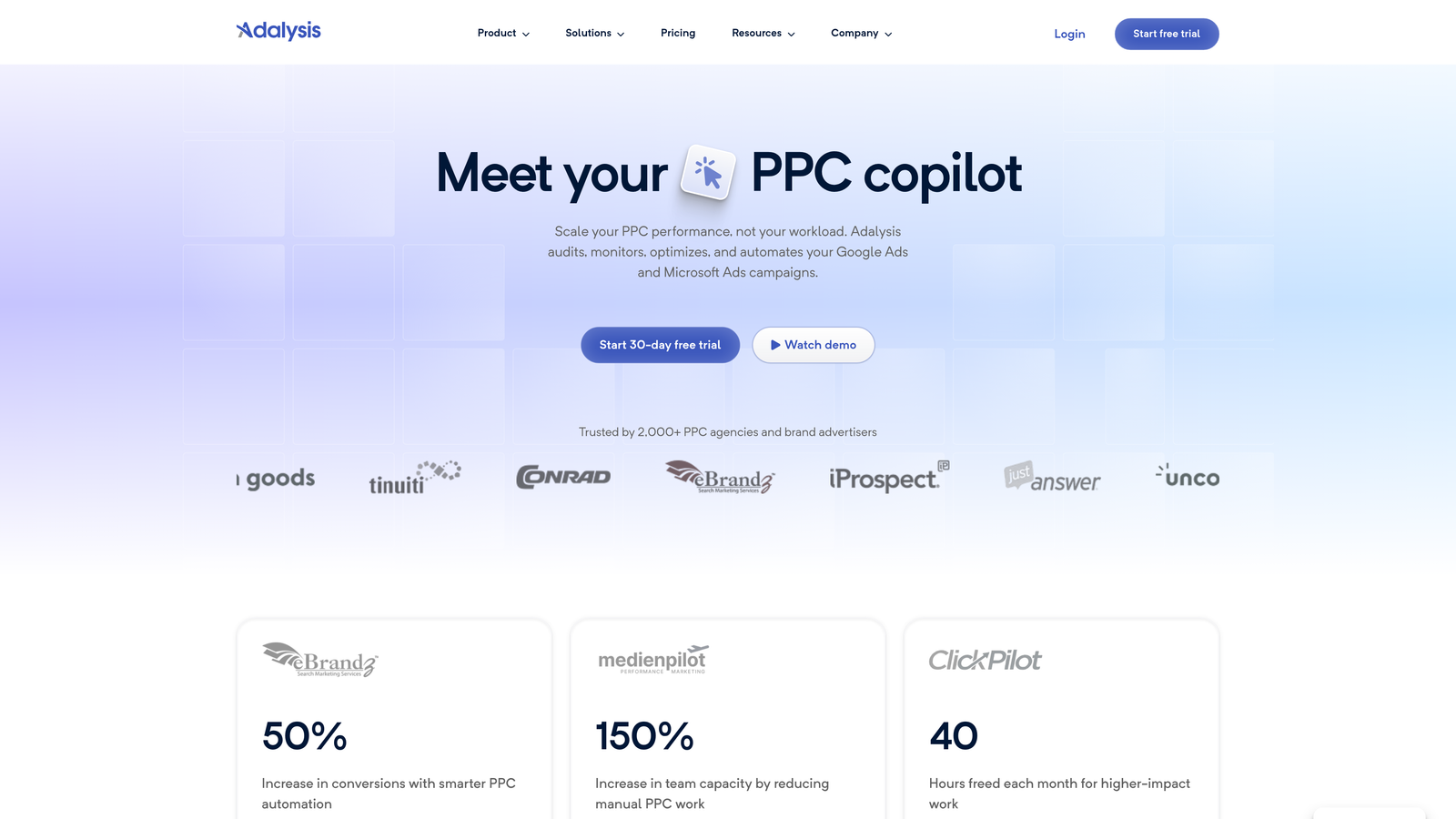
Adalysis is a PPC optimization platform focused on ad testing, quality score tracking, and anomaly detection.
Where This Tool Shines
Most advertisers run ad tests but struggle to determine statistical significance or know when to pause underperformers. Adalysis automates ad testing analysis, telling you which ads are winning, when results are statistically significant, and which variations to pause.
The quality score tracking is particularly valuable—Adalysis monitors quality score changes at the keyword level and sends alerts when scores drop, so you can investigate and fix issues before they tank your performance. The platform also surfaces negative keyword opportunities by analyzing search term reports across all your accounts.
Key Features
Automated Ad Testing Analysis: Statistical significance testing for ad variations with clear winner/loser recommendations.
Quality Score Tracking and Alerts: Monitor quality score changes at the keyword level and receive alerts when scores decline.
Negative Keyword Suggestions: Analyze search term reports across accounts to surface negative keyword opportunities.
Performance Anomaly Detection: Receive alerts when campaign performance deviates significantly from historical patterns.
RSA Optimization Recommendations: Get suggestions for improving Responsive Search Ad asset combinations and performance.
Best For
Advertisers who run frequent ad tests and want data-driven guidance on when to make changes. Also valuable for agencies who need quality score monitoring across multiple client accounts.
Pricing
Starts at $99/month with pricing based on ad spend and number of accounts.
7. Google Keyword Planner
Best for: Keyword research, search volume data, and bid forecasting
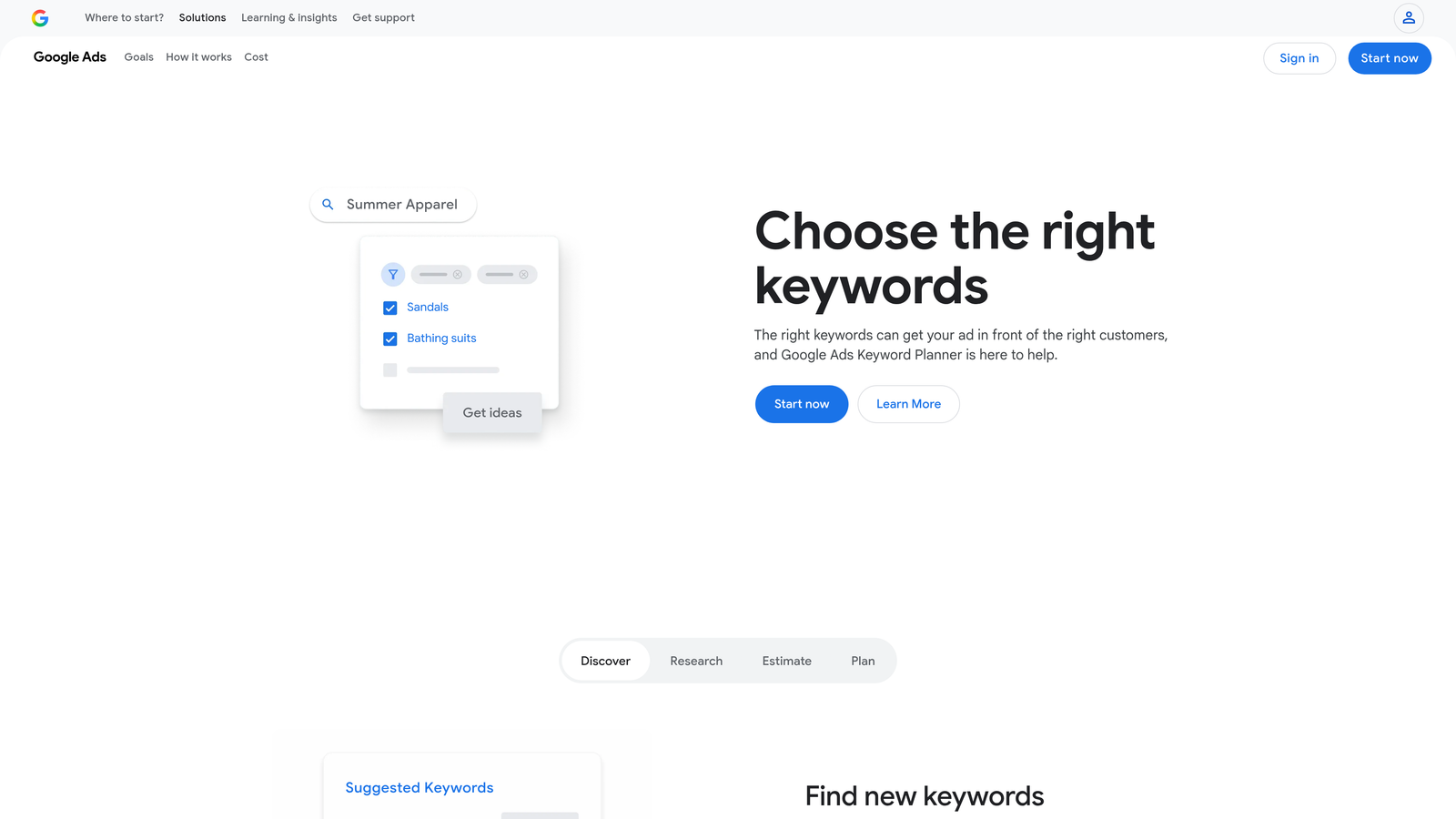
Google Keyword Planner is Google's native keyword research tool built into every Google Ads account.
Where This Tool Shines
When you're building new campaigns or expanding existing ones, Keyword Planner gives you search volume estimates, competition levels, and bid forecasts directly from Google's data. You can enter seed keywords or a landing page URL and get hundreds of related keyword ideas.
The forecasting feature is particularly useful for budget planning—you can input a list of keywords and see projected clicks, impressions, and costs at different bid levels. This helps you set realistic budget expectations before launching campaigns.
Key Features
Keyword Idea Generation: Enter seed keywords or URLs to discover hundreds of related keyword opportunities.
Search Volume and Trends Data: See monthly search volume estimates and historical trend data for keyword planning.
Competition Level Indicators: Understand keyword competitiveness with low/medium/high competition ratings.
Bid Estimate Forecasting: Get projected clicks, impressions, and costs based on different bid levels and budgets.
Keyword Grouping Suggestions: Automatically organize keywords into logical ad group themes based on semantic similarity.
Best For
Advertisers building new campaigns or expanding into new keyword territories. Essential for budget forecasting and understanding search volume before committing ad spend.
Pricing
Free with any Google Ads account—no minimum spend required, though active campaigns unlock more detailed search volume data.
8. Performance Max Insights
Best for: Understanding Performance Max campaign performance and asset effectiveness
Performance Max Insights is Google's native reporting suite for Performance Max campaigns, built directly into the Google Ads interface.
Where This Tool Shines
Performance Max campaigns are notoriously opaque—Google handles targeting, bidding, and creative optimization automatically, which makes it hard to know what's actually working. The Insights tab surfaces data that helps you understand which asset groups, audience signals, and creative assets are driving results.
You can see search term reports for Performance Max (limited but better than nothing), identify top-performing assets, and understand which audience signals are contributing to conversions. This visibility helps you refine asset groups and audience inputs to improve campaign performance over time.
Key Features
Asset Group Performance Breakdown: See which asset groups are driving conversions and where budget is being allocated.
Audience Signal Insights: Understand which audience signals are influencing campaign targeting and performance.
Search Term Transparency Reports: Access limited search term data to see what queries are triggering your Performance Max ads.
Conversion Path Analysis: View the customer journey from initial ad interaction to conversion across channels.
Top Performing Asset Identification: Identify which headlines, descriptions, and images are getting the most impressions and conversions.
Best For
Advertisers running Performance Max campaigns who want to understand what's working and make data-driven optimizations to asset groups and audience signals.
Pricing
Free—built into Google Ads for all Performance Max campaigns.
9. Google Looker Studio
Best for: Custom dashboards and client reporting with native Google Ads integration
Google Looker Studio is a free data visualization and reporting platform that connects directly to Google Ads data.
Where This Tool Shines
The native Google Ads interface is great for day-to-day optimization but terrible for executive-level reporting or client presentations. Looker Studio lets you build custom dashboards that pull Google Ads data in real-time and visualize it in charts, tables, and scorecards.
You can combine Google Ads data with Google Analytics, Search Console, or other data sources to build comprehensive performance reports. Dashboards are shareable via link, and you can schedule automated email delivery so stakeholders get updated reports without you manually generating them each week.
Key Features
Custom Dashboard Creation: Build fully customized reports with charts, tables, and visualizations tailored to your KPIs.
Direct Google Ads Data Connection: Connect to Google Ads accounts with native integration—no API setup or data exports required.
Shareable Client Reports: Generate view-only links to dashboards that clients or stakeholders can access without editing permissions.
Multi-Source Data Blending: Combine Google Ads data with Analytics, Search Console, CRM data, or other sources in a single report.
Scheduled Email Delivery: Automate report delivery via email on a daily, weekly, or monthly schedule.
Best For
Agencies and in-house teams who need to deliver regular performance reports to clients or executives. Also valuable for building custom dashboards that surface KPIs not easily visible in the Google Ads interface.
Pricing
Free for individuals and teams—no usage limits or premium tiers.
Making the Right Choice
The best optimization tool depends on where you spend the most time and what workflows cause the most friction. If you're constantly drowning in search term cleanup, Keywordme eliminates the spreadsheet shuffle and lets you optimize directly in the report. For bulk campaign changes or multi-account management, Google Ads Editor is non-negotiable. Agencies managing dozens of clients will get the most value from Optmyzr's white-label reporting and rule engine.
Here's a quick selection guide by use case: If you need faster search term optimization without leaving Google Ads, start with Keywordme. For bulk editing and campaign restructuring, use Google Ads Editor. If you want custom automation and have technical resources, explore Google Ads Scripts. For comprehensive agency-level management with client reporting, consider Optmyzr or Adalysis.
Most advertisers end up using a combination of tools—native Google features for foundational tasks, a Chrome extension like Keywordme for daily optimization, and a third-party platform for reporting and advanced automation. The key is reducing context-switching and eliminating manual workflows that don't scale.
Ready to optimize Google Ads campaigns 10x faster without leaving your account? Keywordme lets you remove junk search terms, build high-intent keyword lists, and apply match types instantly—right inside Google Ads. No spreadsheets, no switching tabs, just quick, seamless optimization. Start your free 7-day trial (then just $12/month) and take your Google Ads game to the next level.
.svg)