
8 Best Google Ads Native Optimization Solutions for Working Inside the Platform in 2026
This guide compares eight options for a Google Ads native optimization solution, covering both the Keywordme extension that lives inside the Google Ads interface and features Google builds into the platform, such as Recommendations, Editor, and Scripts. Each tool is evaluated on how much work happens in the native UI, which jobs it covers, pricing clarity, and fit for solo advertisers versus agencies.


If you want to optimize Google Ads without exporting reports or juggling separate dashboards, this list is for you. "Native" means two things here: a tool that lives inside the Google Ads interface (the Keywordme extension), and features Google builds into the platform itself. We picked tools by how much of the work happens in the native UI, which jobs they cover (search terms, negatives, bids, scripts, reporting), how clear the pricing is, and whether they suit solo advertisers or agencies.
Quick Comparison of Native Google Ads Optimization Tools
- Keywordme: freelancers and agencies cleaning search terms; $12/month per user; adds one-click search term actions directly inside the Search Terms Report.
- Google Ads Recommendations: advertisers wanting a quick list of account improvements; free; generates account-specific suggestions with a single-click apply.
- Google Ads Editor: large structural changes and account builds; free; lets you edit offline and review changes before posting.
- Google Ads Scripts: technical advertisers building custom monitoring; free; runs fully custom JavaScript inside the account.
- Google Ads Automated Rules: small accounts needing simple pause or alert rules; free; offers no-code if-then automation set up in the UI.
- Google Ads Smart Bidding: accounts with reliable conversion data; free; optimizes bids at auction time using signals manual bidders cannot access.
- Google Ads Experiments and Performance Planner: validating major changes; free; tests changes against a control before full rollout.
- Google Ads Add-on for Google Sheets: analysts needing custom reporting; free; pulls account data into flexible spreadsheet analysis.
1. Keywordme
Keywordme is a Chrome extension that adds one-click actions to the Search Terms Report inside Google Ads. It is built for freelancers, in-house marketers, and agencies who spend a lot of time reviewing the queries that triggered their ads. Keywordme is our own product, so weigh this section with that in mind.
The main difference from everything else on this list is that the work happens in the report you already have open. You do not export a CSV, sort it in a spreadsheet, and upload it back. The company says it can make optimization up to 10x faster, which is its own claim rather than an independent benchmark.
Quick terminology: a search term is what a person actually typed, while a keyword is what you bid on. A negative keyword blocks matching searches, and a positive keyword is one you want to trigger ads. Keywordme works on that boundary.
- Add a search term as a keyword or a negative keyword with one click from the Search Terms Report, so triage takes seconds per query.
- Apply match types as you add, so you do not retype or reformat terms.
- Keyword clustering groups related terms, which helps you build tighter lists and spot patterns in junk traffic.
- Bulk editing lets you act on many terms at once instead of one row at a time.
- Multi-account and team support suits agencies managing several clients with more than one person.
It runs on Google Ads through Chrome, so there is little to set up beyond installing the extension. Whoever reviews search terms day to day uses it; no developer is needed.
The limits are clear. It focuses on search terms and keywords, so it does not handle bidding, creative, or reporting. It also works only in Chrome. You still decide what is junk and what is high intent; the tool speeds up the clicks, not the judgment.
As of November 2026, pricing is $12 per month per user, with a 7-day free trial. Check keywordme.com for current terms, since the price scales with the number of users.
Best for: Freelancers and agencies cleaning search terms and building negatives quickly.
2. Google Ads Recommendations
Google Ads Recommendations is the built-in suggestion engine, paired with an optimization score, aimed at anyone who wants a prompt list of possible improvements without doing an audit first.
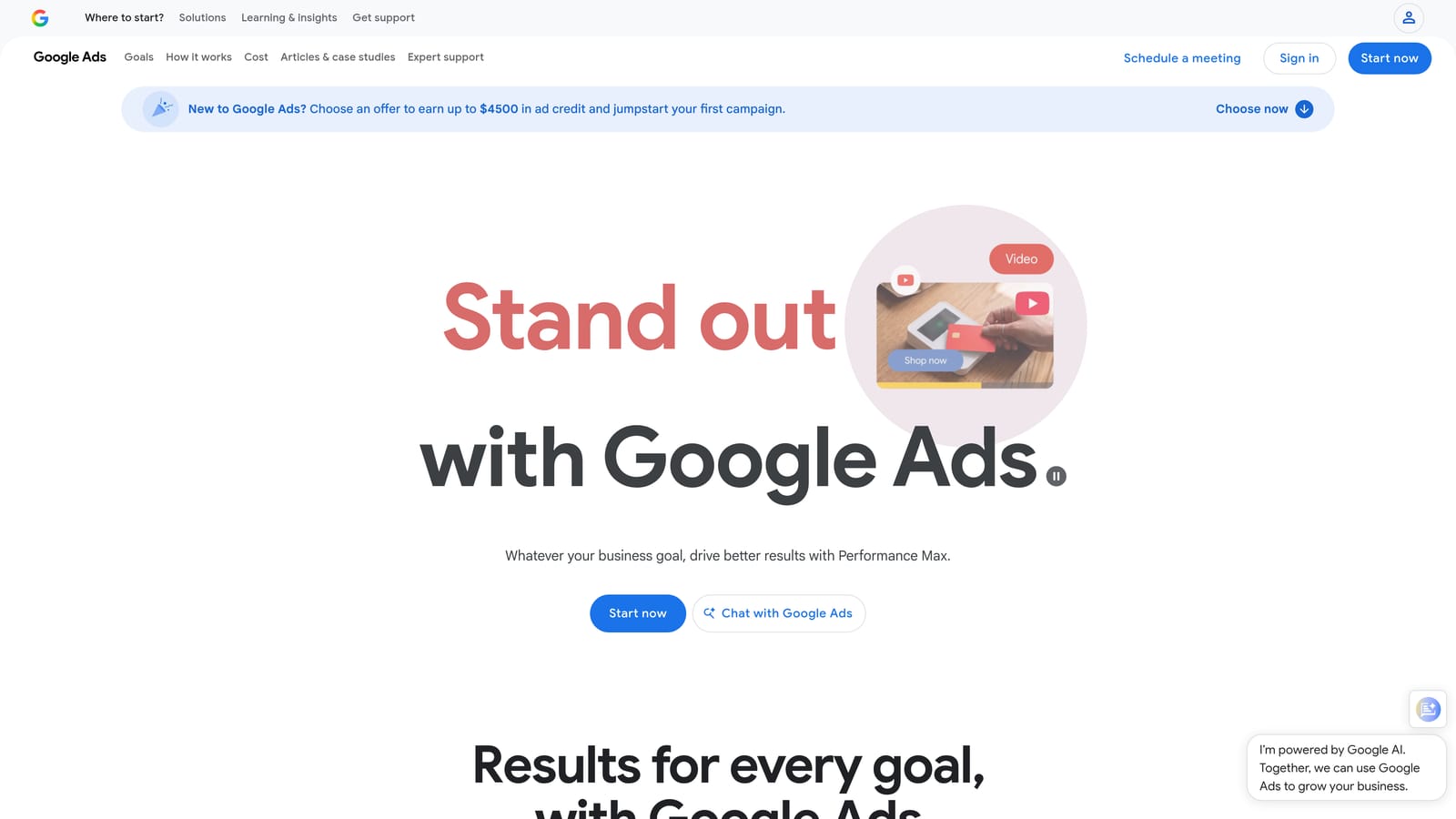
Its distinct strength is that suggestions are generated from your own account and can be applied in a single click. Nothing else on this list gives you a ready-made to-do list from Google itself.
- The optimization score gives a rough view of how many available suggestions you have acted on, which helps you prioritize.
- Suggestions cover keywords, bidding, and assets, so you see ideas across several areas in one place.
- Apply or dismiss controls let you accept a suggestion or reject it, so you stay in charge.
- Optional auto-apply lets Google make certain types of changes for you if you turn it on.
It requires no setup, and whoever manages the account can review it in minutes. Do check the current auto-apply settings in your account, since Google changes that menu from time to time.
The caution is real. Suggestions can push spend higher or nudge you toward broad match, and a high optimization score does not mean a healthy account. Treat each suggestion as an idea to evaluate against your goals, and be careful with auto-apply: it means changes happen without your review. It also will not replace a manual look at search terms.
It is free and included with Google Ads.
Best for: Advertisers wanting a quick prompt list of possible account improvements.
3. Google Ads Editor
Google Ads Editor is Google's free desktop application for managing accounts in bulk. It suits agencies, larger accounts, and anyone building or restructuring campaigns.

What sets it apart is offline work with a review step. You download an account, make many edits, check the pending changes, and only then post them. For big structural jobs, that safety net matters.
- Bulk edits across campaigns let you change many ad groups, keywords, or ads at once.
- Offline editing means you can work without a live connection and review everything before it goes live.
- Cross-account copy and paste saves rebuilding the same structure for each client.
- Multi-account management lets one person work across several accounts from a single app.
It integrates with Google Ads and needs a download and an initial account sync. It is run by whoever handles builds and restructures, and it has a learning curve for newcomers.
It is a separate app, which is the opposite of in-interface work. It is not suited to fast search term triage, where you want to see the query and act on it right away. Pairing it with an in-UI tool for that job is common.
It is free.
Best for: Large structural changes and account builds.
4. Google Ads Scripts
Google Ads Scripts lets you write JavaScript that runs inside a Google Ads account. It is meant for technical advertisers and agencies with someone comfortable coding.
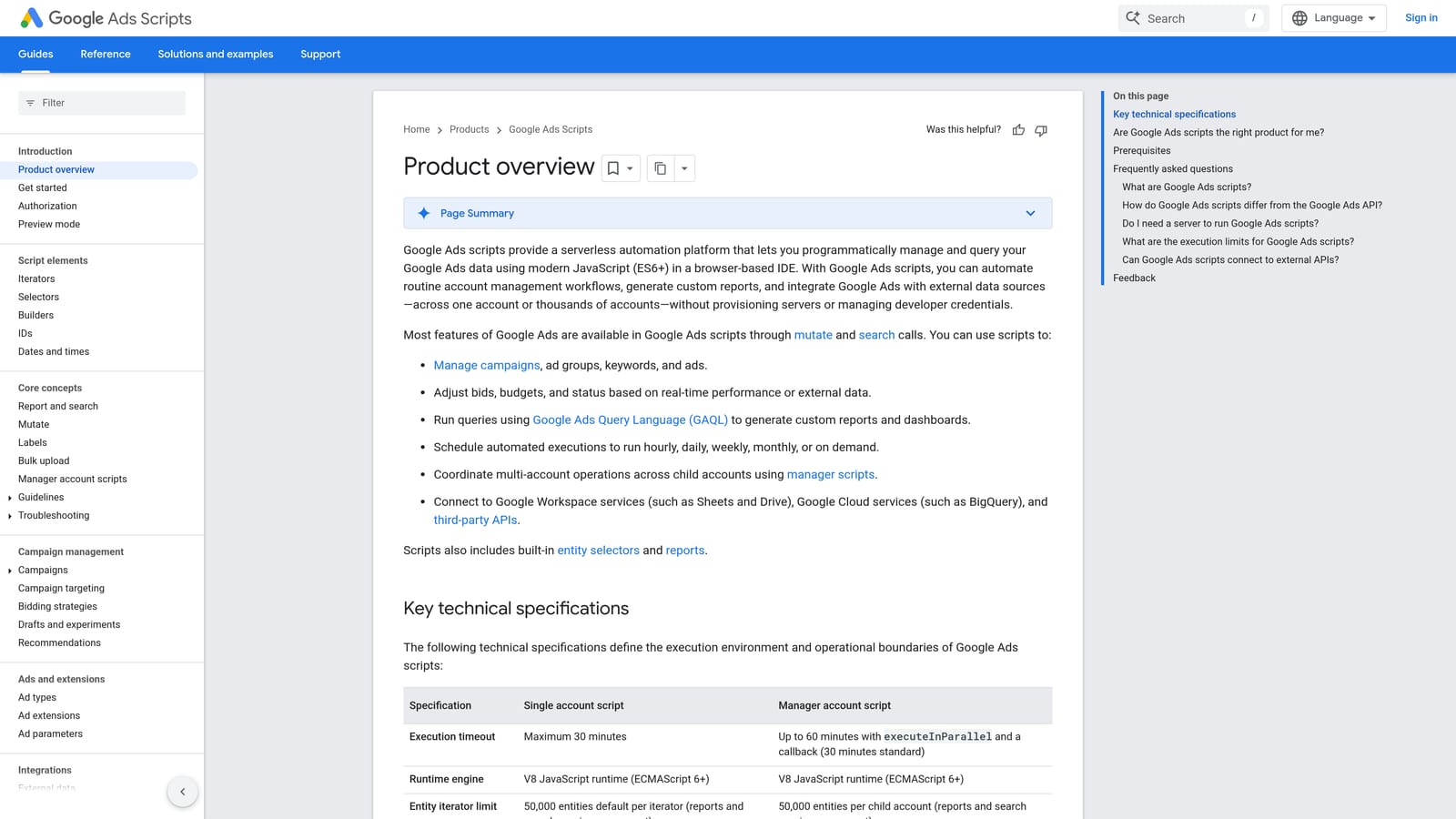
It is the most flexible option here. If you can describe a check or task in code, you can probably schedule it, which no preset tool can match.
- Scheduled execution runs your code hourly, daily, or on another schedule without manual effort.
- Custom alerts and anomaly checks flag things like sudden spend spikes or paused campaigns.
- Reports can write to Google Sheets, giving you tailored outputs.
- Account and manager account (MCC) level use means one script can watch many client accounts.
It connects with Google Sheets and Gmail, and setup is just pasting or writing code in the account. The person running it needs JavaScript skills and should review any script before running it, especially one copied from the web, because scripts can change account settings. Check Google's documentation for current execution limits.
It does not suit non-technical users, and it will not replace reading your search terms. A script can surface a pattern, but deciding what to exclude still takes human review.
It is free.
Best for: Technical advertisers building custom monitoring and automation.
5. Google Ads Automated Rules
Google Ads Automated Rules are no-code if-then rules you set up in the interface. They suit small accounts and solo advertisers who want basic automation without code.
The standout is accessibility. Anyone can create a rule in the UI, which makes it the easiest on-ramp to automation.
- Scheduled runs check your conditions on a timetable you choose.
- Bid, budget, and status changes let you pause, adjust, or enable items when conditions are met.
- Email alerts tell you when something crosses a threshold, even if no change is made.
- Condition-based triggers let you tie actions to metrics like cost or clicks.
It lives entirely in Google Ads, so there is nothing to install. The account manager sets it up in a few minutes.
The logic is simple and has no understanding of search intent. A rule can pause a keyword with high cost, but it cannot tell whether a query was relevant. Overly blunt rules can also pause things that were just in a slow week, so test them with alerts first. It is not a replacement for reviewing search terms.
It is free and included with Google Ads.
Best for: Small accounts needing simple pause or alert rules.
6. Google Ads Smart Bidding
Google Ads Smart Bidding is a set of automated bid strategies that optimize for conversions or conversion value. It is for advertisers who have solid conversion tracking and want Google's system to set bids.
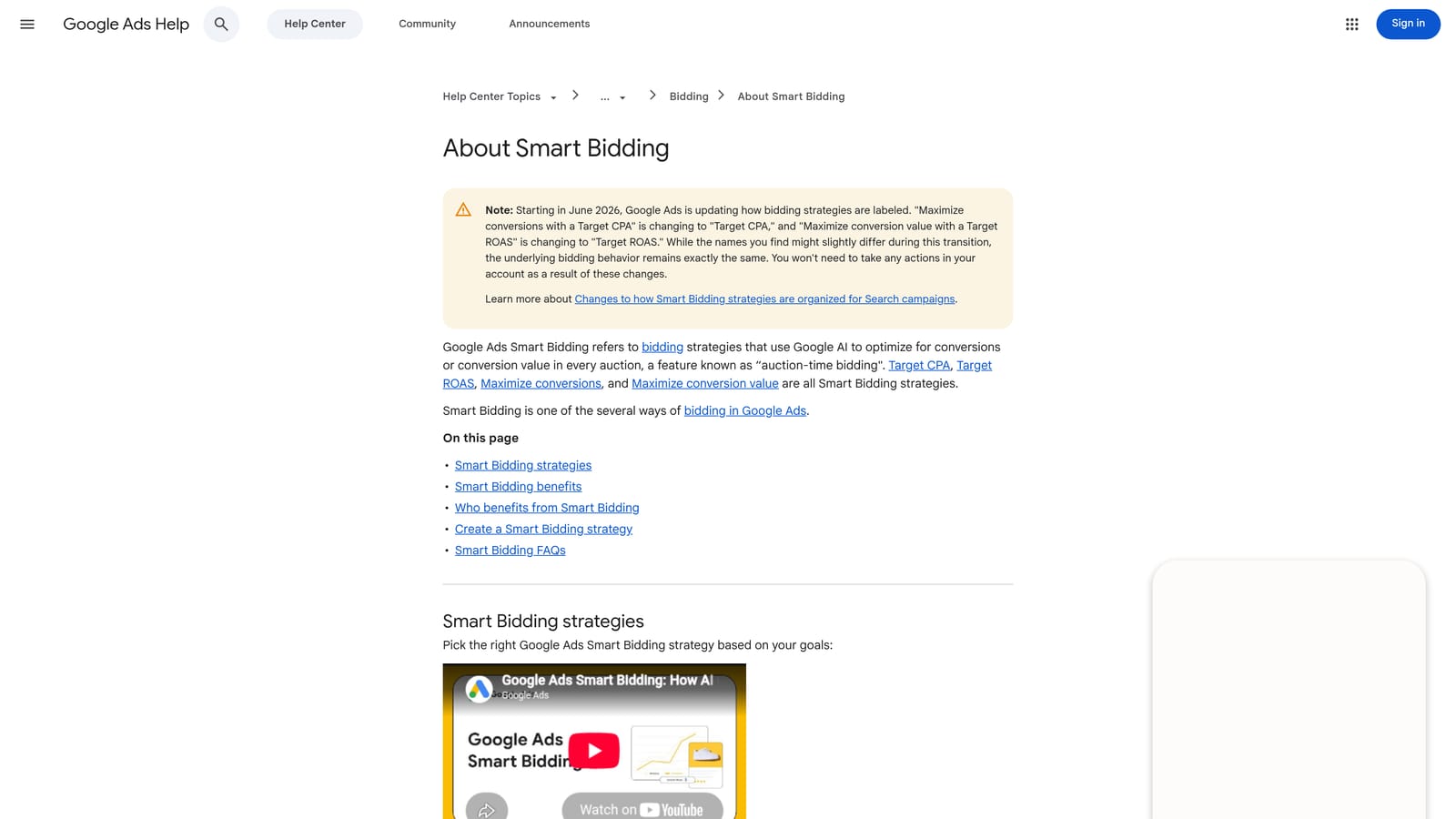
Its edge is auction-time optimization. Bids are set for each auction using signals that manual bidders cannot see or act on in real time.
- Target CPA aims to hit a cost per conversion you set.
- Target ROAS aims for a return on ad spend based on conversion value.
- Maximize Conversions spends your budget to get as many conversions as possible.
- Maximize Conversion Value focuses on total value rather than count.
- Auction-time signals factor in context like device and location when setting each bid.
It depends on Google Ads conversion tracking and can use Google Analytics data. Check Google's help page for current strategy names, as Google has renamed some over time. The account manager sets it, but the real work is making sure conversions are tracked accurately.
If tracking is poor or data is thin, results suffer, since the system learns from what you feed it. It also does not manage search terms: bad queries can still cost you, so negatives remain your job.
It is free and included with Google Ads, though your ad spend is of course the cost.
Best for: Accounts with reliable conversion data aiming for CPA or ROAS goals.
7. Google Ads Experiments and Performance Planner
Google Ads Experiments and Performance Planner are Google's native testing and forecasting tools. They fit advertisers about to make a significant change and wanting evidence first.
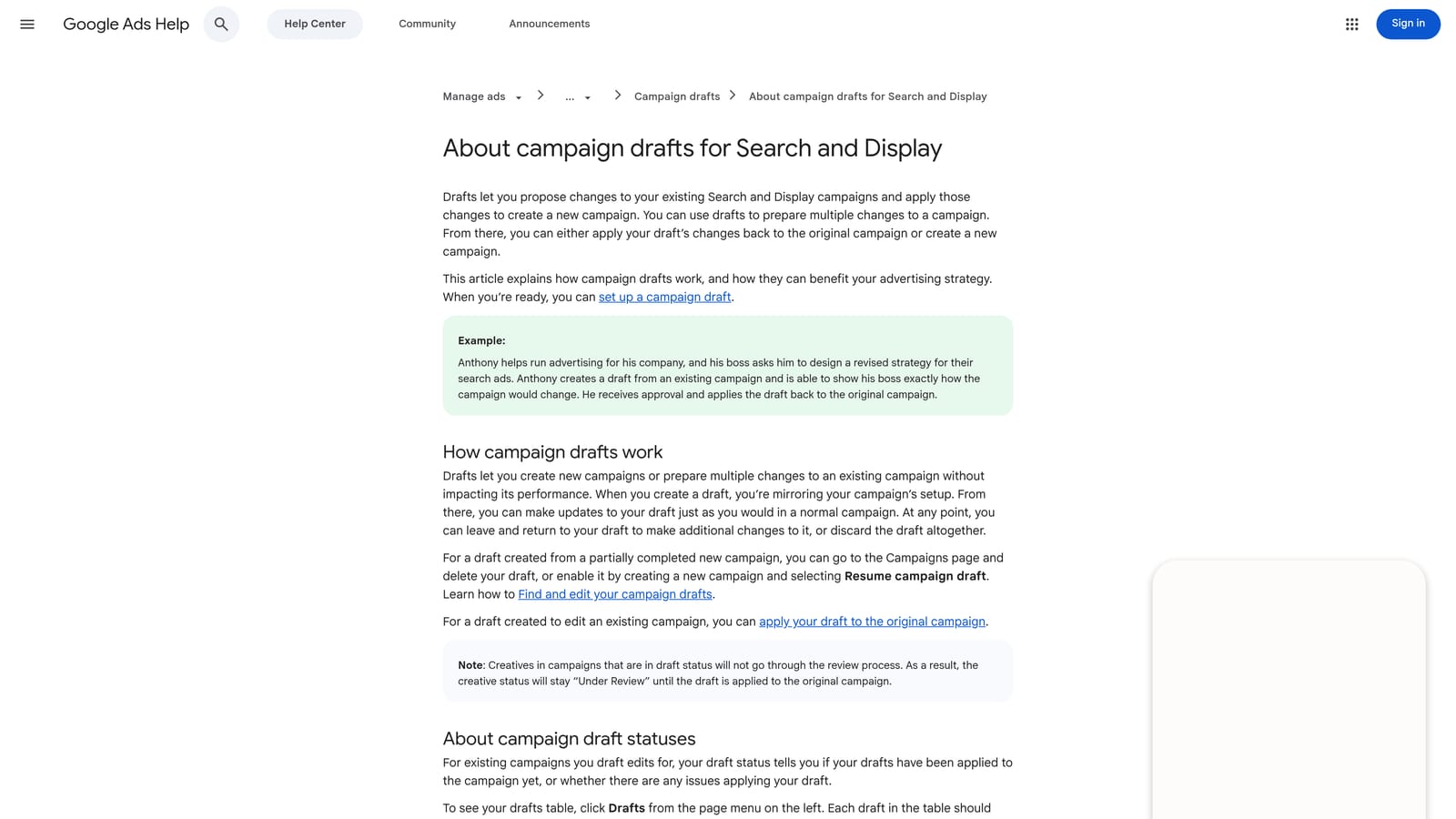
The distinctive value is controlled comparison. You test a change on part of your traffic against a control before committing the whole account.
- Traffic-split experiments run a variation alongside your original so the comparison is fair.
- Budget forecasting scenarios in Performance Planner estimate what different spend levels could do.
- Result comparison against a control shows whether the variation actually did better.
- Bid strategy and creative tests let you try changes like a move to Smart Bidding safely.
Everything sits inside Google Ads. Setup takes some thought, because you need to define what you are testing and how long to run it. The account strategist or manager typically owns it. Google has changed experiment naming and types over the years, so confirm current labels in the help center.
It needs enough traffic and time to give a clear answer, so small accounts may wait a long while. Forecasts are estimates, not promises.
It is free and included with Google Ads.
Best for: Validating major changes such as a new bid strategy.
8. Google Ads Add-on for Google Sheets
The Google Ads add-on for Google Sheets pulls Google Ads data into a spreadsheet for reporting. It is aimed at analysts and marketers who want custom views without buying a reporting platform.
Its strength is flexibility. Once data is in Sheets, you can slice it any way you like.
- Data pulls bring account metrics into a sheet so you can work with them in one place.
- Custom pivots and charts let you build the exact view a client or boss asks for.
- Scheduled refresh options keep reports current without manual pulls.
- Shareable reports make it simple to send a live document to stakeholders.
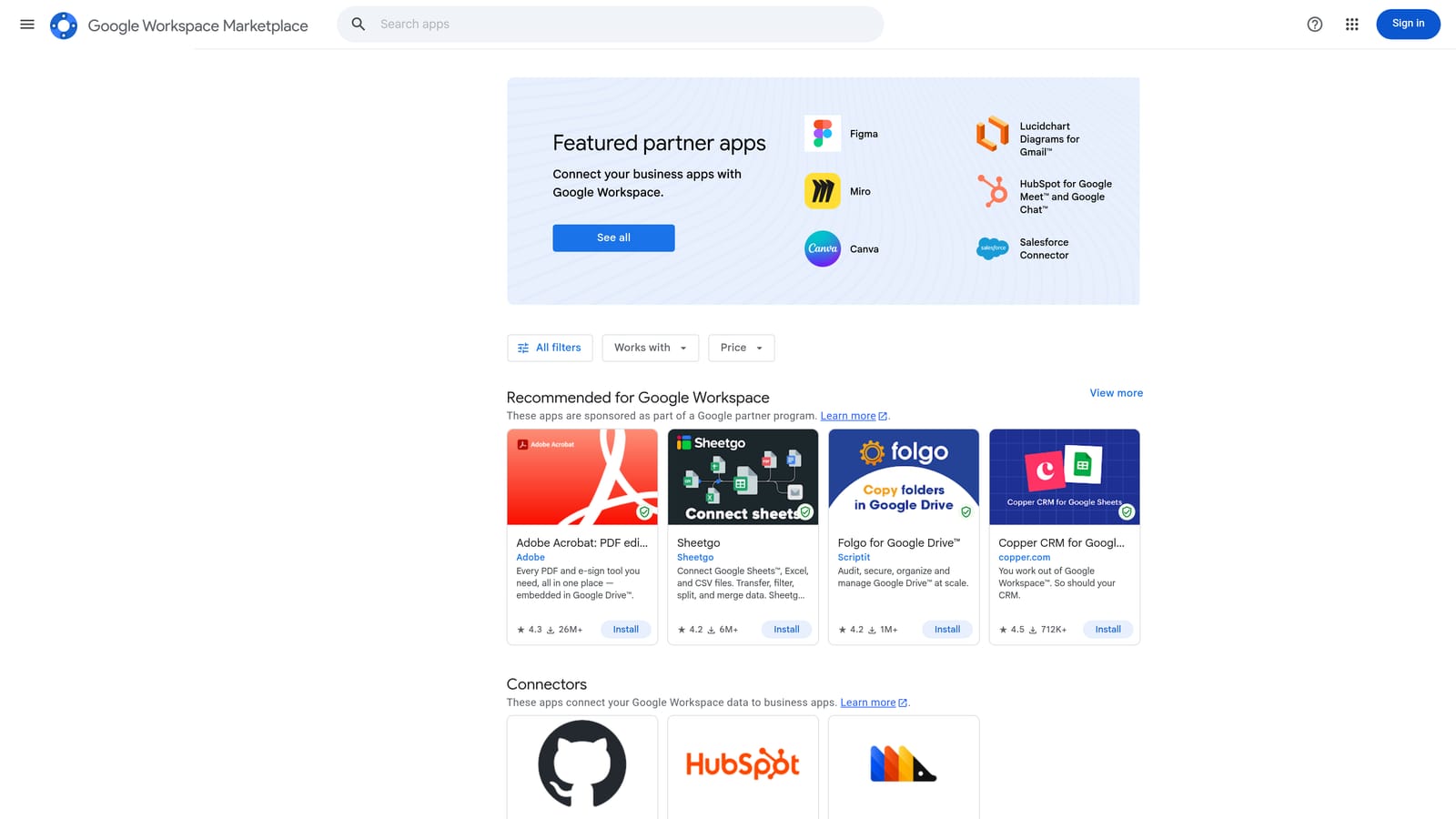
It integrates with Google Sheets and Google Ads, and you install it from the Workspace Marketplace. Verify current availability and setup steps there, since add-ons can change or be retired. An analyst or account manager usually runs it.
It is read-focused and spreadsheet-dependent, so it is not a fast optimization workflow. It helps you see what happened, but acting on it means going back into the account. If your goal is to avoid spreadsheets, this one is not for you.
It is free as of November 2026, but check the Marketplace listing for the latest.
Best for: Analysts who need custom reporting without a paid tool.
Matching Each Native Tool to the Job
These tools combine more than they compete, since each covers a different job. Here is how they map to common situations:
- Search term cleanup and agency workflows: Keywordme, because it handles the repetitive clicks inside the Search Terms Report.
- Bulk structural edits: Google Ads Editor for builds and restructures.
- Automation and alerting: Automated Rules for simple needs, Scripts if you can code.
- Bidding: Smart Bidding, once your conversion tracking is trustworthy.
- Testing: Experiments and Performance Planner before major changes.
Recommendations and the Sheets add-on fill in as idea source and reporting layer. A typical solid setup is Smart Bidding for bids, Keywordme for search term hygiene, and an alert rule or script as a safety net. Automation does not replace reviewing search terms, because bidding systems optimize toward what you let in.
Optimize Google Ads Campaigns 10X Faster. Without Leaving Your Account. Keywordme lets you remove junk search terms, build high-intent keyword lists, and apply match types instantly, right inside Google Ads. No spreadsheets, no switching tabs, just quick, seamless optimization. Start your free 7-day trial (then just $12/month) and take your Google Ads game to the next level.
