
9 Best Google Ads Native Integration Tools for Faster PPC Optimization
Google Ads native integration tools eliminate the constant tab-switching and CSV exports that slow down PPC optimization by working directly inside the Google Ads interface. This guide reviews the 9 best tools for 2026, evaluated on seamless integration depth, time savings, and multi-account support—whether you're a solo advertiser cutting wasted spend or an agency scaling across dozens of campaigns.


TL;DR: Google Ads native integration tools work directly inside the Google Ads interface—no tab-switching, no spreadsheet exports, no clunky dashboards. This list covers the best tools that either live inside Google Ads natively or integrate so tightly they feel like part of the platform. Whether you're a solo advertiser trying to cut wasted spend or an agency managing dozens of accounts, these tools help you move faster without breaking your workflow. We evaluated each tool based on how seamlessly it integrates with Google Ads, the depth of optimization features it offers, and whether it actually saves meaningful time. Pricing, ease of use, and multi-account support were also factored in.
Most PPC tools make you leave Google Ads to do your work. You export a CSV, paste it into a spreadsheet, figure out what to cut, then go back and manually apply the changes. It's slow, error-prone, and honestly exhausting if you're doing it across multiple accounts. The tools on this list are different. They either live inside Google Ads or connect so tightly to the platform that the friction nearly disappears.
1. Keywordme
Best for: In-interface PPC optimization directly inside the Google Ads Search Terms Report
Keywordme is a Chrome extension that embeds directly into the Google Ads Search Terms Report, letting you optimize campaigns without ever leaving the native interface.

Where This Tool Shines
Keywordme is the most genuinely "native" third-party tool on this list. It doesn't pull data into a separate dashboard or ask you to export anything. It sits right inside your Search Terms Report and adds one-click actions to the workflow you're already using. In most accounts I audit, the Search Terms Report is where advertisers spend the most time and make the most mistakes—Keywordme turns that into a fast, systematic process.
The difference between Keywordme and a spreadsheet-based workflow is meaningful. Instead of exporting, filtering, categorizing, and re-importing, you're clicking through search terms in real time, flagging junk, adding negatives, and building keyword groups as you go. For agencies handling multiple client accounts, the multi-account and team support means the whole team works from the same optimized process.
Key Features
One-Click Junk Term Removal: Remove irrelevant search terms directly from the Search Terms Report without exporting to a spreadsheet.
Negative Keyword List Building: Build and apply negative keyword lists instantly, right inside the Google Ads interface.
Match Type Application: Apply broad, phrase, or exact match types to keywords in a single click while reviewing search terms.
Keyword Clustering: Group related search terms into keyword clusters for faster campaign structuring and ad group organization.
Multi-Account and Team Support: Manage multiple Google Ads accounts and share workflows across agency teams without switching tools.
Best For
Solo advertisers, freelancers, and agency teams who spend significant time in the Search Terms Report and want to cut that time dramatically. Particularly useful for anyone managing accounts where wasted spend from irrelevant search terms is a recurring problem. If you're still using spreadsheets to manage negative keywords, Keywordme is the most direct upgrade you can make.
Pricing
$12/month per user. A 7-day free trial is available with no credit card required. One of the most affordable tools on this list given the time it saves.
2. Google Ads Editor
Best for: Bulk offline editing of large campaigns before pushing changes live
Google Ads Editor is Google's free desktop application for making bulk campaign changes offline, then syncing them back to a live account.

Where This Tool Shines
If you've ever needed to rename 200 ad groups, swap out a URL across an entire campaign, or restructure a large account without making live changes mid-audit, Google Ads Editor is the tool for it. It downloads a full account snapshot, lets you work offline, and gives you a review step before anything goes live. That review step alone has saved countless advertisers from pushing a mistake to a running campaign.
The find-and-replace function is underrated. What usually happens here is that agencies use Editor for large-scale account migrations, seasonal campaign builds, or restructures that would take hours to do manually inside the Google Ads UI. It's not glamorous, but it's indispensable.
Key Features
Bulk Offline Editing: Edit campaigns, ad groups, keywords, and ads in bulk without making live changes until you're ready.
Multi-Account Management: Manage multiple Google Ads accounts from a single desktop interface.
Find and Replace: Update URLs, headlines, or any text field across an entire account in seconds.
Draft and Review Mode: Preview all pending changes before pushing them live, reducing the risk of errors.
Advanced Filtering: Isolate specific campaigns, ad groups, or keywords using custom filters for targeted bulk edits.
Best For
Any advertiser managing accounts with large numbers of campaigns, keywords, or ads. Especially useful for agencies handling account migrations, seasonal restructures, or any scenario requiring bulk changes that would be impractical inside the standard Google Ads web interface.
Pricing
Free. Available to any Google Ads advertiser. No subscription or account tier required.
3. Google Analytics 4 (GA4)
Best for: Audience targeting, conversion tracking, and smart bidding data tied directly to Google Ads
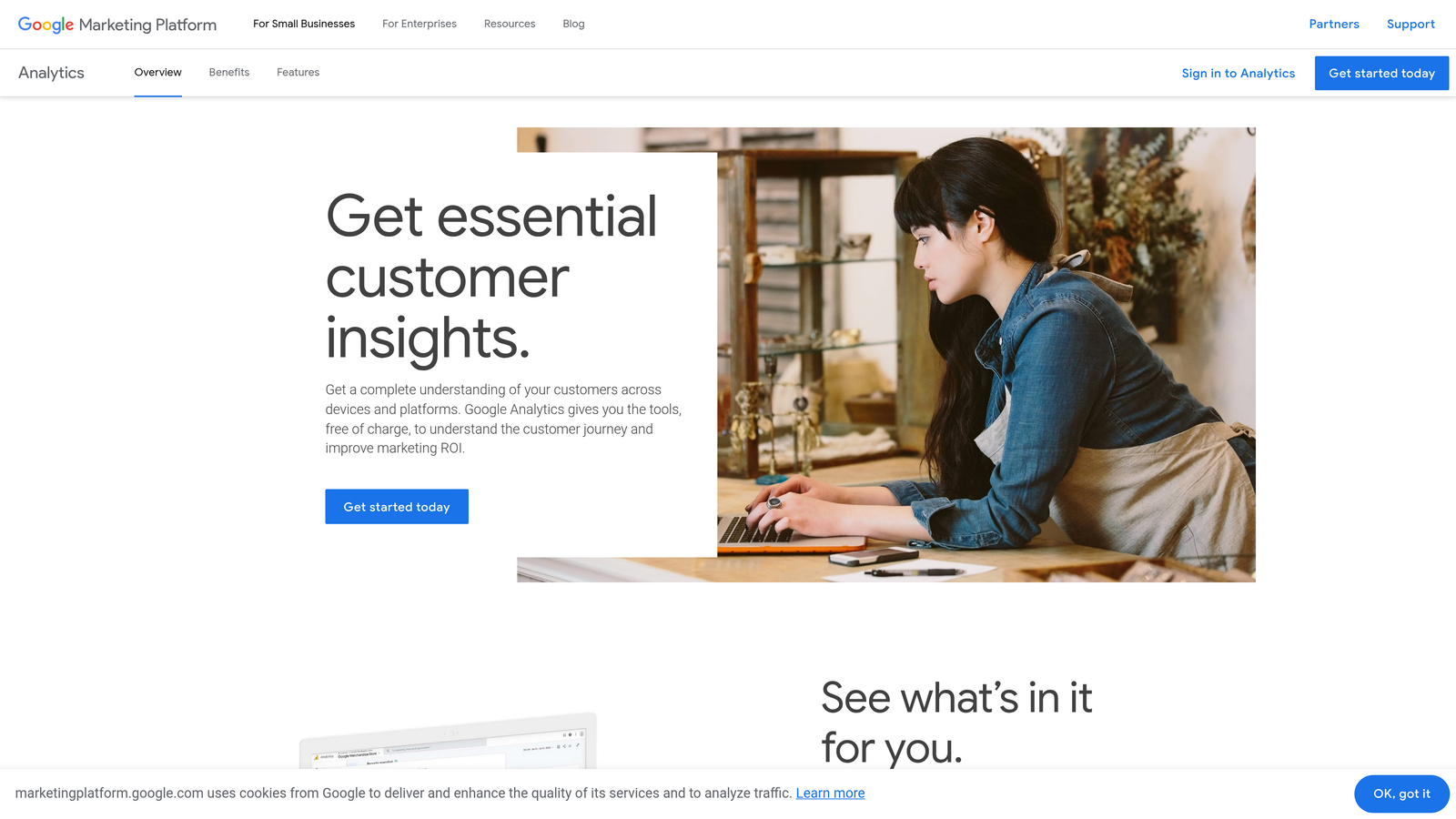
Google Analytics 4 is Google's analytics platform with a direct native integration to Google Ads for audience imports, conversion tracking, and bidding optimization.
Where This Tool Shines
The GA4 to Google Ads link is one of the most powerful free integrations available to advertisers. Once linked, you can import GA4 audiences directly into Google Ads for remarketing, use GA4 conversion events to power smart bidding, and get cross-channel attribution that connects on-site behavior to ad performance. This is the kind of data connection that used to require expensive third-party tools.
The mistake most agencies make is linking the accounts but not actually importing the GA4 conversions into Google Ads bidding. If your smart bidding is still running on just Google Ads conversion tags without GA4 data feeding in, you're leaving signal on the table.
Key Features
Audience Import: Push GA4 audience segments directly into Google Ads for remarketing and bid adjustments.
Native Conversion Import: Use GA4 goal completions as conversion actions in Google Ads smart bidding strategies.
Cross-Channel Attribution: Connect on-site behavior—time on page, scroll depth, engagement—to paid search performance.
Segment-Based Targeting: Build audiences based on specific on-site actions and apply them to Google Ads campaigns.
Free Standard Tier: The standard GA4 version is free and sufficient for most small to mid-sized advertisers.
Best For
Every Google Ads advertiser. There's no scenario where linking GA4 to Google Ads makes things worse. E-commerce teams, lead gen advertisers, and SaaS companies all benefit from the audience and conversion data GA4 provides inside Google Ads.
Pricing
Free for GA4 standard. Google Analytics 360 is available at enterprise pricing for larger organizations needing advanced features and higher data limits.
4. Google Merchant Center
Best for: Product feed management for Shopping and Performance Max campaigns
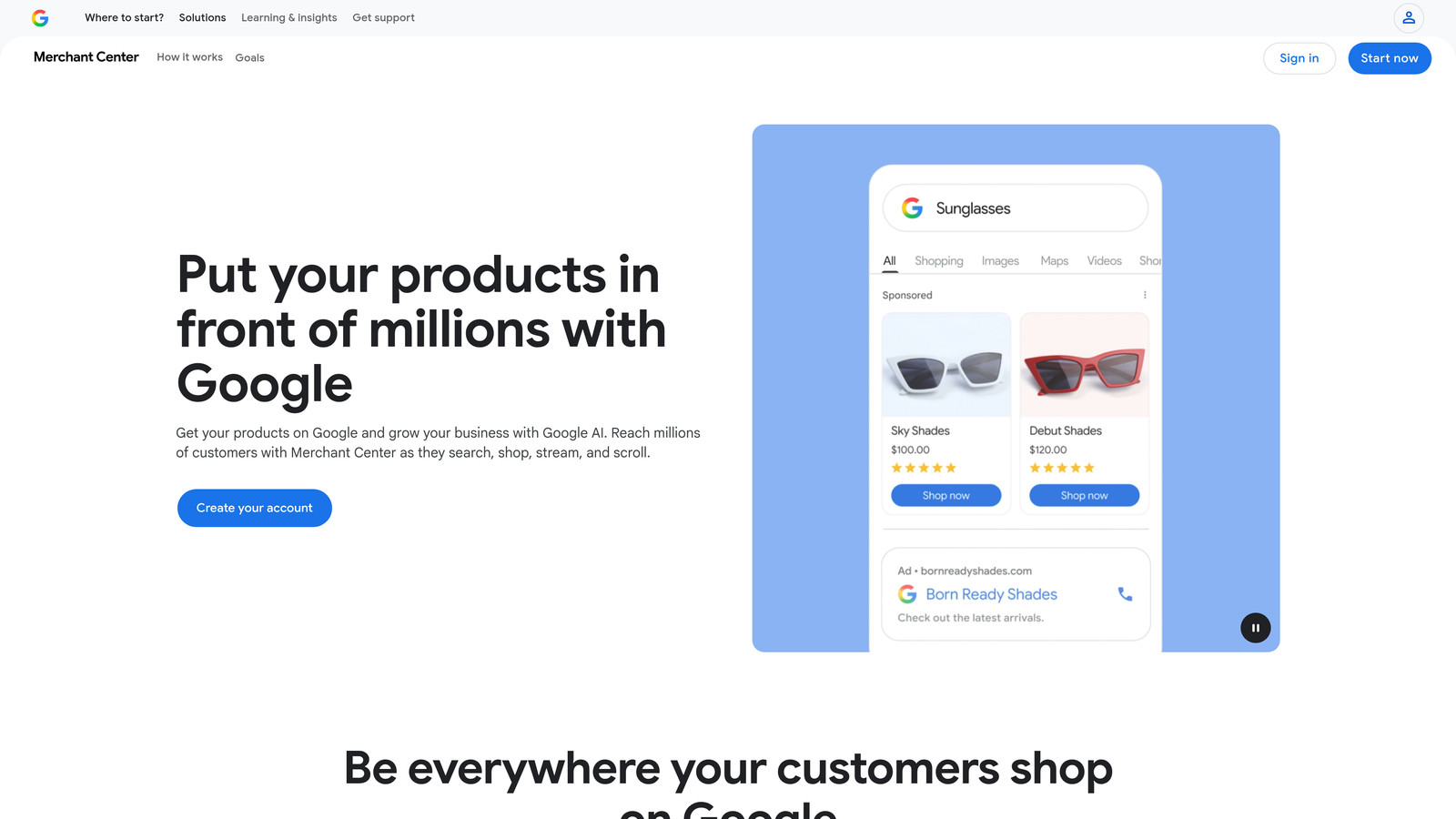
Google Merchant Center is Google's product feed management platform, required for running Shopping ads and Performance Max campaigns in Google Ads.
Where This Tool Shines
For e-commerce advertisers, Merchant Center isn't optional—it's the foundation. Without a clean, optimized product feed in Merchant Center, your Shopping campaigns and Performance Max campaigns are working with incomplete or inaccurate data. Feed quality directly affects which products get shown, at what price, and to which audiences. In most accounts I audit with underperforming Shopping campaigns, the root cause is a messy feed, not the bidding strategy.
The feed rules feature is particularly useful for making product data adjustments without touching your actual product catalog. You can append text to titles, remap attributes, and fix common errors directly inside Merchant Center without involving a developer.
Key Features
Direct Feed Sync: Automatically sync your product catalog with Google Ads Shopping campaigns and Performance Max.
Feed Rules: Modify product data attributes at scale without editing your source feed or catalog.
Performance Max Integration: Supply product data, images, and assets for Performance Max campaign automation.
Product Diagnostics: Identify feed errors and disapproved products that are affecting ad eligibility and campaign reach.
Supplemental Feeds: Layer additional product data on top of your primary feed to fill gaps or override specific attributes.
Best For
Any e-commerce advertiser running Shopping campaigns or Performance Max. If you sell physical products through Google Ads, Merchant Center is non-negotiable. Retailers, DTC brands, and marketplaces all depend on it as the core integration between their product catalog and Google Ads.
Pricing
Free. Available to any Google Ads advertiser running product-based campaigns.
5. Optmyzr
Best for: Rule-based automation and one-click optimization recipes for PPC teams
Optmyzr is a PPC management platform with strong Google Ads API integration, built around pre-built optimization recipes and rule-based automation.

Where This Tool Shines
Optmyzr sits at the intersection of automation and control. Rather than fully automating your campaigns and hoping for the best, it presents optimization suggestions as one-click recipes that you can review and approve. This works well for agency teams that need to move fast across multiple accounts without handing full control to an algorithm. The PPC Investigator tool is genuinely useful for diagnosing why performance changed in a given period.
The rule-based automation layer is where Optmyzr differentiates itself. You can build custom rules for bid adjustments, budget pacing, keyword pausing, and more—without writing scripts. For agencies that want automation without the Google Ads Scripts learning curve, this is a practical middle ground.
Key Features
Optimization Recipes: Pre-built, one-click optimizations for common campaign issues like keyword bid adjustments and budget reallocation.
Rule-Based Automation: Create custom automation rules for bids, budgets, and keywords without writing code.
PPC Investigator: Diagnose the root cause of performance changes across campaigns with a structured analysis tool.
Shopping Campaign Management: Manage and optimize Shopping campaigns and product feed performance from within Optmyzr.
Multi-Account Dashboard: Manage and report across multiple Google Ads accounts from a single agency-facing interface.
Best For
Mid-size to large agencies managing multiple Google Ads accounts who need automation with human oversight. Also well-suited to in-house PPC teams running complex campaigns where manual management at scale isn't practical.
Pricing
Starts at $208/month. A free trial is available. Pricing scales with account spend and number of accounts managed.
6. Google Looker Studio
Best for: Building shareable, client-facing Google Ads performance dashboards for free
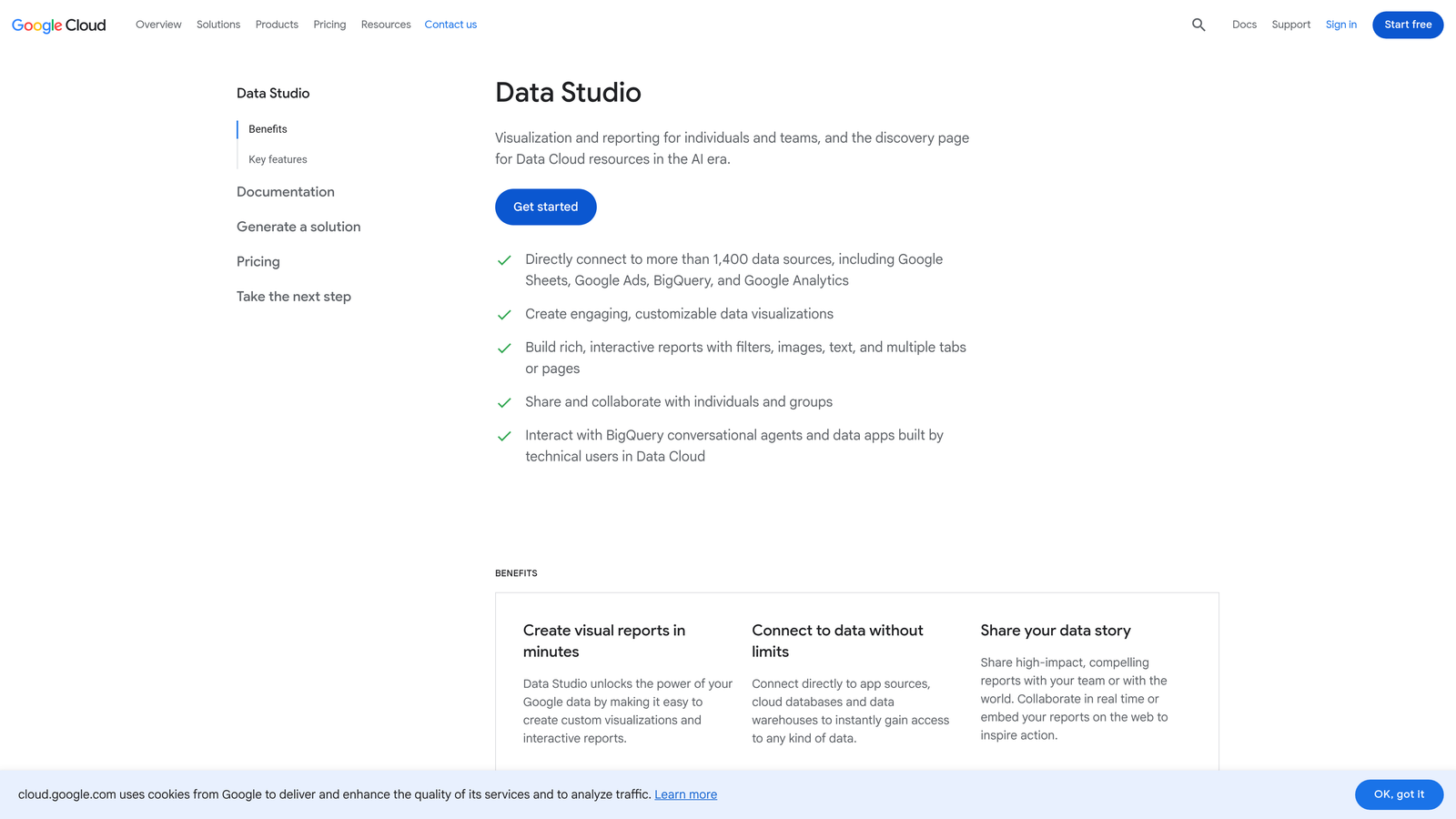
Google Looker Studio is Google's free data visualization tool with a native Google Ads connector for building custom, shareable performance dashboards without manual data exports.
Where This Tool Shines
Looker Studio removes the most tedious part of client reporting: pulling data manually and formatting it into a presentable document. The native Google Ads connector pulls live data directly into your dashboard, so reports are always current without any manual refresh. For agencies sending weekly or monthly performance reports, this alone justifies the time investment in setting it up properly.
The ability to blend data sources is where Looker Studio gets genuinely powerful. Combining Google Ads data with GA4, Google Search Console, and even CRM data in a single view gives clients a more complete picture of performance than Google Ads alone provides.
Key Features
Native Google Ads Connector: Pull live Google Ads data directly into dashboards without CSV exports or manual updates.
Drag-and-Drop Builder: Create custom charts, tables, and scorecards with a visual editor that requires no coding.
Shareable Links: Share live dashboards with clients via a URL, with view-only access that updates automatically.
Blended Data Sources: Combine Google Ads data with GA4, Search Console, YouTube, and other sources in a single report.
Free to Use: No paid tier required for standard reporting needs.
Best For
Agencies and freelancers who need professional client reporting without a paid reporting tool. Also valuable for in-house teams that want a centralized performance dashboard that stakeholders can access without logging into Google Ads.
Pricing
Free. No paid tier for standard use cases. Google charges for some advanced Looker features at the enterprise level, but standard Looker Studio is fully free.
7. Adalysis
Best for: Automated ad copy testing and quality score monitoring across Google Ads campaigns
Adalysis is a PPC testing and monitoring platform with Google Ads API integration, specializing in systematic ad testing and account-level performance alerts.
Where This Tool Shines
Most advertisers run ad tests inconsistently—they set up two variations, forget about them, and make decisions based on gut feel rather than statistical significance. Adalysis automates the testing process and tells you when a test has reached significance, so you're making decisions based on actual data. For accounts running a high volume of RSA variations, the asset-level performance analysis is particularly useful.
The quality score monitoring is a feature that often gets overlooked. Tracking quality score changes over time—at the keyword level—gives you a diagnostic signal that's easy to miss when you're focused on conversion metrics. Adalysis surfaces these changes automatically through its alerting system.
Key Features
Automated A/B Testing: Run ad copy tests with automatic statistical significance detection and winner alerts.
Quality Score Tracking: Monitor and store historical quality score data at the keyword level across all campaigns.
Performance Alerts: Receive automated alerts when key metrics like CTR, conversion rate, or CPA change significantly.
RSA Asset Analysis: Evaluate which responsive search ad assets are performing and which are dragging down overall ad strength.
Account Audit Tools: Run structured audits to identify optimization gaps across campaigns, ad groups, and keywords.
Best For
Advertisers and agencies that run systematic ad copy experiments and want data-driven testing rather than manual review. Particularly useful for accounts with large RSA libraries or for teams that need automated monitoring across multiple client accounts.
Pricing
Starts at $99/month. A free trial is available. Pricing scales based on the number of accounts and keywords being tracked.
8. Google Tag Manager
Best for: Deploying and managing Google Ads conversion tags without developer dependency
Google Tag Manager is Google's free tag management system for deploying and updating Google Ads conversion tracking tags without touching site code.
Where This Tool Shines
Conversion tracking is the foundation of every Google Ads account. If your tags are broken, your bidding is blind. Google Tag Manager removes the developer bottleneck from tag deployment, letting PPC managers add, update, or troubleshoot conversion tags independently. The preview and debug mode is excellent—you can verify a tag is firing correctly before it goes live, which is something you can't do when you're waiting on a developer to push a code change.
For agencies, GTM also creates a clean separation between the client's site code and the tracking layer. All conversion tags, remarketing pixels, and event triggers live in GTM rather than hardcoded into the site, making audits and updates much cleaner.
Key Features
Google Ads Tag Templates: Use built-in templates for Google Ads conversion tracking and remarketing tags—no custom code needed.
No-Code Deployment: Add, edit, and remove tags without requiring developer access to the website's source code.
Trigger Library: Set up tags to fire on page views, button clicks, form submissions, scroll depth, and more.
Preview and Debug Mode: Test tag firing behavior in real time before publishing changes to the live site.
Version Control: Every container change is versioned, making it easy to roll back if something breaks.
Best For
Every Google Ads advertiser who doesn't want to depend on a developer to manage conversion tracking. Agencies managing tracking across multiple client sites benefit especially from GTM's container-based structure, which keeps each client's tags organized and portable.
Pricing
Free. Available to any advertiser with a Google account. No paid tier required for standard use.
9. Search Ads 360 (SA360)
Best for: Enterprise-level cross-channel search management with deep Google Ads integration
Search Ads 360 is Google's enterprise search management platform within Google Marketing Platform, offering deep native Google Ads integration alongside cross-channel search campaign management.
Where This Tool Shines
SA360 is built for advertisers operating at a scale where managing Google Ads and Microsoft Ads separately creates meaningful inefficiency. The unified interface lets large teams manage both platforms from one place, with cross-channel bidding that uses signals from both to inform decisions. The Floodlight conversion tracking system integrates across the full Google Marketing Platform stack, giving enterprise advertisers a unified measurement layer that connects paid search to display, video, and other channels.
The inventory-aware campaigns feature is particularly relevant for large retailers or travel advertisers whose product availability changes frequently. SA360 can automatically adjust bids or pause ads based on inventory signals, which is difficult to replicate with standard Google Ads automation alone.
Key Features
Unified Search Management: Manage Google Ads and Microsoft Ads campaigns from a single platform without switching between interfaces.
Cross-Channel Automated Bidding: Use data signals from multiple channels to inform smart bidding decisions across the full search portfolio.
Floodlight Conversion Tracking: Integrated conversion measurement across the Google Marketing Platform for unified attribution.
Inventory-Aware Campaigns: Automatically adjust campaign behavior based on real-time inventory or pricing data feeds.
Executive Reporting: Aggregate performance reporting across all search channels for stakeholder-level visibility.
Best For
Large enterprise advertisers and holding company agencies managing significant search budgets across Google Ads and Microsoft Ads simultaneously. Not practical for small to mid-sized advertisers given the enterprise pricing model and complexity of implementation.
Pricing
Enterprise pricing—contact Google directly for a quote. Designed for large advertisers and agencies with substantial search budgets. Not a fit for most small or mid-sized accounts.
Which Tool Is Right for Your Workflow?
The honest answer is that the best Google Ads native integration tool is the one that removes your biggest daily friction point. Not the one with the most features. Not the most expensive one. The one that makes your actual workflow faster.
Here's how to think about it by use case:
Solo advertisers and freelancers who spend significant time in the Search Terms Report should start with Keywordme. At $12/month, it's the lowest-cost, highest-impact tool on this list for anyone doing hands-on keyword optimization. Pair it with Google Ads Editor for bulk changes and Looker Studio for reporting, and you have a full free-plus-affordable stack.
Agencies managing multiple clients will get the most from combining Keywordme for in-interface speed with Optmyzr or Adalysis for automation and systematic testing at scale. Add Looker Studio for client-facing dashboards and you're covering optimization, automation, and reporting without a bloated tool stack.
E-commerce teams running Shopping or Performance Max campaigns need Google Merchant Center and GA4 properly linked before anything else. Feed quality and conversion data are the two levers that move the needle most in product-based campaigns, and both of those are free.
Enterprise teams with cross-channel search budgets should evaluate Search Ads 360 if managing Google Ads and Microsoft Ads separately is creating inefficiency at scale.
Regardless of your setup, Google Ads Editor, GA4, Google Tag Manager, and Looker Studio are free tools that every advertiser should have configured. They're not optional extras—they're the baseline infrastructure of a well-run Google Ads account.
If you're looking for the fastest way to reduce wasted spend and speed up your Search Terms Report workflow right now, start your free 7-day trial of Keywordme and see how much time you get back in the first session. Then $12/month is an easy call.
.svg)