
8 Best Google Ads Management Software Pricing Plans in 2026
This guide compares Google Ads management software pricing plans across eight tools, breaking down costs, core features, and ideal use cases so freelancers and agencies can shortlist options based on account size and budget rather than marketing copy.


If you manage Google Ads accounts for a living, you already know the tooling landscape is split between cheap, narrow utilities and expensive, quote-based platforms that won't tell you a price until you get on a call. That makes it hard to budget, especially if you're a freelancer or a small agency deciding whether a $12/month extension solves your problem or whether you need a five-figure enterprise contract. This list compares eight Google Ads management tools on pricing structure, core features, and who each one actually fits, so you can shortlist based on your account size and budget instead of marketing copy.
Quick Comparison
- Keywordme: best for solo advertisers and small agency teams cleaning up search terms; starts at $12/month per user; runs one-click optimization actions directly inside the native Google Ads Search Terms Report.
- Optmyzr: best for mid-size to large accounts needing automated bid rules; quote-based; its rule engine automates changes across many accounts at once.
- WordStream Advisor: best for small business owners who want guided, prioritized fixes; quote-based; pairs software with an optional done-for-you service layer.
- Adalysis: best for advertisers who want structured ad testing and audits; quote-based; automates statistically significant ad copy testing.
- SEMrush PPC Toolkit: best for marketers researching before launch; pricing tied to SEMrush subscription plans; offers deep competitor ad and keyword gap research.
- Google Ads Editor: best for anyone needing large manual bulk edits for free; no cost; the only tool here with zero subscription price.
- Skai: best for large teams managing search, social, and retail media together; quote-based; unifies Amazon Ads and retail media spend with Google Ads.
- Marin Software: best for enterprise teams wanting hands-on onboarding; quote-based; centralizes cross-channel budget pacing with dedicated account support.
1. Keywordme
Keywordme is a Chrome extension that layers one-click optimization actions on top of the Google Ads Search Terms Report. Instead of exporting search terms to a spreadsheet, sorting through them manually, and uploading negative keyword lists back into your account, you work the report directly and take action in a click. It's built for advertisers who spend real time on search term cleanup: separating the queries worth turning into keywords from the ones that need to be excluded as negative keywords.
What sets it apart on this list is that it never leaves the native Google Ads interface. Most of the other tools here either pull you into a separate dashboard or require an export/import cycle. Keywordme's whole pitch is speed inside the account you're already looking at.
- Removes junk search terms and builds negative keyword lists with one click instead of a manual export-and-upload cycle
- Applies match types to new keywords instantly, so you're not manually setting broad, phrase, or exact match one at a time
- Groups related search terms through keyword clustering, helping you spot high-intent patterns faster
- Supports bulk editing across large search term reports
- Includes multi-account and team support, useful for agencies juggling several client accounts
Setup is minimal: install the Chrome extension, connect it to your Google Ads account, and it appears inside the Search Terms Report you already use. There's no separate login or dashboard to learn, which means an individual media buyer can run it without IT involvement, and agency teams can add seats as they onboard staff.
It's not a full campaign management suite. Keywordme is focused specifically on search terms and keyword hygiene, not bid automation, cross-channel budget pacing, or ad copy testing. If you need those functions, you'll pair it with another tool or handle them natively in Google Ads.
Pricing is flat-rate: $12/month per user, with a 7-day free trial (as of September 2026; confirm current pricing on Keywordme's site). There's no tiered structure based on ad spend or account count, which makes budgeting simple compared to the quote-based tools further down this list.
Best for: Solo advertisers and small agency teams who want fast, in-platform search term cleanup without spreadsheets.
2. Optmyzr
Optmyzr is a PPC management platform built around rule-based automation and scripts for Google Ads and Microsoft Advertising accounts. It's aimed at people managing enough accounts, or a large enough single account, that manual bid and budget adjustments stop being practical.

Where Optmyzr stands out from the rest of this list is depth of automation. Its rule engine lets you set conditional logic, such as pausing keywords below a certain quality score or adjusting bids based on day-parting performance, and apply it across many campaigns simultaneously.
- Automates bid and budget adjustments through a rule engine instead of manual daily checks
- Provides a library of pre-built Google Ads and Microsoft Ads scripts you can deploy without writing code
- Rolls up performance into cross-account reporting dashboards for agencies managing multiple clients
- Runs search term and quality score audits to flag structural issues
Setup takes longer than a simple extension. You'll need to connect your Google Ads and Microsoft Advertising accounts, plus Google Analytics if you want fuller reporting, and configure rules to match your account structure. This tool is typically run by a dedicated PPC manager or an agency ops person rather than a marketer dipping in occasionally.
The tradeoff is complexity and cost. A single small account with modest spend may not need this level of automation, and the setup investment doesn't pay off unless you're managing several accounts or a high-volume one.
Optmyzr's pricing is quote-based, typically tiered by managed ad spend and account count. Check Optmyzr's site for current tiers, since PPC software pricing structures shift periodically.
Best for: Mid-size to large accounts and agencies needing automated bid and budget rules across many campaigns.
3. WordStream Advisor
WordStream Advisor, from LocaliQ, blends software recommendations with an optional managed-service layer. It's built for small business owners running their own Google Ads and Microsoft Ads accounts without a dedicated PPC hire on staff.

The distinctive piece here is the "20-Minute Work Week" workflow, a guided routine that surfaces prioritized recommendations so a non-specialist can make sensible optimizations in a short, scheduled session rather than digging through raw reports.
- Walks you through a guided weekly optimization routine instead of leaving you to figure out what to fix first
- Surfaces cross-platform recommendations covering both Google and Microsoft Ads
- Offers a free Google Ads Performance Grader to benchmark an account before you commit
- Sends alerts when it detects wasted spend
Because WordStream Advisor is often bundled with LocaliQ's broader marketing services, someone from the company typically walks you through setup and can manage parts of the account for you if you opt into the service tier. That's a meaningful difference from self-serve tools: you're not necessarily the one running it day to day.
The tradeoff is pricing transparency. WordStream doesn't publish rates upfront, and the guided workflow is built for generalists rather than hands-on PPC specialists who want granular control. If you already know exactly what you want to test and adjust, the simplified workflow can feel restrictive.
Pricing is quote-based, generally negotiated per contract and often bundled with other LocaliQ marketing services. Confirm current terms directly with WordStream's sales team.
Best for: Small business owners who want prioritized guidance rather than a self-serve optimization tool.
4. Adalysis
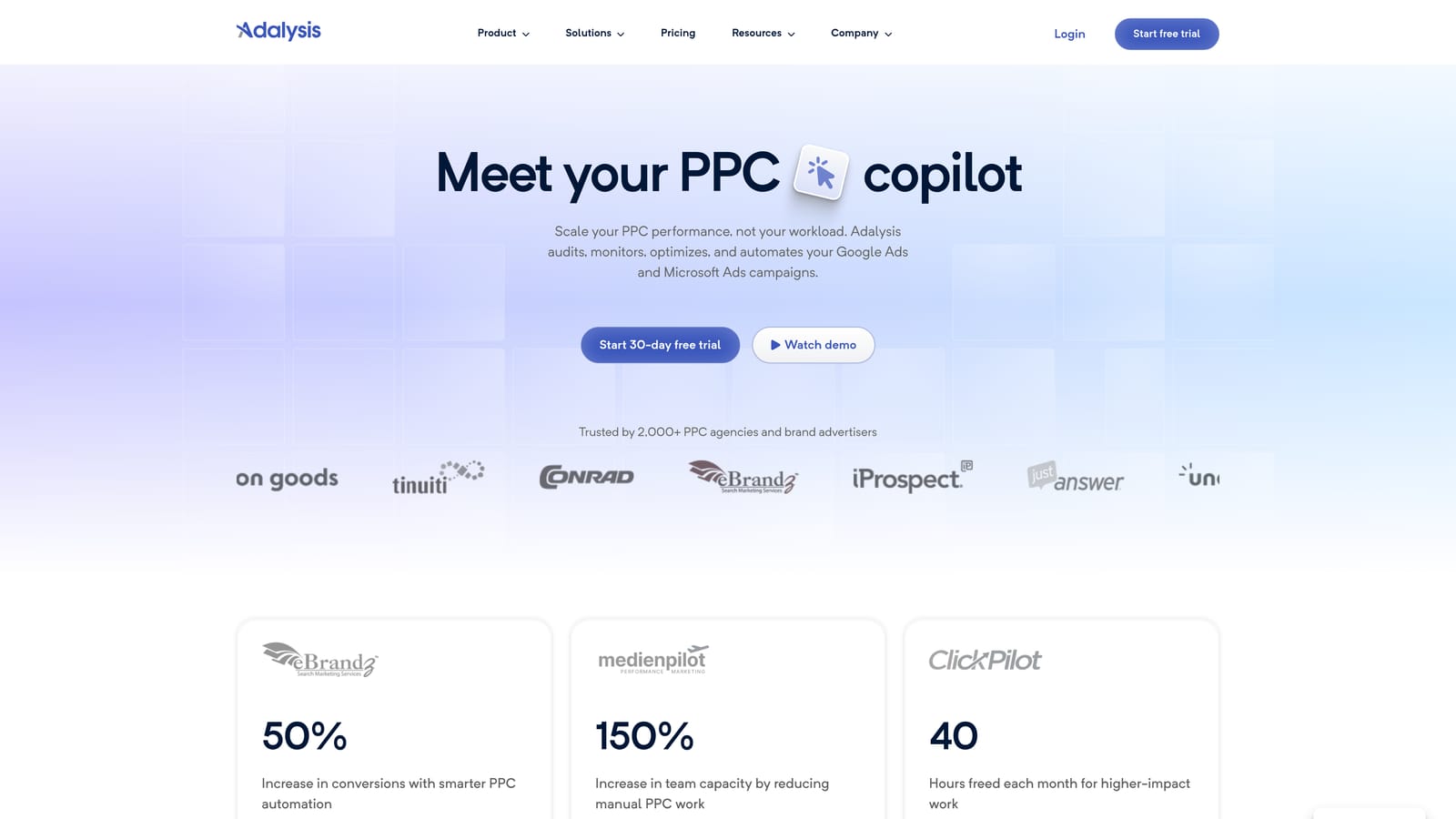
Adalysis is a PPC auditing and testing platform focused on ad copy testing and account structure checks across Google and Microsoft Ads. It's built for advertisers who care as much about what the ads say as which keywords trigger them.
What it does well
Adalysis automates statistically significant ad testing, meaning it tracks performance differences between ad variations and tells you when a result is meaningful rather than noise. It also runs account-wide audits that flag structural issues, policy problems, and keyword overlap, where the same query might be triggering multiple keywords in your account and competing against itself.
- Runs automated ad copy tests and flags statistically significant winners without manual calculation
- Audits account structure and policy compliance across the account
- Tracks quality score trends over time so you can see whether changes are helping or hurting
- Detects keyword overlap and duplication that wastes budget on internal competition
Where it fits and where it doesn't
Adalysis is typically run by whoever owns ad copy strategy: a PPC specialist or account manager rather than a generalist marketer. It integrates with Google Ads and Microsoft Advertising and requires connecting your accounts, but the real time investment is reviewing what the audits surface, since Adalysis flags issues rather than fixing them automatically.
If you're looking for one-click cleanup rather than structured testing and audit reports, this isn't the fastest path. It rewards advertisers willing to read through findings and act on them.
Pricing is subscription-based and scales with managed ad spend; check Adalysis's site for the current starting rate since it's not fixed across account sizes.
Best for: Advertisers who prioritize structured ad testing and account audits over automated cleanup.
5. SEMrush PPC Toolkit
SEMrush's PPC Toolkit is a research suite bundled into SEMrush's broader subscription plans, not a standalone Google Ads management product. It's built for marketers planning campaigns before launch rather than optimizing ones that are already live.
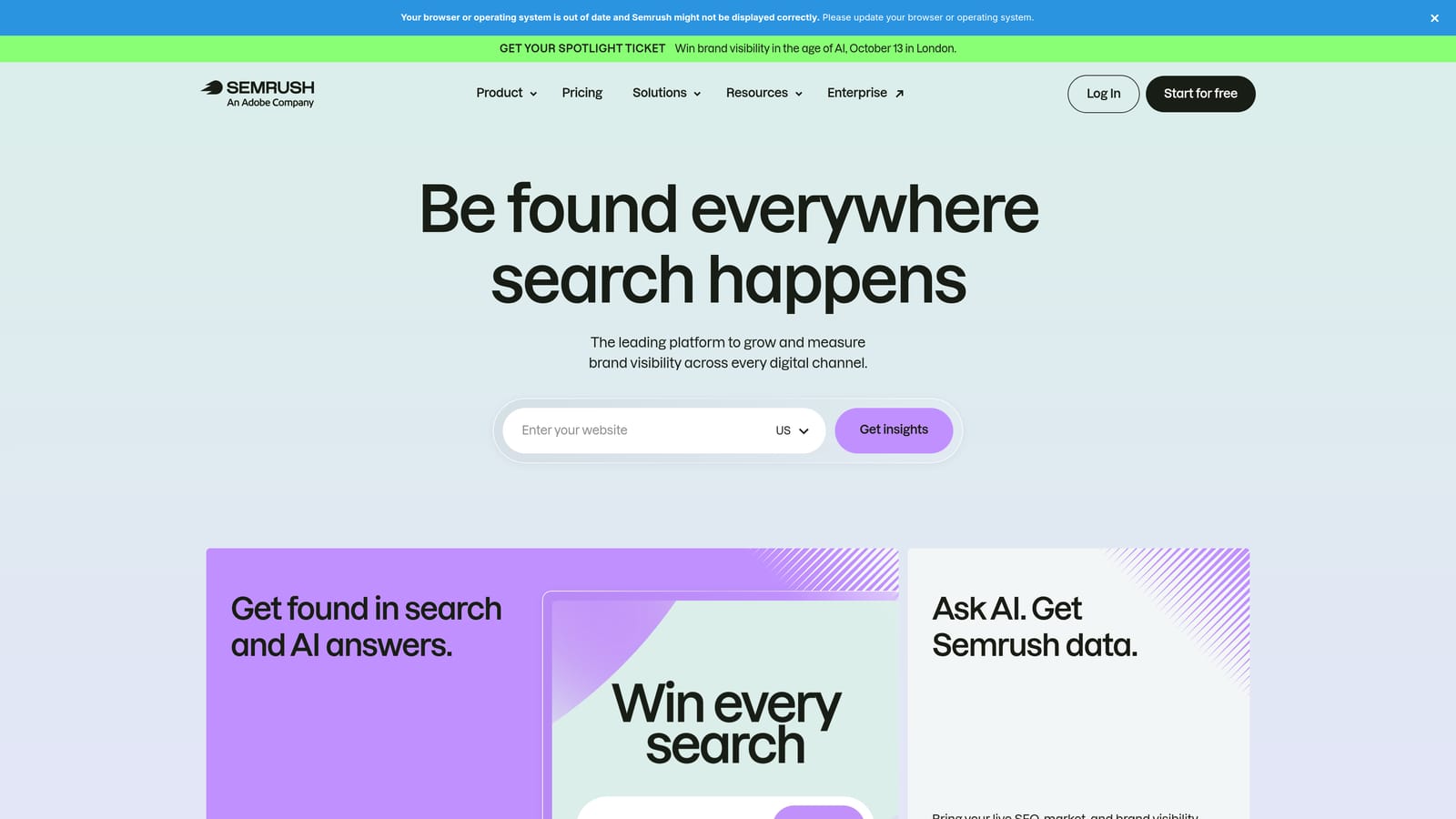
The distinctive value here is competitor visibility. You can see what ad copy and landing pages competitors are running, find keyword gaps between your account and theirs, and research product listing ads, all before you spend a dollar.
- Shows competitor ad copy and landing pages so you can benchmark before you launch
- Identifies keyword gaps between your account and competing advertisers
- Researches product listing ad opportunities for e-commerce campaigns
- Tracks keyword position across both paid and organic search
Because it's part of SEMrush's larger platform, setup is quick if you already have a subscription: connect your Google Ads account for data import, and the toolkit layers on top of tools you may already use for SEO. It's usually run by a marketer or strategist doing upfront research rather than a PPC manager doing daily account work.
The limitation is real: there's no in-platform automation, bulk editing, or live account optimization here. It's a research layer, not a management layer, so pairing it with an execution tool is necessary if you want to act on what you find inside Google Ads itself.
SEMrush doesn't sell the PPC Toolkit standalone. It's included in the Pro, Guru, or Business subscription tiers, so pricing depends on which plan you choose. Check semrush.com for current plan pricing.
Best for: Marketers already using SEMrush for SEO who want combined keyword research before building campaigns.
6. Google Ads Editor
Google Ads Editor is Google's own free desktop application for making bulk changes to campaigns offline before pushing them live. It's the only tool on this list with no subscription cost at all, since it's a first-party utility rather than a third-party product.

Its advantage is straightforward: it's free, it's official, and it handles bulk edits across multiple campaigns and accounts without the risk of a third-party integration breaking. You can copy settings between campaigns, preview every change before uploading, and work offline when you don't want to make live edits in the browser.
- Applies bulk edits across multiple campaigns and accounts in one session
- Lets you preview changes before posting them, reducing the risk of a live mistake
- Copies and pastes settings between campaigns to speed up repetitive setup work
- Costs nothing, with no subscription or per-seat pricing
Anyone with a Google Ads login can download and run it, so there's effectively no barrier to entry. It's commonly used by whoever builds and restructures campaigns, whether that's a freelancer, an in-house marketer, or an agency account manager doing heavy lifting during a campaign rebuild.
The tradeoff is that it's purely a bulk-editing tool. There's no automation, no AI-driven suggestions, and no reporting layer beyond what you can see in raw account data. It won't flag junk search terms for you or test ad copy; it just makes bulk changes faster once you've decided what to change.
Pricing: free, as of September 2026. Confirm current availability and feature set on Google Ads Help, since Google periodically updates the tool.
Best for: Advertisers who need to make large manual bulk edits without paying for a subscription tool.
7. Skai
Skai is an enterprise cross-channel advertising platform that manages Google Ads alongside Amazon Ads, social platforms, and retail media campaigns in one workspace. It's built for organizations spending across multiple channels, not just search.
Its real advantage is scope. None of the other tools on this list manage retail media and Amazon Ads spend in the same place as Google Ads. If your budget flows across search, social, and retail media, Skai gives you one place to see and shift that spend.
- Allocates budget across search, social, and retail media from a single workspace
- Applies machine learning-based bid optimization across channels
- Produces enterprise reporting and forecasting dashboards for leadership visibility
- Includes dedicated account management support from Skai's team
Skai is built for larger organizations: onboarding involves connecting multiple ad platforms, and day-to-day operation typically involves a dedicated media team or agency operations group rather than a single freelancer. The dedicated account support that comes with it reflects that enterprise focus.
That scope comes at a cost. The complexity and price point make it impractical for freelancers, solo advertisers, or anyone managing a single-channel account. If you're only running Google Ads, you're paying for cross-channel capability you won't use.
Pricing is enterprise and quote-based, typically tied to managed ad spend. It isn't published publicly; contact Skai directly for a quote.
Best for: Large in-house teams or agencies managing ad spend across search, social, and retail media simultaneously.
8. Marin Software
Marin Software is an enterprise advertising management platform centralizing search, social, and e-commerce campaign management with cross-channel budget tools. Like Skai, it's aimed at organizations running spend across more than one advertising channel.
Marin's long-standing focus is cross-channel budget pacing paired with dedicated onboarding support. That combination of automation and hands-on setup assistance distinguishes it from the self-serve tools earlier in this list.
- Allocates and paces budgets across channels automatically
- Automates bid management for both search and social campaigns
- Builds custom reporting and dashboards tailored to enterprise reporting needs
- Provides dedicated onboarding and ongoing account support
Because onboarding is a built-in part of the offering, setup takes longer than installing an extension or connecting an account yourself. Marin typically works with a client's marketing operations team through implementation, and ongoing management usually involves both the client's team and Marin's account support.
That level of hand-holding is a mismatch for anyone wanting to move fast or manage a single, smaller account. The onboarding process and contract structure are built around larger ad spend commitments, not quick self-serve signups.
Pricing is custom and quote-based, negotiated per contract and generally aimed at larger ad spend accounts. Contact Marin directly for current terms.
Best for: Enterprise teams that want a managed, cross-channel platform with hands-on onboarding support.
Matching a Tool to Your Budget and Account Size
If you're managing one or a handful of Google Ads accounts and your main pain point is search term cleanup, Keywordme's flat $12/month per user rate is the easiest to budget for, since it's the only tool here with a fixed, published price rather than a quote. If you've outgrown manual bid adjustments and manage several accounts, Optmyzr or Adalysis add automation and testing rigor, though you'll need to get a quote to know the real cost. Small business owners without in-house PPC expertise may prefer WordStream Advisor's guided, service-backed approach over a purely self-serve tool.
If budget is the constraint and you just need to push large bulk edits, Google Ads Editor costs nothing and comes straight from Google. At the other end, Skai and Marin Software make sense only once you're managing serious cross-channel spend and can justify enterprise contracts and onboarding time.
For most freelancers and small agency teams, the practical starting point is cleaning up search terms and keyword structure before layering on anything more expensive. Start your free 7-day trial of Keywordme and see how much faster search term cleanup goes when you're not leaving Google Ads, then it's just $12/month per user after that.
.svg)