
9 Best Google Ads Management Software Options and What They Cost in 2026
A practical guide to google ads management software cost.


Google Ads management software ranges from free to several hundred dollars a month, and the sticker price rarely predicts your real bill. We picked these tools for Google Ads relevance, pricing transparency, fit for freelancers versus agencies, and whether the price scales by user, ad spend, or client count. Where a vendor does not publish a clear starting price, we say so rather than guess.
Quick Comparison of Pricing Models and Starting Prices
Prices below are what we could confirm or what the vendors present publicly. Check each official pricing page before you buy, since plans and prices change. Only Keywordme's price is confirmed from the company's own brief; for everything else, treat the figures as "see website, as of November 2026."
- Keywordme: freelancers and agencies cleaning up search terms; $12/month per user (flat per seat); works inside the native Search Terms Report with no separate dashboard.
- Optmyzr: agencies and in-house teams wanting broad automation; tiered, see website; deepest PPC-specific audits and automations in one suite.
- Adalysis: agencies monitoring many accounts; tiered, see website; alert-driven monitoring plus ad testing across accounts.
- WordStream (LocaliQ): small business owners who want guidance; quote-based; a guided workflow built for non-specialists.
- Google Ads Editor: budget-conscious advertisers making large manual edits; free; official bulk editing with change review before posting.
- Google Ads Scripts and Automated Rules: technical advertisers; free; fully customizable automation at no software cost.
- SEMrush: marketers needing competitor and keyword research; subscription tiers, see website; paid-search competitor research combined with SEO data.
- Swydo: agencies drowning in monthly reports; tiered, see website; white-label client reporting automation.
How Google Ads Management Software Pricing Works
Management software is a tool you operate yourself. A management agency fee is what you pay someone else to run your account, and that is a separate bill entirely. Keep the two apart when you compare numbers, because some vendors blur them with a "management fee plus ad spend" structure.
Five models show up on this list:
- Flat per user: you pay per seat, whatever your ad spend or client count. Easy to predict.
- Tiered by accounts or data sources: the price steps up as you add clients or connections. Common with auditing and reporting tools.
- Percent of ad spend or management fee: the bill grows when your budget does.
- Quote-based: no public price; you talk to sales.
- Free: no license cost, but you pay in time, skill, or both.
The software fee is also not the only cost. Setup time, extra seats for teammates, and the hours you spend learning a complex platform all count. A $12 tool you use daily can beat a pricier suite you open once a month.
1. Keywordme
Keywordme is a Chrome extension that adds one-click actions to the Search Terms Report in Google Ads. It is built for freelancers, in-house marketers, and agency teams who spend a chunk of every week sorting search terms (what people actually typed) into keywords to add and negative keywords to block.
Its edge over everything else here is where it lives. You work in the native Google Ads interface, so there is no export, no spreadsheet, and no separate dashboard to log into. You review each term yourself and click; nothing changes on its own.
- Remove junk search terms and add them as negative keywords with a click, so wasted-spend cleanup takes seconds per term.
- Apply match types instantly when adding a keyword, instead of typing brackets and quotes by hand.
- Cluster related keywords so you can build tighter, high-intent lists faster.
- Bulk edit across many terms at once rather than one row at a time.
- Multi-account and team support for agencies juggling several clients.
Setup is a Chrome extension install, and the day-to-day user is whoever already reviews search terms. It connects to Google Ads through the browser, so it works with the Search Terms Report rather than as a standalone platform.
The limitation is scope. Keywordme focuses on the search term and keyword workflow. It does not handle bidding, reporting, or cross-channel management, so you will likely pair it with something else if you need those. It also requires Chrome.
Pricing is $12 per month per user, with a 7-day free trial. The flat per-seat rate means ad spend and client count do not change the bill; only headcount does.
Best for: Freelancers and agencies who want faster search term cleanup at a predictable per-seat cost.
2. Optmyzr
Optmyzr is a PPC optimization suite for agencies and in-house teams that want audits, automation, and bulk tools in one place. It covers Google Ads, Microsoft Advertising, and Meta Ads.
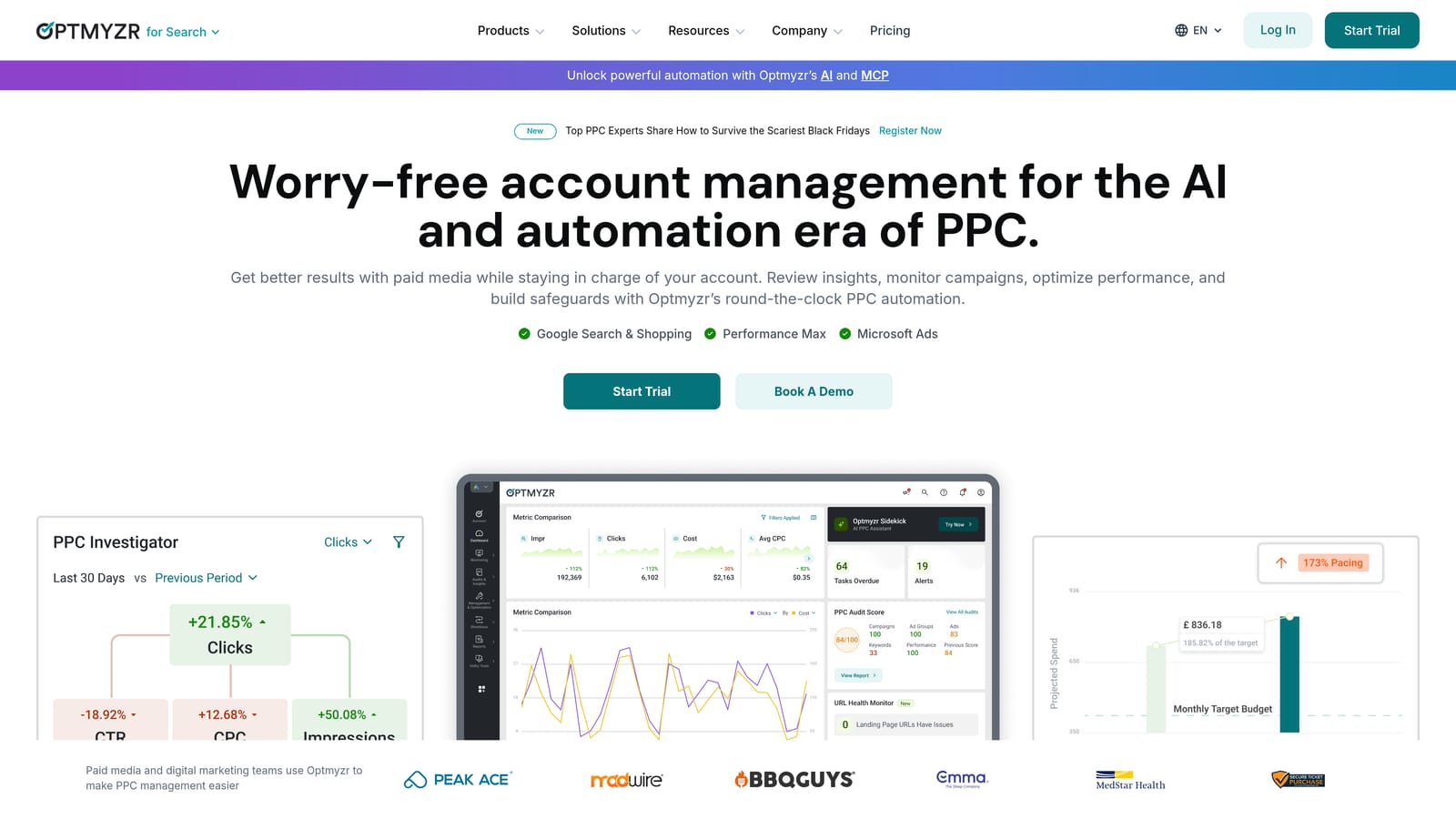
Its distinctive strength is depth. Few tools on this list combine optimization checks, rule-based automation, and budget and bid management tools in a single product built specifically for PPC.
- Optimization checks and recommendations point out what to look at in an account, so you spend less time hunting for problems.
- Rule-based automation handles repeatable tasks on a schedule you define.
- Bulk editing tools let you change many campaigns or ads in one pass.
- Reporting covers client or stakeholder updates without a second tool, though dedicated reporting platforms go further.
- Budget and bid management tools help you keep pacing under control.
Expect a real onboarding period. Someone on the team needs to own the setup, decide which automations to switch on, and review what the platform suggests.
The limitation is cost and complexity. A solo advertiser with one or two accounts will probably use a fraction of it. Optmyzr uses tiered plans and lists no starting price in our brief, so check the official pricing page (as of November 2026) before you budget. Tier and account volume are the usual levers to look at.
Best for: Agencies and in-house teams wanting broad optimization automation.
3. Adalysis
Where some platforms try to do everything, Adalysis leans on monitoring. It is a PPC management platform with automated alerts, ad testing, and account audits, supporting Google Ads and Microsoft Advertising.
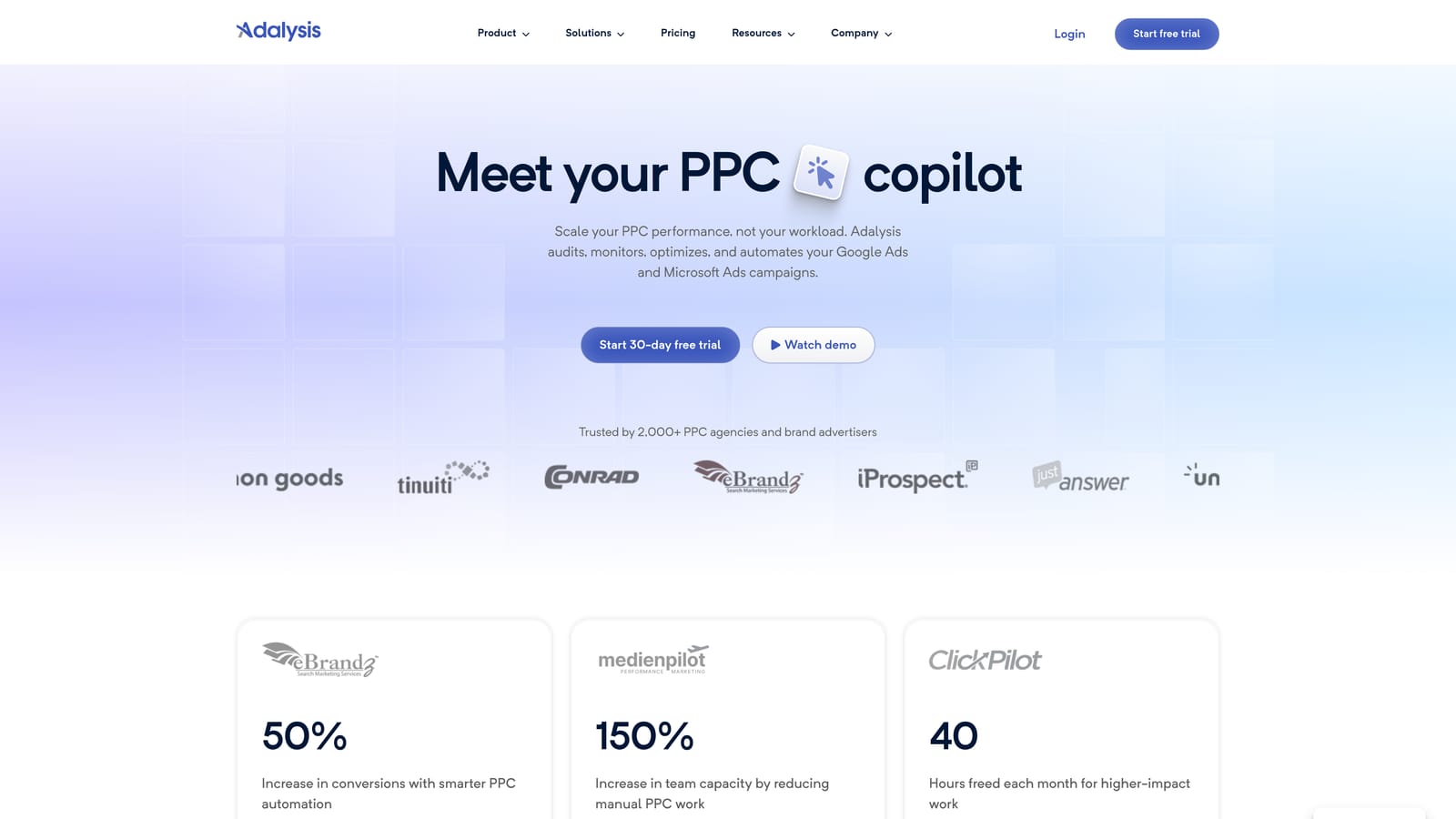
Its standout is watching many accounts at once. Alerts flag performance changes so a team does not need to open every account daily, and its ad testing helps you see which ads are actually winning.
- Automated account alerts tell you when something shifts, so problems surface before the monthly review.
- Ad testing helps you compare ad variations and decide which to keep.
- Audits give you a structured look at account health.
- Reporting summarizes performance for clients or managers.
- Bulk optimization tools speed up repetitive changes across accounts.
It suits teams that already have a process and want a system watching their back. Someone has to triage the alerts, or they become noise.
The limitation is scale orientation. A solo advertiser running a single account may find it more than needed. It does not cover Meta Ads in the way a broader suite might. Pricing is tiered and no starting price is listed in our brief, so verify current plans on the website (as of November 2026). Account count is typically what moves the cost.
Best for: Agencies monitoring many accounts for performance changes.
4. WordStream (LocaliQ)
This one is aimed at business owners rather than PPC specialists. WordStream, part of LocaliQ, is a small-business ad management platform that tells you what to fix and in what order. It supports Google Ads, Microsoft Advertising, and Meta Ads.
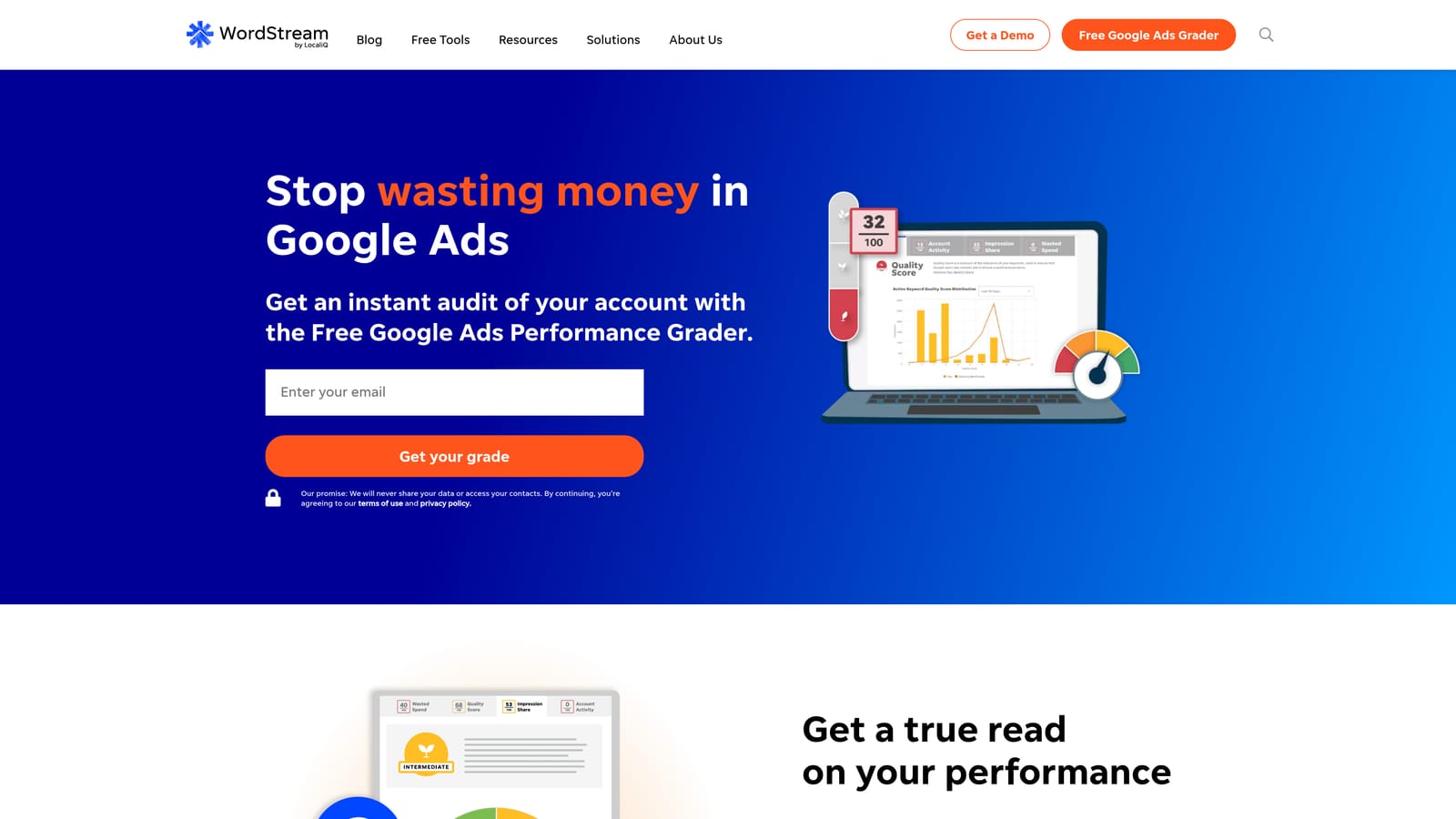
What it does distinctively well is guidance. A weekly, prioritized workflow means someone without deep Google Ads knowledge can still take sensible action.
- Prioritized optimization recommendations tell you which fixes matter most first.
- A performance grader gives you a quick read on how an account is doing.
- Campaign management lets you handle core tasks from one place.
- Reporting shows results without building your own dashboards.
The business owner or a marketing generalist typically runs it day to day. It does not require scripting or spreadsheet skills.
The trade-off is control. Experienced practitioners and agencies may find it too guided and not granular enough for detailed account structure work.
Pricing is quote-based, and may involve a management fee plus ad spend. Verify the structure directly with the vendor (as of November 2026), because a spend-linked fee means your bill rises as your budget does.
Best for: Small business owners who want guidance over granular control.
5. Google Ads Editor
Google Ads Editor is Google's free desktop application for editing accounts in bulk. You download your account data, make changes offline, and post them back when ready.
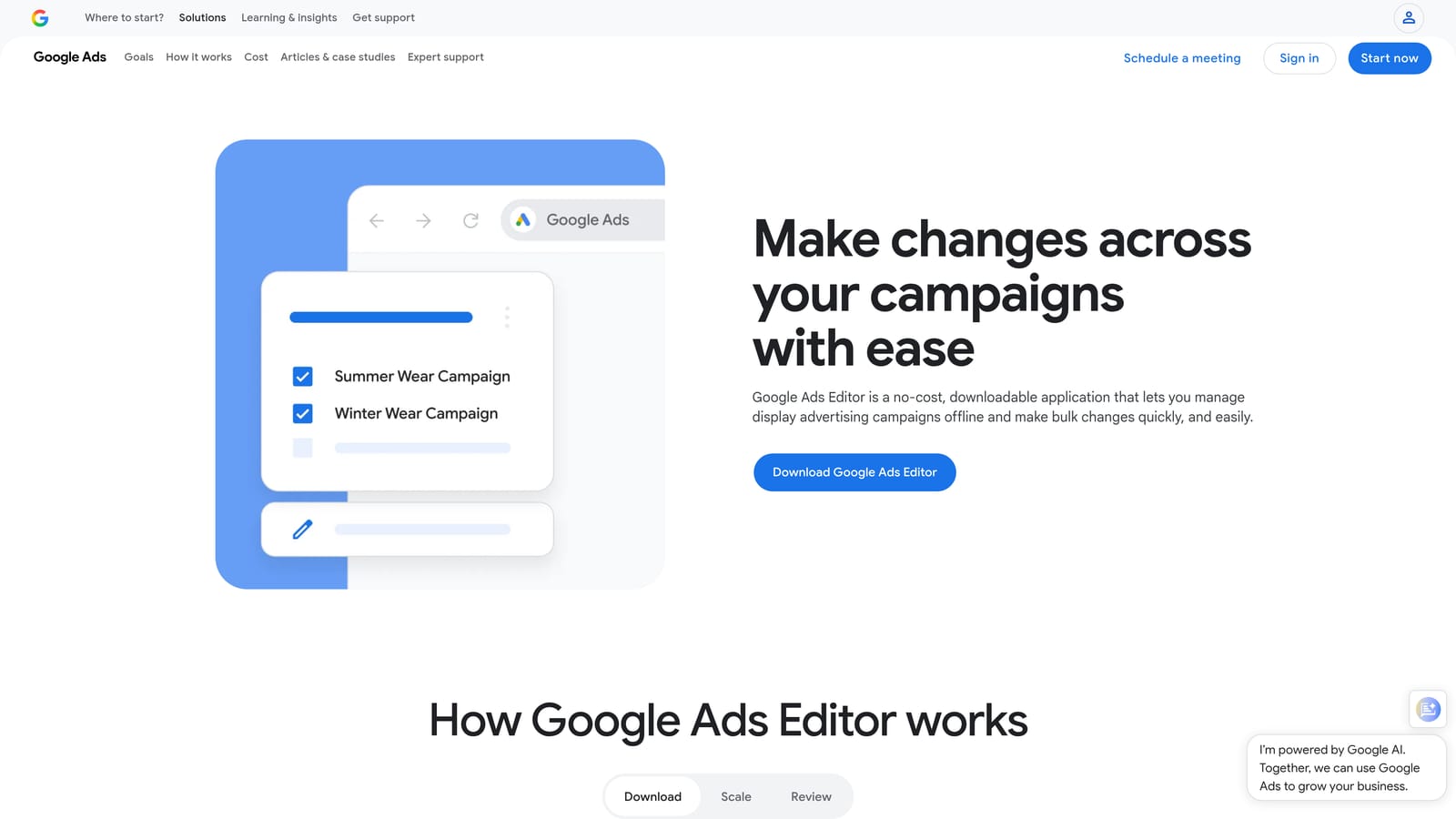
Nothing else on this list is both official and free, and the review step matters: you see a summary of your pending changes before anything goes live.
- Bulk edits across campaigns let you change many ads, keywords, or settings at once.
- Offline editing means you can build out a large restructure without working live in the browser.
- Change review before posting lets you catch mistakes before they hit the account.
- Multi-account management lets you work across several accounts in one app.
- Import and export support spreadsheet-based workflows.
Setup is a desktop install, and the person who builds campaigns is usually the one using it.
The limitation is plain: no automation, no alerts, and no reporting. It does exactly what you tell it and nothing more. It is also a separate application, so it is not the same as working inside the Search Terms Report. Cost is zero, with no tiers or seats.
Best for: Budget-conscious advertisers making large manual edits.
6. Google Ads Scripts and Automated Rules
Google builds two free automation paths into the platform. Google Ads Scripts lets you write JavaScript that runs inside your account, and automated rules handle simpler scheduled changes without code.
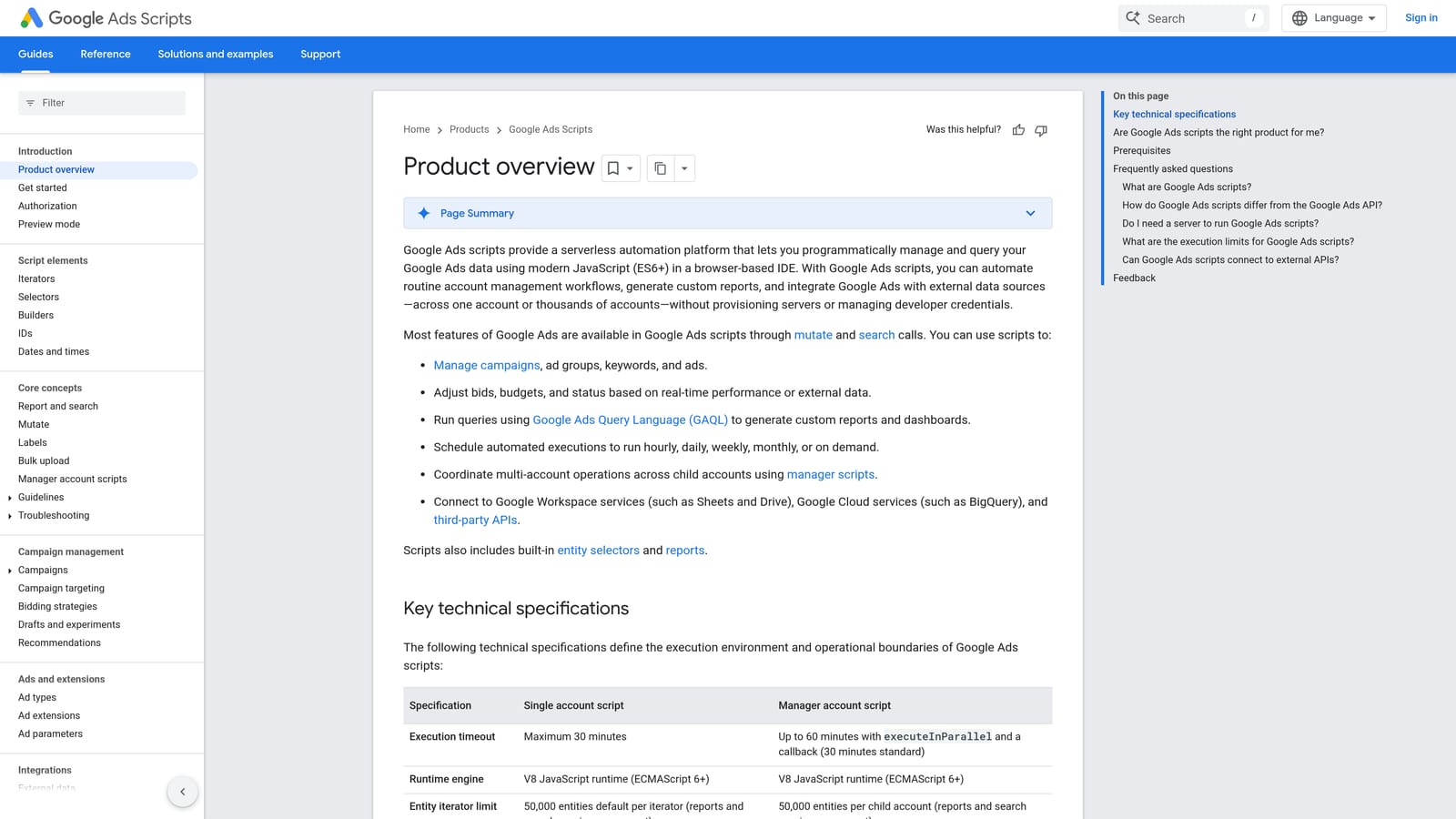
Their strength is flexibility at no software cost. If you can describe a check or change precisely, you can probably automate it, including pushing data to Google Sheets.
- Custom JavaScript scripts let you build checks and actions no off-the-shelf tool offers.
- Scheduled execution runs them hourly, daily, or weekly without you touching anything.
- Automated rules cover simple changes, such as pausing or adjusting on a schedule, without code.
- Account-specific alerts can notify you when your own conditions are met.
Whoever runs it needs JavaScript skills for scripts. Automated rules are friendlier but more limited.
The real limitation is upkeep. Scripts break when requirements change, and you are the support team. For a non-technical marketer, the hidden cost is hours, not dollars. Pricing is free, with no tiers.
Best for: Technical advertisers who can build and maintain their own automations.
7. SEMrush
SEMrush is a broad marketing suite, and its paid-search tools sit alongside SEO features. It is a research product, not a place to edit your campaigns.
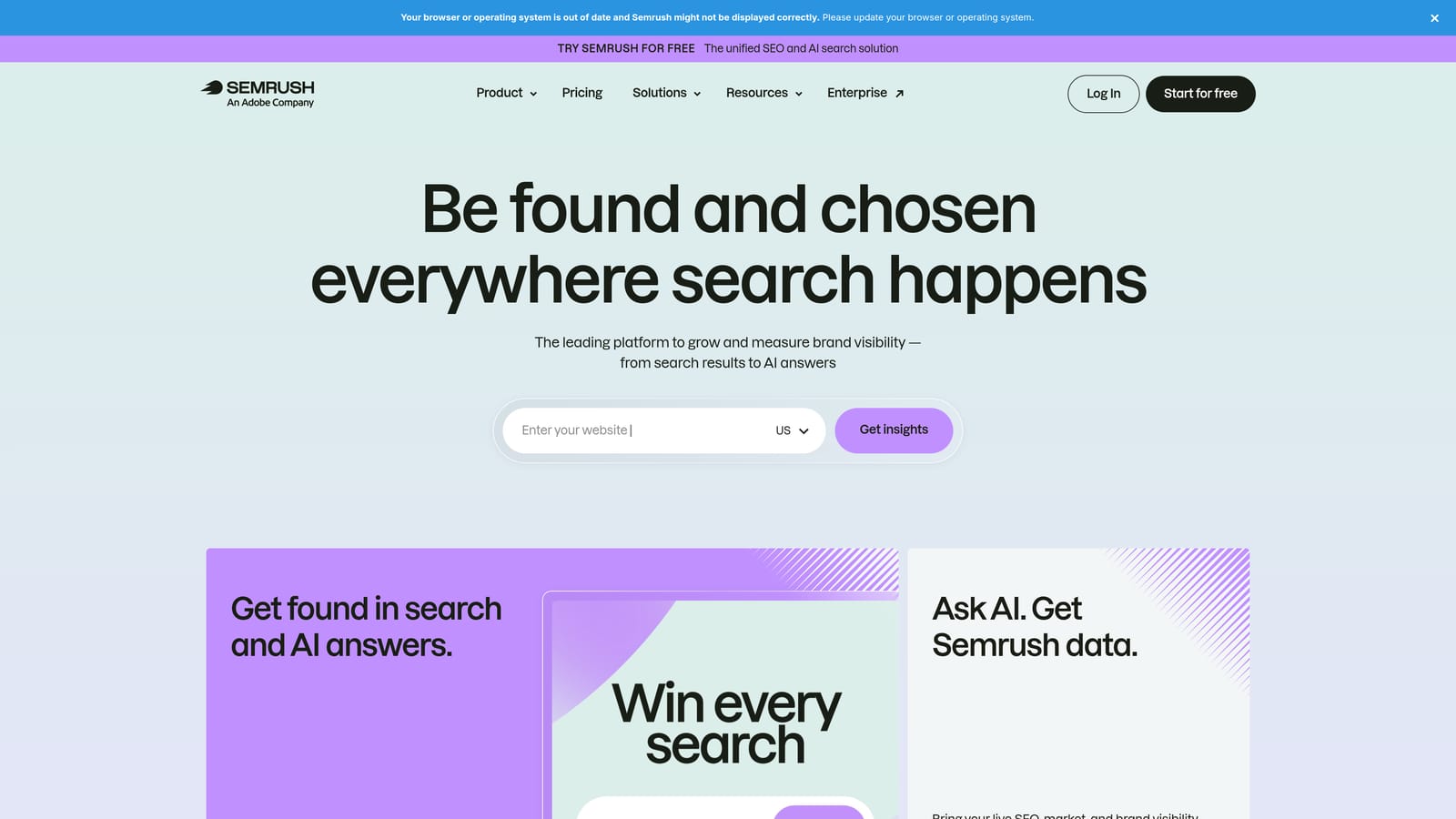
What sets it apart here is the pairing of competitor paid-search data with SEO data. You can see what rivals are bidding on and compare it to organic opportunities.
- Competitor paid-search research shows which keywords and ads rivals run.
- PPC keyword research helps you find terms worth bidding on before you spend.
- Ad tracking lets you watch how competitor messaging changes over time.
- Position tracking monitors where you appear for chosen terms.
It connects with Google Ads, Google Analytics, and Google Search Console. Marketers and SEO teams usually own it, and the learning curve comes from the sheer number of tools.
The limitation: it will not clean search terms, add negatives, or change your campaigns. You still need a hands-on tool. Pricing is by subscription tier; verify current plans (as of November 2026). Tier level, user seats, and usage limits typically drive cost.
Best for: Marketers who need competitor and keyword research alongside SEO.
8. Swydo
Swydo automates client reporting for agencies. It pulls data from Google Ads, Meta Ads, Google Analytics, and Microsoft Advertising into scheduled reports.
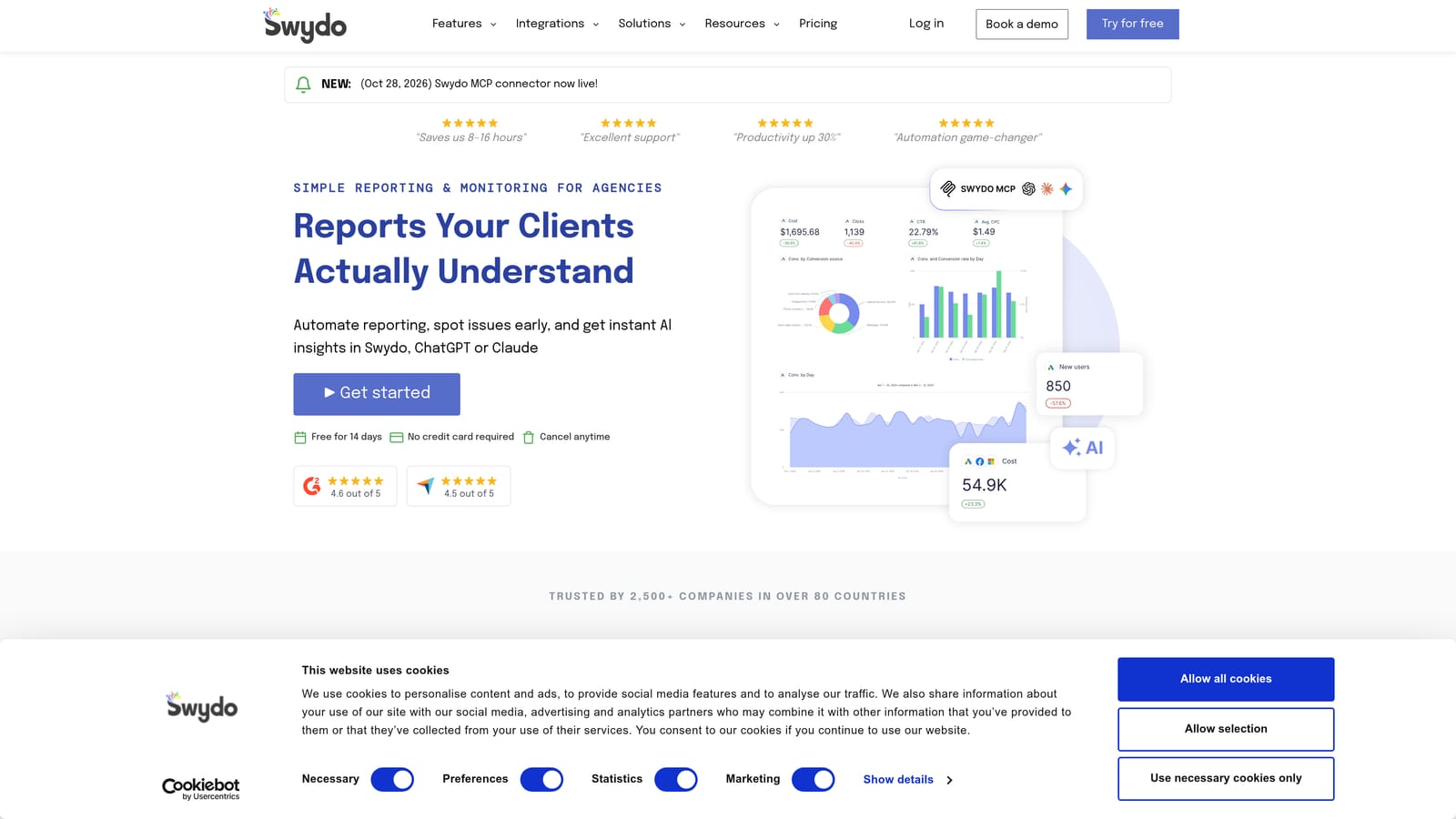
Its distinguishing feature is white-label output. Clients see your branding, not the tool's, and the monthly report assembles itself.
- Automated client reports cut the hours spent copying numbers into slides.
- White-label dashboards put your brand in front of the client.
- Multi-platform data sources combine ad and analytics data in one report.
- Report templates keep reports consistent across clients.
Setup means connecting each client's data sources and building a template once. An account manager or ops person typically owns it.
The limitation is that it reports on performance but does not optimize campaigns. It will show you wasted spend without helping you fix it. Pricing is tiered by data sources or accounts, so it grows as your client list does. Verify current plans (as of November 2026).
Best for: Agencies that spend too much time building monthly client reports.
Which Tool Fits Which Situation, and What a Realistic Monthly Bill Looks Like
Match the tool to the job you actually do:
- Solo advertiser: Start with Google Ads Editor (free) for bulk edits and Keywordme for search term cleanup. That combination costs $12 per month.
- Freelancer: Keywordme for daily search term work, plus a reporting tool like Swydo once client reports start eating your evenings.
- Agency: Add Optmyzr or Adalysis for automation and monitoring, depending on whether you want broad optimization or alert-driven oversight. Keywordme is a fast fit for the hands-on search term work.
- Hands-off small business: WordStream's guided approach, with a quote to confirm the fee structure.
For a realistic total, pair one optimization tool with one reporting tool. For instance, a freelancer could run Keywordme at $12 per user plus a Swydo plan at whatever its current tier costs. Add the two, multiply the optimization seat by your headcount, and you have your monthly figure. Free tools like Editor and Scripts cost nothing in licenses, but budget your own hours for them.
Optimize Google Ads Campaigns 10X Faster. Without Leaving Your Account. Keywordme lets you remove junk search terms, build high-intent keyword lists, and apply match types instantly, right inside Google Ads. No spreadsheets, no switching tabs, just quick, seamless optimization. Start your free 7-day trial (then just $12/month) and take your Google Ads game to the next level.
