
9 Best Google Ads Management Tools for SaaS in 2026
Effective google ads management for saas requires specialized tools that handle long sales cycles, high-intent targeting, and complex ROI tracking unique to software products. This guide evaluates the 9 best platforms in 2026, helping SaaS marketers, freelancers, and agency owners choose tools that maximize workflow efficiency and scale campaigns without wasting budget.


TL;DR: Managing Google Ads for a SaaS product is a different beast than running campaigns for e-commerce or local businesses. You're targeting high-intent buyers in a crowded space, dealing with long sales cycles, and trying to prove ROI before churn kills your numbers. The right tools make the difference between burning budget and actually scaling. This list covers the best Google Ads management tools built (or well-suited) for SaaS marketers, freelancers, and agency owners running PPC in 2026. Each tool is evaluated on workflow efficiency, SaaS-specific utility, and value for money.
Whether you're a solo operator managing one account or an agency juggling dozens of SaaS clients, there's something here for you. Let's get into it.
Why Google Ads Management for SaaS Is Different
SaaS buyers research extensively before converting. That means your search term landscape is broad and often polluted with irrelevant queries. Someone searching "project management tool" might be a $500/month enterprise buyer or a student looking for a free app. Your job is to filter aggressively and bid on the right intent.
Negative keyword management is especially critical here. Broad and phrase match in a competitive SaaS category will attract non-buyer intent fast: "free [software category]", "[competitor] review", "how to [DIY task]". If you're not cleaning your search terms regularly, you're donating money to Google.
The tools below address three distinct needs: workflow efficiency (doing the work faster), competitive intelligence (knowing what to do), and reporting (proving it worked). The best SaaS PPC stacks usually combine at least two of these layers.
1. Keywordme
Best for: In-interface search term cleanup and keyword management for SaaS advertisers
Keywordme is a Chrome extension that integrates directly into Google Ads' Search Terms Report, letting you clean up junk queries, add negatives, apply match types, and build keyword lists without ever leaving the native UI.

Where This Tool Shines
In most accounts I audit, the Search Terms Report is where the most wasted spend lives. SaaS categories attract a ton of off-intent traffic, and the traditional workflow for dealing with it is painful: export to spreadsheet, filter, copy negatives, go back to Google Ads, navigate to the negative keyword list, paste, upload. Keywordme collapses that entire process into one-click actions directly inside Google Ads.
What makes this particularly useful for SaaS is the frequency of the task. You're not doing this once a month. Competitive SaaS categories generate new junk search terms constantly, especially if you're running broad or phrase match for discovery. Having a tool that makes the cleanup feel effortless means you'll actually do it weekly instead of letting waste accumulate.
Key Features
One-Click Negative Keyword Addition: Flag irrelevant search terms and add them to your negative lists without leaving the Search Terms Report.
Bulk Match Type Application: Apply exact, phrase, or broad match to multiple keywords at once, no spreadsheet required.
Keyword Clustering: Group related search terms into organized keyword lists faster than manual sorting allows.
Multi-Account and Team Support: Agencies can manage multiple SaaS client accounts and share workflows across team members.
No External Dashboard: Everything happens inside Google Ads. No tab switching, no data export, no reconciliation headaches.
Best For
SaaS marketers and agency owners who manage Google Ads daily and want to cut the time spent on search term cleanup and keyword list building. Especially valuable if you're running broad or phrase match strategies and need to stay on top of intent filtering without building complex spreadsheet workflows.
Pricing
$12/month per user. A 7-day free trial is available, which is enough time to see the workflow difference on a real account.
2. Google Ads Editor
Best for: Bulk offline editing and campaign restructuring at scale
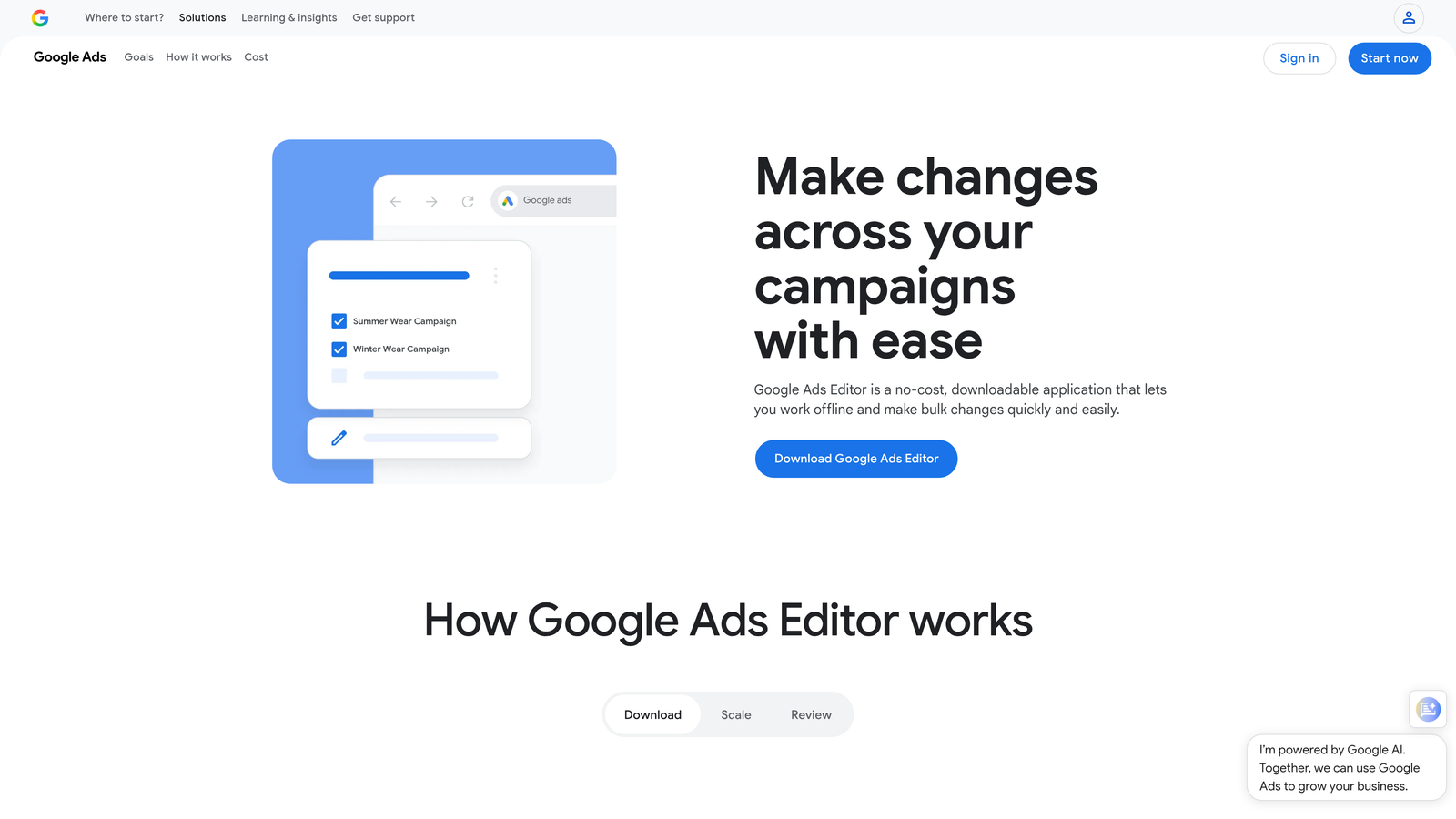
Google Ads Editor is Google's free desktop application for managing and editing Google Ads accounts in bulk, offline.
Where This Tool Shines
If you're restructuring a SaaS account, launching a new campaign set, or making bulk bid adjustments across dozens of ad groups, the native Google Ads interface will slow you down significantly. Ads Editor lets you make those changes offline, review them before pushing, and sync when you're ready. The find-and-replace function alone saves hours when you need to update messaging across an entire account.
It's not glamorous, and it has no AI or automation. But every serious PPC manager uses it for heavy lifting. Think of it as the power tool you reach for when the job is too big for the standard interface.
Key Features
Bulk Editing: Edit campaigns, ad groups, keywords, and ads in bulk with spreadsheet-like controls.
Offline Editing: Make changes without an internet connection, then sync when reconnected.
Find and Replace: Update ad copy, URLs, or keyword text across an entire account in seconds.
Campaign Copying: Duplicate campaigns between accounts, useful for launching similar SaaS campaigns across multiple markets.
Free: Included with any Google Ads account, no subscription required.
Best For
Any Google Ads manager working at scale. If you're managing a single small SaaS account, you may rarely need it. If you're an agency with multiple clients or running campaigns across several product lines, it's non-negotiable.
Pricing
Free. No catch.
3. Optmyzr
Best for: Rule-based automation and structured optimization workflows for agencies
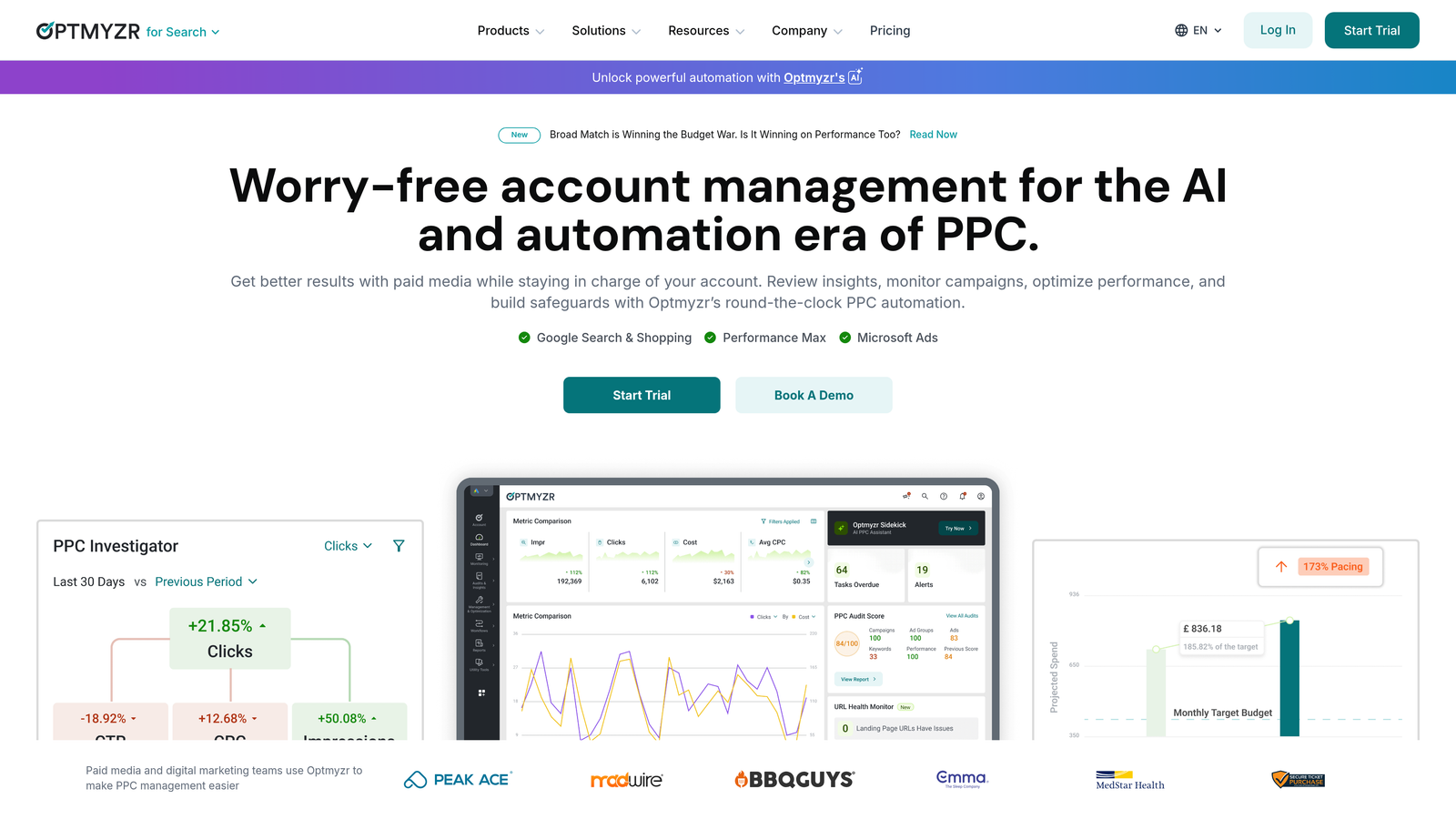
Optmyzr is a PPC management platform built around one-click optimizations, rule-based automation, and client-facing reporting for Google Ads and other channels.
Where This Tool Shines
The mistake most agencies make is treating optimization as a reactive task. Optmyzr is built around the idea of proactive, repeatable workflows. You set rules, get recommendations, and apply changes with one click instead of digging through accounts manually. For SaaS agencies managing multiple clients, this kind of structure keeps optimization consistent across accounts without requiring a senior PPC manager to touch every one.
Budget pacing is another area where Optmyzr earns its keep. SaaS clients often have tight monthly budgets and low tolerance for overspend. Having automated alerts and pacing tools built into your workflow reduces the "we went over budget" conversations significantly.
Key Features
One-Click Optimization Recommendations: Surfaces actionable changes across bids, budgets, and keywords with a single click to apply.
Custom Rule-Based Automation: Build automation rules without writing scripts, useful for teams without developer resources.
Budget Pacing Tools: Monitor and manage monthly spend pacing across multiple client accounts.
PPC Reporting Dashboards: Client-ready reporting with customizable templates and white-label options.
Performance Max and Shopping Support: Handles campaign types that are increasingly common in SaaS growth accounts.
Best For
PPC agencies managing multiple SaaS clients who want automation guardrails and structured workflows without building everything from scratch in Google Scripts.
Pricing
Starts around $208/month. Verify current pricing on their site before committing, as plans vary by account volume.
4. SEMrush (Advertising Toolkit)
Best for: Competitor ad intelligence and keyword discovery for SaaS PPC strategy
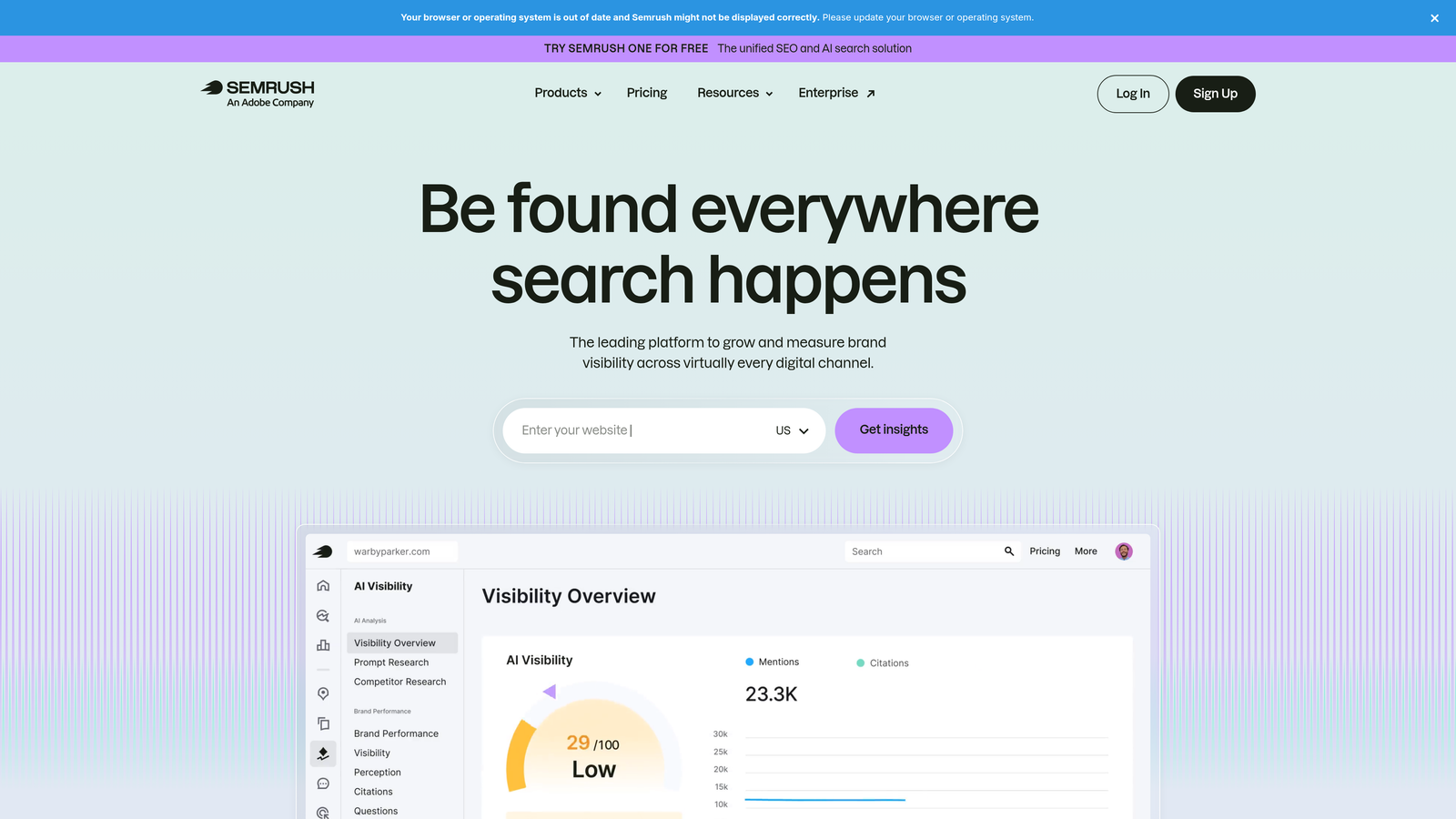
SEMrush is an all-in-one digital marketing platform with a dedicated advertising toolkit that's particularly strong for SaaS competitive research.
Where This Tool Shines
Before you build a keyword list for a new SaaS client, you want to know what your competitors are already paying for. SEMrush's Advertising Research tool shows you which keywords competitors are bidding on, what ad copy they're running, and how long they've been running it. Ads that have run for months in a competitive SaaS category are usually profitable. That's a shortcut most advertisers don't use enough.
The Keyword Magic Tool is genuinely useful for SaaS because you can filter by intent, CPC range, and competition level. Finding the right bottom-of-funnel terms like "[competitor] alternative" or "[category] software for [use case]" is much faster with a proper keyword research tool than guessing inside Google Ads.
Key Features
Advertising Research: See competitor keyword lists, ad copy, and historical ad data for any domain.
Keyword Magic Tool: Discover PPC keywords by intent, volume, CPC, and competitive density.
Ad Copy Analysis: Review competitor ad messaging to identify positioning gaps and opportunities.
PLA Research: Relevant for SaaS companies with product listing campaigns or marketplace presence.
Integrated SEO and PPC Intelligence: One platform covers both channels, useful for SaaS teams running content and paid together.
Best For
SaaS marketers who want to build keyword strategies informed by real competitor data, and teams that need both SEO and PPC intelligence from a single platform.
Pricing
Plans start around $139.95/month. Verify current pricing on their site, as plans and features change regularly.
5. SpyFu
Best for: Affordable competitor ad intelligence for freelancers and smaller SaaS teams
SpyFu is a competitive intelligence tool specializing in Google Ads and SEO keyword history, with one of the longest historical ad databases available.

Where This Tool Shines
SpyFu's strength is depth of history. You can see years of a competitor's keyword activity, which is genuinely useful when onboarding a new SaaS client. If a competitor has been bidding on a specific set of terms for three years, that's strong signal that those terms convert. SpyFu surfaces that pattern clearly and affordably.
For freelancers doing client onboarding research or building initial keyword strategies, SpyFu delivers most of what you need from a competitive intelligence tool at a fraction of SEMrush's price. It's less polished and has fewer features overall, but for pure PPC research, the gap is smaller than the price difference suggests.
Key Features
Competitor Ad History: View years of historical keyword and ad data for any competitor domain.
Keyword Overlap Analysis: See which keywords you share with competitors and where the gaps are.
Estimated Ad Spend Data: Get rough estimates of competitor monthly PPC investment.
SERP Analysis: Review paid and organic results side by side for any keyword.
Affordable Entry Price: Accessible for solo operators and small agencies who can't justify SEMrush pricing.
Best For
Freelancers and small agencies doing competitive keyword research for SaaS clients on a tighter budget. Also useful as a supplementary tool alongside SEMrush for cross-referencing competitor data.
Pricing
Plans start around $39/month. Verify current pricing on their site.
6. Adalysis
Best for: Ad testing, Quality Score monitoring, and account health auditing
Adalysis is a Google Ads management tool focused on ad testing with statistical rigor, Quality Score tracking, and automated account auditing.

Where This Tool Shines
Most SaaS accounts I look at have ad testing that's either nonexistent or based on gut feel. Someone paused the lower CTR ad without checking whether the difference was statistically significant. Adalysis automates the testing framework: it monitors your ad variants, calculates statistical significance, and tells you when you have a clear winner. That removes the guesswork and stops you from making premature decisions.
The Quality Score tracking is particularly relevant for SaaS, where CPCs in competitive categories can be high. Knowing which keywords have below-average Quality Scores, and why, gives you a clear optimization target that directly impacts your cost per click.
Key Features
Automated A/B Ad Testing: Monitors ad variants and flags statistically significant winners automatically.
Quality Score Tracking: Tracks Quality Score history at the keyword level so you can see trends over time.
Ad Rotation Analysis: Identifies ad rotation issues and makes recommendations to improve performance.
Account Health Auditing: Automated audits surface issues across campaigns, ad groups, and keywords.
RSA Performance Insights: Analyzes Responsive Search Ad asset performance to guide creative decisions.
Best For
SaaS teams running multiple ad variants who want data-driven testing without building manual tracking systems. Also strong for anyone focused on reducing CPCs through Quality Score improvement.
Pricing
Starts around $99/month. Verify current pricing on their site.
7. Supermetrics
Best for: Pulling Google Ads data into custom reporting dashboards and BI tools
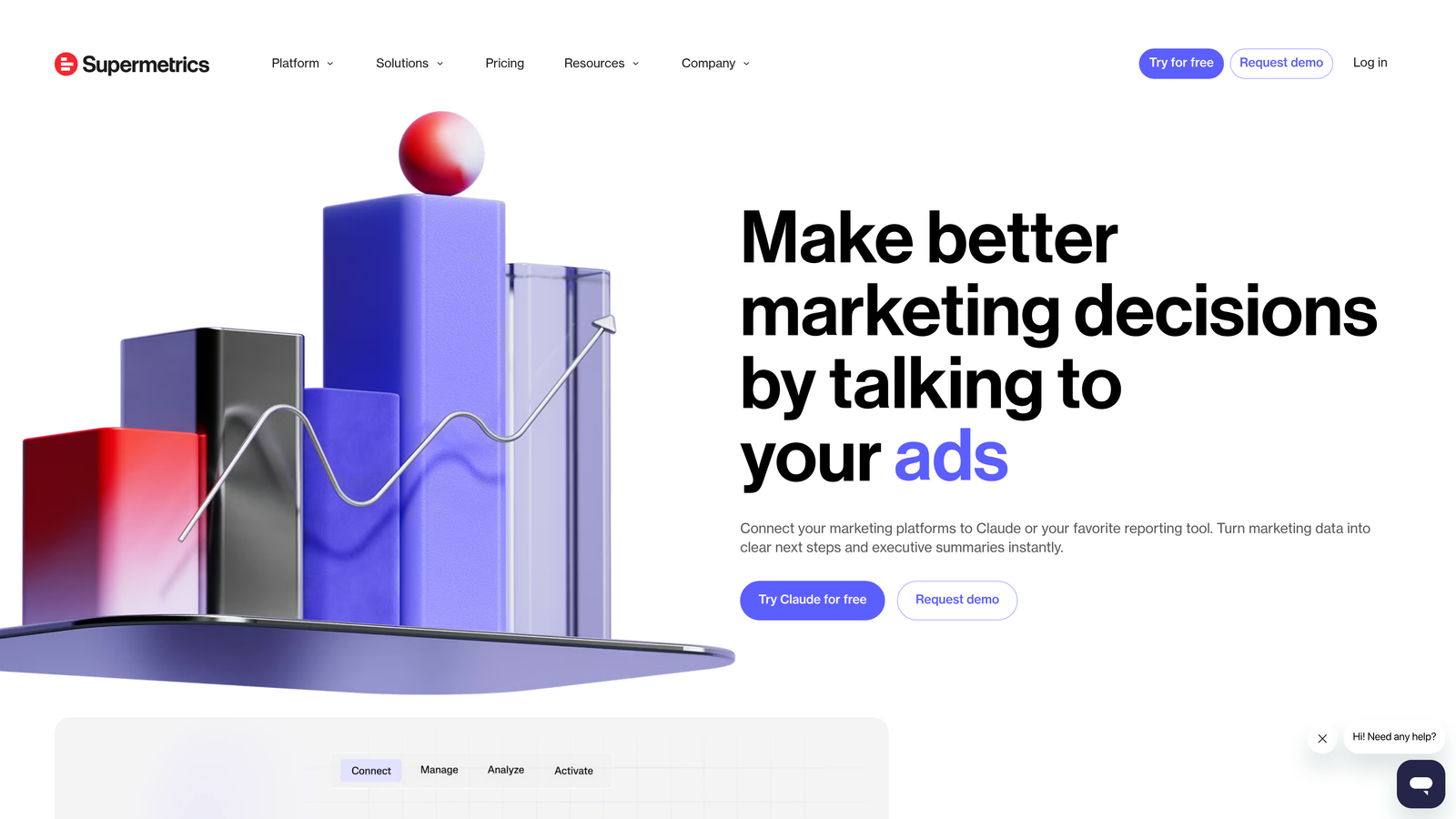
Supermetrics is a data connector that moves Google Ads performance data into Looker Studio, Google Sheets, Excel, BigQuery, and other analytics destinations.
Where This Tool Shines
Supermetrics isn't a campaign management tool. It doesn't optimize your bids or suggest keywords. What it does is eliminate the manual data work that eats up reporting time for agencies and in-house teams. Instead of logging into Google Ads, exporting CSVs, and pasting data into a client dashboard every week, Supermetrics automates the data pipeline so your reports update on their own.
For SaaS agencies managing multiple clients, this is a significant time saver. You build the dashboard once, connect the data sources, and let Supermetrics keep it current. Cross-channel reporting is also strong: combining Google Ads data with Meta, LinkedIn, and organic metrics in a single Looker Studio dashboard is genuinely useful for SaaS teams running multi-channel acquisition.
Key Features
Multi-Destination Connectivity: Connects Google Ads to Looker Studio, Google Sheets, Excel, BigQuery, and more.
Cross-Channel Reporting: Combine Google Ads data with Meta, LinkedIn, and other platforms in one report.
Automated Data Refresh: Schedule automatic data updates so dashboards stay current without manual exports.
Pre-Built Report Templates: Start with templates for common PPC reporting use cases and customize from there.
Multi-Account Aggregation: Pull data from multiple Google Ads accounts into a single reporting view.
Best For
Agencies building client-facing dashboards and SaaS teams that need to report on Google Ads performance alongside other marketing channels. Not useful if you just need campaign management, but essential if reporting is a significant part of your workflow.
Pricing
Pricing varies by destination and number of data sources. Check their site for current plan details, as the structure has changed over time.
8. LocaliQ (formerly WordStream Advisor)
Best for: Guided PPC optimization for SaaS founders and non-specialist teams
LocaliQ, formerly known as WordStream Advisor, is a guided PPC management platform built around smart recommendations and simplified optimization workflows.
Where This Tool Shines
Not every SaaS company has a dedicated PPC specialist. Founders and growth generalists often end up managing Google Ads without deep platform expertise. LocaliQ's "20-minute work week" workflow is designed for exactly that situation: it surfaces the most important optimizations, explains what to do, and guides you through applying changes without requiring advanced knowledge.
The performance grading feature is also useful for quick account health checks. It benchmarks your account against industry averages and highlights where you're underperforming, which is a reasonable starting point for teams that don't know where to focus first.
Key Features
Guided Optimization Workflow: Step-by-step recommendations designed to be completed in roughly 20 minutes per week.
Google Ads Performance Grading: Benchmarks your account performance and surfaces areas for improvement.
Smart Budget Recommendations: Suggests budget adjustments based on performance data and goals.
Keyword and Negative Keyword Suggestions: Recommends additions to improve targeting and reduce wasted spend.
Multi-Channel Campaign Management: Extends beyond Google Ads to other paid channels from a single interface.
Best For
SaaS founders, small marketing teams, or non-specialist operators who need a structured approach to Google Ads management without deep PPC expertise. Less suited for experienced PPC managers who want granular control.
Pricing
Pricing varies by plan and services included. Verify current pricing on their site.
9. Tenscores
Best for: Quality Score diagnostics and CPC reduction in competitive SaaS categories
Tenscores is a specialized Google Ads tool focused exclusively on Quality Score improvement and keyword-level account health diagnostics.
Where This Tool Shines
In high-CPC SaaS categories, Quality Score isn't a vanity metric. A keyword with a Quality Score of 4 versus 8 can mean paying dramatically more per click for the same position. Most account managers know Quality Score matters but don't have a clear view of which specific keywords are dragging down performance and why. Tenscores gives you that view.
What usually happens in SaaS accounts is that a handful of low-Quality Score keywords are quietly inflating average CPCs across entire ad groups. Tenscores surfaces those keywords clearly, shows the historical trend, and points to whether the issue is expected CTR, ad relevance, or landing page experience. That's actionable in a way that the native Google Ads Quality Score column isn't.
Key Features
Keyword-Level Quality Score Tracking: Monitors Quality Score history for every keyword so you can see trends and regressions.
Account Health Scoring: Rolls up keyword-level data into an overall account health score for quick diagnosis.
Problem Keyword Identification: Flags keywords that are dragging down account-level Quality Scores.
Ad Relevance and Landing Page Insights: Breaks down Quality Score components to show where the issue actually lives.
Actionable CPC Reduction Recommendations: Guides you through fixes that can lower CPCs by improving Quality Scores over time.
Best For
SaaS advertisers in competitive categories where CPCs are high and Quality Score improvement has a direct impact on profitability. Also useful for account auditors who want a clear diagnostic view before recommending structural changes.
Pricing
Starts around $30/month. Verify current pricing on their site.
Which Tool Is Right for Your SaaS PPC Stack?
No single tool solves everything. The best SaaS PPC stacks combine at least three layers: an in-interface optimization tool for day-to-day cleanup, a research tool for keyword and competitor intelligence, and a reporting layer for proving ROI to stakeholders or clients.
Here's a quick guide by use case:
Wasted spend from irrelevant search terms: Start with Keywordme. It's the fastest way to clean up your account without leaving Google Ads, and at $12/month it's the lowest-friction entry point on this list.
Building a keyword strategy from scratch: Pair SEMrush or SpyFu with your management workflow. SEMrush if you need depth and integrated SEO intelligence; SpyFu if budget is a constraint and pure PPC research is the goal.
Agency managing multiple SaaS clients: Optmyzr for automation and optimization workflows, Supermetrics for reporting pipelines. These two together cover most of the operational overhead that scales poorly without tooling.
High CPCs killing your unit economics: Tenscores gives you the clearest diagnostic view of Quality Score issues. Fix the underlying problems there before throwing more budget at the problem.
Non-specialist managing their own SaaS account: LocaliQ's guided workflow is the most approachable entry point. Pair it with Google Ads Editor for bulk changes when needed.
The honest truth is that your Google Ads budget is too valuable to manage with spreadsheets and manual exports alone. Most of these tools offer free trials. Pick the one that addresses your most painful bottleneck today, test it against a real account, and build from there.
If search term cleanup and keyword management are eating your time, Start your free 7-day trial of Keywordme and see how much faster your weekly optimization workflow gets, right inside Google Ads, no spreadsheets required.
.svg)