
9 Best Google Ads Keyword Strategy Tools in 2026
This guide reviews the 9 best Google Ads keyword strategy tools in 2026, covering every stage of the keyword lifecycle — discovery, organization, optimization, and cleanup — to help freelancers and agencies build higher-converting campaigns and eliminate wasted ad spend.


TL;DR: The best Google Ads keyword strategy tools in 2026 cover three distinct jobs: discovering keywords, organizing them, and optimizing your campaigns on an ongoing basis. This list covers all three stages, from free native tools to advanced automation platforms. If you're actively managing accounts, you need tools from more than one category, and the right combination depends on your volume, budget, and how much time you're willing to spend outside the Google Ads interface.
Poor keyword strategy is one of the fastest ways to bleed budget in Google Ads. Match types drift, irrelevant search terms accumulate, and new high-intent queries go unnoticed for weeks. Whether you're a solo freelancer managing a handful of accounts or an agency running campaigns at scale, the right toolset makes the difference between campaigns that convert and ones that quietly drain spend.
These tools were selected based on real workflow utility across the full keyword strategy cycle: discovery, organization, optimization, and cleanup. Here are the top Google Ads keyword strategy tools worth using in 2026.
1. Keywordme
Best for: In-interface PPC optimization without spreadsheets or tab-switching
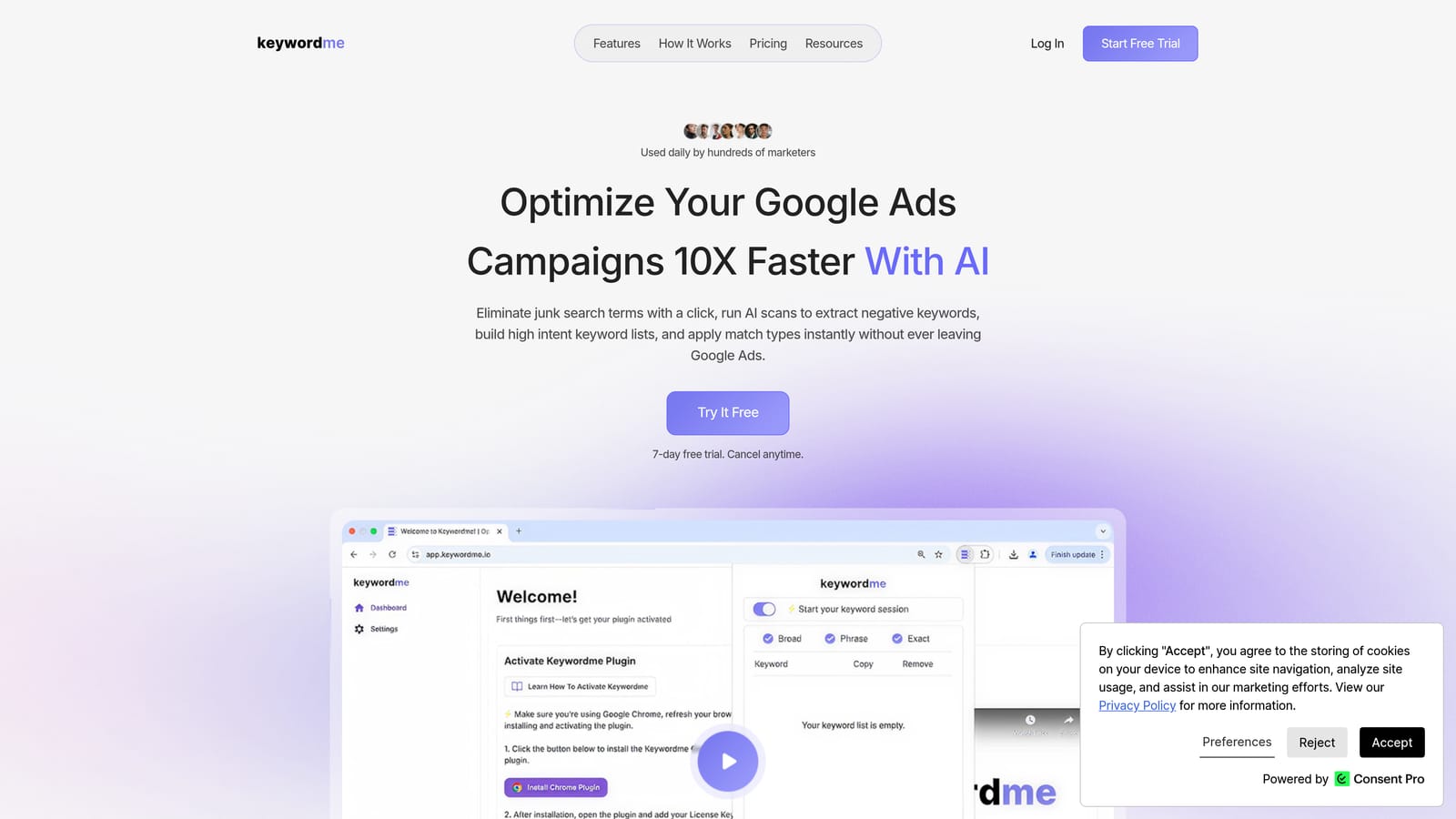
Keywordme is a Chrome extension that lives directly inside Google Ads' Search Terms Report, letting you optimize campaigns without ever leaving the native interface.
Where This Tool Shines
Most keyword optimization workflows look like this: export search terms to a spreadsheet, sort by cost or conversions, manually flag negatives, build a list, go back to Google Ads, paste them in. It works, but it's slow and error-prone. Keywordme collapses that entire process into one-click actions directly inside the report you're already looking at.
In most accounts I audit, the Search Terms Report is where the biggest wins are hiding. Keywordme makes it practical to actually work that report every week, rather than treating it as a quarterly cleanup task. For agencies managing multiple clients, the multi-account and team support features mean the same streamlined workflow scales across your entire book of business.
Key Features
One-Click Negative Keyword Addition: Add irrelevant search terms directly to your negative keyword lists without exporting or switching tabs.
Keyword Clustering and Grouping: Organize search terms into keyword groups and ad group themes without leaving the Google Ads interface.
Bulk Editing and Match Type Application: Apply match types and make bulk changes to keywords in a fraction of the time it takes natively.
Multi-Account and Team Support: Manage optimization workflows across multiple client accounts with team-level access, making it practical for agency use.
Native Interface Integration: Works inside Google Ads itself, meaning no data export, no separate dashboard to learn, and no context-switching mid-workflow.
Best For
Freelancers and agency PPC managers who spend significant time in the Search Terms Report and want to eliminate the spreadsheet step entirely. Also a strong fit for in-house teams doing weekly optimization reviews who need to move faster without adding more tooling complexity.
Pricing
$12/month per user, with a 7-day free trial. Flat-rate pricing makes it easy to budget for, especially for agencies adding it across multiple team members.
2. Google Keyword Planner
Best for: Starting keyword research from scratch using Google's own first-party data
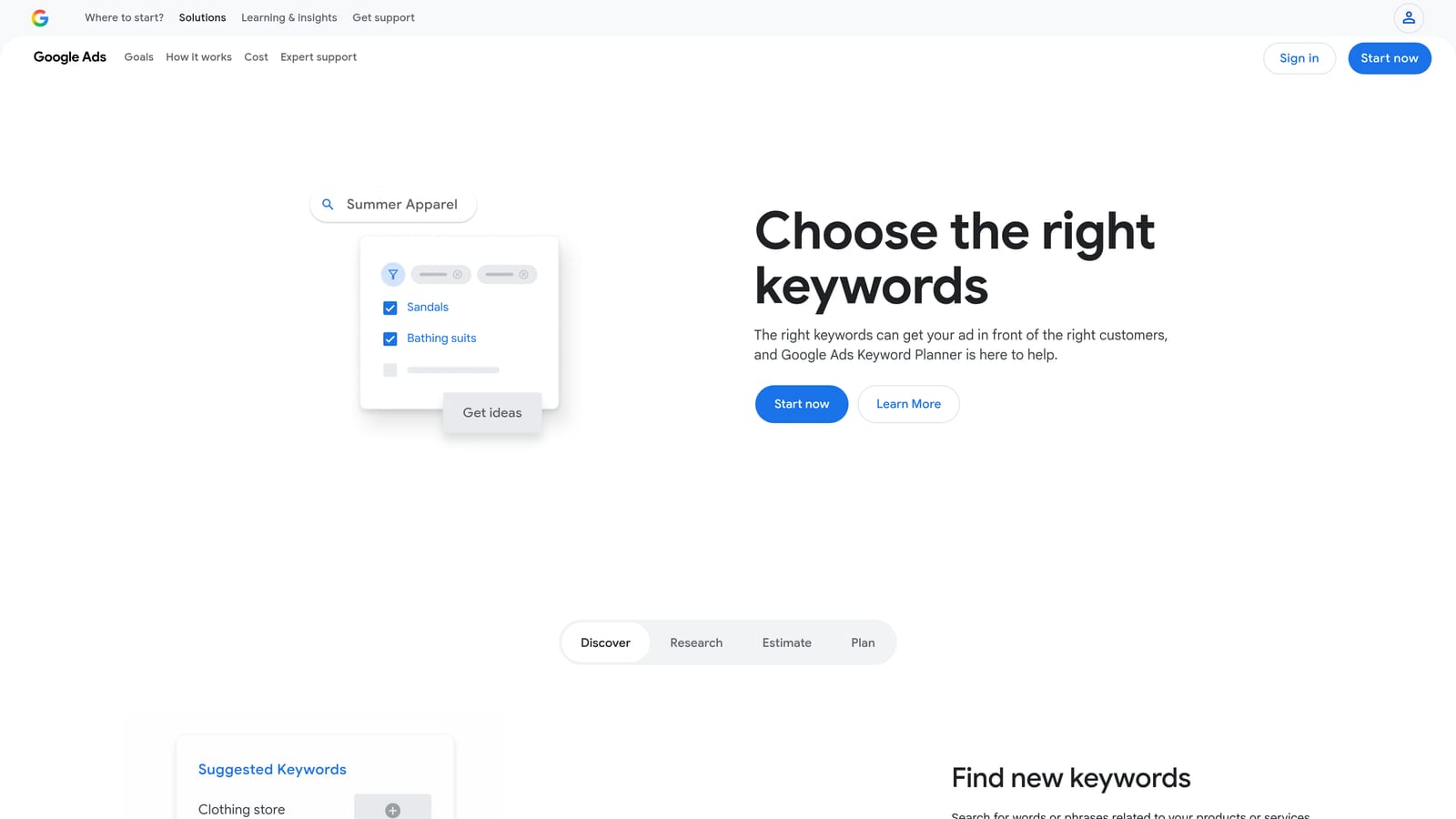
Google Keyword Planner is the native keyword research tool built into Google Ads, providing search volume ranges, competition levels, and bid estimates directly from Google.
Where This Tool Shines
The main advantage here is data provenance. Every other tool on this list estimates search volume using third-party models. Keyword Planner pulls from Google's own data, which makes it the most accurate starting point for any new keyword list. When you're validating whether a keyword is worth targeting, this is the ground truth.
What usually happens here is that advertisers use it to build their initial keyword universe, then layer in competitive intelligence from tools like SEMrush or SpyFu. It's not a standalone strategy tool, but it's the right first stop before you spend anything. One limitation worth knowing: volume data shows as ranges unless your account has active spend, which can make it harder to prioritize at the early stages.
Key Features
Keyword Discovery by Topic or URL: Enter a topic, phrase, or landing page URL to generate related keyword ideas.
Monthly Search Volume Ranges: View estimated search volume trends over time for any keyword.
Competition Level and Bid Estimates: See low, medium, or high competition ratings alongside suggested CPC ranges.
Keyword Grouping: Organize discovered keywords into ad group themes directly within the tool.
Free Access: Available at no cost with any Google Ads account, active or paused.
Best For
Any advertiser starting a new campaign or entering a new market. Also useful for budget planning and validating keyword ideas before committing spend. If you're building a keyword list from zero, start here before opening any other tool.
Pricing
Free. Requires a Google Ads account, but no active spend is necessary to access the tool.
3. SEMrush
Best for: Competitive PPC keyword intelligence combined with SEO research in one platform
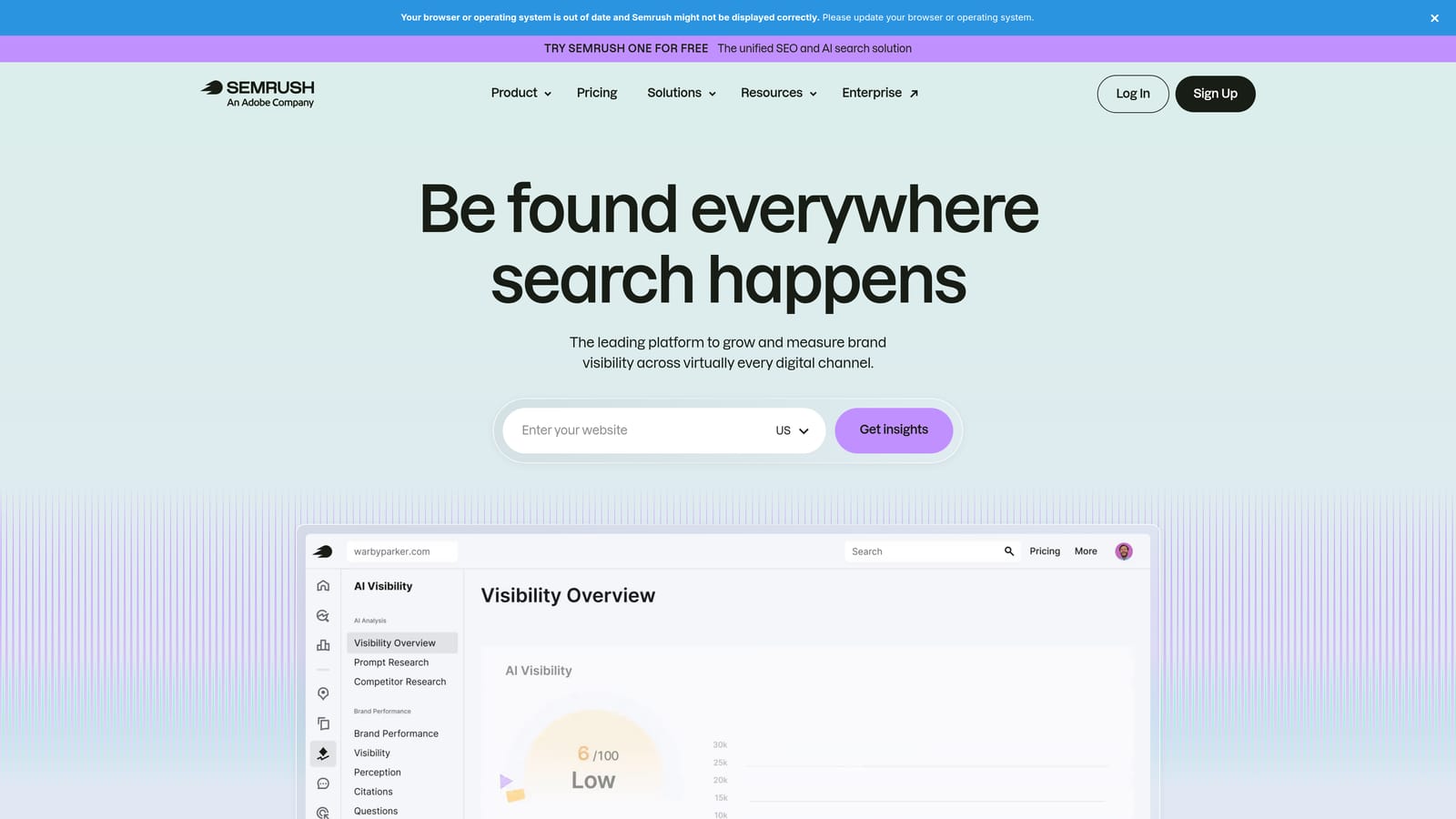
SEMrush is a comprehensive SEO and PPC research platform with strong competitive keyword intelligence and a Keyword Magic Tool that surfaces variations at scale.
Where This Tool Shines
The mistake most agencies make with SEMrush is using it only for SEO. Its PPC-specific features are genuinely useful: the Keyword Magic Tool lets you filter keyword ideas specifically for paid search, and the competitor ad research shows you what copy and landing pages competitors are running alongside their keyword bids. That combination of keyword data plus creative intelligence is hard to find elsewhere.
The keyword gap analysis is particularly useful when you're inheriting an account or doing a competitive audit. You can compare your domain against competitors to identify keywords they're bidding on that you're not, which gives you a structured way to expand your keyword strategy rather than guessing.
Key Features
Keyword Magic Tool with PPC Filtering: Generate thousands of keyword variations and filter specifically for paid search intent and CPC data.
Competitor Keyword Gap Analysis: Identify keywords competitors are bidding on that your campaigns aren't targeting.
Ad Copy and Landing Page Research: View competitor ad creative and destination pages by domain, useful for both keyword and messaging strategy.
Negative Keyword Suggestions: The PPC keyword tool surfaces potential negative keywords as part of the list-building workflow.
CPC Data and Keyword Difficulty Scoring: Prioritize keywords based on estimated cost and competitive difficulty in paid search.
Best For
Agencies and in-house marketers running both SEO and PPC who want unified competitive intelligence across channels. Also strong for anyone doing a thorough competitor analysis before launching a new campaign.
Pricing
Starts at approximately $139.95/month for the Pro plan as of this writing. Verify current pricing at semrush.com, as rates change periodically.
4. Ahrefs
Best for: Integrated SEO and PPC keyword research with strong click-through rate and traffic potential data
Ahrefs is primarily an SEO platform, but its Keywords Explorer includes solid paid search data including CPC estimates, paid keyword difficulty, and SERP analysis relevant to PPC strategy.
Where This Tool Shines
Ahrefs is the better choice over SEMrush when you care deeply about click-through rate data and traffic potential estimates. Its Keywords Explorer shows not just search volume, but how many of those searches actually result in clicks, which is a more useful signal for PPC planning than raw volume alone. A keyword with high volume but low click potential may not be worth bidding on.
The SERP overview is also useful for PPC managers. Seeing which queries have heavy paid competition versus mostly organic results helps you identify where you'll face an auction and where you might find underpriced opportunities. That said, Ahrefs is primarily built for SEO, so if PPC research is your main use case, SEMrush or SpyFu may serve you better.
Key Features
Keywords Explorer with Paid Search Data: Research keywords with CPC estimates and paid difficulty scores alongside organic data.
Click-Through Rate Data: Understand what percentage of searches for a keyword result in actual clicks, helping prioritize keyword investment.
SERP Overview: See paid and organic results side by side to understand the competitive landscape for any query.
Keyword Difficulty Scoring: Evaluate how competitive a keyword is in both paid and organic contexts.
Competitor Domain Keyword Analysis: Identify which keywords competing domains are ranking for in paid and organic search.
Best For
Marketers running integrated SEO and PPC strategies who want a single research tool across both channels. Also useful for PPC managers who want to understand organic intent signals before building out paid keyword lists.
Pricing
Starts at approximately $129/month for the Lite plan. Verify current pricing at ahrefs.com.
5. SpyFu
Best for: Reverse-engineering competitor Google Ads keyword strategies with historical data
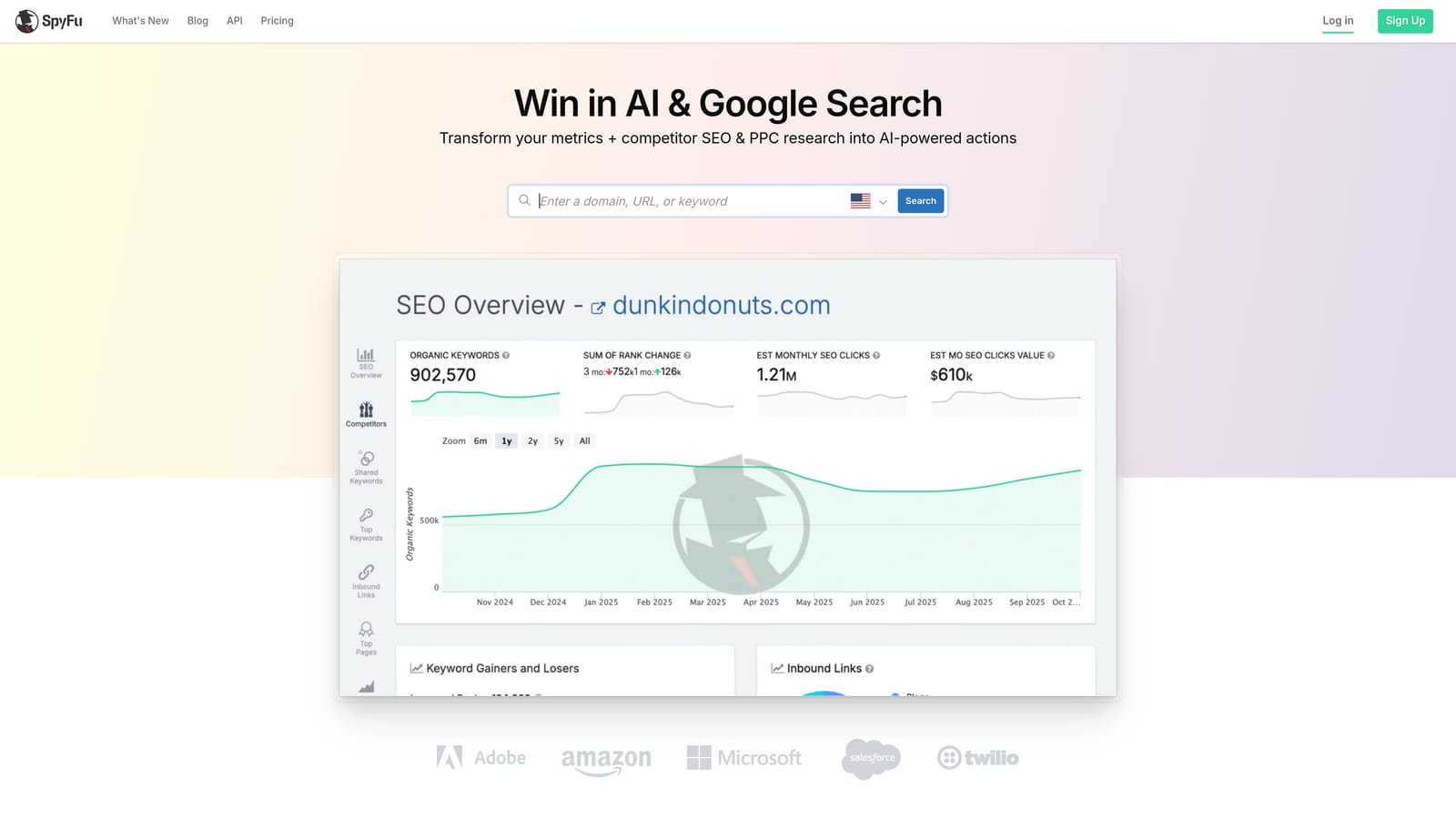
SpyFu is a competitive intelligence tool built specifically for Google Ads research, showing which keywords competitors are bidding on, their estimated spend, and years of historical ad data.
Where This Tool Shines
SpyFu's differentiator is historical depth. You can see not just what a competitor is bidding on today, but what they've been bidding on for years, and which keywords they've dropped. A keyword that a well-funded competitor ran for two years and then stopped is a meaningful signal, either the keyword didn't convert for them, or the economics changed. That kind of intelligence is hard to get anywhere else.
For PPC managers entering a competitive market, SpyFu is the fastest way to build an informed starting keyword list. Rather than guessing what might work, you can see what's already working for competitors and build from there. The domain-vs-domain comparison is particularly useful for client pitches and competitive audits.
Key Features
Competitor Keyword Research: See exactly which keywords any competitor is buying in Google Ads, including estimated spend.
Historical PPC Ad Data: Access years of competitor ad history to identify long-running keyword strategies and abandoned campaigns.
Estimated Competitor Ad Spend: Get rough estimates of how much competitors are spending on specific keywords and overall.
Keyword Grouping and Export: Organize discovered keywords and export them for use in your own campaigns.
Domain-vs-Domain Comparison: Compare your keyword coverage against specific competitors to identify gaps and overlaps.
Best For
PPC managers doing competitive research before launching campaigns, or anyone who wants to build keyword lists based on what's already proven to work in their market rather than starting from scratch.
Pricing
Starts at approximately $39/month, making it one of the more accessible paid tools on this list. Verify current pricing at spyfu.com.
6. WordStream Advisor
Best for: Guided keyword optimization for time-constrained advertisers who want automated recommendations
WordStream Advisor is a guided PPC management platform that surfaces automated keyword recommendations and optimization tasks on a weekly basis, connected directly to your Google Ads account.

Where This Tool Shines
WordStream's "20-Minute Work Week" concept is the core value proposition: the platform analyzes your account and surfaces the most impactful keyword additions, negatives, and bid changes for you to review and approve. For small business owners or marketers who don't have the time or expertise to manually audit their Search Terms Report every week, this guided approach lowers the barrier significantly.
The keyword suggestion engine is account-aware, meaning it's not just suggesting generic keyword ideas but recommendations based on your actual campaign performance data. That makes the suggestions more relevant than what you'd get from a standalone research tool. The tradeoff is that you're working within WordStream's workflow rather than directly in Google Ads, which adds a layer of abstraction some experienced PPC managers find limiting.
Key Features
Automated Weekly Keyword Recommendations: The platform surfaces keyword additions and negative keyword suggestions based on your account data each week.
20-Minute Work Week Workflow: A structured optimization checklist designed to guide users through the most impactful tasks efficiently.
Google Ads Performance Grader: A free tool that audits your account and benchmarks performance against similar advertisers.
Negative Keyword Recommendations: Automated suggestions for irrelevant search terms worth excluding from your campaigns.
Campaign Management Dashboard: A cross-account view of campaign performance with optimization tasks surfaced in one place.
Best For
Small business owners, solo marketers, or time-constrained advertisers who want structured guidance on keyword optimization without needing deep PPC expertise. Less suited for experienced PPC managers who prefer full control over their workflow.
Pricing
Pricing is custom and quote-based. Contact WordStream directly or visit wordstream.com for current rates.
7. Optmyzr
Best for: High-volume agencies needing keyword harvesting and rule-based automation at scale
Optmyzr is an advanced PPC automation platform with keyword harvesting, rule-based automation, and multi-account management built for agencies and high-volume advertisers.
Where This Tool Shines
Optmyzr's keyword harvesting feature is where it earns its place on this list. It automatically identifies search terms from your campaigns that meet criteria you define, such as a minimum number of conversions or a cost-per-acquisition threshold, and flags them for promotion to keywords. At scale, this replaces a significant amount of manual Search Terms Report review.
The rule-based automation engine goes further than most tools, letting you build custom logic for keyword management, bid adjustments, and campaign changes. For agencies managing large-volume accounts with complex structures, that flexibility is genuinely valuable. The learning curve is steeper than other tools here, and the price reflects that, but for the right use case, it's the most powerful option on this list.
Key Features
Keyword Harvesting: Automatically identifies search terms worth promoting to keywords based on performance thresholds you define.
Rule-Based Automation: Build custom automation rules for keyword additions, bid management, and campaign changes without writing scripts.
Search Term Analysis and Negative Keyword Management: Systematic review and management of search terms across multiple accounts.
Multi-Account Reporting and Management: Centralized dashboard for agencies managing large client portfolios.
Custom Scripts and Automation Workflows: Advanced users can build and deploy custom Google Ads scripts through the platform.
Best For
Agencies managing high-volume Google Ads accounts who need automation at scale and are comfortable with a more technically complex tool. Overkill for smaller accounts, but a strong fit for teams managing significant monthly spend across multiple clients.
Pricing
Starts at approximately $208/month. Verify current pricing at optmyzr.com.
8. Answer The Public
Best for: Uncovering question-based and long-tail keyword ideas based on how people actually search
Answer The Public is a search listening tool that generates visualizations of questions, comparisons, and long-tail keyword variations around any topic, useful for building intent-rich keyword lists.
Where This Tool Shines
Most keyword research tools show you keywords people search for. Answer The Public shows you the questions people ask, which is a different and often more useful lens for PPC strategy. Understanding the "what is," "how to," and "best way to" queries around your product category helps you build ad groups that match actual user intent rather than just keyword volume.
It's particularly useful in the early stages of keyword strategy, when you're trying to understand the full landscape of how people think about a topic before narrowing down to what you'll actually bid on. The visual keyword map format is also genuinely helpful for brainstorming ad group structures and identifying keyword themes you might not have considered.
Key Features
Question-Based Keyword Discovery: Surfaces who, what, why, and how queries around any topic, revealing user intent patterns.
Preposition and Comparison Variations: Generates keyword variations using prepositions (for, with, without) and comparison terms (vs, versus, or).
Visual Keyword Maps: Displays keyword ideas in a visual format that makes it easier to spot themes and ad group structures.
Alphabetical Keyword Variation Lists: Generates A-to-Z keyword variations for comprehensive coverage of a topic.
Trend Data: The paid plan includes data on how search query patterns are changing over time.
Best For
Advertisers building out long-tail keyword lists or trying to understand user intent before structuring ad groups. Also useful for informing ad copy angles based on the questions your audience is actually asking.
Pricing
A free tier is available with limited daily searches. Pro plan pricing is available at answerthepublic.com.
9. Google Ads Search Terms Report (Native)
Best for: Every advertiser, at every stage, as the foundational data source for ongoing keyword strategy
Google Ads Search Terms Report is the built-in report showing the actual queries that triggered your ads, along with first-party performance data. It's the most important data source for any active keyword strategy.
Where This Tool Shines
Every other tool on this list is, in some way, helping you prepare for or act on what's inside the Search Terms Report. This is where the real data lives. Not estimates, not third-party models, but the actual queries that real people typed before clicking your ads. If you're not reviewing this report regularly, your keyword strategy is running blind.
It's worth noting that Google reduced search term visibility in 2020, meaning not every query that triggered an impression is shown. That's a documented limitation, and it's one reason that working efficiently with the terms you can see matters more than ever. Tools like Keywordme are specifically built to make this report faster to act on, but the report itself is the foundation everything else builds on.
Key Features
First-Party Query Data: Shows the actual search terms that triggered your ads, with no estimation or sampling involved.
Per-Query Performance Metrics: View impressions, clicks, cost, and conversions broken down by individual search term.
Native Keyword and Negative Keyword Addition: Add search terms as keywords or negatives directly from the report, though the native workflow is slower than using a tool like Keywordme.
Filter and Sort by Any Metric: Prioritize which search terms to review by sorting on cost, conversions, or any other available metric.
Free Access: Available in every Google Ads account at no additional cost.
Best For
Every advertiser, without exception. This is the baseline data source for keyword optimization. Whether you're managing a single small campaign or a large agency portfolio, the Search Terms Report is where ongoing keyword strategy happens. The question isn't whether to use it, but how efficiently you can work through it.
Pricing
Free. Included in every Google Ads account with no additional setup required.
Which Tool Is Right for Your Situation
The honest answer is that most active PPC managers need tools from more than one category. Research tools help you find opportunities; optimization tools help you act on them. Here's a practical breakdown by situation.
If you're a solo freelancer or in-house marketer: Start with Google Keyword Planner for initial research, use the native Search Terms Report as your ongoing data source, and add Keywordme to make your weekly optimization workflow significantly faster. That combination covers the full cycle without a large tool budget.
If you're an agency managing multiple clients: You likely need a competitive intelligence layer (SpyFu at the lower end, SEMrush if you're also doing SEO), plus a workflow tool that scales across accounts. Keywordme's multi-account and team support makes it a natural fit here, and Optmyzr is worth evaluating if you're managing high-volume accounts that need automation.
If you're just getting started: Google Keyword Planner and the native Search Terms Report are free and cover the fundamentals. Add Answer The Public if you want help understanding user intent before building your first keyword lists. Keep the tool stack simple until you understand what's actually limiting your performance.
The Search Terms Report is always the foundation. Every tool on this list either helps you populate it with better keywords or helps you work through it more efficiently. If your current workflow involves exporting that report to a spreadsheet and working through it manually, Start your free 7-day trial of Keywordme and see how much time you get back in the first week alone.
.svg)