
8 Best Google Ads Keyword Research Extensions for PPC in 2026
This guide compares eight browser tools that work as a Google Ads keyword research extension, helping marketers, freelancers, and agency owners find, vet, and add keywords faster. Each pick is judged on where it works, the keyword data it shows, how much manual work it removes, and its price, so you can choose the right fit for your PPC workflow.


If you run Google Ads for a living, you probably have a graveyard of browser tabs, a spreadsheet or two, and at least one export you forgot to re-import. These tools are for marketers, freelancers, and agency owners who want to find, vet, and add keywords with less of that. They were picked based on where they work (inside Google Ads, or on any page or search result), what keyword data they show, how much manual work they remove, and how they price.
Quick Comparison of the Tools
- Keywordme: advertisers and agencies cleaning search terms inside Google Ads; $12/month per user; acts on real search terms in the native interface with no spreadsheets.
- Keyword Surfer: quick idea checks while browsing results; free; volume and related ideas overlaid on Google search at no cost.
- Keywords Everywhere: marketers wanting CPC context across the web; credit-based paid plans, see website; CPC and competition data on many sites, not just Google.
- Google Keyword Planner: checking volume and bids with Google's own data; free with a Google Ads account; first-party Google data (not an extension).
- Semrush Chrome extension: teams doing competitive paid and organic research; subscription, see website; a deep competitive keyword database.
- Ahrefs SEO Toolbar: checking organic competition before bidding; toolbar is free, fuller data needs a paid plan; strong SERP and backlink context.
- Google Ads Editor: mass keyword changes across large accounts; free; official bulk editing across campaigns and accounts (desktop app, not an extension).
- WordStream Free Keyword Tool: small businesses wanting simple free ideas; free; beginner-friendly suggestions with no subscription (web tool, not an extension).
1. Keywordme
Keywordme is our own product, so weigh this entry with that in mind. It's a Chrome extension that adds one-click actions directly inside the Google Ads Search Terms Report. It's built for advertisers and agencies who spend their time reviewing what people actually typed (search terms) and deciding which to promote to keywords and which to block as negative keywords.
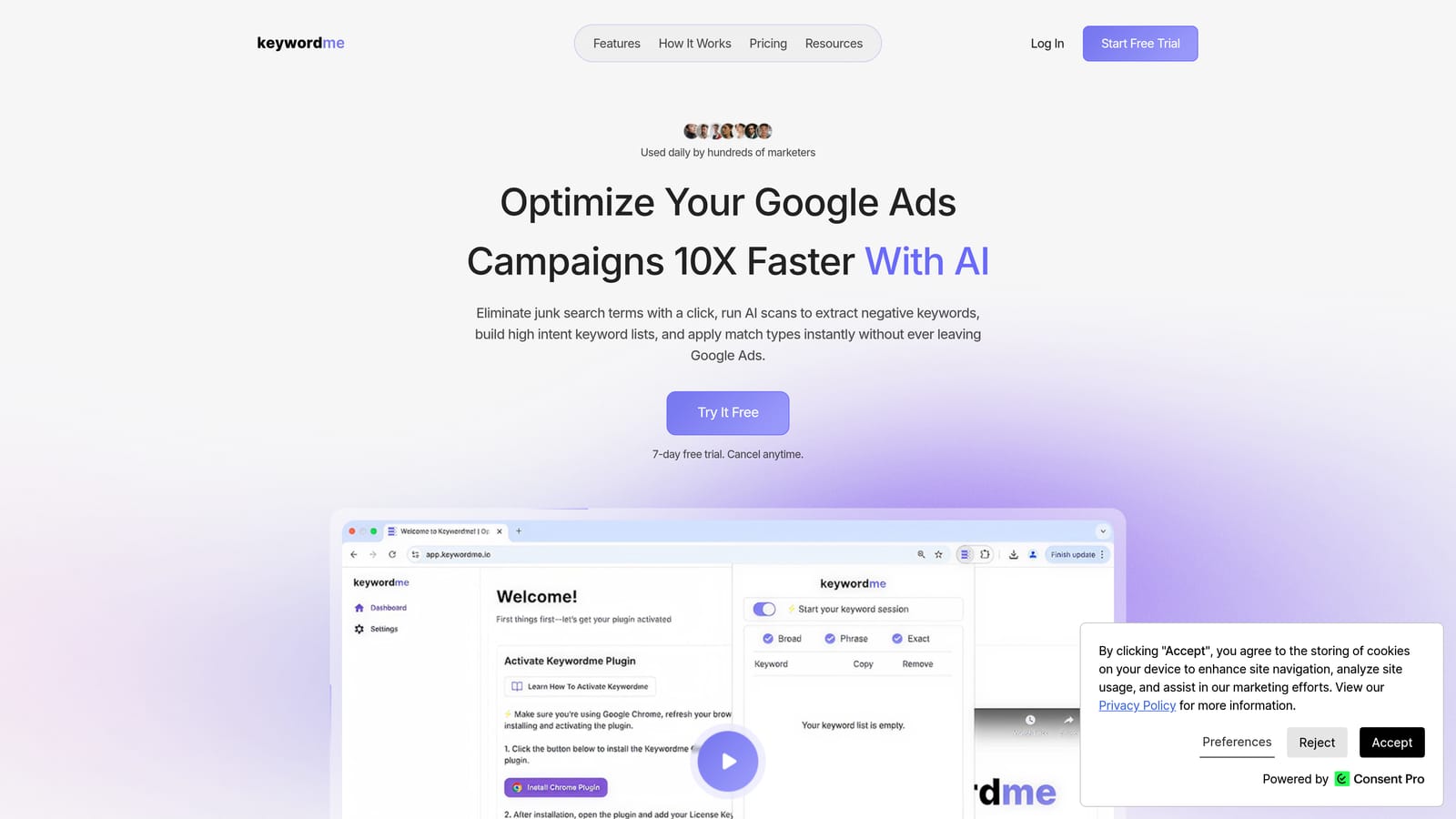
That focus is the whole point. Most tools on this list help you discover ideas. Keywordme helps you act on real search term data that already exists in your account, without exporting anything to a spreadsheet. The result is a tighter loop: see the term, decide, click, move on.
- Add search terms as keywords or negatives in one click, so review sessions don't turn into copy and paste.
- Apply match types instantly, instead of typing brackets and quotes by hand.
- Cluster keywords so related terms can be grouped and handled together.
- Bulk edit across many terms at once when a report is long.
- Multi-account and team support, which matters if you manage several clients or share work across people.
It runs in Chrome on top of the Google Ads interface, so setup is installing the extension and opening your Search Terms Report. Whoever already does the weekly search term review is the person who runs it. You stay in control of each decision; it speeds up the clicking, not the judging.
The limitation is plain: Keywordme refines data your account already has. It isn't a source of third-party search volume or competitor keyword ideas, so if you're building a brand-new campaign from nothing, pair it with a discovery tool from further down this list. It also needs impressions and clicks to have produced search terms in the first place.
Pricing is $12 per month per user, with a 7-day free trial, as of November 2026. Cost scales with the number of users, not ad spend or accounts. Confirm current terms on the website.
Best for: Advertisers and agencies cleaning search terms and building keyword lists inside Google Ads.
2. Keyword Surfer
Keyword Surfer is a free Chrome extension that shows keyword volume estimates and related ideas right next to Google search results. It comes from Surfer's SEO toolset and leans toward content marketers, but it's handy for PPC people who want a fast sanity check.
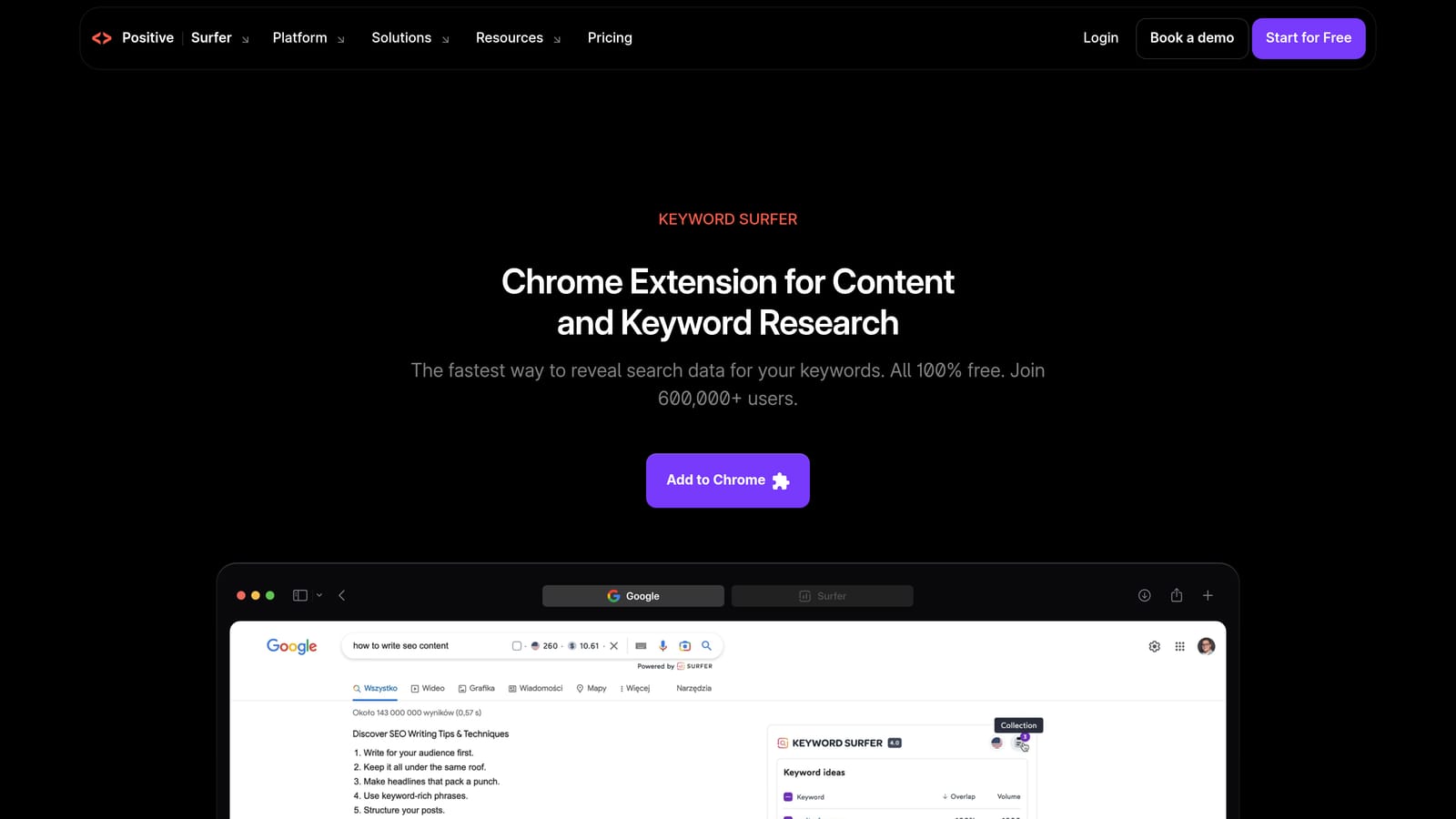
Its standout is price: you get a volume and idea overlay on Google results at no cost. Search a phrase, glance at the sidebar, and you know roughly whether anyone looks for it and what neighboring phrases exist.
- Volume estimates appear beside the results, so you validate a keyword idea without opening another tool.
- Related keyword suggestions surface variations you might not have considered.
- It's free to install, which makes it easy to add to every team member's browser.
- Quick SERP-side validation lets you see who ranks and what the results look like while you check numbers.
Setup takes a minute. It works on Google Search and connects to the Surfer ecosystem if you use their other products. Whoever is doing research simply uses it as they browse.
The limits matter for paid search. It's SEO-oriented and has no Google Ads campaign actions, so nothing you find here lands in an ad group without manual work. Also remember the volumes are third-party estimates, not Google data, and can differ from what Keyword Planner reports. Treat them as directional.
Pricing: free as of November 2026. Check Surfer's site for current terms.
Best for: Quick keyword idea checks while browsing search results.
3. Keywords Everywhere
Keywords Everywhere is a browser extension that adds volume, CPC, and competition data to search results and a range of other sites. For marketers who research across the web rather than in one interface, that breadth is its main draw.
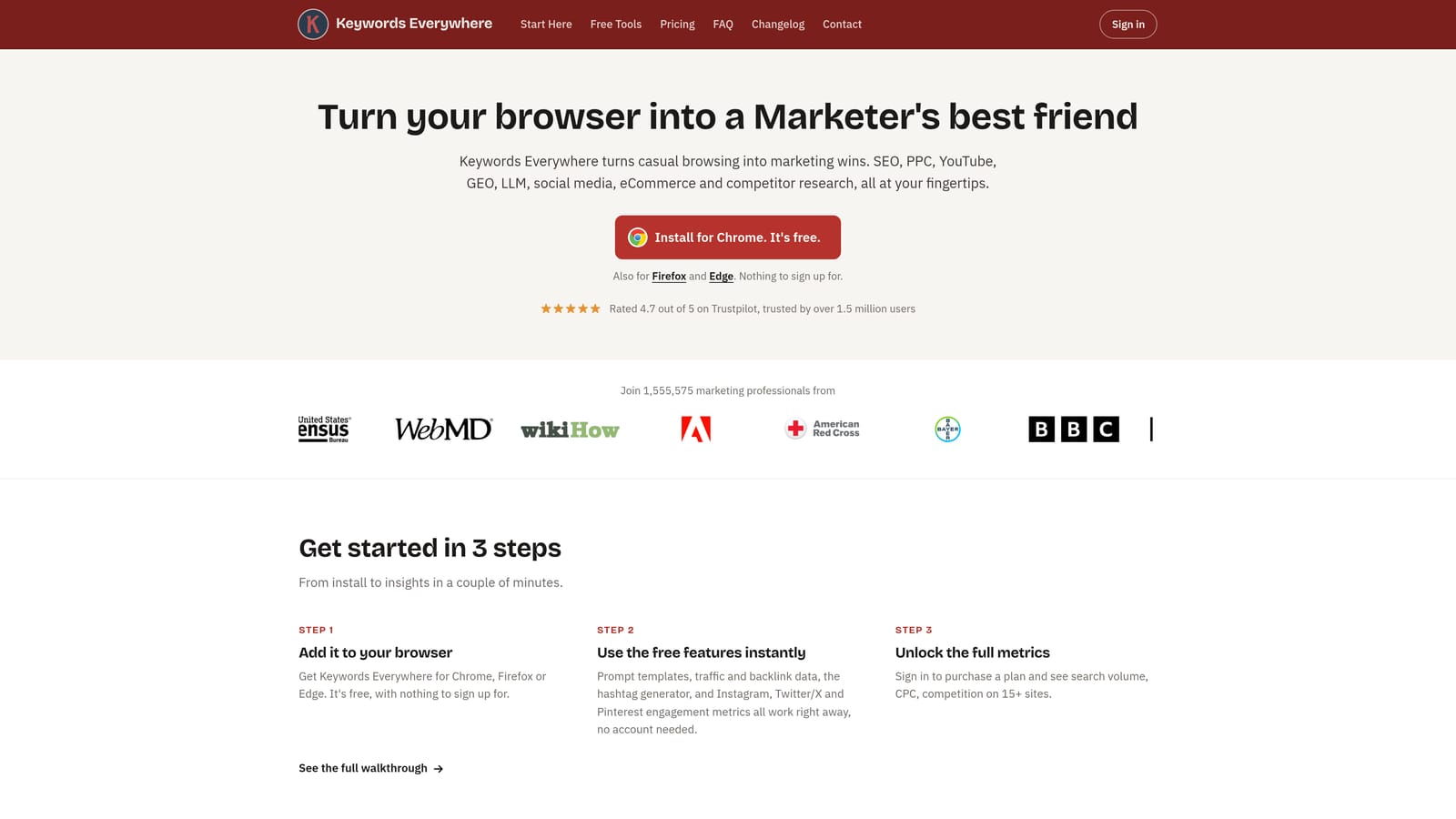
What it does that the others here don't is show CPC and competition figures on many sites, not just Google. If you're reading a competitor's page, browsing YouTube, or scanning search results, the numbers follow you.
- Volume, CPC, and competition overlays give you a rough cost and demand picture at a glance.
- Related and People Also Search For keywords expand a seed idea into a longer list.
- Keyword list export lets you take what you found into a spreadsheet or plan.
- It works across multiple sites, so research isn't confined to one search engine.
Setup is an extension install plus an account, and an individual researcher usually runs it. It works on Google Search, YouTube, and various other websites.
The catch for Google Ads users: the data stays outside your account, so you import keywords manually. And like any third-party source, its CPC and volume figures are estimates that won't match Google's exactly. Don't set bids from them without checking Keyword Planner.
Pricing is credit-based on paid plans, so what you pay depends on how many keyword lookups you use. See the website for current rates, as they change.
Best for: Marketers wanting CPC context while researching across the web.
4. Google Keyword Planner
Let's be upfront: Google Keyword Planner is not an extension. It's included as the baseline every other tool gets compared against, since it's Google's own research tool inside Google Ads.
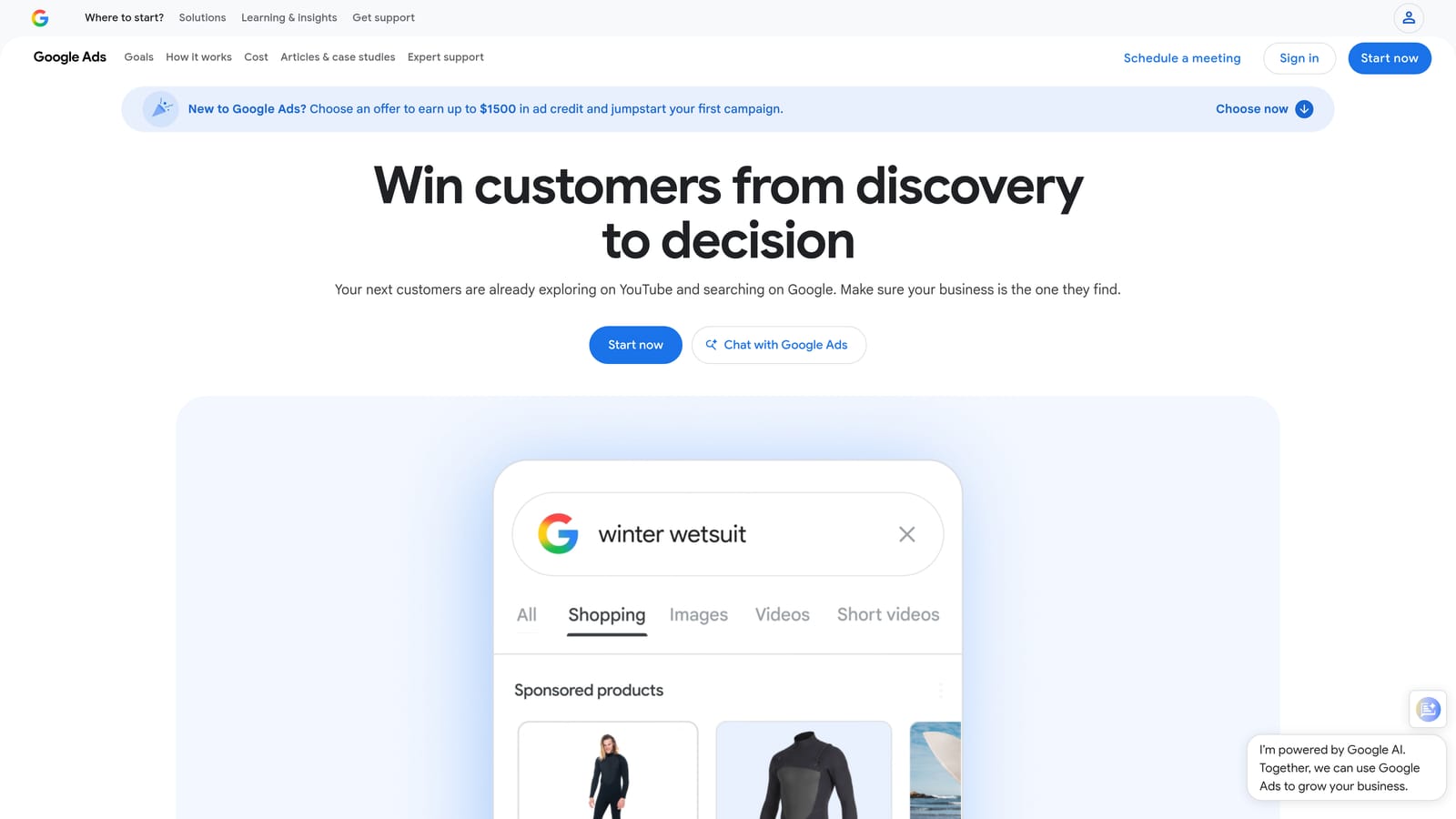
Its advantage is simple: first-party Google data. When a third-party extension and Keyword Planner disagree on volume, Planner is the one tied to the platform where your ads run.
- Keyword ideas generated from seed terms or a website, so you can start with nothing.
- Volume ranges and forecasts help you estimate traffic before you commit budget.
- Bid estimates give a starting point for what clicks might cost.
- Add ideas to plans so shortlisted keywords stay together for review.
You need a Google Ads account, and whoever plans campaigns uses it. There's no install, but it also doesn't live next to your search results or your Search Terms Report.
Limitations: it's a discovery tool, so it won't tell you which of your actual search terms to block. Accounts with little or no spend may see broad volume ranges instead of tighter numbers, so verify what your own account shows in Google Ads Help. Moving ideas into campaigns is also more manual than a one-click workflow.
Pricing: free with a Google Ads account as of November 2026.
Best for: Checking volume and bids with Google's own data.
5. Semrush Chrome extension
The Semrush Chrome extension brings Semrush keyword and SERP data into your browser while you work. It's tied to the Semrush platform, so it's best thought of as a window into a much larger tool.
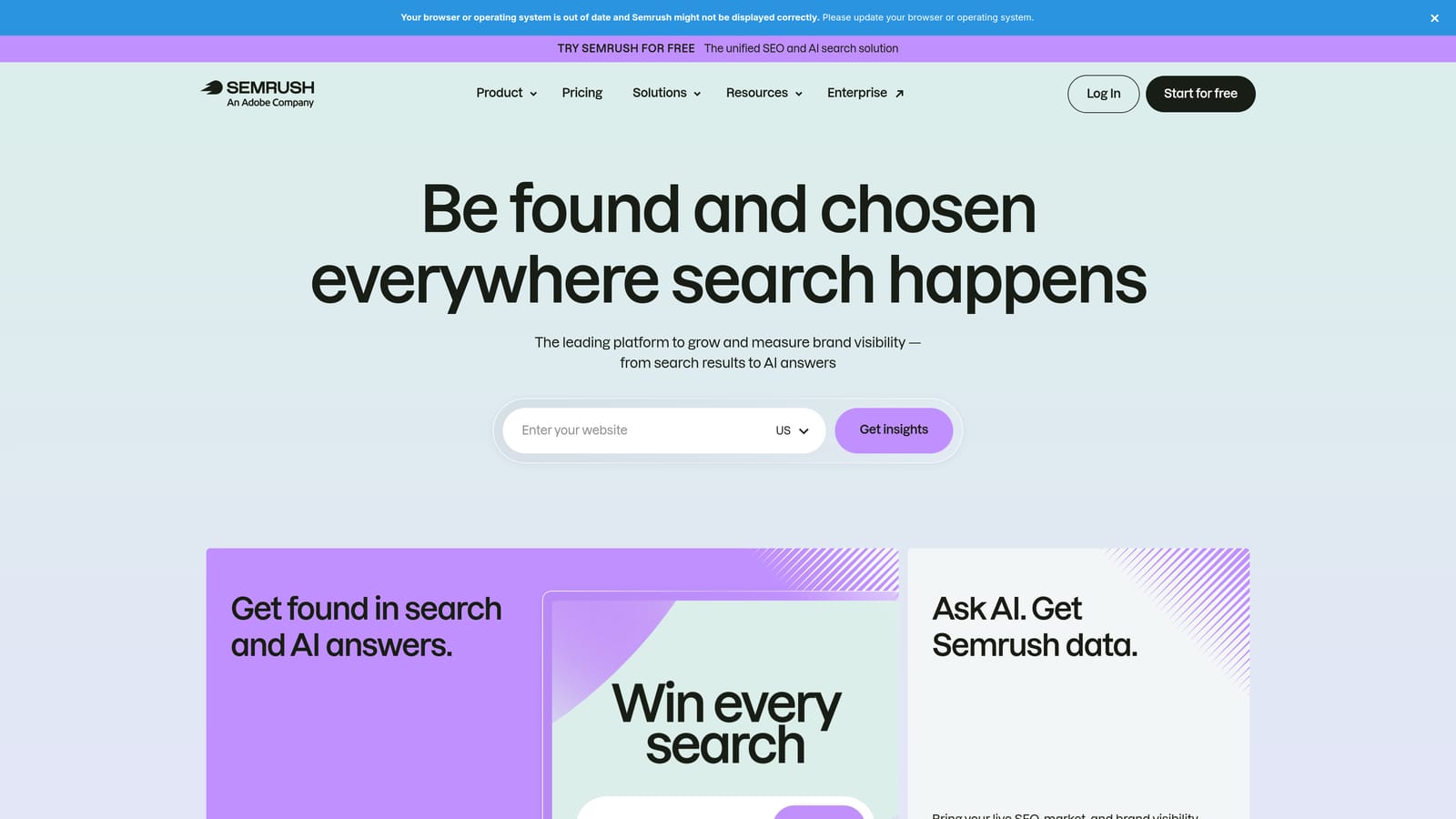
What sets it apart is the depth of its competitive keyword database. If you want to see what rivals rank or advertise for, this is a heavier-duty source than the lightweight overlays above.
- Keyword metrics on pages let you evaluate terms without leaving what you're reading.
- Intent and difficulty data via the platform helps you separate research-stage queries from buying-stage ones.
- A large keyword database gives you more ideas to mine than a free overlay.
- Competitive context shows how rivals approach the same terms, useful for both paid and organic planning.
Setup means a Semrush subscription plus the extension, and it makes most sense when a team already uses the platform day to day. It works with Semrush and Google Search.
The honest downside is cost and weight. For a solo advertiser who just wants to clean up search terms or check a few ideas, it's more tool than needed. And like the other third-party sources, it doesn't push anything into Google Ads for you.
Pricing is subscription-based, and plan tiers and limits change, so check the website for current figures.
Best for: Teams doing competitive paid and organic research.
6. Ahrefs SEO Toolbar
The Ahrefs SEO Toolbar is a free browser toolbar offering SEO and SERP metrics, with more data unlocked for Ahrefs subscribers. It's an SEO tool first, but it earns a place for a specific paid search job.
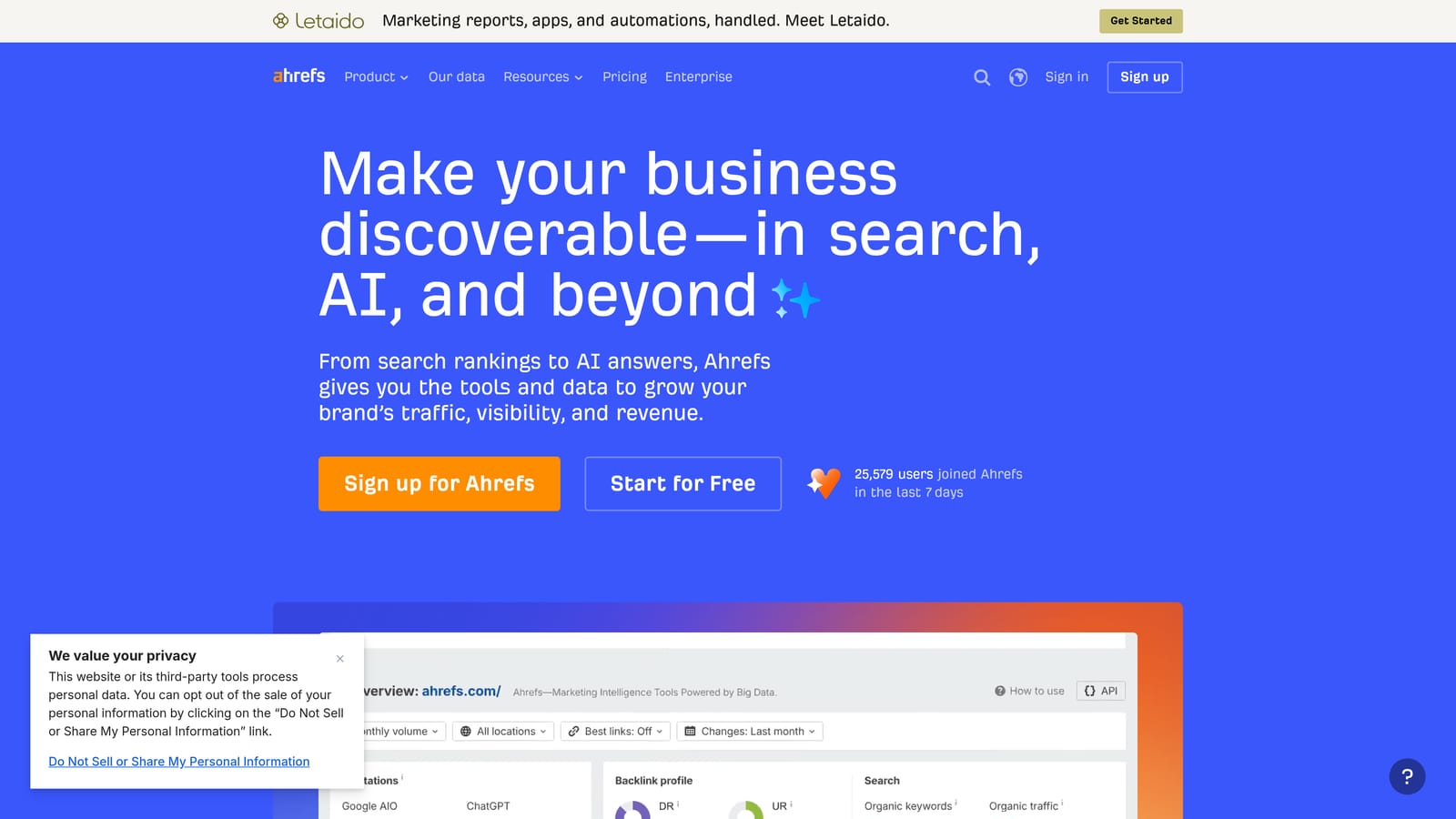
That job: checking organic competition before you bid. Its strength is SERP and backlink context, so you can see how entrenched the organic results are for a term and decide whether paying for the click makes sense.
- SERP overlay metrics show the strength of pages ranking for a query as you search.
- An on-page SEO report helps you inspect landing pages, yours or a competitor's.
- Link data reveals how much authority sits behind the pages you're up against.
- Keyword data varies by plan, with more depth for paying users.
Install is quick, and it works with Google Search and ties into the Ahrefs platform. Anyone doing research can use it; the richer data requires a subscription.
Where it falls short: it's SEO-first with little Google Ads workflow support. You won't find ad group or match type help here, and nothing flows into your account. Treat it as context, not a campaign-building tool.
Pricing: the toolbar is free, while fuller data needs a paid Ahrefs plan. Verify current tiers on the website.
Best for: Checking organic competition before bidding on terms.
7. Google Ads Editor
Google Ads Editor is the official free desktop app for bulk Google Ads changes. It isn't a browser extension, so it's here as a complement to the rest of the list rather than a rival.
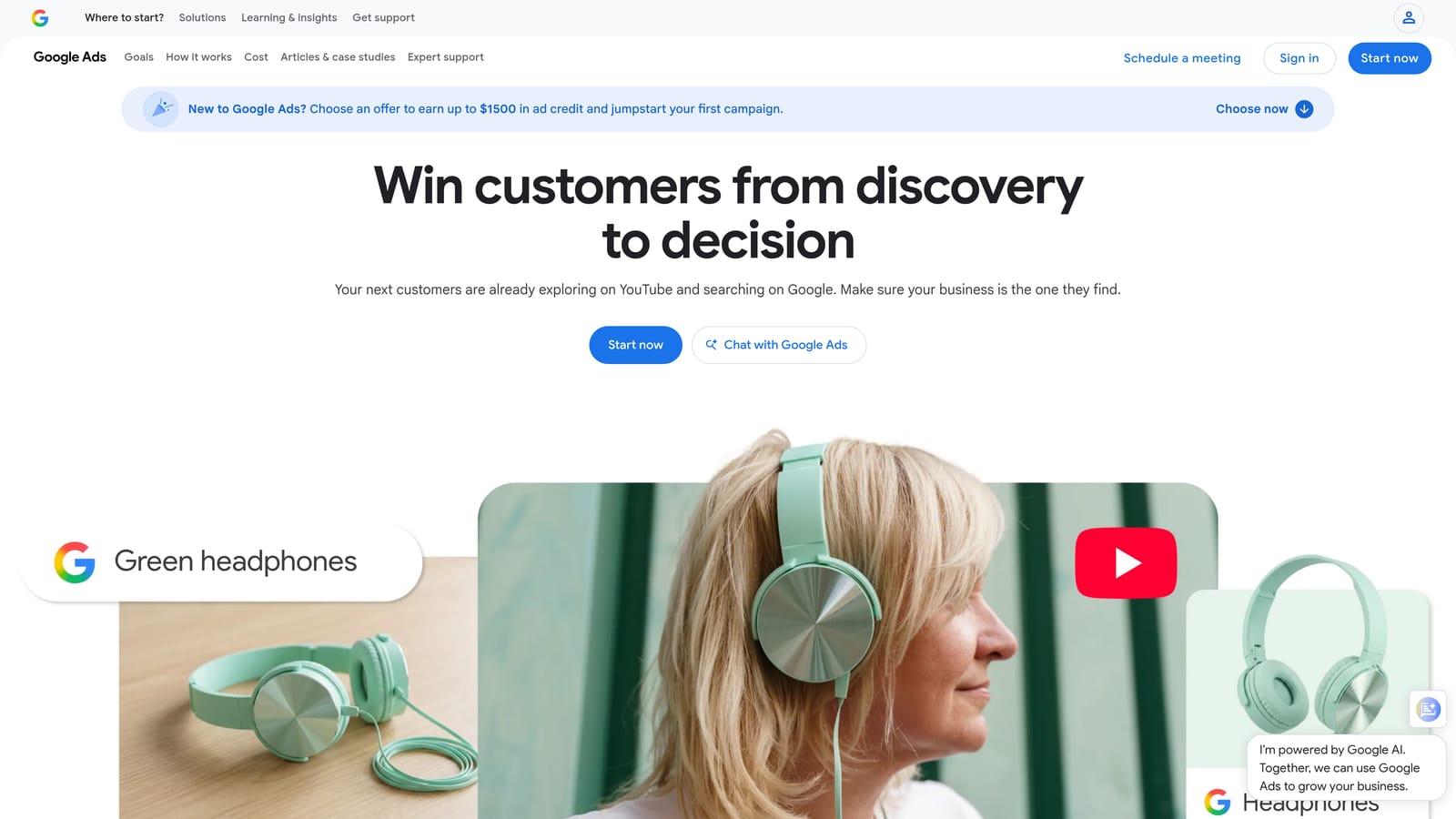
What makes it distinctive is official bulk editing across campaigns and accounts. When a change touches thousands of rows, an app built for exactly that beats clicking through the web interface.
- Bulk keyword and negative edits let you change large sets of terms in one pass.
- Offline drafting means you can build changes without being logged in, then post later.
- Change review before posting lets you inspect every edit before it goes live.
- Multi-account management keeps several accounts reachable from one app.
You download and install it, sign in with your Google Ads access, and download account data to work on. It tends to be run by whoever handles structure and large-scale cleanups, often at agencies or in big accounts.
It has no keyword discovery data, so it won't tell you what to add. There's also a learning curve compared with a point-and-click extension, and the download, edit, post cycle is slower for small, routine tweaks like a weekly search term review.
Pricing: free as of November 2026.
Best for: Mass keyword changes across large accounts.
8. WordStream Free Keyword Tool
The WordStream Free Keyword Tool is a free web tool for keyword suggestions, aimed at small-business advertisers. It's not an extension, and it's listed last for that reason.
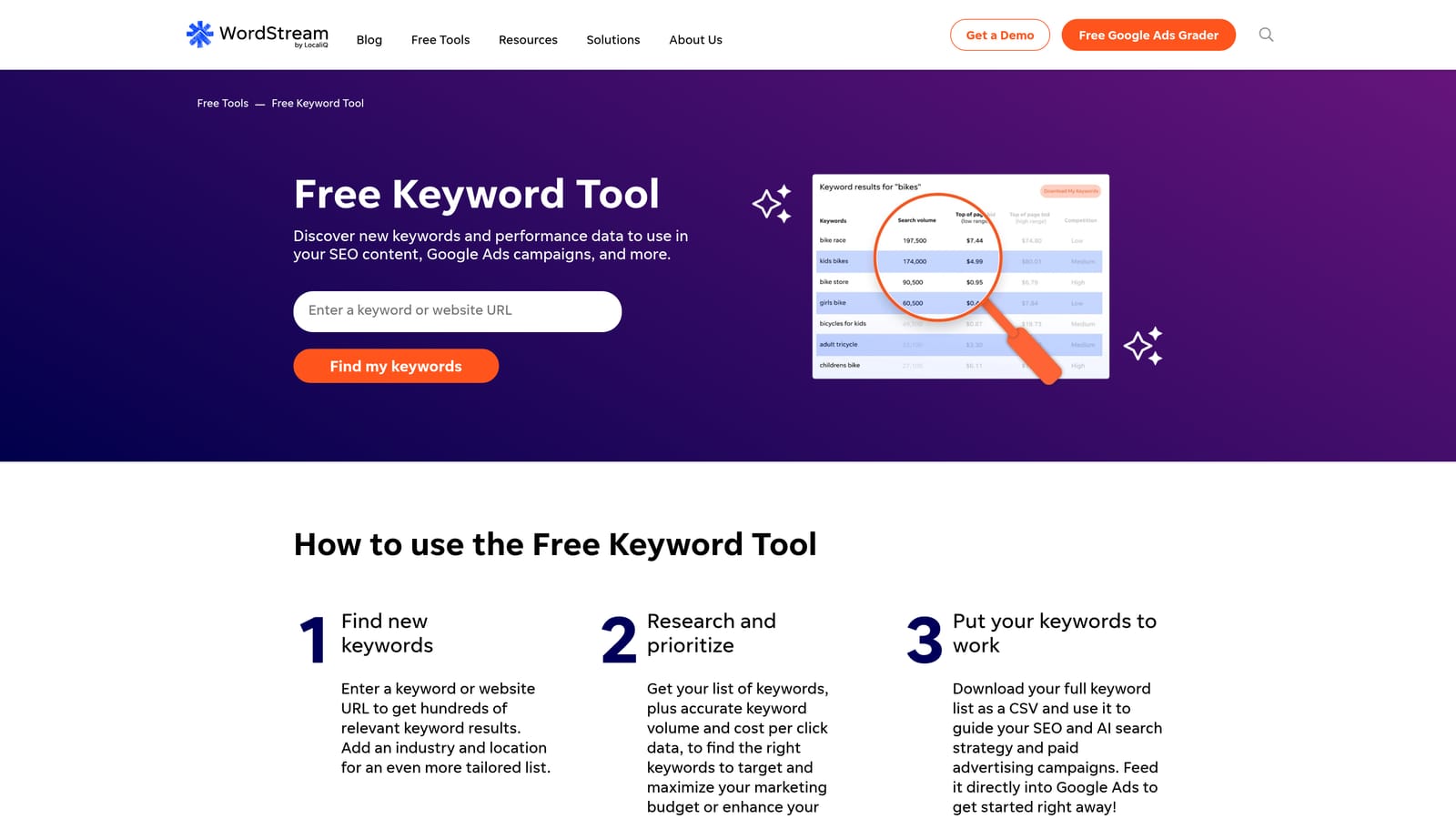
Its appeal is being beginner-friendly: you get suggestions without a paid subscription or a complicated interface. For someone launching a first campaign, that low barrier matters.
- Keyword suggestions turn a seed phrase into a starter list.
- Industry-based ideas help if you don't know what terms your market uses.
- Free access removes cost from early planning, though usage limits may apply, so check.
There's no install, since it runs in the browser and connects to the WordStream/LOCALiQ platform. A business owner or a junior marketer can use it without training.
The limits are real. It's not an extension, so it won't overlay data on search results or sit inside Google Ads. Depth is limited compared with the paid platforms, and availability and limits of free tools like this change, so confirm it still works as described before building a process around it.
Pricing: free as of November 2026, though verify on the site.
Best for: Small businesses wanting simple free keyword ideas.
Matching the Tool to the Job
The split to keep in mind is discovery versus refinement. Discovery tools suggest keywords, which are the terms you bid on. Refinement means working with search terms, the queries people actually typed that triggered your ads, and deciding which become positive keywords and which become negatives. Third-party volume figures are estimates, not Google data, so expect them to differ from Keyword Planner. And adding broad ideas without first reviewing real search terms is a common way to waste budget.
- In-account search term cleanup and agency workflows: Keywordme, since it works on real search terms inside Google Ads and supports teams and multiple accounts.
- SERP-side idea discovery: Keyword Surfer for free, or Keywords Everywhere if you want CPC context across more sites.
- First-party volume checks: Google Keyword Planner.
- Bulk management: Google Ads Editor for large structural edits.
- SEO plus paid research: Semrush or the Ahrefs toolbar, depending on which platform your team already uses.
A practical pairing for many advertisers is one discovery source plus Keywordme for the weekly search term review, which keeps ideas and real data in their own lanes.
Optimize Google Ads Campaigns 10X Faster. Without Leaving Your Account. Keywordme lets you remove junk search terms, build high-intent keyword lists, and apply match types instantly, right inside Google Ads. No spreadsheets, no switching tabs, just quick, seamless optimization. Start your free 7-day trial (then just $12/month) and take your Google Ads game to the next level.
