
8 Best Google Ads Keyword Refinement Tools in 2026
This guide compares 8 of the best Google Ads keyword refinement tools for 2026, covering search term cleanup, keyword research, and negative keyword workflows so advertisers stop wasting budget on the wrong queries.


If you manage Google Ads accounts, you already know the gap between keywords and search terms causes most of the wasted spend in an account. Keywords are what you bid on. Search terms are what people actually typed before your ad showed up. Left unchecked, that gap fills with junk clicks, and cleaning it up by hand in a spreadsheet gets old fast. The tools below were picked for how directly they help with that cleanup, with keyword research, or with the negative keyword workflow that keeps budget pointed at the right queries.
Quick Comparison
- Keywordme: best for advertisers and agencies refining live search terms inside Google Ads; starting at $12/month per user; the only tool here that acts directly on the Search Terms Report with no export or import step.
- Google Keyword Planner: best for building a keyword list before launch; free; the only tool with first-party Google volume and bid data.
- Adalysis: best for agencies wanting ongoing automated account audits; quote-based; the only tool here that continuously flags issues across a whole account without prompting.
- Optmyzr: best for agencies running rule-based automation across many accounts; quote-based; the only tool with scripted automation that acts on search term patterns at scale.
- SEMrush: best for marketers aligning SEO and PPC keyword strategy; quote-based; the only tool combining organic and paid keyword data in one dashboard.
- SpyFu: best for reverse-engineering competitor keyword strategy; quote-based; the only tool built around historical competitor ad and keyword data.
- WordStream Advisor: best for small businesses wanting a guided cleanup routine; quote-based; the only tool with a templated weekly optimization checklist.
- Ahrefs Keywords Explorer: best for deep keyword research before expanding a list; quote-based; the only tool using clickstream data instead of estimated search volume.
1. Keywordme
Keywordme is a Chrome extension that layers one-click keyword and search term actions directly on top of the Google Ads Search Terms Report. It's built for advertisers and agency teams who are tired of exporting search term data to a spreadsheet, sorting it, and re-uploading changes. Instead, you work in the report itself, with review actions available as you scroll through the data Google Ads already shows you.
What sets it apart on this list is that it acts on live account data with no export or import step in between. Every other keyword tool here either generates ideas for you to add manually or requires you to pull a report before acting on it. Keywordme skips that step entirely.
- Removes junk search terms as negative keywords with a single click, right from the report row
- Adds high-intent search terms as new keywords with match types applied instantly, instead of a separate manual step
- Builds negative keyword lists you can apply across ad groups or campaigns without leaving Google Ads
- Clusters related search terms so you can spot patterns instead of reviewing them one at a time
- Supports bulk editing and multi-account or team access, which matters once you're managing more than one client
Because it's a Chrome extension that lives inside the Google Ads interface, setup is quick: install it, connect your account, and it appears inside the Search Terms Report. Whoever already handles search term review, whether that's a PPC specialist or the account owner, keeps doing that job, just faster.
The limitation is baked into the design: it's built around Google Ads and the Chrome browser, so it won't help with Microsoft Ads campaigns or general SEO keyword research. If your workflow spans multiple ad platforms, you'll need something else alongside it for the non-Google Ads side.
Pricing is flat rate at $12 per month per user, with a 7-day free trial to test it against your own account's search terms before committing.
Best for: Advertisers and agencies who want to clean up search terms and apply match types without ever leaving Google Ads.
2. Google Keyword Planner
Google Keyword Planner is Google's own free keyword research tool built into every Google Ads account. It exists to help you find keyword ideas and estimate volume before you build or expand a campaign, not to review what's already happening in one.
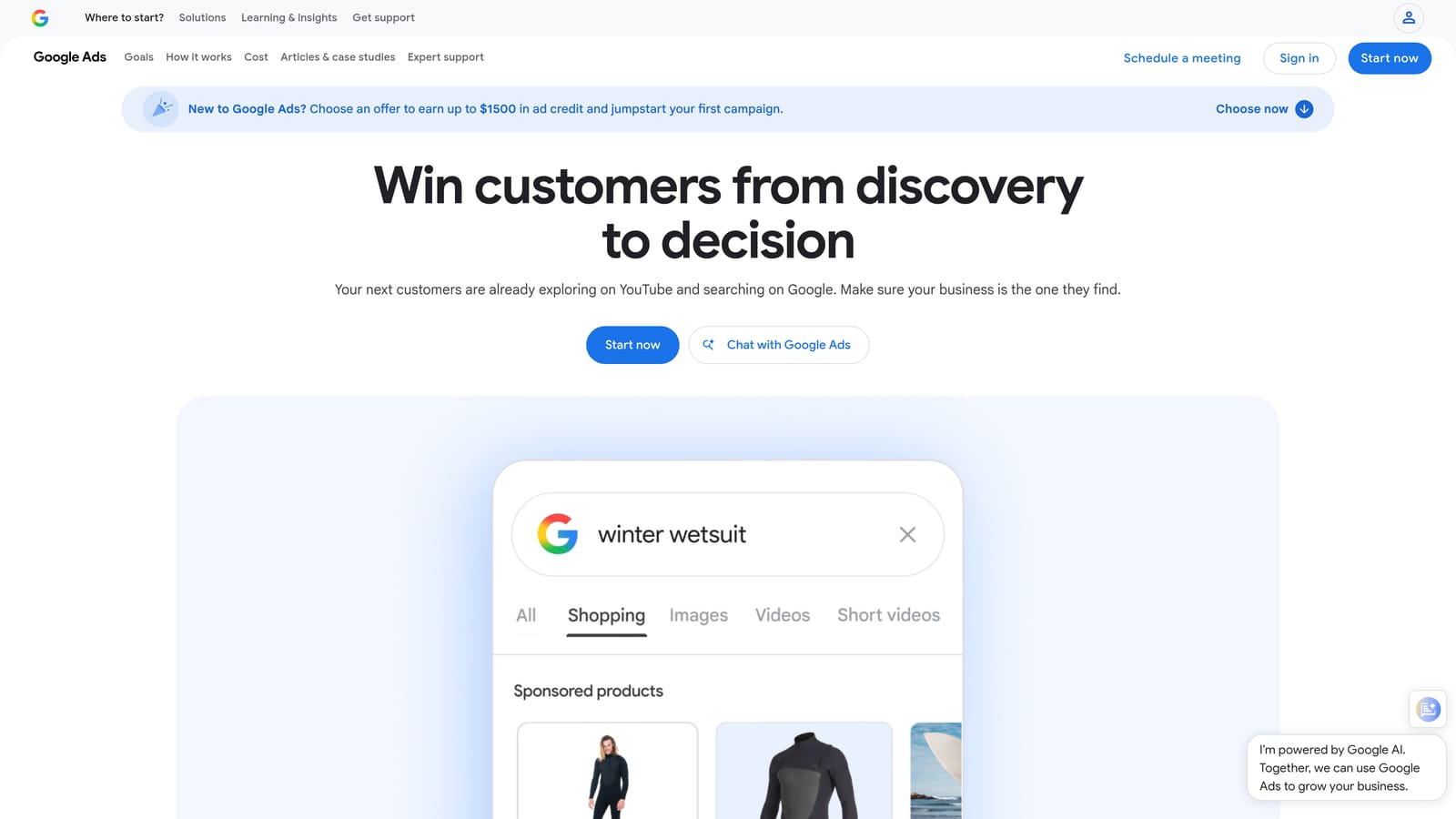
Its edge is that the data comes straight from Google, no third-party modeling involved. When you're deciding between two keyword variants or trying to gauge how competitive a term is, the bid range estimates and volume bands come from the same system that runs the auction.
- Generates keyword ideas from a handful of seed terms, a product category, or a landing page URL
- Shows search volume ranges and competition levels so you can prioritize which terms to add first
- Provides historical trend data to spot seasonal terms before you commit budget to them
- Estimates bid ranges by match type, useful for rough budget planning
Setup is nonexistent since it's already part of your Google Ads account. Most marketers use it directly, though agencies sometimes export lists for client review before adding them to campaigns.
The tradeoff is that it never looks at your account's actual search term data. It can't tell you which of your current keywords are triggering junk clicks or suggest negatives based on what's already happening in your campaigns. It's a discovery tool, full stop, and pairing it with something that handles ongoing search term cleanup is common practice.
It's free with any Google Ads account, as of 2026, with no separate subscription.
Best for: Advertisers building a keyword list from scratch before launching a campaign.
3. Adalysis
Adalysis is an automated auditing platform for Google Ads and Microsoft Ads that runs continuous checks across an account and flags problems, including search term patterns that suggest wasted spend.
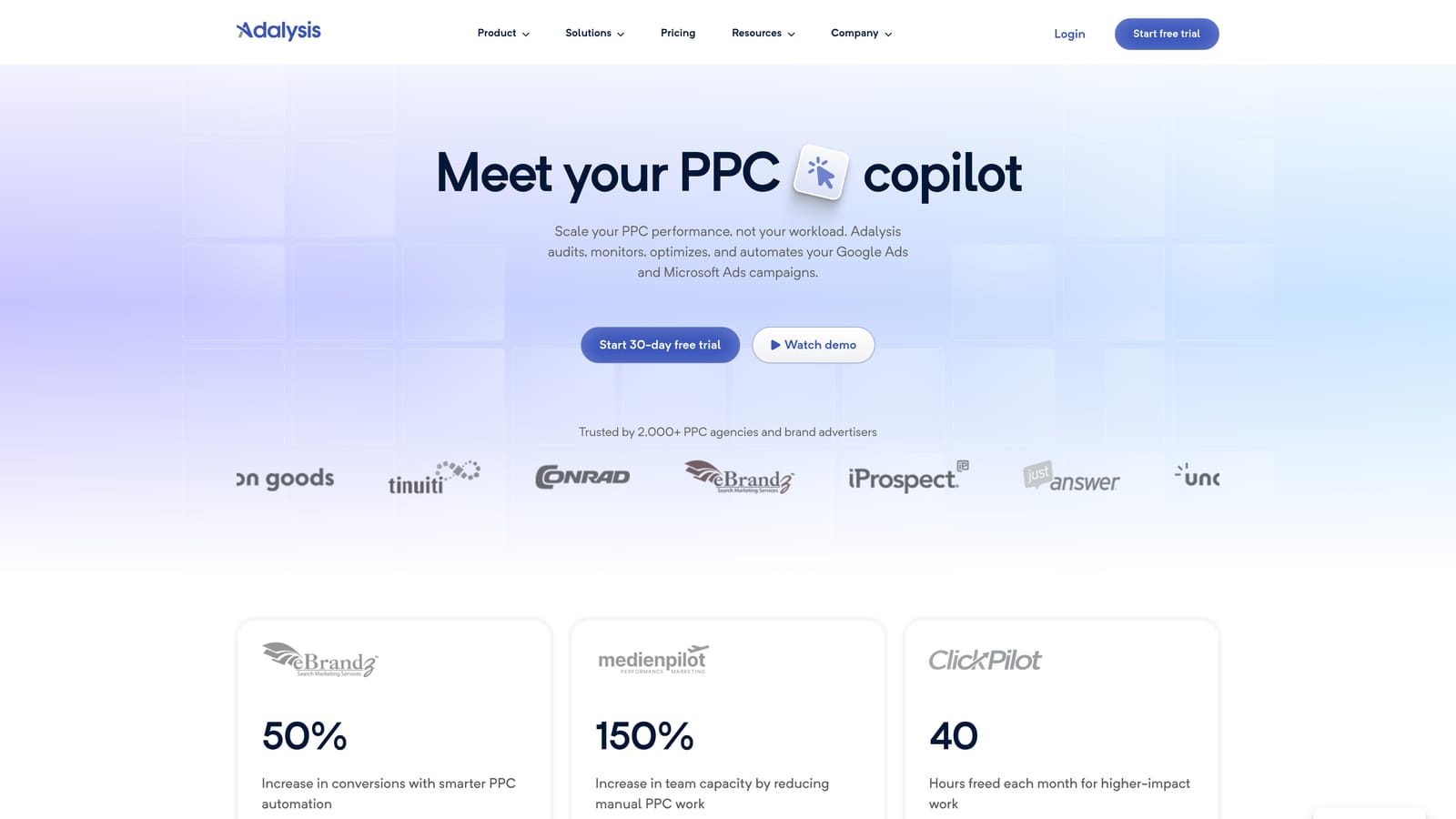
Where it separates itself from a hands-on cleanup tool is scope. Adalysis isn't designed for you to sit down and clear search terms row by row. It's designed to run in the background and tell you when something in the account, ads, keywords, quality score, or search terms, needs attention.
- Runs scheduled account audits and sends alerts when rule-based checks catch an issue
- Flags search terms matching patterns you'd otherwise have to hunt for manually
- Tracks ad testing performance and quality score trends over time
- Detects duplicate keywords that can cause internal competition within an account
It connects to both Google Ads and Microsoft Ads, which helps agencies running cross-platform accounts. Setup involves connecting your ad accounts and configuring which rule sets and alert thresholds matter to your team; a PPC manager typically owns this rather than a junior team member, at least during initial configuration.
The tradeoff is that its breadth works against precision. Because it audits the whole account, search term refinement is one piece of a larger reporting layer rather than a dedicated, fast workflow. You still do the fixing; Adalysis mostly does the flagging.
Pricing is quote-based and typically scales with ad spend under management. Check Adalysis's site directly for current tiers, as of 2026.
Best for: Agencies wanting ongoing automated health checks across many accounts.
4. Optmyzr
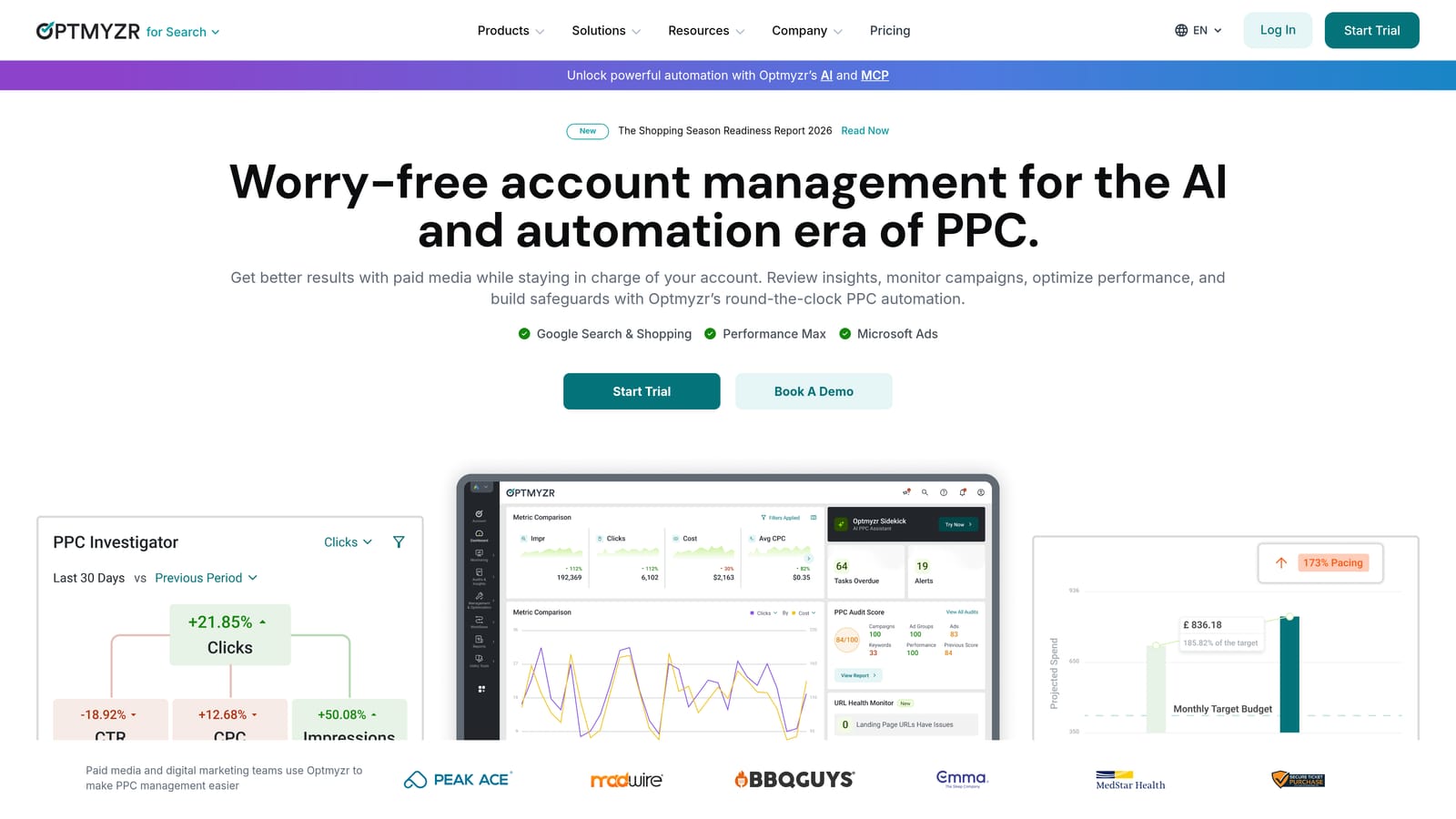
Optmyzr is a PPC management platform combining rule-based automation, reporting, and search term or negative keyword analysis across Google and Microsoft Ads accounts. It's aimed squarely at teams managing several accounts who want automation rules doing some of the heavy lifting.
Where it fits
Its standout capability is automation that runs at scale. You can build rules that watch for search term patterns, budget pacing issues, or bid anomalies across multiple accounts simultaneously, rather than logging into each account individually.
- Surfaces search term and negative keyword suggestions based on performance thresholds you set
- Runs rule-based automation scripts that act on patterns without manual review each time
- Consolidates cross-platform reporting across Google Ads and Microsoft Ads
- Includes budget and bid management tools for pacing across campaigns
Who runs it and who it's not for
Optmyzr is generally set up and maintained by a dedicated PPC manager or ops specialist, since the automation rules take some configuration to get right. That same depth is a downside for a solo advertiser running one account: the platform has a real learning curve, and a lot of its value only shows up once you're managing volume across multiple accounts.
Pricing is quote-based and subscription-driven; confirm current tiers on Optmyzr's site, as pricing structures shift periodically.
Best for: Agencies managing multiple client accounts who want automation beyond single-account cleanup.
5. SEMrush
SEMrush is an SEO and PPC research suite. For Google Ads work, the relevant pieces are the Keyword Magic Tool and competitive keyword analysis, both aimed at finding new keyword opportunities rather than managing existing campaigns.
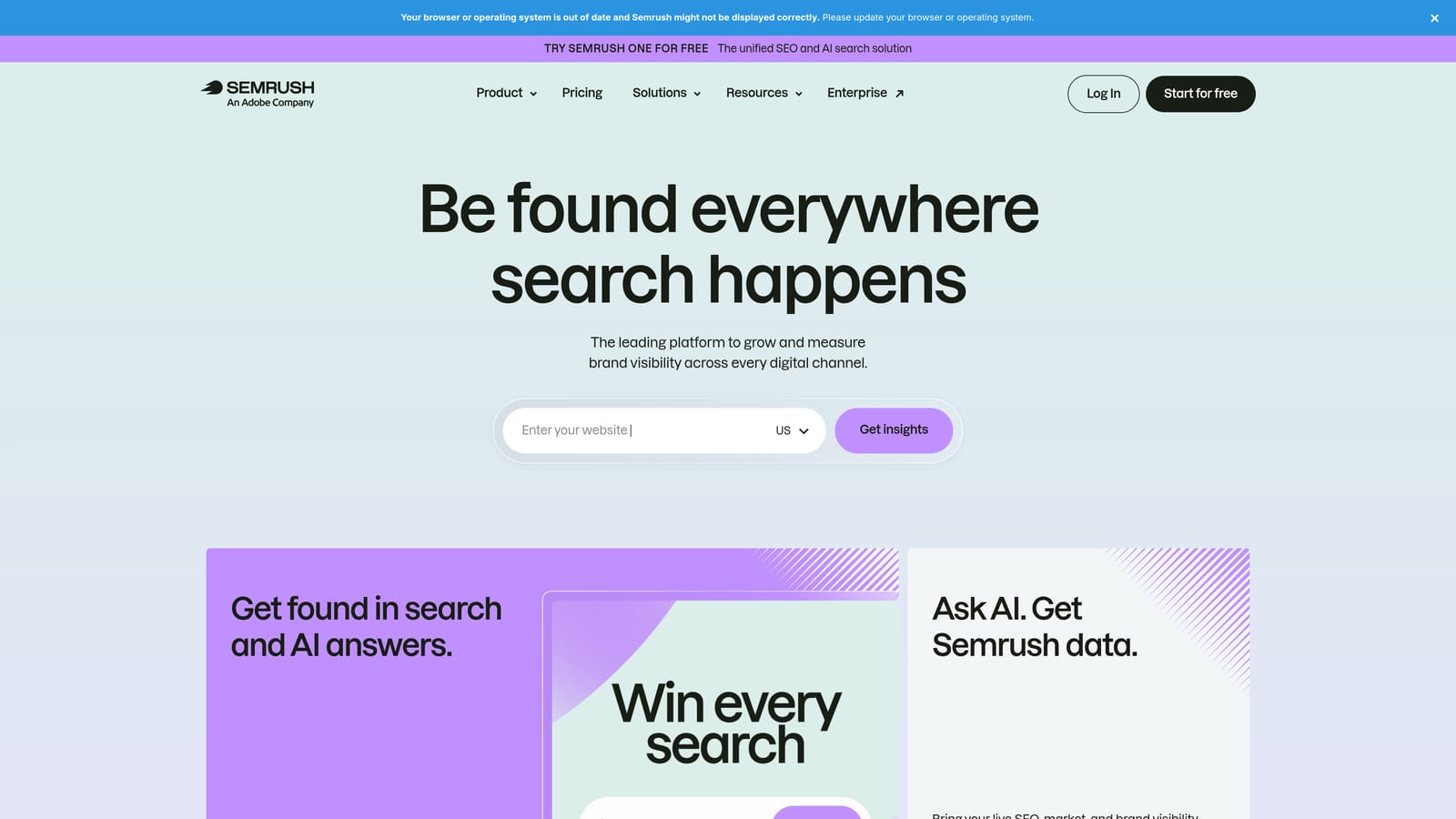
The distinctive value here is having SEO and paid keyword data in the same platform. If you're trying to make sure your Google Ads keyword targeting lines up with what's already working organically, or vice versa, SEMrush avoids the back-and-forth between separate tools.
- Keyword Magic Tool generates large keyword lists from a single seed term, grouped by topic
- Competitor keyword gap analysis shows terms competitors rank or bid on that you don't
- PPC keyword tool provides CPC estimates to help with budget planning
- Advertising research reports show competitor ad copy and estimated spend patterns
Setup involves connecting Google Ads, Google Analytics, and Search Console for fuller reporting, though the keyword tools work standalone too. It's typically run by whoever owns both SEO and paid strategy, since that's where the overlap value shows up.
The limitation is that none of this touches your live search term data. SEMrush can help you decide what to add to a keyword list, but it won't flag junk search terms already draining budget in an active campaign. Most teams pair it with a dedicated account-side tool for that half of the job.
Pricing is subscription-based; check SEMrush's site for current tiers as of 2026, since plans and limits change.
Best for: Marketers who want combined SEO and PPC keyword research in a single platform.
6. SpyFu
SpyFu takes a different angle entirely: instead of helping you research your own keywords or clean up your own search terms, it shows you what competitors have historically bid on, advertised, and spent.
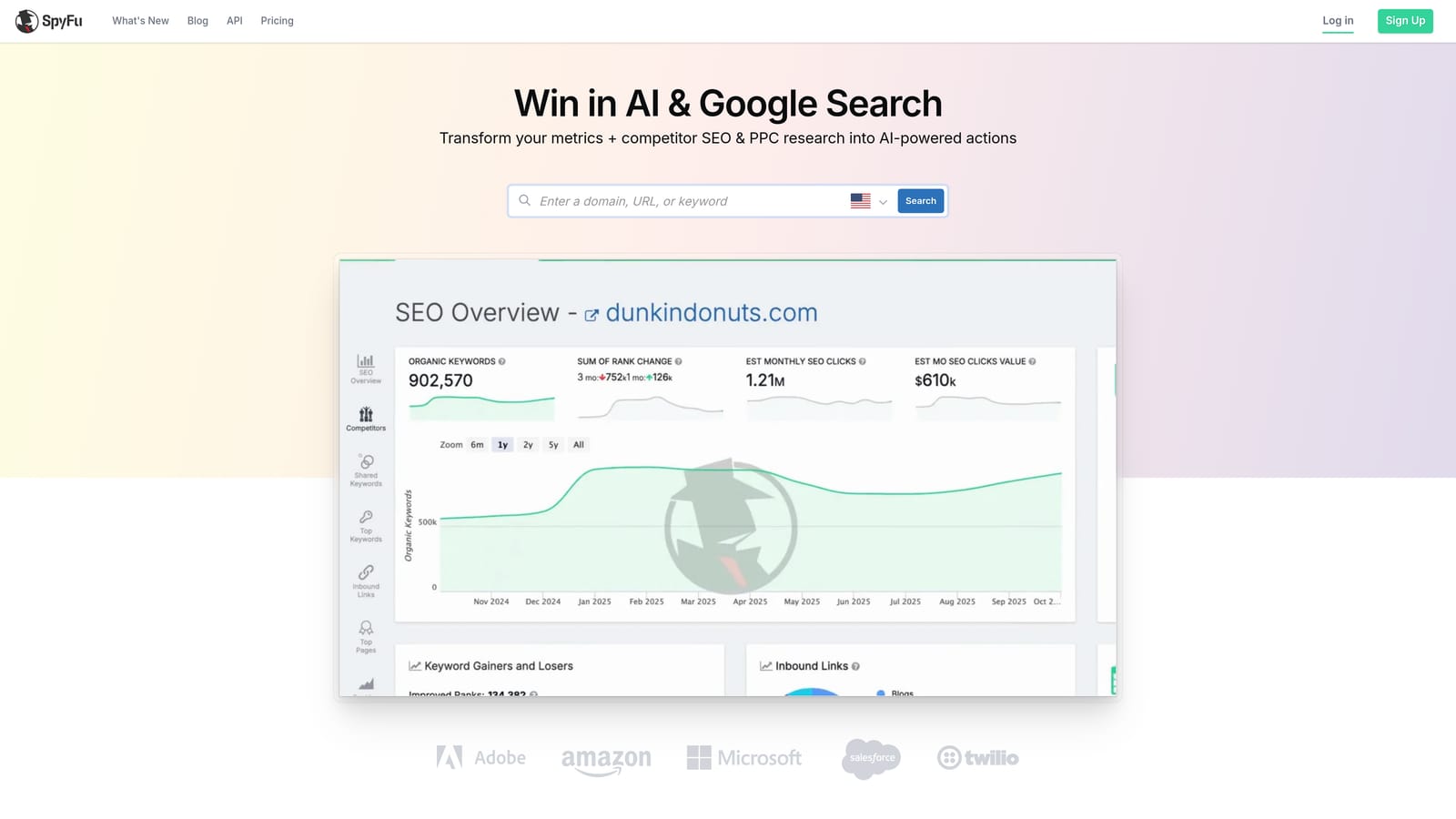
Its edge is the historical depth. Rather than a snapshot of what a competitor is running today, SpyFu shows keyword and ad copy history over time, which is useful for spotting what's actually worked for them long-term versus a short-lived test.
- Shows a competitor's PPC keyword history so you can see what they've consistently bid on
- Displays historical ad copy by domain, useful for messaging ideas
- Kombat tool compares up to three domains side by side for keyword overlap
- Suggests keyword groupings based on competitor data patterns
It's simple to set up: enter a competitor's domain and start pulling data. Most marketers use it during campaign planning or a competitive review rather than as a daily tool, so it doesn't need a dedicated owner the way an automation platform does.
The obvious limitation is scope. SpyFu has nothing to do with your own account's search terms or negative keyword management. It's a research input, not an optimization tool, so treat it as one step in the process rather than a full solution.
Pricing is subscription-based; verify current plans on SpyFu's site, as of 2026.
Best for: Advertisers wanting to reverse-engineer competitor keyword strategy before building their own list.
7. WordStream Advisor
WordStream Advisor is a managed PPC platform built around guided workflows, most notably the 20-Minute Work Week, a checklist-style routine that surfaces search term and negative keyword suggestions in batches for you to review.

The distinctive part is the packaging. Rather than leaving you to decide what to check and when, WordStream hands you a structured, repeatable routine, which appeals to smaller teams who don't have a dedicated PPC specialist setting priorities every week.
- 20-Minute Work Week walks you through a guided optimization checklist on a set cadence
- Suggests negative keywords in batches rather than requiring manual search term review
- Grades account performance and sends alerts when metrics slip
- Offers cross-account dashboards for agencies juggling several clients
Setup involves connecting Google Ads, Microsoft Ads, or Facebook Ads accounts, and the guided nature means a less experienced marketer or a business owner without deep PPC background can run it without much ramp-up.
That same structure is a limitation for more advanced users. If you want granular, ad hoc control over which search terms get flagged and when, the templated workflow can feel restrictive rather than helpful. It's built for routine, not for nuanced judgment calls on individual search terms.
Pricing is quote-based; check WordStream's site for current figures, as of 2026.
Best for: Small businesses that want a structured, low-effort routine for ongoing keyword cleanup.
8. Ahrefs Keywords Explorer
Ahrefs Keywords Explorer is primarily an SEO keyword research database, but its large keyword pool and click data make it useful for building or expanding a Google Ads keyword list too.
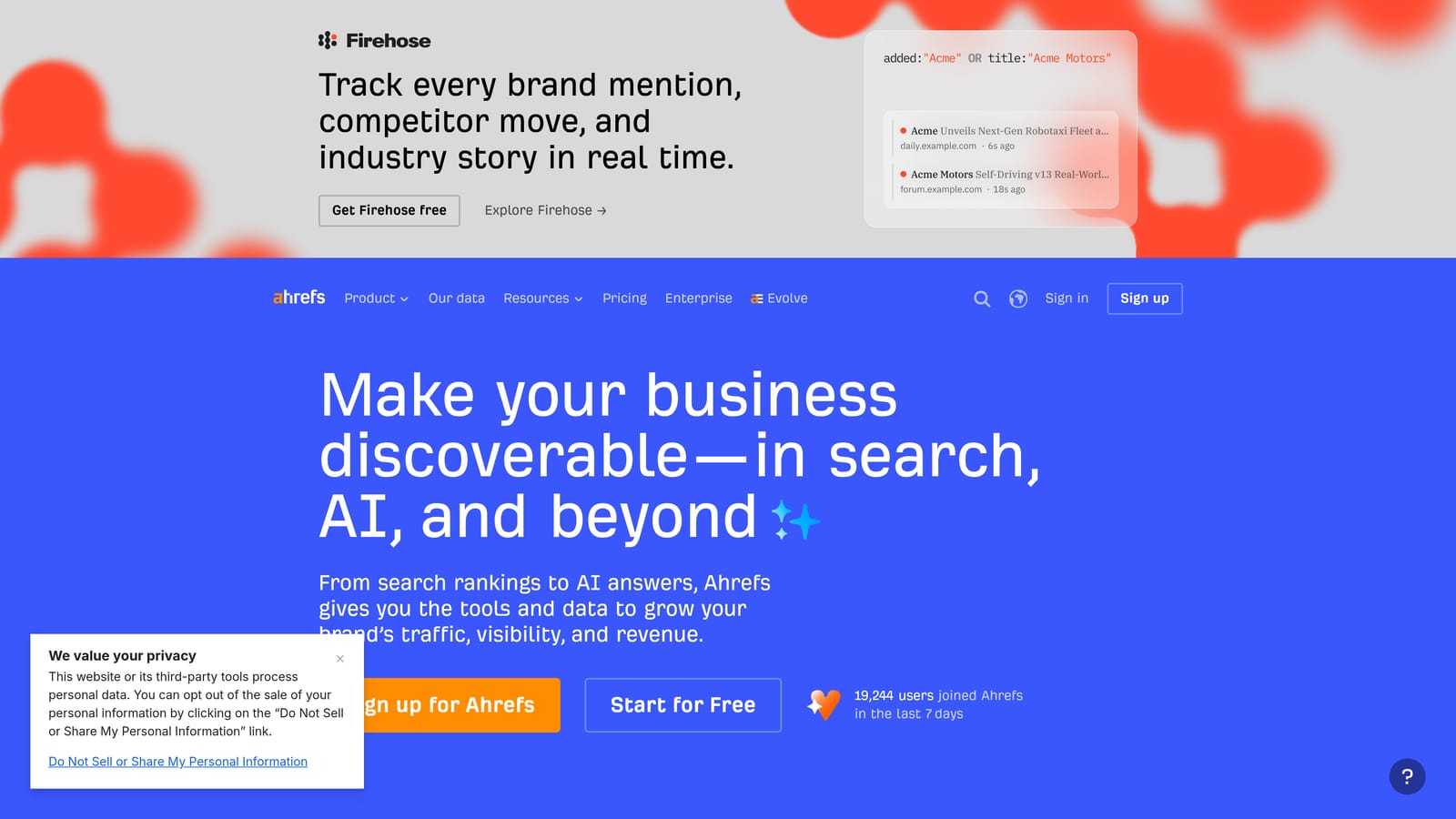
Its standout feature is clickstream-based click data rather than modeled search volume. Many keyword tools estimate volume from search engine query logs and modeling; Ahrefs incorporates real clickstream data, which tends to give a more realistic sense of how much traffic a keyword might actually generate, since search volume and click volume aren't the same thing when SERP features or zero-click searches are involved.
- Large keyword database spanning multiple search engines, not just Google
- Clickstream-based click metrics that estimate actual traffic rather than search volume alone
- Keyword difficulty scoring to gauge how competitive a term is to rank for organically
- Question and long-tail keyword filters for finding more specific query variations
Setup is straightforward: run a search, browse results, export what's relevant. It's typically used by whoever handles content or keyword strategy, and exported lists get handed off for use in Google Ads campaigns rather than added directly from within the tool.
The limitation for PPC use is that it has zero Google Ads-specific functionality. No match type application, no negative keyword management, no connection to your Search Terms Report. It's a research input you export from, not a tool that touches your live campaigns.
Pricing is subscription-based; check Ahrefs's site for current tiers, as of 2026.
Best for: Teams wanting a deep keyword research pool before building or expanding a Google Ads keyword list.
Matching the Tool to the Job at Hand
If your biggest headache is search terms piling up in your Google Ads account with no time to sort through them, Keywordme is the pick that acts on that data directly, right where you already work. If you're starting from zero and need to build a keyword list before a launch, Google Keyword Planner or Ahrefs Keywords Explorer will get you there, one from Google's own data and the other with a broader research pool and clickstream-based click estimates. If competitive intelligence is the gap, SpyFu and SEMrush both show you what other advertisers are bidding on and running, with SEMrush adding an SEO layer on top. And if you're an agency juggling a stack of accounts and need automated auditing or rule-based automation rather than manual review, Adalysis and Optmyzr are built for that scale.
Most accounts end up using more than one of these, since research tools and account-side cleanup tools solve different halves of the problem. If the search term side of that equation is where you're losing the most time, start your free 7-day trial of Keywordme and see how it handles your account's actual search terms, then it's just $12 a month per user after that.
.svg)