
9 Best Google Ads Keyword Mining Tools for Finding Profitable Keywords in 2026
This guide compares nine Google Ads keyword mining tools, sorted by data source (your own search terms, Google's keyword data, competitors, or SERP and question data), speed from finding to campaign change, cost, and ideal user. Marketers, freelancers, and agency owners can use it to find queries worth bidding on and junk worth blocking with less spreadsheet work.


Keyword mining in Google Ads comes down to two jobs: finding queries worth bidding on and spotting junk worth blocking. This list is for marketers, freelancers, and agency owners who want to do both with less spreadsheet work. The tools are sorted by where they mine from (your own search terms, Google's keyword data, competitors, or question and SERP data), how fast findings become campaign changes, what they cost, and who they suit.
Quick Comparison of the Tools
- Keywordme: advertisers and agencies cleaning and expanding accounts from their own search terms; $12/month per user; acts on search terms one click at a time inside the native Google Ads interface.
- Google Keyword Planner: anyone building a first keyword list; free with a Google Ads account; first-party Google forecasts and bid estimates.
- Semrush: teams wanting competitor paid keyword intelligence next to SEO data; subscription, see website; broad competitor ad copy and paid keyword research.
- Ahrefs: marketers running SEO and paid search together; subscription, see website; click and SERP context behind a keyword.
- SpyFu: freelancers and small teams researching rivals on a budget; subscription, see website; long history of competitors' paid keywords and ads.
- WordStream: small businesses wanting guided PPC help; see website; free keyword and negative keyword tools.
- Optmyzr: agencies managing many accounts; tiered, see website; customizable rules and bulk analysis across accounts.
- AlsoAsked: people hunting long-tail, question-style queries; free tier and paid plans, see website; maps People Also Ask follow-up questions.
- Google Ads Search Terms Report with Google Sheets: beginners and tight budgets; free; full control over your own analysis.
1. Keywordme
Keywordme is a Chrome extension that adds one-click actions to the Search Terms Report in Google Ads. It is built for people who mine their own account data: the search terms that actually triggered your ads, as opposed to the keywords you chose to bid on. Since it's our product, we'll be straight about where it fits and where it doesn't.

What sets it apart on this list is that it works on search terms where you already see them. There's no export, no spreadsheet, and no separate dashboard. You scan the report, click a term to add it as a keyword, or click to block it as a negative keyword, and move on.
- Add a search term as a positive keyword or a negative keyword with one click, so a review session doesn't turn into a copy-and-paste job.
- Apply a match type (broad, phrase, or exact) in the same view, so you decide how tightly each term is targeted as you add it.
- Cluster keywords to group related terms and build tighter keyword lists faster.
- Edit in bulk when many terms need the same treatment.
- Use multi-account and team support to run the same workflow across several client accounts.
Setup is light: install the extension in Chrome and open the Search Terms Report in Google Ads. Whoever already reviews search terms (a solo advertiser, a freelancer, or an account manager) runs it day to day. There's nothing to connect beyond your Google Ads login.
The limits are real. It works only with Google Ads, and only in Chrome. It also doesn't provide search volume or competitor keyword data, so it won't tell you what to bid on beyond what your account has already surfaced. Pair it with a discovery tool if you need new ideas from outside your own data.
Pricing is a flat $12/month per user, with a 7-day free trial (confirm current terms on the site). Cost scales with the number of users, not with ad spend or accounts.
Best for: Advertisers and agencies who want to clean and expand accounts from their own search term data quickly.
2. Google Keyword Planner
Google Keyword Planner is Google's free keyword research tool inside Google Ads. It's the usual starting point for building a list before a campaign launches, because it draws on Google's own data.

Its edge over everything else here is price and source: first-party forecasts and bid estimates, at no cost. Third-party tools estimate; this one comes from the platform you're buying on.
- Generate keyword ideas from seed terms or a website URL, which helps when you're starting from nothing.
- See search volume ranges and trends so you can spot seasonality before committing budget.
- Check bid range estimates to sanity-check whether a keyword fits your CPC ceiling.
- Use forecasts to estimate what a keyword set might deliver before you spend.
You need a Google Ads account to use it, and setup is minutes. The person building the campaign normally runs it.
Know what it isn't. Volume can show up as broad ranges rather than precise numbers, depending on your account's activity, so check Google Ads Help for current behavior. There's no competitor insight at all. And its ideas are keywords, not search terms from your account: high volume doesn't mean high intent, and a suggested keyword tells you nothing about what real users typed to trigger your ads.
Pricing: free with a Google Ads account.
Best for: Building an initial keyword list and estimating bids before launch.
3. Semrush
Semrush is an SEO and PPC suite with large keyword databases and competitor advertising research. It suits teams that want to see what rivals are bidding on, not just what Google suggests.
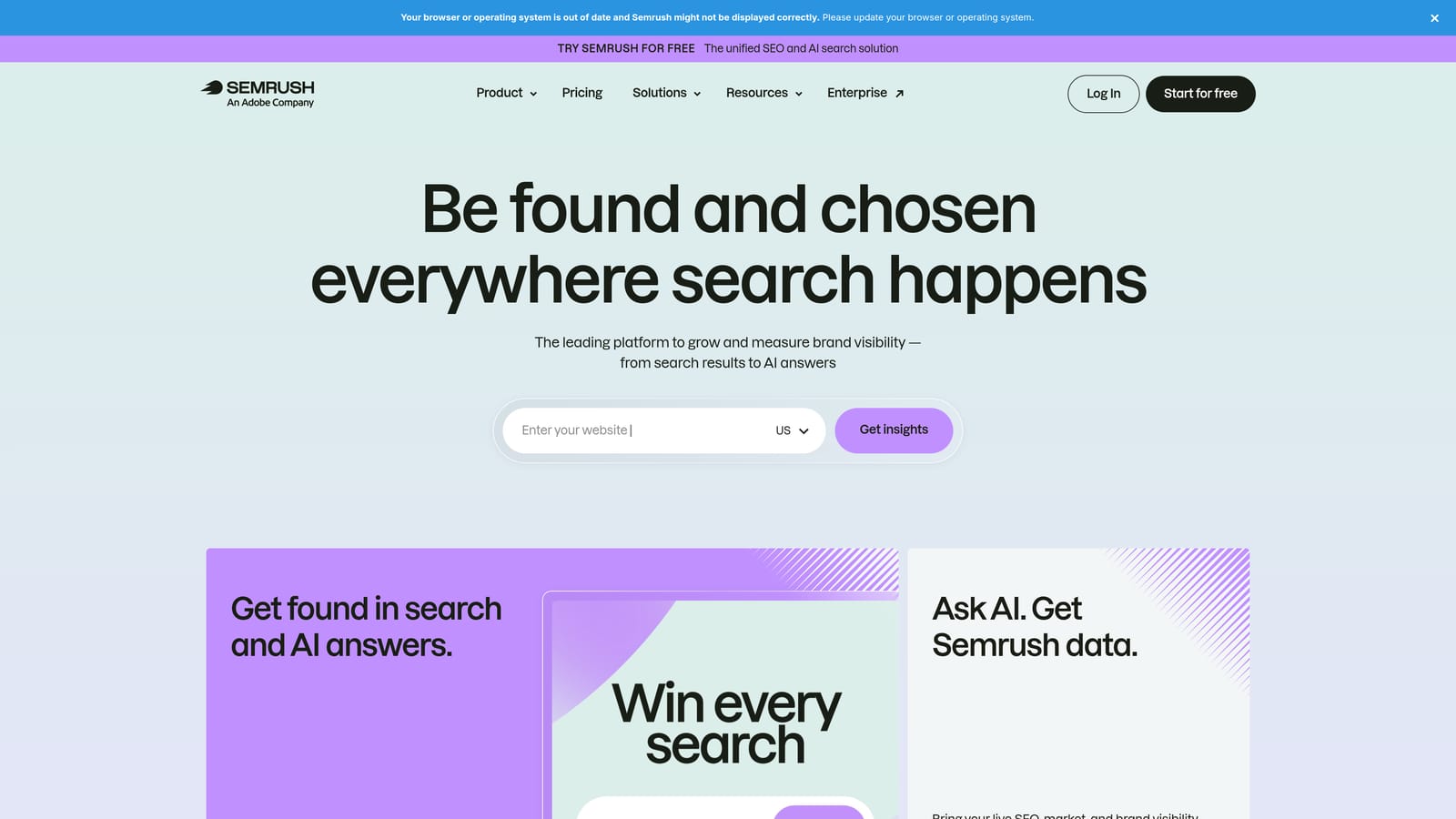
Competitor paid keyword and ad copy research is where it pulls ahead of the rest of this list. If you want to know which terms a competitor has been buying and how they word their ads, this is one of the fuller places to look.
- Keyword Magic Tool expands a seed term into large lists you can filter, so you find long-tail variations quickly.
- PPC Keyword Tool is aimed at paid search, so research lands closer to campaign structure.
- Competitor research shows rival ad keywords and copy, which helps you spot gaps in your own account.
- Keyword grouping organizes big lists into themes you can map to ad groups.
It connects with Google Ads, Google Analytics, and Google Search Console. Setup is straightforward, but the breadth of the suite takes time to learn, and usually an SEO or PPC specialist owns it.
The limitation is weight. The price and learning curve can be heavy for solo advertisers who just need to review search terms, and none of it replaces mining your own search term report.
Pricing is subscription-based; see the website for current plans (as of November 2026, verify before buying). Tier and add-ons drive cost.
Best for: Teams that need competitor paid keyword intelligence alongside SEO data.
4. Ahrefs
Ahrefs is an SEO platform, and its Keywords Explorer is useful for judging whether a keyword is worth the money. It's less a paid-search tool than a way to understand what happens on the results page.

The distinctive piece is click and SERP context. Search volume alone says people search; clicks data and the SERP overview help show whether those searches actually send traffic to results, which matters when a page is crowded with answer boxes and other features.
- Keywords Explorer provides keyword ideas and metrics for a given topic.
- Clicks and keyword difficulty metrics help separate searches that get clicks from those that don't.
- Parent topic grouping shows which broader topic a keyword belongs to, which helps you cluster related terms.
- SERP overview lets you see what ranks, so you can judge intent before you bid.
It integrates with Google Search Console and Google Analytics. Setup is easy; the user is typically an SEO or content marketer who also supports paid search.
It's SEO-first. Paid-search workflows are thinner than in tools built for ads, and there's no direct path from a finding to a campaign change. Difficulty scores are organic metrics, so treat them as context, not a bidding signal.
Pricing is subscription-based; see the website for current plans (as of November 2026, verify before buying).
Best for: Marketers who run both SEO and paid search and want SERP context.
5. SpyFu
SpyFu is a competitor research tool that shows the keywords rivals buy and rank for. It's a common pick for freelancers and small teams who want competitive data without an enterprise price tag.
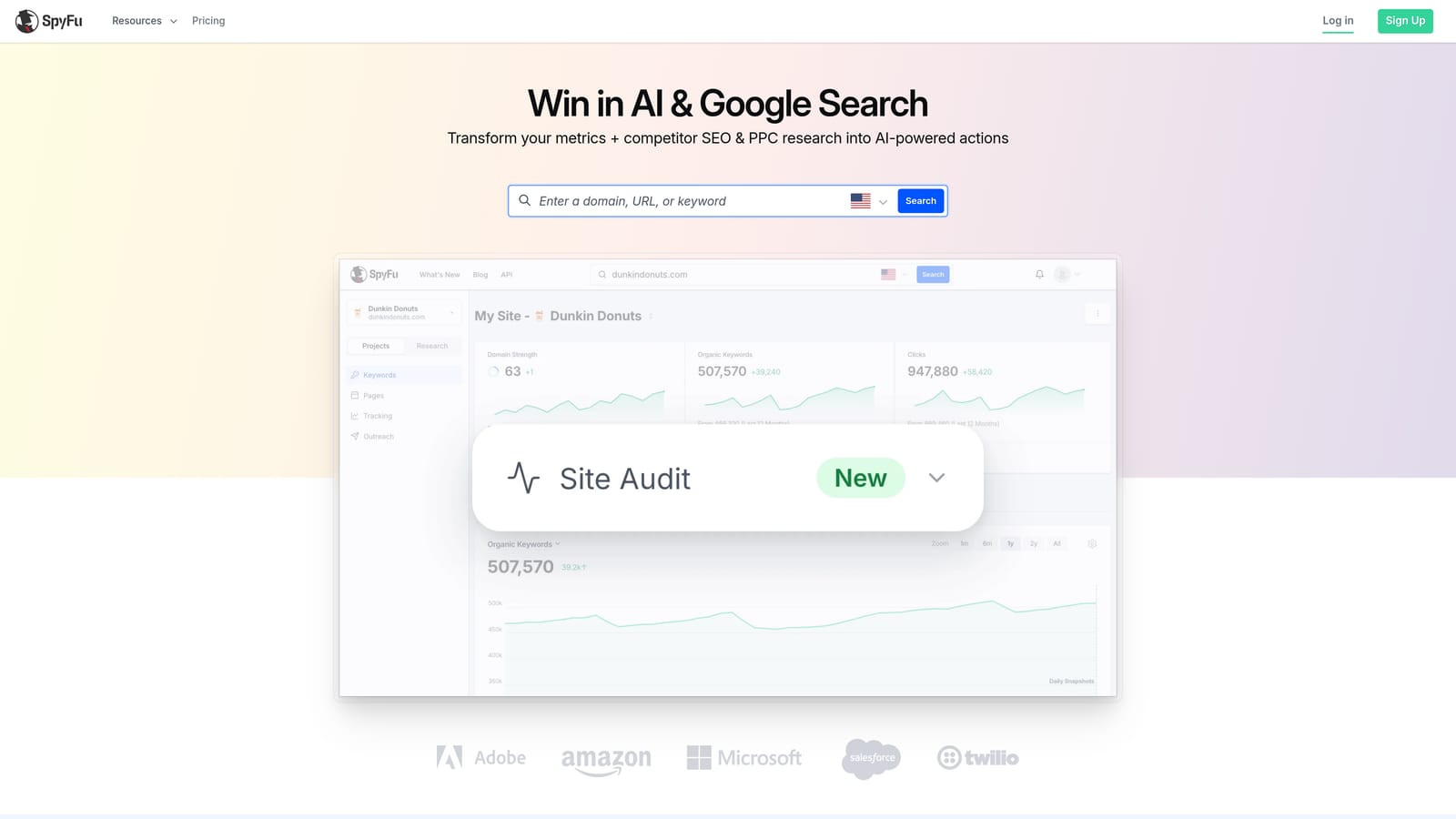
Its standout is history. SpyFu has a long record of competitors' paid keywords and ads, so you can see what they've kept running over time, which is a decent hint at what's working for them.
- Competitor PPC keyword lists give you a ready set of terms to test.
- Historical ad data shows how a rival's paid activity has changed.
- Keyword overlap analysis reveals terms you and a competitor both target, and gaps where they bid and you don't.
- Ad copy history helps you see which messages competitors keep running.
Check the website for current integrations. Setup is simple: enter a competitor domain and read. One person, usually the strategist, runs it.
Verify data coverage if you advertise outside the US, since coverage varies by market. It's also a poor fit for cleaning your own account: competitor data can't tell you which of your search terms are wasting spend. Treat its lists as hypotheses, not proof of intent for your business.
Best for: Freelancers and small teams researching competitors on a budget.
6. WordStream
WordStream offers PPC software and free tools aimed at small-business Google Ads advertisers. It's less a pure mining tool than a guided platform with some useful free pieces.
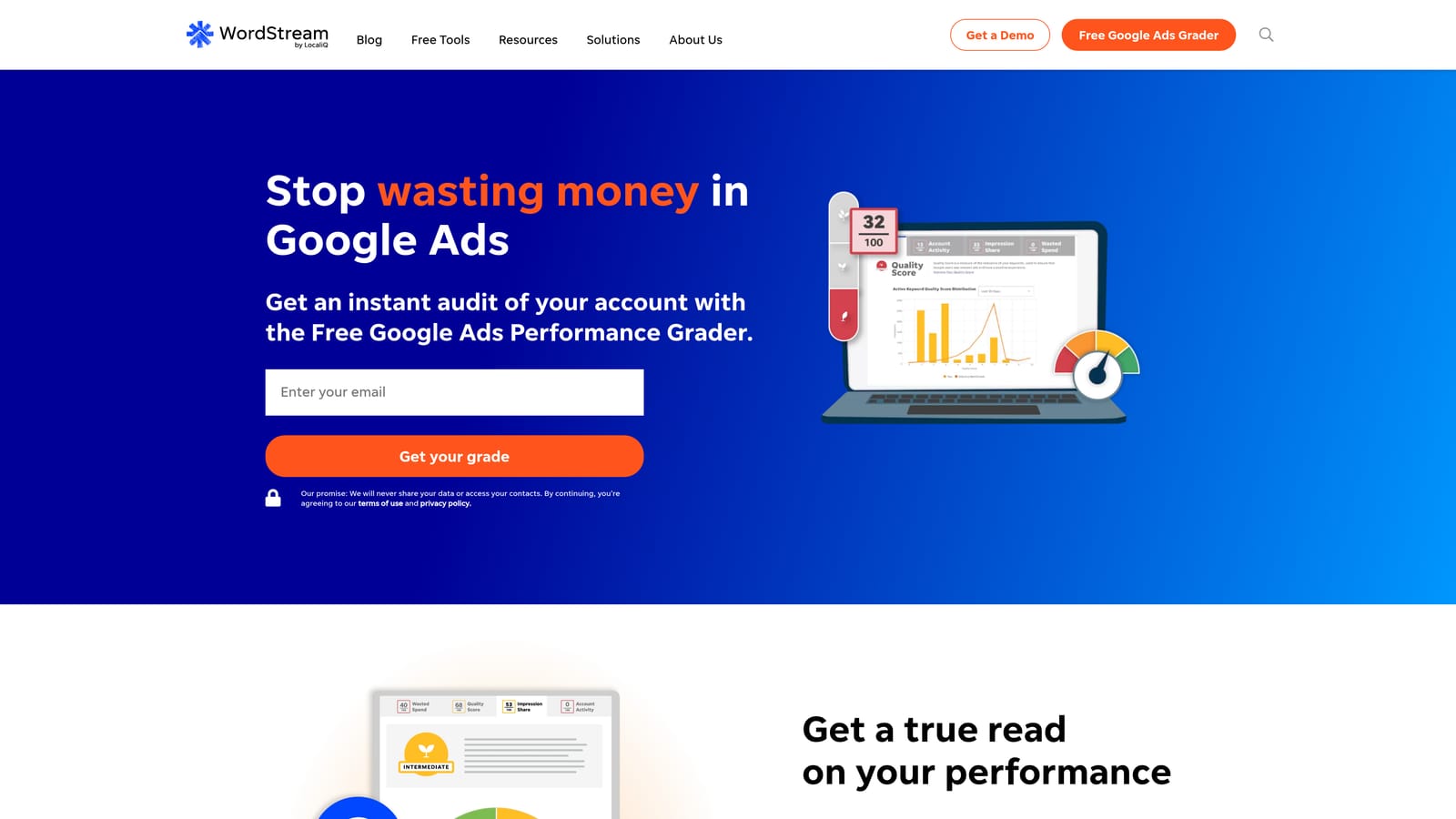
Its distinctive angle is free, PPC-specific tools for quick starts. A Free Keyword Tool and a Free Negative Keyword Tool let you get ideas and block lists without signing up for a paid plan (confirm current availability on the site).
- Free Keyword Tool generates ideas for a quick first pass.
- Free Negative Keyword Tool suggests terms to exclude, which saves you from guessing at negatives.
- Account optimization recommendations point out where to look first.
- Performance grading gives a quick read on account health.
It connects with Google Ads, Microsoft Advertising, and Meta Ads. Setup for the paid platform means linking accounts, and the business owner or a generalist marketer typically runs it.
The full platform is a management suite, not a dedicated mining tool, so you'd pay for much more than keyword work. Recommendations are suggestions you should review against your own goals.
Pricing: see the website; the platform may be quote-based, while the free tools cost nothing.
Best for: Small businesses wanting guided PPC help and free starter tools.
7. Optmyzr
Optmyzr is a PPC management platform with search term analysis and rule-based optimization across accounts. It's built for people running lots of campaigns who need repeatable processes.

Its standout is customizable rules combined with bulk analysis. Instead of reviewing one account by hand, you can set criteria and apply them across many accounts.
- Search term analysis surfaces terms to add or exclude without scrolling through raw reports.
- Rule-based optimizations let you codify your own checks and rerun them.
- Bulk account management saves time when you manage many clients.
- Reporting helps you show clients what changed.
It integrates with Google Ads, Microsoft Advertising, and Meta Ads. Setup takes longer than a browser extension because you connect accounts and configure rules; a PPC manager or agency team owns it.
It can be more platform than a single small account needs, and rules need thoughtful setup and ongoing review so they don't act on bad assumptions.
Best for: Agencies managing many accounts that want rule-driven workflows.
8. AlsoAsked
AlsoAsked maps People Also Ask questions to show how people phrase queries around a topic. It's a different kind of mining: not volume or competitors, but language.
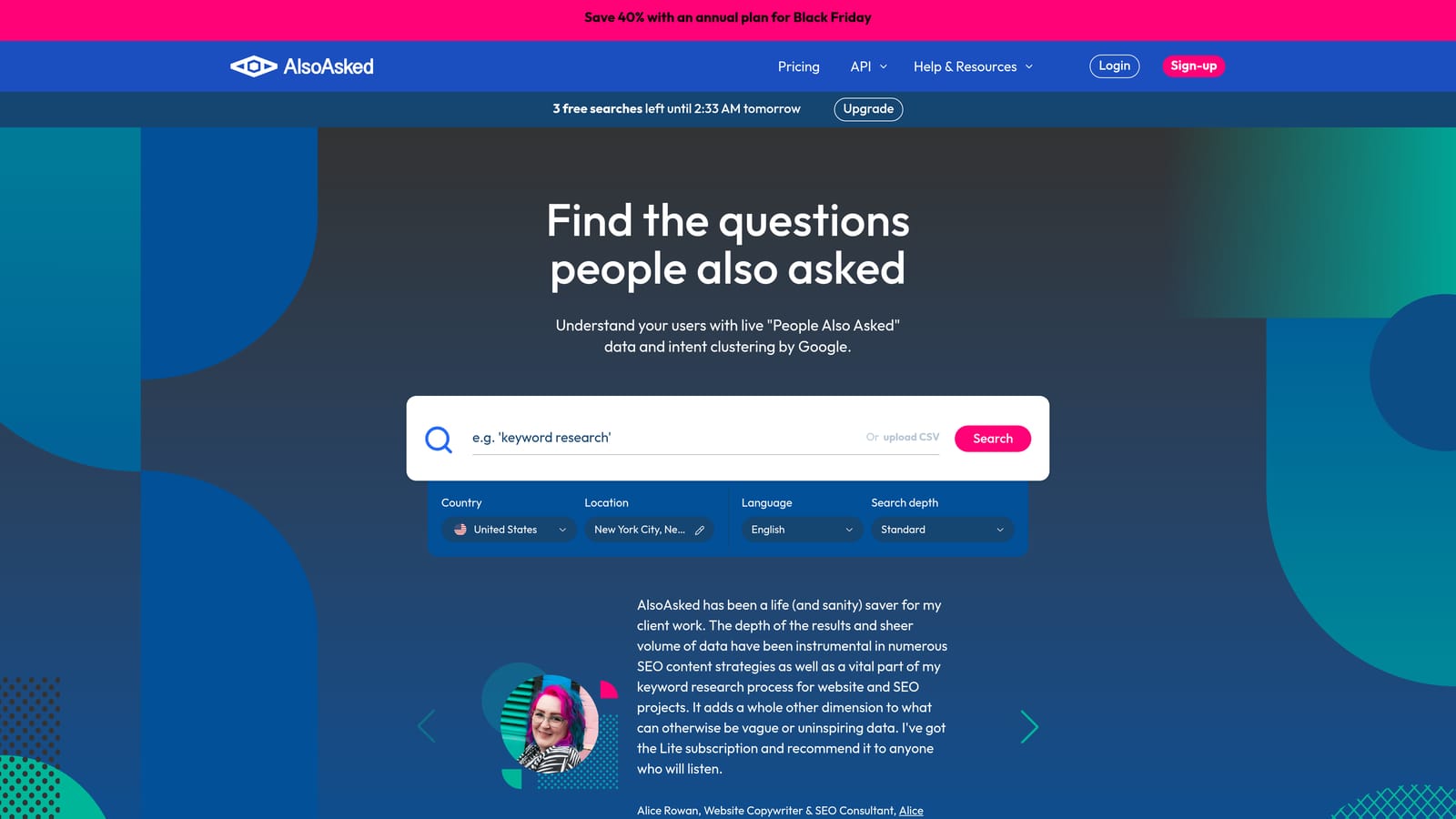
What it does that nothing else here does is reveal question phrasing and follow-up intent. You see the questions people ask next, which is handy for long-tail ideas and for matching ad copy and landing pages to how real people speak.
- People Also Ask mapping pulls related questions from a seed term.
- Question hierarchy visualization shows which questions lead to which follow-ups.
- Export options let you move ideas into your own working document.
- Multi-language support helps if you advertise in more than one language.
Check the website for integrations. Setup is nearly nothing: type a topic. A content or search marketer typically runs it.
There's no volume or CPC data, so you can't decide what to bid on from it alone. Question-style queries also tend to be informational, so test them with care before assuming they'll convert.
Pricing: a free tier and paid plans exist; see the website for current details (as of November 2026).
Best for: Finding long-tail and question-style queries to test.
9. Google Ads Search Terms Report with Google Sheets
The Google Ads Search Terms Report paired with Google Sheets is the manual workflow: export the report, then sort and filter it in a spreadsheet. It's how many advertisers learned to mine, and it still works.

The advantage is cost and control. It's free, and you decide exactly how to analyze the data, from custom formulas to pivot tables.
- Search terms come with cost, clicks, and conversions, so you can see what actually spent money.
- Export to a spreadsheet lets you work outside the Google Ads interface.
- Filters and sorting help you surface expensive non-converters and strong performers.
- It costs nothing, which matters when budget is the constraint.
It runs on Google Ads and Google Sheets, so setup is nil. Whoever manages the account does the work, every time.
The cost shows up in time. It's slow and error-prone as accounts grow: you export, decide, copy terms back into the interface, and pick match types by hand. Every round trip is a chance to paste into the wrong campaign or ad group.
Pricing: free.
Best for: Beginners or tight budgets willing to trade time for cost.
Which Keyword Mining Tool Fits Your Situation
Most accounts need two kinds of tools: one for discovery and one for acting on what your account already shows you. Pick by situation.
- Solo or small account mining search terms: Keywordme plus Keyword Planner. Keyword Planner gives you ideas and bid estimates; Keywordme handles the weekly search term review.
- Competitor research: Semrush, SpyFu, or Ahrefs. Semrush goes deepest on paid ads, SpyFu is the budget-friendlier option, and Ahrefs adds SERP context.
- Agencies at scale: Optmyzr plus Keywordme. Rules and bulk analysis cover many accounts, while Keywordme speeds up hands-on search term review.
- Long-tail ideas: AlsoAsked, then validate with real data.
- No budget: the native Search Terms Report plus Sheets.
Whatever you choose, remember that more keywords isn't better, and search volume isn't intent. Your own search terms are the best evidence you have.
Optimize Google Ads Campaigns 10X Faster. Without Leaving Your Account. Keywordme lets you remove junk search terms, build high-intent keyword lists, and apply match types instantly, right inside Google Ads. No spreadsheets, no switching tabs, just quick, seamless optimization. Start your free 7-day trial (then just $12/month) and take your Google Ads game to the next level.
