
9 Best Google Ads Keyword Management Software Tools in 2026
Discover the 9 best Google Ads keyword management software tools for 2026, covering everything from lightweight Chrome extensions to full-suite PPC platforms. This guide helps solo freelancers, in-house marketers, and agencies find the right solution for automating keyword research, negative keyword management, match type optimization, and search term analysis at scale.


TL;DR: Managing keywords in Google Ads at scale is genuinely painful. Sifting through thousands of search terms, building negative keyword lists, juggling match types across dozens of campaigns—it eats hours you don't have. Google Ads keyword management software exists to automate or streamline exactly these tasks: keyword research, search term analysis, negative keyword management, match type optimization, and bid adjustments. This list covers tools ranging from lightweight Chrome extensions to full-suite PPC platforms, selected based on ease of use, depth of keyword features, pricing transparency, and fit for different team sizes. Whether you're a solo freelancer, an in-house marketer, or running an agency with multiple client accounts, there's a tool here built for your workflow. If you want the fundamentals before diving in, check out our guide on what keyword optimization in Google Ads actually means. Otherwise, let's get into it.
1. Keywordme
Best for: Freelancers, in-house marketers, and agencies who want to optimize directly inside Google Ads without switching tools.
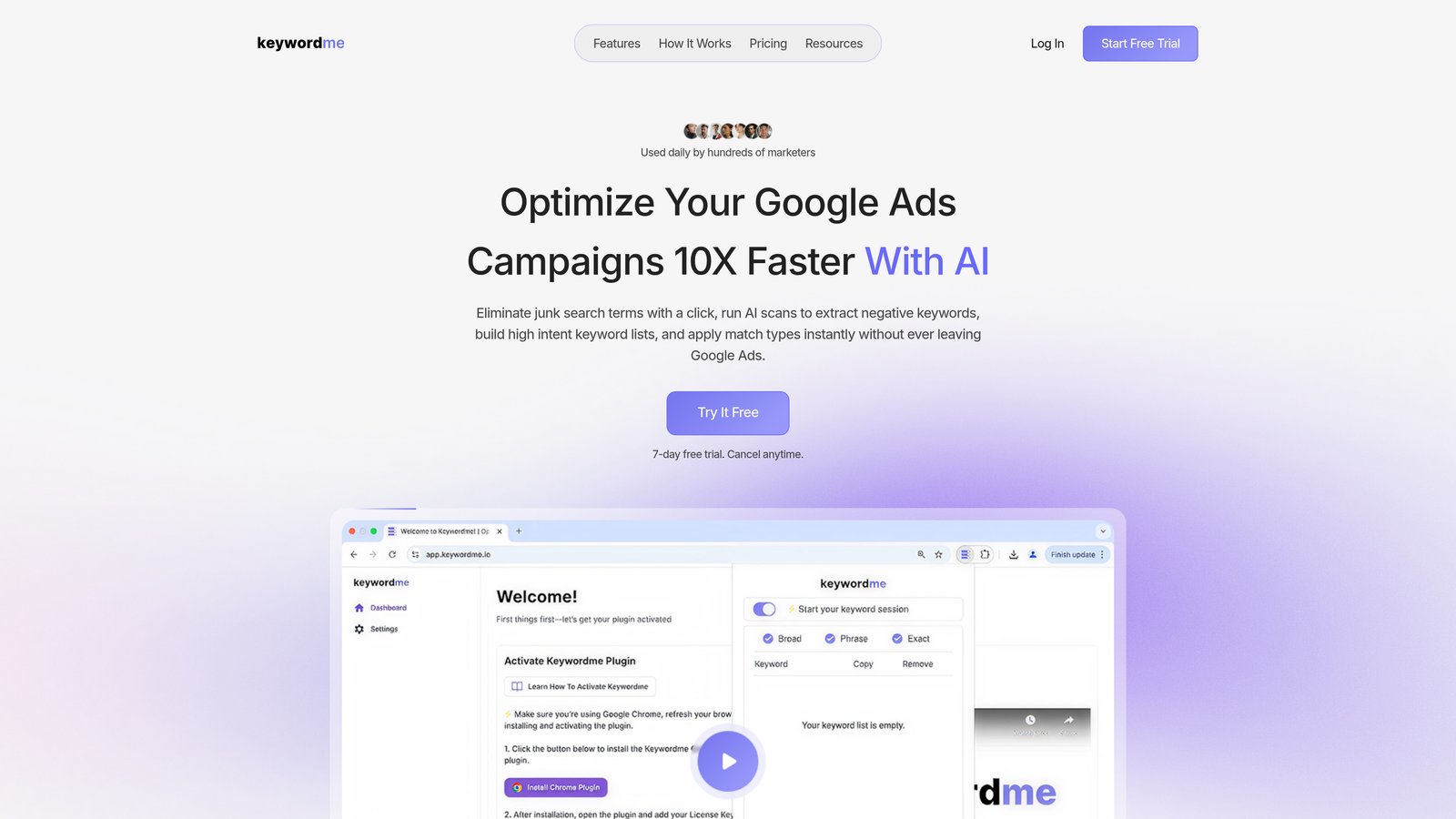
Keywordme is a Chrome extension that plugs directly into the Google Ads Search Terms Report, letting you manage keywords, negatives, and match types without ever opening a spreadsheet or external dashboard.
Where This Tool Shines
The biggest differentiator here is the in-interface workflow. Most keyword management tools pull you out of Google Ads and into a separate platform, which creates friction and slows down your optimization cycle. Keywordme keeps you exactly where you already are, adding a layer of smart functionality on top of the native UI.
In most accounts I audit, the search terms report is where the real money is won or lost. Keywordme turns what's normally a multi-step, export-edit-upload process into a series of quick clicks. You can remove junk terms, add high-intent keywords, apply match types, and build negative lists in a single session without ever leaving the report. For agencies managing multiple client accounts, that time compression adds up fast.
Key Features
One-Click Junk Keyword Removal: Flag and remove irrelevant search terms directly from the Search Terms Report with a single click, no bulk exports required.
In-Interface Keyword Addition: Add high-intent search terms as keywords and apply match types (broad, phrase, exact) without leaving Google Ads.
Bulk Negative Keyword List Building: Build and apply negative keyword lists at the campaign or account level in bulk, cutting wasted spend at scale.
Keyword Clustering and Bulk Editing: Group related terms and make bulk edits across campaigns without switching to a separate dashboard or spreadsheet.
Multi-Account and Team Support: Manage multiple client accounts and collaborate with team members, making it practical for agency workflows.
Best For
Keywordme is the right fit for anyone who lives inside Google Ads and wants to eliminate the spreadsheet layer entirely. Solo freelancers will appreciate the flat-rate pricing and zero setup friction. Agency teams benefit from the multi-account support and the speed gains across client portfolios. It's less suited to users who need deep competitive intelligence or cross-platform campaign management beyond Google Ads.
Pricing
$12/month per user with a 7-day free trial. Flat-rate pricing with no percentage-of-spend tiers, which makes it predictable for agencies billing at scale.
2. Optmyzr
Best for: PPC agencies and in-house teams that need rule-based automation and advanced reporting across Google and Microsoft Ads.
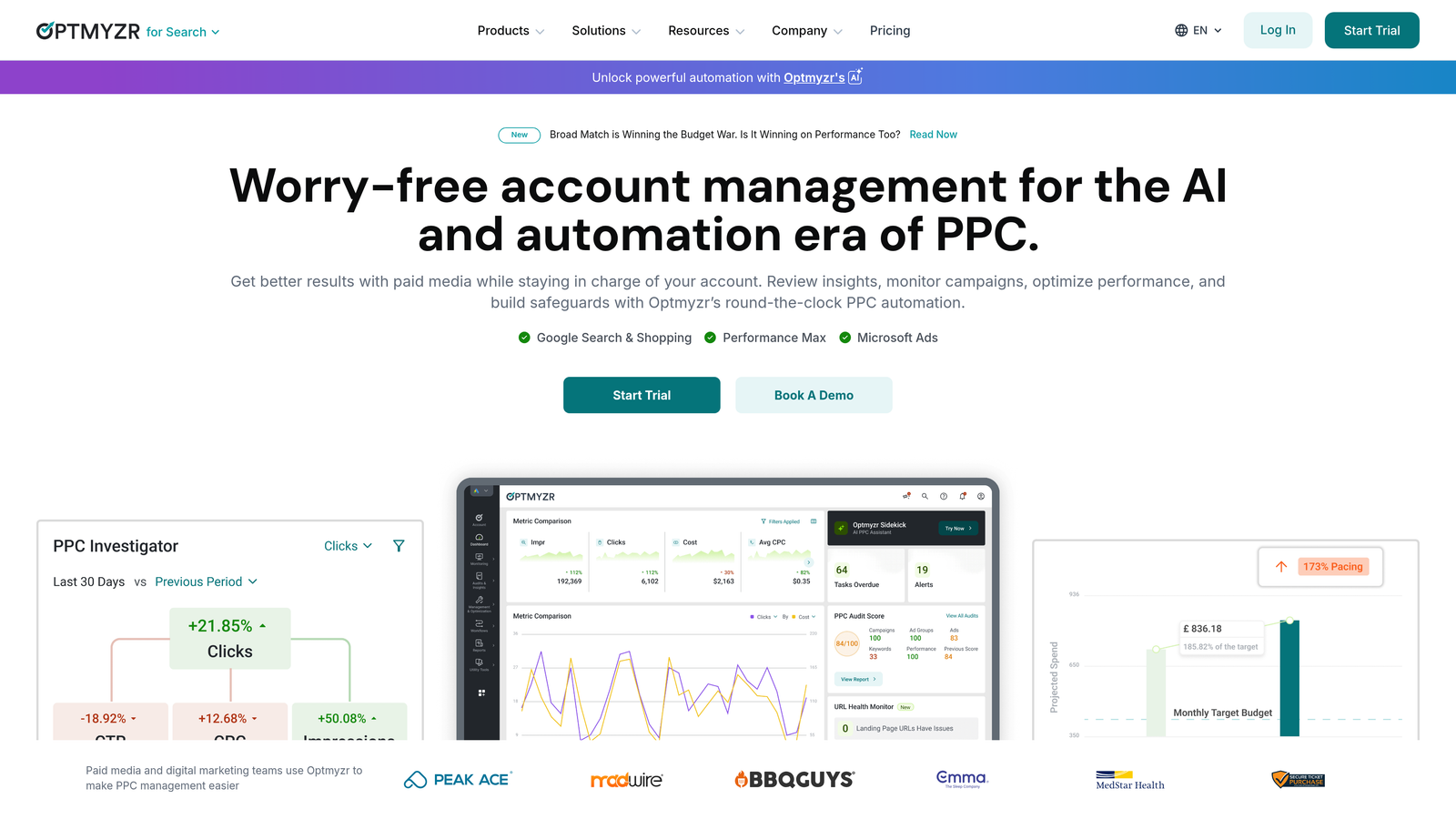
Optmyzr is a comprehensive PPC management platform offering rule-based automation, one-click optimizations, and multi-platform support for teams managing significant ad spend.
Where This Tool Shines
Optmyzr's rule engine is genuinely powerful. You can build custom automation workflows that trigger keyword optimizations, bid adjustments, and budget changes based on performance thresholds—without needing to write scripts. For agencies running complex accounts, this replaces a lot of manual monitoring work.
The one-click optimization features are well-designed: Optmyzr surfaces recommendations and lets you approve or reject them in bulk, which keeps a human in the loop without requiring manual analysis for every change. The search term analysis module includes negative keyword suggestions that are actionable and well-organized.
Key Features
Customizable Rule Engine: Build automated workflows for keyword optimizations, bid changes, and budget adjustments based on account performance data.
One-Click Optimizations: Review and apply bulk recommendations for bids, keywords, and budgets with a single click after Optmyzr surfaces them.
Search Term Analysis: Automated negative keyword suggestions pulled from search term data, organized for quick review and application.
Advanced Reporting and Dashboards: Customizable reporting for client-facing and internal use, with multi-account views.
Multi-Platform Support: Manages Google Ads, Microsoft Ads, and Amazon Ads from a single interface.
Best For
Optmyzr is built for agencies and larger in-house teams managing multiple accounts with meaningful ad spend. The pricing reflects that positioning—it's not the right fit for solo freelancers or small accounts, but for teams that need automation at scale, it delivers strong ROI on the time savings alone.
Pricing
Starts around $249/month with a 14-day free trial. Pricing scales with ad spend and feature tier.
3. WordStream (by LocaliQ)
Best for: Small businesses and beginners who want guided optimization without a steep learning curve.
WordStream is a simplified PPC management platform that walks users through optimization recommendations with a structured, beginner-friendly workflow.

Where This Tool Shines
WordStream's "20-Minute Work Week" concept is genuinely useful for time-strapped small business owners who aren't PPC specialists. The platform surfaces prioritized recommendations so you're not staring at a blank dashboard wondering what to do next. It removes the intimidation factor that often comes with Google Ads management.
The performance benchmarking by industry is a practical feature—knowing how your click-through rate or cost-per-click compares to similar businesses gives context that Google Ads alone doesn't provide. The free Google Ads Grader tool is also worth mentioning as a no-commitment entry point.
Key Features
20-Minute Work Week: A structured weekly optimization workflow that surfaces the highest-priority recommendations for quick action.
Keyword Research and Discovery: Built-in tools for finding new keyword opportunities relevant to your business category.
Negative Keyword Recommendations: Automated suggestions for irrelevant terms to exclude, reducing wasted spend.
Cross-Platform Support: Manages campaigns across Google Ads, Microsoft Ads, and Facebook from one interface.
Industry Benchmarking: Performance comparisons against industry averages to contextualize your account metrics.
Best For
Small business owners and beginners who want a guided experience rather than a blank-canvas tool. Less suited to experienced PPC managers who prefer granular control or custom automation workflows.
Pricing
Custom pricing—you'll need to contact LocaliQ for a quote. The free Google Ads Grader tool is available with no signup required.
4. SEMrush PPC Toolkit
Best for: Marketers who want to combine competitive keyword intelligence with campaign planning in one platform.
SEMrush's PPC Toolkit is part of the broader SEMrush suite, combining competitor ad research, keyword grouping, and campaign planning tools with direct Google Ads integration.

Where This Tool Shines
The competitive intelligence layer is where SEMrush earns its place on this list. You can see a competitor's ad history, the keywords they've been bidding on, estimated spend, and ad copy variations—all of which helps you build smarter keyword lists from the start rather than discovering gaps after burning budget.
The keyword grouping tool and cross-group negative suggestions are genuinely useful for account structure work. If you're building a new campaign from scratch or auditing an existing one for overlap issues, these features save significant manual effort.
Key Features
PPC Keyword Research: Keyword data including CPC estimates, competition levels, and search volume for paid campaign planning.
Competitor Ad Intelligence: Access to competitor keyword history, ad variations, and estimated ad spend for any domain.
Keyword Grouping: Tools for organizing keywords into logical ad groups with cross-group negative keyword suggestions to prevent cannibalization.
Ad Copy Research: Historical ad copy data for competitive benchmarking and creative inspiration.
Google Ads Integration: Direct export and integration with Google Ads for applying research to live campaigns.
Best For
Marketers and agencies that need competitive intelligence alongside keyword management. Works best as a research and planning tool rather than a day-to-day optimization interface.
Pricing
Starts at $139.95/month on the Pro plan, with a 7-day free trial available.
5. SpyFu
Best for: Competitive research—understanding what keywords and ad strategies are working for your competitors.
SpyFu is a competitive intelligence tool that surfaces competitors' most profitable keywords, estimated ad spend, and years of historical PPC data.

Where This Tool Shines
SpyFu's historical data depth is impressive. You can look at a competitor's PPC activity going back years, see which keywords they've consistently bid on (a strong signal of profitability), and identify terms they've tested and abandoned. That kind of intelligence shortcuts a lot of trial-and-error in new campaigns.
The estimated click and spend data gives you a rough sense of competitive intensity before you commit budget to a keyword. It's not perfectly precise, but it's directionally useful for prioritization decisions.
Key Features
Competitor Keyword History: Multi-year view of which keywords competitors have bid on and their associated ad variations.
Estimated Ad Spend Data: Spend and click estimates for any domain, useful for competitive benchmarking.
Keyword Recommendations: Suggested keywords based on competitor activity and profitability signals.
PPC Keyword Research: Keyword data with profitability estimates to help prioritize targeting decisions.
Exportable Keyword Lists: Download keyword lists in formats ready for Google Ads import.
Best For
Advertisers entering competitive markets who want to learn from existing players before spending. Also useful for agencies doing new client onboarding and competitive landscape analysis.
Pricing
Starts at $39/month on the Basic plan, making it one of the more accessible competitive intelligence options on this list.
6. Adalysis
Best for: Agencies and advanced PPC managers who need automated search query analysis, ad testing, and negative keyword conflict detection.
Adalysis is a PPC optimization platform with a strong focus on automated testing, search query mining, and keyword health diagnostics.

Where This Tool Shines
The negative keyword conflict detection is one of the most underrated features in PPC tooling, and Adalysis does it well. In most accounts I audit, there are negative keywords blocking traffic that should be converting—often added months ago and forgotten. Adalysis surfaces these conflicts automatically across campaigns, which is the kind of diagnostic work that typically requires a manual audit.
The automated ad testing with statistical significance tracking is genuinely useful for teams that run structured creative experiments. Rather than eyeballing performance differences, Adalysis tells you when a result is actually meaningful.
Key Features
Automated Search Query Mining: Continuous analysis of search terms with negative keyword suggestions surfaced automatically.
Negative Keyword Conflict Detection: Identifies cases where negative keywords are incorrectly blocking converting search terms across campaigns.
Quality Score Tracking: Keyword-level Quality Score diagnostics to identify optimization priorities.
Automated Ad Testing: Structured A/B testing with statistical significance tracking for ad copy experiments.
Budget and Bid Alerts: Automated alerts for budget pacing issues and bid anomalies.
Best For
Advanced PPC managers and agencies that run structured testing programs and need automated diagnostics across multiple accounts. Less suited to beginners who need guided workflows.
Pricing
Starts around $99/month based on ad spend, with a 14-day free trial available.
7. Google Ads Editor
Best for: Anyone who needs to make bulk keyword changes across campaigns without paying for a third-party tool.
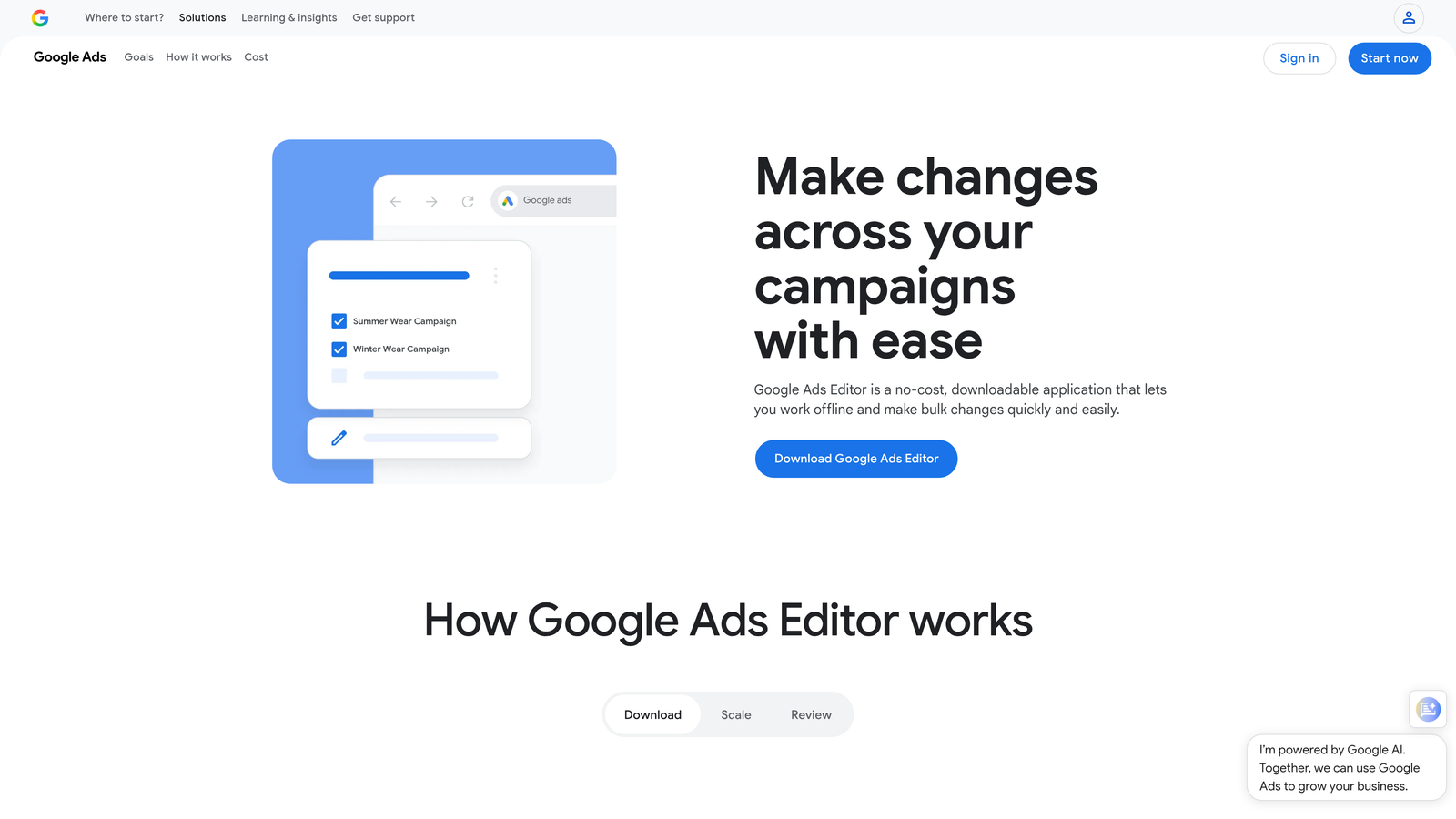
Google Ads Editor is Google's free desktop application for making bulk offline changes to campaigns, including keyword management at scale.
Where This Tool Shines
The mistake most agencies make is underusing Ads Editor. It's free, it handles bulk operations extremely well, and the offline editing workflow is genuinely useful when you're making large structural changes and don't want to risk accidentally publishing half-finished work. The find-and-replace function alone saves meaningful time when you're updating keyword text or URLs across hundreds of ad groups.
For keyword management specifically, you can add, edit, and remove keywords across campaigns in bulk, copy and paste negatives between campaigns, and manage shared negative keyword lists—all without a subscription. The ceiling is that it offers no automation, no AI suggestions, and no reporting layer.
Key Features
Bulk Keyword Management: Add, edit, and remove keywords across multiple campaigns and ad groups simultaneously.
Offline Editing Workflow: Make changes offline and upload when ready, reducing the risk of publishing incomplete edits.
Find and Replace: Update keyword text, URLs, and other elements across campaigns in bulk using find-and-replace logic.
Negative Keyword Management: Copy, paste, and manage negative keywords and shared negative lists across campaigns.
Free to Use: No subscription, no ad spend minimums, no usage limits.
Best For
Every Google Ads user should have this installed. It's the right tool for bulk structural changes, account migrations, and large-scale keyword additions. It's not a replacement for tools that offer automation, search term analysis, or optimization recommendations.
Pricing
Free. No subscription required.
8. Channable
Best for: E-commerce advertisers who want to dynamically generate keywords and ads from product feed data.
Channable is a feed management and PPC automation platform that generates keywords and ads dynamically from product catalog data.
Where This Tool Shines
For e-commerce accounts with large product catalogs, manually managing keywords for every SKU is not realistic. Channable solves this by generating keywords and ads automatically from product feed attributes—product names, categories, brands, prices—and keeping campaigns in sync with inventory. When a product goes out of stock, its keywords pause automatically.
The rule-based campaign structure automation means you can define logic once and have it applied across thousands of products, which is a fundamentally different approach to keyword management than any other tool on this list.
Key Features
Automated Keyword Generation: Dynamically creates keywords from product feed attributes like name, brand, category, and price.
Dynamic Ad Creation: Ties ad copy to product inventory data, keeping ads current without manual updates.
Rule-Based Campaign Automation: Define campaign structure rules once and apply them across entire product catalogs.
Multi-Channel Support: Manages campaigns across Google Ads, Microsoft Ads, and various marketplaces.
Automatic Out-of-Stock Pausing: Pauses keywords for out-of-stock products automatically to prevent wasted spend.
Best For
E-commerce advertisers with large or frequently changing product catalogs. Not relevant for service businesses or lead generation accounts that don't use product feeds.
Pricing
Starts around $59/month, with custom plans available for larger catalogs and higher feed volumes.
9. Negative Keywords Pro (Karooya)
Best for: Advertisers who want a dedicated tool focused entirely on reducing wasted spend through smarter negative keyword management.
Negative Keywords Pro by Karooya is a specialized tool built specifically for negative keyword discovery, conflict resolution, and wasted spend reduction.
Where This Tool Shines
Most PPC tools treat negative keywords as a secondary feature. Karooya treats it as the entire product, which means the depth here is noticeably better than what you get from the negative keyword modules in broader platforms. The wasted spend reports are particularly well-designed—they surface irrelevant queries by actual cost impact, so you're prioritizing the changes that matter most to your budget.
The cross-campaign conflict detection is the other standout. What usually happens in accounts that have been running for a while is that negative keywords accumulate across campaigns without anyone checking whether they're accidentally blocking good traffic. Karooya catches these conflicts systematically.
Key Features
Automated Negative Keyword Recommendations: Pulls from search term data to surface negative keyword suggestions organized by relevance and cost impact.
Cross-Campaign Conflict Detection: Identifies negative keywords that are incorrectly blocking relevant search terms in other campaigns.
Wasted Spend Reports: Highlights irrelevant queries ranked by actual spend, making prioritization straightforward.
Shared Negative List Management: Manage and apply shared negative keyword lists across campaigns from a single interface.
Google Ads Integration: Direct connection to Google Ads accounts for applying recommendations without manual exports.
Best For
Advertisers running accounts with significant search term volume who want to systematically reduce wasted spend. Works well as a standalone tool or alongside a broader PPC platform that lacks dedicated negative keyword depth.
Pricing
Free tier available. Paid plans start around $49/month based on ad spend.
Which Tool Is Right for Your Workflow?
The right Google Ads keyword management software depends entirely on what's slowing you down. Here's a quick breakdown by use case to make the decision easier.
Best for freelancers:Keywordme and Google Ads Editor. Both are low-cost or free, require minimal setup, and handle the core keyword management tasks without unnecessary complexity. Keywordme adds speed and in-interface workflow that Editor can't match.
Best for agencies: Keywordme for day-to-day in-interface optimization, Optmyzr for rule-based automation across large client portfolios, and Adalysis for accounts that need structured testing and diagnostic depth. Many agencies run two of these in combination.
Best for competitive research: SEMrush PPC Toolkit and SpyFu. Use SEMrush for keyword planning and ad copy intelligence, SpyFu for deep historical competitor data and spend estimates. They complement each other well.
Best for beginners: WordStream's guided workflow removes the guesswork and gives small business owners a structured path through optimization without requiring PPC expertise.
Best for e-commerce: Channable is the clear choice for any advertiser running campaigns from a product catalog. The automation it enables at scale isn't replicable with manual tools.
Best for negative keyword focus: Negative Keywords Pro (Karooya) goes deeper on this specific problem than any other tool on this list. If wasted spend from irrelevant queries is your primary pain point, it's worth the focused investment.
If you're looking for a place to start, Keywordme is the lowest-friction entry point on this list. It installs in seconds, works inside the Google Ads interface you're already using, and immediately speeds up the search term review process that most advertisers find most time-consuming. For more on building efficient PPC workflows, check out our related guides on negative keyword management in Google Ads and how to use the Search Terms Report effectively.
Ready to cut the manual work out of your keyword optimization? Start your free 7-day trial of Keywordme and see how much faster your search term reviews get when everything happens in one click, right inside Google Ads. After the trial, it's just $12/month per user—no percentage-of-spend pricing, no surprises.
.svg)