
9 Best Google Ads Keyword Grouping Tools in 2026
Discover the best Google Ads keyword grouping tools available in 2026, from Chrome extensions to full-suite PPC platforms, that help advertisers organize keywords into tightly themed ad groups to improve Quality Score, lower CPC, and save hours of manual work across large accounts.


TL;DR: Proper keyword grouping is one of the highest-leverage things you can do in Google Ads. Tightly themed ad groups improve Quality Score, lower CPC, and make your ads far more relevant. But doing it manually across hundreds or thousands of search terms is a genuine grind. Whether you need to cluster keywords from your search terms report, organize fresh keyword research into ad groups, or clean up a messy legacy account, the right tool saves you hours every week. We compared the best Google Ads keyword grouping tools available in 2026, covering everything from Chrome extensions that work inside Google Ads to full-suite PPC platforms. Here's what we found.
Why Keyword Grouping Actually Matters (And Why Most Advertisers Get It Wrong)
In most accounts I audit, keyword grouping is the first thing that breaks down. Ad groups grow bloated over time, search terms drift into the wrong buckets, and suddenly your Quality Scores are suffering because your keywords, ads, and landing pages are no longer telling the same story.
The mistake most agencies make is treating keyword grouping as a one-time setup task. It's not. It's an ongoing process that needs to happen every time you review your search terms report. The tools below are built to make that process faster, smarter, and less painful.
1. Keywordme
Best for: Google Ads users who want to group and optimize keywords without leaving the native interface.
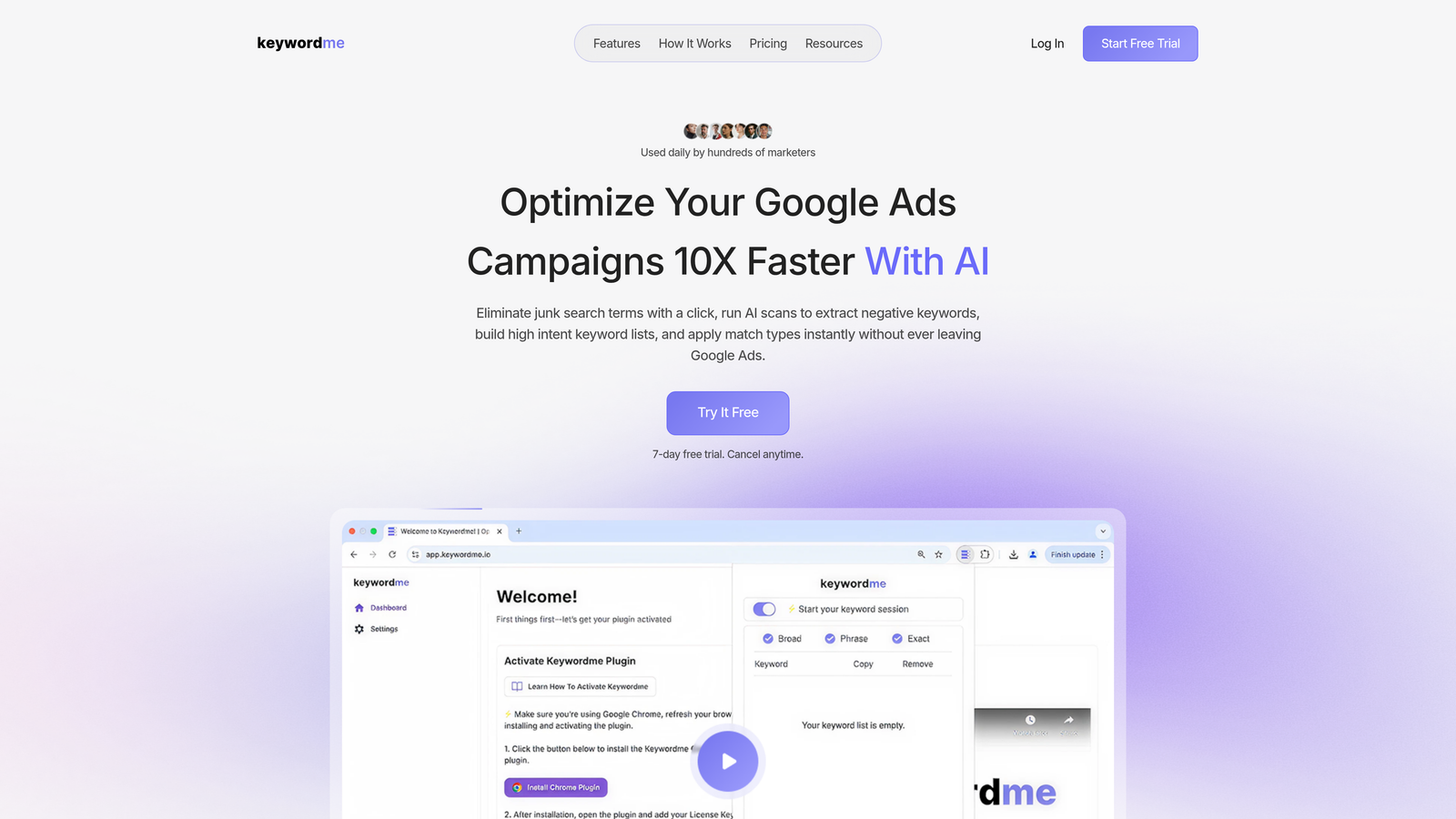
Keywordme is a Chrome extension that adds keyword clustering, grouping, match type application, and negative keyword management directly inside the Google Ads Search Terms Report.
Where This Tool Shines
What makes Keywordme genuinely different is where it lives. Most grouping tools require you to export your search terms, work in a spreadsheet or external dashboard, then reimport everything. Keywordme eliminates that entire loop. You're working directly inside Google Ads, which means no context switching and no version control headaches.
For account managers reviewing search terms daily or weekly, this is a real workflow change. You can cluster keywords, remove junk terms with a single click, apply match types, and build negative keyword lists in the same interface you're already using. Agencies managing multiple accounts will also appreciate the multi-account and team support baked in.
Key Features
In-Interface Keyword Clustering: Group and cluster keywords directly inside the Google Ads Search Terms Report without exporting anything.
One-Click Junk Removal: Flag and remove irrelevant search terms instantly, then push them to your negative keyword lists without leaving the tab.
Bulk Match Type Application: Apply broad, phrase, or exact match types to multiple keywords at once, right inside the native UI.
Multi-Account and Team Support: Manage keyword grouping workflows across multiple client accounts with team-level access controls.
7-Day Free Trial: Full access to test the extension before committing to a paid plan.
Best For
Solo advertisers and agency teams who live inside Google Ads and want to cut down the time spent on search term reviews. Especially useful for anyone currently relying on spreadsheets to manage keyword grouping, where the export-edit-reimport cycle creates constant friction.
Pricing
Flat rate of $12/month per user with a 7-day free trial. Straightforward pricing that doesn't scale with ad spend, which is a meaningful advantage for high-spend accounts.
2. Optmyzr
Best for: PPC teams that want rule-based automation and keyword grouping as part of a broader optimization suite.
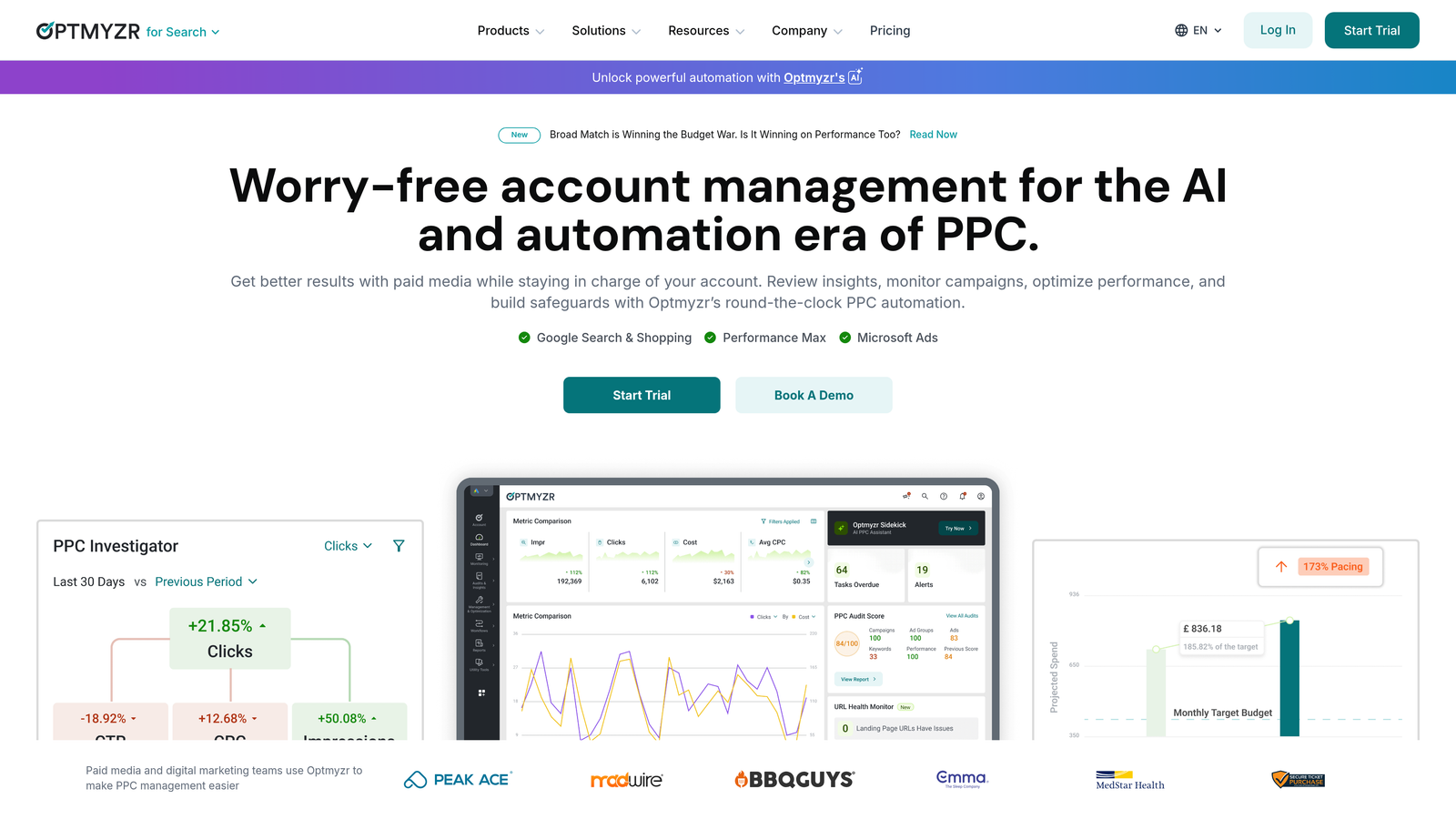
Optmyzr is a comprehensive PPC management platform with rule-based automation, keyword grouping suggestions, and one-click optimizations for Google Ads campaigns.
Where This Tool Shines
Optmyzr is built for teams that want to systematize their optimization workflows. Its rule-based engine lets you define conditions for keyword grouping and campaign restructuring, then apply those rules at scale across accounts. What usually happens here is that agencies set up templates once and reuse them across clients, which dramatically reduces repetitive manual work.
The Quality Score tracking tied to ad group structure is a standout feature. You can see exactly how your grouping decisions are affecting relevance scores over time, which helps you make the case for restructuring to clients.
Key Features
Rule-Based Keyword Grouping: Define custom rules to automate how keywords are grouped and campaigns are restructured.
One-Click Optimizations: Apply grouping and bid recommendations with a single click using customizable playbooks.
Quality Score Tracking: Monitor Quality Score changes at the ad group and keyword level tied directly to structural decisions.
Multi-Account Reporting: Manage and report across multiple client accounts from a single dashboard.
Best For
Mid-to-large agencies and in-house PPC teams managing multiple accounts who need automation and reporting built into their grouping workflow. Less suited to solo advertisers or small accounts where the pricing is harder to justify.
Pricing
Starts around $249/month based on ad spend managed. Pricing scales with account complexity, so it's best evaluated against the time savings it delivers for your team.
3. WordStream (by LocaliQ)
Best for: Small to mid-sized advertisers who want guided keyword grouping recommendations inside a managed workflow.
WordStream is a PPC management tool with guided optimization workflows, including keyword grouping recommendations as part of its 20-Minute Work Week feature.

Where This Tool Shines
WordStream's 20-Minute Work Week concept is its core value proposition: a prioritized list of recommended actions you can work through quickly. Keyword grouping suggestions are surfaced as part of this workflow, making it useful for advertisers who don't want to audit their own accounts from scratch.
The cross-platform support for Google and Meta ads is worth noting if you're managing campaigns across both channels and want a single place to handle grouping and structure recommendations.
Key Features
Guided Keyword Grouping: Receive ad group and keyword grouping suggestions as part of a structured weekly workflow.
20-Minute Work Week: A prioritized optimization checklist designed to surface the highest-impact actions quickly.
Performance Grading: Get scored on campaign structure, including how well your keywords are grouped relative to your ads.
Cross-Platform Support: Manage Google Ads and Meta campaigns from the same interface.
Best For
Small business advertisers or agencies that want guided recommendations rather than manual analysis. The free Google Ads Grader is a solid entry point for diagnosing grouping issues before committing to a paid plan.
Pricing
Custom pricing based on account needs. A free Google Ads Grader is available without signing up for a paid plan.
4. SEMrush PPC Keyword Tool
Best for: Advertisers who want to plan and group keywords during the research phase before building campaigns.
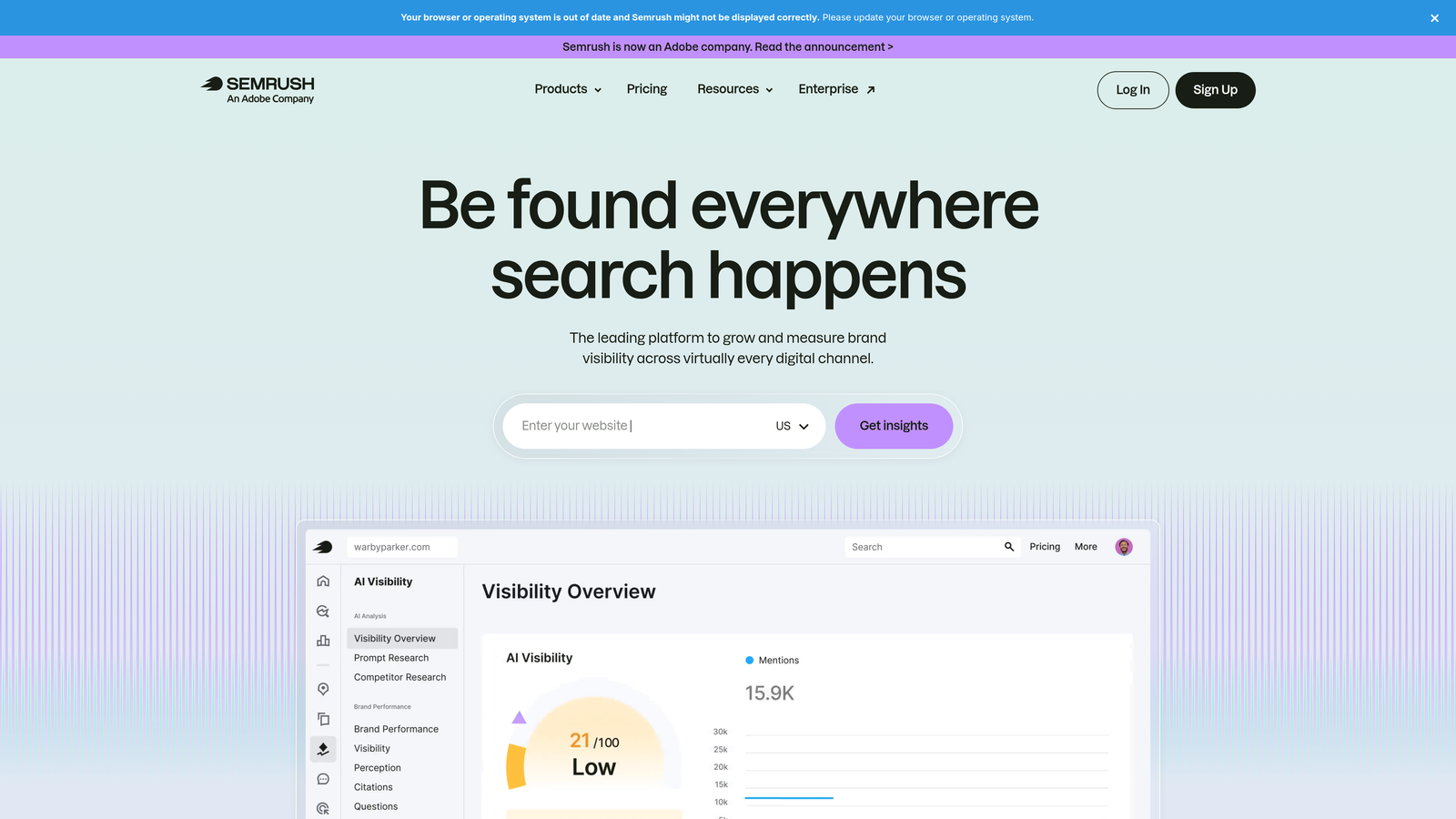
SEMrush's PPC Keyword Tool lets you group keywords into ad groups, set negatives, and estimate campaign costs before building anything in Google Ads.
Where This Tool Shines
SEMrush is strongest at the planning stage. If you're building a new campaign from scratch or restructuring an existing account based on keyword research, the drag-and-drop grouping interface makes it easy to organize large keyword lists into logical ad groups before you ever touch Google Ads.
The competitor keyword analysis layer is genuinely useful here. You can see how competitors are grouping their keywords and use that as a starting point for your own structure, which saves research time when entering a new vertical.
Key Features
Drag-and-Drop Grouping: Organize keyword lists into ad groups visually using a drag-and-drop interface.
Competitor Keyword Analysis: Reverse-engineer competitor keyword strategies to inform your grouping decisions.
Cross-Group Negative Management: Identify and assign negative keywords across ad groups to prevent cannibalization.
Export to Google Ads Editor: Push grouped keywords directly to Google Ads Editor for fast campaign building.
Best For
Advertisers and agencies doing significant keyword research who want grouping built into their planning workflow. Less useful for ongoing search term analysis on live campaigns.
Pricing
Included in SEMrush Pro plan starting at $139.95/month. If you're already using SEMrush for SEO or competitive research, the PPC Keyword Tool adds meaningful value at no extra cost.
5. Google Ads Editor
Best for: Advertisers who need to bulk-edit and restructure existing campaigns at no cost.
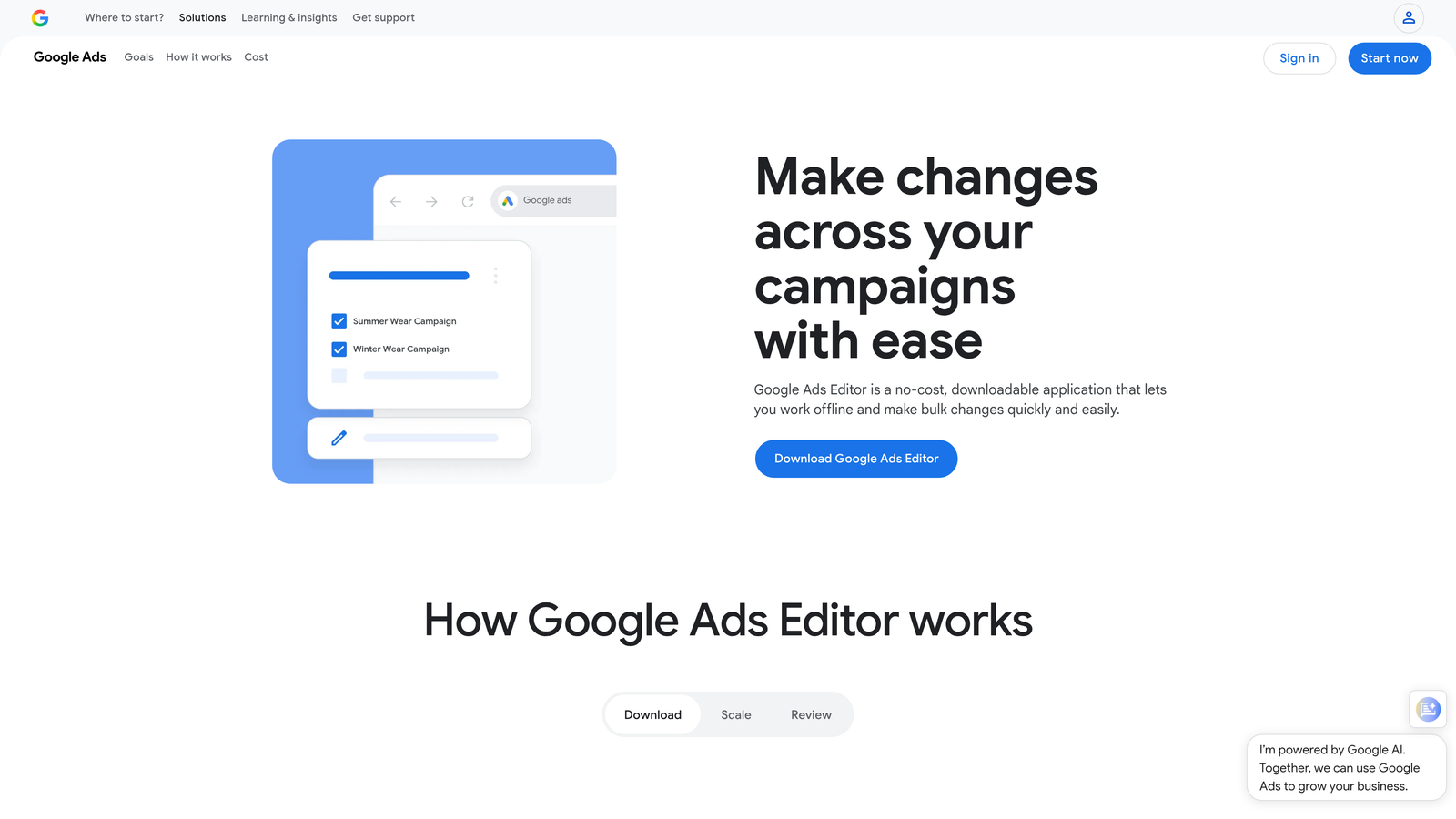
Google Ads Editor is Google's free desktop application for bulk editing campaigns, including moving and copying keywords between ad groups for restructuring.
Where This Tool Shines
Google Ads Editor is the workhorse tool that most experienced PPC managers already have installed. For keyword grouping specifically, the bulk move and copy functions are what make it useful. You can select hundreds of keywords, move them to a new ad group, and apply changes in bulk before uploading anything live.
The offline editing capability is underrated. You can restructure an entire account's keyword groups, review every change, and only push it live when you're confident. That's a meaningful safety net when restructuring large accounts.
Key Features
Bulk Move and Copy: Move or copy keywords between ad groups and campaigns in bulk without touching the live account.
Offline Editing: Make all changes locally, review them, then upload as a batch.
Find and Replace: Update keyword text or match types across large lists in seconds.
Free and Official: Supported directly by Google with no third-party dependencies.
Best For
Any Google Ads advertiser doing account restructuring or bulk keyword management. It's not built for keyword discovery or clustering from scratch, but it's indispensable for moving existing keywords around efficiently.
Pricing
Free. No subscription required.
6. Adalysis
Best for: PPC teams that want to tie keyword grouping decisions to ad testing and Quality Score monitoring.
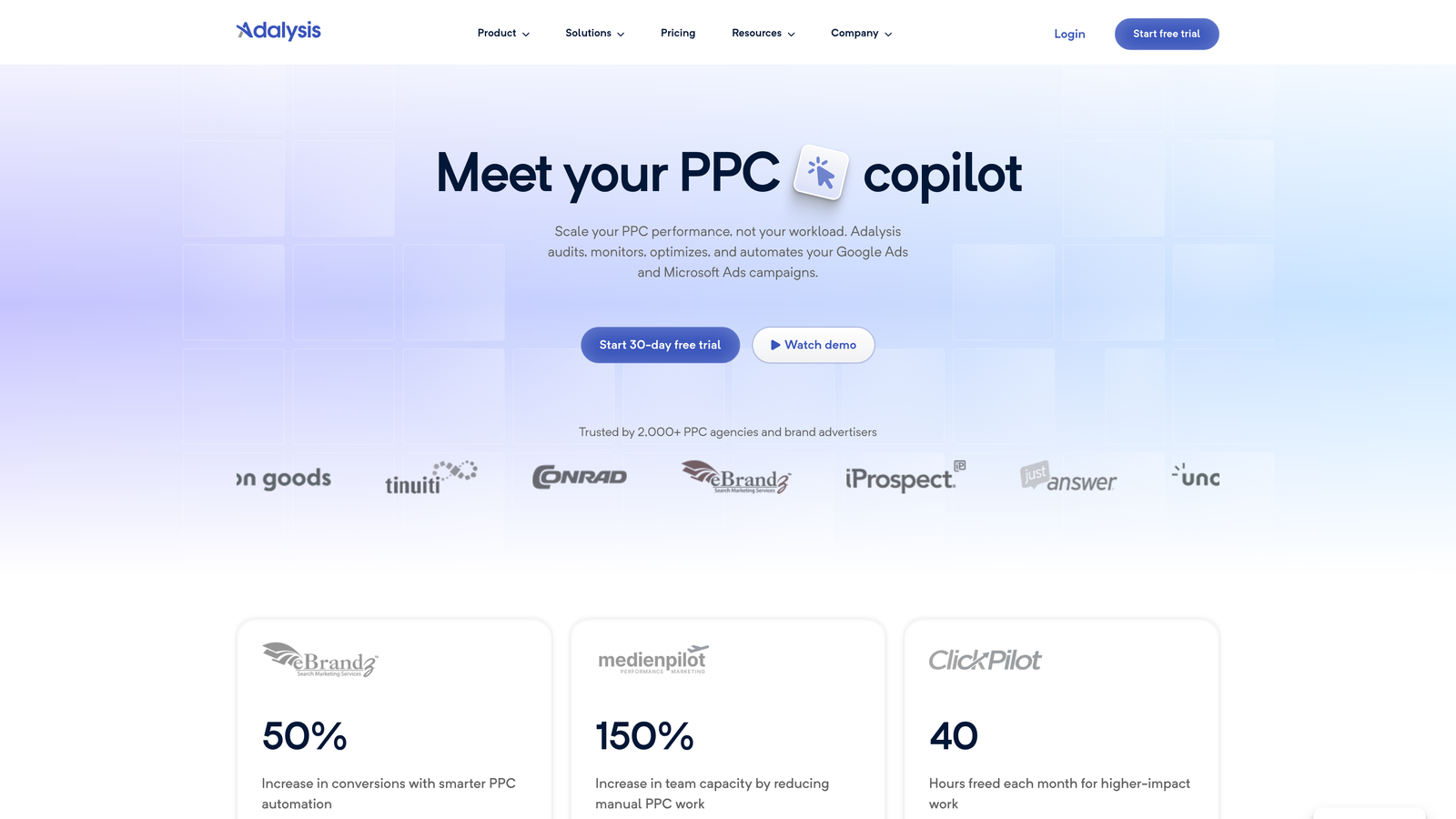
Adalysis is a PPC optimization platform that connects keyword grouping insights to ad testing and Quality Score monitoring for continuous account improvement.
Where This Tool Shines
Adalysis takes a slightly different angle on keyword grouping. Rather than being a standalone grouping tool, it surfaces grouping issues as part of a broader quality monitoring workflow. You get alerts when keyword-to-ad-group relevance breaks down, which helps you catch structural drift before it tanks your Quality Scores.
The automated ad testing tied to keyword grouping is genuinely useful for teams that run structured experiments. You can see how grouping changes affect ad performance over time, not just at a single point in time.
Key Features
Quality Score Monitoring: Track Quality Score at the keyword and ad group level with trend data over time.
Automated Ad Testing: Run structured ad experiments tied to specific keyword groups for cleaner test results.
Search Query Analysis: Surface grouping recommendations based on actual search query patterns.
Relevance Alerts: Get notified when keyword-to-ad-group relevance drops below acceptable thresholds.
Best For
PPC managers and agencies that run ongoing ad testing programs and want keyword grouping integrated into that workflow. Strong fit for accounts with active optimization cadences rather than set-and-forget campaigns.
Pricing
Starts around $99/month based on ad spend. More accessible than enterprise-tier platforms, with a reasonable entry point for mid-sized accounts.
7. Karooya
Best for: Advertisers focused specifically on negative keyword grouping and conflict detection.
Karooya is a negative keyword management tool that helps advertisers group and organize negative keywords, detect conflicts, and reduce wasted spend.

Where This Tool Shines
Karooya is solving a specific problem that most grouping tools overlook: negative keyword organization. In most accounts I audit, negative keyword lists are a mess. Terms are duplicated across campaigns, conflicts exist between positive and negative keywords, and nobody has a clear picture of what's actually being blocked.
Karooya surfaces those conflicts and helps you organize negatives into logical groups, which is a meaningful complement to any positive keyword grouping workflow.
Key Features
Negative Keyword Discovery: Identify and group negative keywords based on your search term data.
Conflict Detection: Flag instances where negative keywords are blocking your own positive keywords.
Shared List Management: Organize and manage shared negative keyword lists across campaigns.
Wasted Spend Reports: See exactly where budget is being lost to irrelevant search terms, with grouping suggestions to fix it.
Best For
Advertisers who have let their negative keyword lists grow out of control, or agencies inheriting accounts with messy negative structures. Works well alongside a positive keyword grouping tool rather than as a standalone solution.
Pricing
Free tier available. Paid plans are based on ad spend, making it accessible for smaller accounts starting out.
8. Keyword Grouper Pro
Best for: Quick, no-frills keyword clustering from a raw keyword list without any account access required.
Keyword Grouper Pro is a lightweight, free web-based tool that clusters raw keyword lists by common terms for fast ad group planning.
Where This Tool Shines
Sometimes you just need to paste a list of keywords and get clusters back fast. No login, no setup, no monthly fee. Keyword Grouper Pro does exactly that. You paste your list, choose how many words to match on (one, two, or three), and it groups everything automatically.
It's not sophisticated, and it won't pull data from your account or suggest negatives. But for quickly making sense of a large keyword export or a new batch of keyword research, it's genuinely useful as a first-pass tool.
Key Features
Paste-and-Group Interface: Drop in a raw keyword list and get clustered groups back immediately.
Adjustable Grouping Sensitivity: Choose one-word, two-word, or three-word matching to control how tightly keywords are clustered.
No Account Required: Use it without signing up or connecting any advertising accounts.
CSV Export: Download your grouped keywords as a CSV for further editing or import into Google Ads Editor.
Best For
Freelancers and budget-conscious advertisers who need a quick clustering solution for keyword research or initial campaign planning. Not a replacement for account-level tools, but a solid free utility for specific tasks.
Pricing
Free. No paid tiers.
9. SpyFu
Best for: Advertisers who want to use competitor data to inform their keyword grouping strategy.
SpyFu is a competitive intelligence tool that lets you reverse-engineer competitor ad group structures and use those insights to shape your own keyword grouping approach.
Where This Tool Shines
SpyFu approaches keyword grouping from a competitive angle. Instead of starting from scratch, you can look at how established competitors in your space have organized their keywords and use that as a structural template. This is especially valuable when entering a new niche where you don't have historical account data to guide your grouping decisions.
The historical PPC data is another strong point. You can see which keyword groups competitors have maintained over time versus which they've abandoned, which gives you a signal about what's actually working in a given market.
Key Features
Competitor Ad Group Analysis: See how competitors structure their ad groups and which keywords they're targeting within each group.
Grouping Suggestions: Get keyword grouping recommendations informed by competitive data rather than just your own account.
Historical PPC Data: Access historical keyword and ad group data to identify long-term trends in competitor strategy.
Exportable Keyword Groups: Download competitor-informed keyword groups for use in campaign planning and Google Ads Editor.
Best For
Advertisers entering competitive markets or agencies onboarding new clients in unfamiliar verticals. SpyFu works best as a research and planning tool rather than an ongoing optimization solution.
Pricing
Starts at $39/month, making it one of the more affordable options in this list for the competitive intelligence it provides.
Which Tool Is Right for You?
The best Google Ads keyword grouping tool depends on two things: where you do your work and how complex your accounts are.
If you're a solo advertiser or freelancer who spends most of your time inside Google Ads, Keywordme is the most efficient option. At $12/month, it eliminates the export-edit-reimport cycle entirely and lets you cluster, group, and clean up search terms without leaving the interface you're already using. The flat-rate pricing also means your costs don't balloon as your ad spend grows.
If you're running an agency with multiple client accounts and need automation at scale, Optmyzr or Adalysis are worth evaluating. Both offer rule-based workflows that reduce repetitive manual work across accounts, though the pricing reflects that added complexity.
If you're budget-conscious or just need a quick clustering solution, Google Ads Editor (free) and Keyword Grouper Pro (free) cover the basics without any subscription cost. They're not as powerful as dedicated tools, but they're solid starting points.
If you're in the research and planning phase rather than optimizing live campaigns, SEMrush's PPC Keyword Tool or SpyFu give you the competitive context to build smarter keyword groups from the start.
The common thread across all of these tools is that tighter keyword grouping leads to better ad relevance, stronger Quality Scores, and lower CPCs over time. The tool just determines how fast you get there.
Ready to cut your search term review time down significantly? Start your free 7-day trial of Keywordme and see what it feels like to group, cluster, and clean up keywords without ever leaving Google Ads. After that, it's just $12/month per user.
.svg)