
8 Best Google Ads Keyword Grouping Software Tools in 2026
This guide reviews 8 of the best Google Ads keyword grouping software tools for 2026, comparing how each clusters, tags, and structures keywords into ad groups, match types, and negative keyword lists. It's built for PPC managers who need to move beyond spreadsheets to spot patterns across thousands of search terms.


Most PPC managers waste hours every week exporting search term data to spreadsheets, tagging junk, and re-uploading changes — when the real problem is they're using the wrong Google Ads keyword grouping software for how they actually work. The tools below were chosen for how well they actually group, tag, and structure keywords for Google Ads campaigns: whether that means clustering by intent before launch, cleaning up search terms after the fact, or automating rules across dozens of client accounts. A few pull double duty for SEO keyword research, but the focus here is campaign structure — ad groups, match types, and negative keyword lists that hold up in the account itself. Stop exporting. Start optimizing where the work already happens.
Quick Comparison
- Keywordme: best for advertisers who want in-platform grouping and cleanup; starts at $12/month per user; the only tool here that works directly inside the Google Ads Search Terms Report with no export step.
- Optmyzr: best for agencies automating keyword actions across many accounts; quote-based pricing; rule engine auto-categorizes new search terms into existing ad groups at scale.
- SEMrush Keyword Strategy Builder: best for teams that want clustering paired with competitive research; tiered subscription; combines topic clustering with keyword gap analysis against rivals.
- Ahrefs Keywords Explorer: best for marketers who want clusters grounded in ranking data; tiered subscription; parent topic clustering is based on actual search result overlap.
- Keyword Insights: best for bulk clustering tens of thousands of keywords; tiered subscription by volume; built specifically for processing very large lists at once.
- Google Ads Editor: best for free, manual bulk reorganization; free; the only first-party Google desktop tool on this list, with no export/import needed.
- WordStream Advisor by LocaliQ: best for small businesses wanting guided suggestions; quote-based; delivers grouping recommendations through a structured weekly task workflow.
- SpyFu: best for modeling clusters after competitor bidding history; tiered subscription; groups keywords using years of historical competitor ad data.
1. Keywordme
Keywordme is a Chrome extension that adds keyword grouping and search term cleanup directly inside the Google Ads Search Terms Report. Instead of exporting data to a spreadsheet, tagging junk terms, and re-uploading changes, you act on the data where it already lives. It's built for advertisers who are tired of the export-clean-import loop that eats up half a Friday afternoon.
What sets it apart from everything else on this list is that grouping and cleanup happen without ever leaving the native Google Ads interface. Competitors either cluster keywords upfront in a separate research tool or require CSV round-trips through Google Ads Editor. Keywordme skips both.
- Removes junk search terms with a single click instead of manually flagging rows in a spreadsheet
- Builds high-intent keyword lists and negative keyword lists without leaving the report you're already reviewing
- Applies match types instantly to selected terms, so you're not retyping keywords with brackets and quotes
- Clusters keywords and supports bulk editing for faster account-wide cleanup
- Supports multi-account and team access, useful for agencies managing several clients under one login
Setup is just installing the Chrome extension and connecting your Google Ads account, so there's no onboarding curve for the person who already lives in the Search Terms Report day to day. It integrates natively with Google Ads and nothing else, which is the trade-off: this isn't a standalone SEO keyword research tool, and if you need cross-channel analytics or organic search volume data, you'll pair it with something else.
Pricing is a flat $12 per month per user, as of September 2026, with a 7-day free trial. There's no tiered pricing based on spend or account count, which makes budgeting simple for both solo advertisers and agencies scaling seat by seat.
Best for: Solo advertisers and agency teams who want fast, in-platform keyword grouping without leaving Google Ads.
2. Optmyzr
Optmyzr is a PPC management platform built around rule-based automation, letting agencies set logic that organizes and optimizes keywords across many Google Ads accounts at once. It's designed for teams managing volume, not a single account.
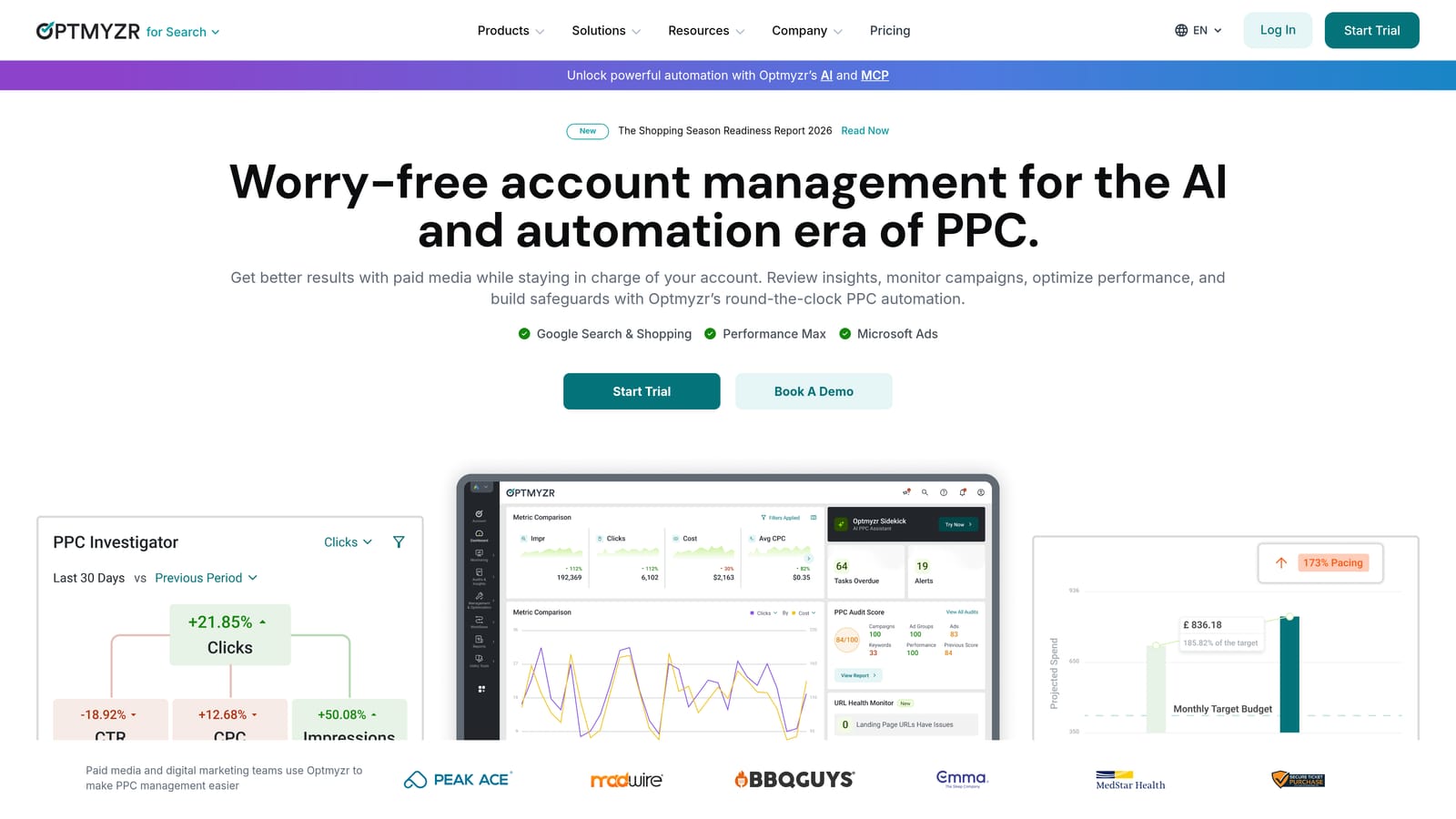
The rule engine is the differentiator. You can set conditions that automatically categorize incoming search terms into existing ad groups, flag terms for negative keyword lists, or trigger bid changes, and apply those rules across every client account in your portfolio simultaneously.
- Auto-categorizes search terms into the right ad group structure based on rules you define
- Applies bulk keyword actions across accounts through a customizable rule engine
- Surfaces cross-account performance in unified dashboards for agency reporting
- Includes budget pacing and bid management tools alongside the keyword organization features
It connects with Google Ads, Microsoft Advertising, and Google Analytics, and setup involves more configuration than a plug-and-play extension since you're building out the rules that drive automation. It's typically run by a dedicated PPC manager or account strategist rather than someone dipping in occasionally.
The depth here is also the limitation: a solo advertiser running one account will likely find the rule engine more than they need, and the cost structure reflects that scale. Pricing is quote-based and tiered by ad spend managed, so check the current rate card on their site before committing.
Best for: Agencies running rule-based keyword automation across many client accounts.
3. SEMrush Keyword Strategy Builder
SEMrush's Keyword Strategy Builder clusters large keyword lists into topic groups and suggests campaign structures, sitting inside SEMrush's broader research suite. It's aimed at teams that want to plan campaign architecture before they ever open Google Ads.
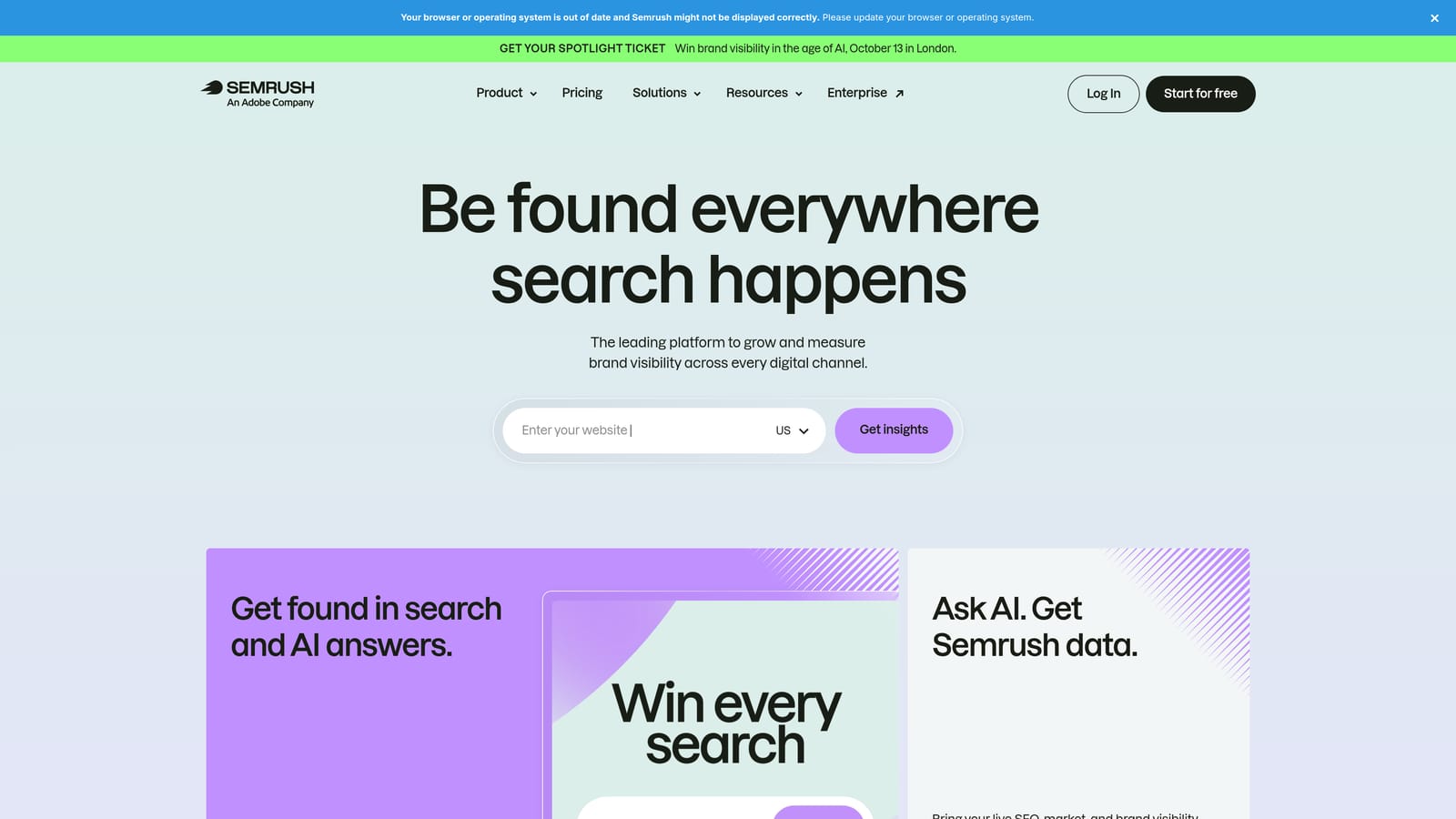
Its strength is context: because it lives inside a full competitive research platform, clustering decisions come with competitor keyword gap data attached. You're not just grouping keywords, you're seeing which clusters your competitors are already bidding on and where the gaps sit.
- Automatically clusters large keyword lists into topic groups
- Classifies search intent so you know which clusters suit which campaign type
- Runs competitive gap analysis to show keyword clusters competitors rank or bid on that you don't
- Exports keyword groups in a format ready for campaign building
Setup means an existing or new SEMrush subscription, and it's typically run by a marketer or strategist doing upfront planning rather than day-to-day account management. The clustering itself happens outside Google Ads, so getting those groups into your account means exporting and importing rather than acting directly on live campaign data.
That export step is the main friction point if you're looking for an in-account tool. Pricing is subscription-based and tiered; check SEMrush's site for current plans since they shift periodically.
Best for: Teams that want keyword clustering combined with competitor research before building campaigns.
4. Ahrefs Keywords Explorer
Ahrefs Keywords Explorer is best known in SEO circles for parent topic clustering, which groups keywords that share similar ranking pages and search intent. PPC teams use it to borrow that intent logic before setting up ad groups.
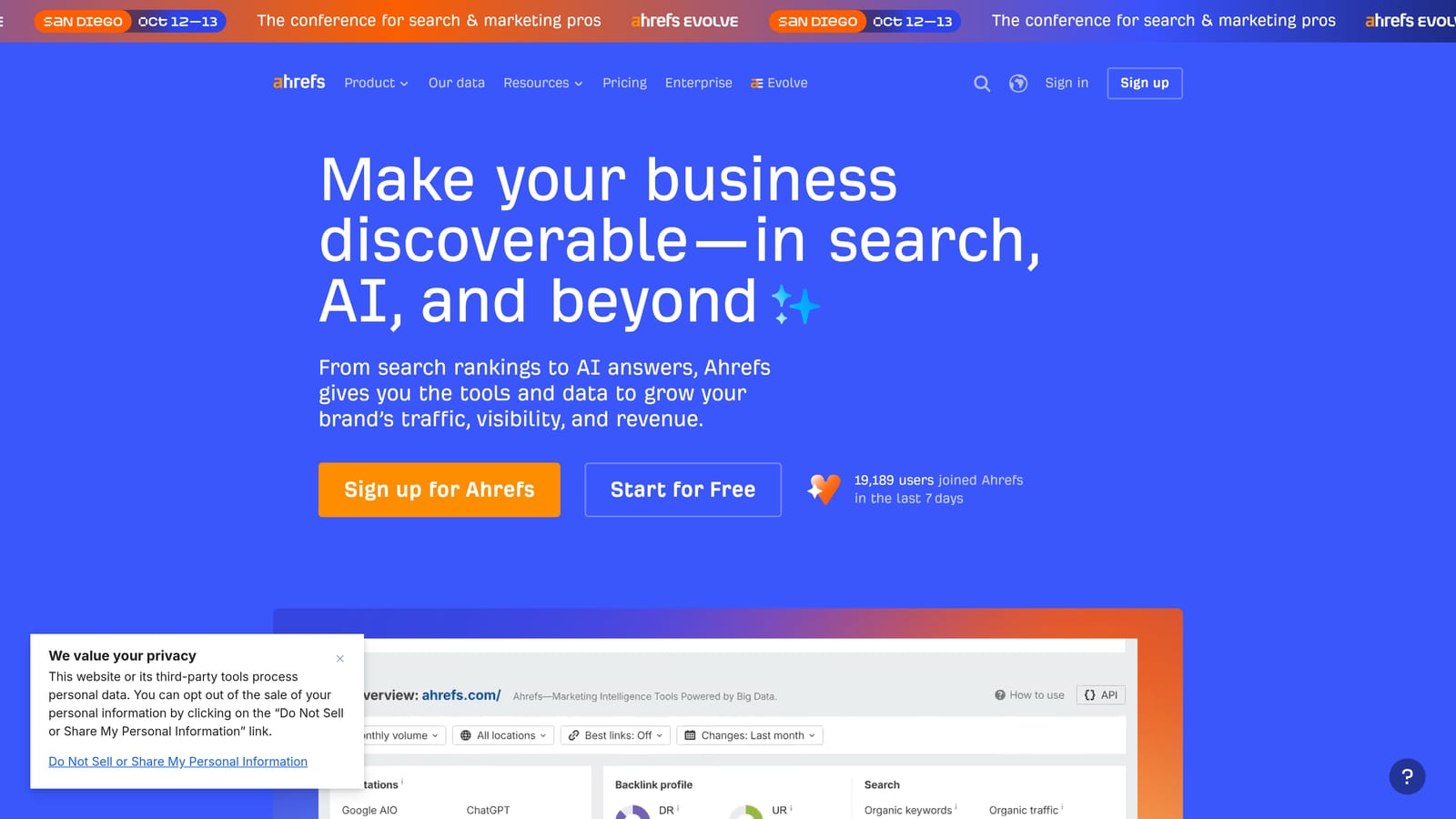
Why the clustering logic is different
Parent topic clustering isn't based on keyword similarity alone, it's grounded in actual overlap of which pages rank for which queries. That gives you an intent-based grouping method that's distinct from the semantic or volume-based clustering other tools use.
- Groups keywords by parent topic based on real ranking page overlap
- Reports search volume, CPC, and keyword difficulty for every term
- Shows click-through rate distribution so you can gauge how much traffic actually goes to ads versus organic results
- Accepts bulk keyword list uploads for processing large batches at once
It's run by whoever handles keyword research, often an SEO specialist or a PPC manager doing double duty, and getting clusters into Google Ads means exporting to CSV and importing through Google Ads Editor. There's no native Google Ads connection.
The limitation is built into its purpose: Ahrefs is designed primarily for SEO content research, so its clustering logic doesn't account for Google Ads specifics like match type structure or negative keyword strategy. You'll need to translate clusters into ad group logic yourself. Pricing is subscription-based and tiered; confirm current rates on their site.
Best for: Marketers who want keyword clusters informed by organic search ranking overlap before setting PPC bids.
5. Keyword Insights
Keyword Insights is a standalone clustering tool that uses natural language processing to group large keyword lists by search intent, then exports them in structures ready to drop into ad groups. It's built for volume.
Where it distinguishes itself is scale: it's purpose-built to process tens of thousands of keywords in a single pass, which is more than most general research tools are designed to handle cleanly.
- Uses NLP to cluster keywords by intent rather than just shared words
- Processes bulk lists in the tens of thousands without manual sorting
- Exports cluster reports formatted for both content planning and PPC use
- Includes search volume and difficulty data attached to each cluster
Setup is straightforward: upload a keyword list, let the NLP engine cluster it, and export. It's typically run by whoever owns keyword strategy for large accounts, often an in-house PPC lead or an agency analyst handling enterprise clients.
There's no direct Google Ads integration, so getting clustered keywords live means a manual upload through Google Ads Editor or a CSV import. For smaller accounts with a few hundred keywords, this level of bulk processing power is more than necessary. Pricing is subscription-based, tiered by how many keywords you process, so check current tiers before signing up.
Best for: Large e-commerce or enterprise accounts needing to cluster tens of thousands of keywords quickly.
6. Google Ads Editor
Google Ads Editor is Google's own free desktop application for bulk-editing and organizing campaigns, including moving and grouping keywords offline before pushing changes live. As of September 2026, it remains free and desktop-only.

Being first-party is the whole point here. There's no export-import cycle because it connects directly to your account, and it's the only tool on this list built by Google itself.
- Lets you bulk-edit keywords and ad groups offline before posting changes
- Manages multiple accounts from a single desktop application
- Tracks change history so you can review edits before they go live
- Supports copy, paste, and drag-and-drop for manually reorganizing keyword structure
Any PPC manager comfortable with Google Ads can pick it up quickly since the interface mirrors the web platform. It requires downloading a desktop app and syncing your account, which is a small hurdle compared to browser-based tools but not a real barrier.
The catch: it has no clustering intelligence of its own. It's excellent for reorganizing keywords once you already know how you want them grouped, but it won't suggest those groupings or flag intent-based clusters for you. It's a bulk-edit tool, not a research tool. It's free, full stop, with no tiers or seat limits.
Best for: Advertisers who want a free, reliable tool to manually reorganize keywords they've already grouped.
7. WordStream Advisor by LocaliQ
WordStream Advisor is a guided PPC management dashboard that surfaces keyword grouping and negative keyword suggestions through a structured, recurring workflow rather than leaving you to build clusters from scratch.

Its angle is guidance over granularity. Rather than handing you a blank clustering interface, it tells you what to do next through a task-based dashboard, historically branded around a short weekly review session, aimed at advertisers who want direction more than raw tooling.
- Suggests keyword groupings and negative keywords based on account activity
- Organizes recommendations into a short, recurring task list so nothing gets missed
- Grades overall account performance to flag where structure is weak
- Sends alerts when a keyword group starts underperforming
It connects to Google Ads, Microsoft Advertising, and Facebook Ads, making it a reasonable fit for advertisers managing more than one channel. It's designed to be run by a marketer without deep PPC specialization, which is part of its appeal for small businesses without a dedicated PPC hire.
That accessibility comes at the cost of precision. The grouping suggestions are broader than what a dedicated clustering tool produces, so if you need granular ad group architecture, you'll likely outgrow it. It's better suited to general account health monitoring. Pricing is quote-based, so contact them directly for current rates.
Best for: Small business advertisers who want guided, automated keyword grouping recommendations rather than manual clustering.
8. SpyFu
SpyFu is a competitive research tool that includes keyword grouping features built around what rival advertisers actually bid on and how they've organized their own campaigns over time.
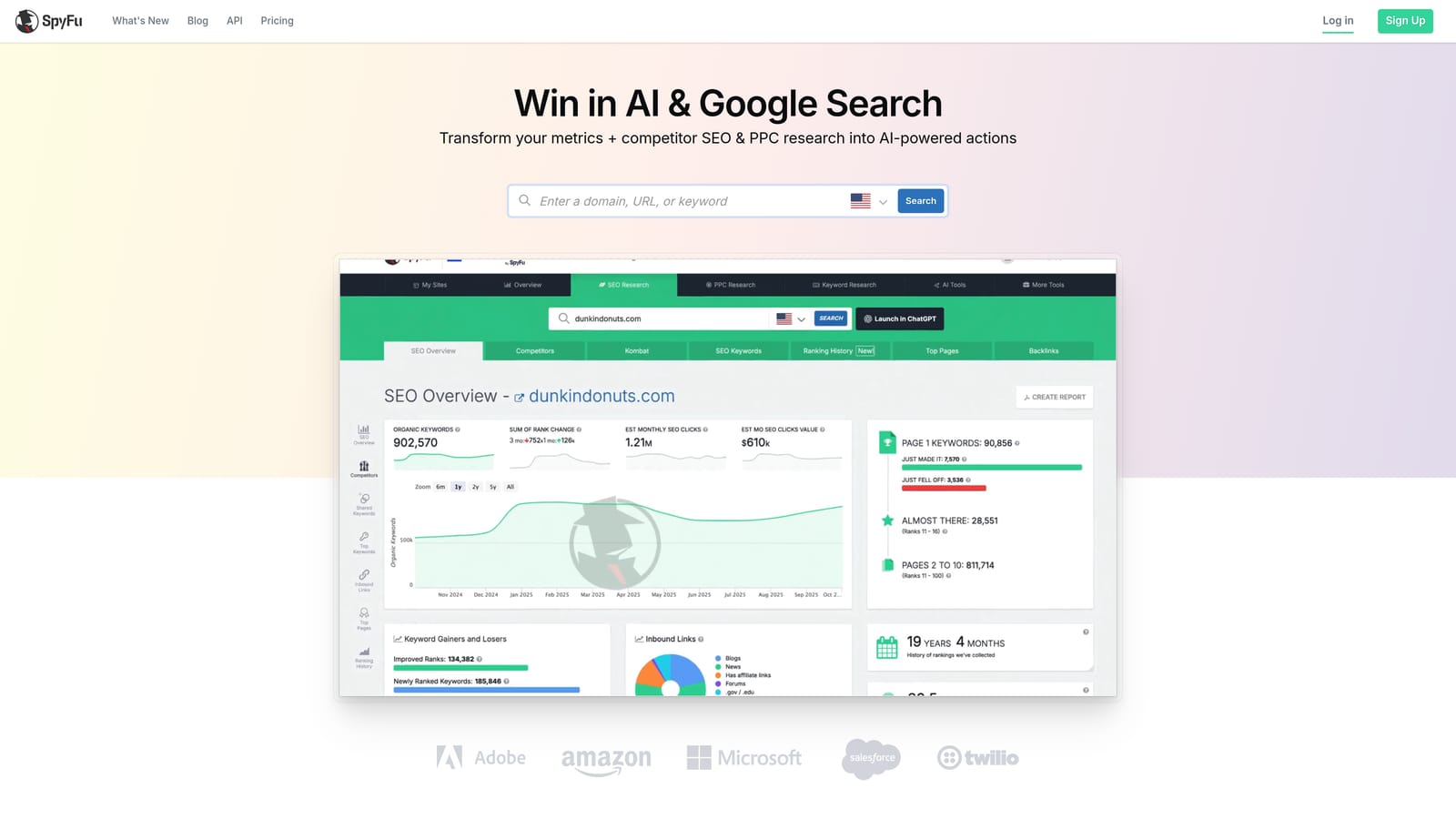
The distinguishing feature is history. SpyFu holds years of historical Google Ads data, so its groupings reflect long-term competitor bidding patterns rather than a single snapshot, letting you model clusters after strategies that have already proven durable for others in your space.
- Groups keywords by competitor domain, showing how rivals structure their own campaigns
- Provides historical Google Ads data spanning multiple years per competitor
- Surfaces competitor ad history alongside the keywords tied to it
- Reports PPC and SEO keyword overlap to spot terms working in both channels
Setup is a subscription and a list of competitor domains to track, and it's typically used by a PPC strategist doing competitive analysis rather than someone managing daily account operations. There's no native Google Ads connection, so clusters move over via CSV export into Google Ads Editor.
The core limitation is perspective: SpyFu's groupings are built from competitor data, not your own account's actual search term performance, so treat its suggestions as a starting hypothesis rather than a verified structure for your specific audience. Pricing is subscription-based and tiered; check their site for current plans.
Best for: Advertisers who want to build keyword clusters informed by long-term competitor bidding patterns.
Matching the Tool to Your Workflow
If you're managing your own account or a handful of clients and want grouping done where the work actually happens, Keywordme is the clear fit: no exports, no separate dashboard, just cleanup and structure inside the Search Terms Report. If you're an agency running automated rules across a large portfolio, Optmyzr and WordStream both offer that scale, with Optmyzr leaning toward custom logic and WordStream toward guided simplicity. And if you're still at the planning stage, deciding what to bid on before you've built a single ad group, SEMrush, Ahrefs, or Keyword Insights will cluster your research first.
Google Ads Editor stays useful as the free fallback everyone should have installed, even if it won't suggest a single grouping on its own.
Optimize Google Ads campaigns 10x faster, without ever leaving your account. Keywordme lets you remove junk search terms, build high-intent keyword lists, and apply match types instantly, right inside Google Ads. No spreadsheets, no switching tabs, just quick, seamless optimization. Start your free 7-day trial (then just $12/month) and take your Google Ads game to the next level.
.svg)